
Excel Tips & Productivity Hacks - Page 2
Master essential Excel tips and tricks to work faster and smarter. Learn keyboard shortcuts, data manipulation techniques, and productivity hacks for Excel users. Page 2 of 8, showing results 37-72 of 265.
 Excel Tips
Forget Complicated Formulas: Is Excel's LET Function Still Relevant in the Age of AI?
Struggling with monstrous Excel formulas? The LET function was a step forward, but it's still manual and complex. See how RowSpeak's AI lets you skip the formulas altogether and get results just by asking in plain language.
Ruby • Excel Tips
Forget Excel's INDIRECT Function: Use AI for Dynamic Reports Instead
Tired of wrestling with the Excel INDIRECT function to create dynamic reports? This guide shows you the limitations of the traditional method and introduces a faster, error-free way using an Excel AI agent to handle dynamic references with simple language prompts.
Ruby • Excel Tips
Tired of VLOOKUP & INDEX MATCH? There's a Smarter Way to Look Up Data in Excel
Struggling with VLOOKUP's limitations? While INDEX MATCH is a powerful alternative, it's also complex to master. Discover a modern, faster way to perform any data lookup in Excel using simple language with an Excel AI agent.
Ruby • Excel Tips
Stop Seeing #N/A & #DIV/0! in Your Reports: An Easier Way to Handle Excel Errors
Seeing #VALUE! or #N/A in your Excel sheet is frustrating. While traditional functions like IFERROR offer a manual fix, it's repetitive and clutters your formulas. Discover how RowSpeak, an Excel AI, lets you handle all formula errors automatically using simple language commands.
Ruby • Excel Tips
Stop Manually Assigning Random Orders in Excel: Here's a Faster AI Way
Tired of manually creating random assignments in Excel? Forget complex, volatile formulas for generating unique random lists. See how RowSpeak's AI can handle random sorting and grouping for event planning or team assignments in seconds with simple chat commands.
Ruby • Excel Tips
Tired of Excel's Advanced Filter? Use AI to Filter Data with Multiple 'OR' Criteria Instantly
Struggling to filter customer lists in Excel with tricky 'OR' conditions and partial matches? Forget the cumbersome Advanced Filter. Discover how RowSpeak, an Excel AI tool, lets you use simple language to pull the exact data you need, saving you time and eliminating errors.
Ruby • Excel Tips
Stop Wasting Time on Excel Number Formatting: Here’s the AI-Powered Fix
Tired of manually fixing inconsistent dates, currencies, and numbers in your reports? This guide compares the tedious traditional method of custom format codes with a new, faster way using an Excel AI like RowSpeak to get perfectly formatted data with simple text commands.
Ruby • Excel Tips
Stop Wrestling with COUNTIFS: How to Count Anything in Excel with AI
Tired of wrestling with complex COUNTIFS formulas just to count data with multiple conditions? Discover how an Excel AI agent like RowSpeak can replace confusing syntax with simple language, saving you time and preventing errors.
Ruby • Excel Tips
Tired of Complex LEN Formulas? Here's How to Count Characters in Excel with AI
Struggling with complex formulas like LEN, TRIM, and SEARCH just to validate text length in Excel? Discover how an Excel AI agent like RowSpeak can count characters, check data formats, and clean your text using simple language prompts, saving you from formula headaches.
Ruby • Excel Tips
Stop Writing SUM Formulas: How to Get Totals in Excel with AI
Stop wasting time writing complex SUM, SUMIF, and SUMIFS formulas. Manually calculating totals is slow and error-prone. See how RowSpeak, an Excel AI agent, lets you simply ask for the totals you need and get instant, accurate results.
Ruby • Excel Tips
Splitting Cells in Excel is Tedious. Here’s a Smarter Way with AI.
Tired of manually splitting names, addresses, or codes in Excel? This guide shows you the old way's pitfalls and introduces a game-changing solution. Discover how RowSpeak's AI can split columns and sort data with simple language commands, saving you hours.
Ruby • Excel Tips
Stop Manually Fixing Your Excel Running Totals: Here's the AI Way
Tired of manually updating running total formulas every time your data changes? This guide shows you the old, error-prone ways and a new, automated solution. See how Excel AI can create a flawless cumulative sum for you, no complex formulas needed.
Ruby • Excel Tips
Tired of VLOOKUP & INDEX MATCH? Here's How Excel AI Changes the Game
Still struggling with the limitations of VLOOKUP or the confusing syntax of INDEX MATCH? You're not alone. Discover how Excel AI revolutionizes data lookups, letting you ditch complex formulas and find the information you need just by asking questions.
Ruby • Excel Tips
VLOOKUP is Obsolete: How to Use Excel AI for Faster, Error-Free Data Lookups
Still wrestling with VLOOKUP's limitations like absolute references and the dreaded 'first column' rule? Discover how RowSpeak's AI can automate your data lookups, letting you merge tables with simple questions instead of fragile formulas.
Ruby • Excel Tips
Stop Tedious Text Editing in Excel: Use AI to Replace, Clean, and Format Data Instantly
Wrestling with messy text in Excel is a common frustration. This guide breaks down traditional methods using the REPLACE function and its complex variations, then reveals a much faster approach. See how RowSpeak's AI can handle all your text replacement and data cleaning needs with simple conversational commands.
Ruby • Excel Tips
Tired of Nested IFs? Use Excel AI to Handle Complex Conditions Effortlessly
Wrestling with long, confusing nested IF formulas in Excel is a common headache. This guide shows you the limitations of the traditional approach and introduces a faster, error-free method using Excel AI to handle all your conditional logic.
Ruby • Excel Tips
Forget Nested Formulas: How to Use AI for Complex Logic in Excel
Stop wrestling with confusing nested formulas! This guide shows you the old, painful way of combining functions like IF/OR and INDEX/MATCH, and then reveals how RowSpeak's AI lets you get the same results just by asking. Say goodbye to syntax errors and hello to instant answers.
Ruby •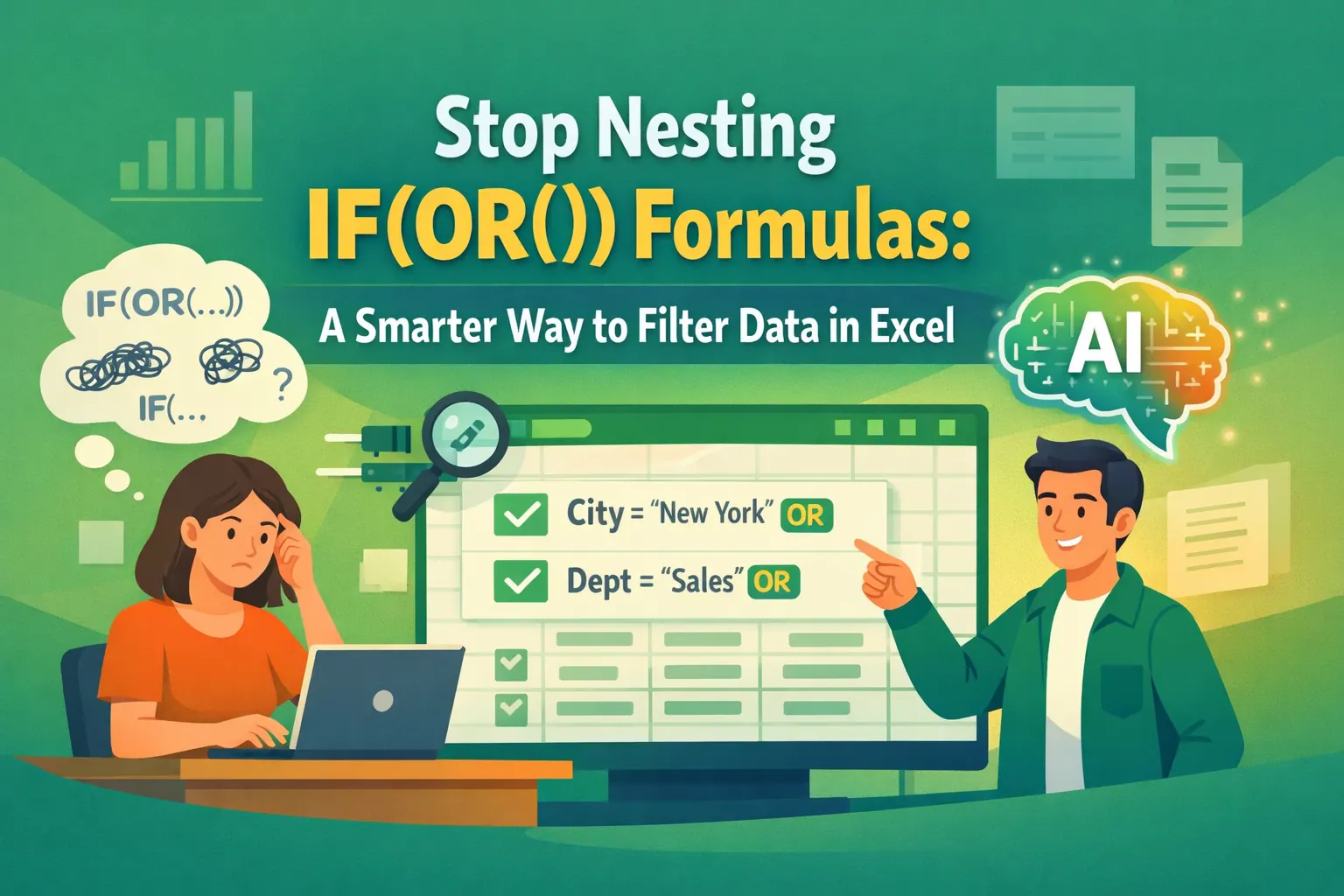 Excel Tips
Stop Nesting IF(OR()) Formulas: A Smarter Way to Filter Data in Excel
Tired of wrestling with nested IF and OR formulas to filter data? Discover how an Excel AI agent like RowSpeak lets you apply complex 'OR' logic using simple English, saving you time and eliminating formula errors.
Ruby •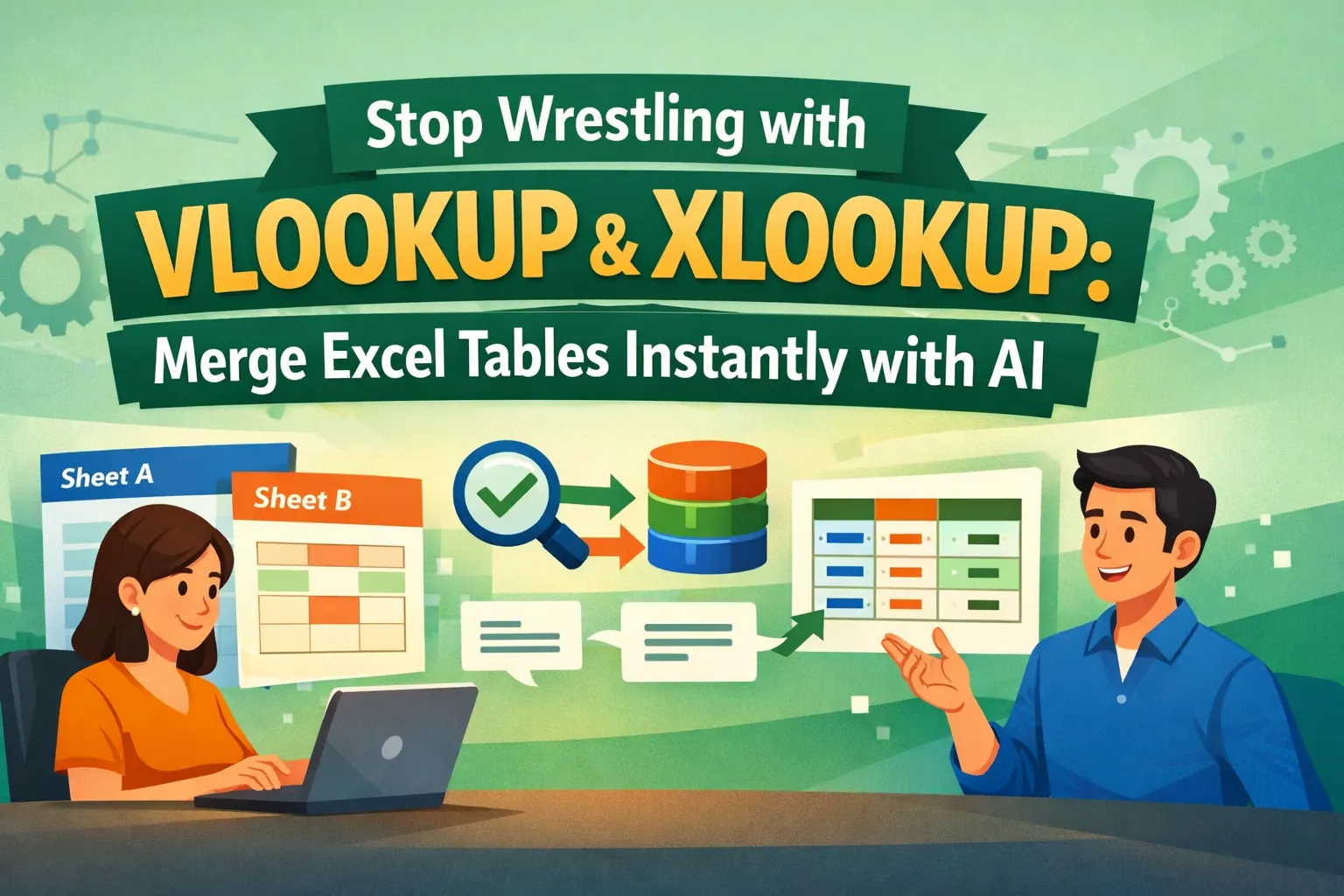 Excel Tips
Stop Wrestling with VLOOKUP & XLOOKUP: Merge Excel Tables Instantly with AI
Still manually writing VLOOKUPs to combine data? It's slow and error-prone. Even the newer XLOOKUP requires careful setup. See how RowSpeak, an AI agent, lets you merge tables just by describing what you need, no formulas required.
Ruby • Excel Tips
Stop Juggling VLOOKUPs: The AI Way to Look Up Data Across Multiple Excel Tables
Manually searching for a product price across different supplier lists is a nightmare of nested formulas. Discover how an Excel AI agent like RowSpeak can automate this entire lookup process, saving you hours and eliminating errors.
Ruby • Excel Tips
Stop Writing Nested IF Formulas: A Smarter Way to Handle Conditional Logic with Excel AI
Wrestling with tangled nested IF formulas is a common Excel headache. This guide explores the limitations of the traditional IF function for business rules and reveals a modern solution. See how RowSpeak lets you apply complex conditional logic just by describing it in plain language.
Ruby • Excel Tips
Stop Wrestling with IF/OR Formulas: A Smarter Way to Manage HR Vacation Priority in Excel
Struggling with complex IF/OR formulas for HR tasks like vacation priority? Discover how RowSpeak's AI can replace confusing formulas with simple language commands, saving you hours and reducing errors.
Ruby • Excel Tips
Stop Googling Excel Errors: Let AI Fix Your Formulas For You
Stop wasting hours debugging cryptic Excel errors like #N/A or #REF!. This guide shows you the limitations of manual troubleshooting and introduces a faster way using Excel AI. Let RowSpeak write your formulas for you, so you can focus on insights, not error codes.
Ruby • Excel Tips
Stop Wrestling with Excel's FILTER Function: A Smarter Way to Filter Your Data
Manually writing Excel's FILTER function for multiple conditions can be a nightmare. Forget confusing syntax and #SPILL! errors. Discover how an Excel AI can filter, sort, and analyze your data just by using plain language.
Ruby • Excel Tips
Stop Fighting with Formulas: Extract Text in Excel the Smart Way with AI
Tired of wrestling with nested LEFT, SEARCH, and MID formulas just to extract a piece of text in Excel? Discover how an Excel AI tool like RowSpeak can automate this entire process, saving you time and eliminating formula errors.
Ruby • Excel Tips
Stop Wrestling with Formulas: Build a Dynamic Customer Lookup Tool in Excel with AI
Tired of manually combining customer lists and writing complex FILTER formulas just to find a record? Discover a faster way. This guide shows how an Excel AI agent like RowSpeak can build a dynamic lookup tool for you with simple language commands.
Ruby • Excel Tips
Ditch the Formula Overload: How to Do Data Analysis in Excel with AI Instead of Functions
Stop wrestling with dozens of Excel formulas for your data analysis tasks. Discover a faster way to clean data, combine tables, and generate reports using the power of Excel AI. We'll show you how RowSpeak replaces manual functions with simple conversation.
Ruby • Excel Tips
Stop Fighting with Formulas: A Smarter Way to Do Customer Segmentation in Excel
Tired of wrestling with complex Excel formulas for customer segmentation? This guide shows you the limitations of the 'single formula' method and introduces a faster, smarter way using RowSpeak to classify customers with simple language prompts.
Ruby • Excel Tips
Stop Wasting Time with COUNTIF: How to Count Anything in Excel with AI
Stop struggling to remember the difference between COUNT, COUNTA, and COUNTIF. This guide shows you the limitations of manual counting in Excel and introduces a faster, smarter way using an Excel AI agent like RowSpeak to get answers from your data instantly.
Ruby • Excel Tips
Stop Using SUMPRODUCT for Weighted Averages in Excel — There's a Smarter Way
Tired of wrestling with the SUMPRODUCT formula to calculate weighted averages for grades, inventory, or KPIs? Discover a faster, error-proof method using Excel AI. Just describe what you need, and let the AI do the heavy lifting.
Ruby • Excel Tips
Stop Wrestling with AVERAGEIF: Calculate Conditional Averages in Excel with AI
Struggling with messy AVERAGEIF or AVERAGEIFS formulas to analyze your data? Discover how to ditch the manual calculations and get instant answers. This guide shows you how an Excel AI tool like RowSpeak lets you calculate conditional averages just by asking questions.
Ruby • Excel Tips
Forget Manual Data Tables: How to Do Break-Even Analysis in Excel with AI
Tired of wrestling with Excel's 'What-If Analysis' for your business? This guide shows you how to ditch the tedious manual setup of Data Tables and use RowSpeak, an AI agent, to perform break-even analysis by just asking questions.
Ruby • Excel Tips
Stop Manually Categorizing Transactions for Tax Season: An Excel AI Solution
Tired of spending hours manually categorizing transactions and wrestling with SUMIF formulas for tax season? Discover how an Excel AI agent like RowSpeak can automate your entire tax preparation process, saving you time and preventing costly errors.
Ruby • Excel Tips
Beyond Freeze Panes: Why You Should Use AI to Navigate Large Excel Sheets
Stop losing your headers when you scroll! While Excel's 'Freeze Panes' offers a temporary fix, it's a clunky solution for modern data analysis. Discover how Excel AI lets you bypass the scrolling and get straight to the answers you need.
Ruby • Excel Tips
Stop Manually Calculating Employee Tenure: A Smarter Way with Excel AI
Tired of wrestling with complex date formulas in Excel to calculate employee tenure? This guide shows you the traditional DATEDIF method and its pitfalls, then reveals how an Excel AI agent can do it for you in seconds with simple language commands.
Ruby • Excel Tips
Stop Drowning in HR Data: Build Employee Reports in Minutes with Excel AI
Tired of manually building HR reports with complex Excel formulas? Discover how an Excel AI agent can instantly calculate headcounts, salary averages, and other key metrics, saving you hours of work and eliminating errors.
Ruby •