
Excel Tips & Productivity Hacks - Page 5
Master essential Excel tips and tricks to work faster and smarter. Learn keyboard shortcuts, data manipulation techniques, and productivity hacks for Excel users. Page 5 of 8, showing results 145-180 of 265.
 Excel Tips
Tired of Staring at Excel? A Smarter Way to Work, Beyond Just Dark Mode
While Excel's dark mode can ease eye strain, the real work pressure comes from complex data tasks. This article shows you how to manually set up dark mode and introduces a smarter AI solution that automatically handles data analysis, charts, and reports, fundamentally changing how you work.
Ruby • Excel Tips
How to Calculate Cube Roots in Excel :4 Methods for Every User
Struggling with cube roots in Excel? This guide breaks down everything you need to know. We cover the POWER function, the caret operator, custom VBA scripts, and introduce a game-changing AI approach for getting answers in plain language.
Ruby • Excel Tips
A Practical Guide to Counting Cells with Conditions in Excel
Master conditional counting in Excel. This guide covers everything from basic COUNTIF usage to advanced techniques with text, numbers, and dates, and introduces a revolutionary AI tool to get the same answers by just asking a question.
Ruby • Excel Tips
Two Smart Ways to Count Blank Cells and Find Data Gaps in Excel
Blank cells can disrupt your data analysis. Discover how to quickly identify these gaps using Excel's COUNTBLANK function. We'll also introduce a revolutionary AI-powered method that lets you find missing data just by asking a simple question, no formulas needed.
Ruby • Excel Tips
The Ultimate Guide to Counting Unique Values in Excel
Tired of complex formulas for counting unique values? This guide covers everything from basic UNIQUE and COUNTIF functions to advanced conditional counts. We also compare these traditional methods with an AI-powered solution that lets you get answers in plain English, simplifying your data analysis.
Ruby • Excel Tips
A Smarter Way to Clean and Transform Excel Data :5 Proven Methods
Struggling with messy Excel data? This guide covers everything from manual cleaning and Python scripts to RowSpeak's revolutionary AI method. Handle data formatting, calculations, and analysis with ease. Find the fastest, most reliable way for your needs.
Ruby • Excel Tips
Tableau Excel Integration: Clean, Connect, and Visualize Your Data with AI
Bridge the gap between Excel and Tableau to unlock powerful data visualizations. This guide covers everything from data connection and cleaning to advanced analytics, and introduces AI-powered solutions to streamline your entire workflow, turning hours of manual work into seconds.
Ruby • Excel Tips
A Pro's Guide to Compressing Excel Files for Peak Performance
Is your Excel file slow, bloated, or crashing? This guide walks you through proven manual methods like compressing images and cleaning data, and introduces a game-changing AI approach to instantly optimize your spreadsheets for you.
Ruby • Excel Tips
A Practical Guide to Comparing Two Columns in Excel (The Easy Way)
Struggling to compare columns in Excel? This guide covers everything from simple formulas like IF and VLOOKUP to advanced conditional formatting. Plus, discover how AI agents can automate the entire process, saving you time and eliminating formula errors.
Ruby • Excel Tips
2 Fast Ways to Remove Non-Printable Characters in Excel
This guide explores two powerful methods for removing non-printable characters in Excel. We'll cover the classic CLEAN() function for manual cleaning and introduce an AI-powered solution that automates the entire process, saving you time and eliminating complex formulas.
Ruby • Excel Tips
A Complete Guide to Using Check Marks in Excel (All Methods)
Master adding check marks in Excel. This guide covers everything from simple symbols and interactive checkboxes to advanced conditional formatting and progress trackers. Discover both traditional techniques and a new, faster AI-powered method to streamline your workflow.
Ruby • Excel Tips
3 Simple Ways to Calculate CAGR in Excel (From Formulas to AI)
This guide covers everything you need to know about calculating Compound Annual Growth Rate (CAGR) in Excel. We’ll walk you through manual formula methods and introduce a revolutionary AI-powered approach that gives you answers in seconds, no complex formulas required.
Ruby • Excel Tips
9 Effortless Ways to Add Bullet Points in Excel for Clearer Lists
Struggling to organize text in Excel? This guide shows you 8 manual methods to create bullet points, from simple shortcuts to custom formatting. Plus, discover how an AI tool can do it all for you in seconds with a single command.
Ruby • Excel Tips
How to Calculate Averages in Excel: Formulas vs. AI Tools
Master calculating averages in Excel, from the basic AVERAGE() to conditional AVERAGEIF() and AVERAGEIFS(). Discover how AI tools can simplify this process, letting you ask questions in plain English instead of wrestling with complex formulas.
Ruby • Excel Tips
Effortless Age Calculation in Excel: Formulas vs. AI
Calculating age in Excel can be tricky, involving functions like DATEDIF and YEARFRAC that are prone to errors. This guide covers the traditional methods and introduces a powerful AI-driven approach to get accurate ages in seconds, without writing a single formula.
Ruby • Excel Tips
Stop Spreadsheet Errors :How to Lock Cells in Excel (And When to Let AI Do It)
Unlock the power of fixed cell references in Excel to prevent errors in your spreadsheets. This guide covers absolute, relative, and mixed references, and introduces a game-changing AI approach to automate these tasks, saving you time and effort.
Ruby • Excel Tips
Not Just Cleaning Colors: Everything You Need to Know About Excel Format Removing
Struggling with persistent Excel formatting? Discover why traditional methods often fail and how AI-powered tools can clear all formats with simple natural language commands.
Gogo •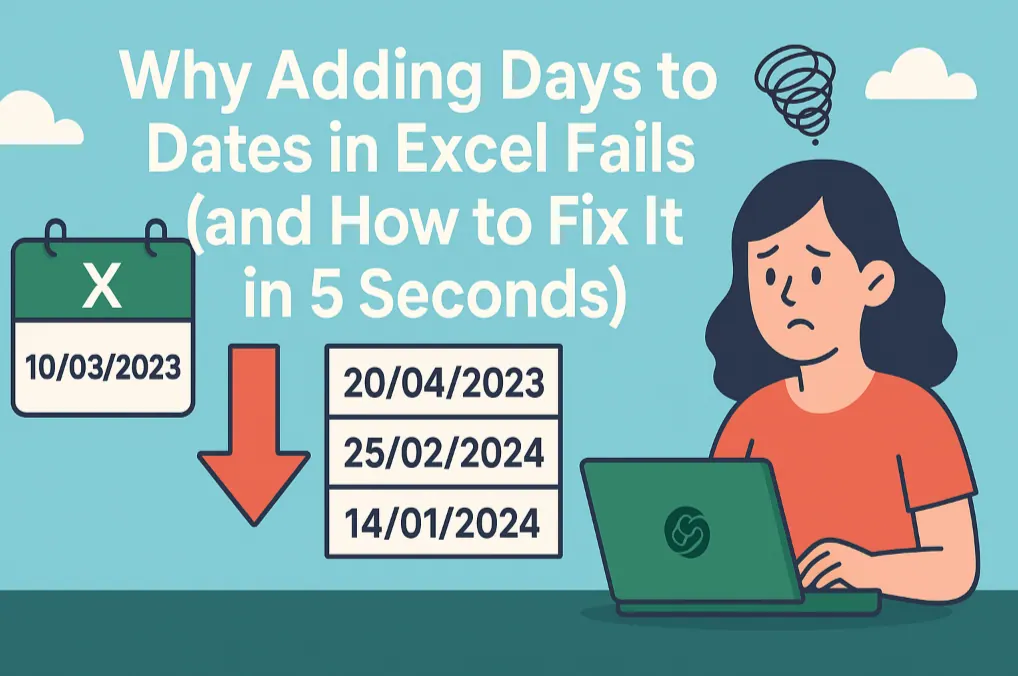 Excel Tips
Why Adding Days to Dates in Excel Fails (and How to Fix It in 5 Seconds)
Calculating deadlines in Excel often breaks with a #VALUE! error due to inconsistent date formats. This guide reveals how RowSpeak’s AI solves this by interpreting a single command to clean, convert, and calculate dates instantly—no more manual fixes.
Gianna •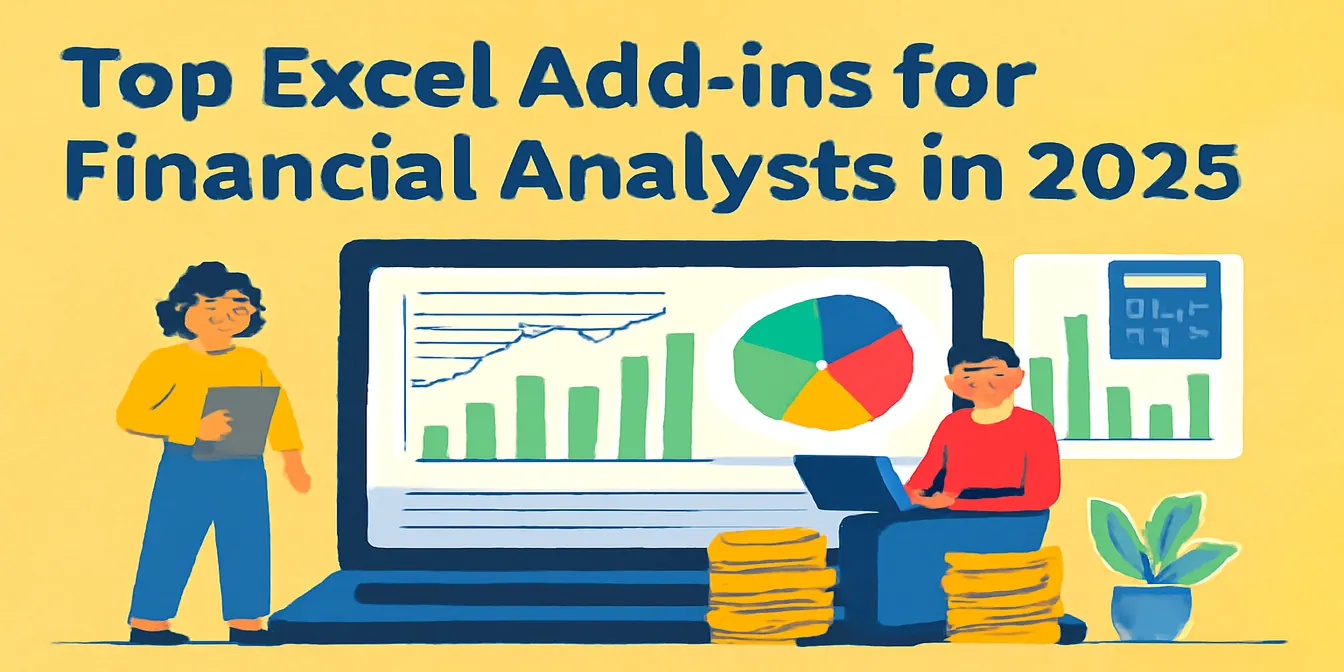 Excel Tips
Top Excel Add-ins for Financial Analysts in 2025: Unlocking Powerful Financial Insights
Discover the best Excel add-ins for financial analysts in 2025 and transform your financial data analysis with tools like RowSpeak, Power BI, and Solver.
Sally • Excel Tips
Smarter E-commerce Analytics with Excel AI: From Data Chaos to Clear Insights
Skip the formulas. RowSpeak makes e-commerce analysis instant and visual—just ask your data.
Sally • Excel Tips
Effortless Grading and Classification with Excel AI
Use RowSpeak to turn score data into structured insights—no formulas, just simple questions.
Sally • Excel Tips
KPI Metric Analysis Made Easy with RowSpeak: From Chaos to Clarity
Let your KPIs speak. RowSpeak turns messy spreadsheets into clear answers—instantly.
Sally •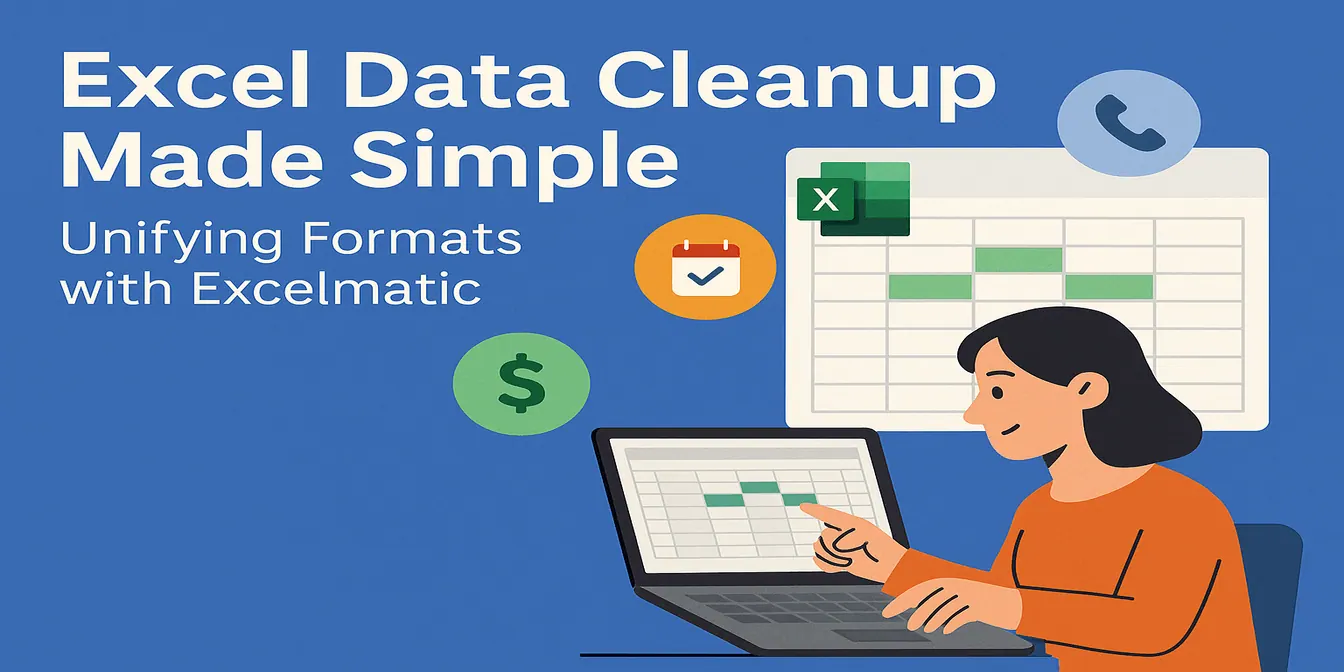 Excel Tips
Excel Data Cleanup Made Simple: Unifying Formats with RowSpeak
Unify messy data formats with ease—RowSpeak makes data cleanup fast and accurate.
Sally •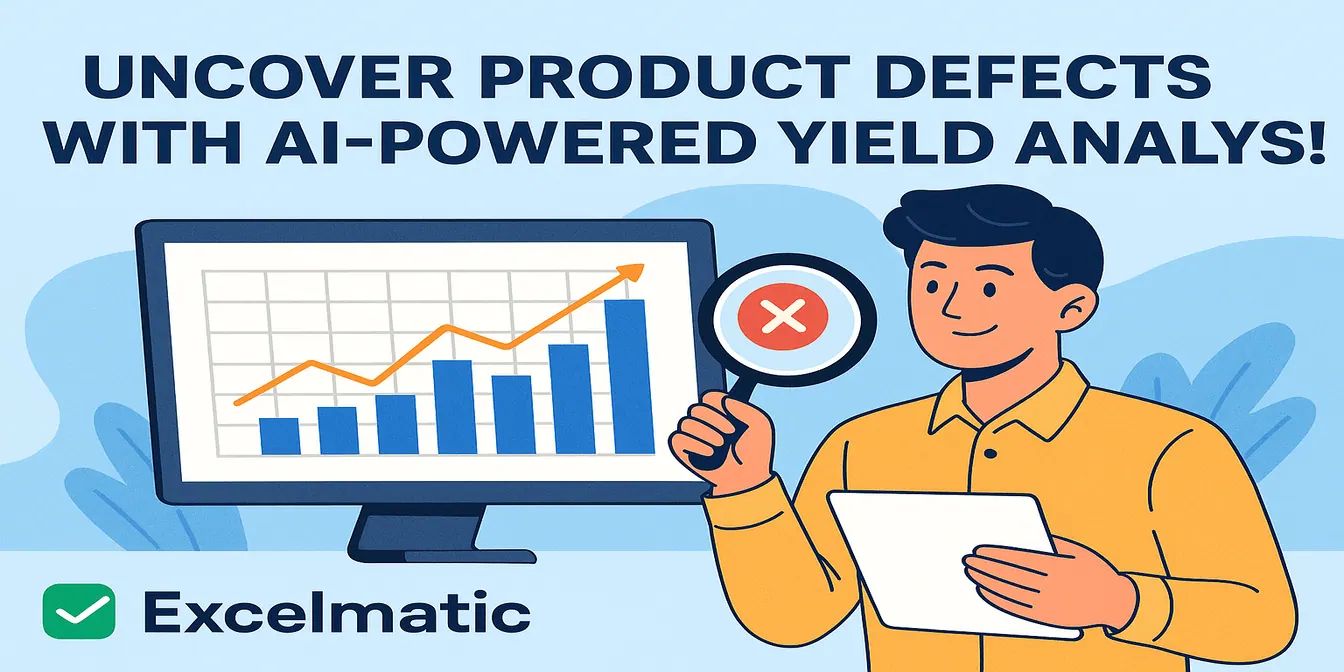 Excel Tips
Yield Analysis: Uncover product defects with one smart question!
Yield insights don’t have to be hidden. With RowSpeak, they surface in seconds.
Sally • Excel Tips
Excel AI Tools for Production Scheduling: From Gridlock to Flow
From spreadsheet chaos to production clarity—RowSpeak helps manufacturing teams plan smarter, faster.
Sally • Excel Tips
Optimize Course Scheduling with Ease: Let RowSpeak Do the Thinking
Smarter course planning, no formulas required. Let RowSpeak turn your scheduling headaches into clarity.
Sally • Excel Tips
Excel Grade Analysis Made Simple: Visualize Student Performance with Excel AI
RowSpeak turns clunky grade spreadsheets into smart visual dashboards—no formulas, just plain English.
Sally • Excel Tips
Mastering Sales Funnel Analysis in Excel: From Messy Sheets to Instant Insights
Ditch the formulas—get instant answers about your sales funnel with RowSpeak. This guide shows how Excel AI transforms messy tracking into actionable insight.
Sally • Excel Tips
Client Follow-Up Logs Made Easy with Excel AI | Boost Sales Tracking Efficiency
Discover how to streamline your client follow-up tracking with Excel AI. Skip manual formulas and filters—ask smart questions and get instant, actionable insights that help your sales team close more deals.
Sally • Excel Tips
Top AI Tools for Education and Training in 2025: Less Grading, More Teaching
From grading papers to analyzing feedback, AI tools like RowSpeak, Gradescope, and MagicSchool are changing the way educators work—saving hours and improving impact.
Sally • Excel Tips
Simplify Bonus and Commission Calculations with Excel AI
Using Excel to calculate commissions and bonuses is tedious and risky. See how RowSpeak simplifies compensation analysis with one smart question.
Sally • Excel Tips
Track Sales KPIs Smarter: How Excel AI Tools Simplify Performance Analysis
Still tracking KPIs with manual formulas and pivot tables? Learn how RowSpeak makes sales performance analysis faster, simpler, and more accurate—no coding required.
Sally • Excel Tips
Master Cost Structure Analysis in Excel – No Formulas Needed
Still building pivots and charts to analyze your cost categories? Learn how RowSpeak uses AI to break down cost structures instantly and deliver insights you can act on.
Sally • Excel Tips
Invoice Tracking in Excel AI: From Manual Mess to AI-Powered Clarity
Analyzing invoices in Excel doesn't have to be messy. See how AI tools like RowSpeak clean, summarize, and audit invoice data in just three questions.
Sally • Excel Tips
Top Free AI Tools for Excel Users to Save Time and Boost Accuracy
Looking for free AI tools to improve your Excel workflow? These tools help automate formulas, clean up data, and generate reports—perfect for non-coders and busy professionals.
Sally •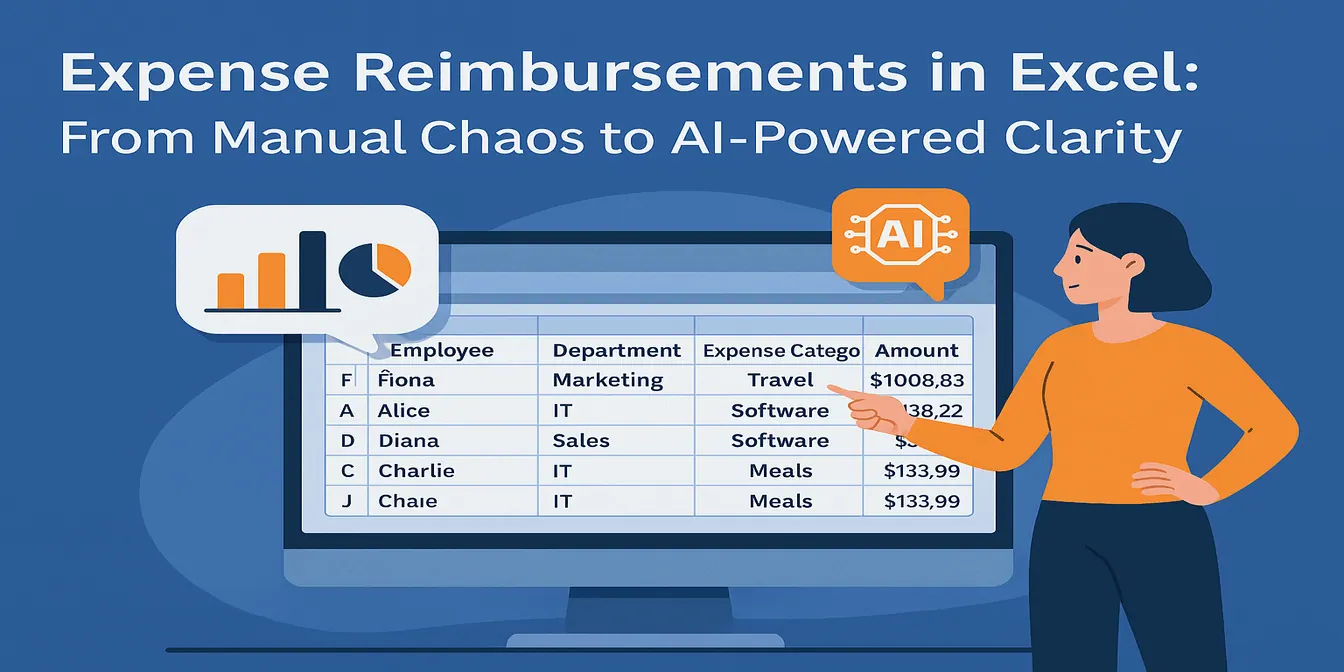 Excel Tips
Expense Reimbursements in Excel: From Manual Chaos to AI-Powered Clarity
Tired of using formulas and pivots for reimbursement reporting? Try RowSpeak and see how one smart question replaces hours of manual work.
Sally •