Let’s face it: Excel is both powerful and painful.
From wrestling with formulas to cleaning messy data and building last-minute reports, the spreadsheet grind is real. But now, a new wave of AI-powered tools is making Excel feel a lot less like work—and more like magic.
Whether you’re in finance, HR, operations, or content, these 8 free Excel AI tools can help you save time, cut mistakes, and actually enjoy working with data.
No macros. No VBA. Just smarter spreadsheets.
1. RowSpeak
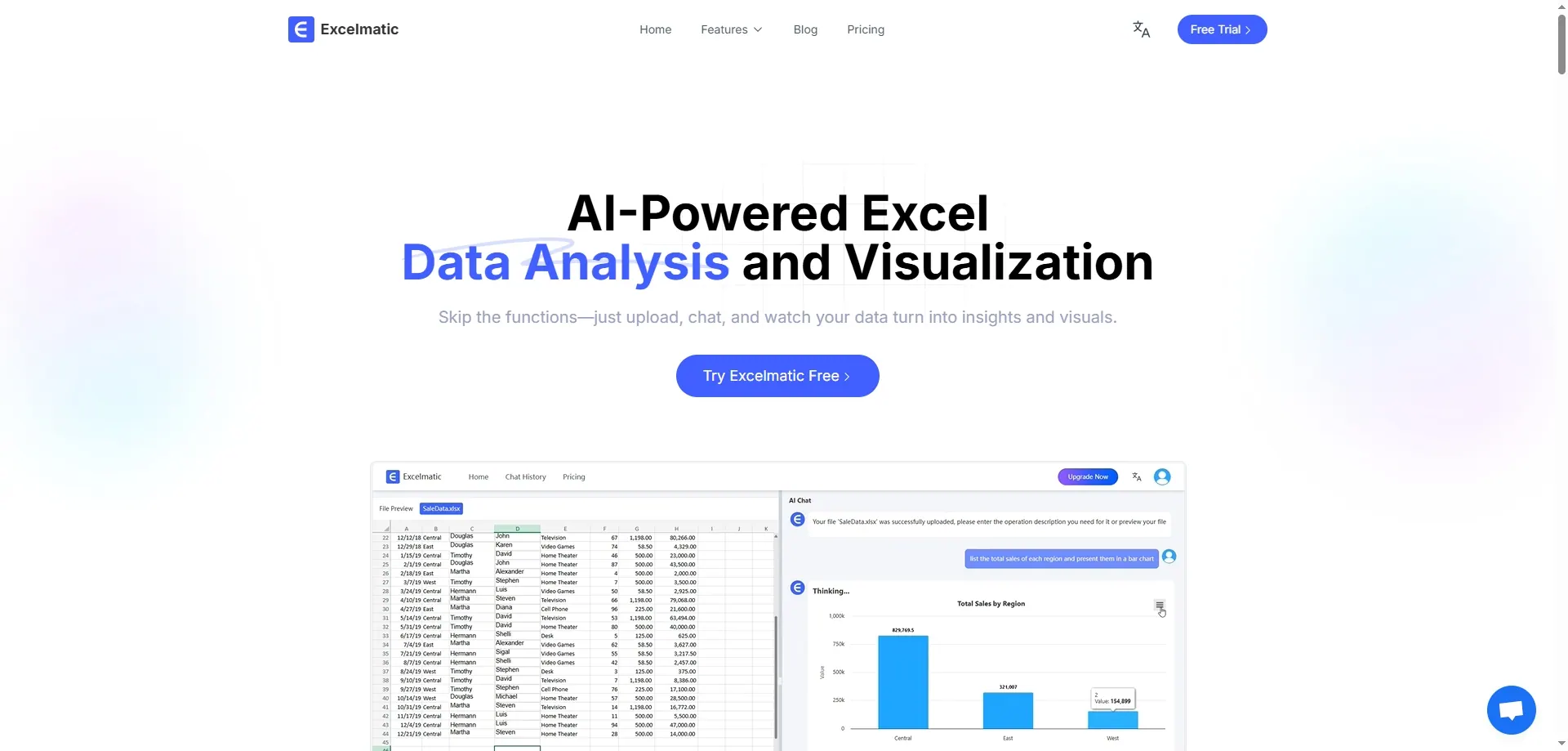
Get instant insight in one sentence
If there’s one tool that truly transforms how you work with Excel, it’s RowSpeak. It turns plain English into actionable insights—from cleaning up columns to building charts and answering complex analytical questions.
Key Features:
- Data Cleaning: Trim spaces, remove duplicates, fill blanks
- Formula Generation: Write correct formulas based on questions
- Data Summaries: Group, filter, and compute key stats instantly
- Chart Creation: Create bar, pie, and line charts with natural prompts
- Insight Extraction: Flag inconsistencies or trends automatically
Advantages:
- Works in both English and Chinese
- Browser-based and easy to use
- Free to get started
Ideal For: Professionals at any level—HR, finance, admin, students—who want quick results without writing a single formula.
2. Numerous
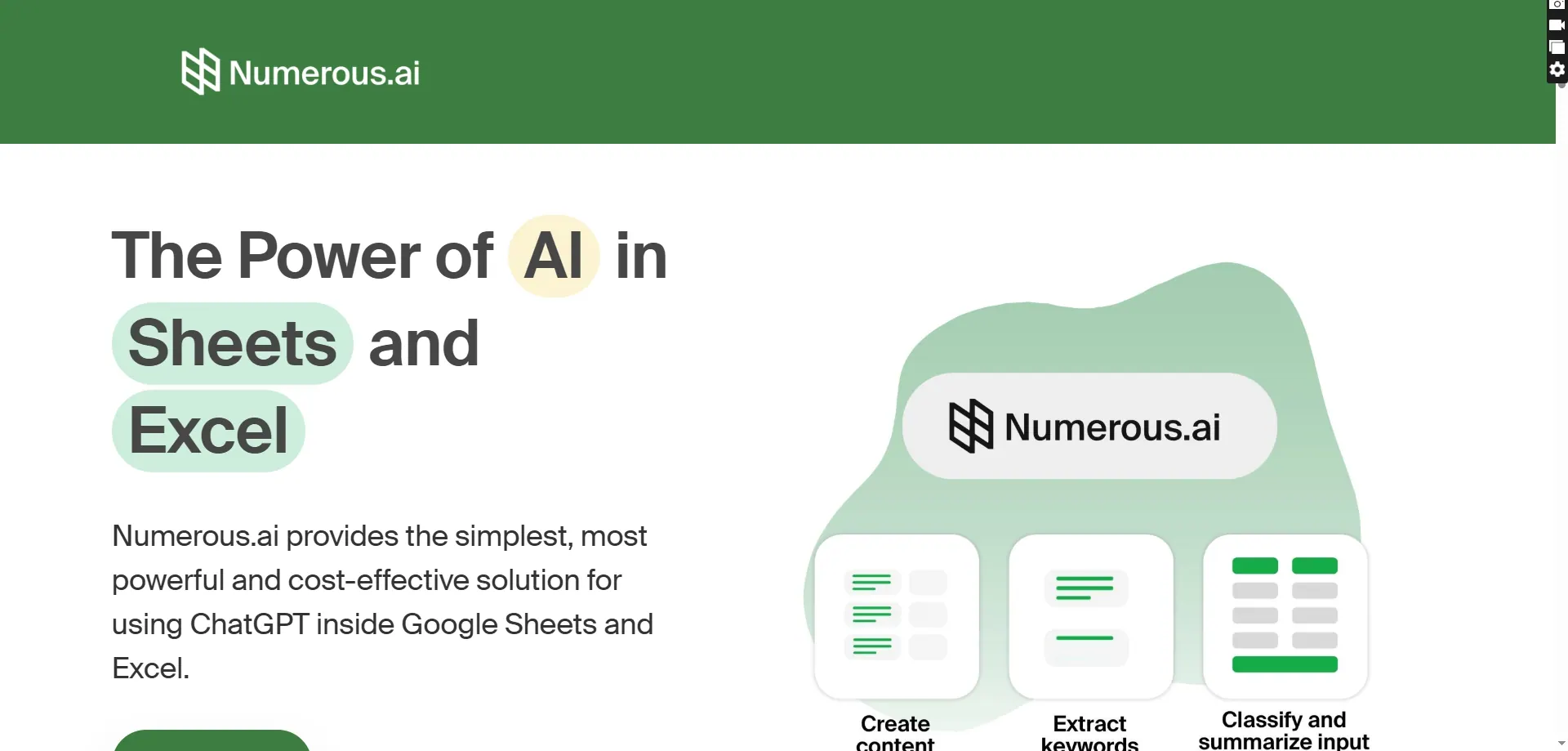
AI bulk processing inside your spreadsheet
Numerous allows you to process huge amounts of spreadsheet data at once. It’s perfect for use cases like sentiment analysis, classification, or tagging SEO metadata in Excel or Google Sheets.
Key Features:
- Mass-scale analysis
- AI text classification
- Works with both Excel and Google Sheets
Ideal For: Content marketers, data analysts, e-commerce teams
3. Akkio AI Formula Generator

No more Googling for Excel formulas
Just describe your logic in plain English, and Akkio converts it into a working Excel formula. Great for quick, clean results without syntax errors.
Key Features:
- Natural-language to formula conversion
- Minimal interface for fast use
- Works with Google Sheets too
Ideal For: Beginners, sales teams, analysts doing frequent calculations
4. Formularizer
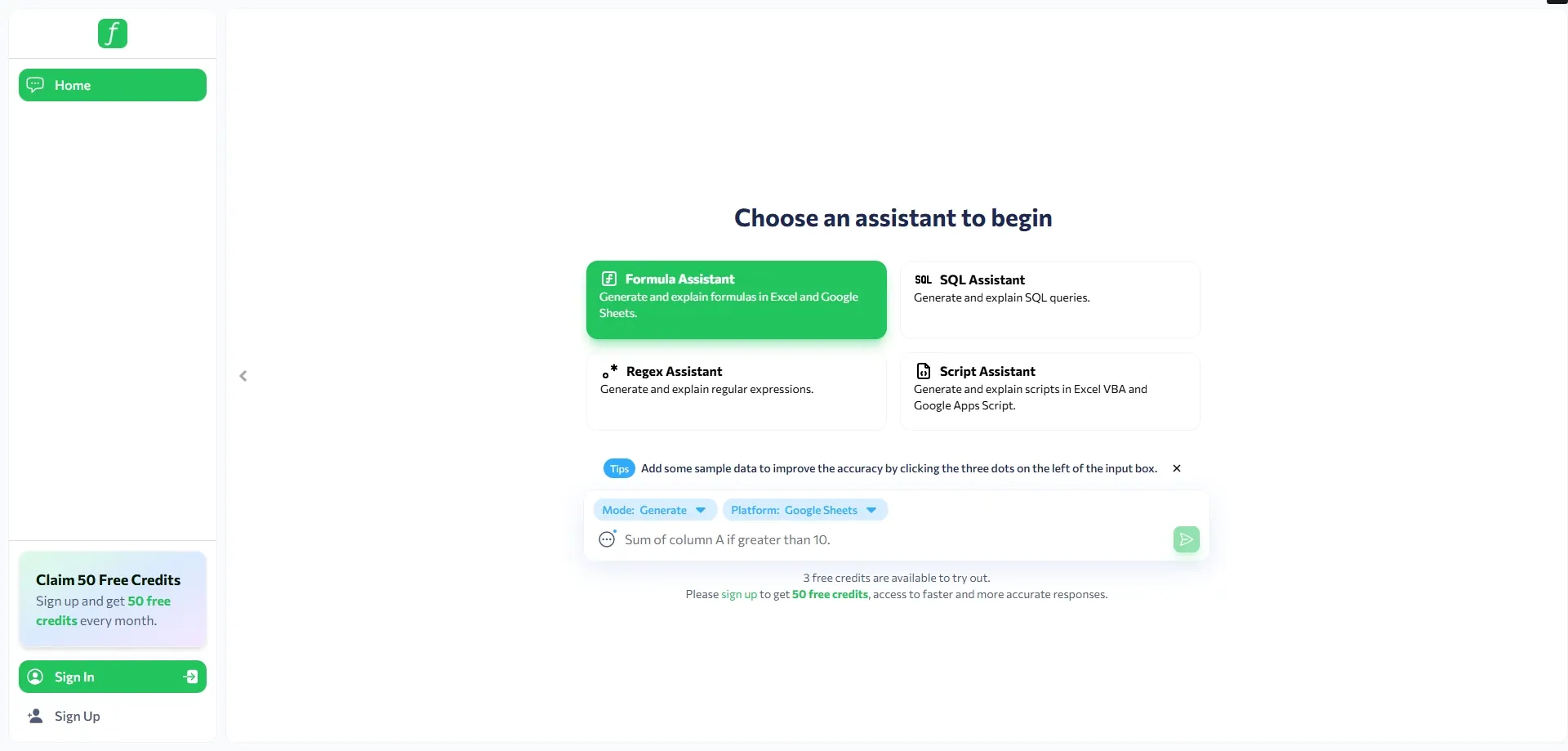
Simple tool for turning words into formulas
Formularizer is fast, lightweight, and free. Type what you want to calculate, and it generates a formula instantly.
Key Features:
- Supports Excel’s core formula library
- Easy to use, no learning curve
Ideal For: Students, admin assistants, people new to Excel
5. Sheet AI
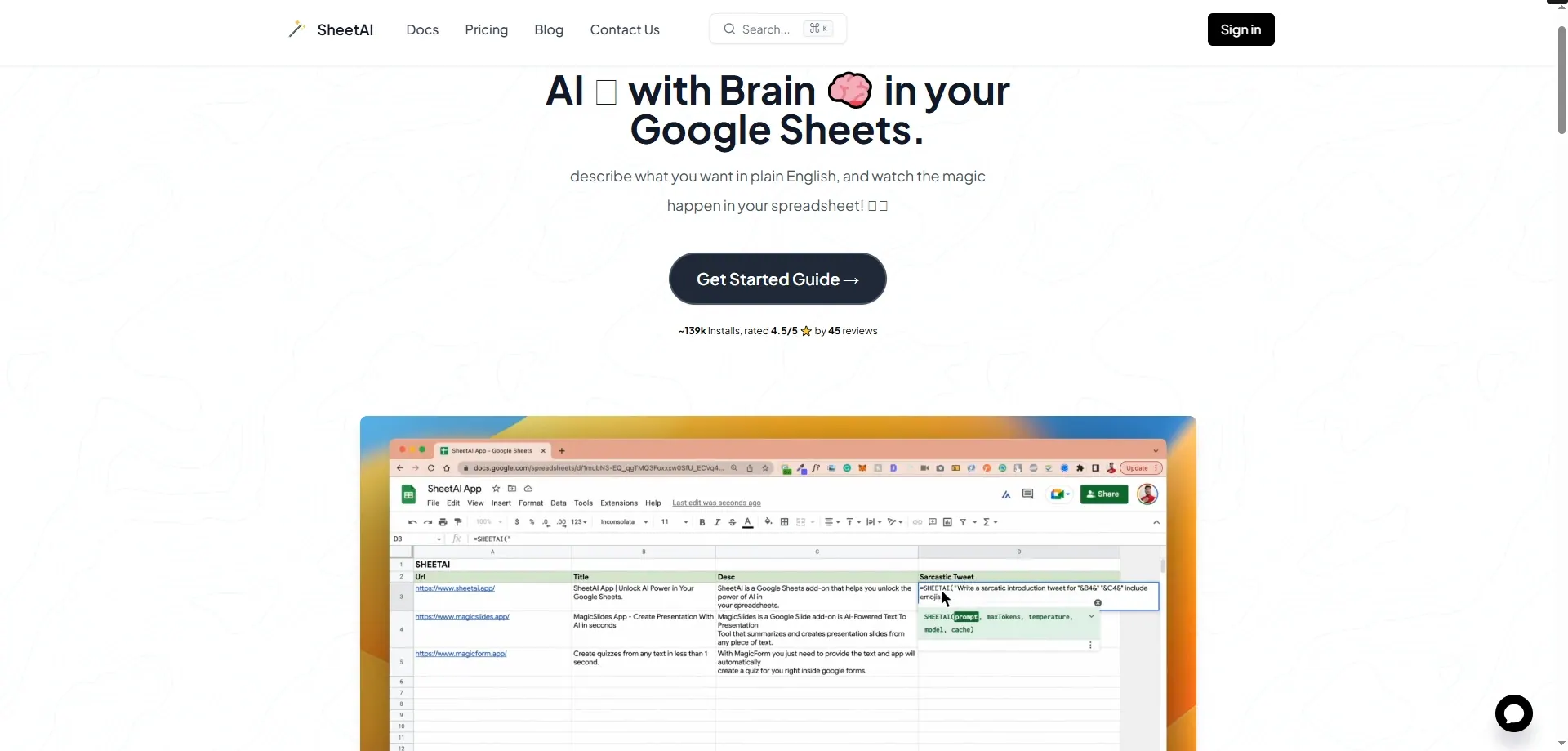
AI-enhanced spreadsheets for collaboration
Sheet AI blends AI tools with collaboration features—perfect for teams. It offers cleaning, prediction, and logic generation inside spreadsheets, especially for users in the Zoho ecosystem.
Key Features:
- Real-time collaboration
- Data prediction tools
- Works inside Zoho Sheets
Ideal For: Remote teams, startups, collaborative environments
6. Excel Formula Bot

Build formulas and templates from scratch
This bot helps you create Excel templates and formulas based on context. You describe the spreadsheet’s structure, and it returns a ready-to-download version.
Key Features:
- Formula generation
- Custom template builder
- Supports multiple spreadsheet types
Ideal For: Project managers, consultants, HR teams building repeatable sheets
7. AI Office Bot
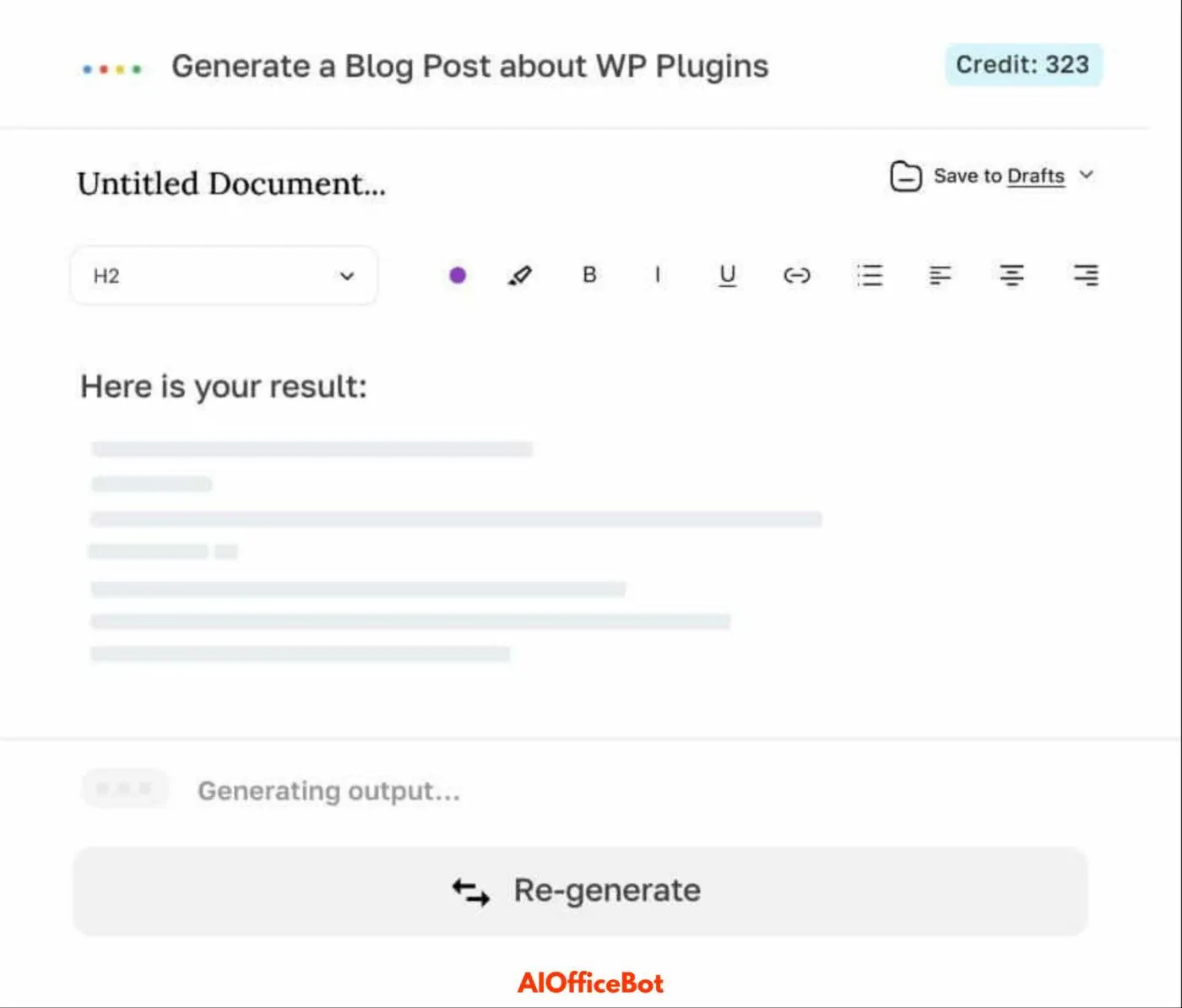
Conversational AI for spreadsheet tasks
Ask questions or give voice/text commands, and AI Office Bot responds by modifying your Excel data. It handles cleaning, reformatting, and creating basic summaries.
Key Features:
- Natural language Excel interface
- Built-in charting and cell formatting
- Integrates with Microsoft Office apps
Ideal For: New Excel users, busy teams doing repetitive edits
8. Power Query (Microsoft)
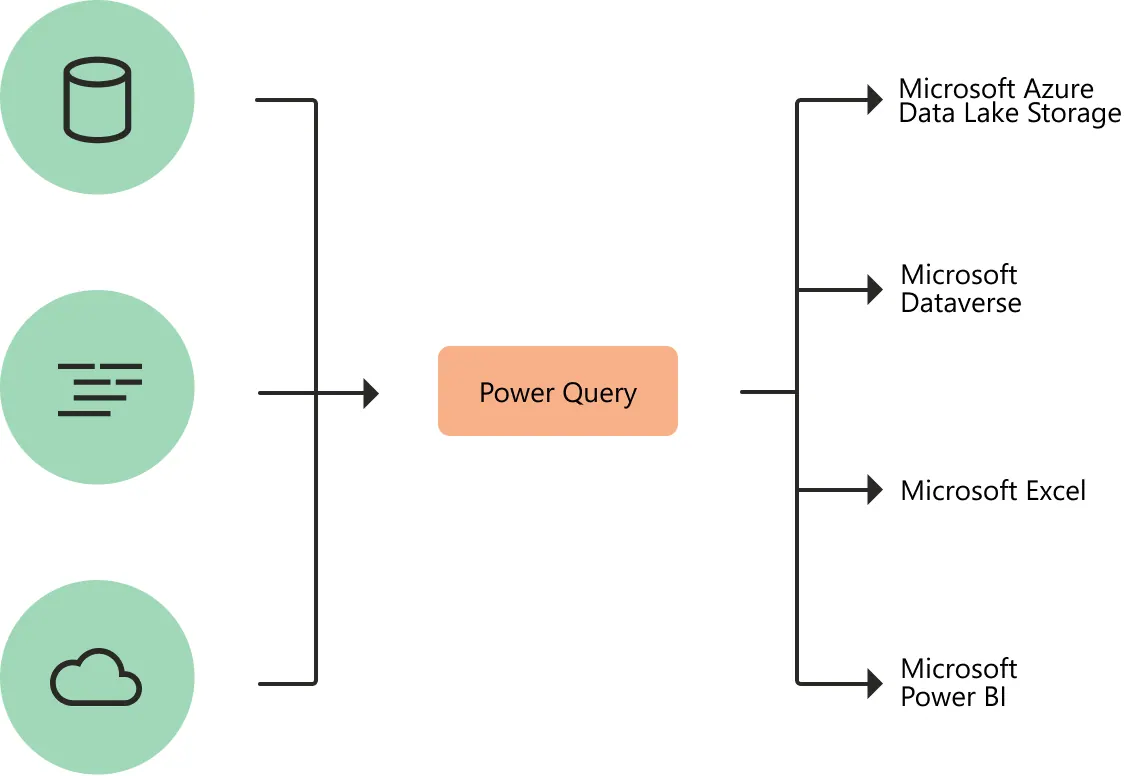
Built-in Excel tool powered by automation
Not flashy, but still essential: Power Query automates data cleaning, transformation, and merging. It’s not conversational AI—but it’s powerful and script-free.
Key Features:
- Automate data loading
- Merge/join large datasets
- Clean structured reports quickly
Ideal For: Corporate analysts, data managers, Excel power users
Why RowSpeak Stands Out
Unlike tools that focus on one thing—like just formulas or formatting—RowSpeak does it all.
It’s designed for real-world productivity. Whether you need to fix broken columns, calculate retention rates, or build a chart from messy rows of data, you just ask and get results.
With multilingual support, zero setup, and a generous free plan, RowSpeak brings AI-powered Excel analysis to everyone—without the fluff.
Final Thoughts
Stop wasting hours writing =IFERROR(VLOOKUP(…)...). These free tools remove the pain points and bring Excel into the AI age.
- Want faster reports?
- Hate manual formatting?
- Tired of debugging formulas?
Then it's time to stop using Excel the old way—and start using these tools that think like an analyst.
You bring the spreadsheet. Let AI do the rest.