
Excel Tips & Productivity Hacks - Page 6
Master essential Excel tips and tricks to work faster and smarter. Learn keyboard shortcuts, data manipulation techniques, and productivity hacks for Excel users. Page 6 of 8, showing results 181-216 of 265.
 Excel Tips
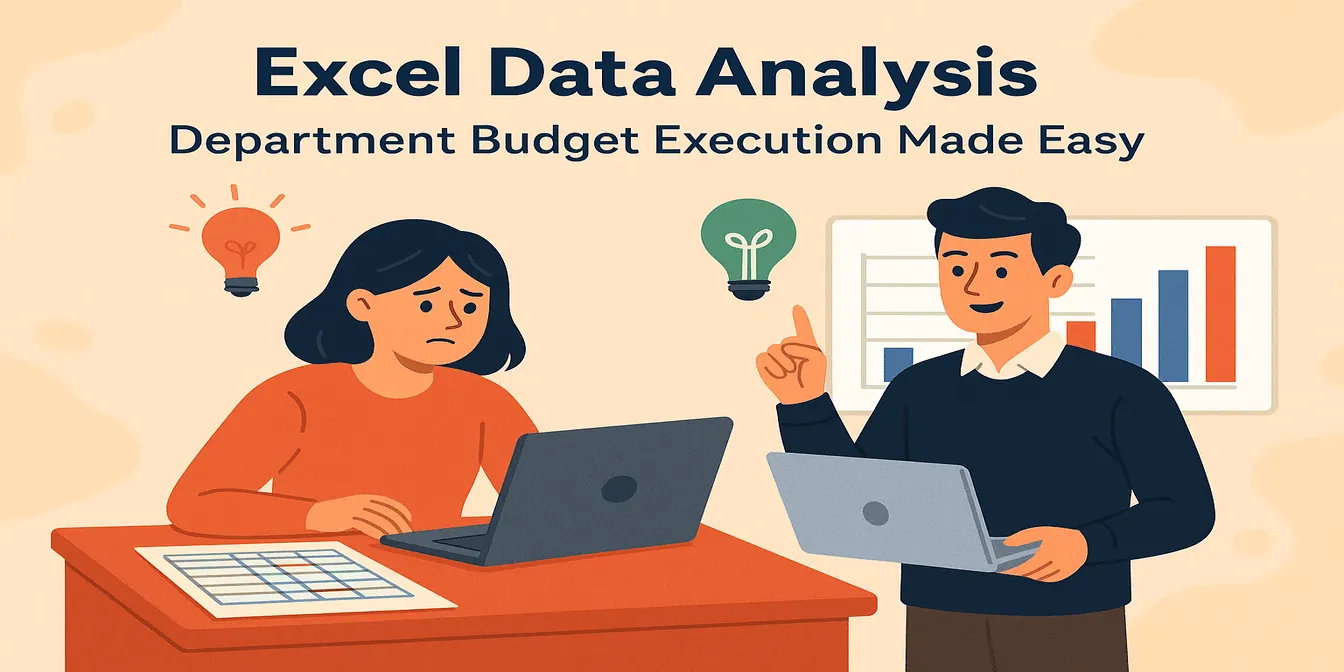
Budget Execution Made Simple: RowSpeak Transforms Departmental Analysis
RowSpeak makes budget execution easy—skip the formulas and pivots, just ask your questions in plain English and get analysis-ready insights.
Sally •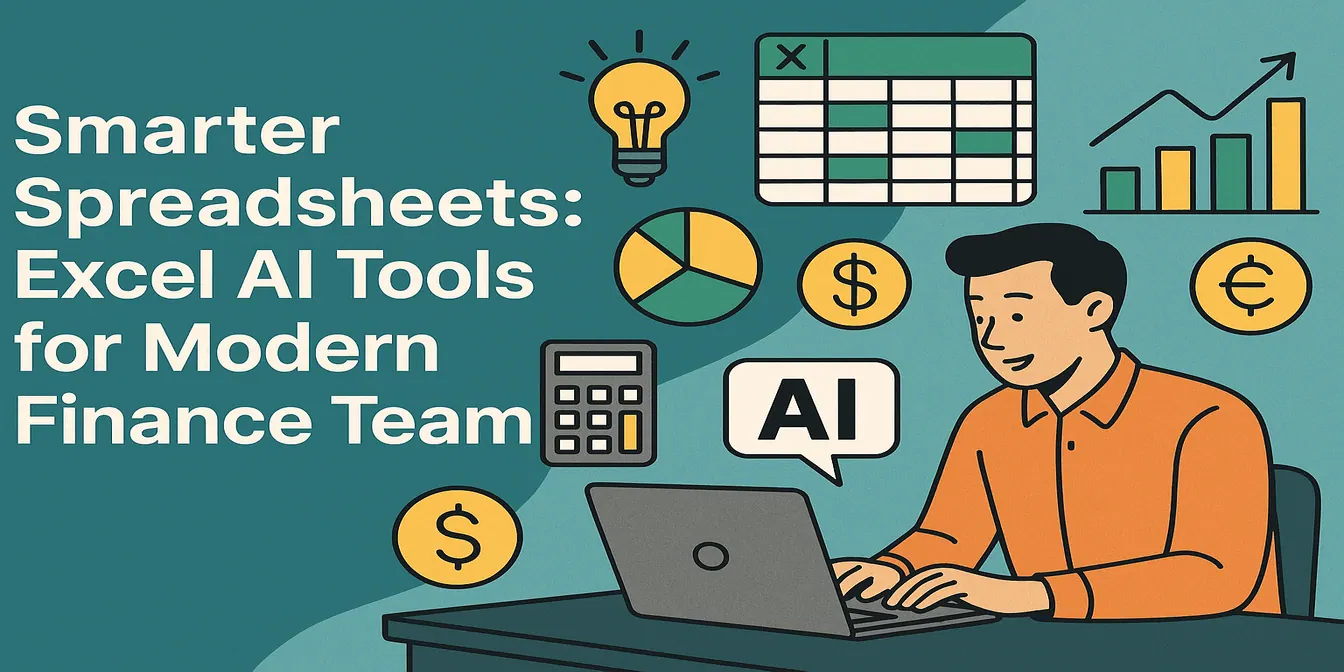 Excel Tips
Top 10 Excel AI Tools for Finance Teams in 2025
Discover 10 AI-powered tools that help finance teams use Excel smarter. Automate budgets, forecasts, dashboards, and analysis—no more wasting hours on manual work.
Sally •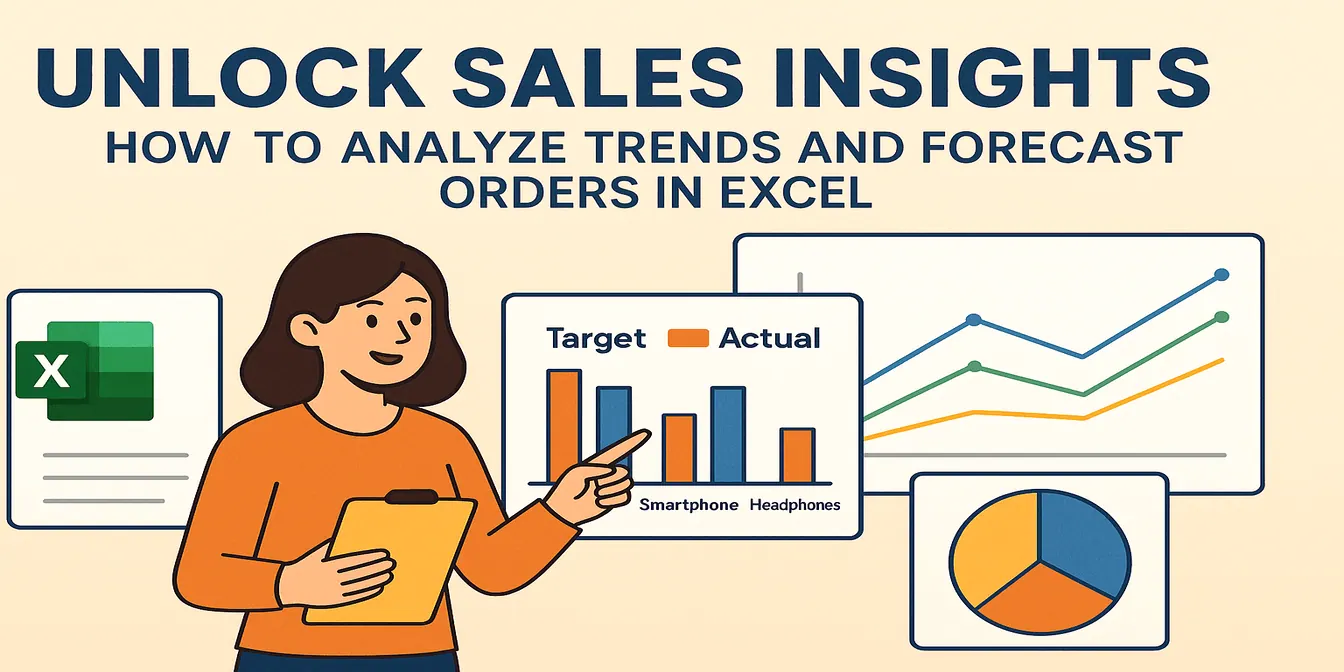 Excel Tips
Unlock Sales Insights: How to Analyze Trends and Forecast Orders in Excel
Analyze sales trends, identify best sellers, and visualize performance with Excel. Create powerful charts and insights with no formulas.
Sally •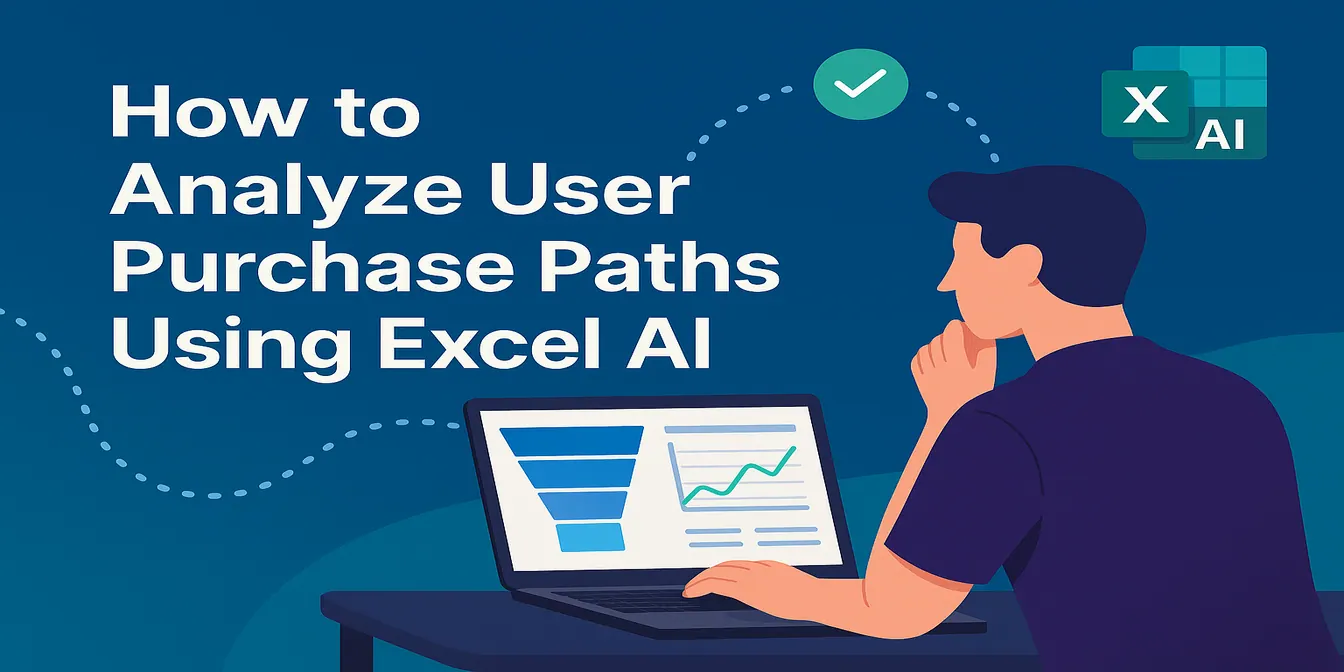 Excel Tips
How to Analyze User Purchase Paths Using Excel AI
Understand how users convert using Excel AI tools. Analyze session trends, traffic source performance, and user behavior without complex formulas.
Sally • Excel Tips
How to Set Up an Inventory Warning System in Excel and Track Replenishment Needs
Track your inventory levels, flag products needing replenishment, and forecast sales remaining with simple prompts using RowSpeak—no formulas required.
Sally • Excel Tips
How to Compare Sales vs Target and Visualize Product Performance in Excel
Compare actual vs target sales and visualize product performance in Excel using RowSpeak. Generate charts, calculate revenue ratios, and identify sales gaps easily.
Sally • Excel Tips
Best AI for Excel Data Analysis: Top 10 Tools in 2026
Learn how AI tools can supercharge Excel data analysis, automate spreadsheet tasks, and help teams work with formulas, reports, and large datasets.
Sally • Excel Tips
How to Analyze KPI Achievement Rates Across Departments Using Excel AI
Track KPI achievement rates across departments using RowSpeak. Visualize performance and detect gaps with three easy prompts—no pivot tables required.
Sally •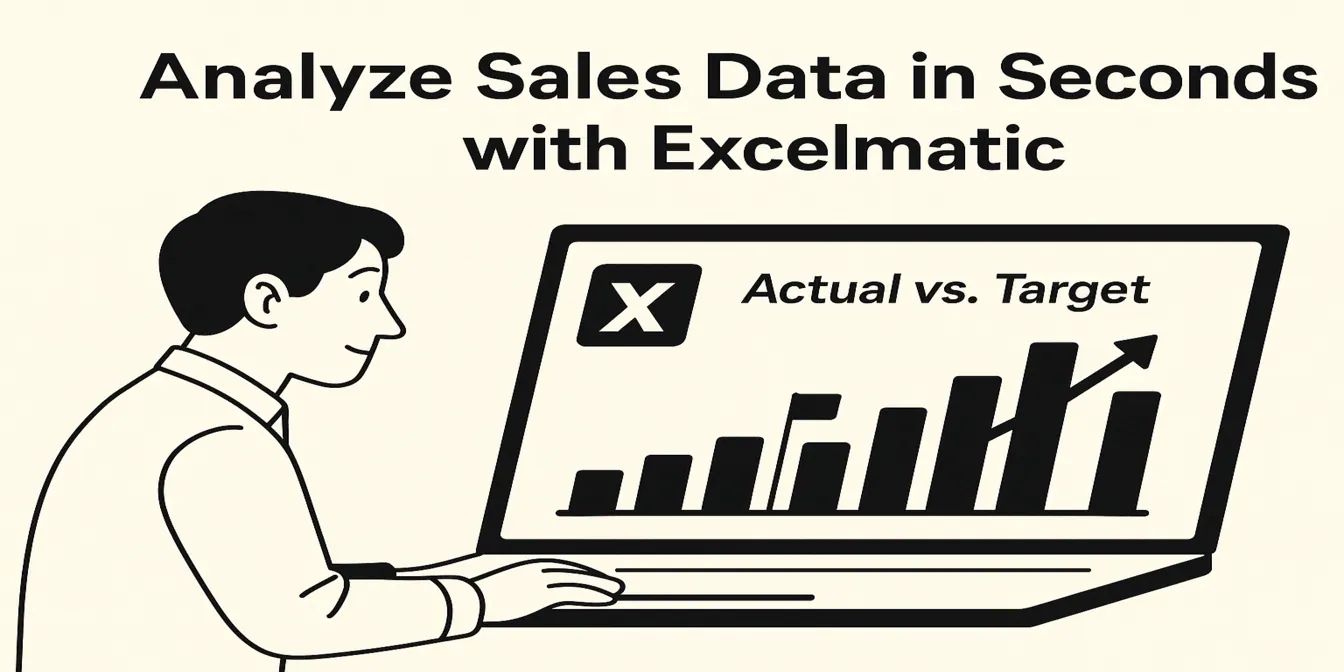 Excel Tips
How to Analyze Daily Sales Data and Track Targets Using Excel
Use Excel to track daily sales, visualize performance vs target, and identify underperforming days. No formulas required.
Sally • Excel Tips
How to Monitor and Optimize Your Recruitment Pipeline with Excel Analysis
Visualize and optimize your recruitment funnel in Excel—track hiring stages, interview durations, and recruiter workloads with 3 simple prompts using RowSpeak.
Sally • Excel Tips
Fix Messy HR Employee Data in Seconds with Excel AI Excel Analysis
Fix messy HR spreadsheets in seconds. Format dates, count employees by department, and prefix employee IDs using RowSpeak’s Excel analysis—no formulas needed.
Sally •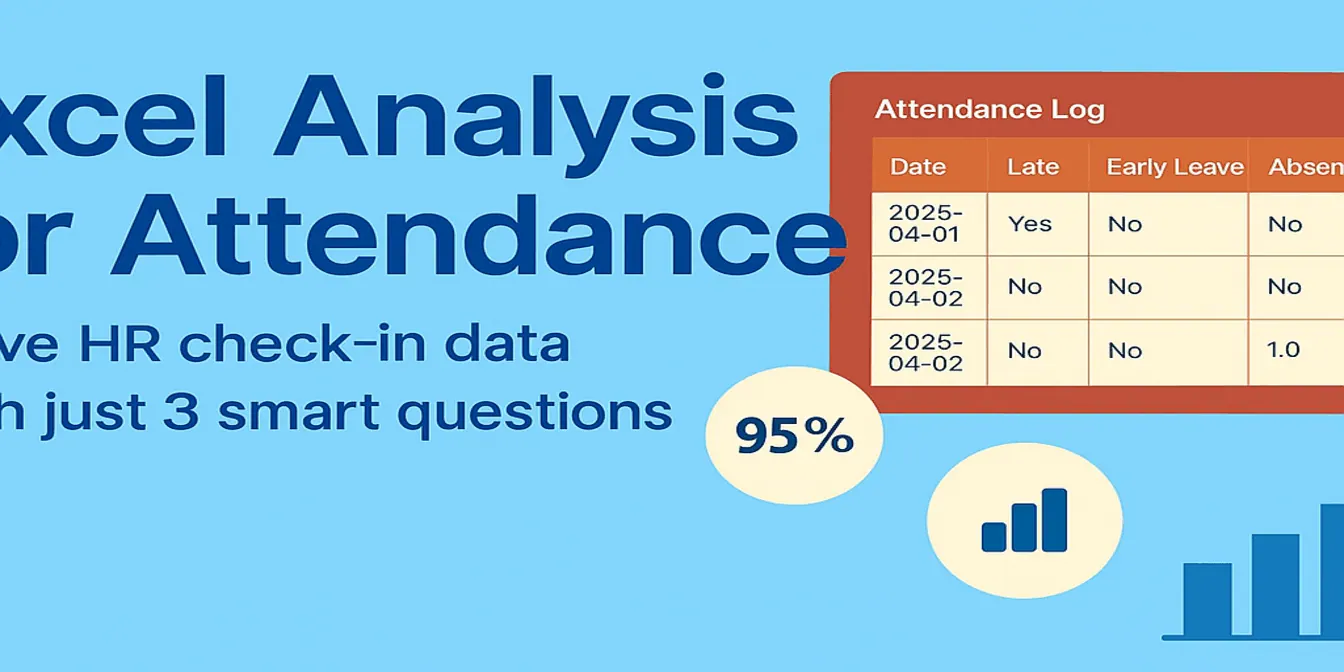 Excel Tips
Excel Analysis for Attendance: Solve HR Check-in Data with Just 3 Smart Questions
Struggling with Excel-based attendance tracking? Learn how RowSpeak helps HR professionals get instant insights into attendance rate, late arrivals, and department summaries—without writing a single formula.
Sally •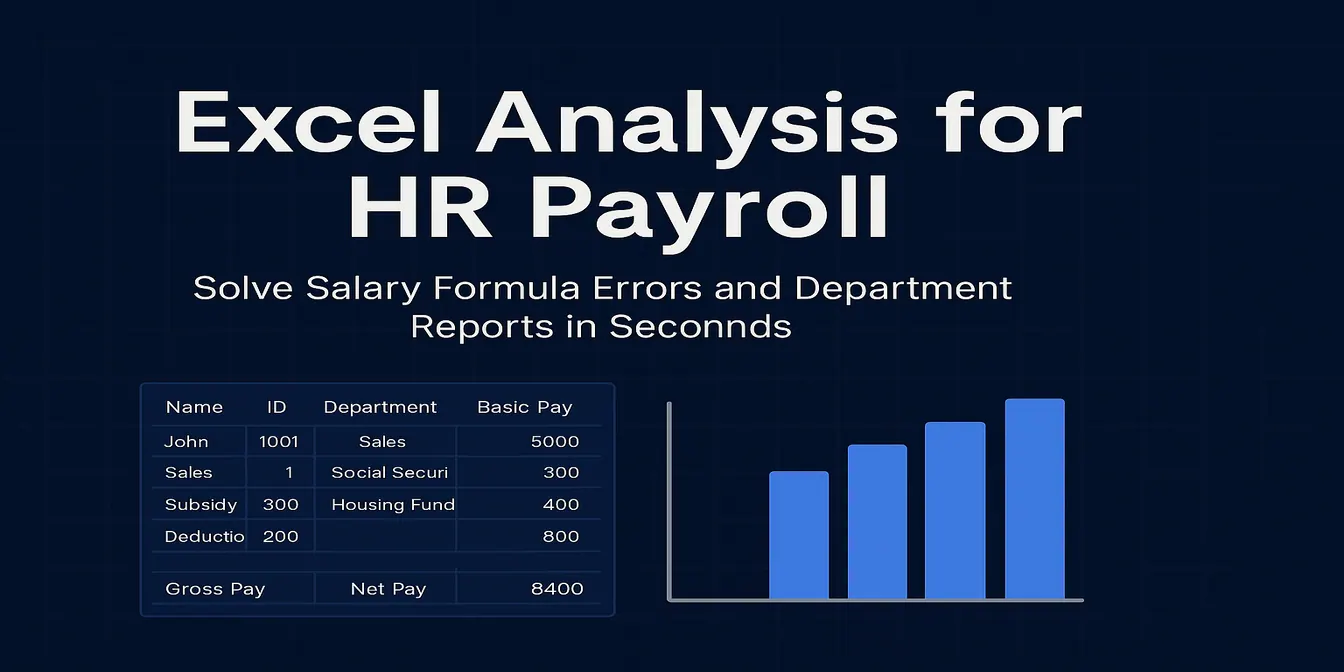 Excel Tips
Excel Analysis for HR Payroll – Solve Salary Formula Errors and Department Reports in Seconds
Struggling with complex salary formulas or department payroll summaries? RowSpeak’s Excel analysis tools help HR teams automate salary calculations and generate insightful payroll reports instantly.
Sally •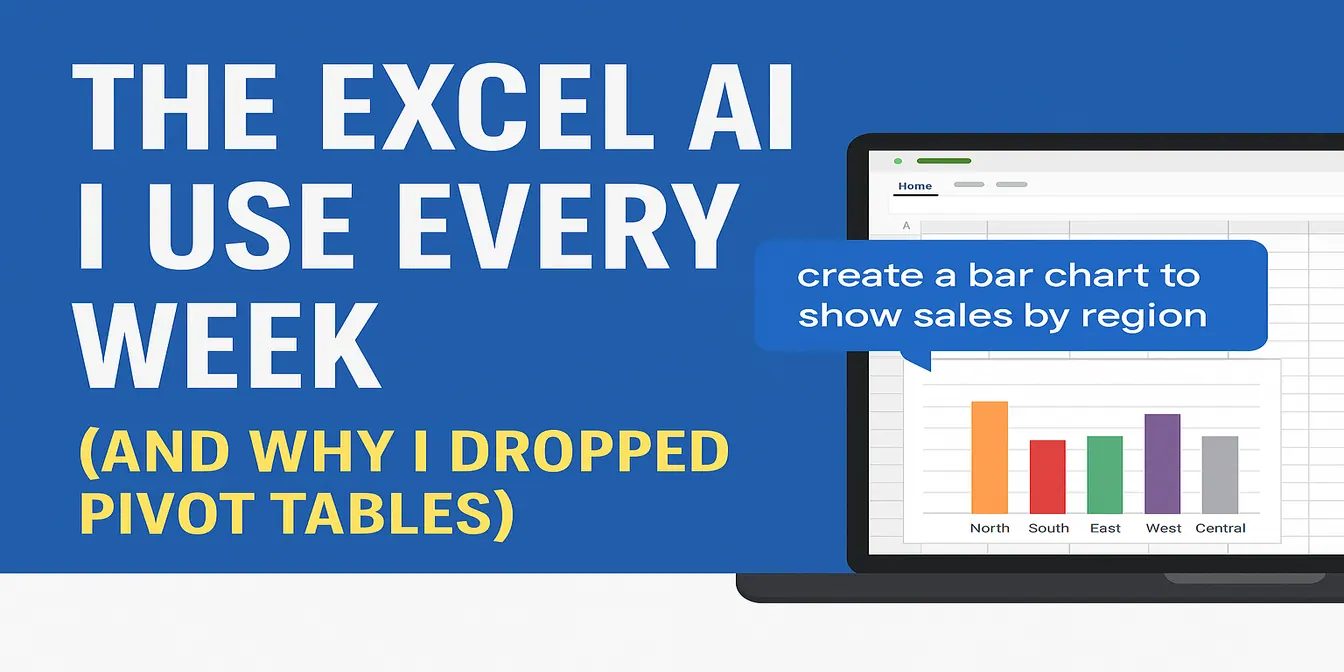 Excel Tips
The Excel AI I Use Every Week (and Why I Dropped Pivot Tables)
Every week, I used to fight with pivot tables. Now I just upload my data to RowSpeak and type a question. Here's how it works.
Sally • Excel Tips
How I Use AI to Quickly Make Spreadsheets — These 3 Tools Save Me Hours
You don’t need formulas to make a report. Here’s how I use 3 AI tools to go from messy data to polished charts.
Sally • Excel Tips
8 Free AI Tools That Make Excel, Charts, and Reporting Easier
These 8 AI tools are free and practical — from cleaning messy spreadsheets to building beautiful charts and summaries.
Sally • Excel Tips
GPT + Excel AI: My Favorite Way to Clean and Visualize Bad Data
This is my go-to workflow when I get a messy dataset: ChatGPT to clean it, RowSpeak to visualize it. Here's how it works — with real data.
Sally • Excel Tips
5 AI Tools That Actually Make Excel and Data Work Easier
Sick of writing formulas, formatting charts, or designing slides? These 5 AI tools will change how you work with Excel, data, and presentations.
Sally • Excel Tips
From Data to Chart in 10 Seconds: Using RowSpeak to Create Charts with AI
Manually creating charts in Excel is overrated. See how RowSpeak turns your spreadsheet into polished charts in just one prompt.
Sally • Excel Tips
No Copilot? Try These Free Excel AI Tools Instead
Can’t access Copilot? Try these 4 free Excel AI tools that simplify your data tasks and help you work smarter.
Sally • Excel Tips
Tired of Googling Excel Formulas? Here’s a Smarter Way
From calculating sales growth to segmenting customers — stop Googling Excel formulas. Here's how AI can handle your data analysis tasks in seconds.
Sally •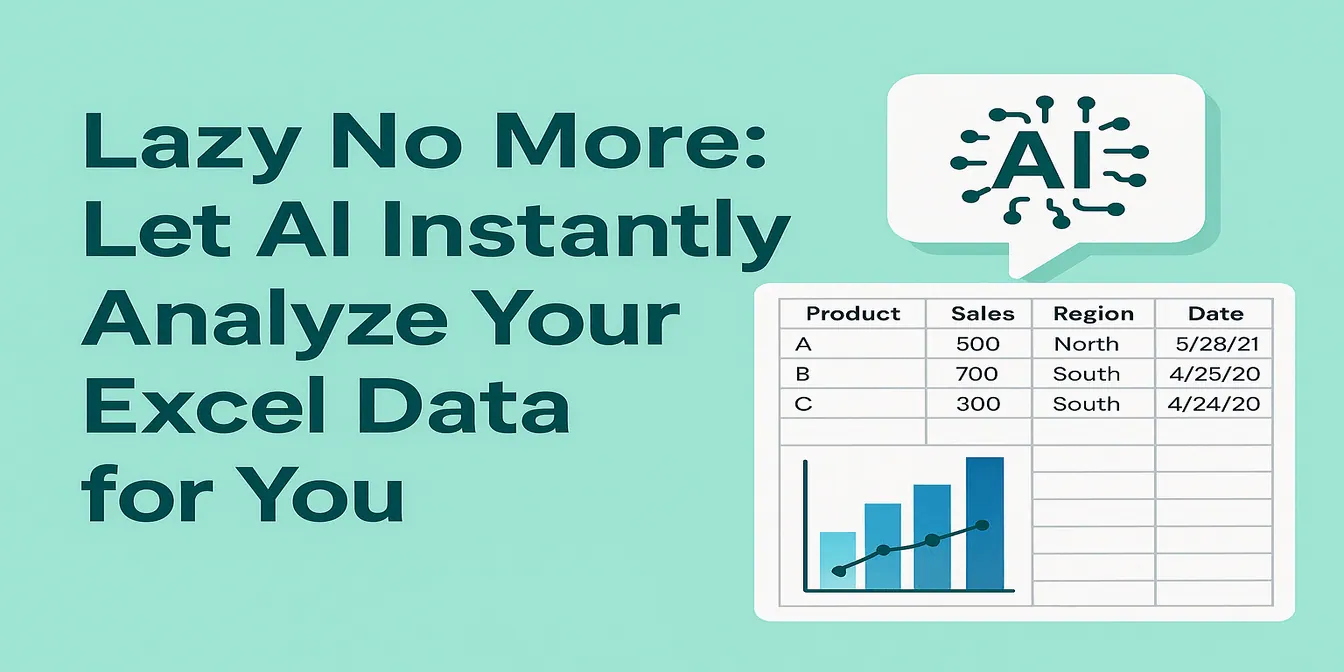 Excel Tips
Lazy No More: Let AI Instantly Analyze Your Excel Data for You
Can you analyze Excel data without using formulas or charts? With RowSpeak, yes — just upload your sheet and ask. AI handles the rest.
Sally • Excel Tips
How to Use AI to Instantly Analyze Excel Data (No Coding Needed!)
Want to analyze Excel data with AI but hate formulas? Learn how RowSpeak turns your spreadsheets into insights with just a question.
Sally •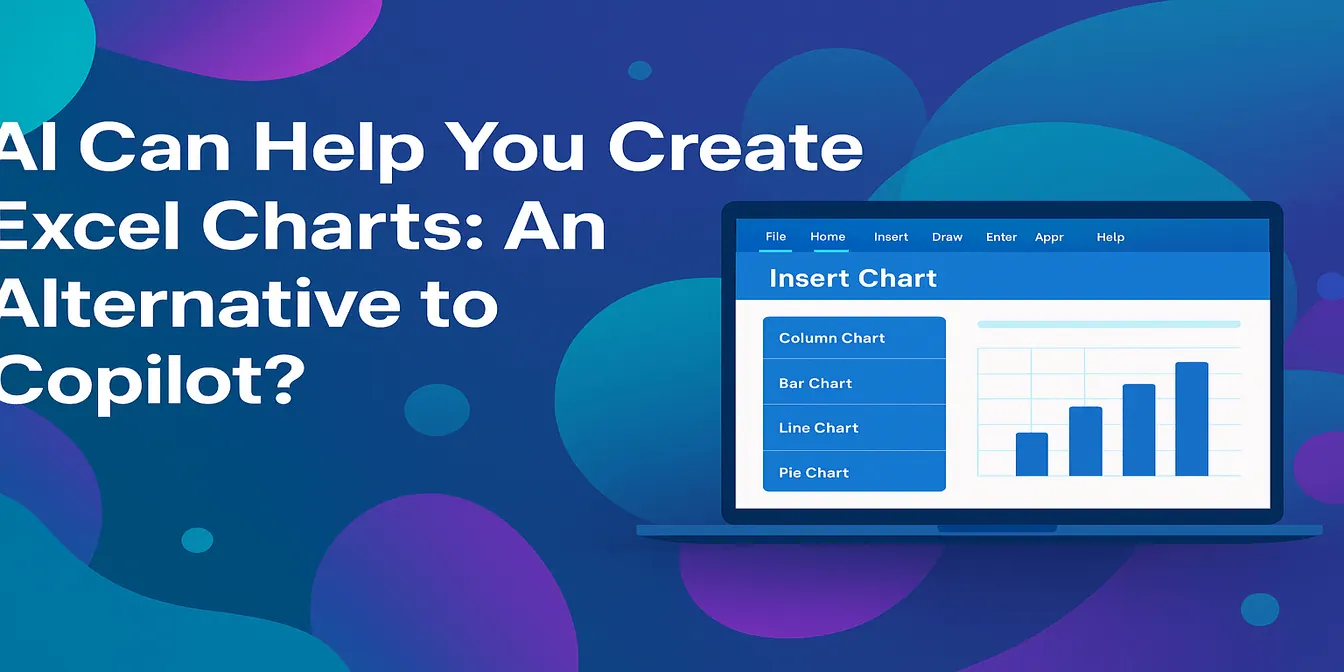 Excel Tips
Let AI Handle Your Excel Charts: A Smarter Copilot Alternative?
Is RowSpeak the smarter Copilot alternative for Excel charts? Learn how this AI-powered chart editor saves you time and delivers better-looking visuals, faster.
Sally • Excel Tips
ChatGPT + Excel AI = A Productivity Powerhouse? Here’s What You Need to Know
Structure data with ChatGPT, visualize it instantly with RowSpeak. This AI combo can seriously boost your Excel productivity.
Sally • Excel Tips
The Easiest Way to Make Excel Charts with AI (Free Download Inside)
Say goodbye to complex Excel chart templates. With RowSpeak’s AI, create professional bar, line, and pie charts in seconds using simple prompts—no coding or design experience required.
Sally • Excel Tips
Monthly Order Analysis Made Easy: RowSpeak AI Report Generator
Automate your monthly Excel order analysis with AI. RowSpeak lets you generate clean reports, visual charts, and summaries using just one sentence—no Excel skills required.
Sally • Excel Tips
Ditch Your Excel Templates: Automate Data Analysis with AI (ChatGPT + RowSpeak in Action)
Break free from Excel template limitations with ChatGPT and RowSpeak. Learn AI-powered data analysis workflow for dynamic business insights without complex formulas.
Sally • Excel Tips
Save Hours with These 4 ChatGPT + Excel Tips (and How RowSpeak Does It in One Sentence)
Discover how to use ChatGPT to write Excel formulas—and how RowSpeak takes it further by automating the entire process with natural language. Say goodbye to templates and hello to smart spreadsheets.
Sally • Excel Tips
5 Excel Charts You Can Instantly Generate with AI Using RowSpeak
Learn how to turn your Excel data into charts in seconds using AI. This blog shows 5 real-life examples of pie, bar, and line charts built with RowSpeak — and the insights it can generate automatically.
Sally • Excel Tips
Master Data Analysis with RowSpeak: No Formulas, No Coding, Just Actionable Insights
Transform your Excel spreadsheets into powerful insights with RowSpeak’s AI. No formulas, no coding—just natural language questions and instant results.
Sally •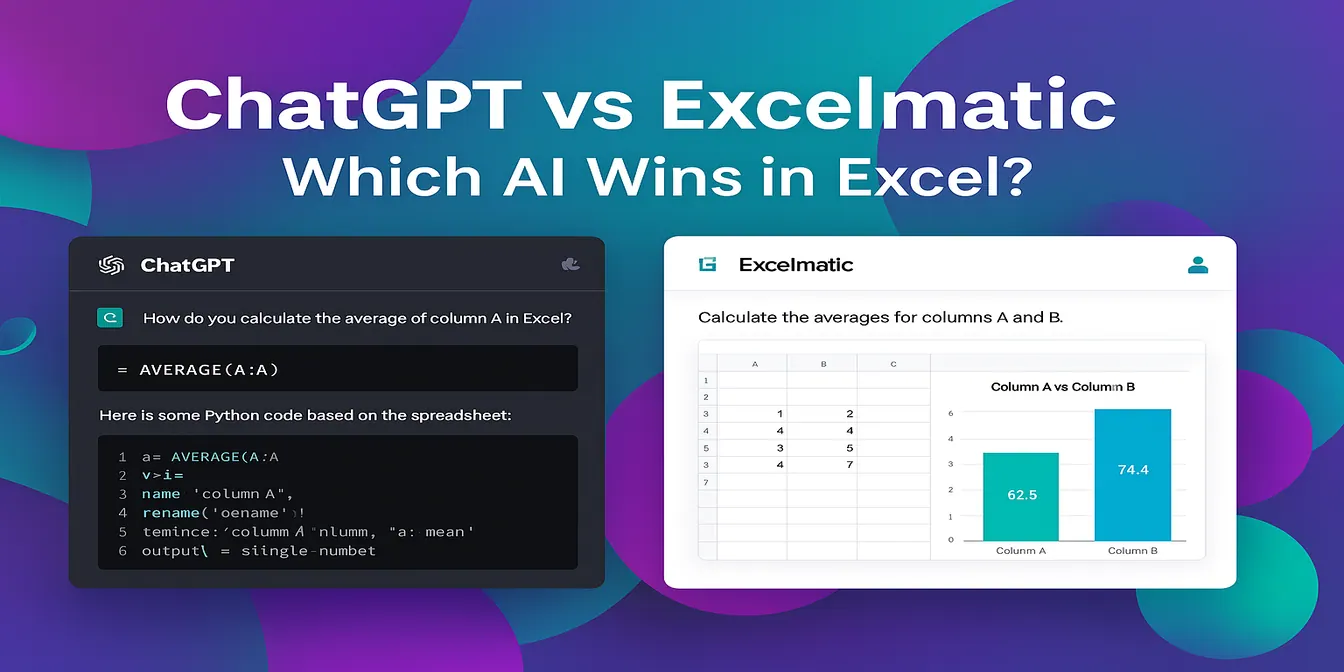 Excel Tips
RowSpeak vs ChatGPT: Which AI Assistant Works Better for Excel Analysis?
Inject super efficiency into Excel with AI: automate repetitive tasks, perform advanced analysis, and easily gain insights through natural language.
Sally • Excel Tips
RowSpeak: The Best AI Grading Assistant for Teachers
With RowSpeak, teachers can analyze student grades, rank performance, and compare classes—all without formulas. Save hours and simplify reporting using natural language prompts.
Sally • Excel Tips
Sales Analysis Made Easy: Use AI to Excel Data Analysis and Boost Efficiency by 80%
Automate your sales data analysis with RowSpeak to boost efficiency, reduce errors, and make data-driven decisions.
Sally • Excel Tips
Best Free AI for Excel Tools in 2026: 10 Options for Analysis, Formulas, and Charts
Compare free AI for Excel tools by free tier, supported data formats, formula help, chart generation, and reporting workflows.
Sally • Excel Tips
How to Analyze Sales Data in Minutes: A Step-by-Step Guide with RowSpeak Excel AI
Discover how RowSpeak’s AI transforms Excel sales data analysis with speed, accuracy, and ease—no formulas required.
Tony •