Grading season often means long hours spent inside Excel:
- Computing averages and totals
- Sorting and ranking students
- Highlighting failing grades
- Creating class comparison charts
- Preparing visual reports for parent-teacher meetings
It’s tedious, time-consuming, and error-prone.
But with RowSpeak, the AI-powered assistant for Excel, teachers can now automate these tasks with just one sentence:
Suppose you have the following transcripts
| Student Name | Class | Math | English | Science |
|---|---|---|---|---|
| Alice | A | 85 | 88 | 92 |
| Bob | A | 72 | 70 | 68 |
| Cathy | A | 95 | 91 | 97 |
| David | A | 58 | 62 | 60 |
| Eva | A | 67 | 69 | 72 |
| Frank | B | 85 | 87 | 84 |
| Grace | B | 91 | 90 | 93 |
| Henry | B | 73 | 75 | 70 |
| Irene | B | 62 | 60 | 66 |
| Jack | B | 80 | 78 | 81 |
You can enter: Please calculate class averages, list students below 60, and generate a comparison chart between Class A and B.
In under five seconds, you get all the results: rankings, charts, summaries—no formulas required.
Traditional Method vs RowSpeak Automation
| Task | Traditional Excel Method | With RowSpeak |
|---|---|---|
| Total & Average Scores | Manually write SUM() and AVERAGE() formulas | "Please calculate total and average scores" |
| Student Ranking | Use RANK() + manual sorting | "Rank students in each class by total score" |
| Identify Failing Students | Use conditional formatting + manual filtering | "List all students scoring below 60" |
| Class Comparison Charts | Manually insert charts and set up multiple series | "Generate average score comparison for Class A & B" |
| Parent Meeting Reports | Manually compile charts, data, and written analysis | "Auto-generate grade analysis summary and visuals" |
Why Teachers Love RowSpeak
- No formulas needed—just type what you want in plain English
- Built-in support for rankings, summaries, and visualizations
- Friendly for Excel beginners and advanced users alike
- Perfect for test analysis, teaching feedback, parent meetings, and admin reports
RowSpeak is the ideal grading companion for educators who want to streamline grading and focus on teaching—not spreadsheets.
How to Use RowSpeak for Student Grade Analysis
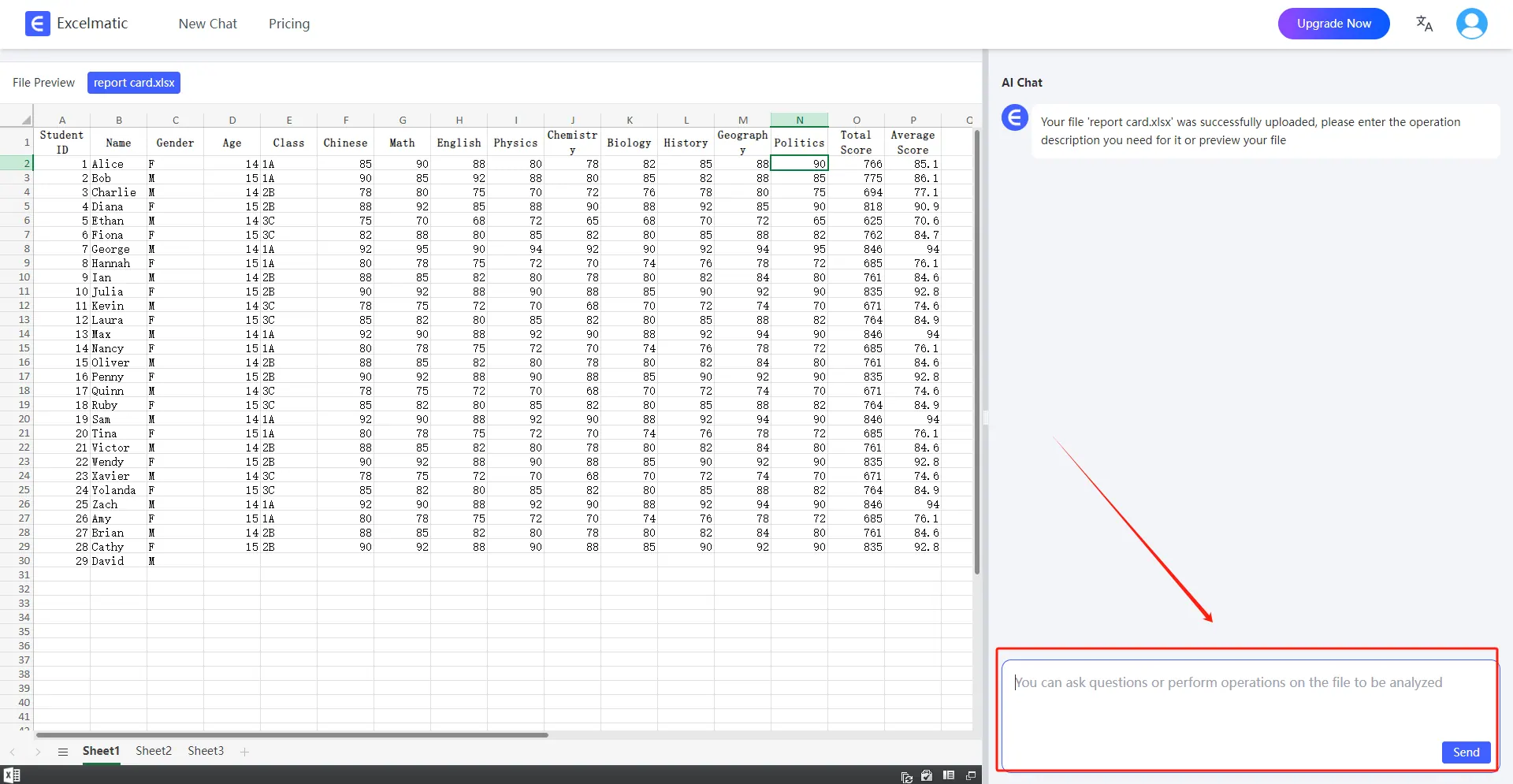
- Login & upload your gradebook Excel file
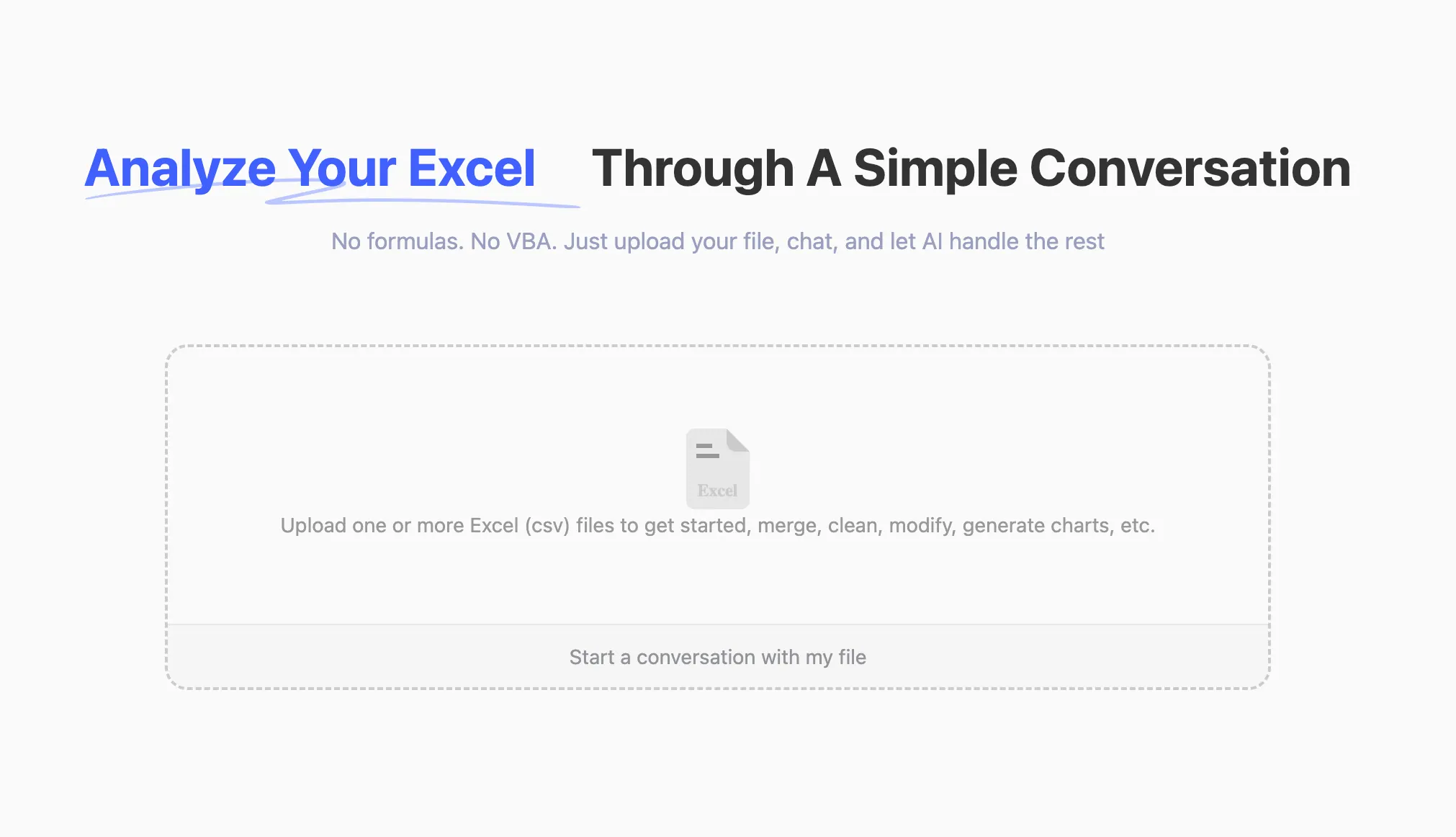
- Ask Questions in Natural Language
Once your file is uploaded, you can start asking questions in natural language.
For example: Show me the average score per class, and highlight the lowest scoring students.
Get Analysis Reports
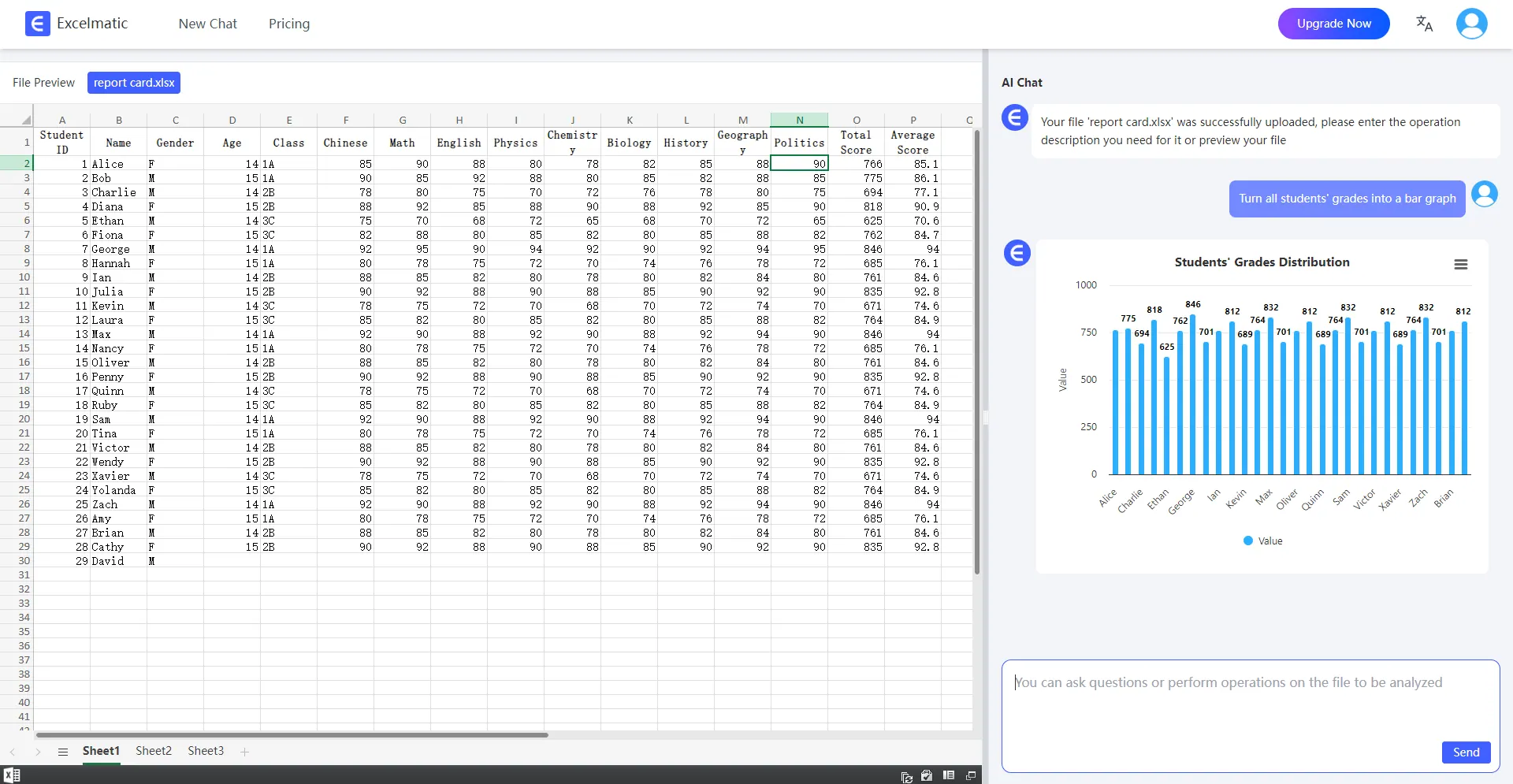
- Class averages
- Top performers
- Students at risk
- Comparison charts
FAQ
Q: Do I need to know formulas to use RowSpeak?
A: Not at all. RowSpeak works entirely through plain English prompts.
Q: Can RowSpeak help with multiple classes?
A: Yes! It can compare classes, group by subjects, and highlight differences automatically.
Q: Is RowSpeak suitable for non-technical teachers?
A: Absolutely. It's designed with ease-of-use in mind—no Excel expertise required.
Q: Does it support data privacy?
A: Yes. All files are encrypted and processed securely.
Summary
AI isn't here to replace teachers—it’s here to help you focus on what you do best: teach. With RowSpeak, your grade analysis workflow becomes:
- Simpler
- Faster
- More accurate
- Easier to explain to students and parents
Let AI handle the numbers. You handle the future.