Cash flow forecasting is one of the core tasks in financial management, directly affecting the company's capital turnover and strategic decision-making. However, traditional Excel operations are time-consuming and prone to errors, especially when conducting multi-scenario simulations. The complexity of manually adjusting formulas and data often leaves finance teams frustrated. This article will demonstrate how to use the AI capabilities of RowSpeak to shorten the work that originally takes several hours to just a few minutes while ensuring the accuracy of the forecast results.
For finance-specific reporting, RowSpeak's AI for FP&A connects budgets, forecasts, variance checks, and leadership-ready summaries.
For a product-level workflow focused on uploaded cashflow sheets and scenario review, see RowSpeak's financial forecasting with AI page.
The Importance of Cash Flow Forecasting
Funding Planning: Accurate cash flow forecasting can prevent capital chain breaks and ensure the normal operation of the enterprise.
Risk Warning: Multi-scenario simulations (such as fluctuations in revenue and rising costs) can identify potential financial risks in advance.
Decision Support: Management relies on cash flow data to assess the feasibility of investments or adjust business strategies.
Traditional Excel Solutions
Steps:
Data Preparation: Export historical cash flow data from multiple systems and manually paste it into Excel.
Formula Setup: Use
=SUMIFS()to categorize income and expenses and create a monthly summary table.Scenario Simulation: Copy the worksheet and manually adjust variables such as growth rates and interest rates.
Chart Generation: Use line charts to compare cash flow trends under different scenarios.
Limitations:
Time-Consuming: Updating data or adjusting variables requires repetitive operations, taking several hours.
Prone to Errors: Formula reference errors or data pasting mistakes can lead to forecast deviations.
Static Analysis: Unable to dynamically respond to new data, lacking real-time risk alerts.
Excel AI Solution
Steps:
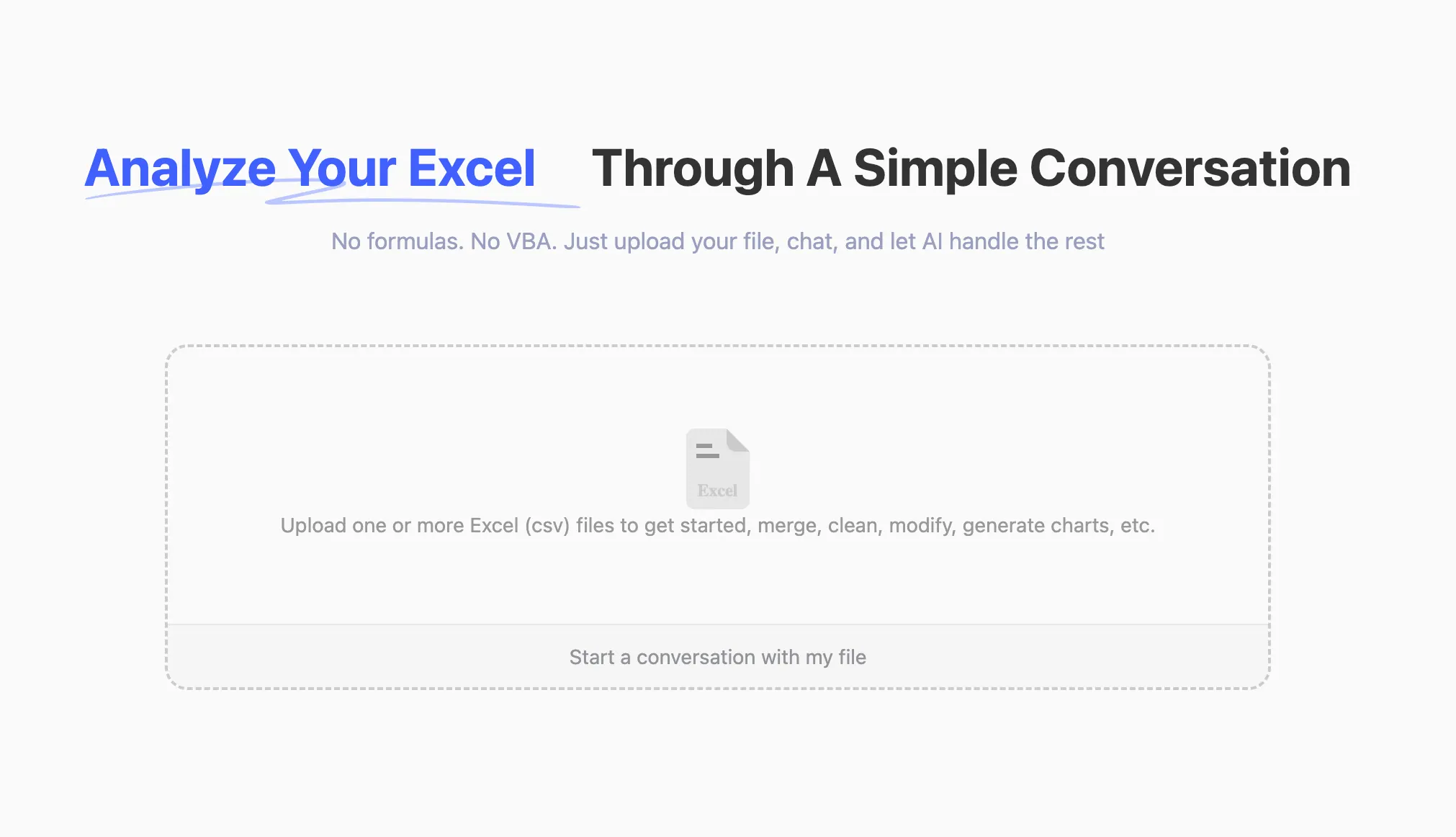
- Upload Data: Drag the historical cash flow CSV file into the RowSpeak platform.
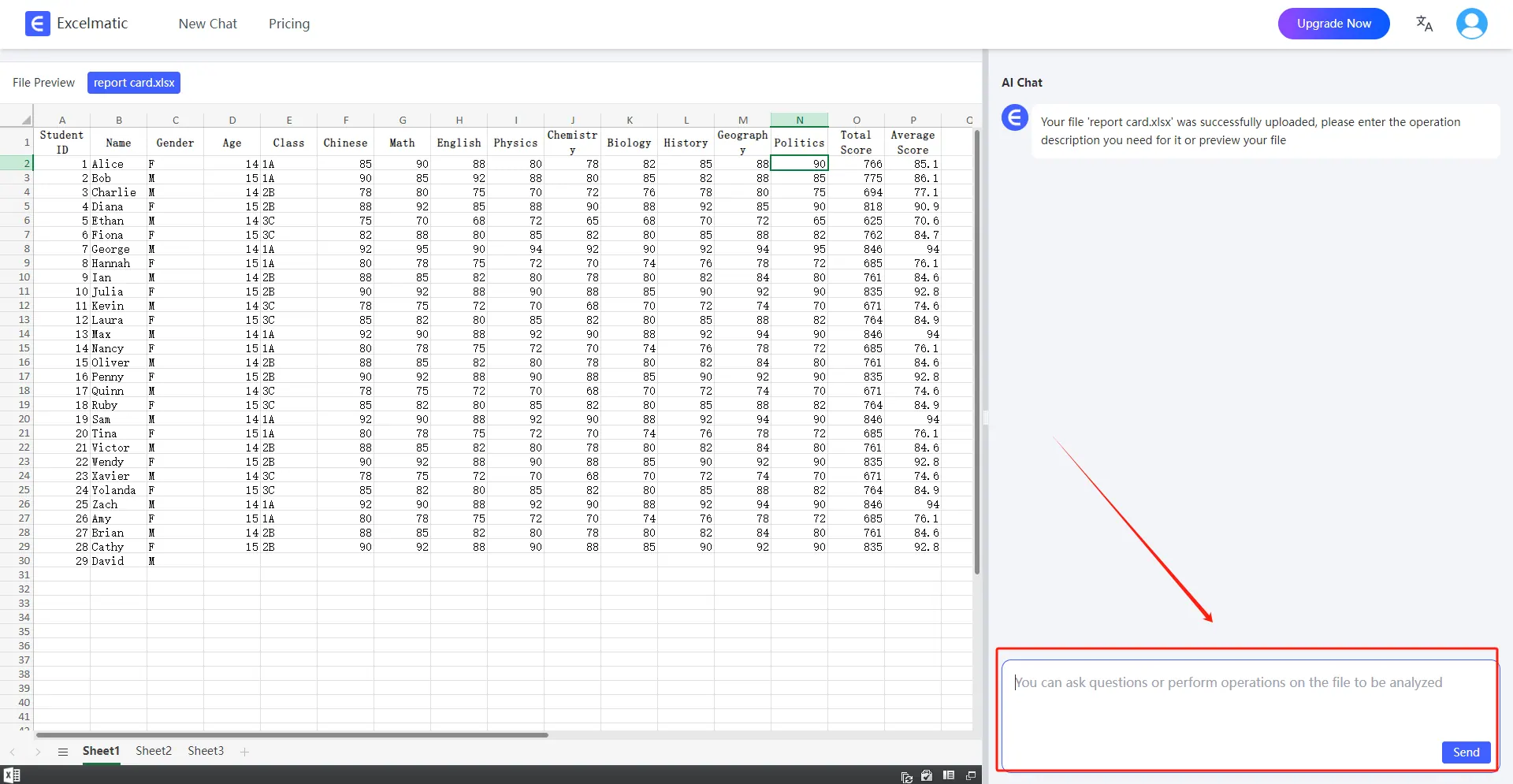
- Natural Language Instructions: Enter
Forecast cash flow for 2025, with a 5% increase in revenue and a 3% increase in costs, and flag funding shortages.
- Smart Generation:
- The AI automatically identifies data fields (such as revenue, expenses, and dates).
- Generates a forecast table with confidence intervals and key risk indicators.
- Outputs a downloadable report.
Comparison of Traditional Excel vs. Excel AI
| Comparison Dimension | Traditional Excel | RowSpeak |
|---|---|---|
| Time Efficiency | 4-8 hours per session | 5-10 minutes per session |
| Error Rate | High (dependent on manual input) | Low (AI automatically verifies data logic) |
| Dynamic Updates | Need to readjust formulas | Automatically updates model after new data upload |
| In-depth Analysis | Basic trend charts | Risk alerts, confidence intervals, multi-dimensional comparisons |
RowSpeak's Core Advantages
- User-Friendly: No formula knowledge required; complex analyses can be completed with natural language instructions.
- Efficient and Accurate: AI processes large amounts of data in real-time, reducing human errors.
- Forward-Looking Insights: Provides risk warnings and scenario simulations to support data-driven decision-making.
Try RowSpeak for free immediately and experience how AI makes financial analysis smarter!