In the dynamic world of finance and business analysis, understanding and calculating the operating profit margin is crucial for assessing the efficiency and profitability of a company. This metric provides valuable insights into how well a business is managing its core operations. Traditionally, calculating the operating profit margin in Excel has been a manual and time-consuming process. However, with advancements in AI technology, tools like RowSpeak have revolutionized this process, making it faster and more efficient. In this blog post, we will explore how to calculate the operating profit margin using both traditional Excel methods and the innovative AI-powered solution provided by RowSpeak.
Understanding Operating Profit Margin
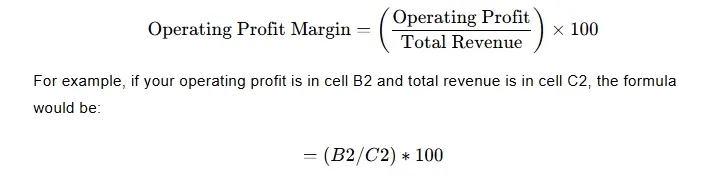
The operating profit margin is a financial metric that measures the profitability of a company's core business operations. It is calculated by dividing the operating profit by the total revenue and multiplying the result by 100 to express it as a percentage. This ratio indicates how much profit a company generates from its core operations relative to its total revenue. A higher operating profit margin generally indicates better operational efficiency and cost management.
Traditional Method: Calculating Operating Profit Margin in Excel
Calculating the operating profit margin in Excel involves several steps. Here’s a step-by-step guide to help you through the process:
Prepare Your Data: Ensure you have the necessary financial data, including total revenue and operating profit, in your Excel spreadsheet.
Calculate Operating Profit: If not already provided, calculate the operating profit by subtracting operating expenses from gross profit.
Calculate Operating Profit Margin: In a new cell, use the formula:
- Format the Result: Format the cell to display the result as a percentage for better readability.
This traditional method, while effective, can be time-consuming and prone to errors, especially when dealing with large datasets.
Using RowSpeak for Operating Profit Margin Calculation
RowSpeak, an AI-powered tool, simplifies the process of calculating the operating profit margin. With its natural language processing capabilities, you can obtain accurate results with minimal effort. Here’s how you can use RowSpeak to calculate the operating profit margin:
Upload Your Excel File: Visit the RowSpeak website and upload your Excel file containing the financial data.
Ask a Natural Language Question: Once the file is uploaded, simply type a question in the query box. For example:
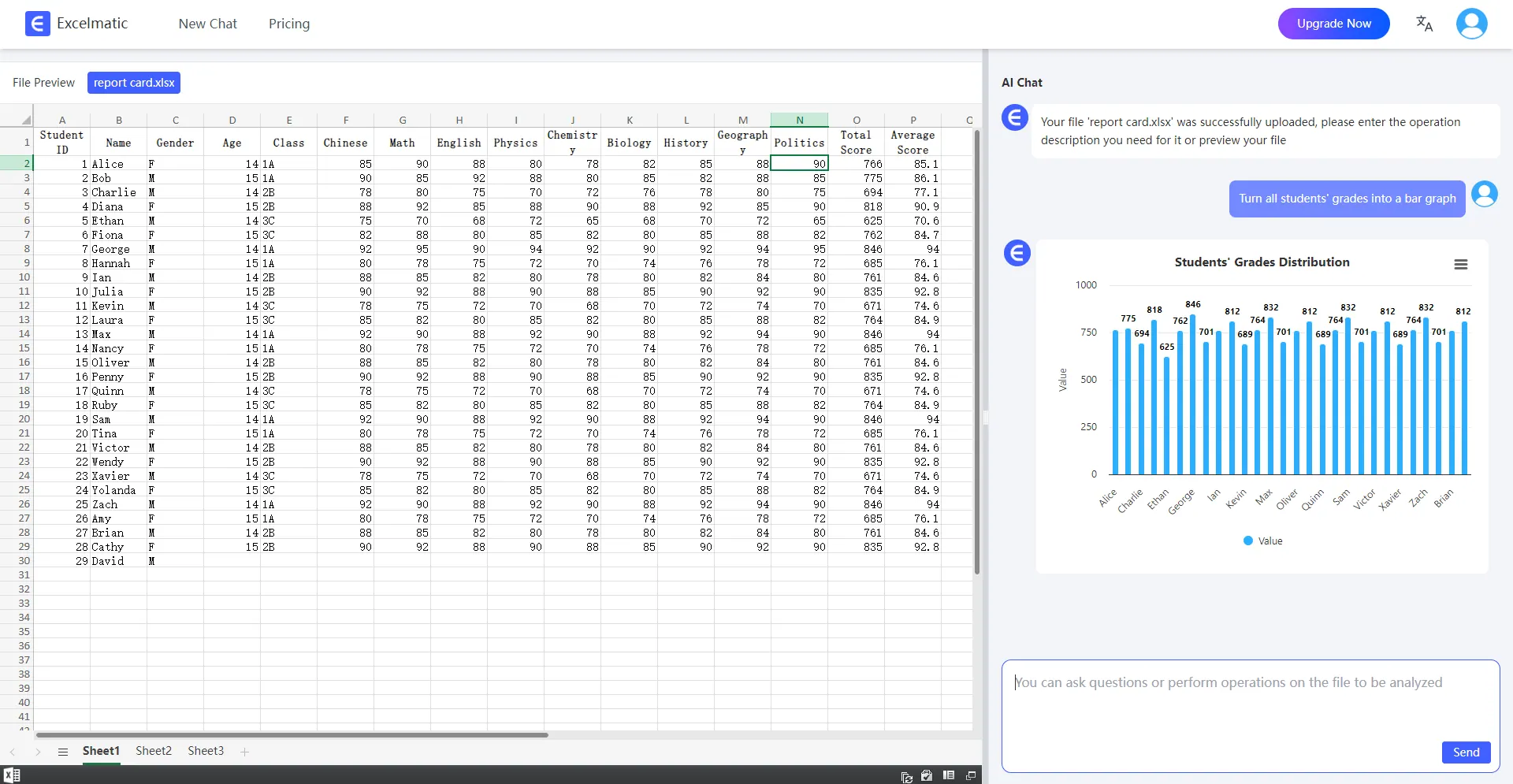
What is the operating profit margin for this dataset?Get Instant Results: RowSpeak will process your request and provide the operating profit margin along with a detailed breakdown and visual representation.
Advantages of Using RowSpeak
Time Efficiency: RowSpeak automates the calculation process, saving you valuable time.
Accuracy: Reduces the risk of human error associated with manual calculations.
Ease of Use: Requires no advanced Excel skills or knowledge of complex formulas.
Dynamic Visualization: Provides instant visual representations of your data, making it easier to understand and present.
How to Use RowSpeak
- Register and Login: Sign up for an account on the RowSpeak website.
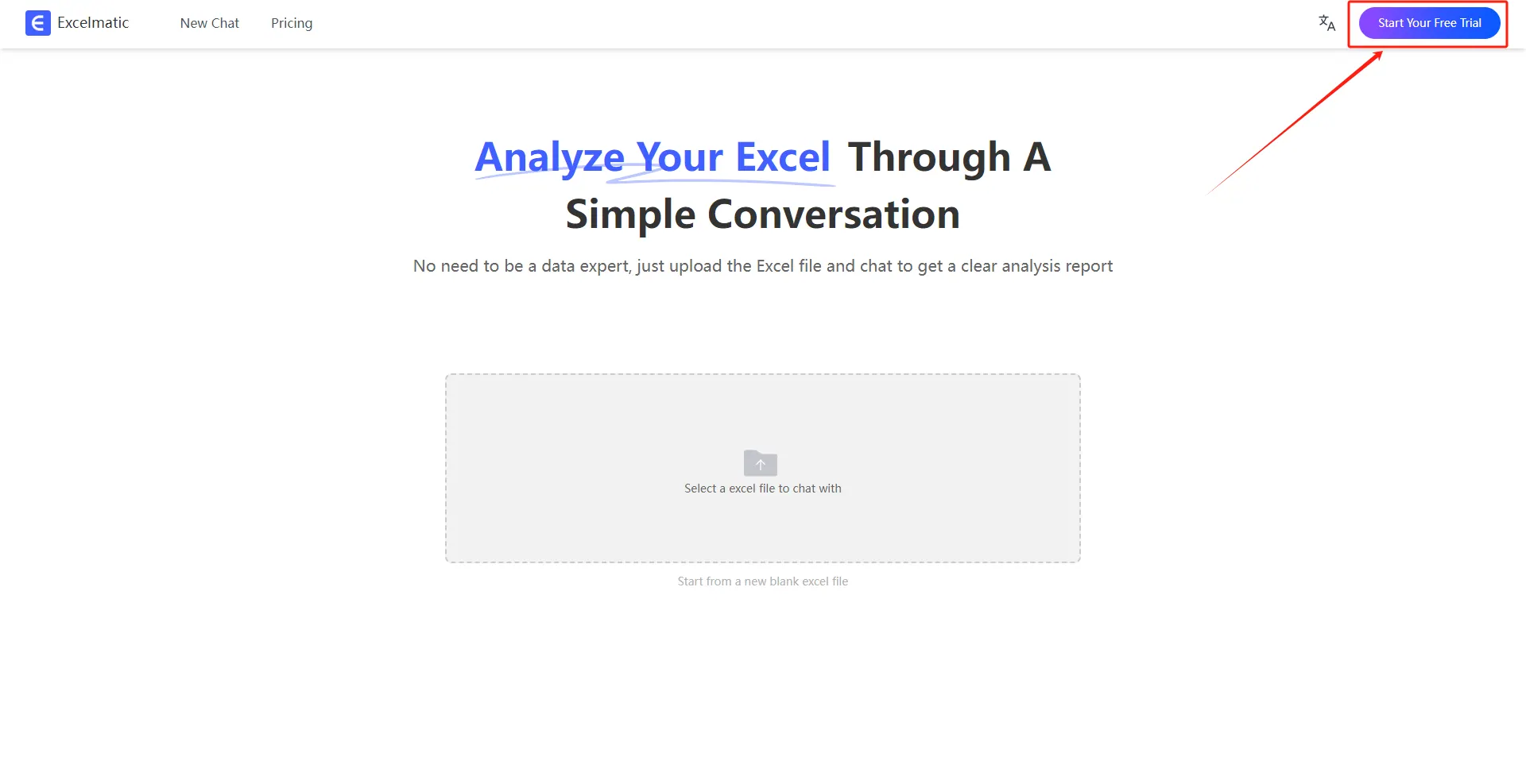
- Upload Your File: Upload your Excel file containing the necessary financial data.

- Ask Your Question: Use natural language to ask your question about the operating profit margin.
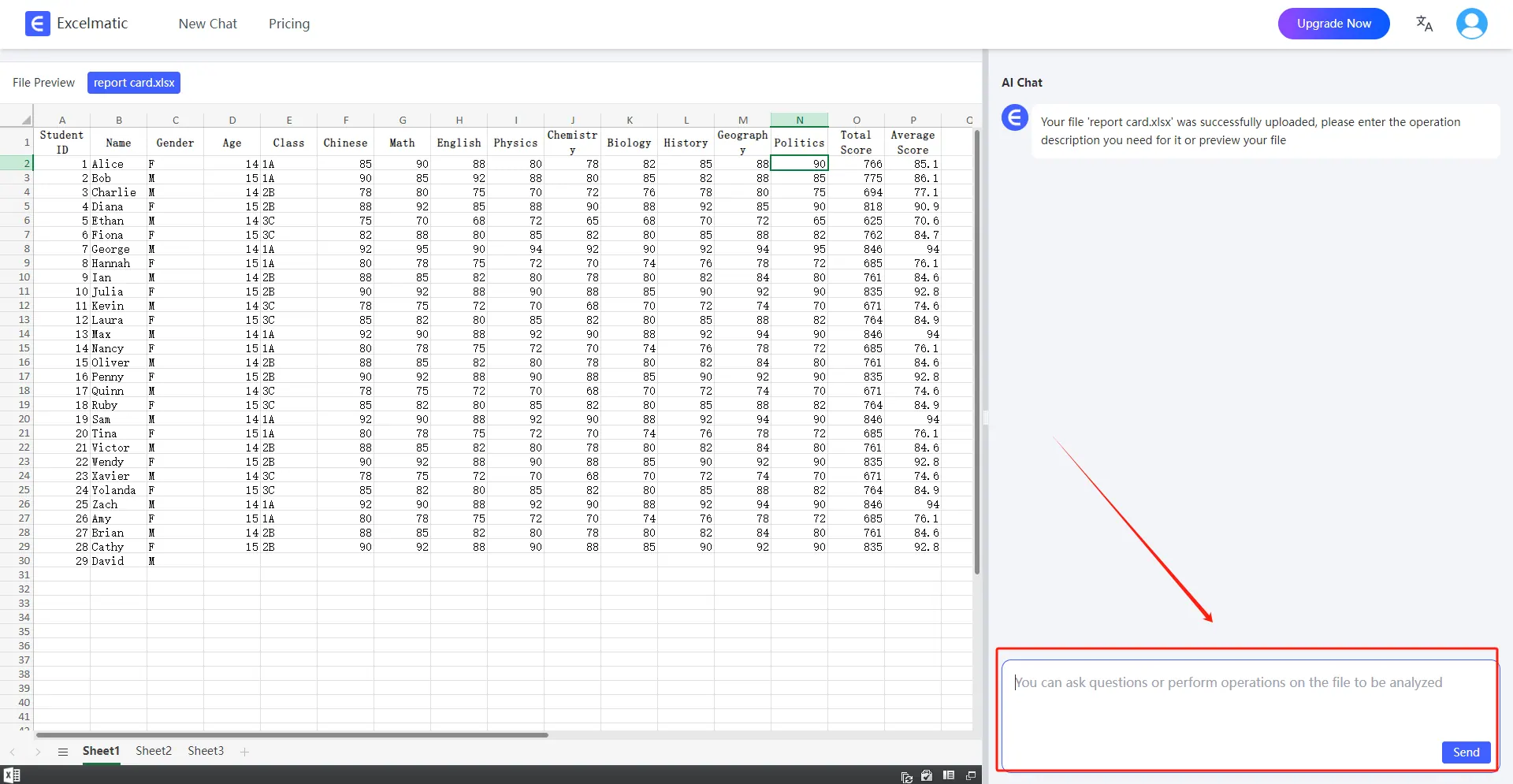
- Review the Results: RowSpeak will provide the calculated operating profit margin along with a detailed report and visual charts.
Conclusion
Calculating the operating profit margin is essential for understanding the operational efficiency of a business. While traditional methods in Excel are effective, they can be time-consuming and prone to errors. RowSpeak, with its AI-powered capabilities, offers a faster, more accurate, and user-friendly alternative. By leveraging RowSpeak, you can streamline your financial analysis and focus on making informed business decisions. Try RowSpeak today and experience the future of financial analysis!