In today's fast-changing financial world, accurately predicting an investment's future value is crucial for financial planning. Excel, a powerful spreadsheet tool, combined with AI technology, can significantly enhance our ability to calculate and predict future investment values. This article will guide you on using Excel's built-in functions and AI tools to simplify and optimize financial calculations.
Understanding Future Investment Value
Future Investment Value (FIV) refers to the amount an investment will grow to after a certain period at a specific interest rate. The basic formula is:
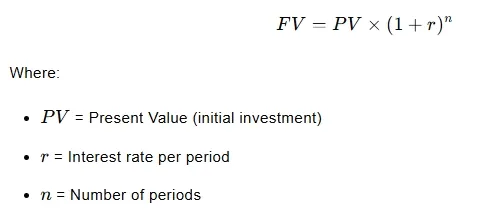
Where:
- ( PV ) = Present Value (initial investment)
- ( r ) = Interest rate per period
- ( n ) = Number of periods
Calculating Future Investment Value Using Excel's FV Function
Excel simplifies this calculation with its FV function, which has the syntax:
=FV(rate, nper, pmt, [pv], [type])
- rate: Interest rate per period
- nper: Total number of periods
- pmt: Payment per period (optional)
- pv: Present value or initial investment (optional)
- type: Payment timing (0 = end of period, 1 = beginning of period)
Example Calculation
To calculate the future value of a $10,000 investment after 5 years at an annual interest rate of 6%, compounded annually, use:
=FV(0.06, 5, 0, -10000)
This formula returns the future value after 5 years.
Data Visualization in Excel
Presenting data in a table format makes complex calculations easier to understand. Here's an example table structure:
| Parameter | Value |
|---|---|
| Present Value | $10,000 |
| Annual Interest Rate | 6% |
| Number of Years | 5 |
| Future Value | $13,382.26 |
Calculating Future Investment Value with RowSpeak
RowSpeak is an AI-powered tool that further simplifies calculations through natural language dialogues. Here's how to calculate future investment value using RowSpeak:
- Upload Excel File: Upload your Excel file containing the data to the RowSpeak platform.
- Natural Language Query: Enter a question like "Calculate future investment value" in RowSpeak.
- Instant Results: RowSpeak automatically processes your request and displays the calculated result.
Advantages of RowSpeak
- Automated Data Entry: AI automatically inputs data from various sources, reducing manual errors and saving time.
- Predictive Analysis: AI algorithms analyze historical data to predict future trends, helping you make smarter investment decisions.
- Scenario Analysis: Use AI to simulate different economic scenarios and their impact on investments.
Calculation Method in RowSpeak
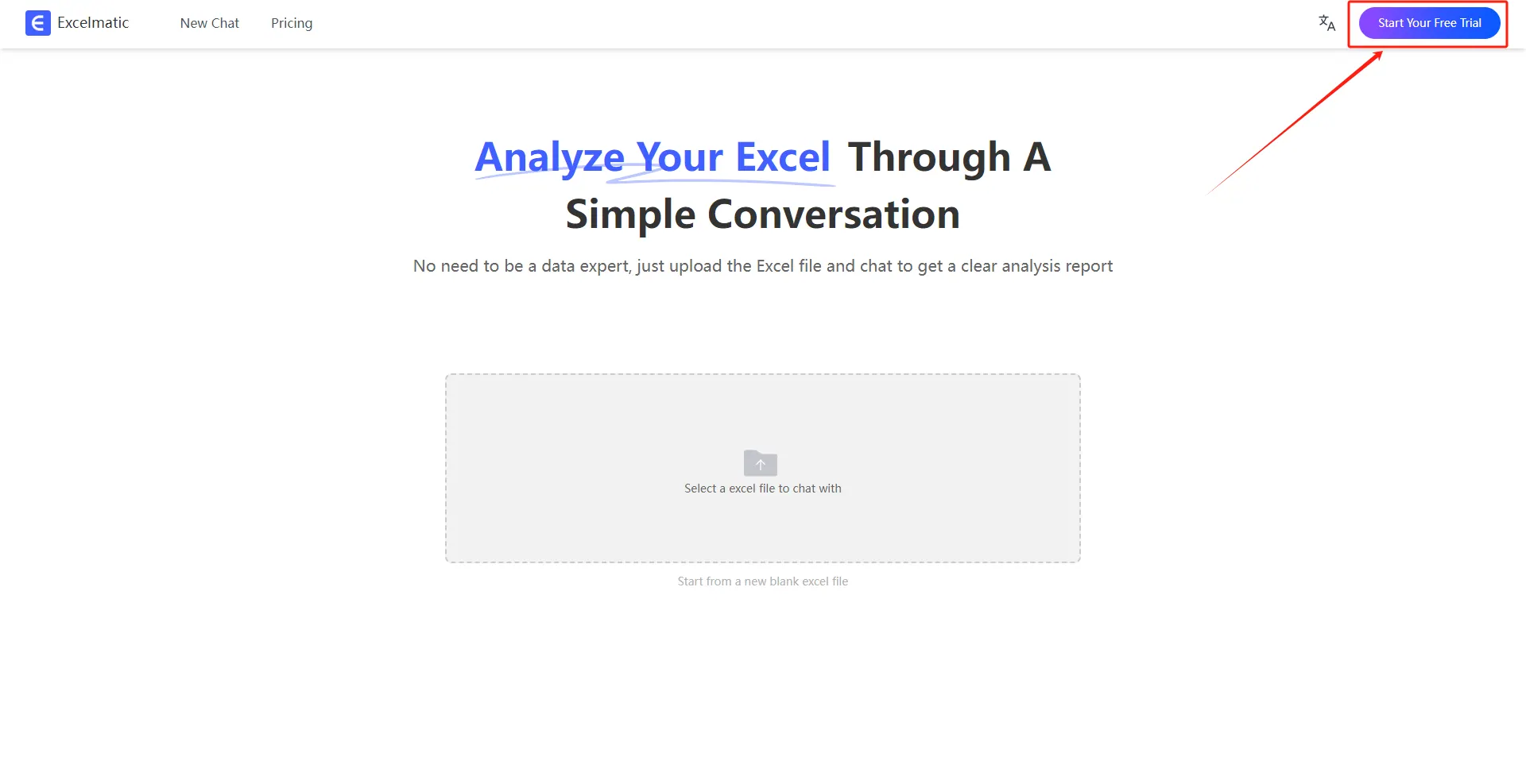
1.Register and Log In
Visit the RowSpeak website and log in to your account.
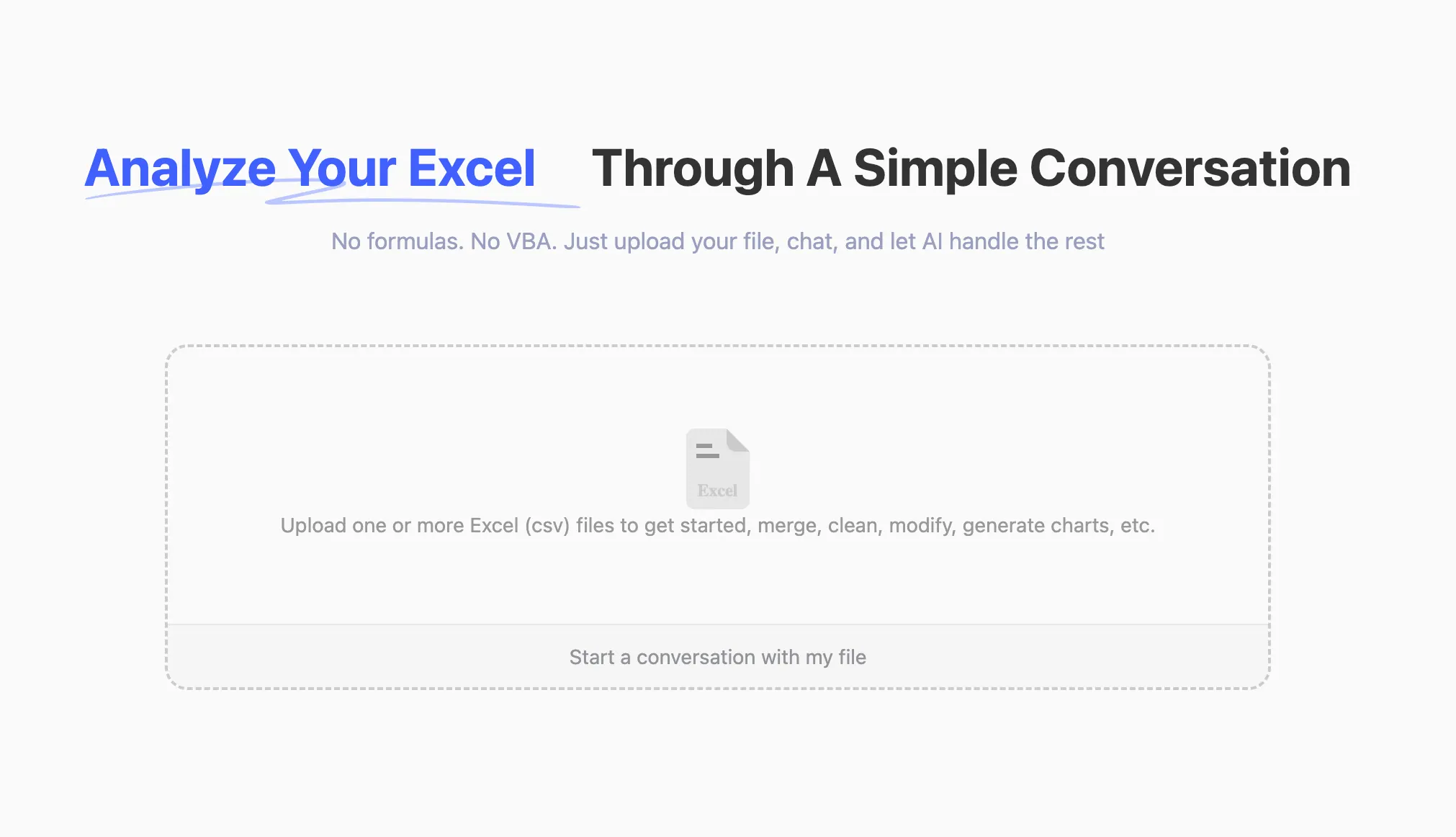
2.Upload Excel Files
Upload your Excel files to RowSpeak. The system supports all common formats, including .xlsx, .xls, and .csv.
3.Ask Questions in Natural Language
Once your file is uploaded, you can start asking questions in natural language. For example: “Help me count the total sales each month.”
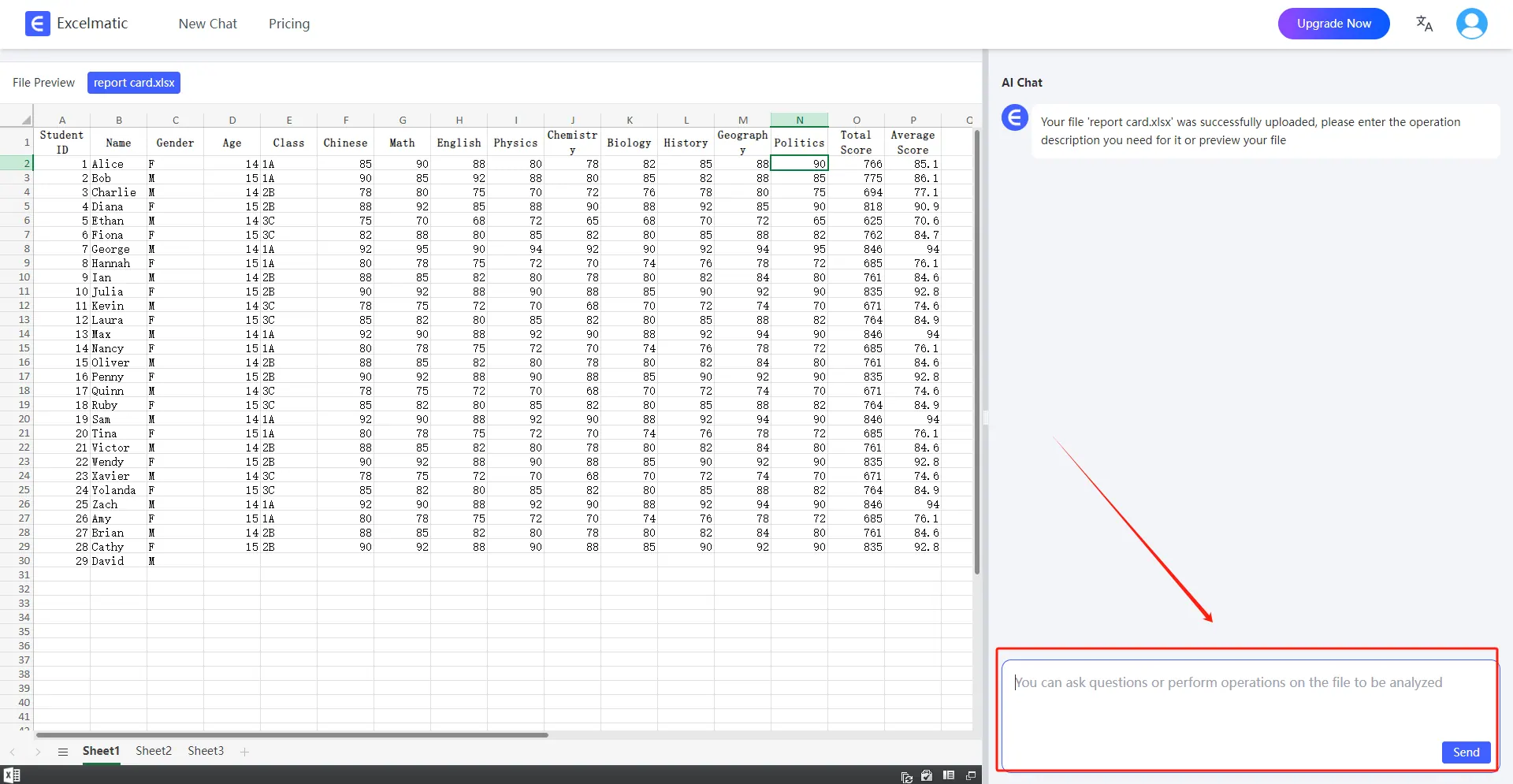
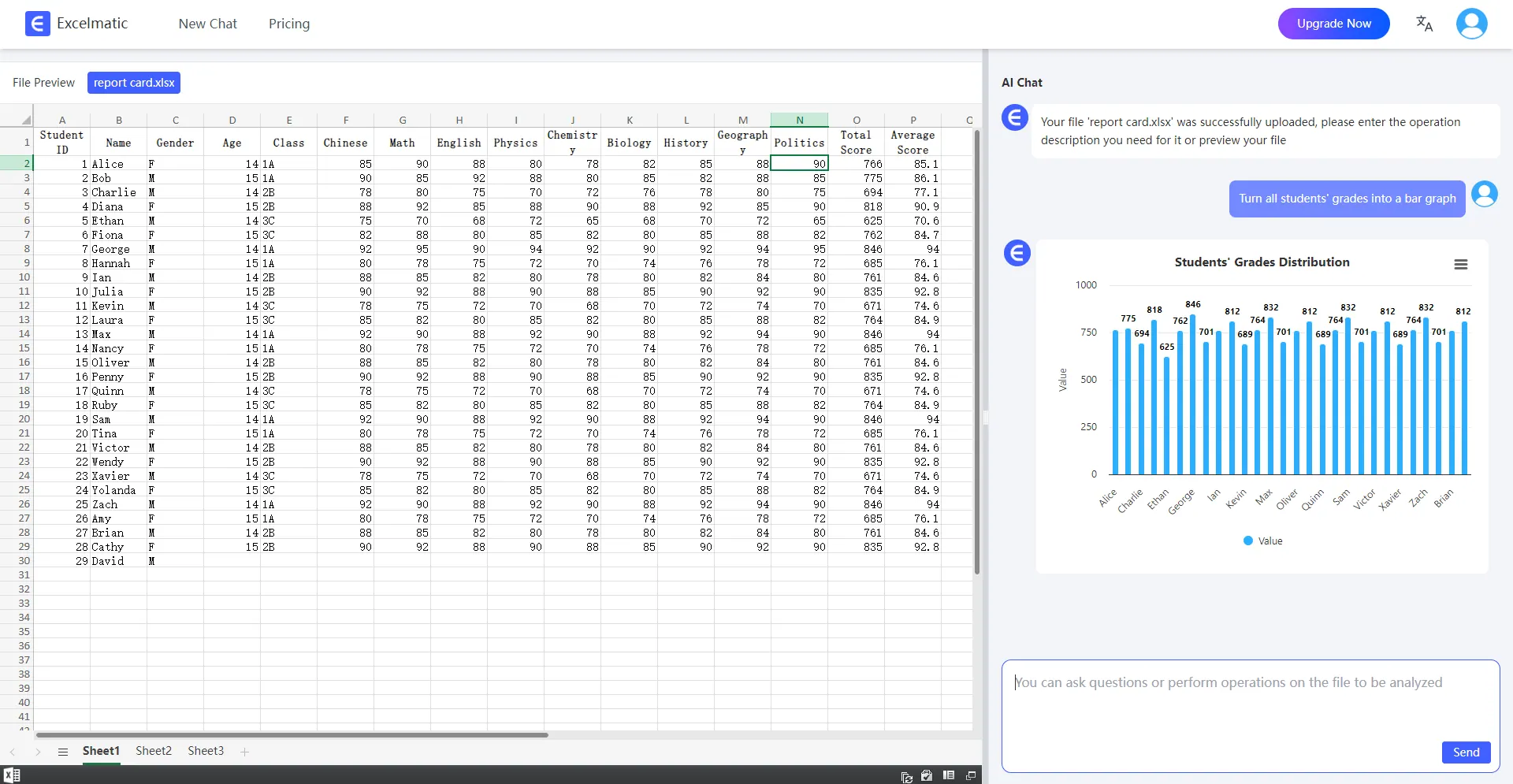
4.Get Analysis Reports
RowSpeak will immediately process your request and generate detailed analysis reports. These reports highlight key metrics and trends, provide data interpretations and recommendations, and support automatic data visualization charts.
Conclusion
Calculating future investment value is a key part of financial planning. By combining traditional Excel methods with RowSpeak's AI capabilities, you can perform financial predictions more efficiently and accurately. RowSpeak not only simplifies data entry and calculations but also supports your investment decisions with predictive analysis. Try RowSpeak now to experience the convenience of intelligent financial analysis!