How to Use AI in Excel: Unlocking the Power of RowSpeak

Excel has long been a go-to tool for data analysis, but mastering formulas, pivot tables, and complex functions can be challenging. What if you could use AI to simplify Excel tasks? That’s exactly what RowSpeak does—it allows users to analyze data, generate reports, and extract insights using natural language commands instead of complex formulas.

Why Use AI in Excel?

Integrating AI into Excel brings several advantages:

  • ✅ Faster Data Processing – Automate sorting, filtering, and analysis.

  • ✅ No Need for Complex Formulas – Get insights without writing functions.

  • ✅ Visual Reports Instantly – Generate charts and summaries with a single request.

  • ✅ Smart Decision Support – AI highlights key trends and patterns.

How to Use RowSpeak

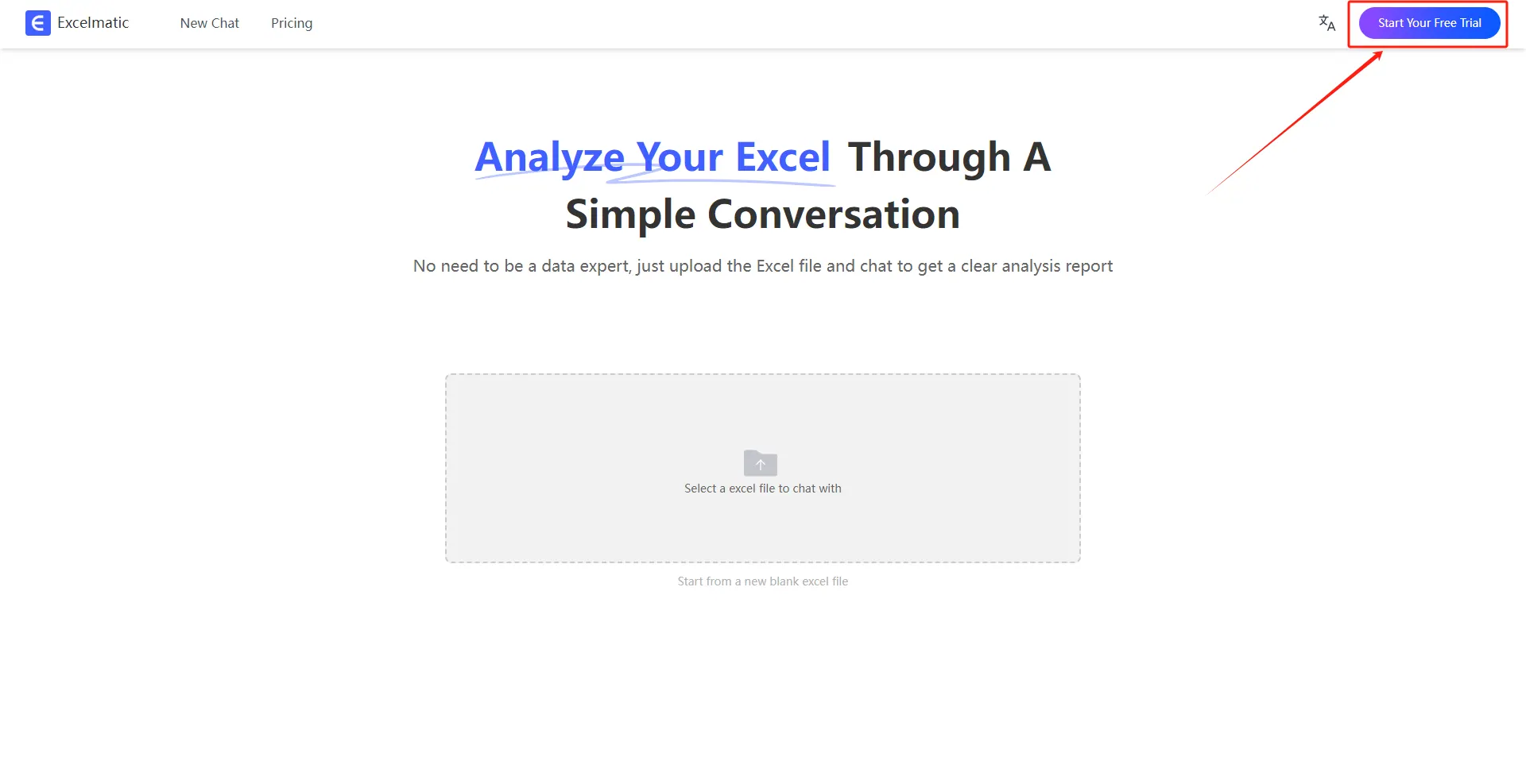
Step 1: Sign Up & Log In

Go to the RowSpeak website, sign up, and log in to your account.
register login

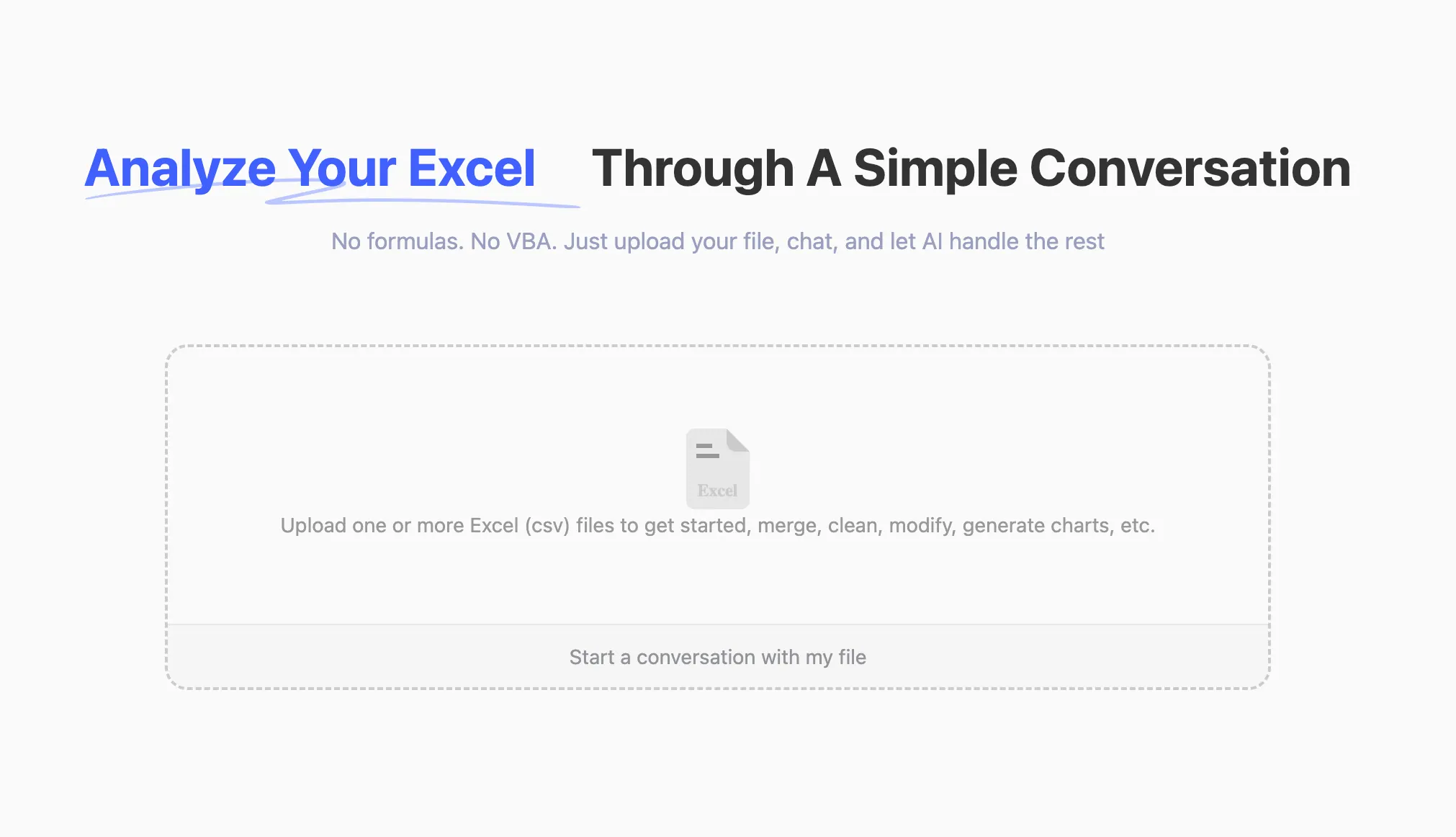
Step 2: Upload Your Excel File

Upload any Excel file (.xlsx, .xls, .csv). RowSpeak supports all common formats.
upload

Step 3: Ask Questions in Natural Language

Instead of manually applying formulas, just type your request!
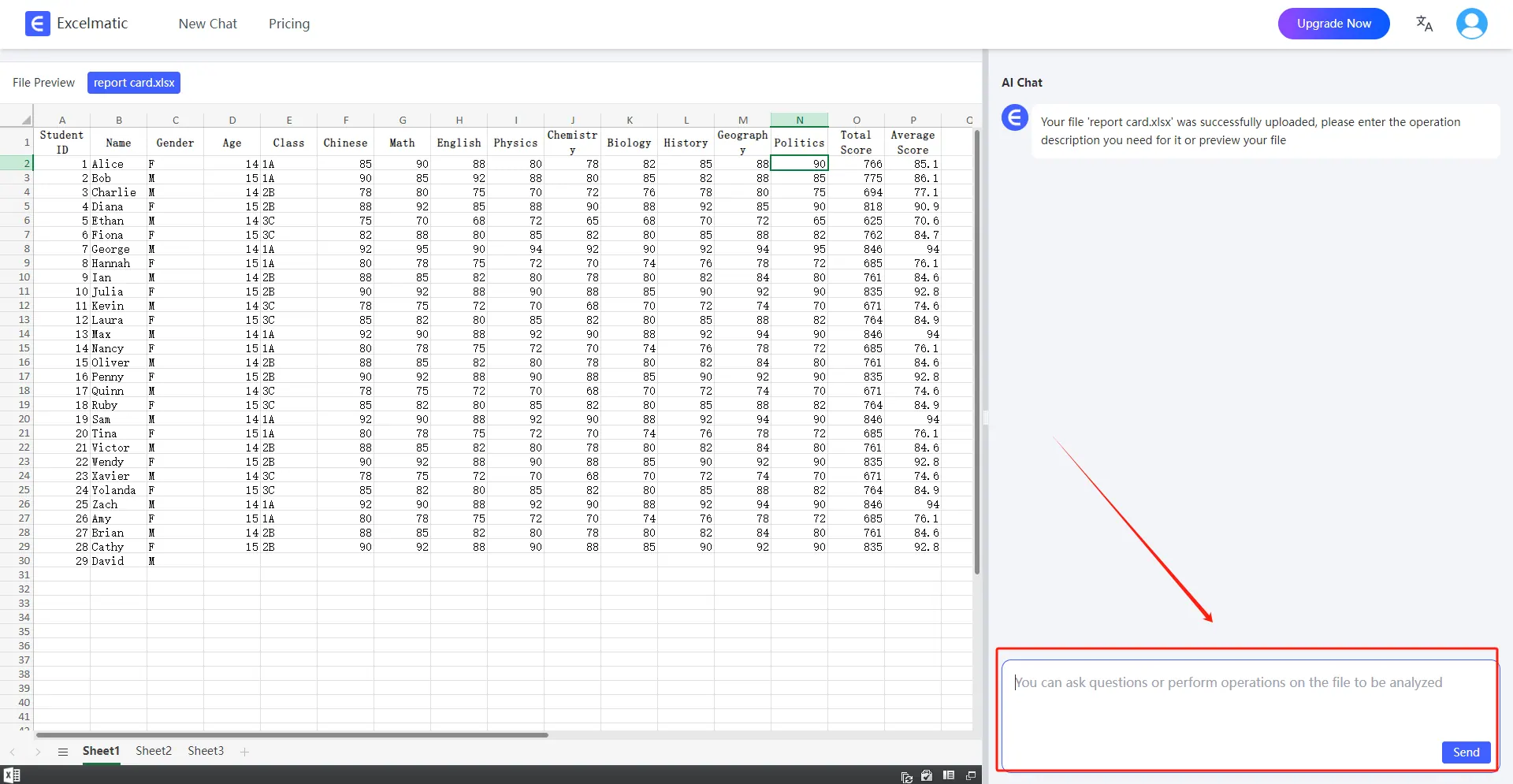
ask question

  • 👉 Example 1: Calculate the total sales for each month.

  • 👉 Example 2: Find the top 5 best-selling products.

  • 👉 Example 3: Generate a Bar Chart for quarterly revenue.

Step 4: Get Instant Insights

RowSpeak will process your request and return:
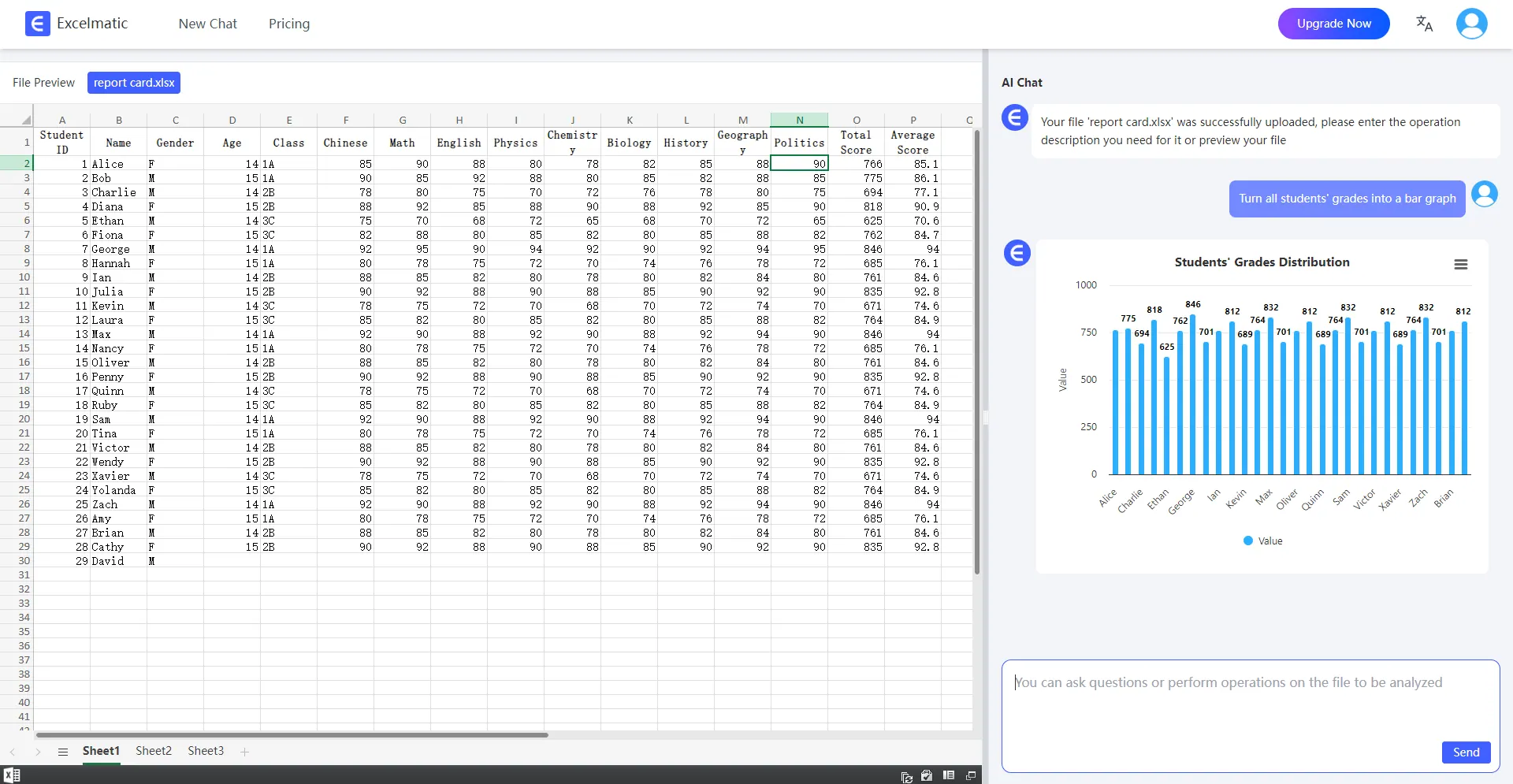
analysis

  • ✔️ Detailed Reports – Key statistics and metrics.

  • ✔️ Automated Charts – Bar Charts, pie charts, and trend lines.

  • ✔️ Smart Suggestions – AI-driven insights on data trends.

Use Case Examples

Financial Analysis – Track expenses, profits, and budget trends.

Market Research – Analyze customer behavior and sales performance.

Project Management – Monitor deadlines, resources, and budget allocation.

Personal Finance – Manage household budgets and investments.

Conclusion

AI-powered Excel tools like RowSpeak eliminate the need for manual data crunching and complex formulas. Whether you’re a beginner or an experienced analyst, AI makes working with Excel easier, faster, and smarter. Try RowSpeak today and transform how you work with data!

Ditch Complex Formulas – Get Insights Instantly

No VBA or function memorization needed. Tell RowSpeak what you need in plain English, and let AI handle data processing, analysis, and chart creation

Try RowSpeak Free Now

Recommended Posts

How to Analyze Sales Data in Minutes: A Step-by-Step Guide with RowSpeak Excel AI
Excel Tips

How to Analyze Sales Data in Minutes: A Step-by-Step Guide with RowSpeak Excel AI

Discover how RowSpeak’s AI transforms Excel sales data analysis with speed, accuracy, and ease—no formulas required.

Tony
How to Use AI to Instantly Analyze Excel Data (No Coding Needed!)
Excel Tips

How to Use AI to Instantly Analyze Excel Data (No Coding Needed!)

Want to analyze Excel data with AI but hate formulas? Learn how RowSpeak turns your spreadsheets into insights with just a question.

Sally
How to Use Excel AI for Predictive Customer Lifetime Value
Excel Tips

How to Use Excel AI for Predictive Customer Lifetime Value

How to Use Excel AI for Predictive Customer Lifetime Value

Sally
How to Improve ROI Calculations with Excel AI
Excel Tips

How to Improve ROI Calculations with Excel AI

How to Improve ROI Calculations with Excel AI

Sally
How to Calculate Future Investment Value in Excel with AI in 2025
Excel Tips

How to Calculate Future Investment Value in Excel with AI in 2025

This article will guide you on using Excel's built-in functions and AI tools to simplify and optimize financial calculations.

Sally
How to delete duplicates in Excel
Excel Tips

How to delete duplicates in Excel

let me introduce you to a powerful and simple method -- the use of RowSpeak to remove duplicate content in Excel.

Sally
Save Hours with These 4 ChatGPT + Excel Tips (and How RowSpeak Does It in One Sentence)
Excel Tips

Save Hours with These 4 ChatGPT + Excel Tips (and How RowSpeak Does It in One Sentence)

Discover how to use ChatGPT to write Excel formulas—and how RowSpeak takes it further by automating the entire process with natural language. Say goodbye to templates and hello to smart spreadsheets.

Sally
AI Meets Excel: RowSpeak is Here for Smarter Data Handling
Excel Tips

AI Meets Excel: RowSpeak is Here for Smarter Data Handling

Now, RowSpeak, driven by AI, is here to make Excel data analysis simple and intelligent

Sally