Key takeaways:
- A useful Excel dashboard example starts with a business question, not a chart type.
- Sales, finance, inventory, marketing, project, support, and leadership dashboards each need different fields and checks.
- RowSpeak can turn Excel or CSV exports into dashboard drafts that your team can review before sharing.
Excel dashboard examples are most useful when they show what the dashboard should help someone decide.
A sales dashboard should show revenue risk. A finance dashboard should explain variance. An inventory dashboard should point to stock action. A leadership dashboard should reduce detail, not add more.
Below are seven Excel dashboard examples you can adapt to your own file. Each example names the business question, the source fields, and a prompt you can use in RowSpeak's Excel-to-dashboard workflow.
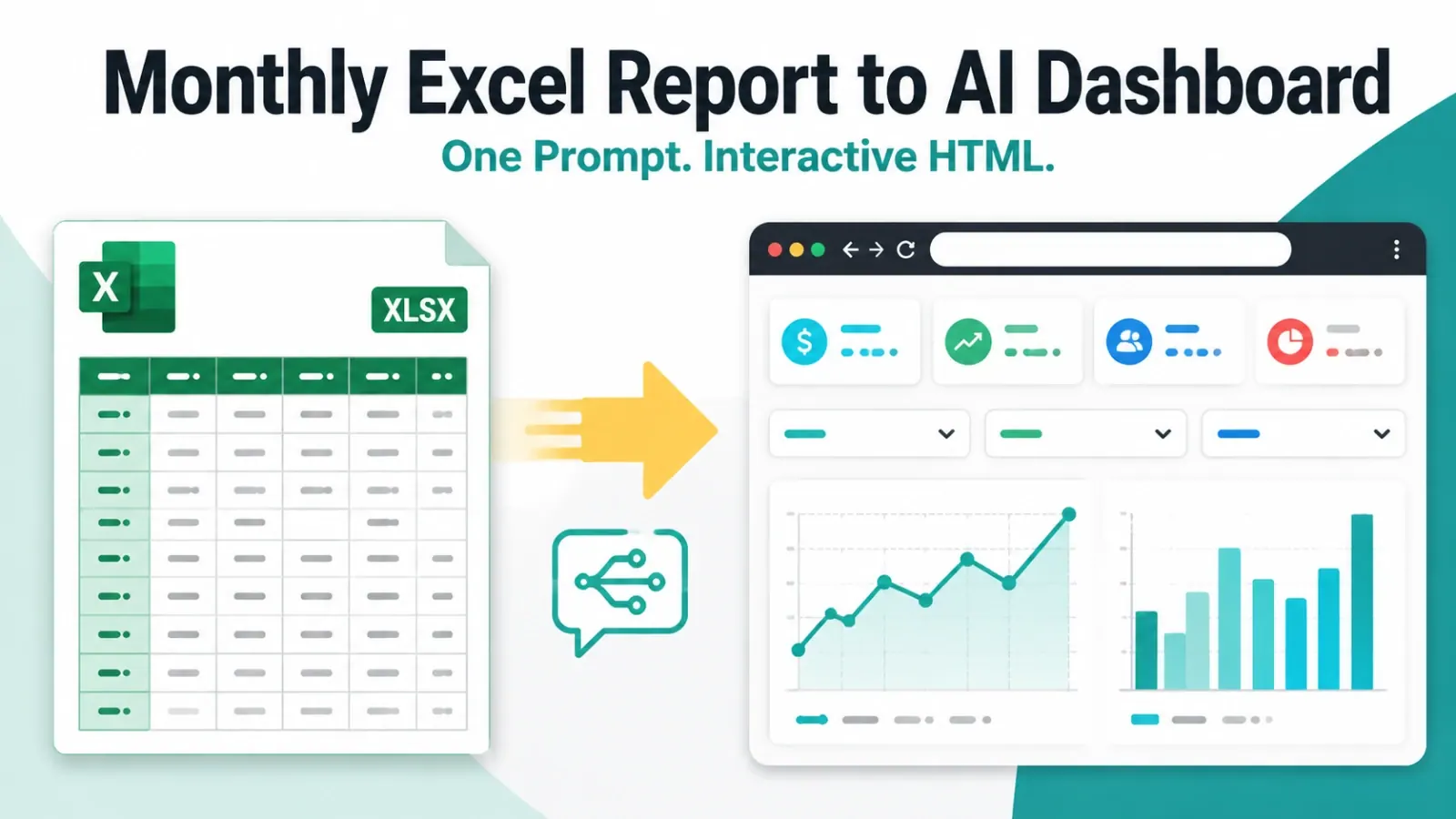
This video shows a set of business dashboard examples created from spreadsheet data.
1. Sales pipeline dashboard
A sales pipeline dashboard helps the team see whether revenue is on track and which deals need attention.
Use it when your source file includes opportunity, account, sales rep, region, stage, amount, close probability, expected close date, and last activity date.
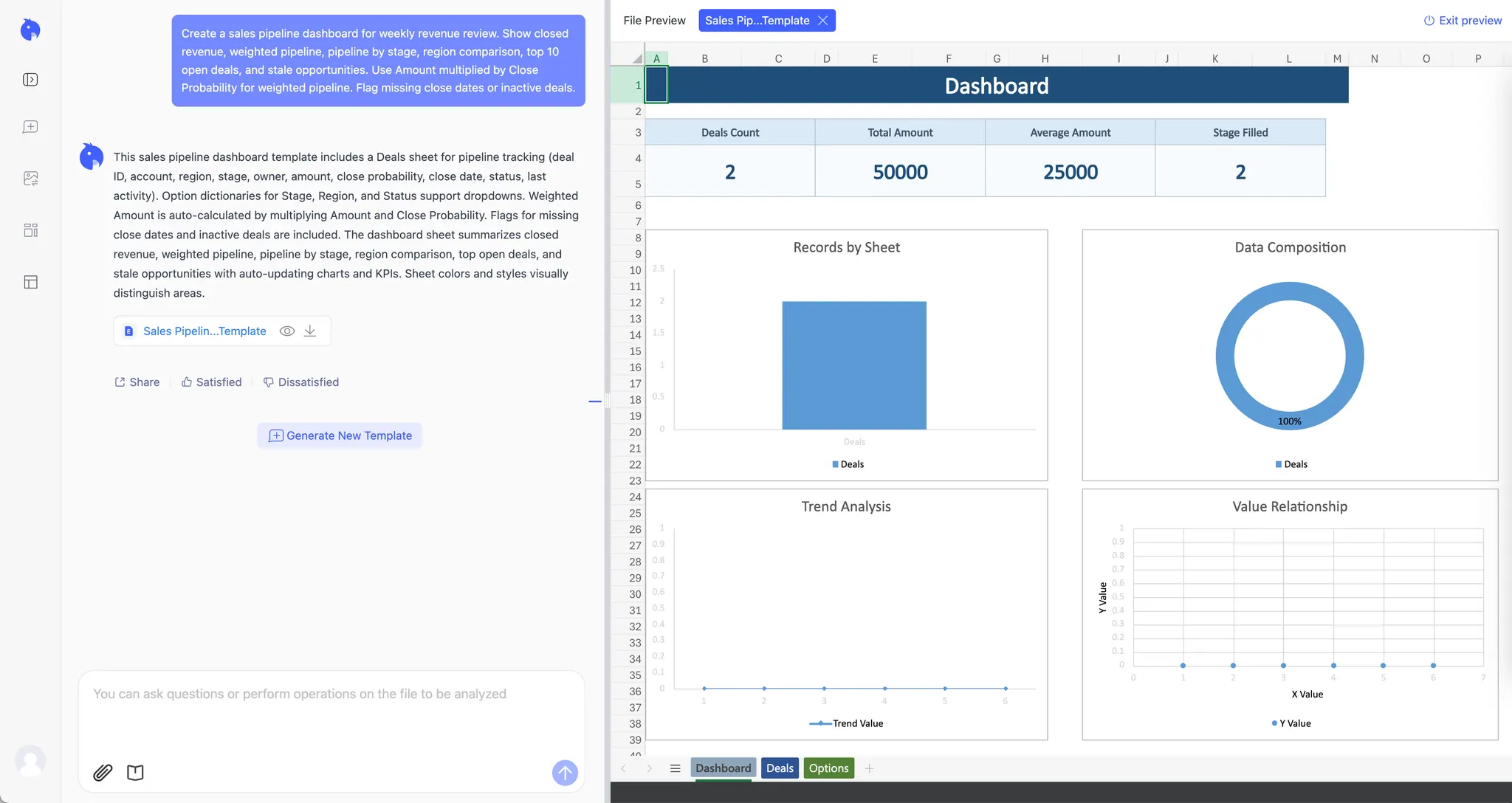
The dashboard should show closed revenue, weighted pipeline, pipeline by stage, revenue by region, top open deals, and stale opportunities.
Create a sales pipeline dashboard for weekly revenue review. Show closed
revenue, weighted pipeline, pipeline by stage, region comparison, top 10
open deals, and stale opportunities. Use Amount multiplied by Close
Probability for weighted pipeline. Flag missing close dates or inactive deals.
Before sharing, check whether the stage probabilities match how your sales team forecasts.
2. Finance budget dashboard
A finance budget dashboard helps managers see which departments or accounts explain the gap between budget and actuals.
Use it when your file includes month, department, account, owner, budget, actual, variance, and notes.
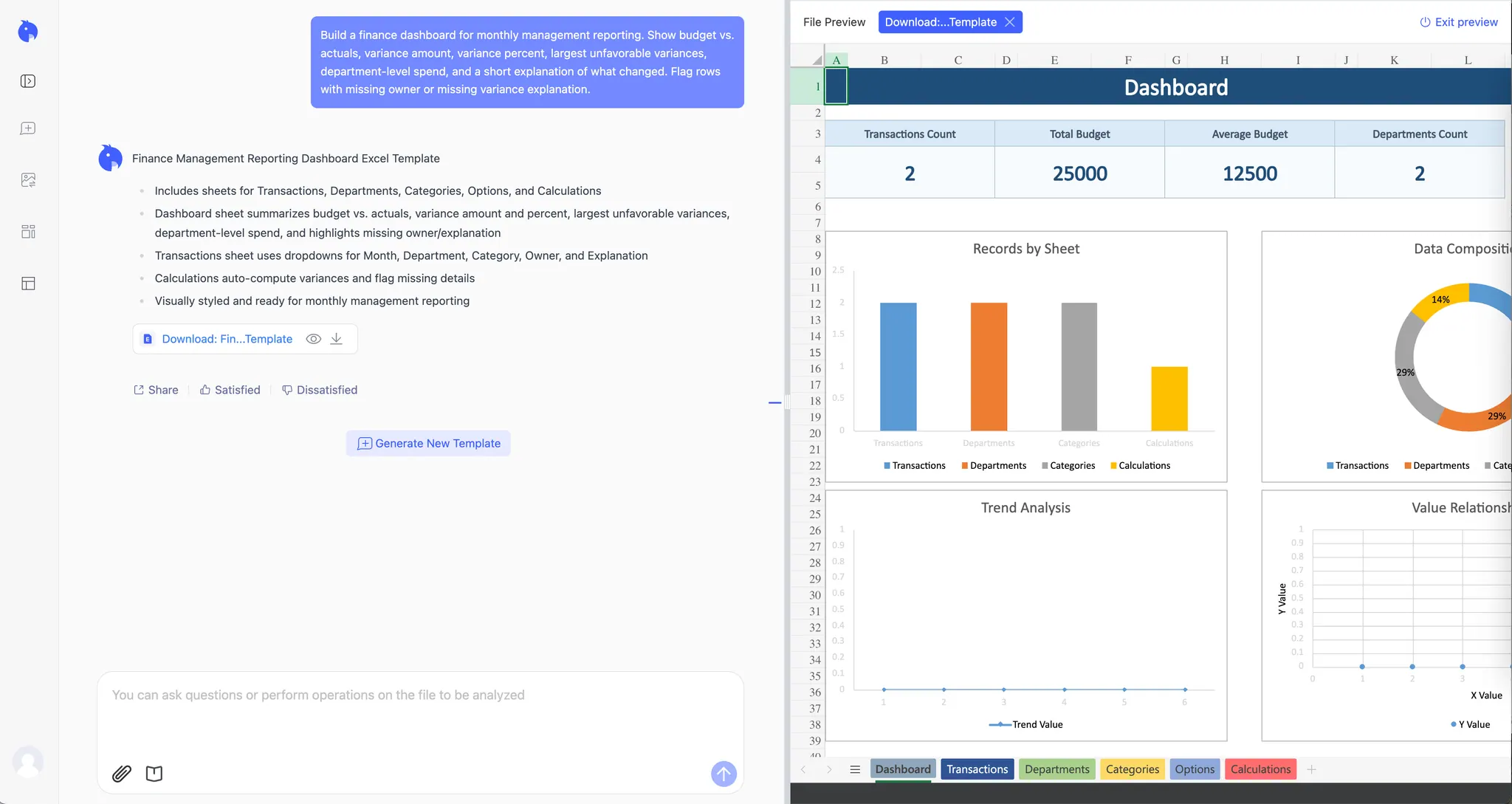
The dashboard should show budget vs. actual, variance amount, variance percent, largest unfavorable variances, department trend, and owner follow-up items.
Build a finance dashboard for monthly management reporting. Show budget vs.
actuals, variance amount, variance percent, largest unfavorable variances,
department-level spend, and a short explanation of what changed. Flag rows
with missing owner or missing variance explanation.
If the output needs a written narrative for leadership, connect it to an AI reporting workflow.
3. Inventory exception dashboard
An inventory dashboard should show action, not just stock counts.
Use it when your file includes SKU, product, category, warehouse, stock on hand, reorder point, supplier, last movement date, and unit cost.
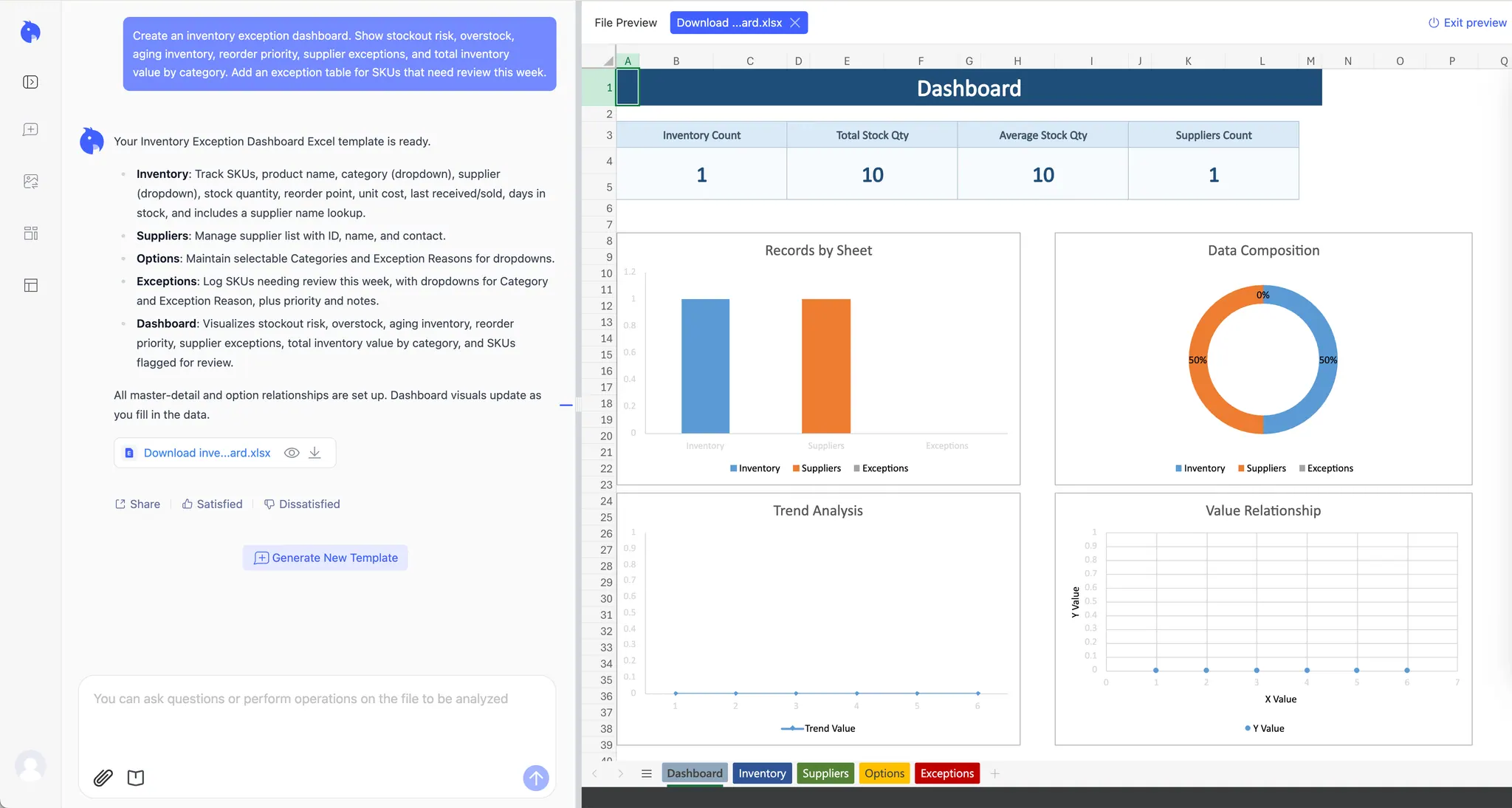
The dashboard should show low-stock SKUs, overstock items, aging inventory, reorder priority, inventory value by category, and supplier exceptions.
Create an inventory exception dashboard. Show stockout risk, overstock,
aging inventory, reorder priority, supplier exceptions, and total inventory
value by category. Add an exception table for SKUs that need review this week.
Before acting on it, confirm that reorder points and aging buckets are real business rules.
4. Marketing performance dashboard
A marketing dashboard helps the team decide where budget should change.
Use it when your file includes date, campaign, channel, spend, impressions, clicks, leads, opportunities, and revenue.
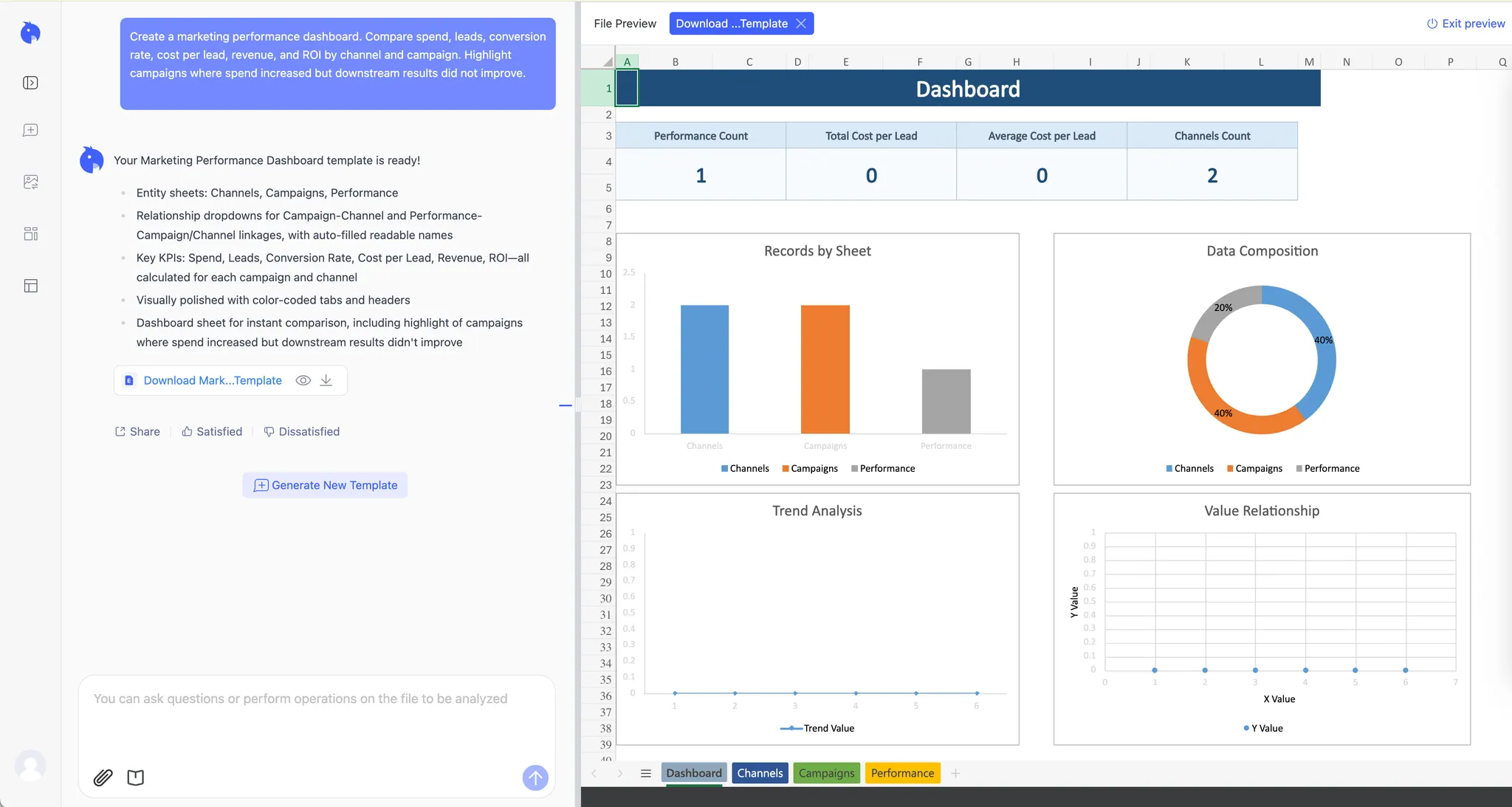
The dashboard should compare spend, leads, conversion rate, cost per lead, revenue or pipeline, and ROI by campaign.
Create a marketing performance dashboard. Compare spend, leads, conversion
rate, cost per lead, revenue, and ROI by channel and campaign. Highlight
campaigns where spend increased but downstream results did not improve.
Before using the dashboard for budget decisions, check the attribution rule. Lead volume and revenue impact are not the same thing.
5. Project status dashboard
A project dashboard helps the team see blocked, late, or ownerless work.
Use it when your file includes task, owner, status, priority, start date, due date, dependency, and risk.
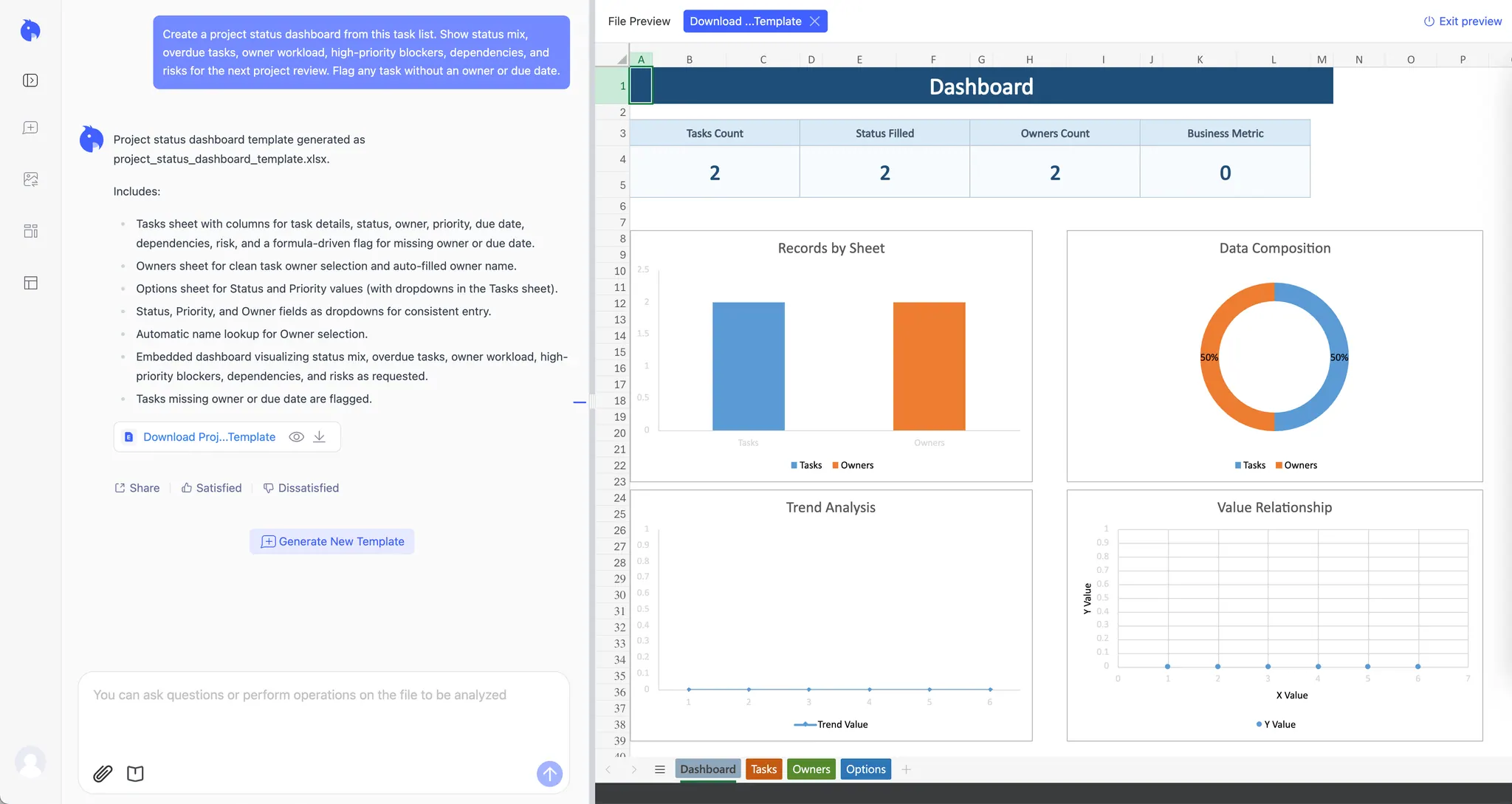
The dashboard should show status mix, overdue tasks, high-priority blockers, owner workload, dependency risks, and next review items.
Create a project status dashboard from this task list. Show status mix,
overdue tasks, owner workload, high-priority blockers, dependencies, and
risks for the next project review. Flag any task without an owner or due date.
 Before sharing, clean status labels.
 In progress, In-progress, and Working should not become separate categories.
6. Support operations dashboard
A support dashboard helps the team see whether customer issues are being resolved fast enough.
Use it when your file includes ticket ID, created date, closed date, status, priority, category, owner, and SLA status.
The dashboard should show open backlog, backlog trend, SLA misses, tickets by category, priority distribution, and owner workload.
Create a support dashboard. Show open backlog, SLA misses, tickets by
category, priority distribution, owner workload, and a short summary of
operational risks. Flag tickets that are high priority and close to SLA breach.
Before using time-to-resolution metrics, make sure open and closed tickets are not mixed in the same calculation.
7. Leadership KPI dashboard
A leadership KPI dashboard should show what changed and who owns the next action.
Use it when your file includes period, KPI, target, actual, variance, owner, status, commentary, and next action.
The dashboard should show KPI cards, target vs. actual, status, trend by period, top risks, and owner actions.
Create a leadership KPI dashboard. Show target vs. actual for each KPI,
status by owner, period trend, top risks, and a concise executive summary.
Keep the dashboard focused on actions, not all available detail.
Before sharing, check missing commentary and owner data. A leadership dashboard should hide noise, but not uncertainty.
How to choose the right dashboard example
Choose the dashboard by the meeting.
Use a sales dashboard for revenue review, a finance dashboard for monthly management reporting, an inventory dashboard for operations planning, a marketing dashboard for budget decisions, a project dashboard for delivery review, a support dashboard for customer operations, and a leadership KPI dashboard for executive updates.
For a step-by-step build process, use the guide on how to create a dashboard in Excel with AI. If you already have a file and want to test the workflow directly, start with an online dashboard builder from an Excel file.
FAQ
What are the most common Excel dashboard examples?
Common examples include sales, finance, inventory, marketing, project, support, and leadership KPI dashboards.
What makes a dashboard useful?
It answers a decision question, uses clear KPI definitions, shows the right amount of detail for the audience, and includes enough context for action.
Can AI create these dashboards from Excel?
Yes. RowSpeak can create dashboard drafts from Excel or CSV files. Review KPI logic, filters, charts, and summaries before sharing.
Should I use a template or AI?
Use a template when the file structure and dashboard question are stable. Use AI when the file changes, the question is specific, or you need a first draft quickly.
Try RowSpeak's Excel-to-dashboard workflow when your spreadsheet is ready and you want a dashboard draft that can be checked before the next report or meeting.