Key Takeaways
- Financial Accountability: A standardized Excel template ensures every dollar is accounted for, reducing the risk of fraud or audit red flags.
- Streamlined Workflow: Moving away from paper receipts to a digital tracker accelerates the reimbursement cycle for employees.
- Effortless AI Creation: Use RowSpeak Template Generation to build a custom-fit expense tracker tailored to your specific industry needs.
- Ready-to-Use Assets: If you need a quick start, you can browse and download professional layouts from our massive template library.
Master Your Corporate Spending, Not the Spreadsheet
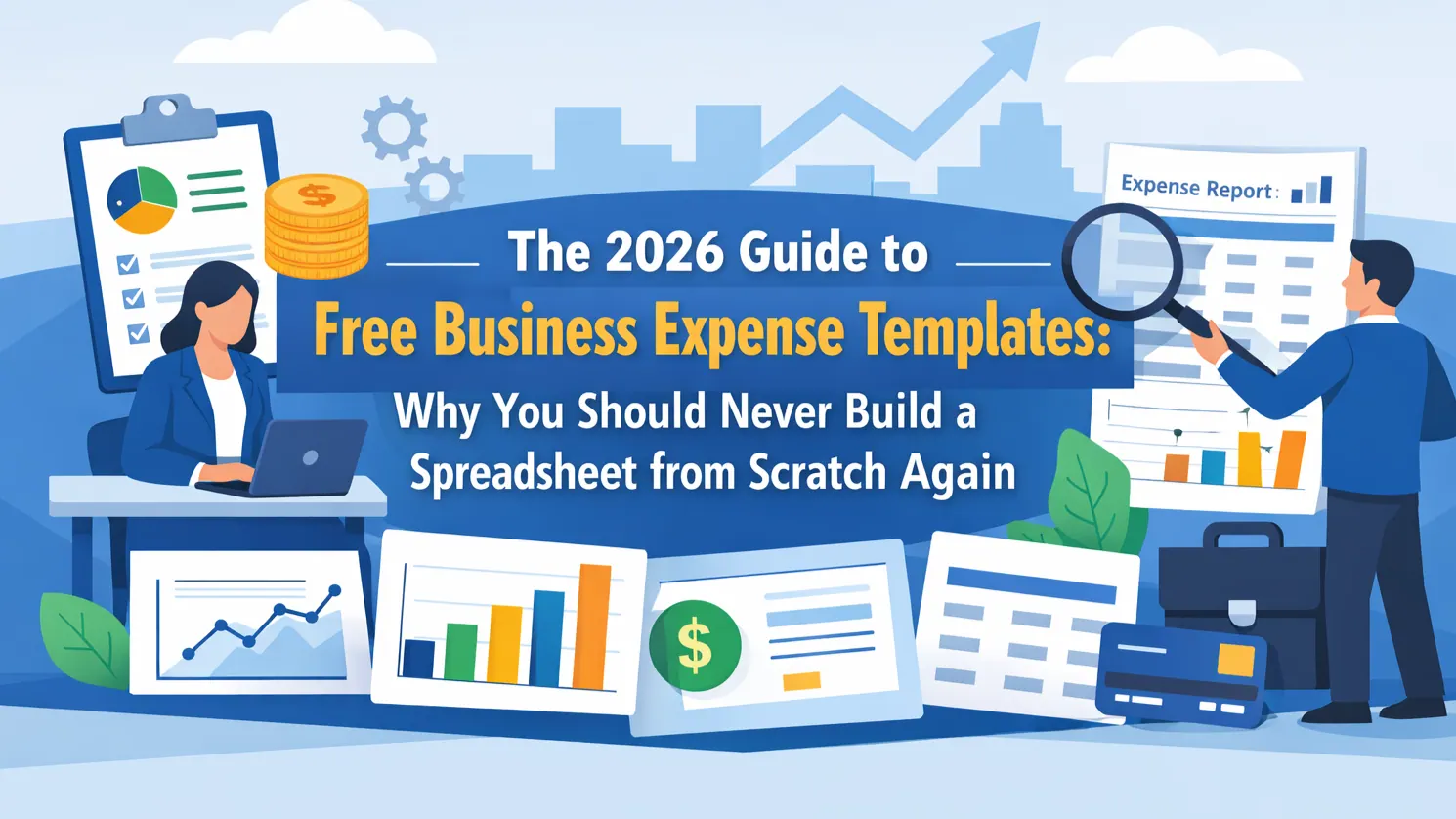
In the world of business, "small leaks sink big ships." Without a robust business expense report template in Excel, managing travel costs, client dinners, and office supplies quickly becomes a chaotic mess of lost receipts and mismatched totals.
For finance-specific reporting, RowSpeak's finance spreadsheet analysis connects budgets, forecasts, variance checks, and leadership-ready summaries.
Whether you are managing a personal budget or overseeing a multinational corporate spend, clarity is your greatest asset.
Why Your Business Needs a Professional Excel Tracker
Manual data entry is the enemy of accuracy. A professional-grade template provides:
- Automatic Tax Calculations: Built-in formulas ensure VAT or sales tax is handled correctly.
- Category Breakdown: Understand exactly where the budget is going—be it "Travel," "Meals," or "Software Subscriptions."
- Audit Readiness: Maintaining a consistent digital trail is essential for year-end tax filings.
For those looking to build a more comprehensive financial ecosystem, integrating your expense reports with a personal budget tracker can provide a 360-degree view of your financial health.
How to Generate Your Custom Template in Seconds
Don't waste hours merging cells and debugging #REF! errors. With RowSpeak’s AI Generator, you can simply describe your requirements in plain English.
For instance, try using a specific prompt like:
Create a professional business expense report with columns for Date, Category, Vendor, Amount, and Tax, including a summary table for total spending by category.
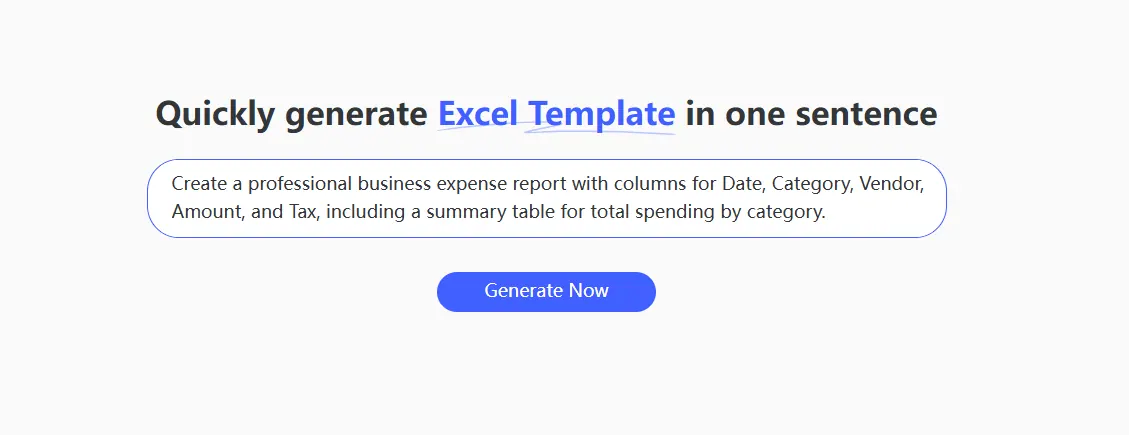
Within seconds, the AI interprets your business logic and provides a formula-ready .xlsx file, complete with professional formatting and data validation.
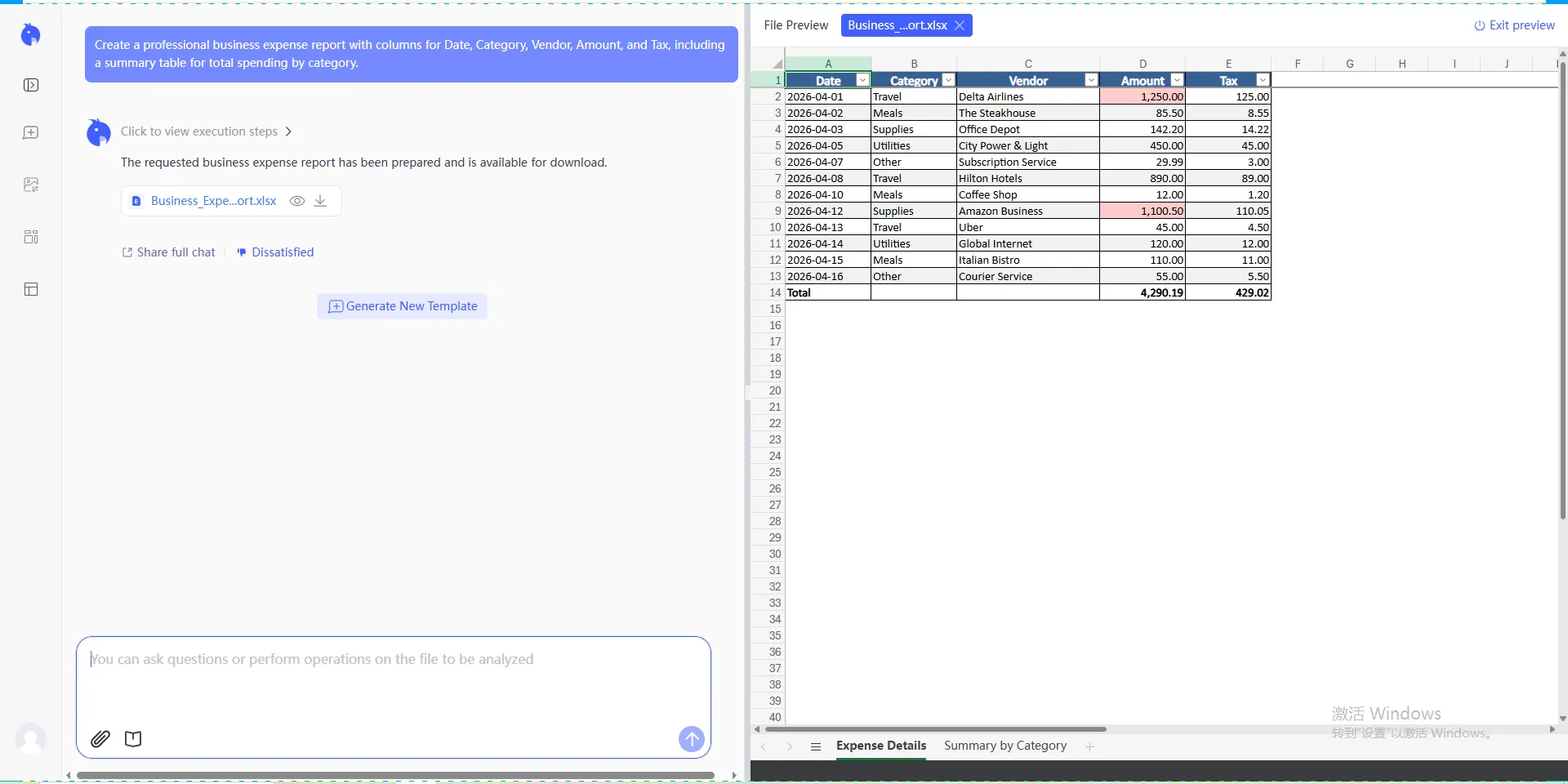
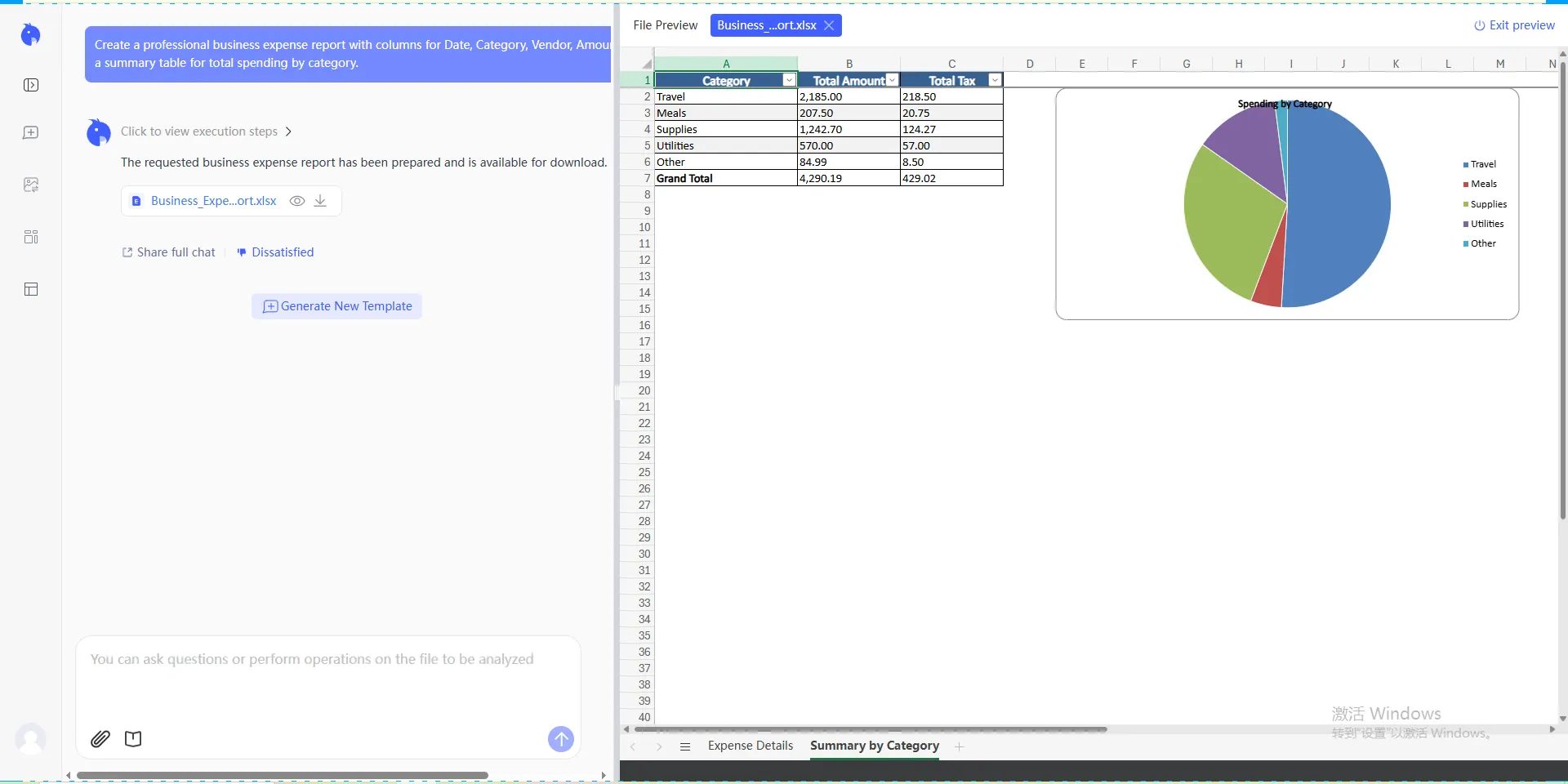
Pro Tip: If you're short on time or don't have a specific layout in mind, you can visit our template library to download a variety of pre-configured business trackers for free.
Best Practices for Error-Free Reporting
To keep your books clean, implement these three habits:
- Real-time Logging: Log expenses as they happen to avoid "memory fade" at the end of the month.
- Digital Backups: Use Excel to link to cloud-stored receipt images.
- Standardized Categories: Use the same naming conventions as your accounting software (e.g., QuickBooks or Xero) for easy importing.
For creators looking to turn these types of functional tools into a business, check out our guide on why smart creators give away Excel templates to build trust and authority.
🚀 Ready to Simplify Your Business Expenses?
Stop fighting with financial syntax. Let RowSpeak calculate your business spend in seconds.
Try RowSpeak Free Now