
Excel Essentials
Formulas, tables, charts, and file basics for everyday spreadsheet work
 Excel Essentials
Stop Googling Excel Errors: Let AI Fix Your Formulas For You
Stop wasting hours debugging cryptic Excel errors like #N/A or #REF!. This guide shows you the limitations of manual troubleshooting and introduces a faster way using Excel AI. Let RowSpeak write your formulas for you, so you can focus on insights, not error codes.
 Excel Essentials
Stop Wrestling with Excel's FILTER Function: A Smarter Way to Filter Your Data
Manually writing Excel's FILTER function for multiple conditions can be a nightmare. Forget confusing syntax and #SPILL! errors. Discover how an Excel AI can filter, sort, and analyze your data just by using plain language.
 Excel Essentials
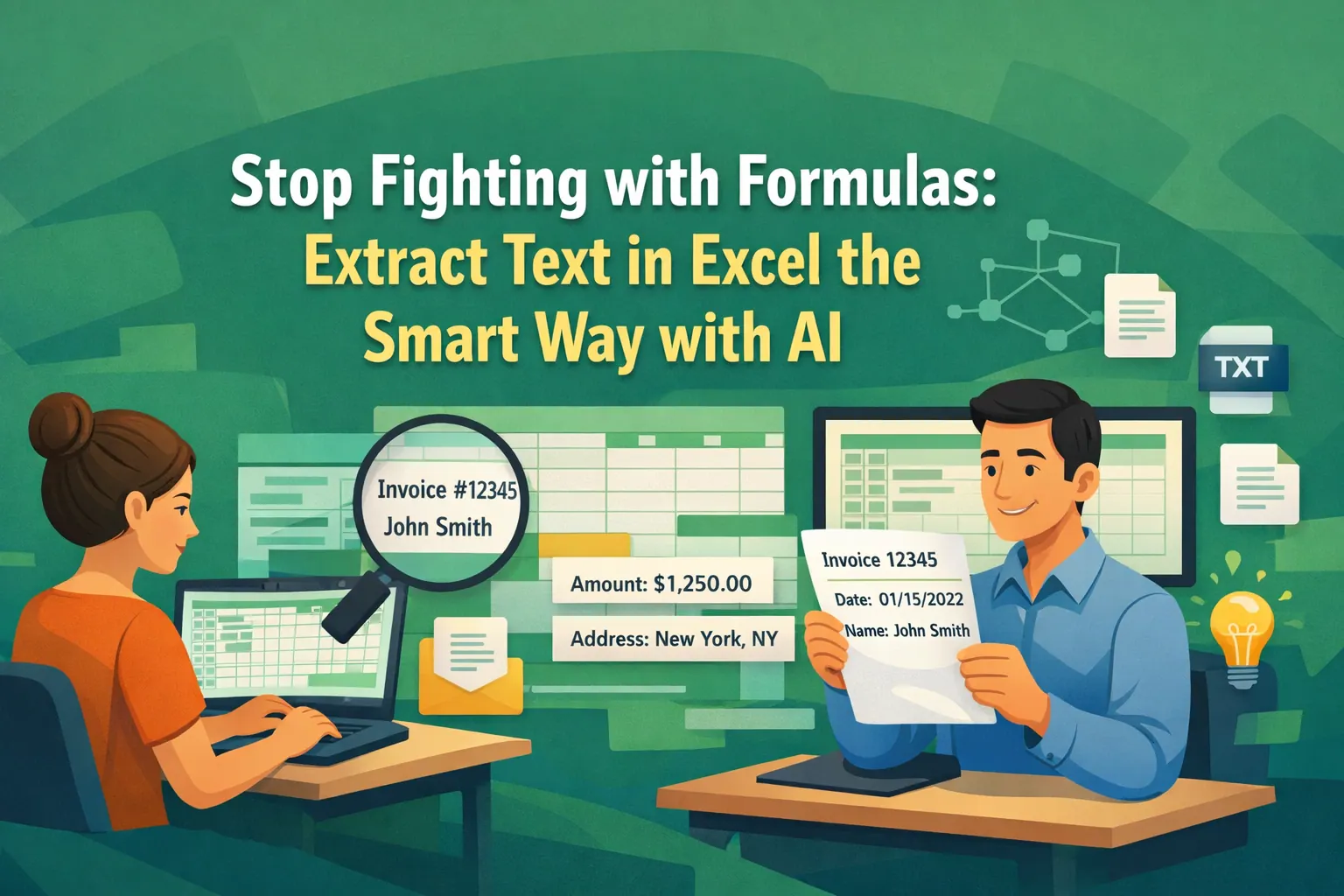
Stop Fighting with Formulas: Extract Text in Excel the Smart Way with AI
Tired of wrestling with nested LEFT, SEARCH, and MID formulas just to extract a piece of text in Excel? Discover how an Excel AI tool like RowSpeak can automate this entire process, saving you time and eliminating formula errors.
 Excel Essentials
Stop Wrestling with Formulas: Build a Dynamic Customer Lookup Tool in Excel with AI
Tired of manually combining customer lists and writing complex FILTER formulas just to find a record? Discover a faster way. This guide shows how an Excel AI agent like RowSpeak can build a dynamic lookup tool for you with simple language commands.
 Excel Essentials
Stop Memorizing Excel Date Functions: Use AI to Calculate Dates Instantly
Stop wasting hours memorizing dozens of Excel date functions. This guide shows you the pain of traditional date calculations and introduces a revolutionary new way: using an Excel AI agent to handle everything from workdays to age calculation with plain English.
 Excel Essentials
Ditch the Formula Overload: How to Do Data Analysis in Excel with AI Instead of Functions
Stop wrestling with dozens of Excel formulas for your data analysis tasks. Discover a faster way to clean data, combine tables, and generate reports using the power of Excel AI. We'll show you how RowSpeak replaces manual functions with simple conversation.
 Excel Essentials
Stop Fighting with Formulas: A Smarter Way to Do Customer Segmentation in Excel
Tired of wrestling with complex Excel formulas for customer segmentation? This guide shows you the limitations of the 'single formula' method and introduces a faster, smarter way using RowSpeak to classify customers with simple language prompts.
 Excel Essentials
Tired of Complex Formulas? Create Custom Excel Functions with Plain Language
Stop wrestling with the complex LAMBDA function just to reuse a calculation. Discover how an Excel AI agent like RowSpeak can create custom logic for you from a simple language description, saving you hours and eliminating formula errors.
 Excel Essentials
Stop Wrestling with Variance Formulas in Excel: Let AI Do the Math
Wrestling with statistical formulas like VAR.S and VAR.P in Excel can be a real headache. Manually calculating variance is even worse. Discover how an Excel AI agent like RowSpeak automates this, letting you get deep data insights simply by asking questions in plain language.
 Excel Essentials
Stop Googling Excel Percentage Formulas: Let AI Do It for You
Tired of wrestling with percentage formulas in Excel? Manual calculations for markups, discounts, or growth rates are slow and error-prone. Discover how an Excel AI like RowSpeak lets you calculate any percentage instantly using plain language.
 Excel Essentials
Stop Memorizing PMT Formulas: Calculate Loan Payments in Excel with AI
Tired of wrestling with Excel's PMT and other financial functions? Manually adjusting rates and periods is a recipe for error. Discover how an Excel AI agent like RowSpeak lets you calculate loan payments using simple language, saving you time and boosting accuracy.
 Excel Essentials
Stop Dragging Formulas: Automate Row-by-Row Calculations in Excel with AI
Tired of writing a formula and then carefully dragging it down hundreds of rows? Worried you might break your calculations? See how an Excel AI agent can instantly perform these repetitive calculations for you, saving time and eliminating errors.
 Excel Essentials
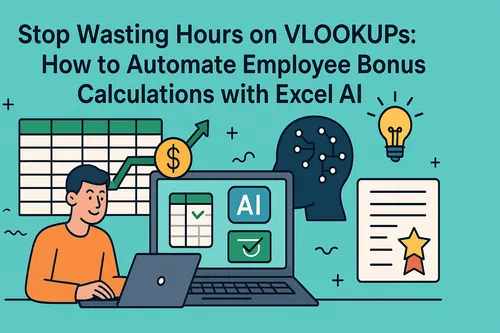
Stop Wasting Hours on VLOOKUPs: How to Automate Employee Bonus Calculations with Excel AI
Tired of wrestling with complex VLOOKUPs and nested IFs to calculate employee bonuses? Discover a smarter way. This post shows you how to replace tedious manual calculations with simple natural language commands using an Excel AI agent.
 Excel Essentials
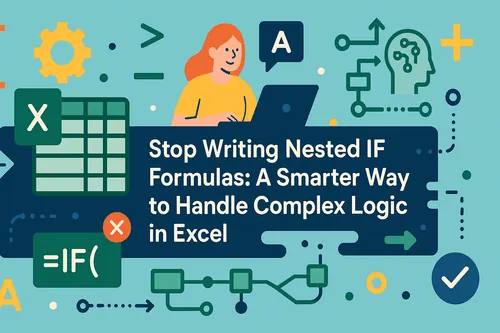
Stop Writing Nested IF Formulas: A Smarter Way to Handle Complex Logic in Excel
Tired of wrestling with complex nested IF, AND, and OR formulas in Excel? See how to automate student application decisions and similar multi-condition tasks, and discover how Excel AI like RowSpeak can replace confusing formulas with simple English commands.
 Excel Essentials
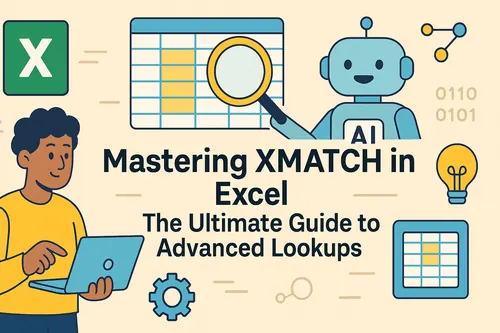
Mastering XMATCH in Excel The Ultimate Guide to Advanced Lookups
Master Excel's XMATCH for precise, flexible data lookups, from exact to wildcard matches. This guide covers its syntax and practical uses, and introduces an AI tool that lets you perform the same tasks with simple English, no formulas needed.
 Excel Essentials
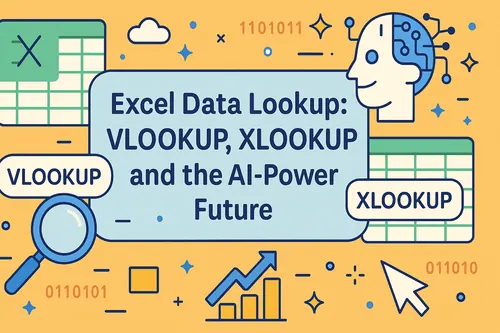
Excel Data Lookup: VLOOKUP, XLOOKUP, and the AI-Powered Future
Still debating between VLOOKUP and XLOOKUP? The game has changed. This comprehensive guide breaks down the pros and cons of both functions and introduces a third, AI-powered method that requires no formulas at all, making data lookups faster and more intuitive than ever.
 Excel Essentials
A Practical Guide to VLOOKUP with Multiple Criteria in Excel
Struggling with VLOOKUP's one-criterion limit? This guide walks you through traditional solutions like helper columns and INDEX/MATCH, and introduces a revolutionary AI-powered way to get answers from your data instantly, without any formulas.
 Excel Essentials
A Smarter Way to VLOOKUP: The Modern Guide to Data Lookups in Excel
Struggling with VLOOKUP? This guide demystifies the classic Excel function, walking you through examples and common pitfalls. We'll also introduce a game-changing AI approach that lets you perform complex data lookups with simple language, no formulas required. Get ready to supercharge your workflow.
 Excel Essentials
Sum Data with Multiple Criteria in Excel: The SUMIFS() Function vs. an AI-Powered Approach
Master conditional summing in Excel. This guide breaks down the powerful SUMIFS() function for complex calculations and introduces a game-changing AI alternative that lets you get answers just by asking questions in plain English. Stop wrestling with formulas and start analyzing data faster.
 Excel Essentials
A Smarter Way to Subtract in Excel (Formulas vs. AI)
Master subtraction in Excel, from simple formulas to advanced functions. This guide compares traditional methods with a modern AI solution, showing you how to subtract cells, columns, percentages, and dates more efficiently than ever. Stop wrestling with formulas and start getting answers.
 Excel Essentials
A Complete Guide to Dynamic Calculations with the SUBTOTAL Formula
Master dynamic summaries in Excel. This guide covers the powerful SUBTOTAL() function for calculations on filtered data and introduces a game-changing AI approach for getting the same results with simple English commands.
 Excel Essentials
Calculate Loan Payments in Excel: The Classic Formula vs. The AI Shortcut
Tired of wrestling with complex financial formulas in Excel? This guide breaks down loan payment calculations, comparing the classic PMT() function with a revolutionary AI-powered approach. Discover a faster, smarter way to manage your financial analysis and reporting.
 Excel Essentials
Effortlessly Use Pi (π) in Excel The Classic Formula vs. a Smarter AI Approach
Tired of manually typing π or wrestling with complex trigonometric formulas in Excel? This guide shows you the traditional PI() function for maximum precision and introduces a revolutionary AI-powered method to get instant, accurate answers without memorizing a single formula.
 Excel Essentials
A Guide to the NORM.DIST Function in Excel - Formulas vs. AI
Master normal distribution analysis in Excel. This guide breaks down the NORM.DIST function for calculating probabilities and provides a side-by-side comparison with a powerful AI tool that lets you get the same results just by asking a question.
 Excel Essentials
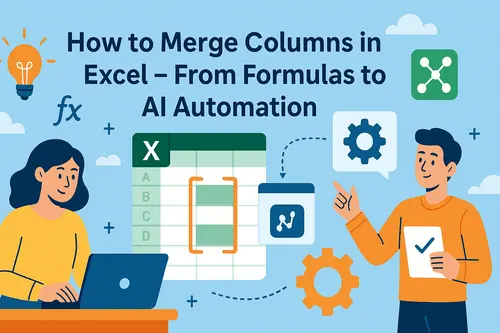
How to Merge Columns in Excel - From Formulas to AI Automation
Stop wrestling with CONCATENATE and ampersands. This guide reveals every method to merge columns in Excel, including a game-changing AI approach that does the work for you. Just ask in plain English and watch the magic happen. Boost your productivity today.
 Excel Essentials
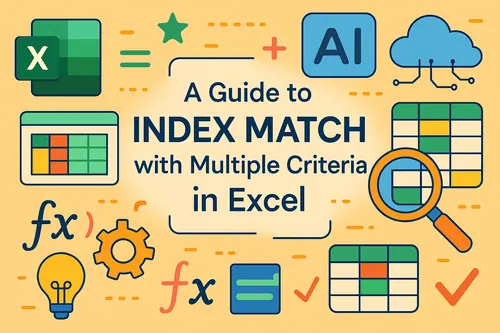
A Guide to INDEX MATCH with Multiple Criteria in Excel
Tired of complex array formulas? This guide breaks down the powerful INDEX MATCH for multi-criteria lookups and introduces a game-changing AI alternative that lets you ask questions in plain English to get instant, error-free answers from your data.
 Excel Essentials
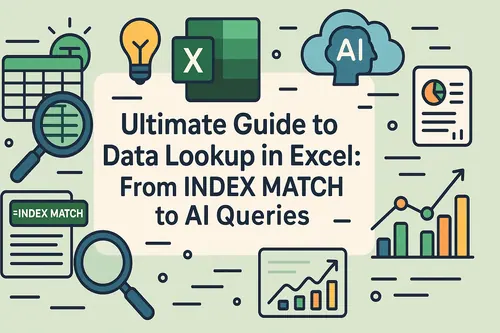
Ultimate Guide to Data Lookup in Excel: From INDEX MATCH to AI Queries
Frustrated by VLOOKUP's limitations? This guide takes you through the more flexible and powerful INDEX MATCH combination. Plus, we'll explore a new AI solution that lets you get instant data insights through simple natural language commands, completely eliminating complex formulas and annoying errors.
 Excel Essentials
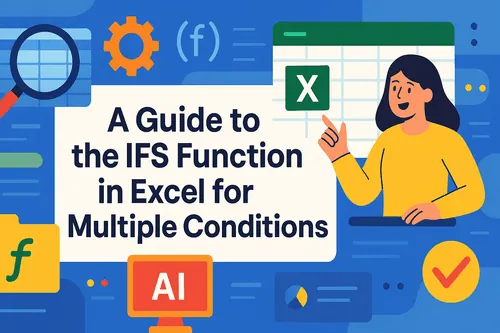
A Guide to the IFS Function in Excel for Multiple Conditions
Tired of tangled nested IF formulas? This guide breaks down the powerful IFS function for handling multiple conditions with ease. We'll also compare it to the traditional methods and a modern AI-powered approach, showing you how to solve complex logic in seconds without writing a single formula.
 Excel Essentials
A Smarter Way to Combine VLOOKUP and IF in Excel
Struggling with complex VLOOKUP and IF formulas in Excel? This guide breaks down how to use them for conditional lookups, error handling, and more. We also compare the traditional method with a powerful AI tool that gets the same results using simple English, saving you time and effort.
 Excel Essentials
How to Sum in Excel: A Full Guide from Formulas to AI
Tired of manual formulas? This guide covers everything from the basic SUM function and AutoSum shortcuts to advanced techniques. We also introduce a game-changing AI method that lets you get totals just by asking, making your data analysis faster and smarter.
 Excel Essentials
Effortless Multiplication in Excel From Formulas to AI-Powered Speed
This guide covers everything you need to know about multiplication in Excel. Learn to multiply cells, columns, and rows using formulas like PRODUCT and SUMPRODUCT, and discover how a modern AI approach can automate these tasks with simple English commands.
 Excel Essentials
How to Find the Median in Excel: AI vs. Formulas
Tired of complex formulas? Learn how to find the median in Excel instantly using AI, master the powerful MEDIAN() function for robust analysis, and see why manual methods are a thing of the past. This guide covers everything from simple lists to conditional calculations.
 Excel Essentials
A Practical Guide to Division in Excel: Formulas vs. AI
Struggling with division in Excel? This guide breaks down everything from basic formulas (/) to advanced functions (QUOTIENT, MOD). Plus, discover an AI-powered way to get instant answers without memorizing any formulas, making your calculations faster and smarter.
 Excel Essentials
Extract Numbers from a String in Excel: Formulas vs. AI
Struggling with complex formulas like TEXTJOIN, MID, and RIGHT just to pull numbers from text in Excel? This guide walks you through the traditional methods for every scenario and introduces a revolutionary AI-powered approach that gets it done in seconds with a simple sentence.
 Excel Essentials
A Practical Guide to Partial Match Lookups in Excel
Stop wrestling with complex formulas for partial matches. This guide covers Excel's powerful wildcard characters (*, ?, ~) for functions like VLOOKUP and COUNTIF, and introduces a smarter, AI-powered way to get the same results with plain English.
 Excel Essentials
How to Master Time Calculation in Excel - Formulas vs. AI
Mastering time calculations in Excel can be a game-changer for project planning and payroll. This guide covers everything from basic formulas like TIME() and TEXT() to handling tricky scenarios like negative durations. We also introduce a modern, AI-powered approach to get instant, accurate results.