
Excel Essentials
Formulas, tables, charts, and file basics for everyday spreadsheet work
 Excel Essentials
Excel to Charts With AI in 2026: Tools, Choices, and Review Checks
An evidence-led Excel-to-chart workflow with a real RowSpeak output, a test workbook, known totals, edge cases, and a short recorded demo.
 Excel Essentials
Best AI for Excel: 7 Tools for Analysis, Formulas, Dashboards, and Reports
A practical comparison of the best AI for Excel tools for teams that need formulas, file-based analysis, dashboards, reports, and reviewable spreadsheet outputs.
 Excel Essentials
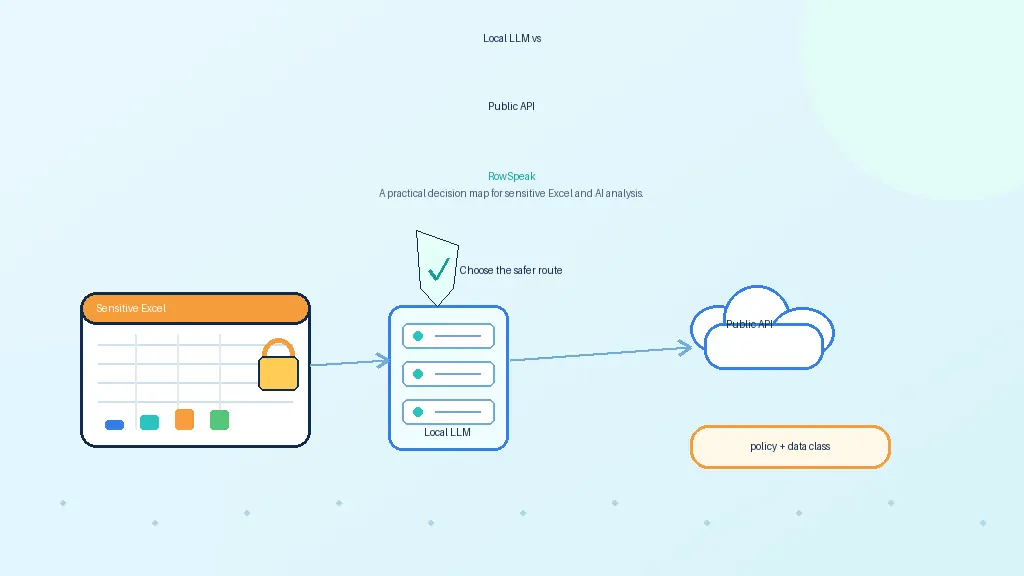
Local LLM vs Public API for Sensitive Excel Data: How to Choose
Sensitive spreadsheets need more than a model choice. This guide compares local LLMs, public APIs, enterprise AI services, and private deployments for Excel data.
 Excel Essentials
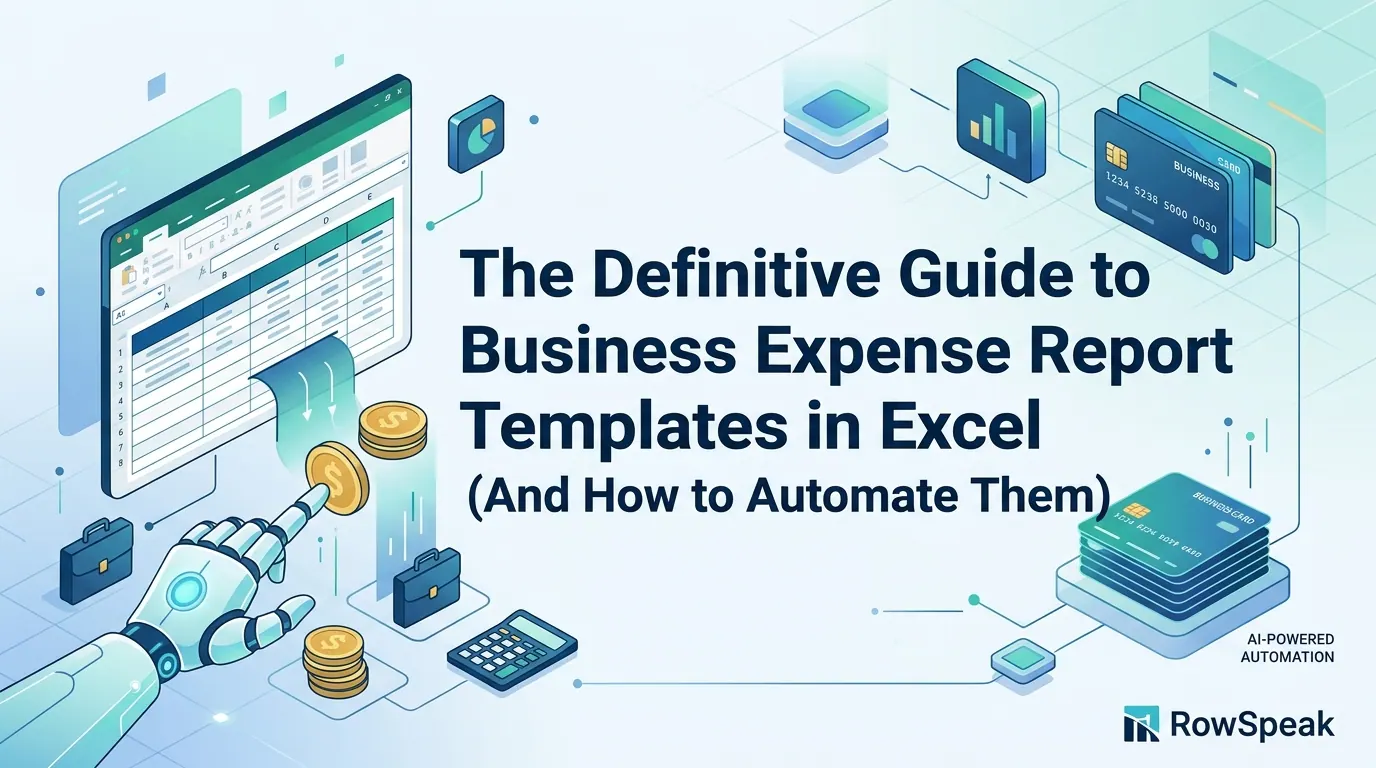
The Definitive Guide to Business Expense Report Templates in Excel (And How to Automate Them)
Stop chasing receipts and manual tallies. Discover the essential elements of a business expense report and how to generate a custom, formula-ready template in seconds.
 Excel Essentials
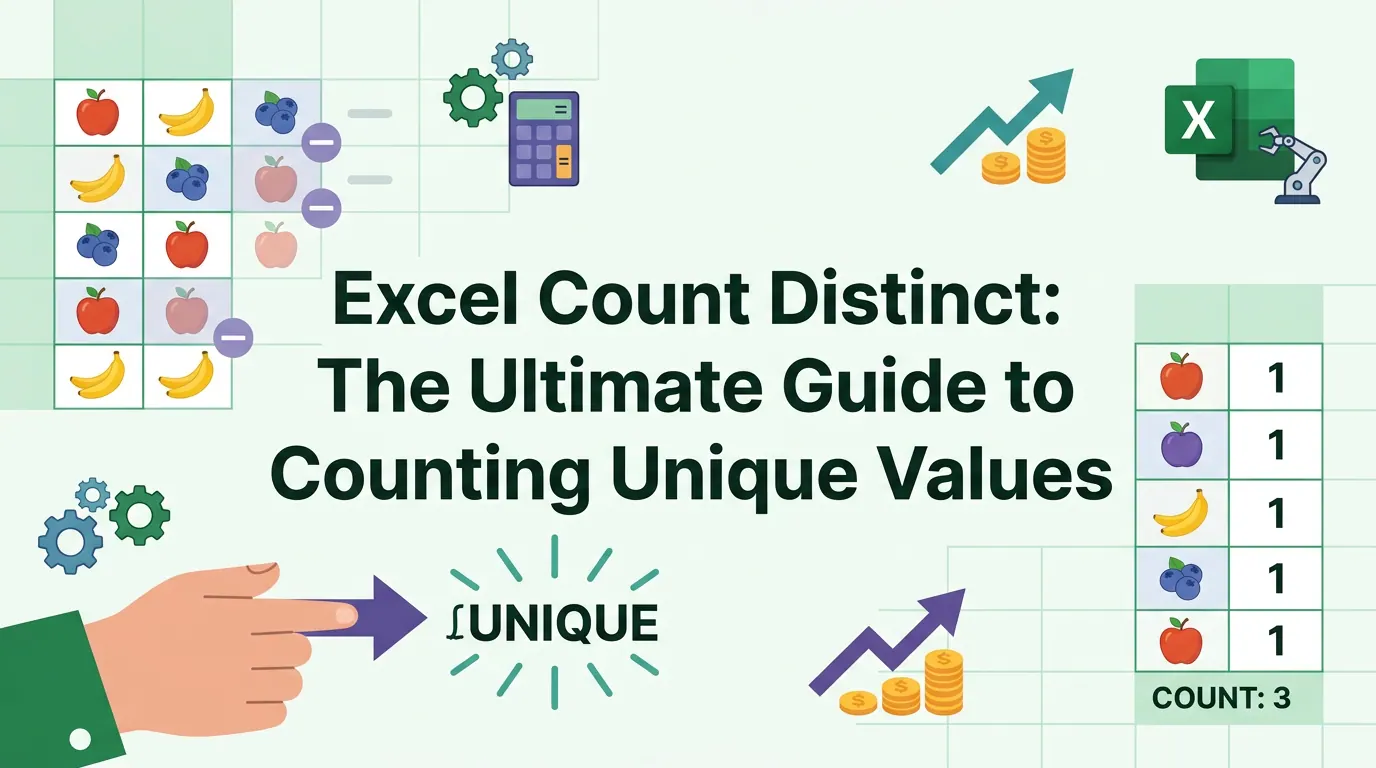
Excel Count Distinct: The Ultimate Guide to Counting Unique Values
Searching for how to excel count distinct? Discover the fastest methods to count unique values, from traditional formulas to zero-effort AI commands.
 Excel Essentials
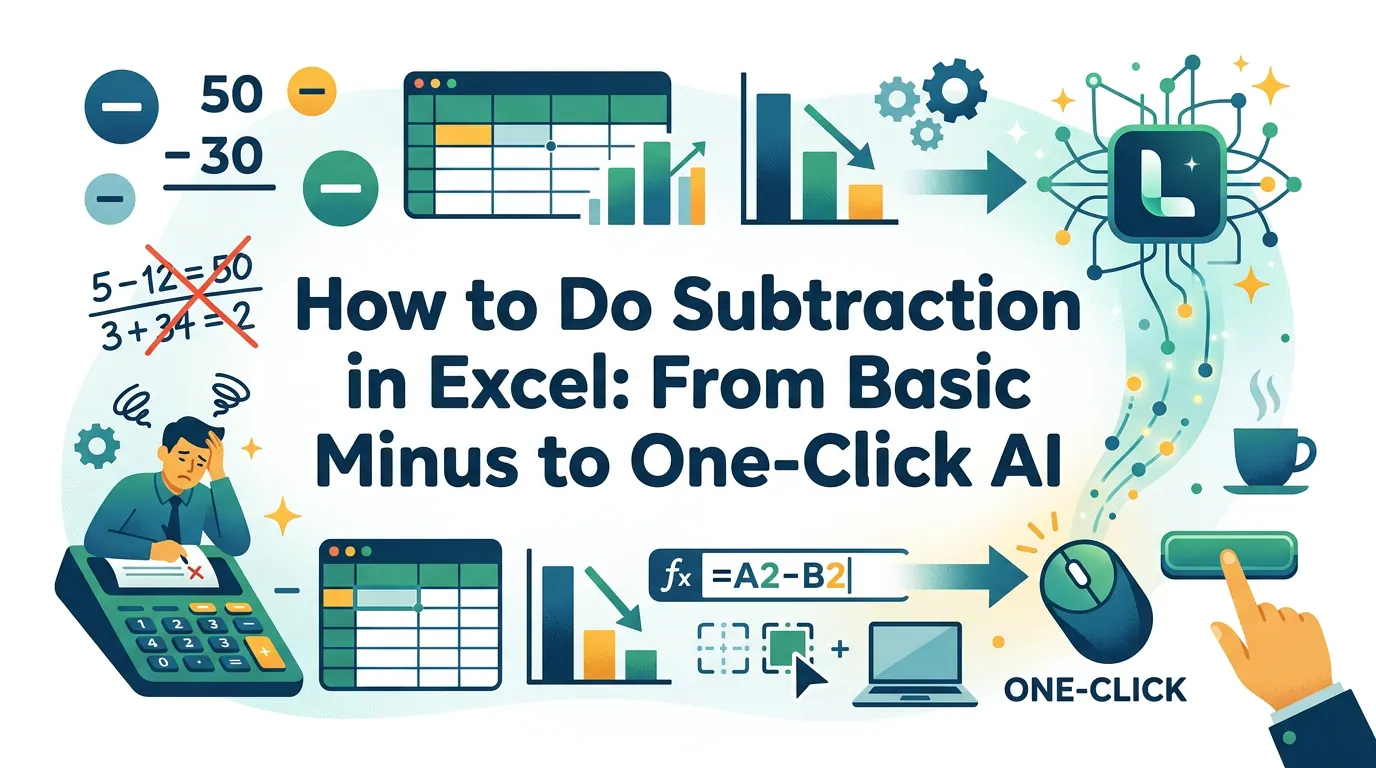
How to Do Subtraction in Excel: From Basic Minus to One-Click AI
Looking for how to do subtraction in Excel? From simple minus signs to advanced AI commands, learn the best methods to subtract numbers and entire columns instantly.
 Excel Essentials
How to Unhide Columns in Excel: The Fastest Methods for Every Situation
Searching for how to unhide columns in Excel? Whether you're dealing with one hidden column or an entire hidden section, discover the fastest methods to bring your data back.
 Excel Essentials
Locked Out? How to Unlock and Unprotect Excel Sheets Safely
Is a 'Read-Only' or protected sheet holding your productivity hostage? Discover the fastest ways to regain access and start editing your Excel workbooks today.
 Excel Essentials
How to Add a Row in Excel: The Ultimate Guide to Faster Formatting
Searching for how to add a row in Excel? Whether you need to insert one row or one hundred, discover the fastest methods to manage your spreadsheet layout.
 Excel Essentials
The Efficient Way to Insert Multiple Rows and Columns Without Breaking Your Data
Tired of your formulas breaking every time you add a row? Discover the professional way to insert multiple rows and columns while maintaining data integrity.
 Excel Essentials
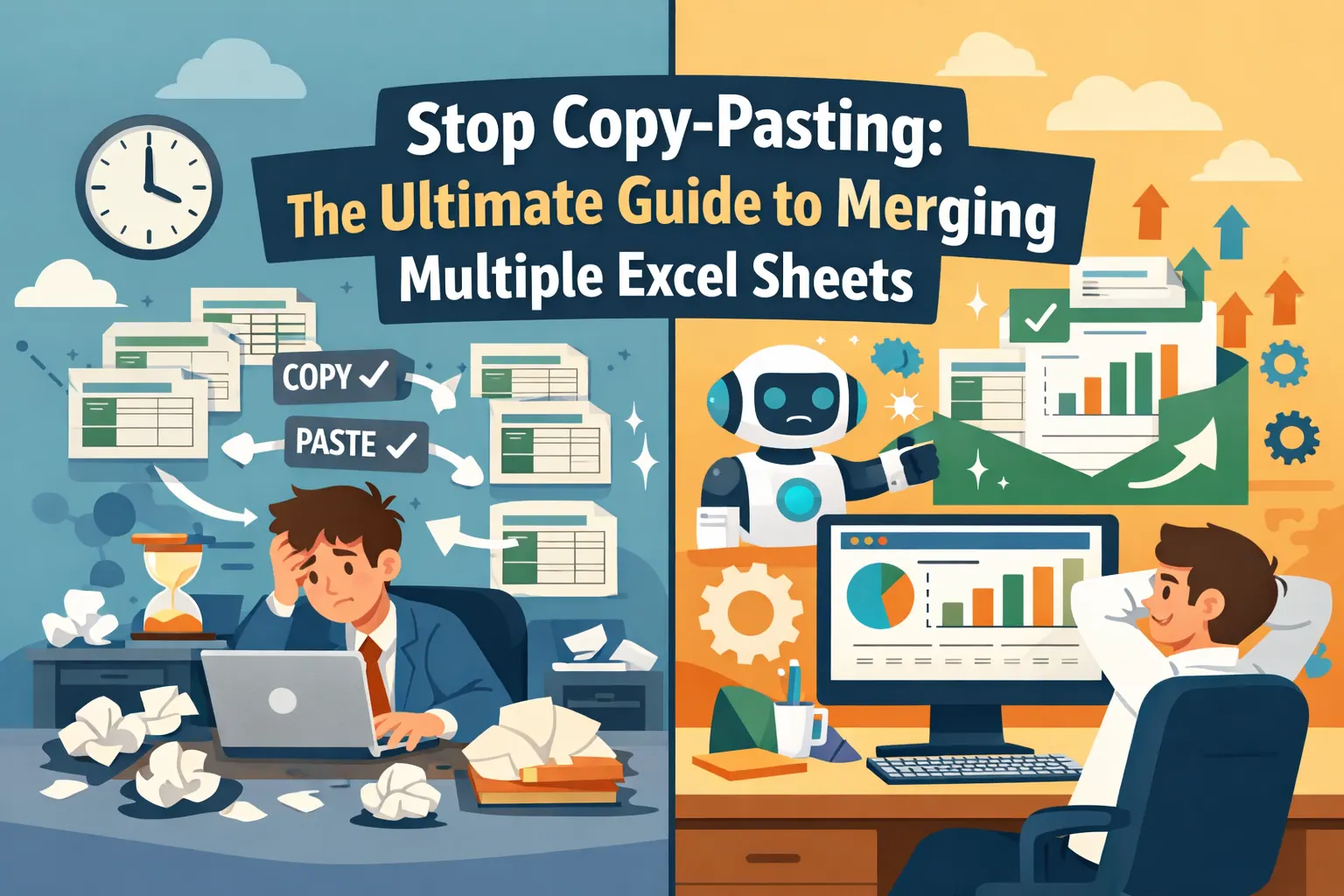
Stop Copy-Pasting: The Ultimate Guide to Merging Multiple Excel Sheets
The struggle to consolidate fragmented data is a major productivity killer. Discover the most efficient ways to merge multiple sheets without the risk of manual errors.
 Excel Essentials
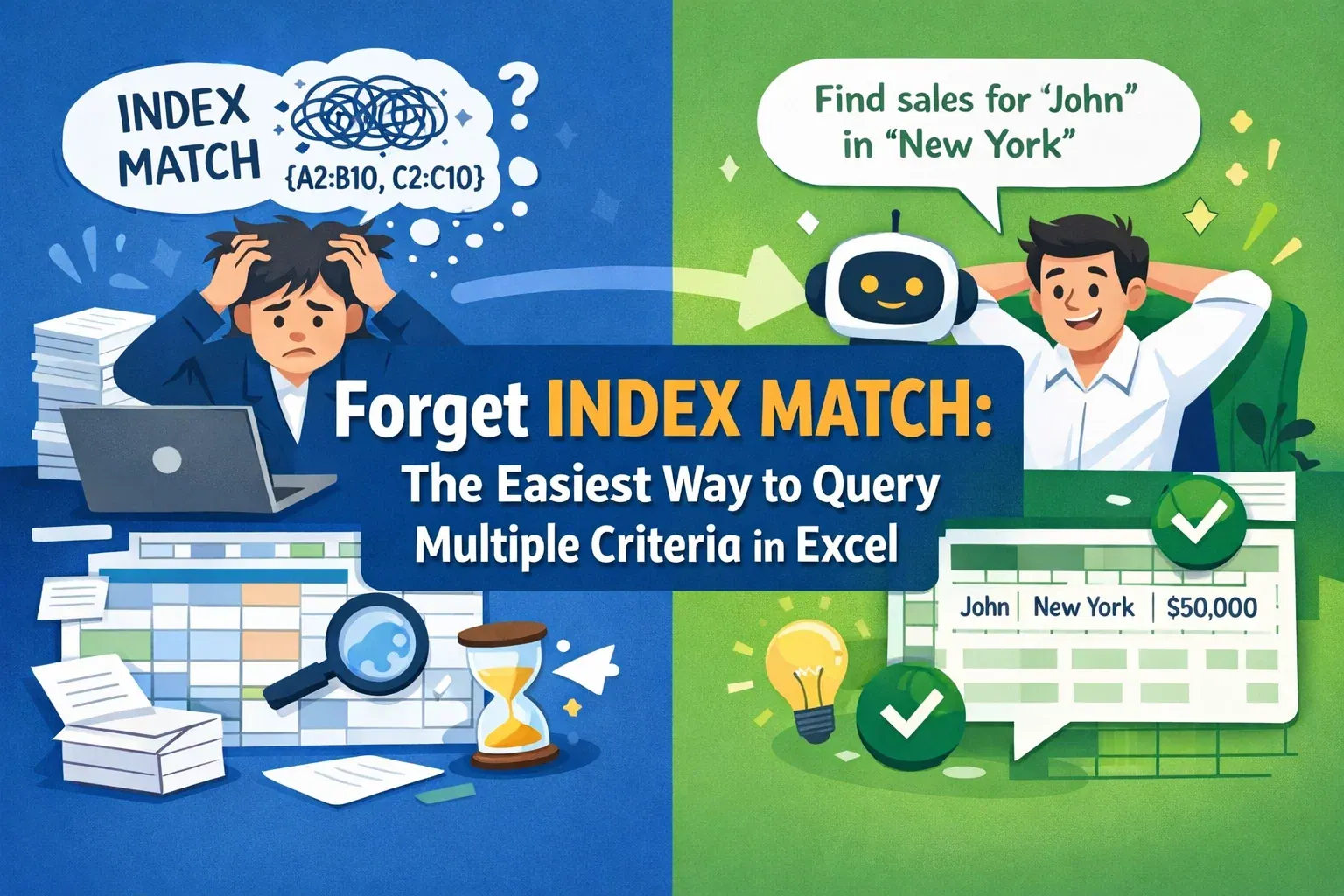
Forget INDEX MATCH: The Easiest Way to Query Multiple Criteria in Excel
Is nesting INDEX MATCH with multiple criteria giving you a headache? Learn a smarter, faster way to query complex data using plain language and AI automation.
 Excel Essentials
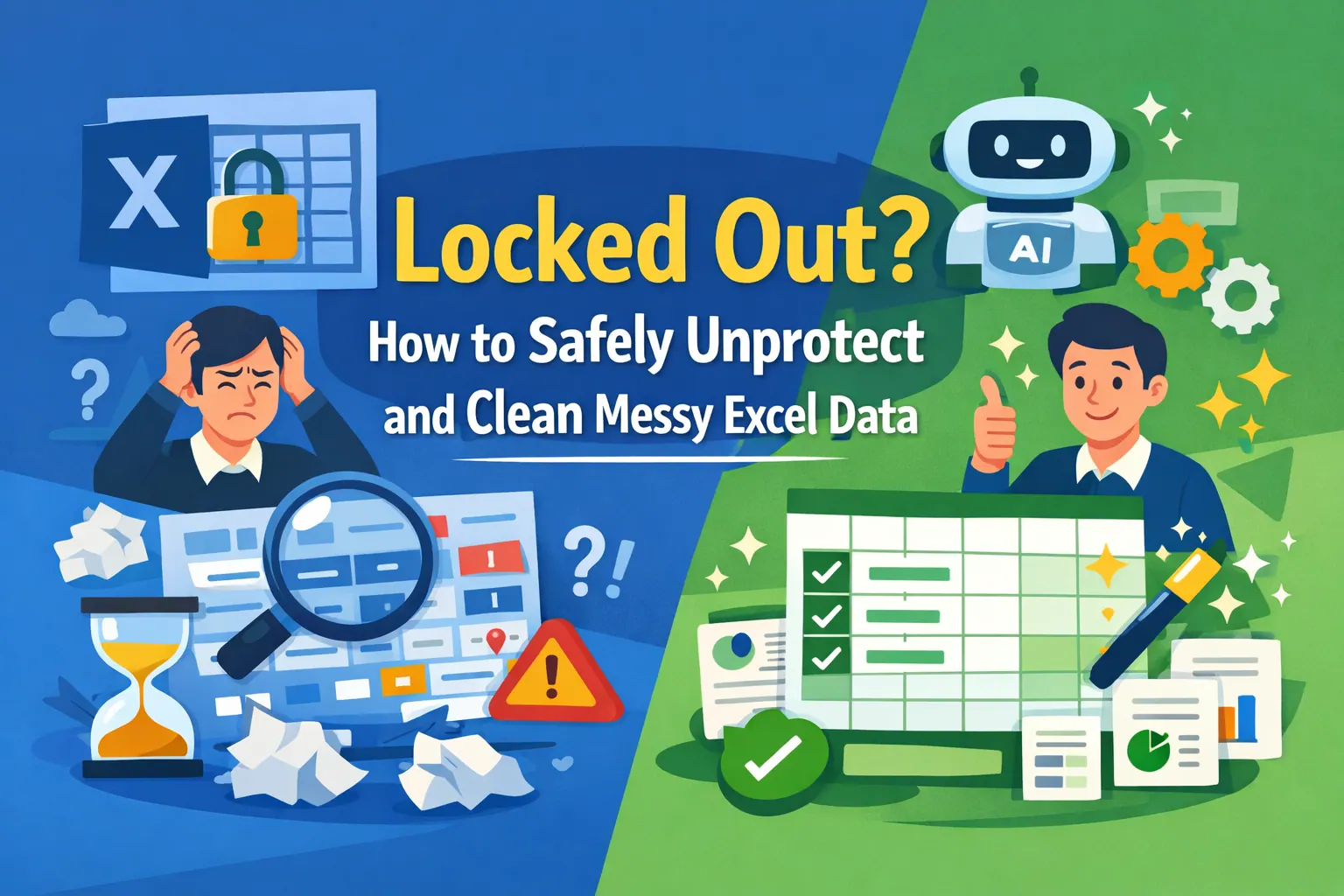
Locked Out? How to Safely Unprotect and Clean Messy Excel Data
Locked out of your own data? Discover professional methods to unprotect Excel sheets and the fastest way to transform messy, unstructured rows into clean, actionable insights.
 Excel Essentials
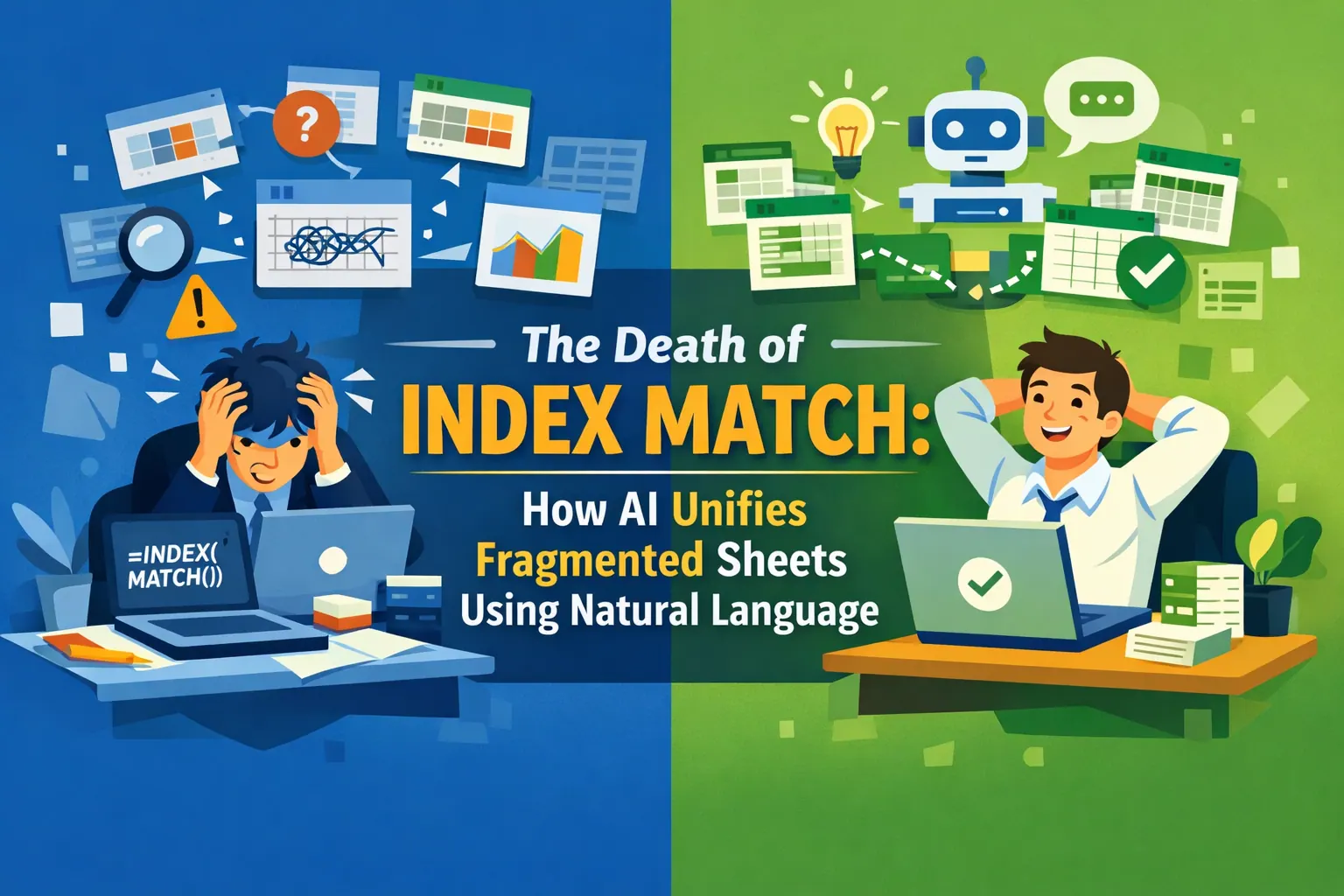
The Death of INDEX MATCH: How AI Unifies Fragmented Sheets Using Natural Language
Is INDEX MATCH holding your productivity hostage? Discover the future of cross-sheet data integration where your intent matters more than your syntax.
 Excel Essentials
From Raw Data to Strategic Insight: How AI is Revolutionizing Business Intelligence
Stop drowning in rows of data. Discover how to use AI to architect professional BI dashboards, automate data cleaning, and make faster, data-driven decisions.
 Excel Essentials
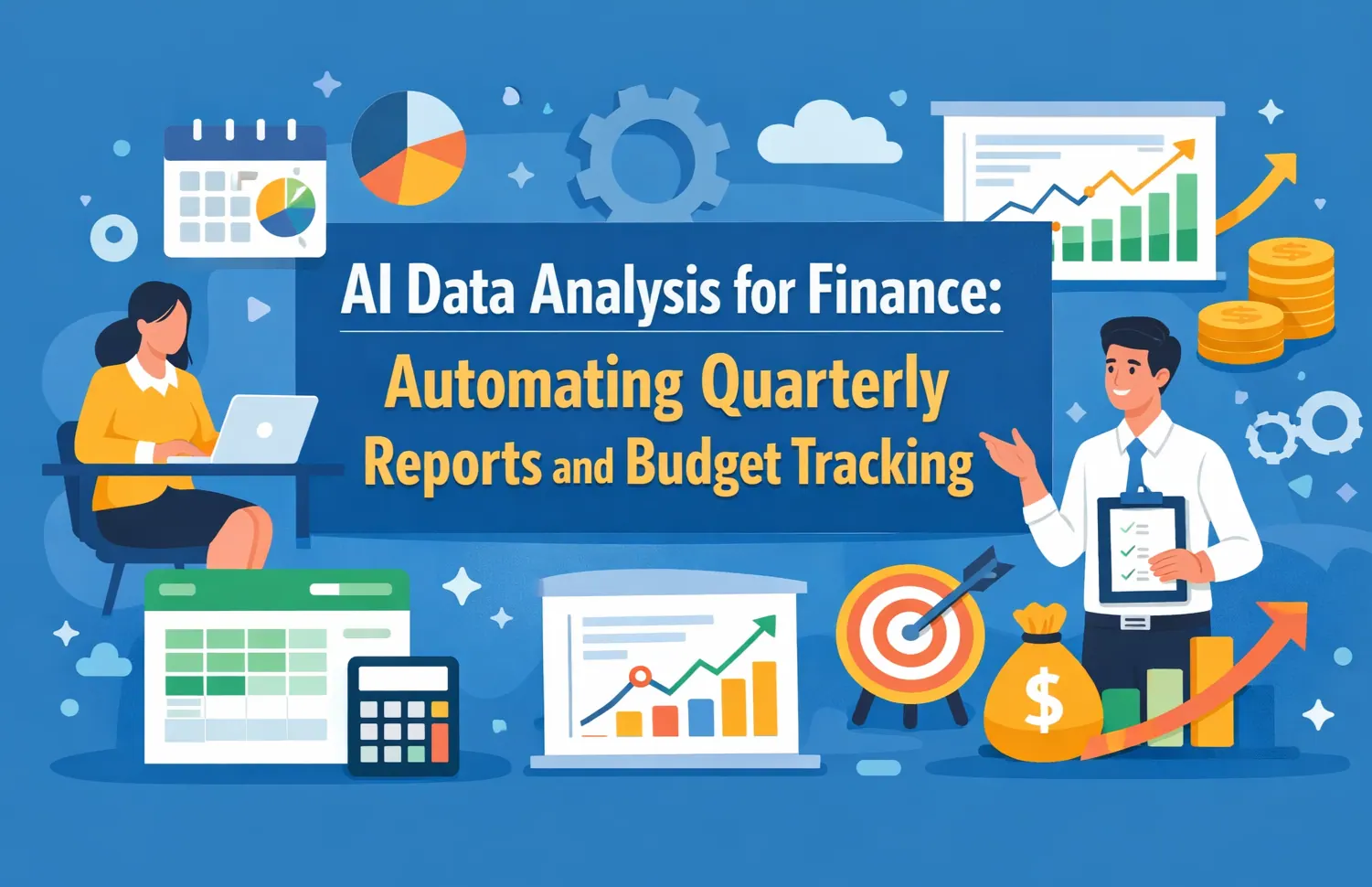
AI Data Analysis for Finance: Automating Quarterly Reports and Budget Tracking
Stop wrestling with complex VLOOKUPs. Discover how modern data analysis transforms messy spreadsheets into actionable financial insights.
 Excel Essentials
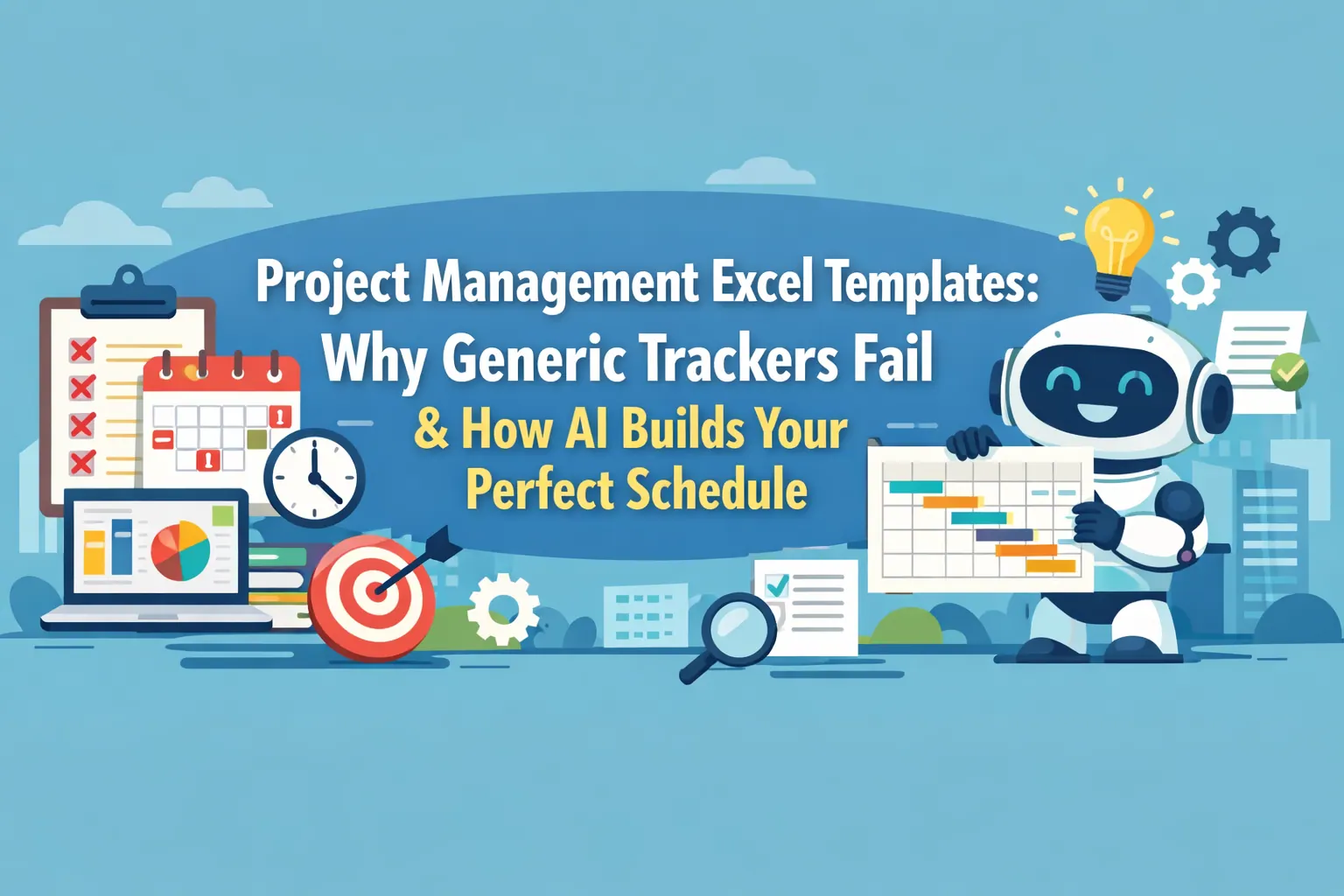
Project Management Excel Templates: Why Generic Trackers Fail & How AI Builds Your Perfect Schedule
Don't struggle with complex project software. Discover how RowSpeak’s AI creates professional project management templates tailored to your specific team workflow from a single sentence.
 Excel Essentials
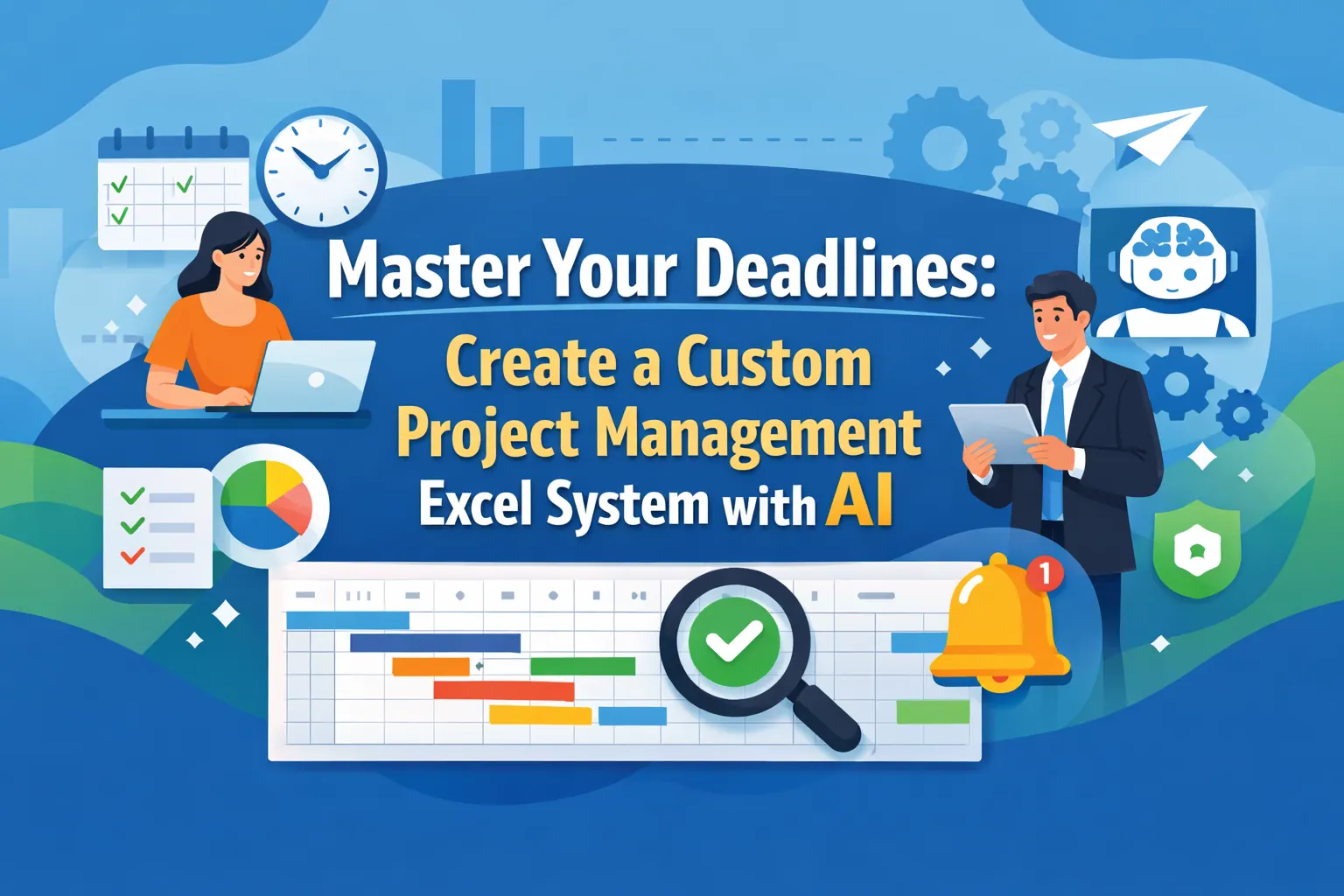
Master Your Deadlines: Create a Custom Project Management Excel System with AI
Stop managing tasks manually. Discover how RowSpeak's AI builds professional project trackers and automated schedules from a single sentence.
 Excel Essentials
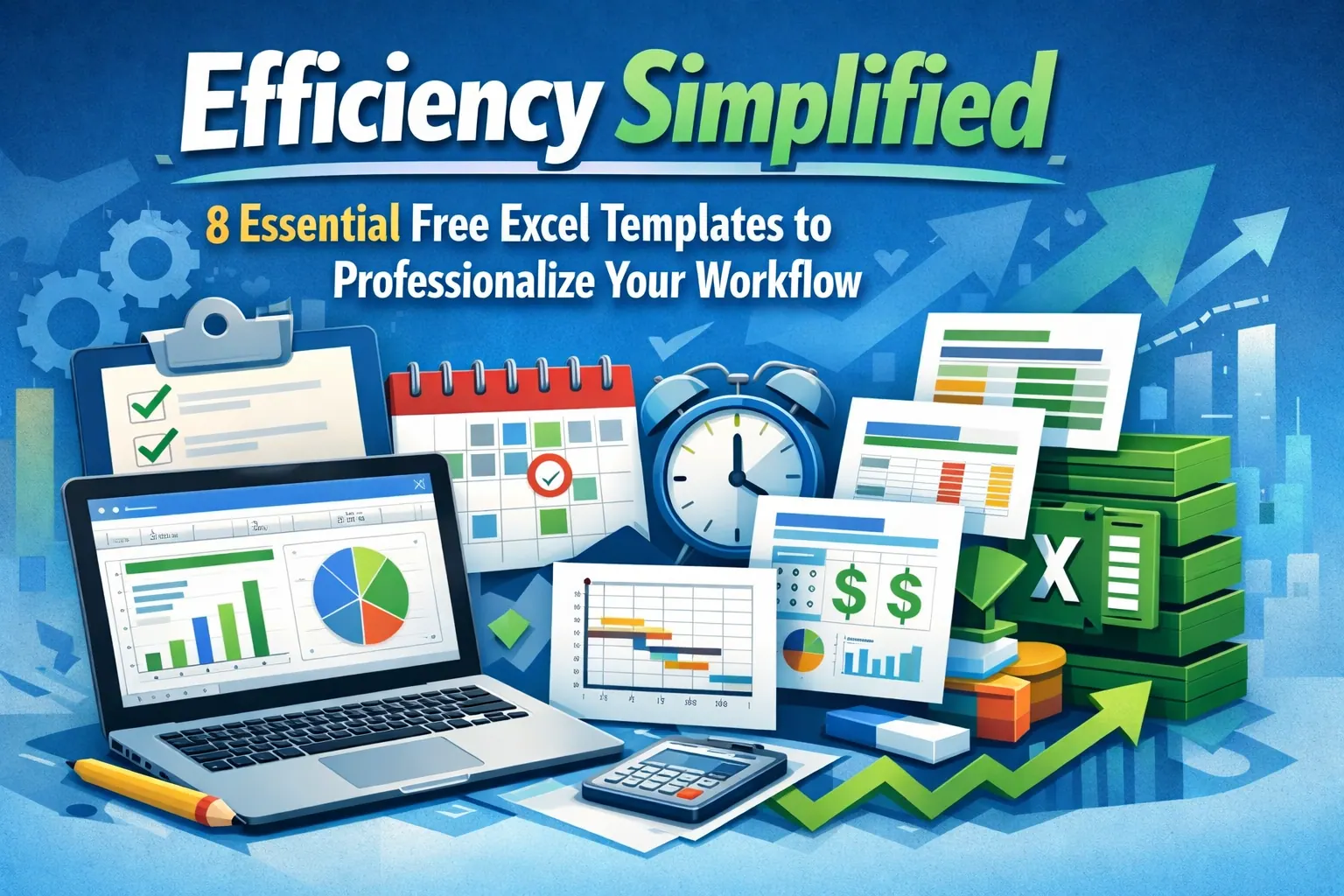
Efficiency Simplified: 8 Essential Free Excel Templates to Professionalize Your Workflow
Ready-to-use structures for every professional need. From Gantt charts to AI-generated custom templates, see how RowSpeak transforms your productivity.
 Excel Essentials
The End of the Search: Why You Don't Need Another 'Excel Template Free Download'
The hunt for the perfect free template is over. Discover a faster way to get professional-grade trackers, invoices, and planners tailored to your exact needs in seconds.
 Excel Essentials
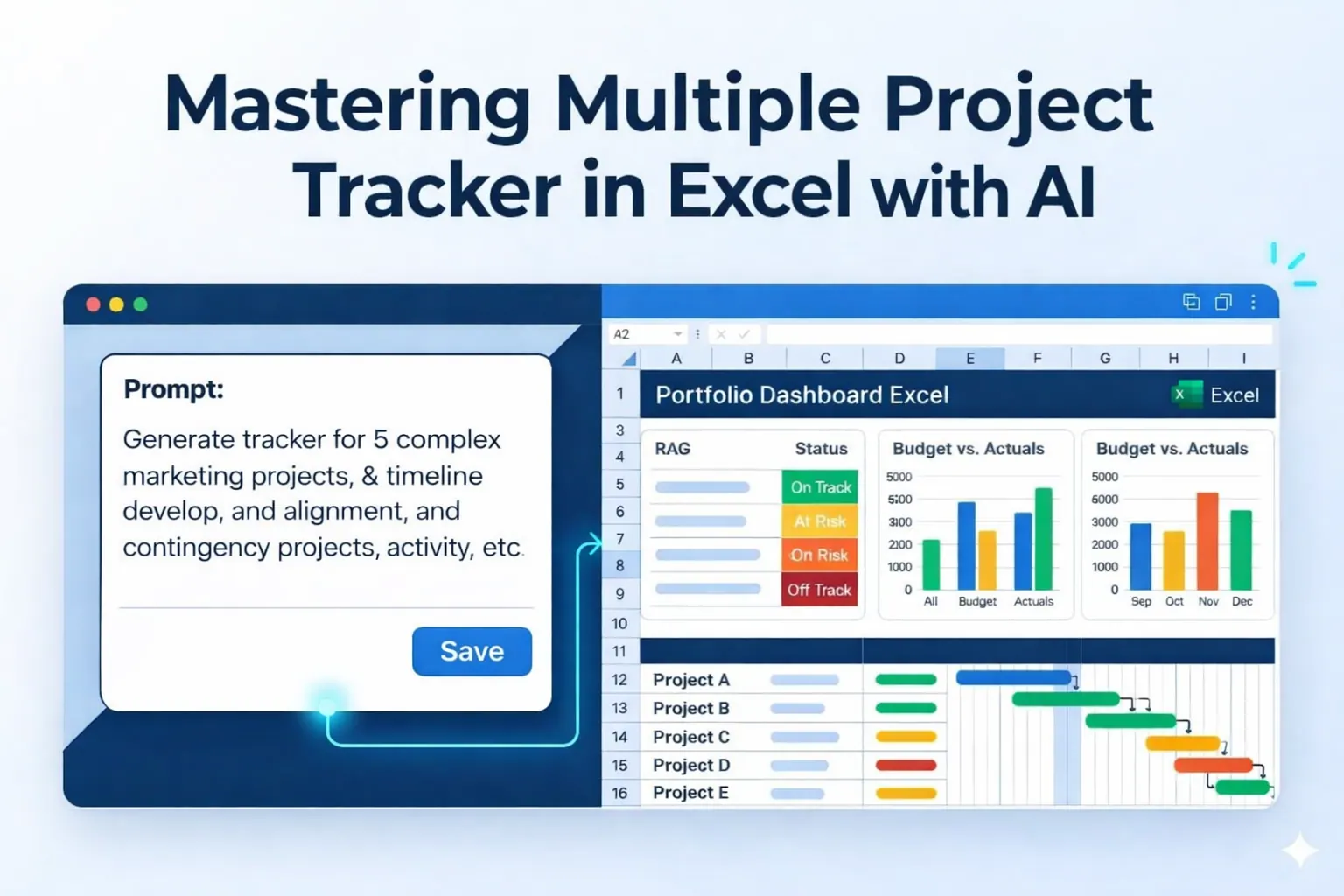
From Chaos to Control: The Ultimate Guide to Architecting a Custom Multiple Project Tracking Template in Excel
Is managing multiple projects in Excel becoming a nightmare? generic templates break too easily. Discover the new era of AI-powered project portfolios that build their own logic, formulas, and dashboards based on your simple English commands.
 Excel Essentials
Beyond the Ledger: Architecting the Ultimate Excel Budget Template for Your Business
Financial planning shouldn't be a headache. Discover how to move from messy spreadsheets to AI-powered budget systems that calculate your savings automatically.
 Excel Essentials
Beyond the Basic Bill: Architecting the Perfect Proforma Invoice for Your Workflow
Invoicing shouldn't slow down your sales. Discover how to architect custom billing systems that fit your unique trade logic without touching a single complex formula.
 Excel Essentials
RowSpeak Is Becoming RowSpeak: Why We Rebranded and What It Means for You
We’re changing our brand name from RowSpeak to RowSpeak. Same product, same team, clearer focus. Here’s the full story behind the rebrand and what it means for customers.
 Excel Essentials
Beyond the Grid: Architecting the Perfect Excel Calendar Template for Your Workflow
Scheduling shouldn't be a puzzle. Discover how to create dynamic, automated calendars that manage your deadlines and events without the manual formatting headache.
 Excel Essentials
Beyond the Basic List: How to Architect the Ultimate Excel Tracker Template for Your Business
Is your current tracker more of a chore than a tool? Discover how to move from messy manual data entry to AI-powered systems that visualize your progress automatically.
 Excel Essentials
The End of the Empty Spreadsheet: Your Guide to Professional Excel Templates and AI Generation
The search for the 'perfect' template ends here. Learn how to deploy executive-ready Excel systems instantly—whether you need a ready-made download or a bespoke tool built by AI.
 Excel Essentials
Beyond Static Bars: Architecting the Perfect Gantt Chart for Your Project
Visualizing timelines shouldn't be a chore. Discover how to build high-performance Gantt Charts that update automatically as your project dates change.
 Excel Essentials
Master Your Timeline: Architecting Professional Gantt Charts with AI
Visualizing project timelines shouldn't be a manual chore. Discover how RowSpeak's AI builds dynamic Gantt Charts that update automatically as your schedule changes.
 Excel Essentials
Beyond Basic Calendars: Architecting the Perfect Schedule for Your Workflow
Managing time shouldn't take all your time. Discover how to architect custom scheduling systems that fit your unique business logic without touching a single complex formula.
 Excel Essentials
Stop Fighting the Grid: The Smarter Way to Build Custom Business Systems
Tired of broken formulas and rigid templates? Learn how RowSpeak uses AI to architect custom spreadsheets that actually work for your specific business goals.
 Excel Essentials
Beyond the Basics: Why AI is the Secret to the Perfect Google Sheets Budget Template
Don't settle for basic spreadsheets. Learn how to combine the collaborative power of Google Sheets with the advanced AI logic of RowSpeak to build a high-performance budget tracker in seconds.
 Excel Essentials
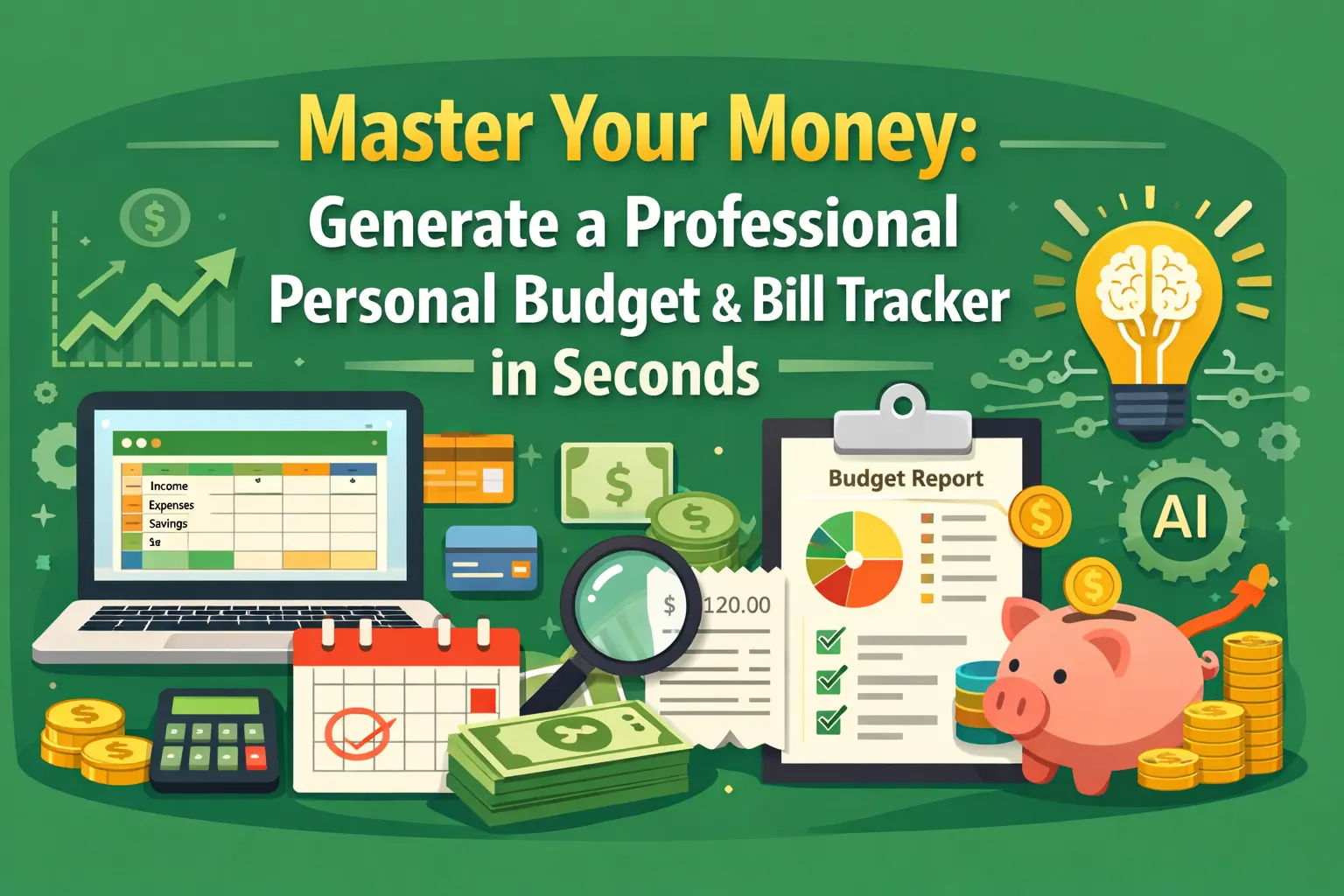
Master Your Money: Generate a Professional Personal Budget & Bill Tracker in Seconds
Stop guessing where your money goes. Discover how RowSpeak's AI generates custom budget planners and bill trackers that categorize your spending and visualize your savings automatically.
 Excel Essentials
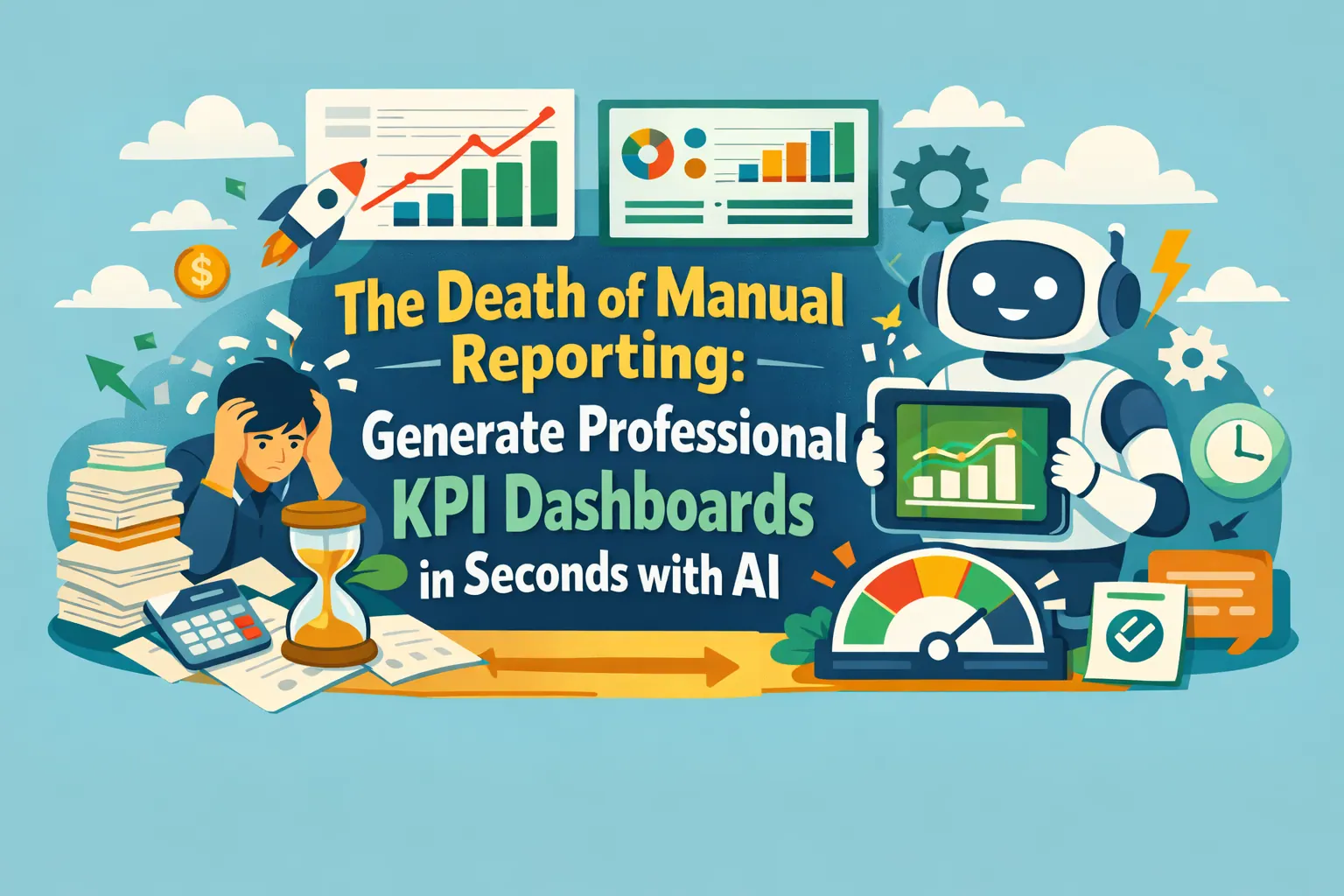
The Death of Manual Reporting: Generate Professional KPI Dashboards in Seconds with AI
Stop wrestling with complex Pivot Tables and manual chart updates. Discover how RowSpeak's AI generates dynamic KPI dashboards from a single prompt or one-click professional showcases.
 Excel Essentials
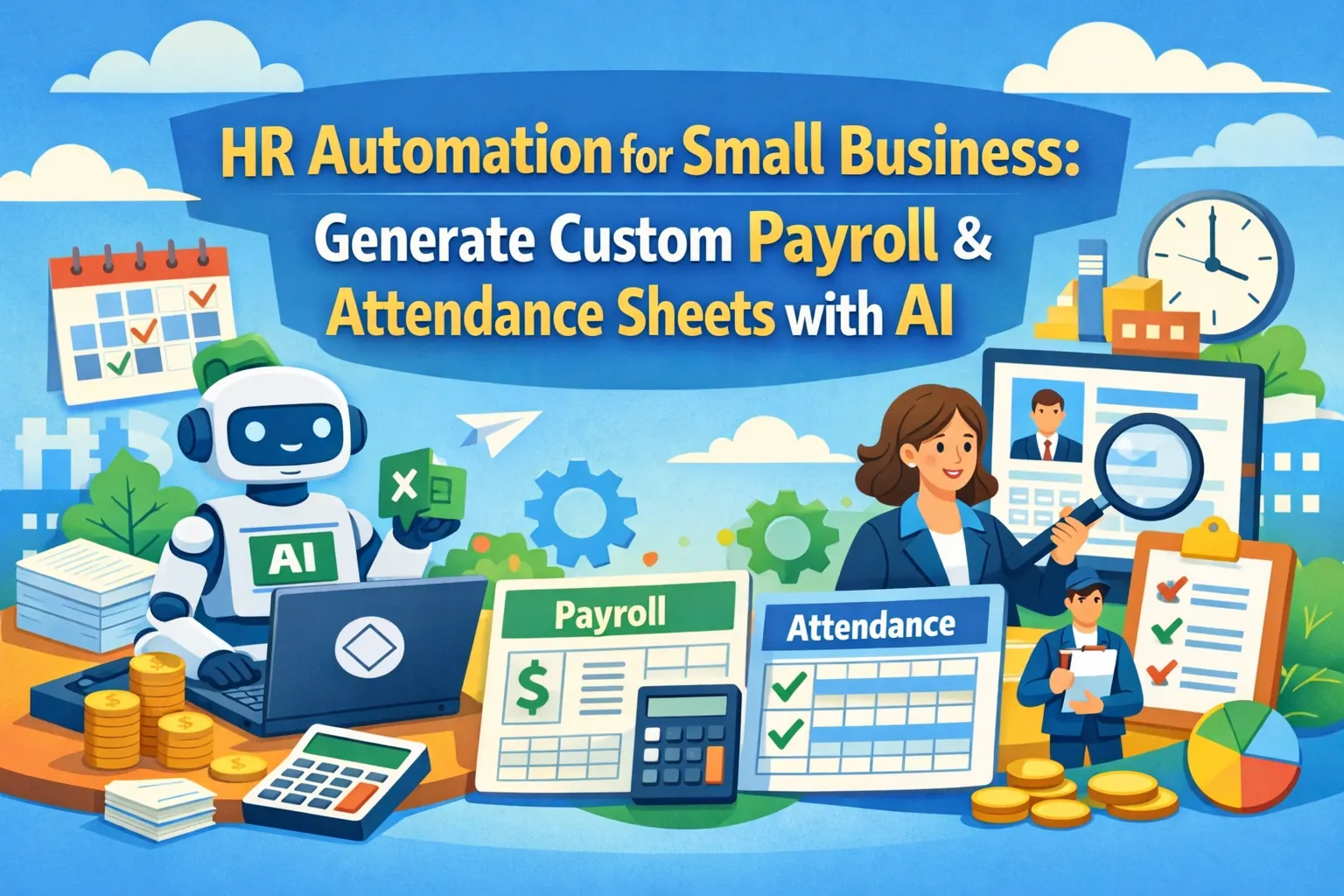
HR Automation for Small Business: Generate Custom Payroll & Attendance Sheets with AI
Tired of messy HR spreadsheets? Discover how RowSpeak's AI generates professional payroll systems and leave management trackers that handle complex math and local labor rules automatically.
 Excel Essentials
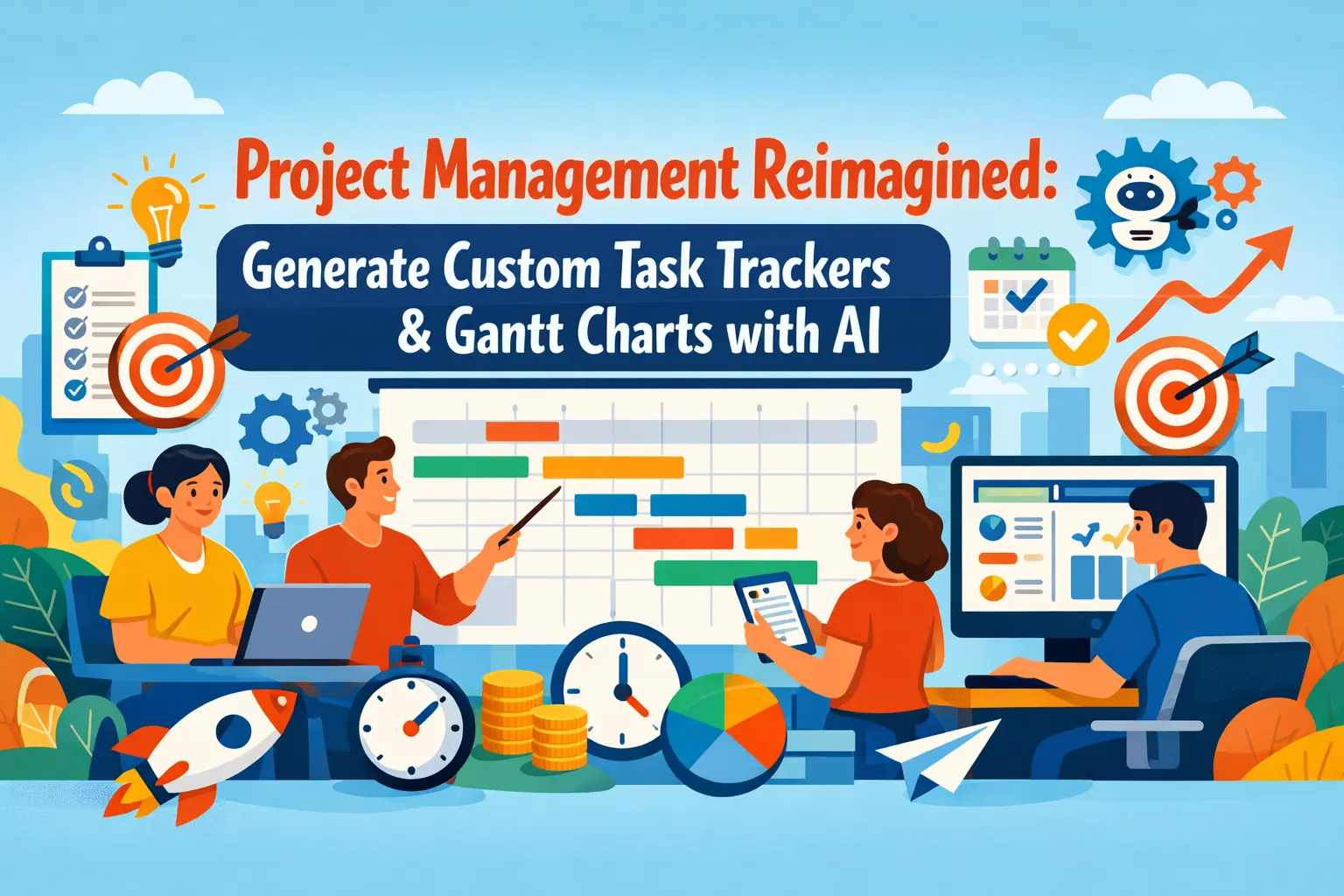
Project Management Reimagined: Generate Custom Task Trackers & Gantt Charts with AI
Stop manual scheduling. Discover how RowSpeak's AI generates dynamic project trackers, Gantt charts, and resource planners from a single prompt or one-click professional showcases.