
Excel Essentials
Formulas, tables, charts, and file basics for everyday spreadsheet work
 Excel Essentials
The Ultimate Shortcut to Professional KPI Dashboards: RowSpeak Template Generation
Stop hunting for broken Excel templates. Discover how RowSpeak's Template Generation builds professional KPI Dashboards in seconds—whether you pick a proven layout or describe your own.
 Excel Essentials
The Amazon & Shopify Seller’s Survival Guide: Automate Your Inventory with AI
Stop the spreadsheet nightmare. Discover how to use AI to generate E-commerce-specific inventory systems that sync with your SKU logic and warehouse needs.
 Excel Essentials
Stop Fighting Your Deadlines: Build a Smarter Project Tracker with AI
Is your project falling behind due to a disorganized spreadsheet? Discover how RowSpeak's AI builds dynamic task trackers that manage deadlines, priorities, and progress automatically.
 Excel Essentials
No Template? No Problem: Create Custom Invoice & Expense Sheets with AI In Seconds
Stop wasting time searching for the 'perfect' invoice template. Discover how RowSpeak's AI generates professional billing and expense trackers from a single prompt or one-click showcases.
 Excel Essentials
Ditch the Software: Build a Professional CRM in Excel with One AI Prompt
Stop paying for expensive CRM tools you don't use. Discover how RowSpeak's AI builds professional sales trackers and lead management systems in Excel from a single prompt.
 Excel Essentials
No Template? No Problem: Create a Custom Inventory Excel System with AI in Seconds
Don't settle for generic inventory spreadsheets. Discover how RowSpeak's AI builds professional trackers from a single sentence, even if you don't have a template to start with.
 Excel Essentials
Stop Drawing Bars Manually: Generate Professional Gantt Charts in Seconds with AI
Stop wrestling with conditional formatting to create project timelines. Discover how RowSpeak's AI generates professional Gantt Charts from a single prompt, keeping your projects on track effortlessly.
 Excel Essentials
Stop Searching for Templates: How to Create Custom Budget Excel Sheets with One Sentence
Stop wasting hours building budget spreadsheets from scratch. Discover how RowSpeak's AI Template Generation creates professional, formula-ready budget trackers from a simple prompt.
 Excel Essentials
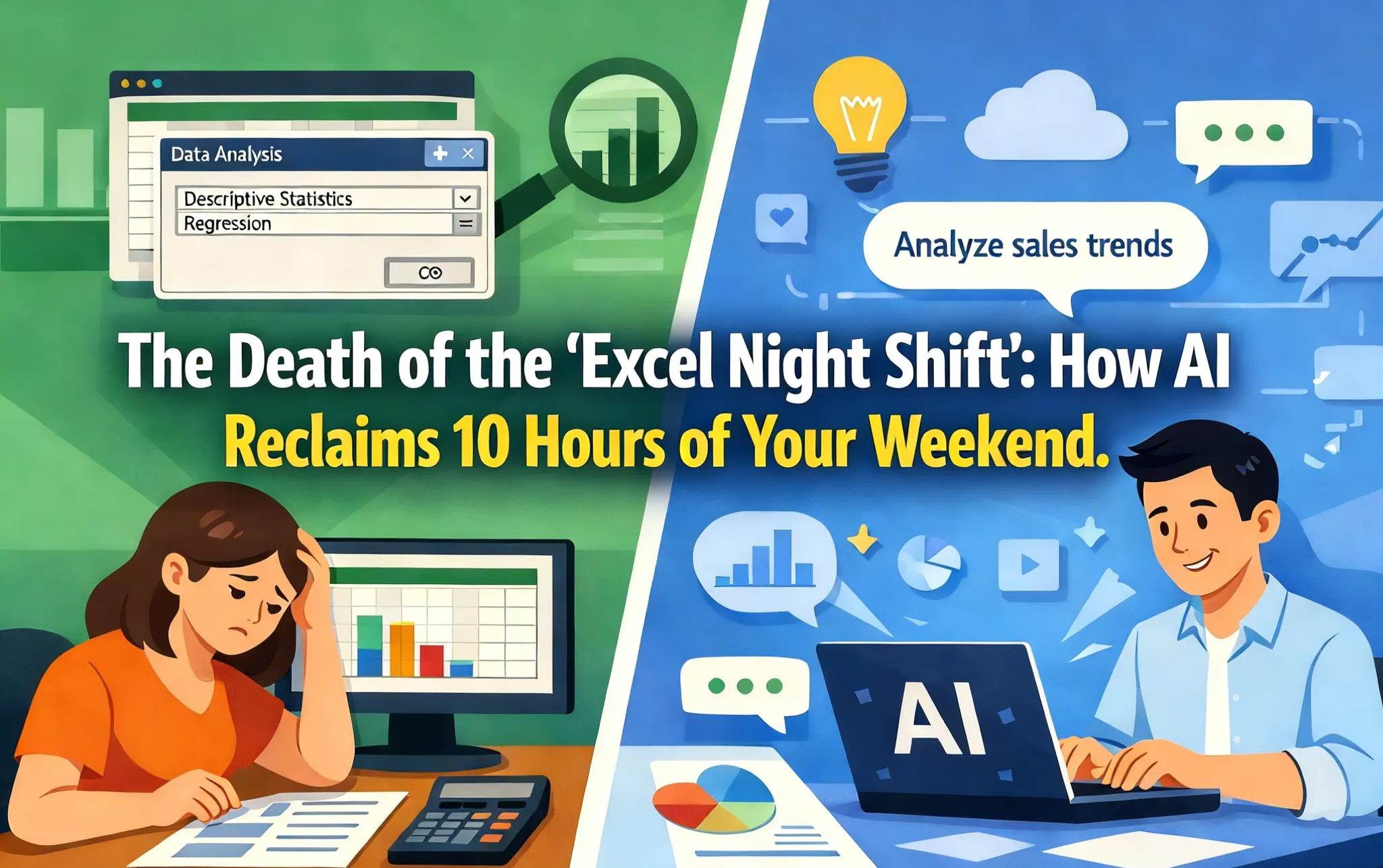
The Death of the 'Excel Night Shift': How AI Reclaims 10 Hours of Your Weekend.
The era of late-night data cleaning is over. Learn how RowSpeak's AI turns grueling manual work into a 30-second conversation, so you can spend your weekend on what actually matters.
 Excel Essentials
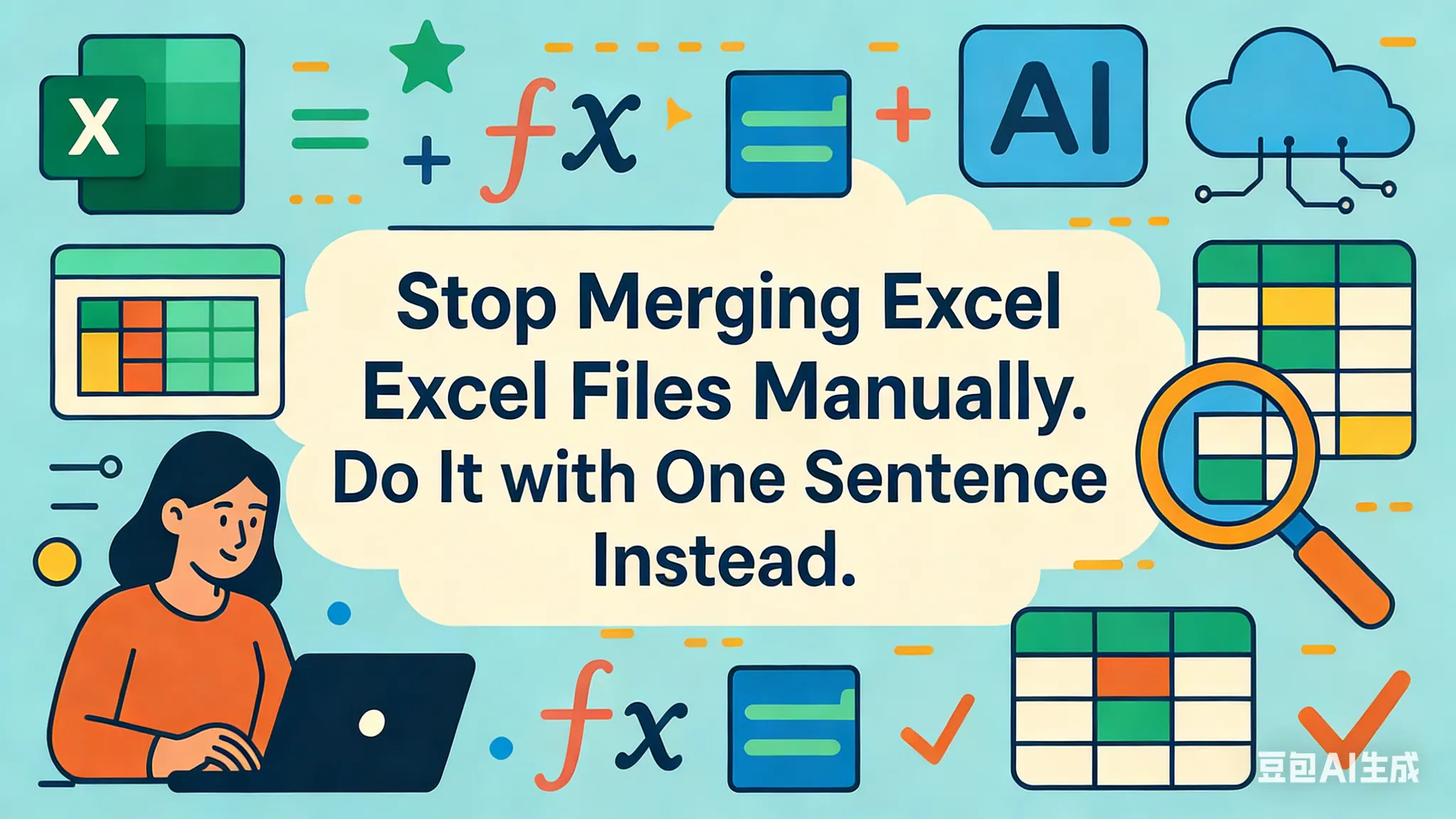
Stop Merging Excel Files Manually. Do It with One Sentence Instead.
Still manually consolidating reports or wrestling with Power Query? Discover how RowSpeak's AI transforms messy data merging into a simple conversation—saving you hours of tedious work.
 Excel Essentials
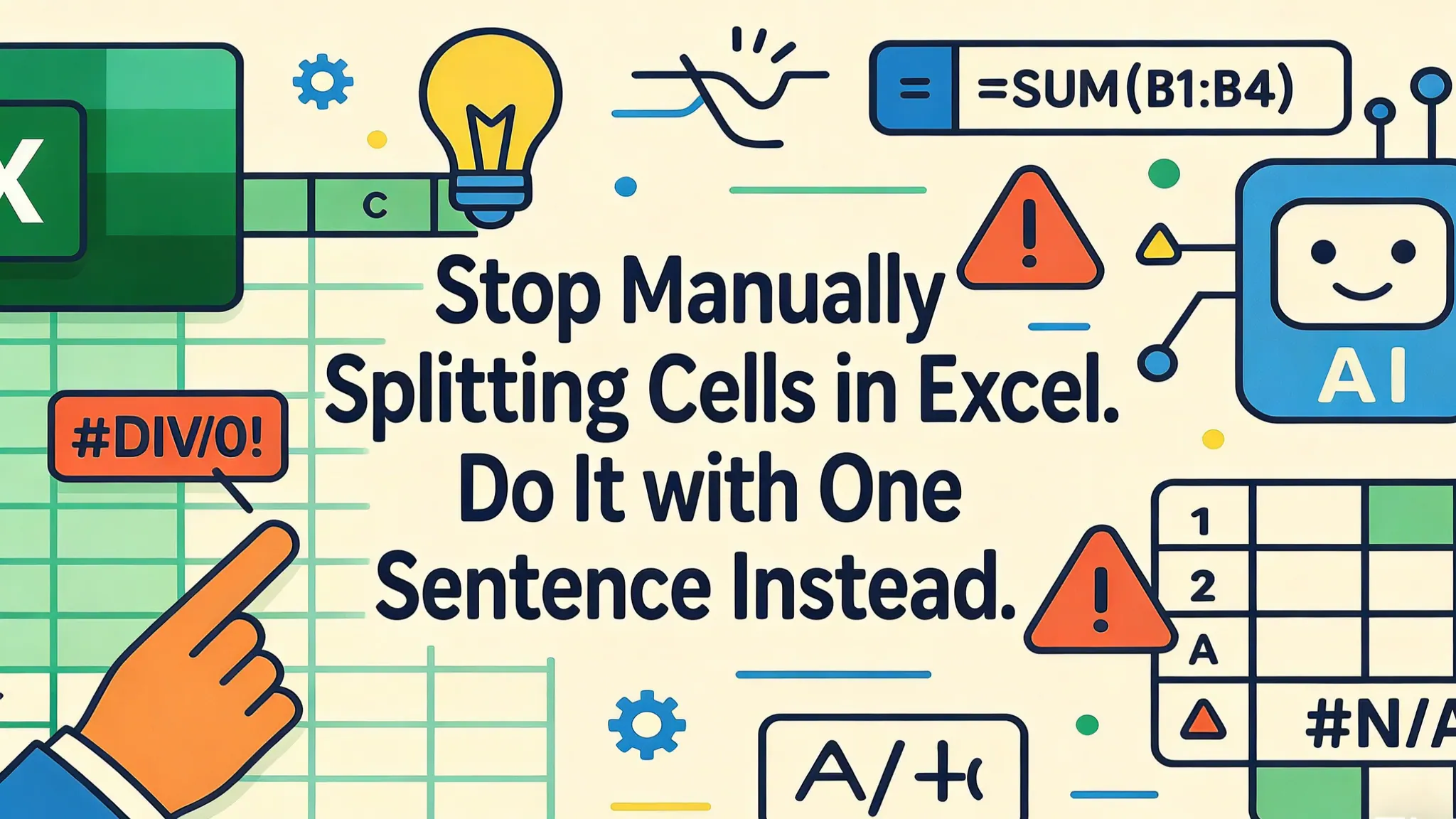
Stop Manually Splitting Cells in Excel. Do It with One Sentence Instead.
Tired of manually separating names, addresses, or codes in Excel? Discover how RowSpeak's AI transforms this tedious task into a simple conversation—saving you hours and eliminating formula headaches.
 Excel Essentials
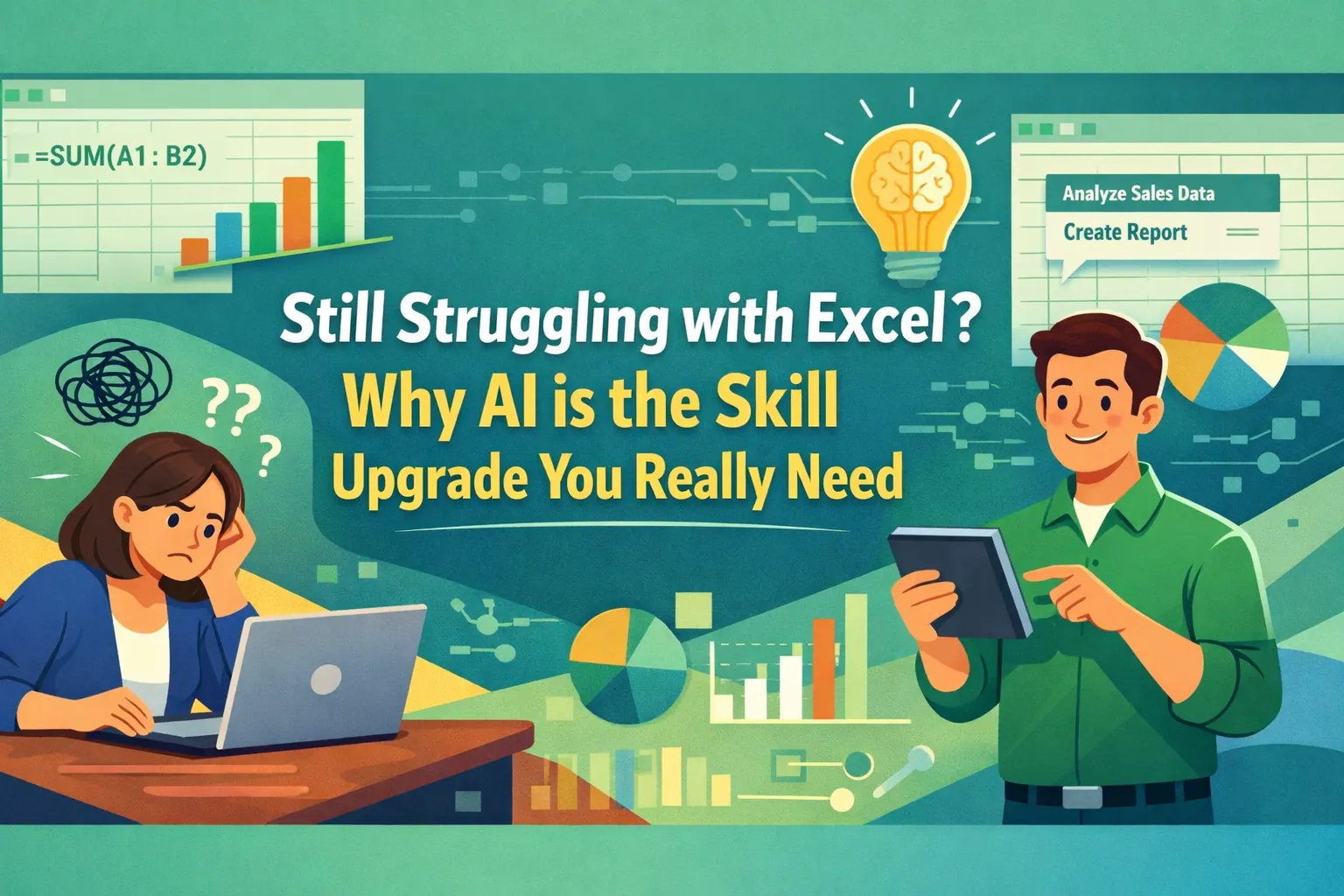
Still Struggling with Excel? Why AI is the Skill Upgrade You Really Need
Everyone says you need Excel skills, but nobody talks about the frustrating learning curve and hours spent on manual tasks. What if you could skip the complex formulas and just ask your spreadsheet for answers? Discover how Excel AI is changing the game.
 Excel Essentials
Stop Learning Complex Formulas: How Excel AI Unlocks Career Growth
Tired of the weekly grind of building sales reports in Excel? You're not alone. We'll show you how to ditch the tedious SUMIFS and manual pivot table setups and use Excel AI to get insights in minutes, freeing you up for strategic work that gets you noticed.
 Excel Essentials
Your Excel Data Is in the Wrong Format? How to Unpivot It for Analysis (The Easy Way)
Struggling with wide, pivot-style reports that are impossible to analyze? We'll show you how to transform messy data into a clean, usable format—first with Power Query, and then see how an Excel AI agent like RowSpeak can do it in seconds with a simple sentence.
 Excel Essentials
Stop Wrestling with Excel Dynamic Array Formulas: Here’s How AI Can Do It for You
Excel's dynamic arrays were a game-changer, but nesting functions like SORT and FILTER is still a headache. Discover how RowSpeak, an AI agent, lets you perform complex data filtering, sorting, and analysis just by asking questions in plain language.
 Excel Essentials
Tired of Messy Excel Tables? Unpivot Your Data in Seconds with AI
Struggling with 'wide' Excel tables where months or categories are in columns? This layout makes filtering and analysis a nightmare. Discover how to unpivot your data from a clunky manual process to a simple conversation with Excel AI.
 Excel Essentials
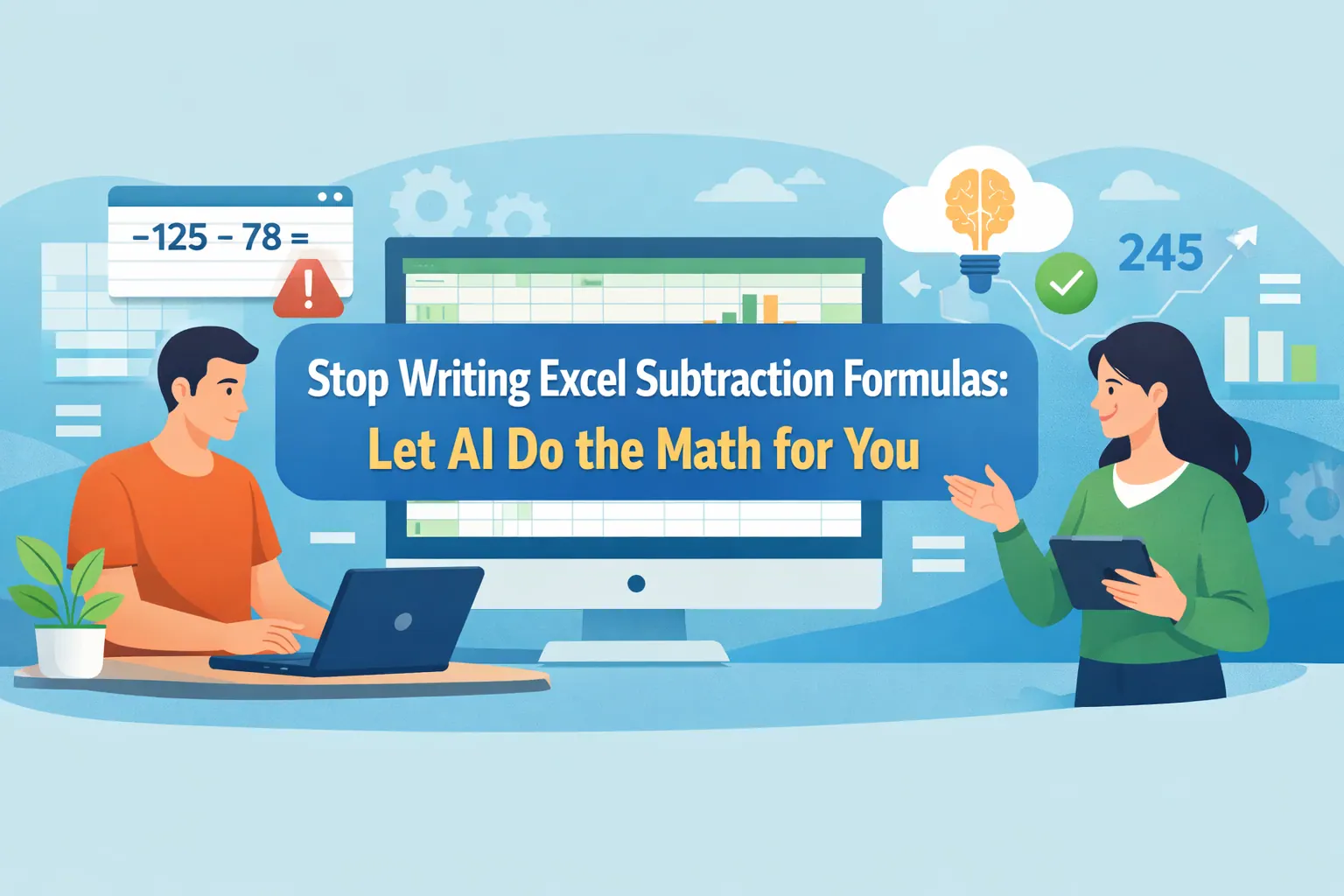
Stop Writing Excel Subtraction Formulas: Let AI Do the Math for You
Tired of wrestling with different Excel formulas just to subtract numbers, dates, or percentages? Forget memorizing `=SUM()`, `DATEVALUE()`, or absolute references. Discover how Excel AI lets you perform any subtraction calculation instantly with simple text commands.
 Excel Essentials
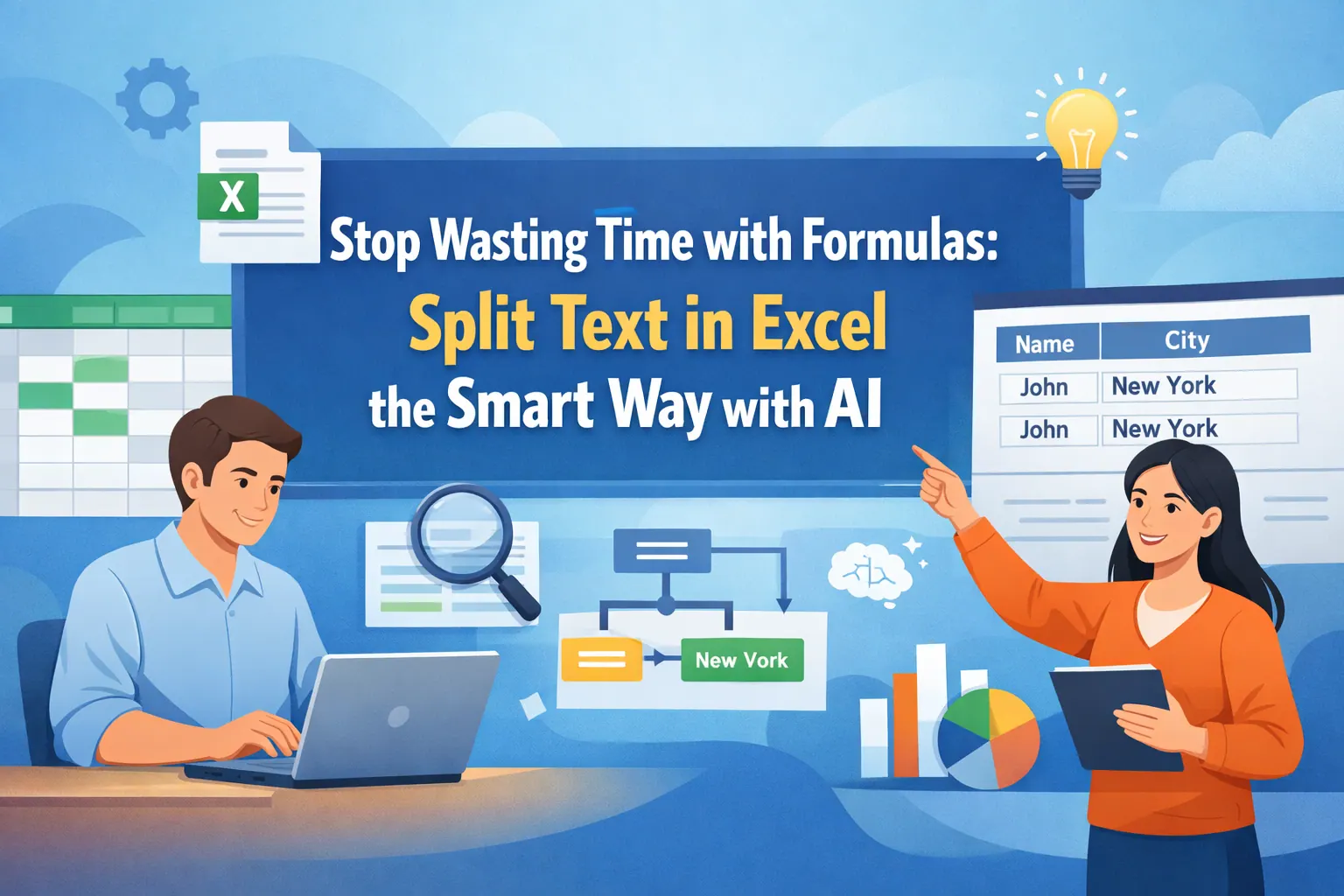
Stop Wasting Time with Formulas: Split Text in Excel the Smart Way with AI
Splitting text in Excel, like separating first and last names, can be a nightmare of nested formulas. This guide shows you the pain points of traditional methods and introduces a new, faster way using RowSpeak's AI to split any text data instantly with plain language.
 Excel Essentials
Tired of Excel's Clunky Sort? Here's How to Sort Data Instantly with AI
Tired of wrestling with Excel's clunky sort dialog box? Sorting data seems simple until you need multi-level or custom orders. This guide shows you the pain of the old way and a new, faster method using Excel AI to sort your data perfectly with just one sentence.
 Excel Essentials
Tired of Complex Excel Sorting? Here's How AI Can Do It in Seconds
Tired of manually re-sorting your Excel data or wrestling with complex SORT and SORTBY formulas? What if you could sort your tables just by asking? This guide shows you how an Excel AI can automate sorting in seconds.
 Excel Essentials
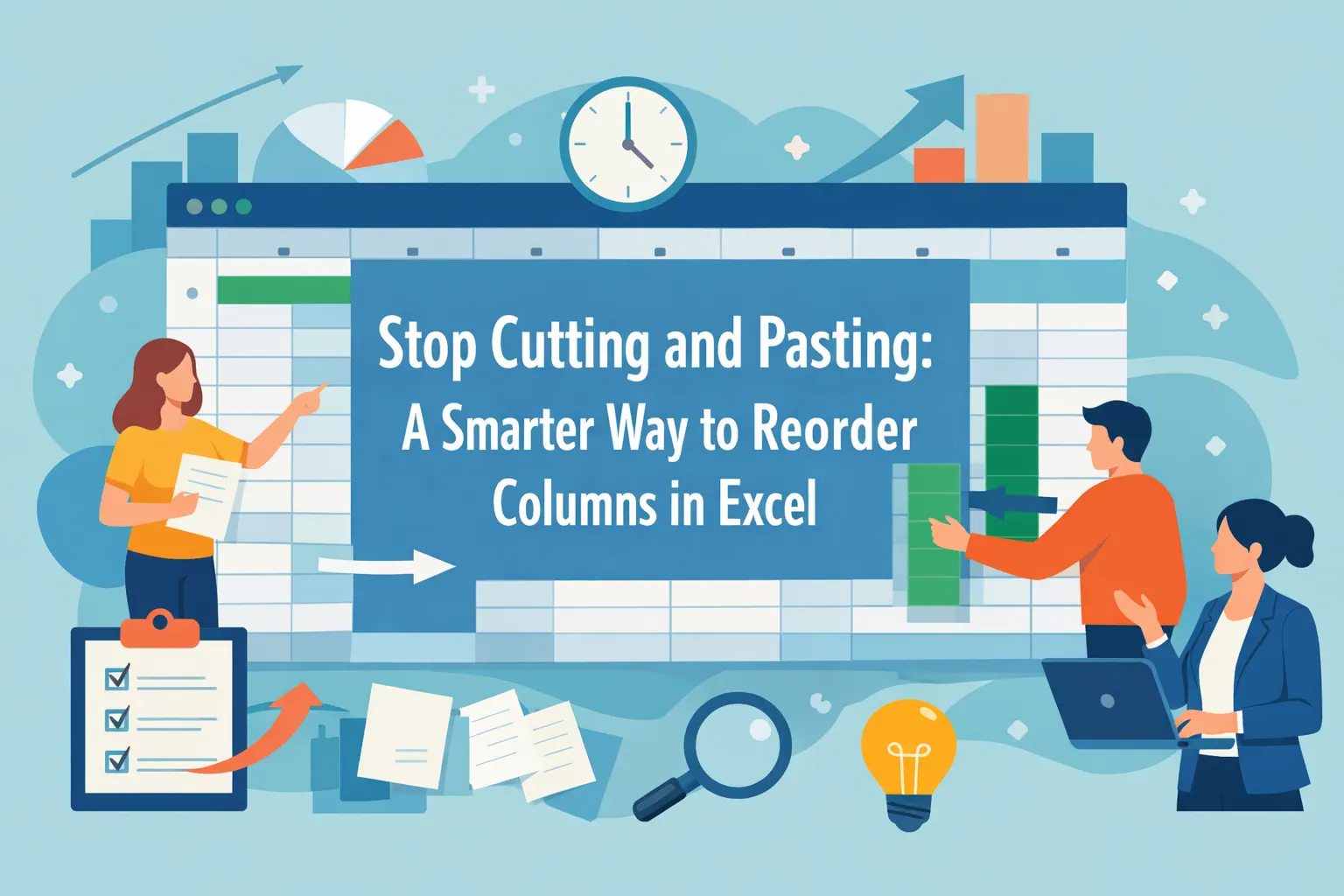
Stop Cutting and Pasting: A Smarter Way to Reorder Columns in Excel
Tired of the risky and repetitive process of cutting, pasting, and dragging to reorder columns in Excel? This guide shows you a much faster, error-proof AI method to organize your data layout in seconds, not minutes.
 Excel Essentials
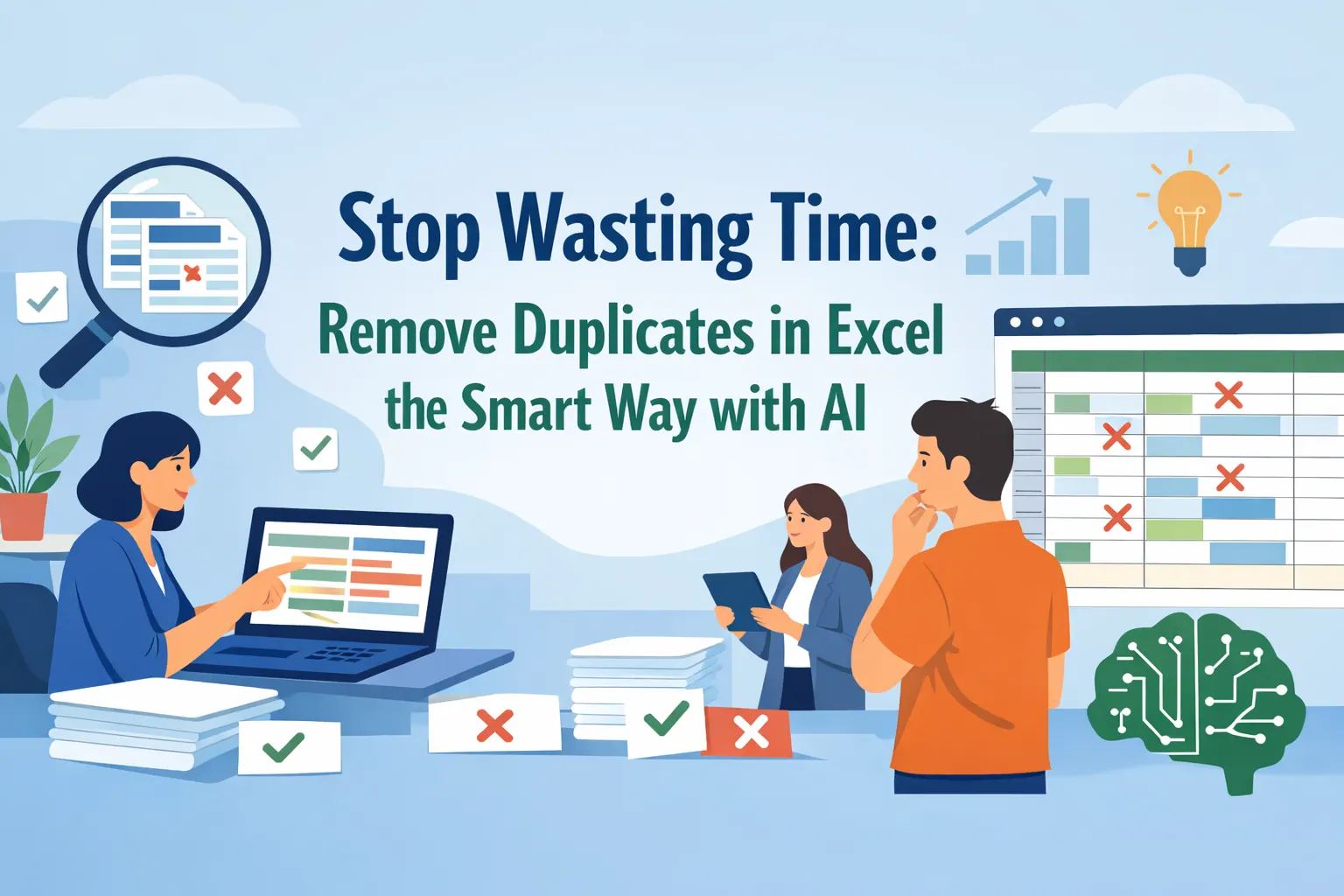
Stop Wasting Time: Remove Duplicates in Excel the Smart Way with AI
Tired of manually hunting down and deleting duplicate rows in your spreadsheets? Manual methods are slow and risky. Discover how an Excel AI agent like RowSpeak can automate this entire process with a simple chat command, saving you time and preventing costly data errors.
 Excel Essentials
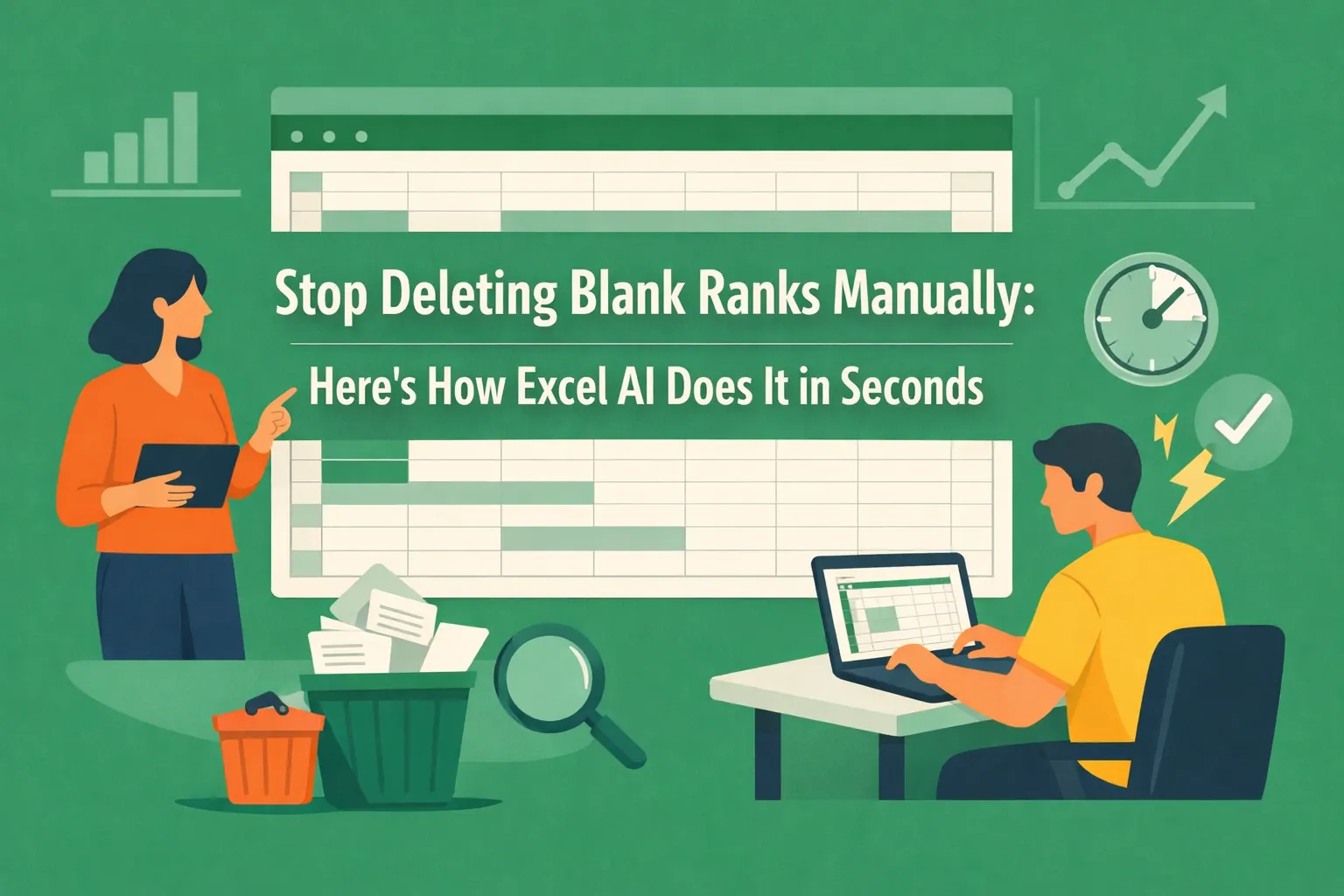
Stop Deleting Blank Rows Manually: Here’s How Excel AI Does It in Seconds
Blank rows in your spreadsheet can break formulas and mess up reports. While manual methods like 'Go To Special' or 'Filter' exist, they're slow and risky. Discover how an Excel AI agent like RowSpeak can remove all empty rows with a simple instruction, cleaning your data in seconds.
 Excel Essentials
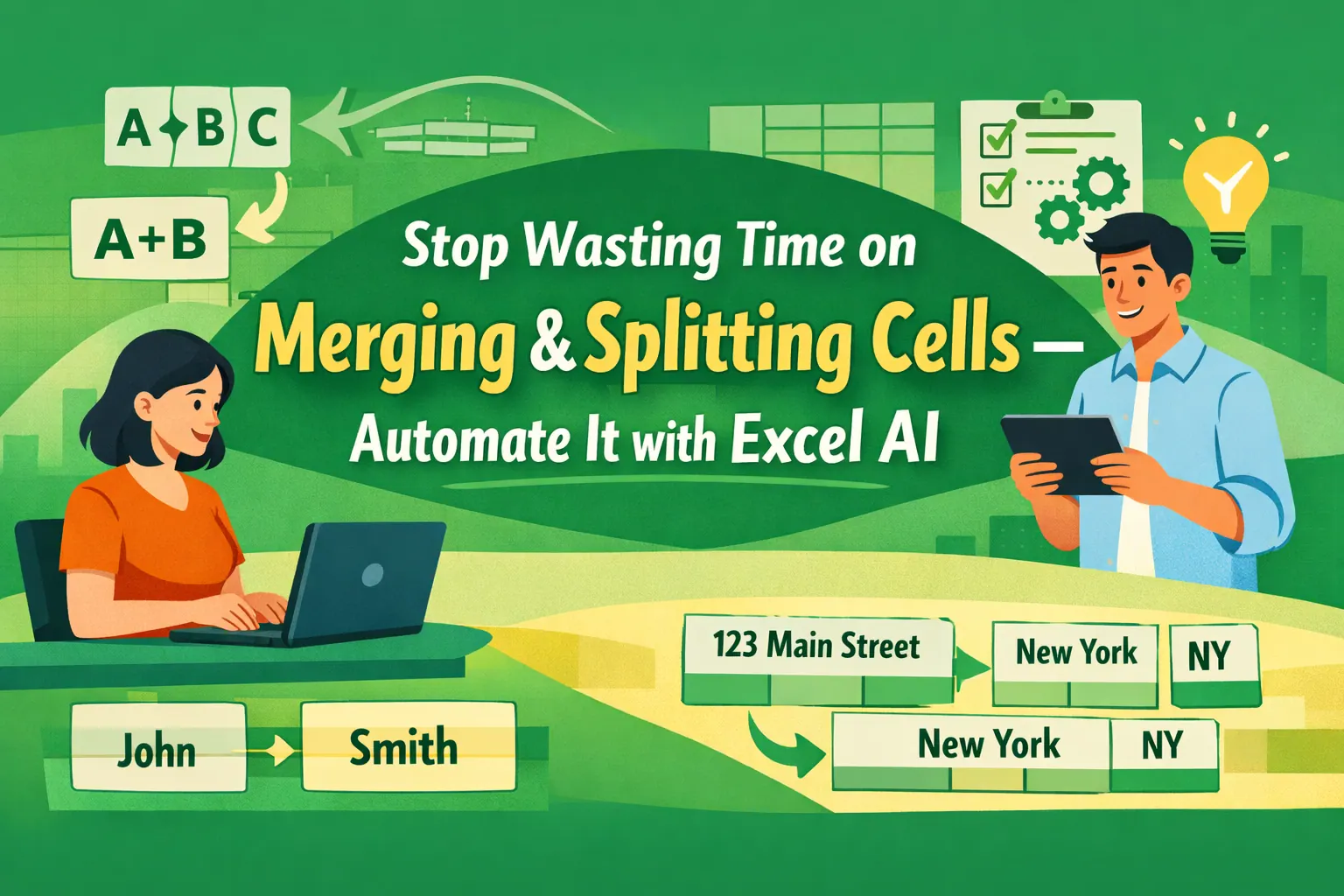
Stop Wasting Time on Merging & Splitting Cells — Automate It with Excel AI
Tired of manually combining first and last names or splitting addresses in Excel? This guide shows you the old, formula-heavy way and a new, faster AI-powered solution with RowSpeak. Stop wasting hours on data prep.
 Excel Essentials
Tired of #N/A and #DIV/0! Errors? Let Excel AI Clean Up Your Formulas
Stop letting ugly Excel errors like #N/A and #DIV/0! ruin your spreadsheets. We'll show you the traditional IFERROR fix and then reveal how RowSpeak, an Excel AI agent, automates error handling with simple language commands, saving you hours of tedious formula writing.
 Excel Essentials
Forget Manual Filtering: How to Use AI to Instantly Find the Data You Need in Excel
Stop wrestling with clunky AutoFilters and confusing FILTER formulas. Discover how RowSpeak lets you filter, sort, and analyze your data just by asking questions in plain language. Get the exact data you need in seconds, not minutes.
 Excel Essentials
Stop Manually Dividing in Excel: Let AI Handle Your Calculations
Tired of wrestling with division formulas, absolute references, and #DIV/0! errors in Excel? See how you can skip the manual work. We'll show you how an Excel AI can instantly calculate price per unit or convert currencies for you.
 Excel Essentials
Stop Counting Manually: How to Find Unique Values in Excel with AI
Tired of wrestling with UNIQUE, COUNTA, or clunky Pivot Tables just to count unique entries in your list? Discover how an Excel AI tool like RowSpeak lets you find unique or distinct values with a simple sentence, saving you time and eliminating formula errors.
 Excel Essentials
Stop Copy-Pasting: The AI Way to Combine Multiple Excel Tables (Faster than VSTACK & HSTACK)
Combining data from different sheets in Excel often means tedious copy-pasting or wrestling with new functions like VSTACK. Discover a faster way with RowSpeak, where you can just tell an AI to 'combine these tables' and get it done in seconds, even if the columns don't perfectly match.
 Excel Essentials
Stop Memorizing Formulas: How to Calculate Any Average in Excel with AI
Tired of wrestling with complex AVERAGE, MEDIAN, and MODE formulas in Excel? This guide shows you the traditional methods and their pitfalls, then introduces a faster way using Excel AI to calculate any type of average with simple language commands.
 Excel Essentials
Tired of #N/A and #VALUE! Errors? Let's Fix Your Broken Excel Formulas with AI
Ever stared at a spreadsheet full of #REF! errors and wanted to give up? You're not alone. We'll show you the tedious old way of debugging formulas and a revolutionary new approach using Excel AI to fix them in seconds with plain language.
 Excel Essentials
Forget Excel vs. Google Sheets: The Real Game-Changer is Excel AI
Tired of the endless Excel vs. Google Sheets debate? Both have their pros and cons, but they share a common problem: tedious manual work. Learn how a new category of tools—Excel AI—is making the debate irrelevant by automating your most complex tasks.
 Excel Essentials
VLOOKUP Can't Handle Duplicates? Here's the AI-Powered Fix
Tired of VLOOKUP failing on duplicate names like 'John Smith'? This guide shows you the classic (and clunky) helper column workaround, then reveals how an Excel AI like RowSpeak can solve the problem in seconds with simple language, no complex formulas needed.
 Excel Essentials
Forget Excel VBA Arrays: How to Process Data in Seconds with AI
Struggling with cumbersome Excel VBA arrays to process your data? Discover a modern, no-code alternative. This guide shows you how to ditch complex loops and declarations and use Excel AI to analyze and manipulate data sets in seconds.
 Excel Essentials
Tired of Complex SUMPRODUCT Formulas? Here's a Simpler AI Way
Wrestling with the SUMPRODUCT function in Excel can be a headache. Its syntax is powerful but complex and error-prone. Discover how an Excel AI agent like RowSpeak can replace these manual formulas, letting you perform complex calculations just by asking.
 Excel Essentials
Tired of Complex SUMIF & SUMIFS? Analyze Sales Data in Seconds with Excel AI
Tired of wrestling with complex SUMIF and SUMIFS formulas for your sales reports? Discover how an Excel AI agent like RowSpeak can answer your business questions in seconds, transforming hours of manual work into a simple conversation.