
Excel Essentials
Formulas, tables, charts, and file basics for everyday spreadsheet work
 Excel Essentials
ChatGPT + Excel AI = A Productivity Powerhouse? Here’s What You Need to Know
Structure data with ChatGPT, visualize it instantly with RowSpeak. This AI combo can seriously boost your Excel productivity.
 Excel Essentials
The Easiest Way to Make Excel Charts with AI (Free Download Inside)
Say goodbye to complex Excel chart templates. With RowSpeak’s AI, create professional bar, line, and pie charts in seconds using simple prompts—no coding or design experience required.
 Excel Essentials
Ditch Your Excel Templates: Automate Data Analysis with AI (ChatGPT + RowSpeak in Action)
Break free from Excel template limitations with ChatGPT and RowSpeak. Learn AI-powered data analysis workflow for dynamic business insights without complex formulas.
 Excel Essentials
Save Hours with These 4 ChatGPT + Excel Tips (and How RowSpeak Does It in One Sentence)
Discover how to use ChatGPT to write Excel formulas—and how RowSpeak takes it further by automating the entire process with natural language. Say goodbye to templates and hello to smart spreadsheets.
 Excel Essentials
5 Excel Charts You Can Instantly Generate with AI Using RowSpeak
Learn how to turn your Excel data into charts in seconds using AI. This blog shows 5 real-life examples of pie, bar, and line charts built with RowSpeak — and the insights it can generate automatically.
 Excel Essentials
Master Data Analysis with RowSpeak: No Formulas, No Coding, Just Actionable Insights
Transform your Excel spreadsheets into powerful insights with RowSpeak’s AI. No formulas, no coding—just natural language questions and instant results.
 Excel Essentials
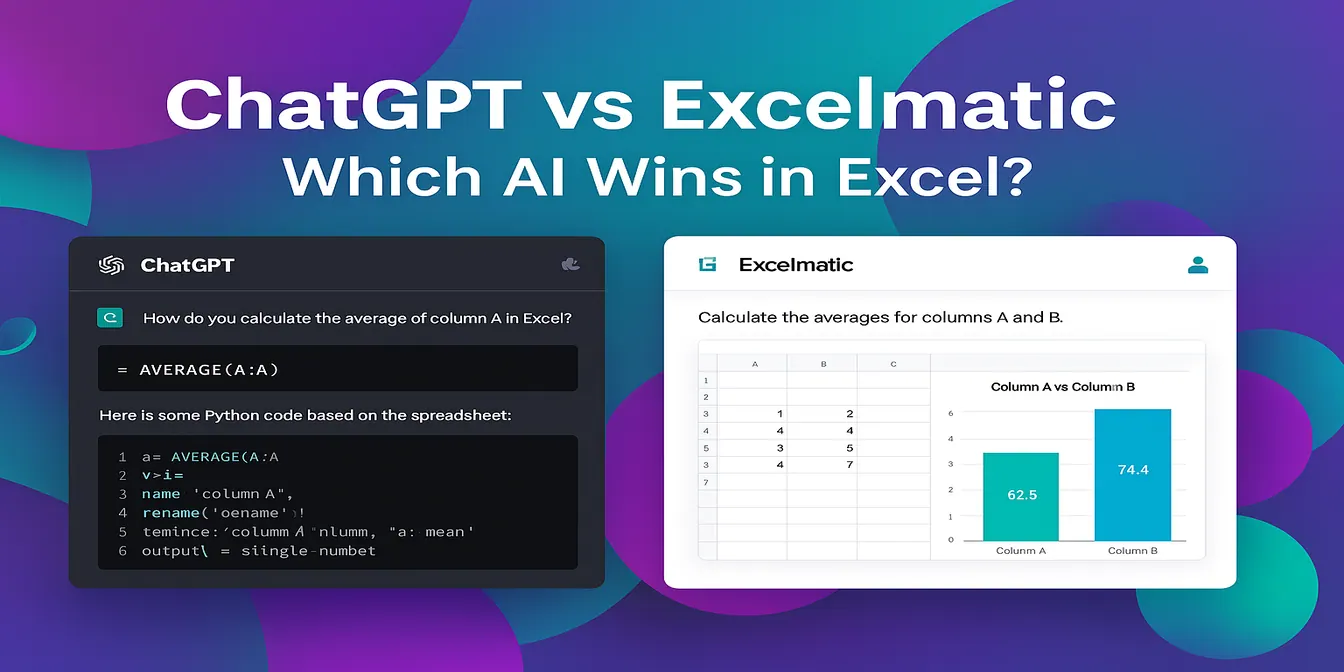
RowSpeak vs ChatGPT: Which AI Assistant Works Better for Excel Analysis?
Inject super efficiency into Excel with AI: automate repetitive tasks, perform advanced analysis, and easily gain insights through natural language.
 Excel Essentials
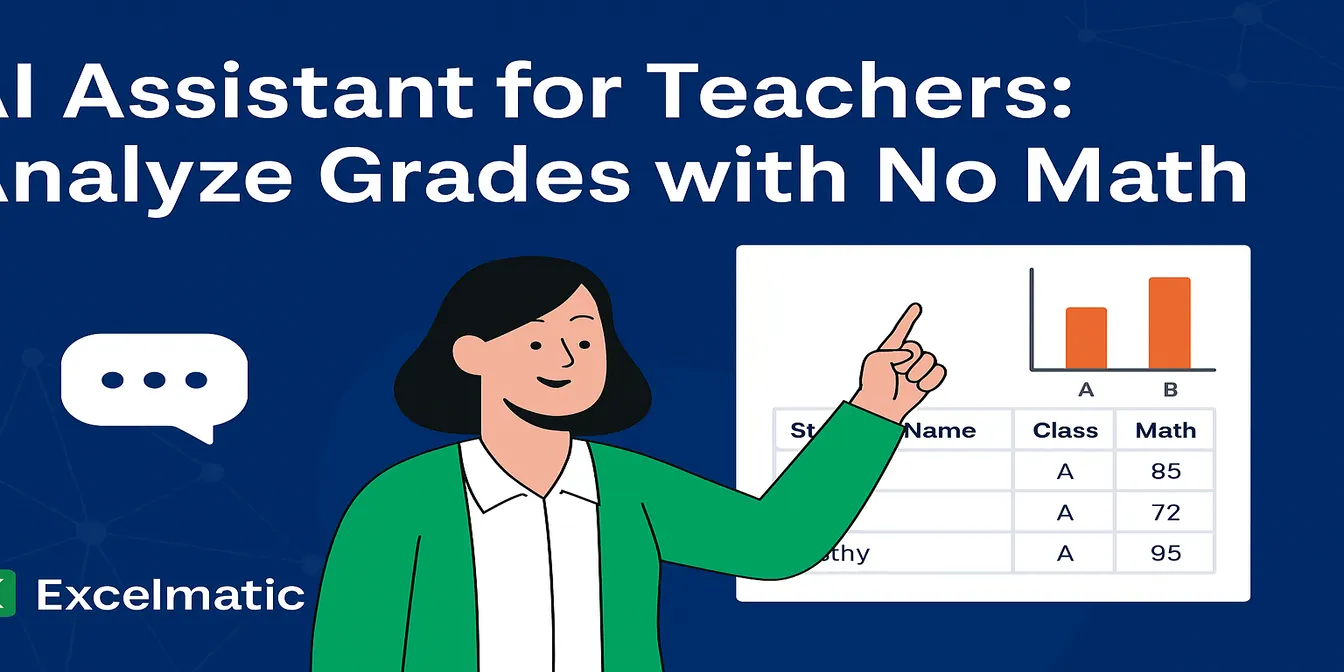
RowSpeak: The Best AI Grading Assistant for Teachers
With RowSpeak, teachers can analyze student grades, rank performance, and compare classes—all without formulas. Save hours and simplify reporting using natural language prompts.
 Excel Essentials
Sales Analysis Made Easy: Use AI to Excel Data Analysis and Boost Efficiency by 80%
Automate your sales data analysis with RowSpeak to boost efficiency, reduce errors, and make data-driven decisions.
 Excel Essentials
Best Free AI for Excel Tools in 2026: 10 Options for Analysis, Formulas, and Charts
Compare free AI for Excel tools by free tier, supported data formats, formula help, chart generation, and reporting workflows.
 Excel Essentials
How to Analyze Sales Data in Minutes: A Step-by-Step Guide with RowSpeak Excel AI
Discover how RowSpeak’s AI transforms Excel sales data analysis with speed, accuracy, and ease—no formulas required.
 Excel Essentials
Excel AI: How to Automate Project Management & Predict Risks in 2025
Excel AI: How to Automate Project Management & Predict Risks in 2025
 Excel Essentials
Top 8 Amazing Free Excel AI Tools For 2025
Discover the top Excel AI tools for 2025 that simplify complex tasks and boost efficiency with smart automation.
 Excel Essentials
How to Achieve Efficient Cash Flow Forecasting with Excel AI Tool
This article will demonstrate how to use the AI capabilities of RowSpeak to shorten the work that originally takes several hours to just a few minutes while ensuring the accuracy of the forecast results.
 Excel Essentials
E-commerce Inventory Optimization with Excel and AI
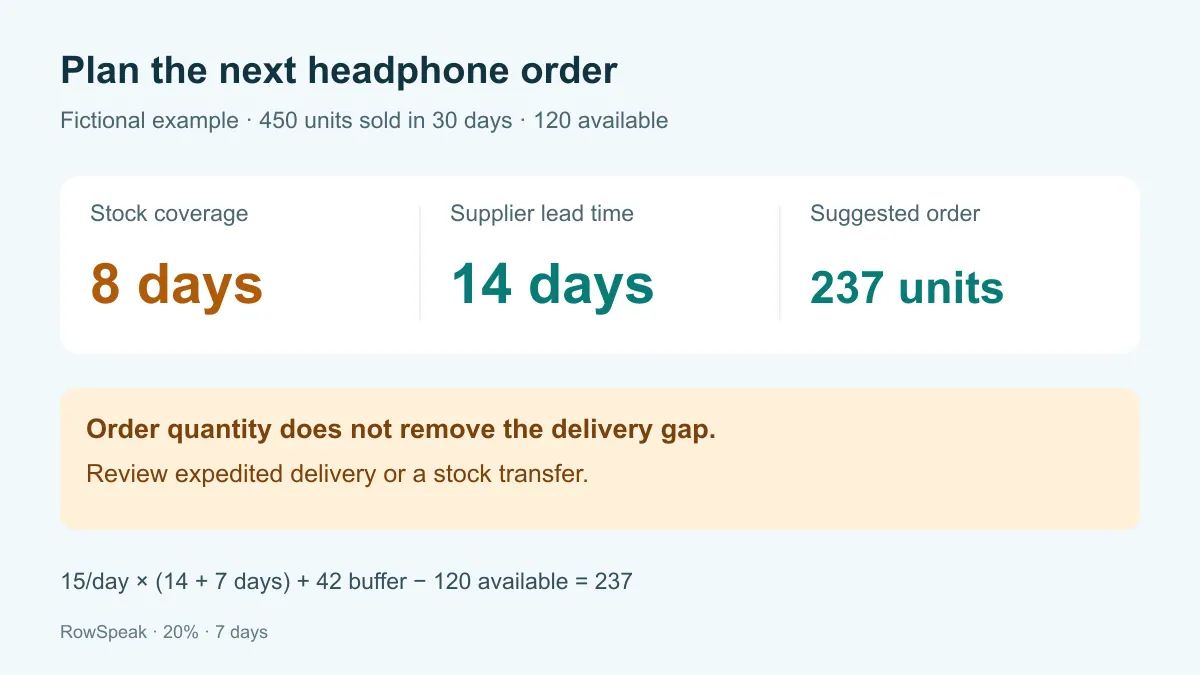
Calculate stock coverage, safety stock and suggested order quantities from dated exports, then review the risks before your next supplier order.
 Excel Essentials
Excel AI Tool: data analysis in 1 second with natural language!
Excel AI tool: data analysis in 1 second with natural language!
 Excel Essentials
Excel Automation Made Simple: How Artificial Intelligence Can Do Most of Your Workload
Supercharge Your Excel Productivity with AI: Expert Tips & RowSpeak Tricks
- Excel Essentials
How to Improve ROI Calculations with Excel AI
How to Improve ROI Calculations with Excel AI
 Excel Essentials
How to Use Excel AI for Predictive Customer Lifetime Value
How to Use Excel AI for Predictive Customer Lifetime Value
 Excel Essentials
How to Calculate Present Value (PV) for Investment with AI Tools for Excel
Calculate Present Value (PV) for Investment with AI Tools in Excel
- Excel Essentials
Top 10 Free AI Tools for Excel to Boost Your Productivity
Discover the top 10 free AI tools for Excel that can boost your productivity and simplify complex tasks.
 Excel Essentials
Unleashing the power of AI in Excel: top 10 free and paid Excel AI tools for 2025
Here, we will explore the top 10 Excel AI tools available in 2025, focusing on their features, ideal user base, pros and cons, and pricing.
- Excel Essentials
How to Calculate Future Investment Value in Excel with AI in 2025
This article will guide you on using Excel's built-in functions and AI tools to simplify and optimize financial calculations.
 Excel Essentials
How to Perform a Breakeven Analysis with Excel AI
Discover how AI is revolutionizing financial planning with RowSpeak. Learn to perform break-even analysis in Excel using traditional methods and RowSpeak's AI-powered tools. Simplify your financial planning with instant calculations and intuitive visualizations. Read more to see how RowSpeak can transform your business!
 Excel Essentials
Mastering Operating Profit Margin Calculation with Excel and AI in 2025
Learn how to calculate the operating profit margin using traditional Excel methods and the innovative AI-powered tool, RowSpeak. Discover the step-by-step process and the advantages of using RowSpeak for more efficient financial analysis. Click to read more!
 Excel Essentials
AI Chart Generator – Instantly Transform Your Data into Stunning Visualizations
Transform raw spreadsheet data into stunning visualizations instantly with Exelmatic AI. No design skills needed – just click and create professional charts effortlessly!
 Excel Essentials
Excel AI Assistant | Automate Your Spreadsheets with AI-Powered Tools
Boost your productivity with RowSpeak AI Assistant. Automate formulas, analyze data, and clean up spreadsheets effortlessly using AI in Excel.
 Excel Essentials
Chat with Excel AI for Quick and Smart Data Analysis
Boost Excel Efficiency with ChatExcel: Your Ultimate AI-Powered Solution for Streamlined Workflows
 Excel Essentials
Chat with AI Excel: Smarter Spreadsheets, Effortless Insights
This article will share how talking to Excel can revolutionize your workflow and help you save a lot of time doing things manually!
 Excel Essentials
Simplify Data Analysis: Chat Your Excel Problems Away with RowSpeak
Today, let's explore how to use RowSpeak to make Excel analysis more efficient, intelligent, and accessible even for beginners!
- Excel Essentials
How to Create Stunning Excel Charts with Excel AI via RowSpeak
Today, let's explore how to use RowSpeak to quickly create high-quality charts in Excel.
 Excel Essentials
RowSpeak: AI-Powered Excel Chart Editor That Brings Data to Life!
RowSpeak helps you gain insights quickly and presents them in the most intuitive way.
 Excel Essentials
How to Calculate Hourly Totals from Daily/Hourly Data Using Excel AI
Learn how to calculate hourly totals from daily/hourly data in Excel using RowSpeak AI. Upload your file, write a simple command, and get results fast!
 Excel Essentials
AI-Powered Excel Data Analysis: Unlock Insights with RowSpeak
RowSpeak leverages AI technology to make data analysis as easy as having a conversation!
- Excel Essentials
AI Tools for Excel Data Analysis: Smarter and More Efficient Insights
RowSpeak seamlessly integrates AI technology with data analysis, allowing users to easily obtain insights through natural language interactions without mastering complex Excel skills.
 Excel Essentials
How AI-Based Excel Can Save You Hours of Work
With AI-Based Excel solutions like RowSpeak, you can eliminate tedious manual tasks, improve accuracy, and focus on strategic decision-making.