
Excel Essentials
Formulas, tables, charts, and file basics for everyday spreadsheet work
 Excel Essentials
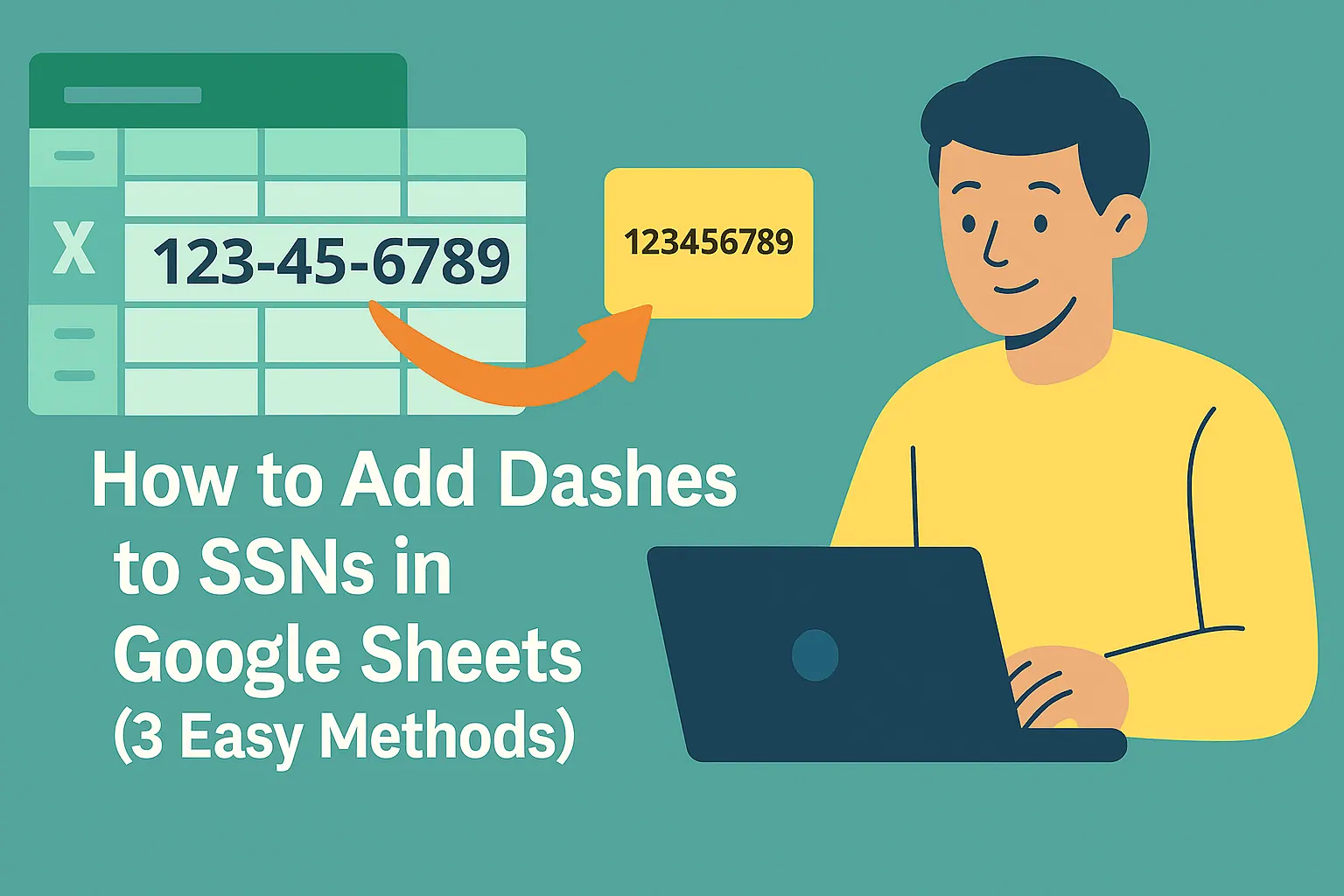
How to Add Dashes to SSNs in Google Sheets (3 Easy Methods)
Struggling with messy SSN data? Discover how to quickly add dashes to Social Security Numbers in Google Sheets using these foolproof methods.
 Excel Essentials
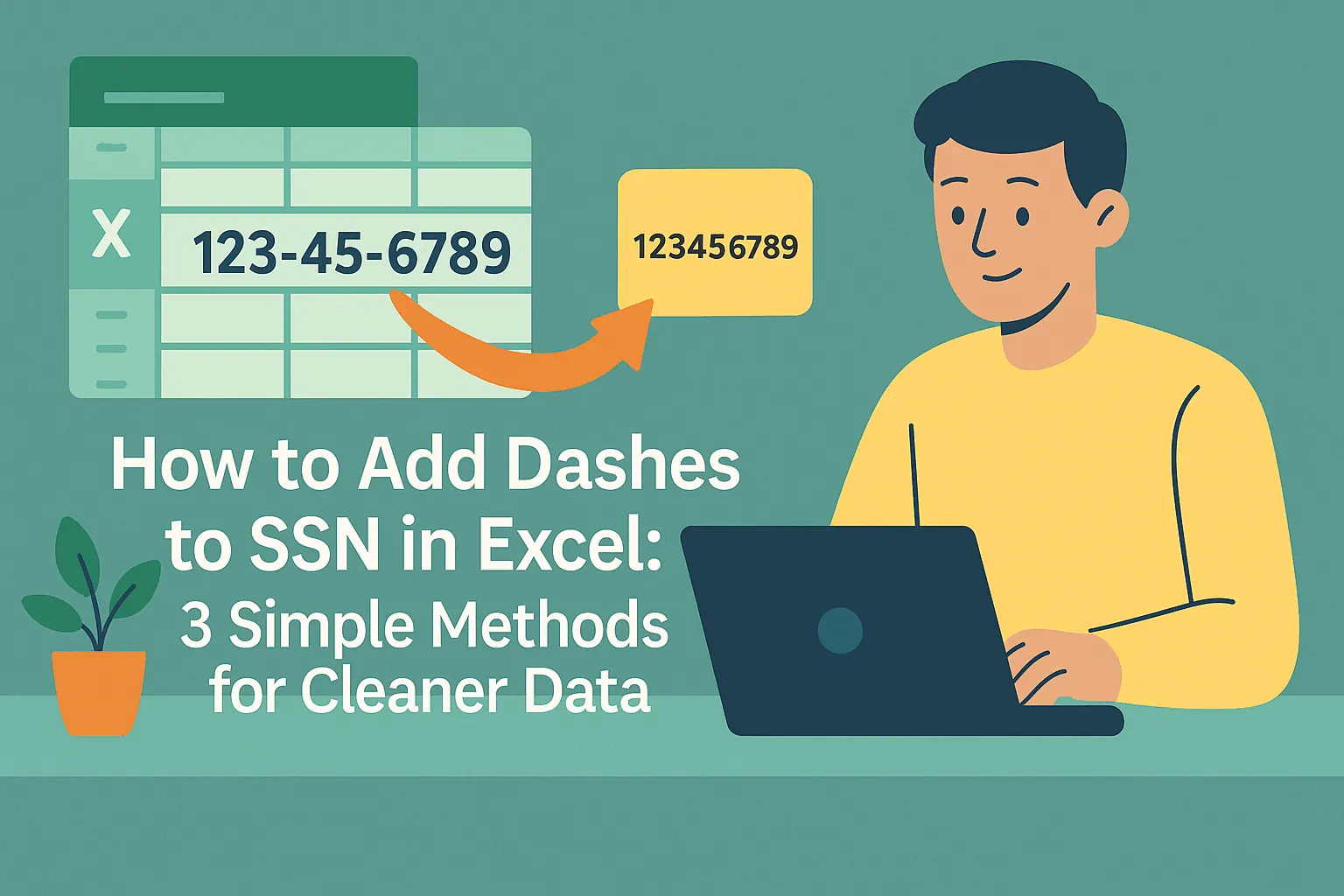
How to Add Dashes to SSN in Excel: 3 Simple Methods for Cleaner Data
Tired of manually editing SSNs? Discover three effortless ways to format Social Security Numbers with dashes in Excel—no more copying and pasting hyphens one by one!
 Excel Essentials
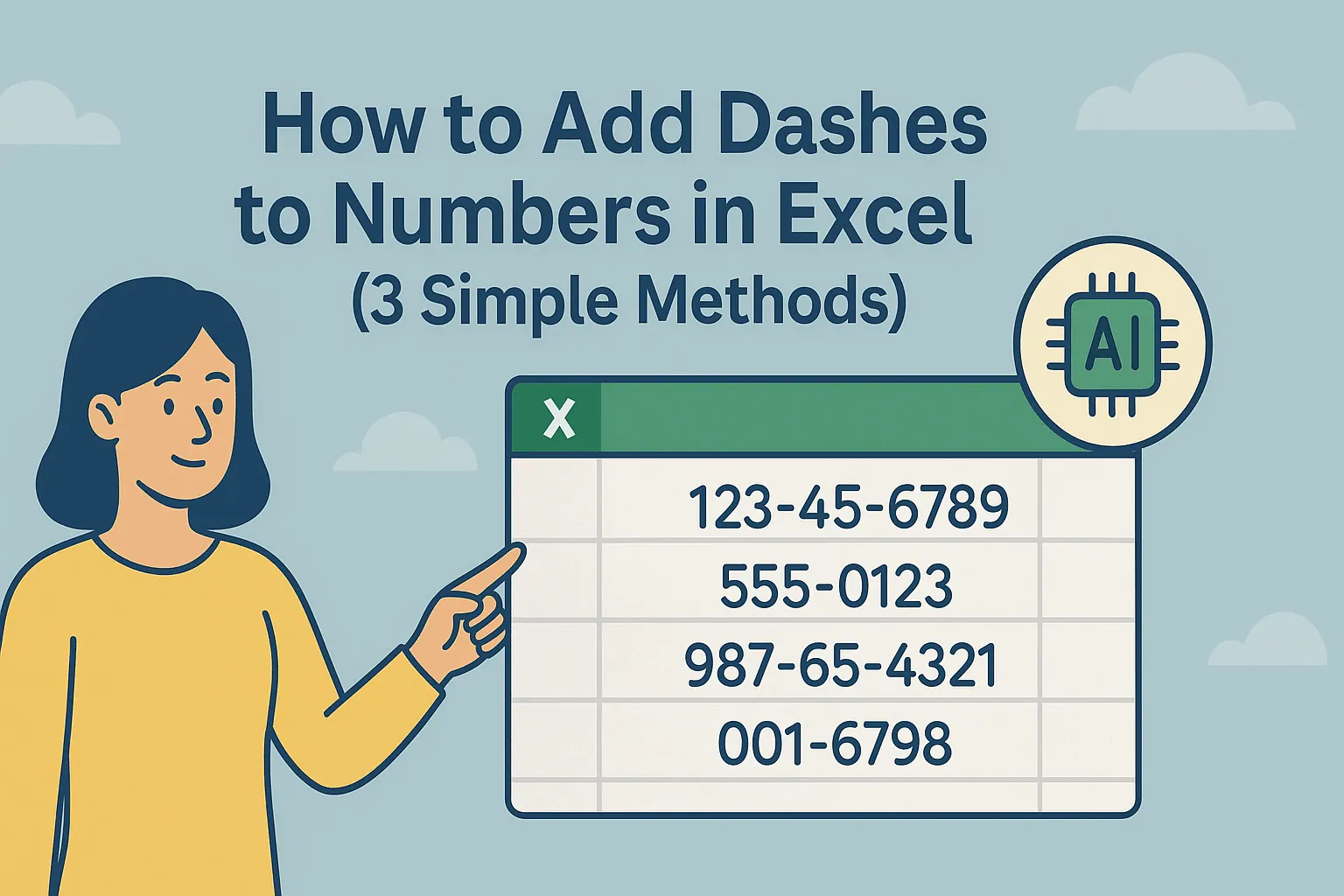
How to Add Dashes to Numbers in Excel (3 Simple Methods)
Tired of squinting at endless number strings? Discover how to transform 1234567890 into 123-456-7890 with these simple Excel formatting tricks that even beginners can master.
 Excel Essentials
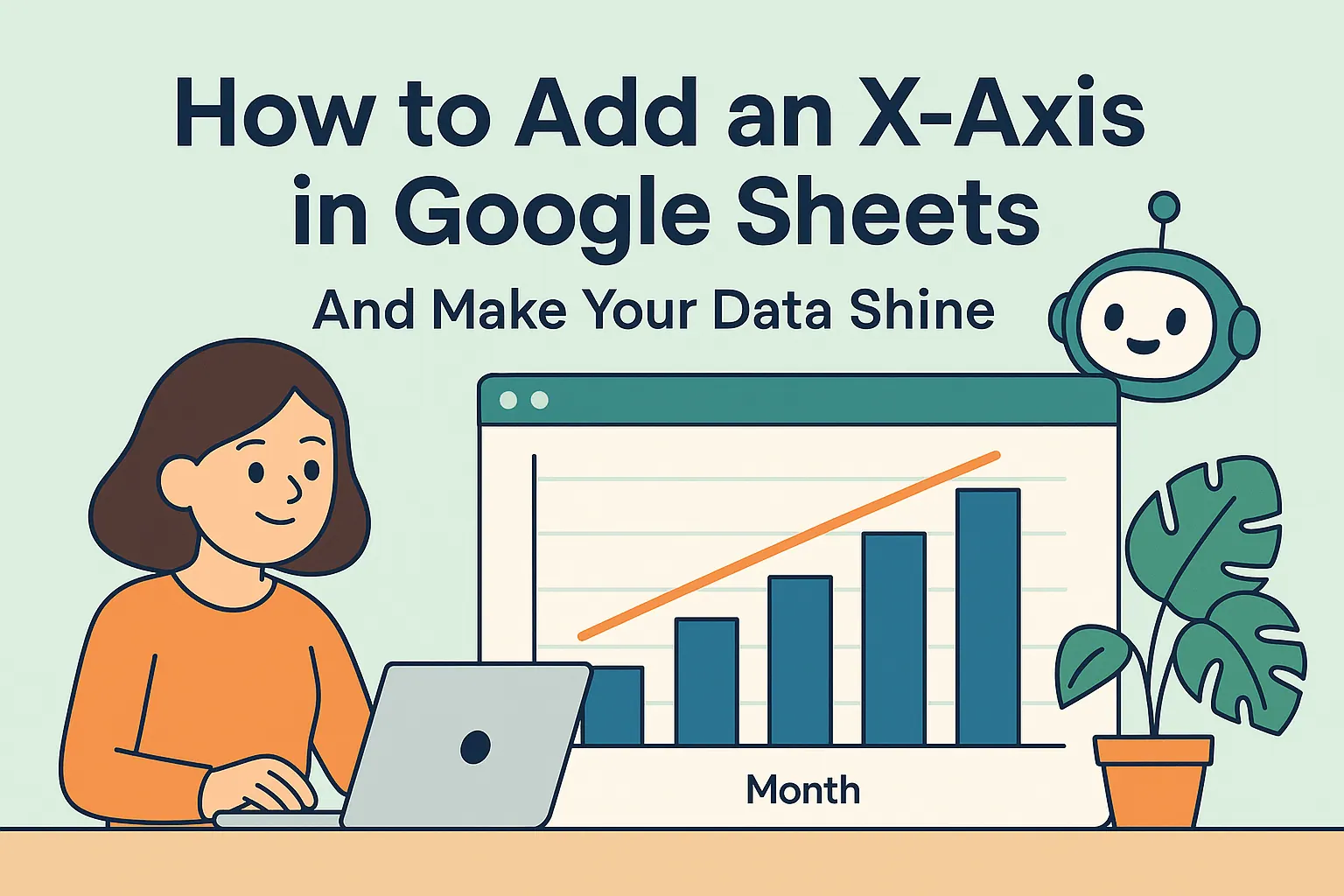
How to Add an X-Axis in Google Sheets (And Make Your Data Shine)
Mastering the X-axis in Google Sheets transforms raw numbers into clear visual stories. Here's your step-by-step guide to creating charts that communicate effectively.
 Excel Essentials
How to Add an Excel Sheet to Word: 5 Simple Methods for Seamless Data Integration
Tired of copy-pasting data between Excel and Word? Learn professional techniques to embed, link, or convert your spreadsheets for polished reports and presentations.
 Excel Essentials
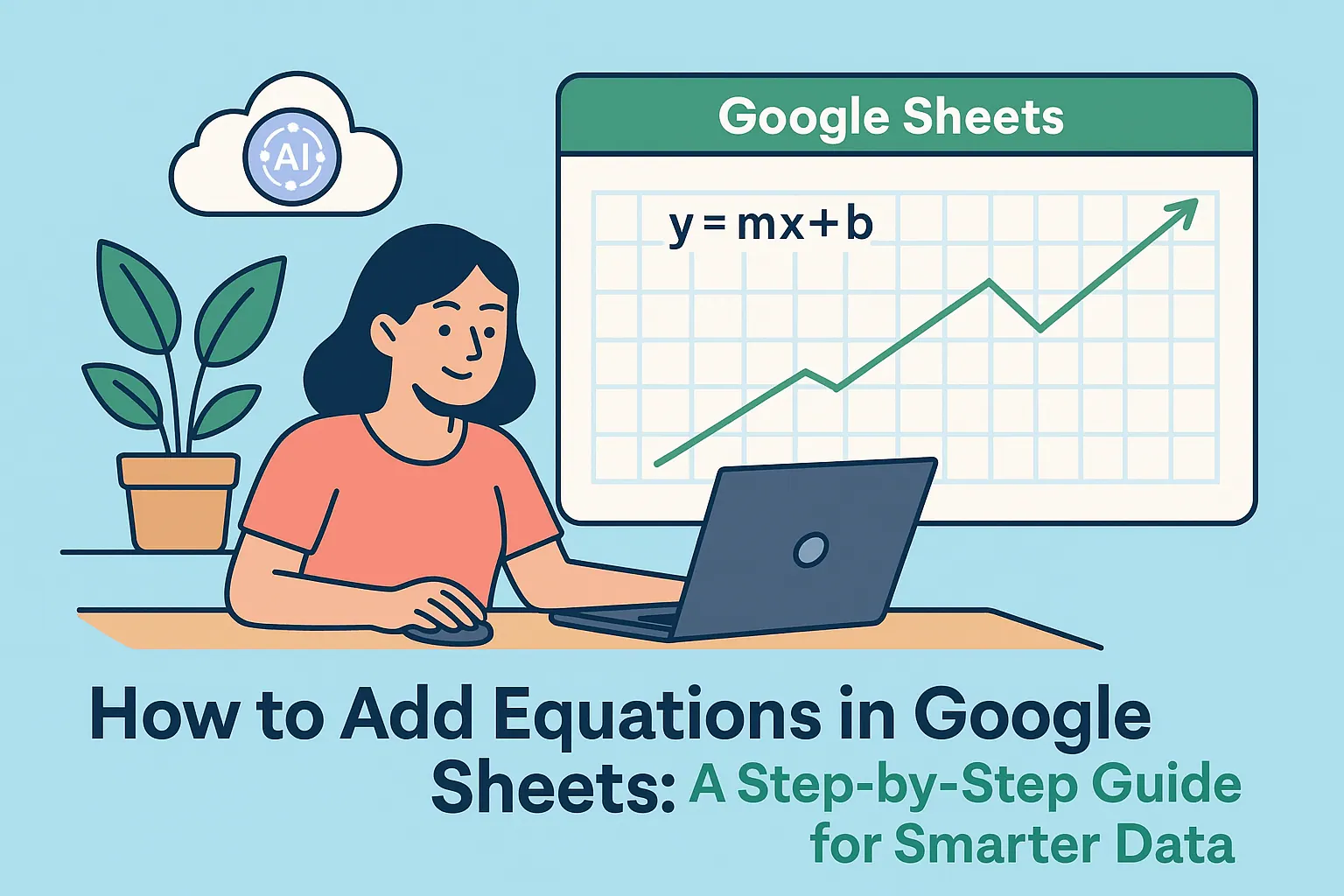
How to Add Equations in Google Sheets: A Step-by-Step Guide for Smarter Data
Tired of manual calculations? This guide shows you how to use Google Sheets equations like SUM, AVERAGE, and VLOOKUP to turn raw data into actionable insights.
 Excel Essentials
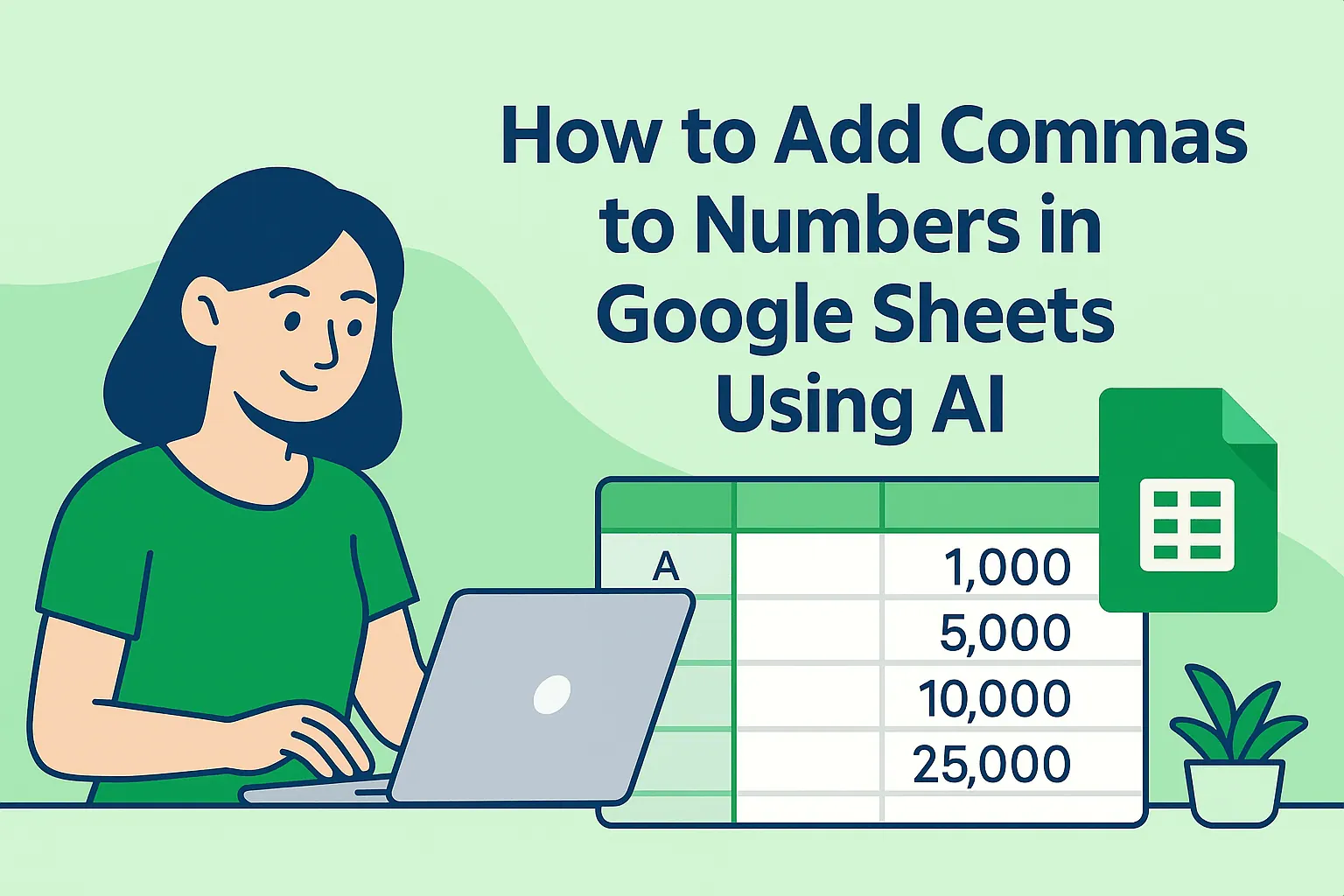
How to Add Commas to Numbers in Google Sheets Instantly Using AI
Tired of squinting at endless rows of numbers? Discover how AI-powered solutions like RowSpeak can transform your Google Sheets data with smart comma formatting—no manual work required.
 Excel Essentials
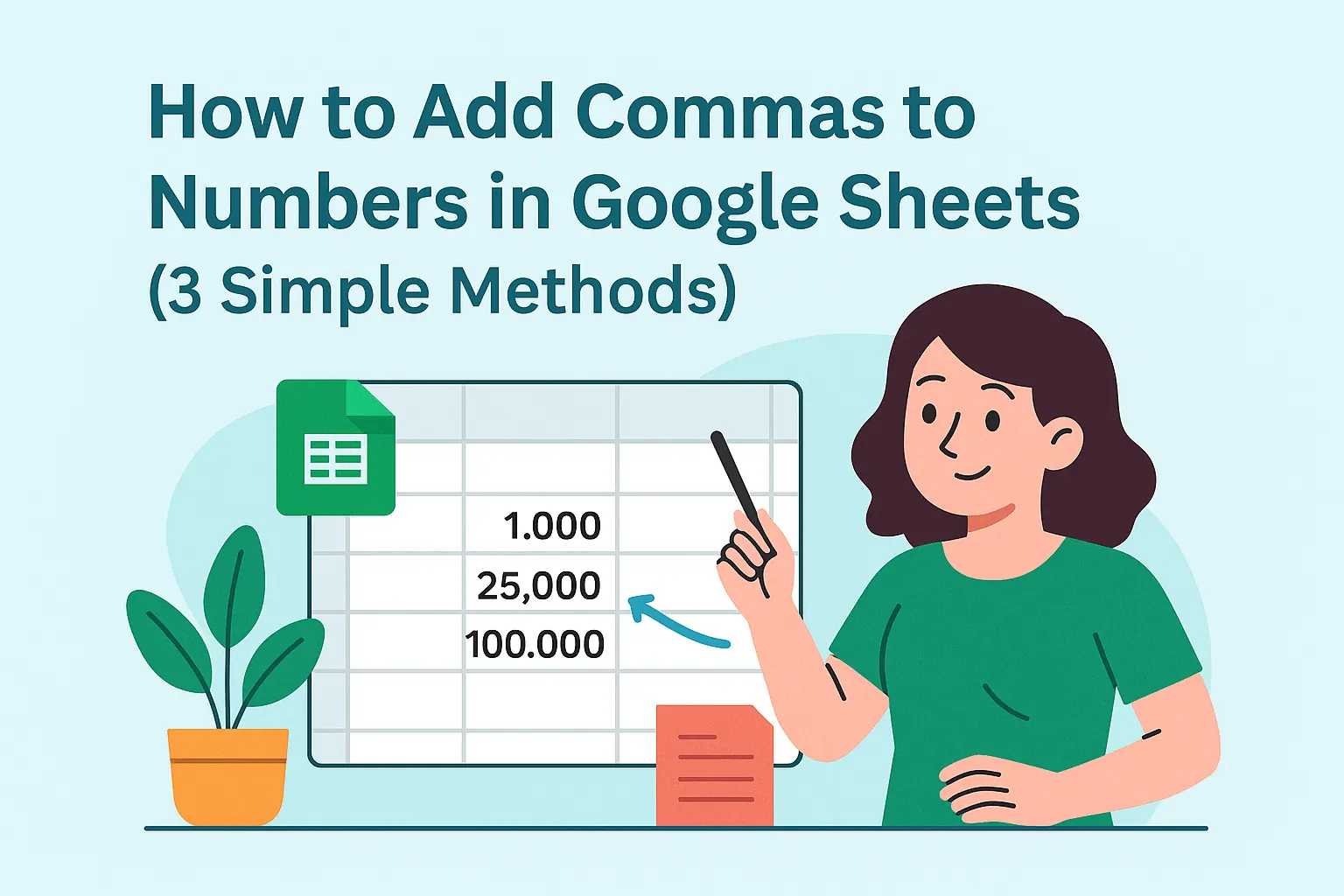
How to Add Commas to Numbers in Google Sheets (3 Simple Methods)
Struggling with hard-to-read numbers in your spreadsheets? Discover how a simple comma can transform your data clarity—plus how RowSpeak automates the entire process.
 Excel Essentials
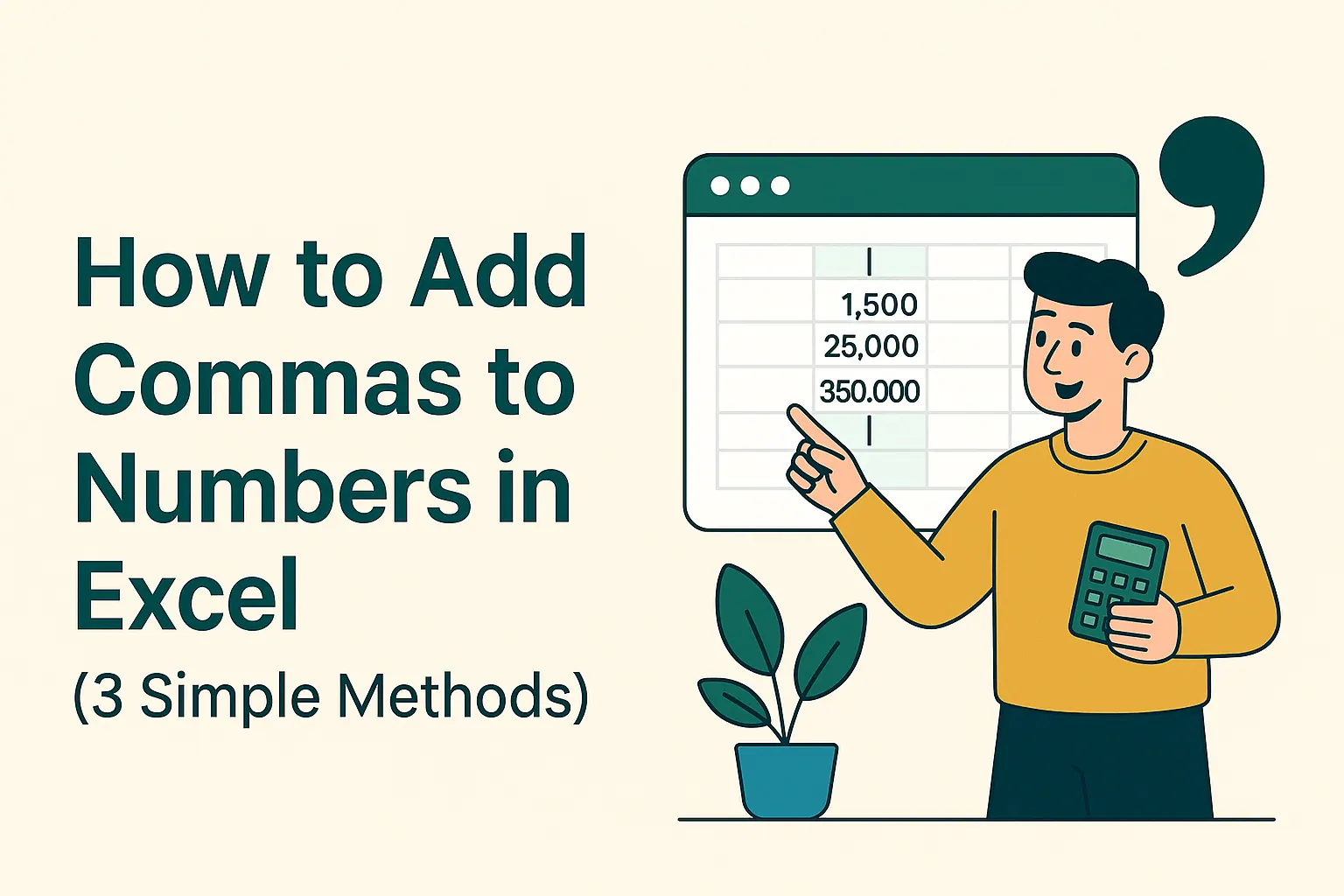
How to Add Commas to Numbers in Excel (3 Simple Methods)
Struggling with hard-to-read numbers in Excel? Discover how commas can transform your data presentation with these simple formatting techniques.
 Excel Essentials
How to Add Bullet Points in Google Sheets on Chromebook (3 Easy Methods)
Bullet points make your spreadsheets cleaner and more professional. Here's how to add them in Google Sheets on Chromebook, even without a direct feature.
 Excel Essentials
How to Add Brackets in Excel: A Step-by-Step Guide for Cleaner Data
Struggling to make your Excel data look polished? Brackets can transform messy numbers into clean, readable formats. Here's your ultimate guide to adding them effortlessly.
 Excel Essentials
How to Add Borders in Google Sheets Instantly with AI (RowSpeak Guide)
Tired of manually adding borders in Google Sheets? Learn how AI tools like RowSpeak can transform this tedious task into a one-click solution for professional-looking spreadsheets.
 Excel Essentials
How to Add Borders in Excel: A Step-by-Step Guide for Cleaner Spreadsheets
Tired of messy spreadsheets? Discover how borders can transform your Excel sheets from chaotic to crystal-clear in just a few clicks.
 Excel Essentials
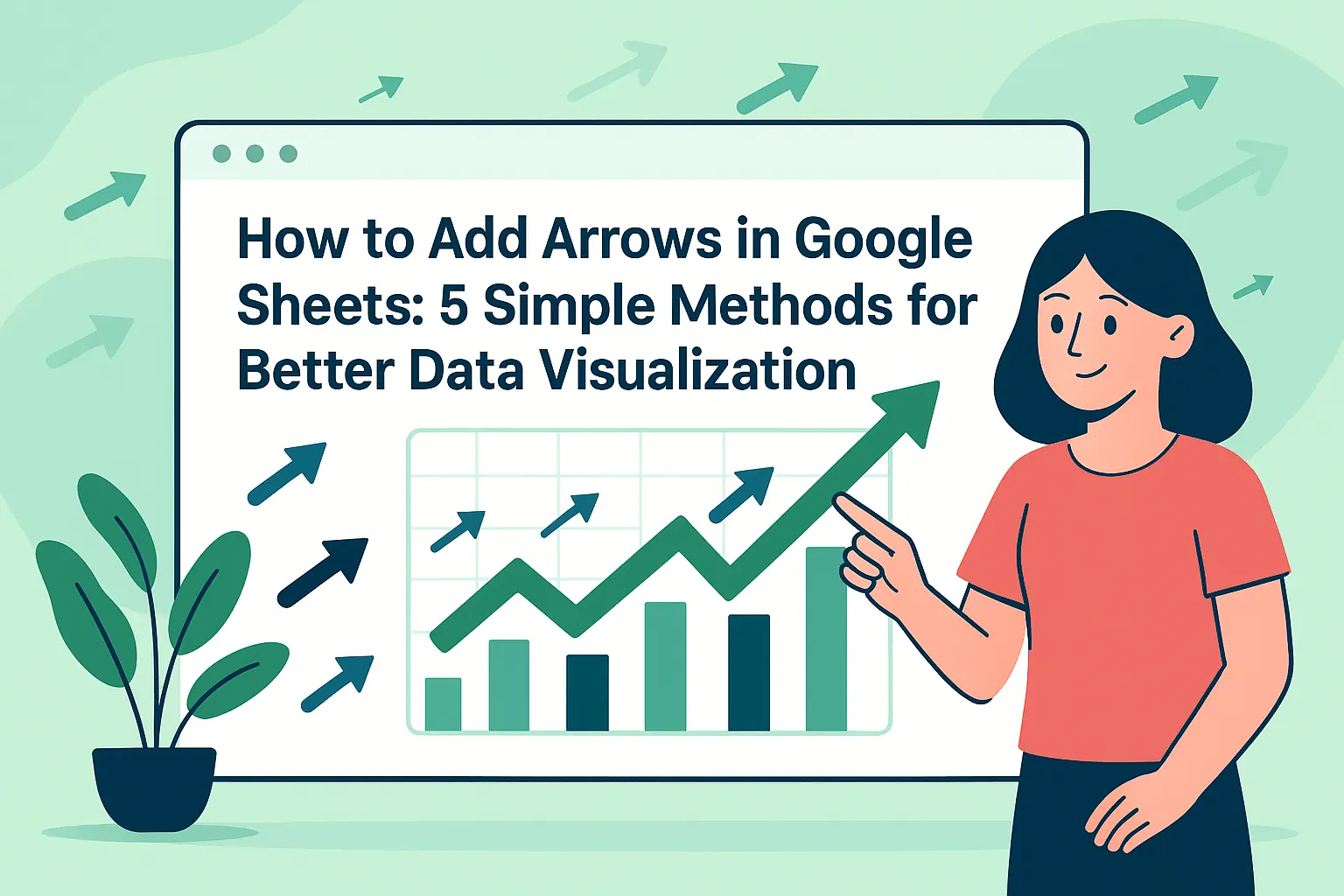
How to Add Arrows in Google Sheets: 5 Simple Methods for Better Data Visualization
Arrows can transform your Google Sheets from bland to brilliant. Whether you're tracking sales trends or mapping workflows, these simple methods will help you visualize data like a pro.
 Excel Essentials
How to Add Another Line to a Graph in Google Sheets (Step-by-Step Guide)
Struggling to compare multiple data sets in Google Sheets? Our step-by-step guide shows you how to add another line to your graph effortlessly—no coding required!
 Excel Essentials
How to Add Another Data Series to a Chart in Excel (The Easy Way)
Struggling to compare multiple metrics in Excel? Adding another data series to your chart is simpler than you think. Here's your step-by-step guide.
 Excel Essentials
How to Add and Subtract Multiple Cells in Google Sheets (The Easy Way)
Tired of manual calculations? This guide shows you quick formulas for adding and subtracting in Google Sheets, and how RowSpeak can do it all automatically.
 Excel Essentials
How to Add and Subtract Multiple Cells in Excel (The Smart Way)
Excel formulas got you stuck? From basic arithmetic to advanced SUM tricks, here's your cheat sheet for adding and subtracting cells—and how AI tools like RowSpeak are changing the game.
 Excel Essentials
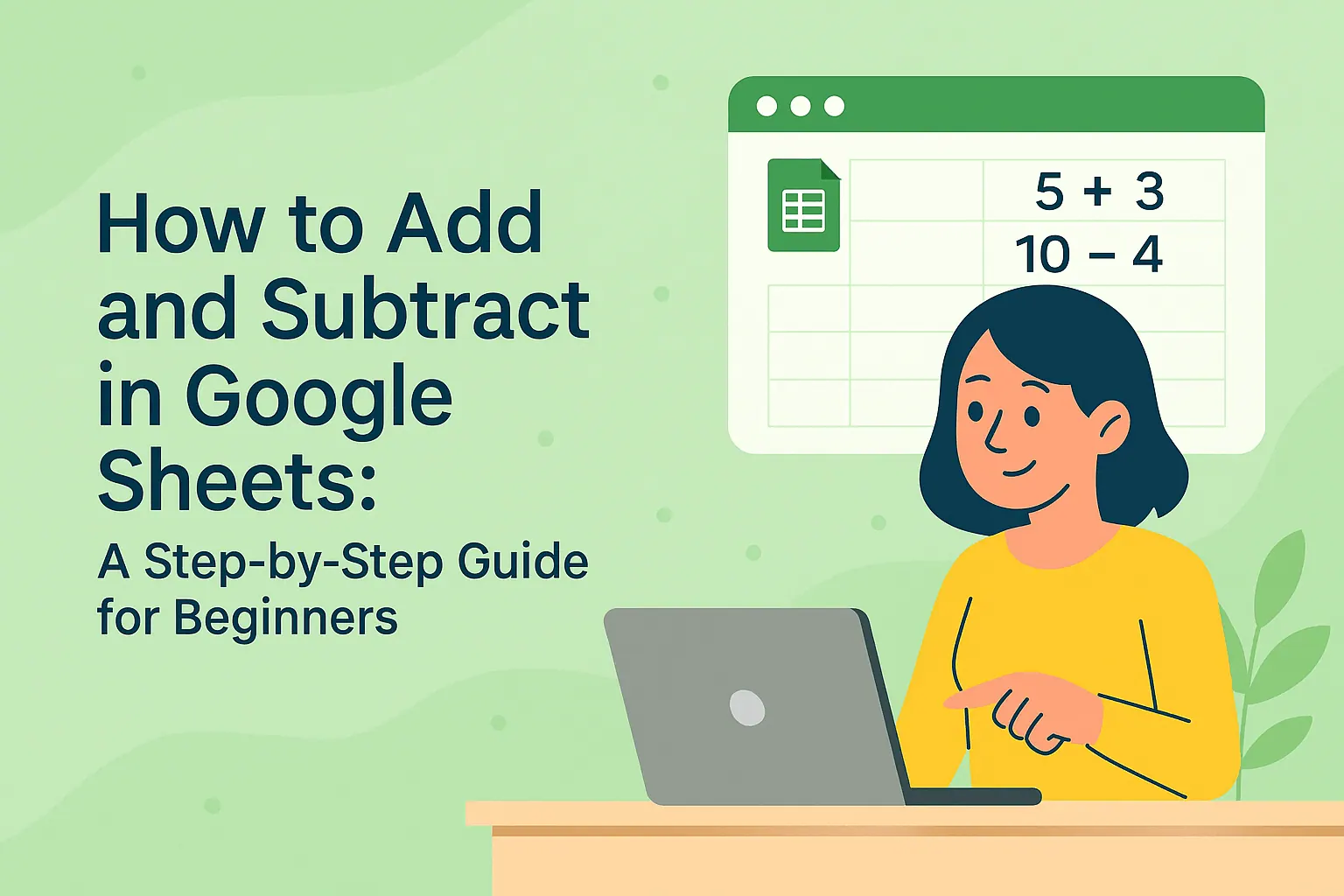
How to Add and Subtract in Google Sheets: A Step-by-Step Guide for Beginners
Struggling with basic calculations in Google Sheets? This step-by-step guide will teach you how to add and subtract like a pro, with bonus tips to automate your workflow using RowSpeak.
 Excel Essentials
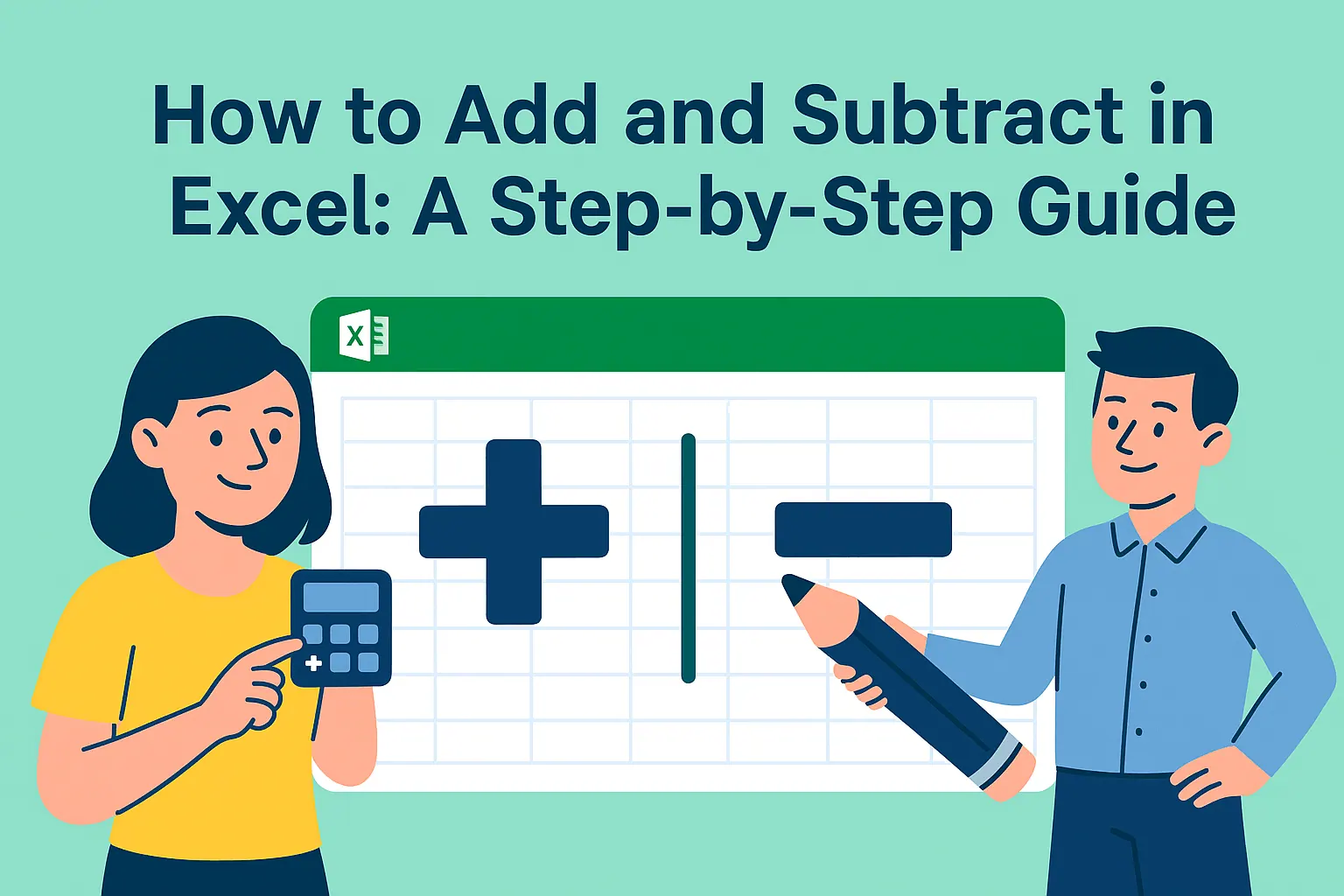
How to Add and Subtract in Excel: A Step-by-Step Guide
Crunching numbers in Excel doesn’t have to be painful. This step-by-step guide breaks down addition and subtraction so you can handle budgets, reports, and data analysis like a spreadsheet wizard.
 Excel Essentials
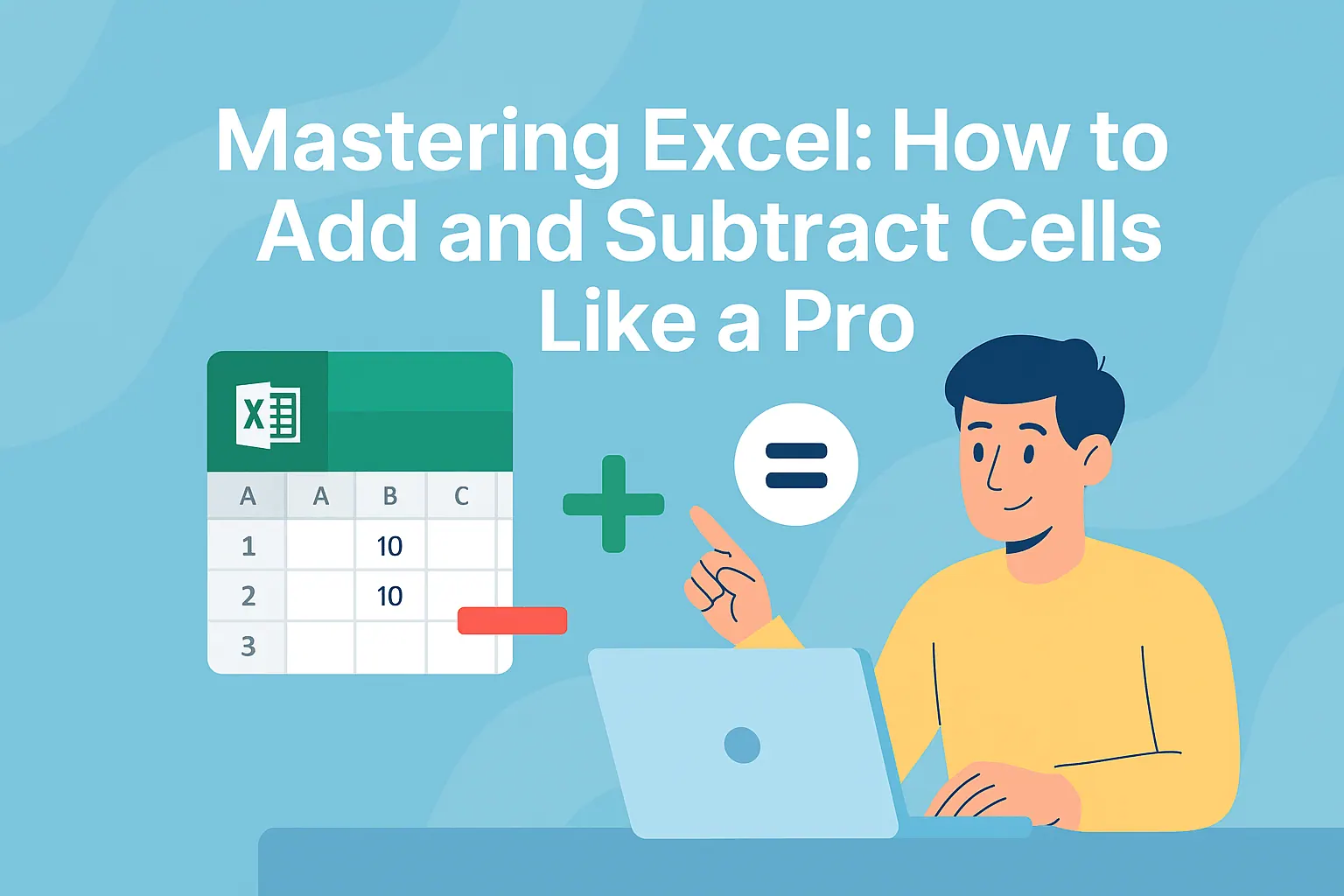
Mastering Excel: How to Add and Subtract Cells Like a Pro
Struggling with basic Excel calculations? Our guide makes adding and subtracting cells a breeze, with pro tips to boost your productivity.
 Excel Essentials
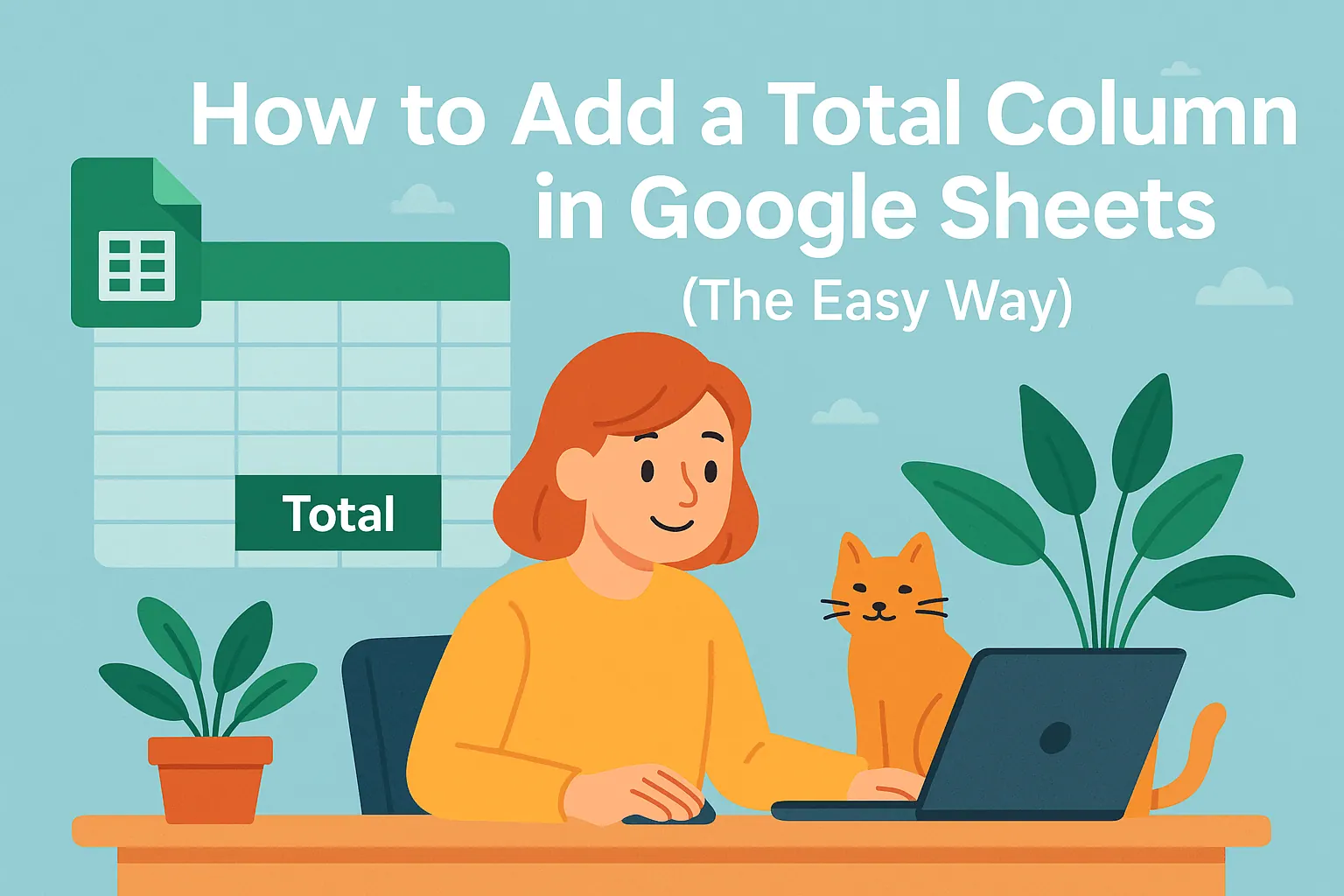
How to Add a Total Column in Google Sheets (The Easy Way)
Tired of manual calculations? This guide shows you multiple ways to add totals in Google Sheets - from basic SUM functions to advanced array formulas. And if you want to skip the formulas altogether, we've got a smarter solution.
 Excel Essentials
How to Add a Total Column in Excel: 5 Simple Methods for Smarter Data Analysis
Struggling with manual calculations in Excel? Discover how total columns can automate your number crunching and transform how you analyze business data.
 Excel Essentials
How to Add a Title to an Excel Spreadsheet (And Why It Matters)
A well-crafted title transforms your Excel sheet from confusing data to clear insights. Here's how to do it right—plus pro tips to level up your spreadsheets.
 Excel Essentials
How to Add a Tick Mark in Excel: 7 Simple Methods for Better Data Visualization
Tick marks might seem small, but they can transform your Excel sheets from messy grids into clear, actionable dashboards. Here's how to add them like a pro.
 Excel Essentials
How to Add Symbols in Excel: 7 Simple Methods for Better Spreadsheets
Symbols can transform your Excel sheets from bland to brilliant. Discover quick methods to add currency signs, arrows, and custom icons—plus how RowSpeak automates the process.
 Excel Essentials
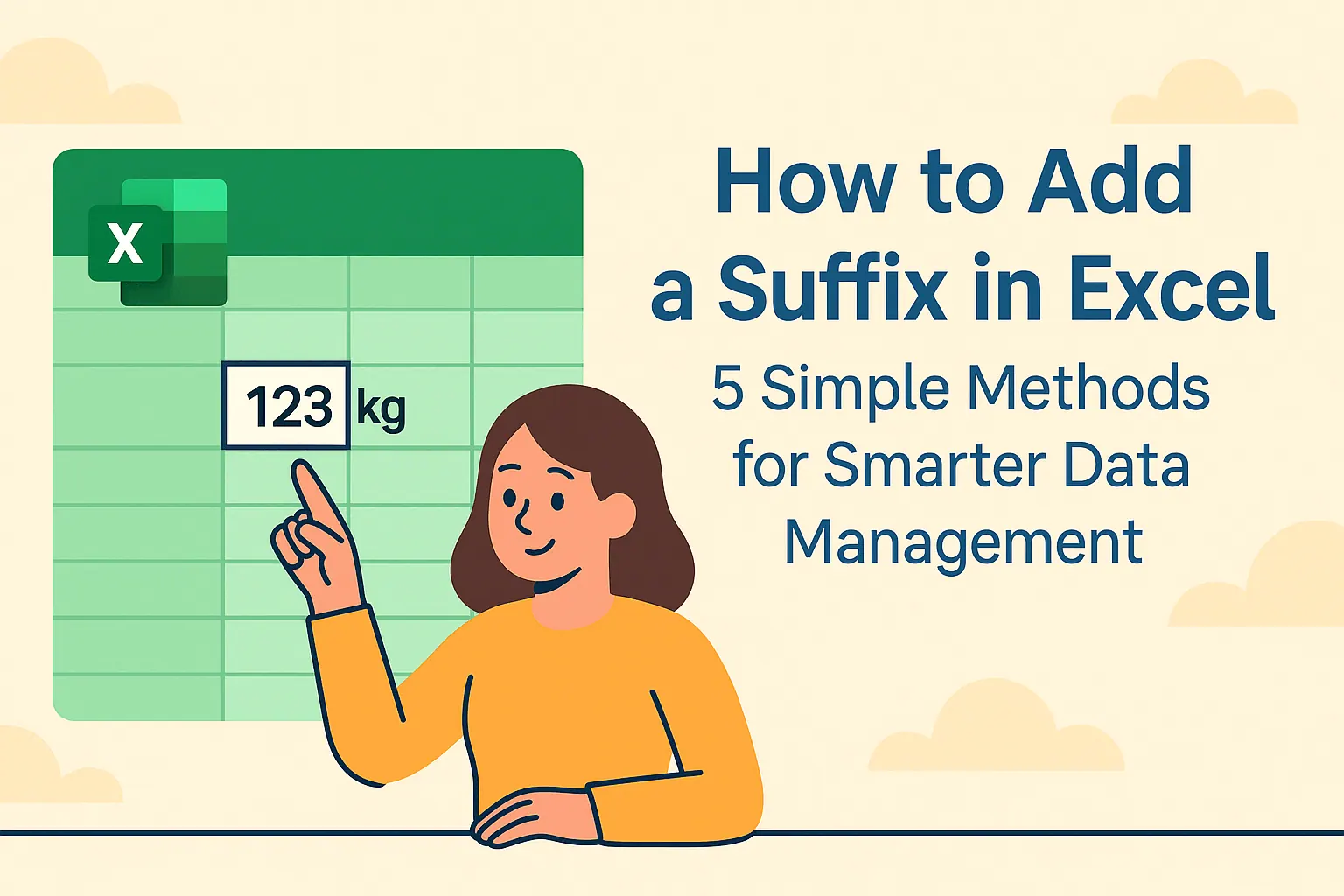
How to Add a Suffix in Excel: 5 Simple Methods for Smarter Data Management
Tired of manually adding suffixes to hundreds of Excel cells? Discover how to automate this task using simple formulas, Flash Fill, and even AI-powered tools like RowSpeak.
 Excel Essentials
How to Add Spaces in Google Sheets Concatenate (The Smart AI Way)
Struggling with messy concatenated text in Google Sheets? This guide shows you multiple methods to add spaces between combined text, plus how AI can handle it automatically.
 Excel Essentials
How to Add Spaces in Concatenated Text in Google Sheets (The Easy Way)
Tired of getting 'JohnDoe' when you want 'John Doe'? Discover how to properly space your concatenated text in Google Sheets with these pro tips.
 Excel Essentials
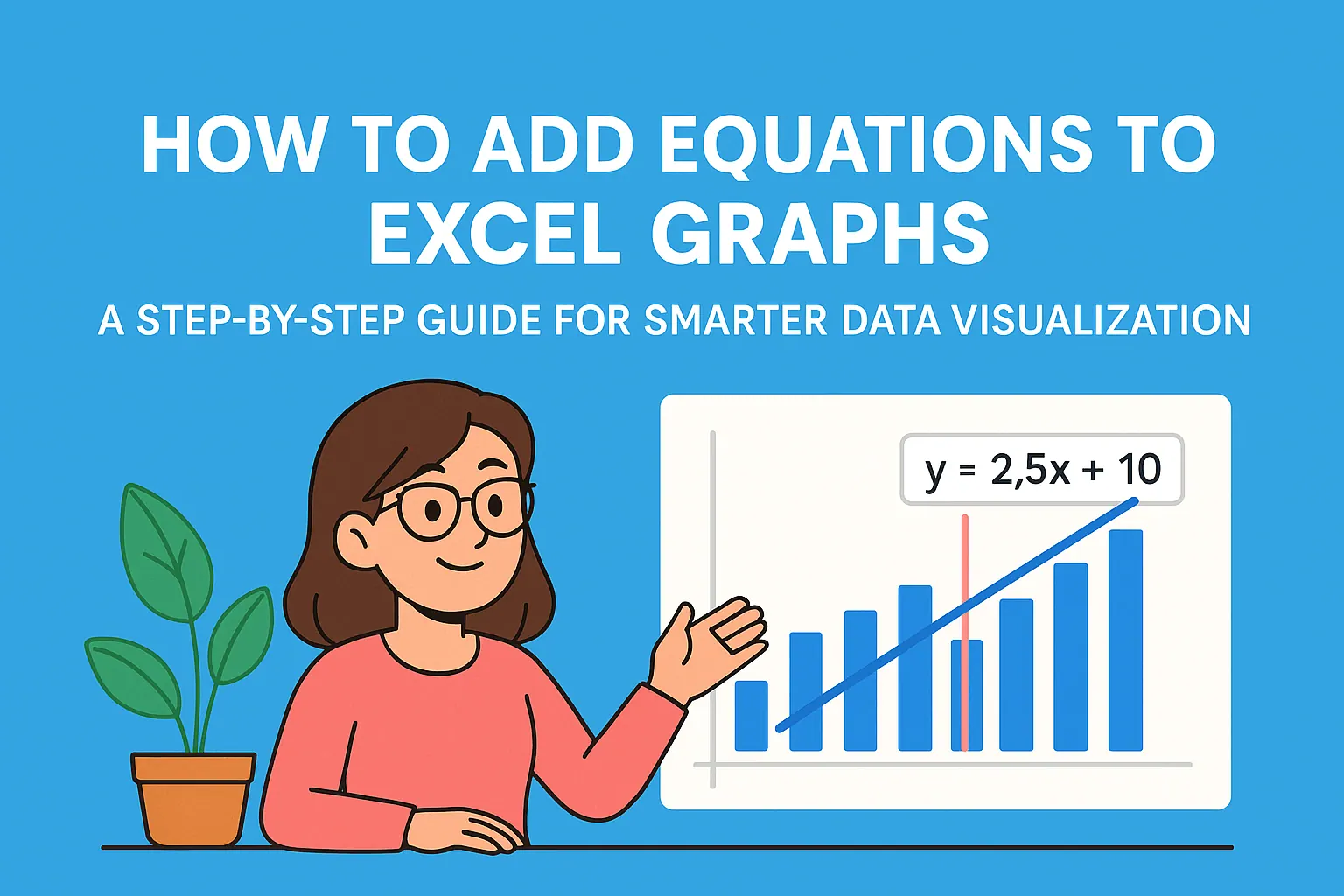
How to Add Equations to Excel Graphs: A Step-by-Step Guide for Smarter Data Visualization
Transform your Excel graphs from basic to brilliant by adding equations. This guide walks you through the entire process, from data prep to advanced customization, helping you unlock deeper insights from your data.
 Excel Essentials
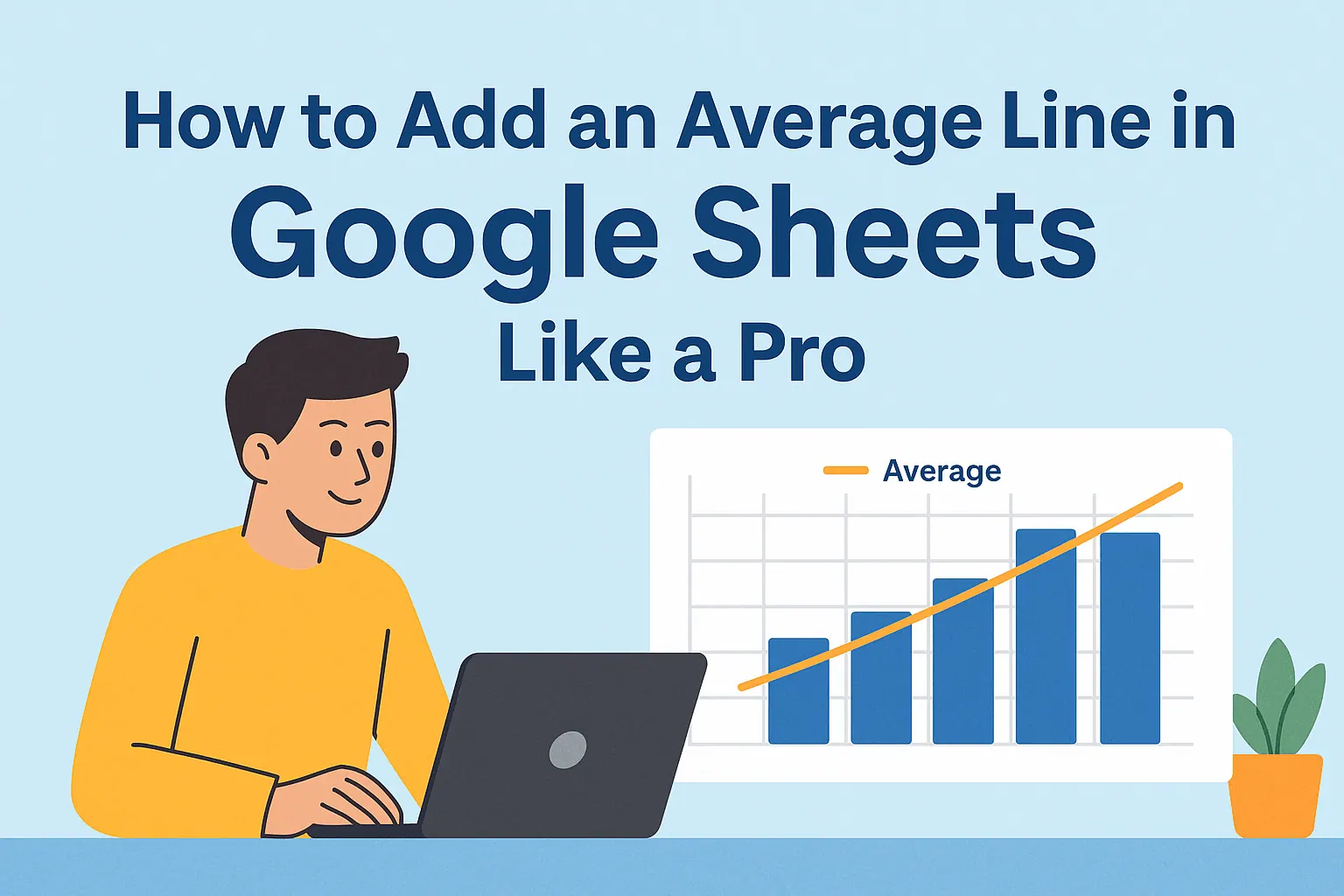
How to Add an Average Line in Google Sheets Like a Pro
Struggling to spot trends in your spreadsheet data? Adding an average line can transform your charts into powerful analysis tools. Here's exactly how to do it.
 Excel Essentials
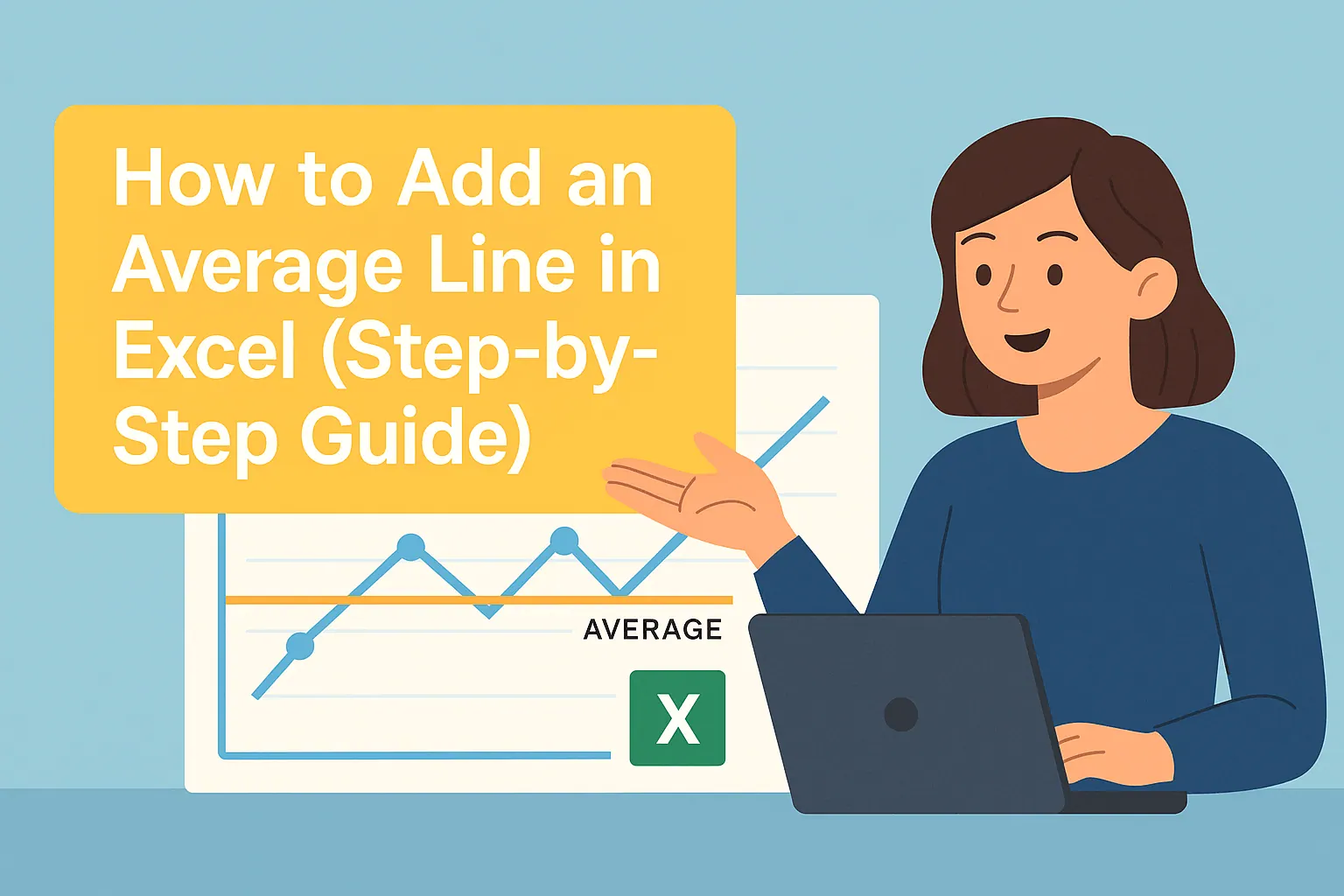
How to Add an Average Line in Excel (Step-by-Step Guide)
Want to make your Excel charts more insightful? Adding an average line helps you visualize data trends at a glance. Here's how to do it in just a few clicks.
 Excel Essentials
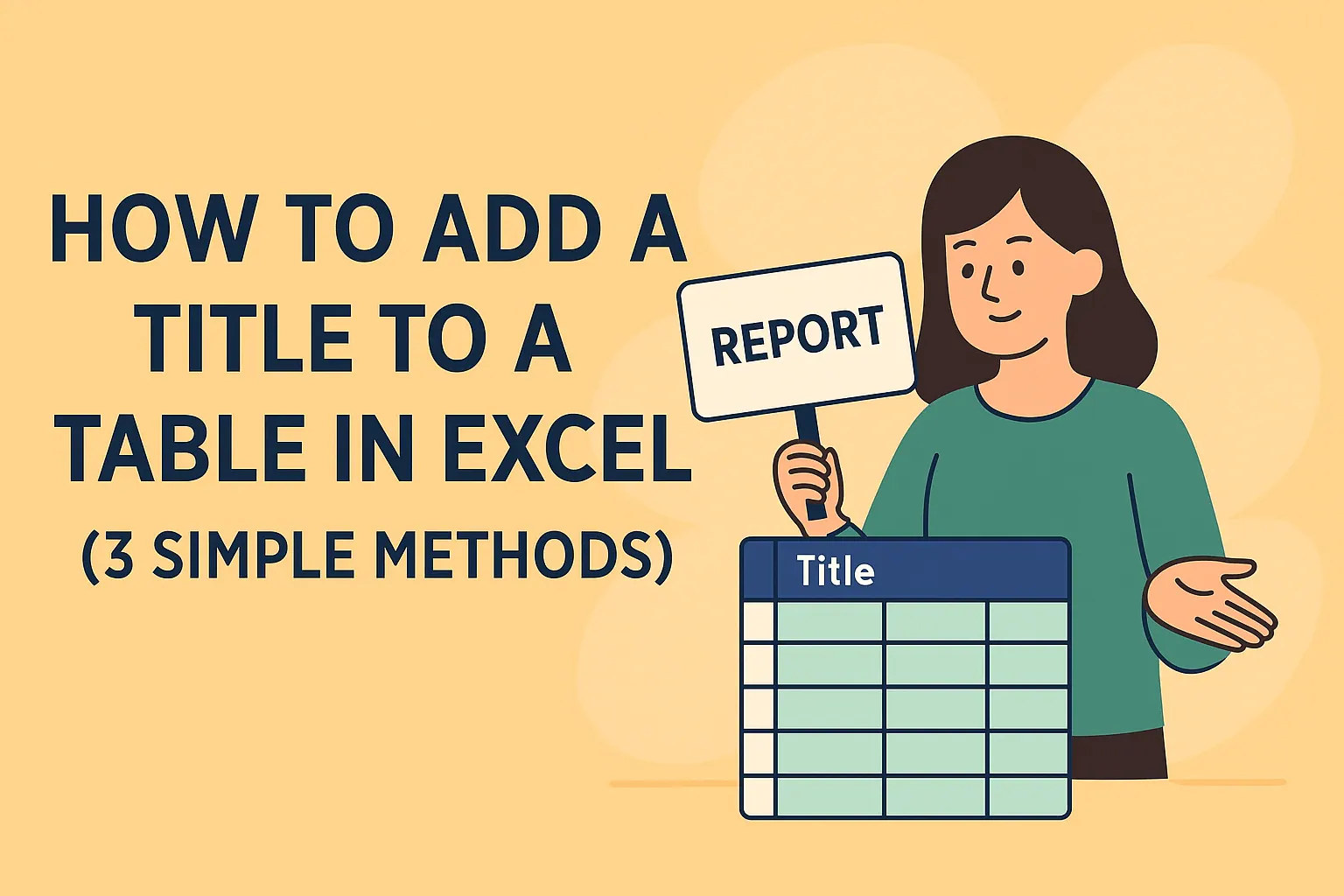
How to Add a Title to a Table in Excel (3 Simple Methods)
Struggling with messy Excel tables? Discover foolproof methods to add clear titles—and how RowSpeak can do it for you in seconds.
 Excel Essentials
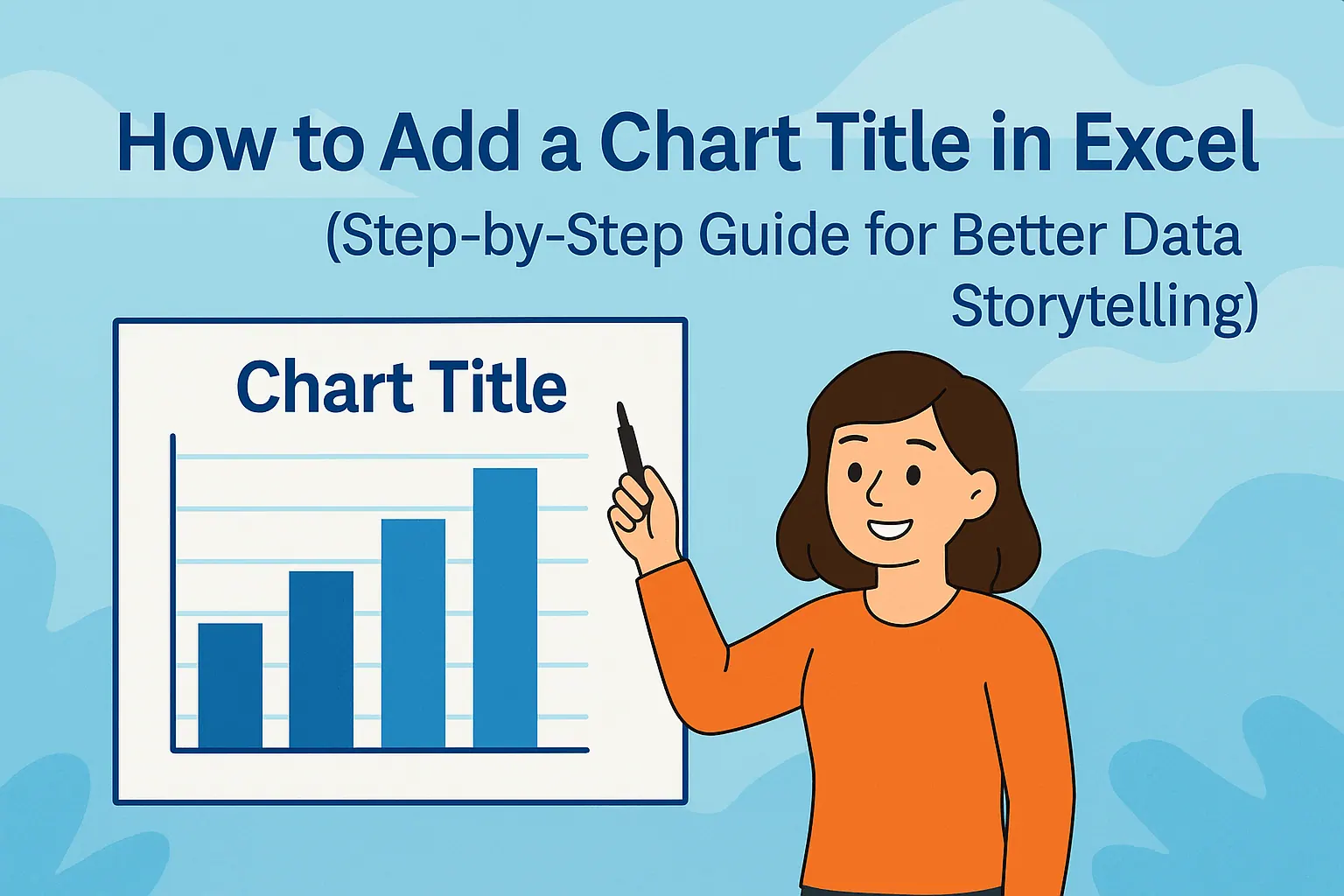
How to Add a Chart Title in Excel (Step-by-Step Guide for Better Data Storytelling)
A chart without a title is like a book without a cover - confusing at first glance. Master these simple Excel techniques to create professional, self-explanatory charts that communicate your data story effectively.
 Excel Essentials
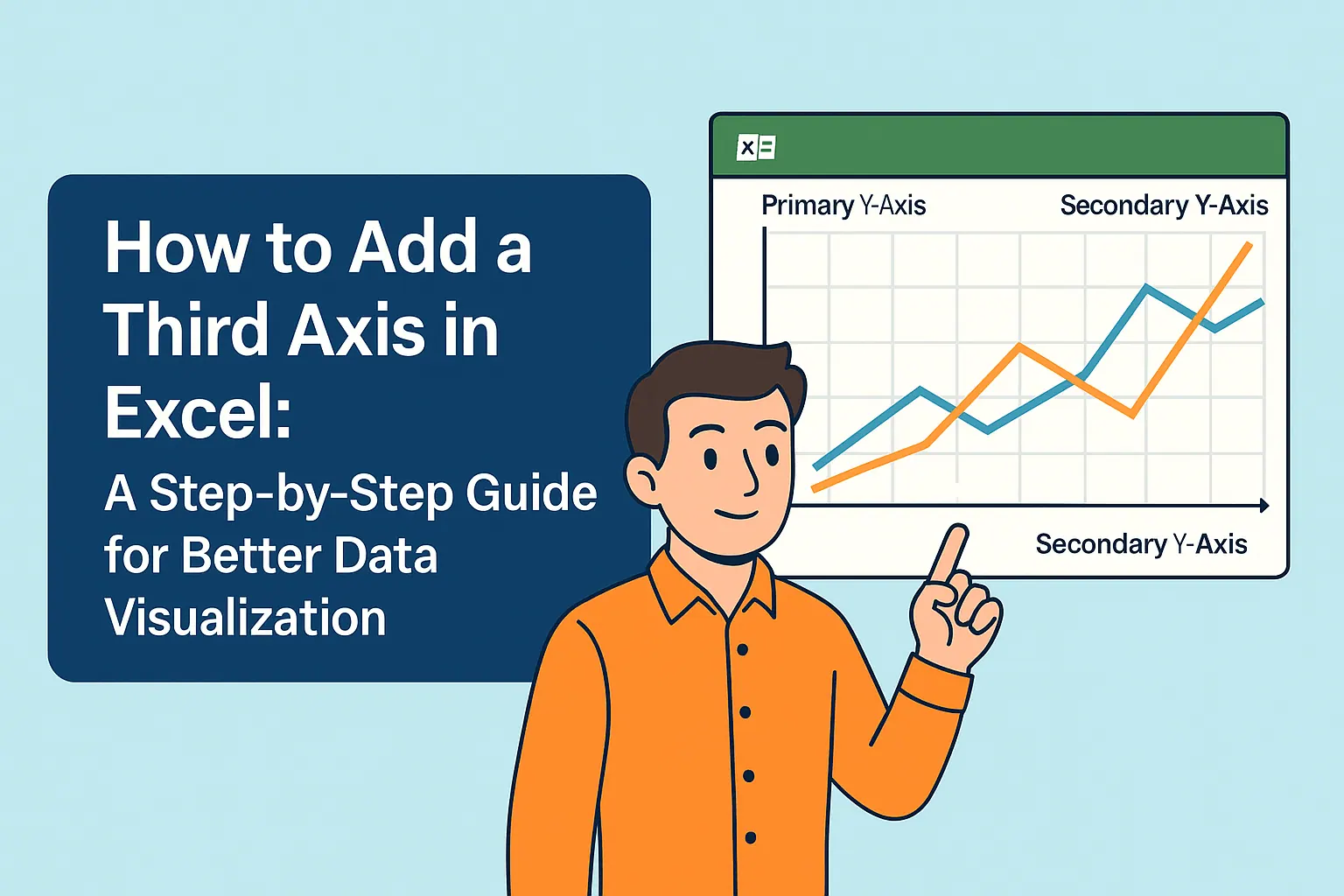
How to Add a Third Axis in Excel: A Step-by-Step Guide for Better Data Visualization
Struggling to compare three data series in Excel? Adding a third axis can transform your charts. Here's how to do it—plus a smarter way to automate your data visualization.
 Excel Essentials
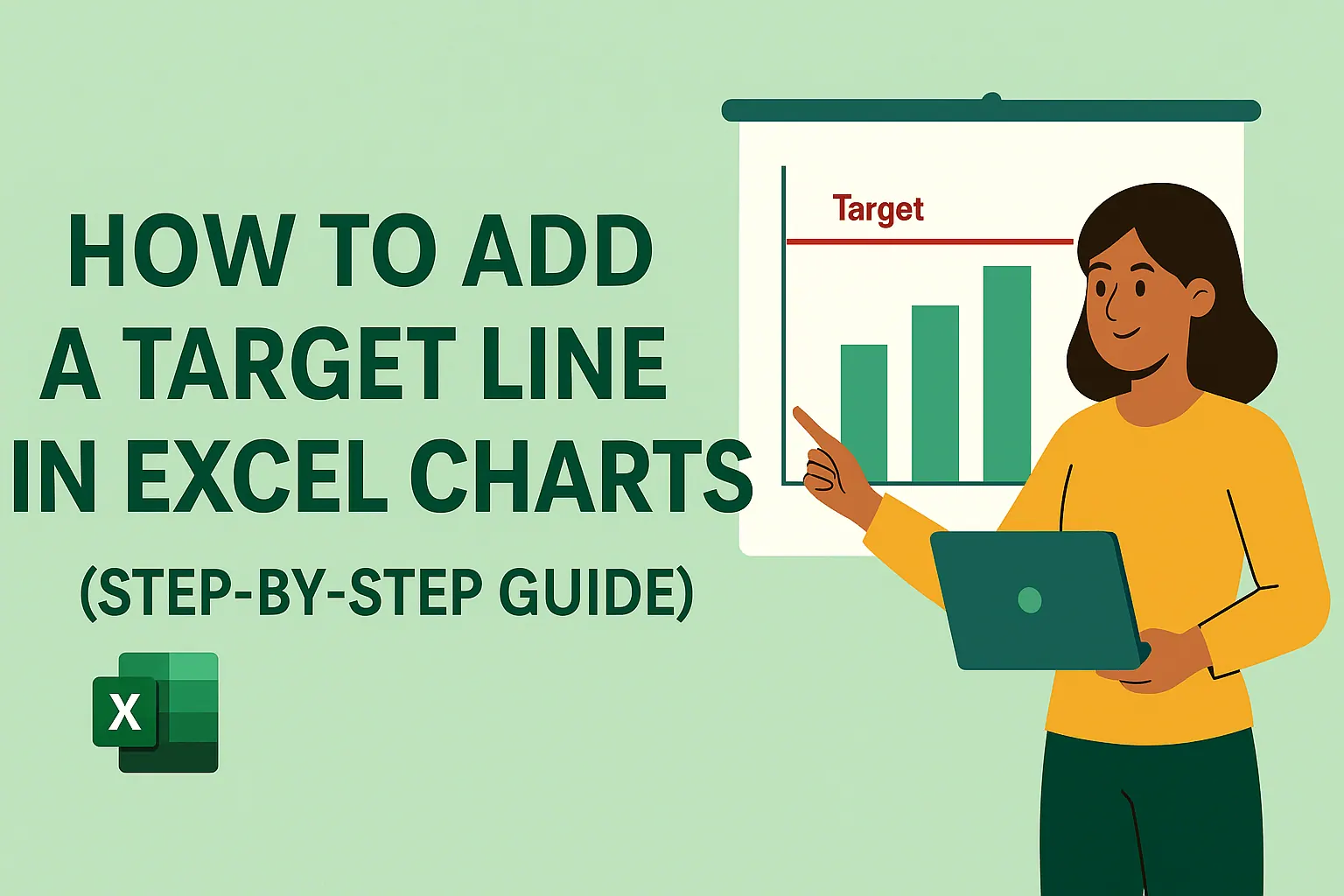
How to Add a Target Line in Excel Charts (Step-by-Step Guide)
Target lines transform basic Excel charts into powerful performance dashboards. Here's how to add them in minutes.