
Excel Essentials
Formulas, tables, charts, and file basics for everyday spreadsheet work
 Excel Essentials
How to Add Spaces in Google Sheets for Better Data Readability
Struggling with cramped data in Google Sheets? Discover how to add spaces between text, numbers, and rows to transform messy spreadsheets into clean, professional reports.
 Excel Essentials
How to Add a Space in Excel: Simple Tricks for Cleaner Spreadsheets
Spaces in Excel might seem small, but they make a huge difference in data clarity. Discover manual tricks, smart formulas, and even AI-powered solutions to perfect your spreadsheets.
 Excel Essentials
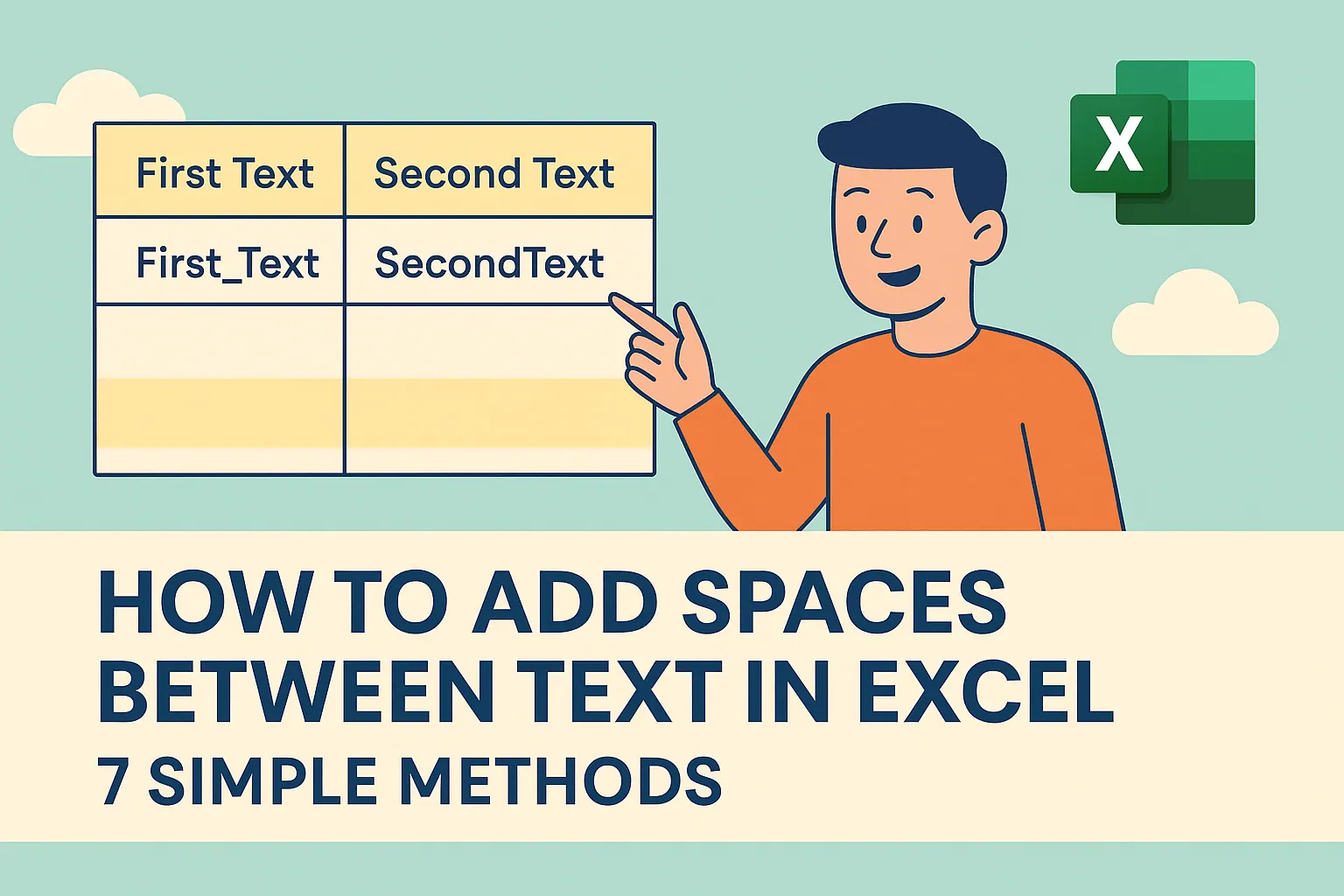
How to Add Spaces Between Text in Excel: 7 Simple Methods
Tired of squinting at messy Excel data? Discover simple formulas, functions, and tricks to add spaces between text—making your spreadsheets instantly more professional and easier to work with.
 Excel Essentials
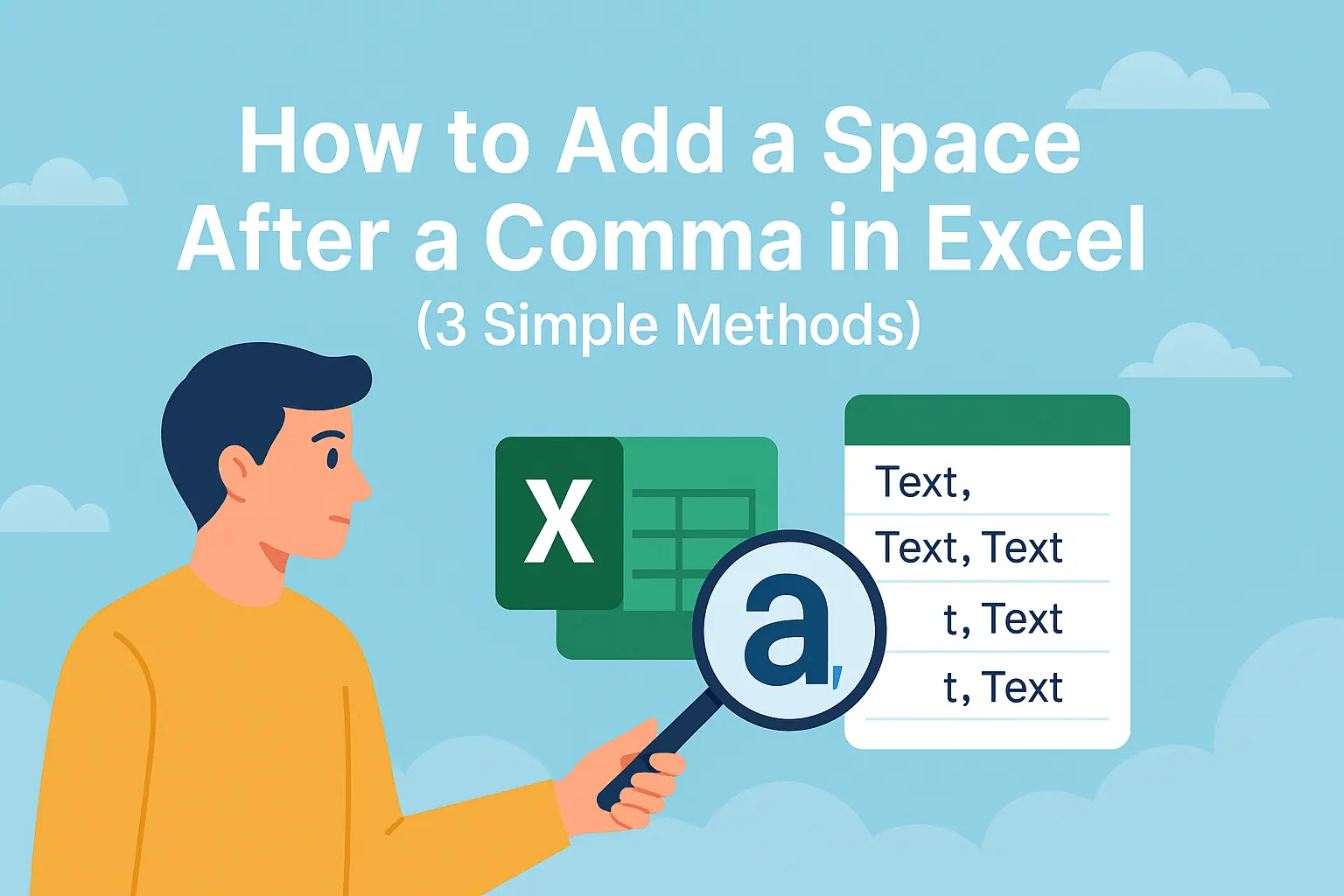
How to Add a Space After a Comma in Excel (3 Simple Methods)
Tired of squished-together data in Excel? Discover quick fixes and advanced techniques to automatically add spaces after commas—no coding skills needed!
 Excel Essentials
How to Add an Apostrophe to All Cells in Excel (3 Simple Methods)
Struggling with data formatting in Excel? Discover how to quickly add apostrophes to all cells using formulas, Find & Replace, and VBA—plus how RowSpeak automates this process with AI.
 Excel Essentials
How to Add an Apostrophe Before Numbers in Excel (3 Simple Methods)
Struggling with Excel removing leading zeros? Discover how adding an apostrophe converts numbers to text - plus how RowSpeak automates this process instantly.
 Excel Essentials
How to Add a Y-Axis Label in Google Sheets (And Make Your Data Pop)
Struggling with confusing charts? This step-by-step guide shows how to add Y-axis labels in Google Sheets, with pro tips to make your data visualizations shine.
 Excel Essentials
How to Add an Asterisk in Excel Graphs: A Step-by-Step Guide
Want to make your Excel graphs stand out? This guide shows you exactly how to add asterisks to highlight important data points - no design skills needed!
 Excel Essentials
How to Add an Asterisk in Excel: 7 Smart Ways to Boost Your Spreadsheets
Asterisks in Excel are more than just decoration. This guide reveals professional techniques for data highlighting, wildcard searches, and custom formatting - with time-saving AI solutions.
 Excel Essentials
How to Sum Values in Google Sheets: A Complete Guide for Business Users
Tired of manual number crunching? This guide walks you through every way to sum values in Google Sheets, with pro tips to save time. See how RowSpeak makes data analysis smarter than ever.
 Excel Essentials
How to Sum Values in Excel: 7 Easy Methods for Accurate Calculations
Struggling with Excel sums? Discover the fastest methods to add numbers, avoid errors, and save time—whether you're a beginner or a pro.
 Excel Essentials
How to Add Alt Text to a Chart in Google Sheets
Adding alt text to charts in Google Sheets isn’t just about accessibility—it’s about making your data understandable to everyone. Here’s how to do it right.
 Excel Essentials
How to Add Alt Text to Excel Charts (The Easy Way with AI)
Struggling to make your Excel charts screen-reader friendly? Discover how AI-powered alt text generation can save time while improving accessibility. We'll show you step-by-step how RowSpeak simplifies the process.
 Excel Essentials
How to Add Alt Text to Excel Charts for Better Accessibility & SEO
Making your Excel charts accessible isn't just good practice—it's a game-changer for inclusivity and discoverability. Here's how to add alt text like a pro, plus why RowSpeak users get a head start on accessibility.
 Excel Essentials
How to Add Alt Text in Excel: A Step-by-Step Guide for Better Accessibility
Want to make your Excel files more inclusive? Adding alt text is a game-changer for accessibility. Here's how to do it right—plus why it matters for your business.
 Excel Essentials
How to Sum Numbers in Excel Instantly Using AI (RowSpeak Guide)
Tired of manually adding numbers in Excel? Learn how AI tools like RowSpeak can automate this task, saving you time and reducing errors.
 Excel Essentials
How to Add a Leading Zero in Excel: 5 Simple Methods That Actually Work
Excel keeps deleting your leading zeros? Whether you're working with product codes, employee IDs, or phone numbers, these simple tricks will save your formatting headaches.
 Excel Essentials
How to Add a Word to Every Cell in Excel: 7 Smart Methods
Tired of manually editing hundreds of cells? Discover how to bulk-add text in Excel using formulas, Flash Fill, and even AI automation with RowSpeak.
 Excel Essentials
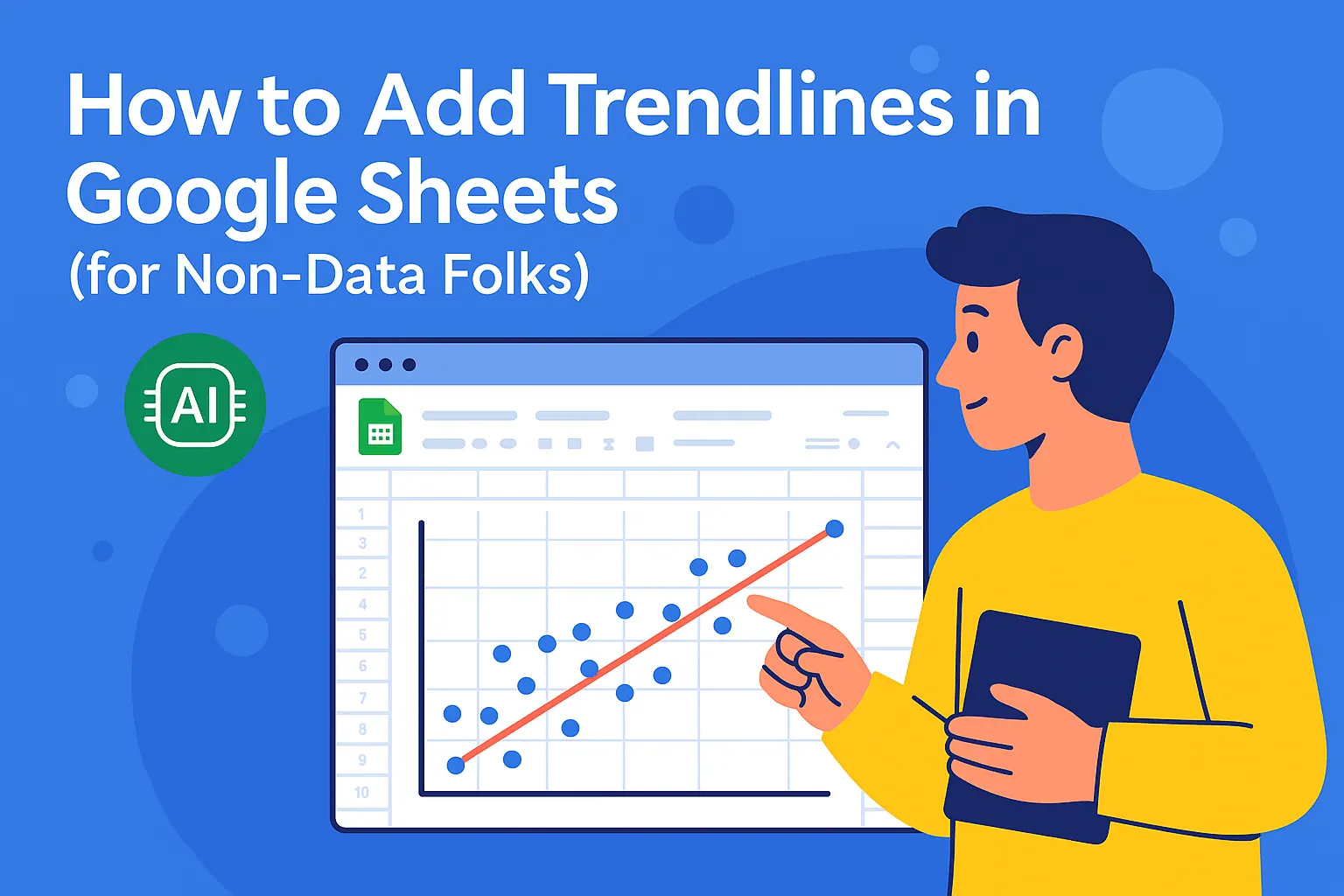
How to Add a Column in Google Sheets Instantly with AI (No Formulas Needed)
Spreadsheets don't have to be tedious. Discover how AI tools like RowSpeak can transform your Google Sheets workflow by adding entire columns with a single command.
 Excel Essentials
How to Sum an Entire Column in Excel (5 Quick Methods)
Adding up a column in Excel shouldn’t feel like rocket science. Whether you’re totaling expenses or analyzing sales data, these simple techniques (and a secret AI weapon) will save you hours.
 Excel Essentials
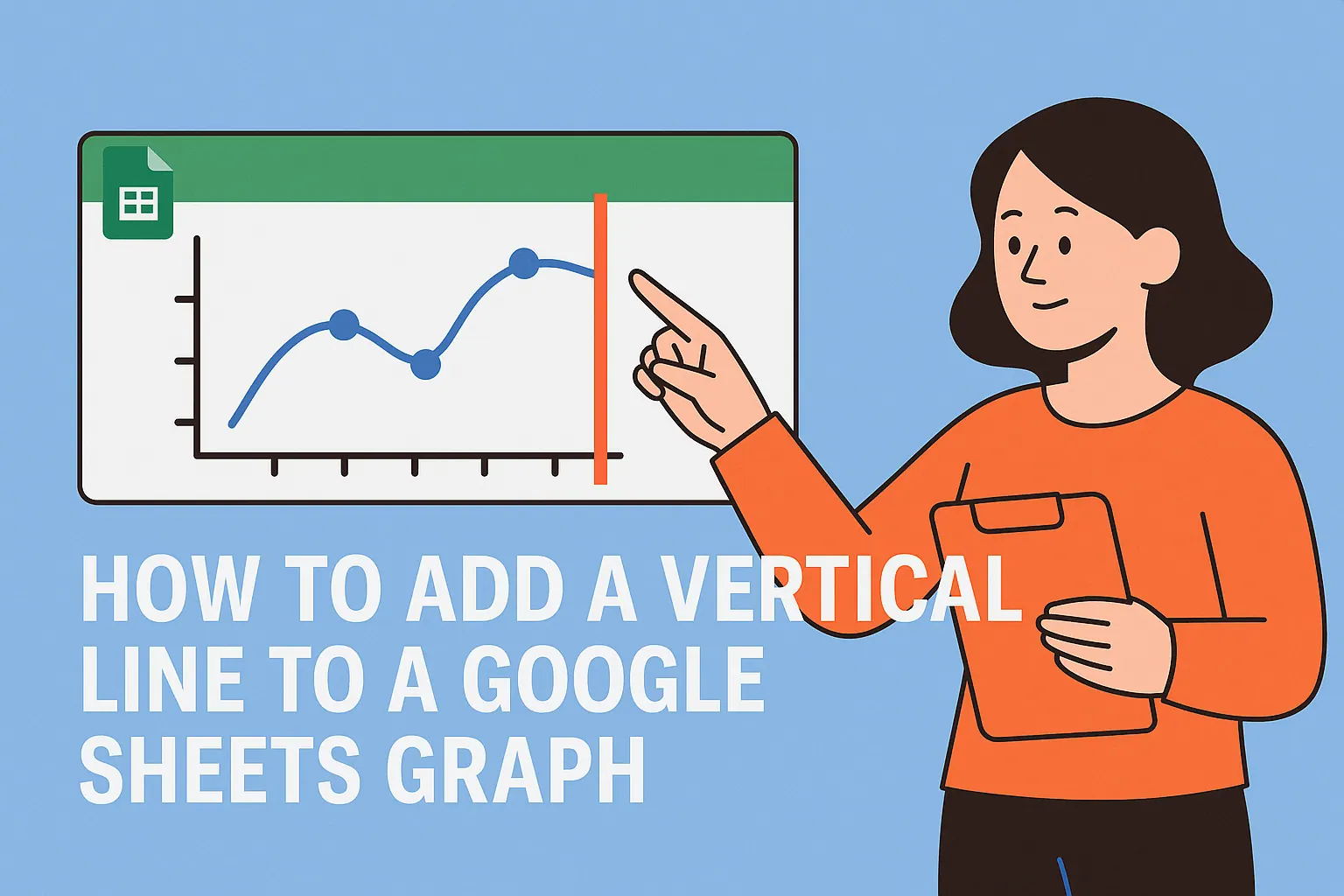
How to Add a Vertical Line to a Google Sheets Graph
Vertical lines transform basic charts into powerful storytelling tools. Here's how to add them in Google Sheets—plus a smarter way to visualize data with AI.
 Excel Essentials
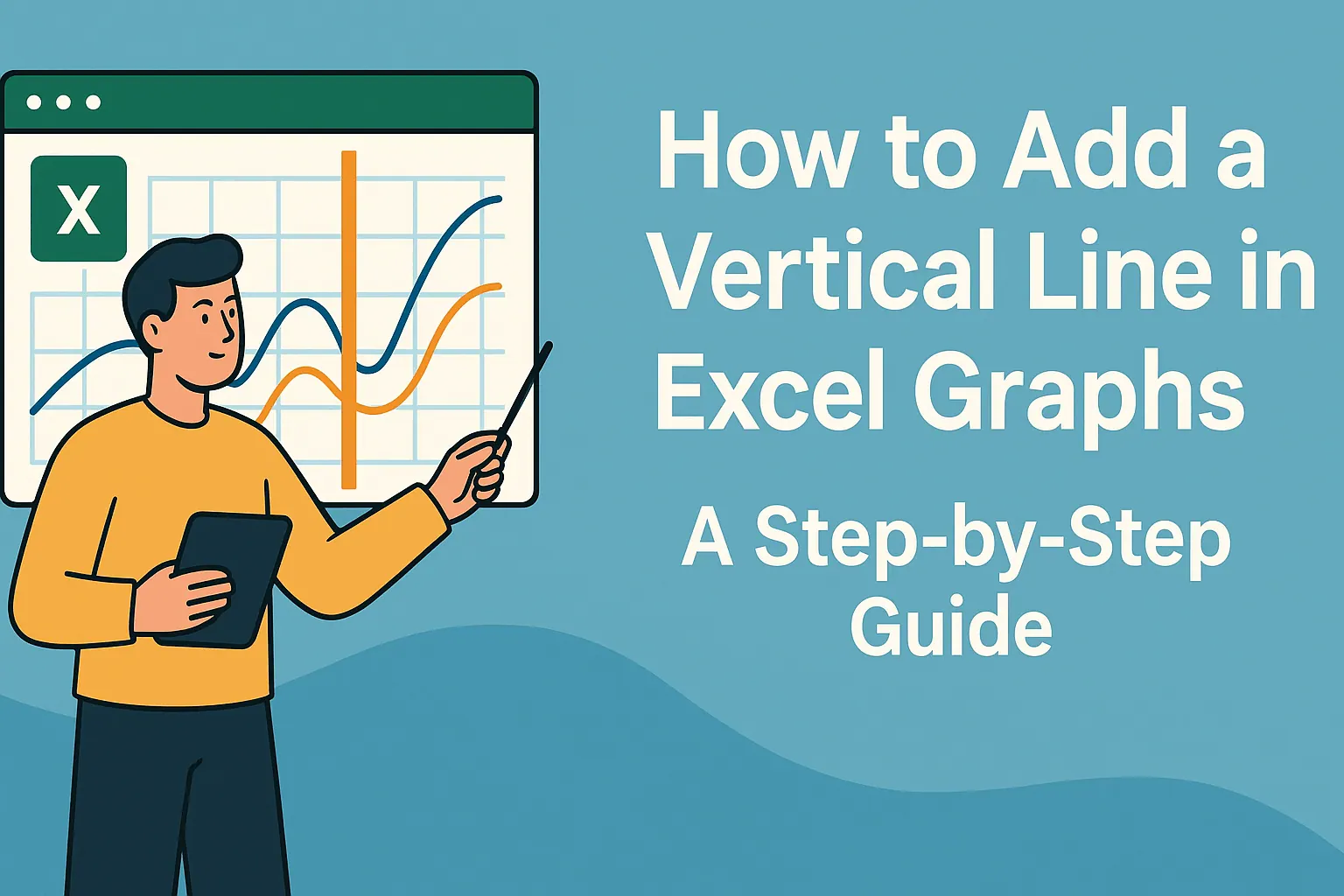
How to Add a Vertical Line in Excel Graphs: A Step-by-Step Guide
Vertical lines in Excel graphs can transform your data storytelling. Whether you're marking a product launch or a financial milestone, this guide shows you multiple ways to add them with ease.
 Excel Essentials
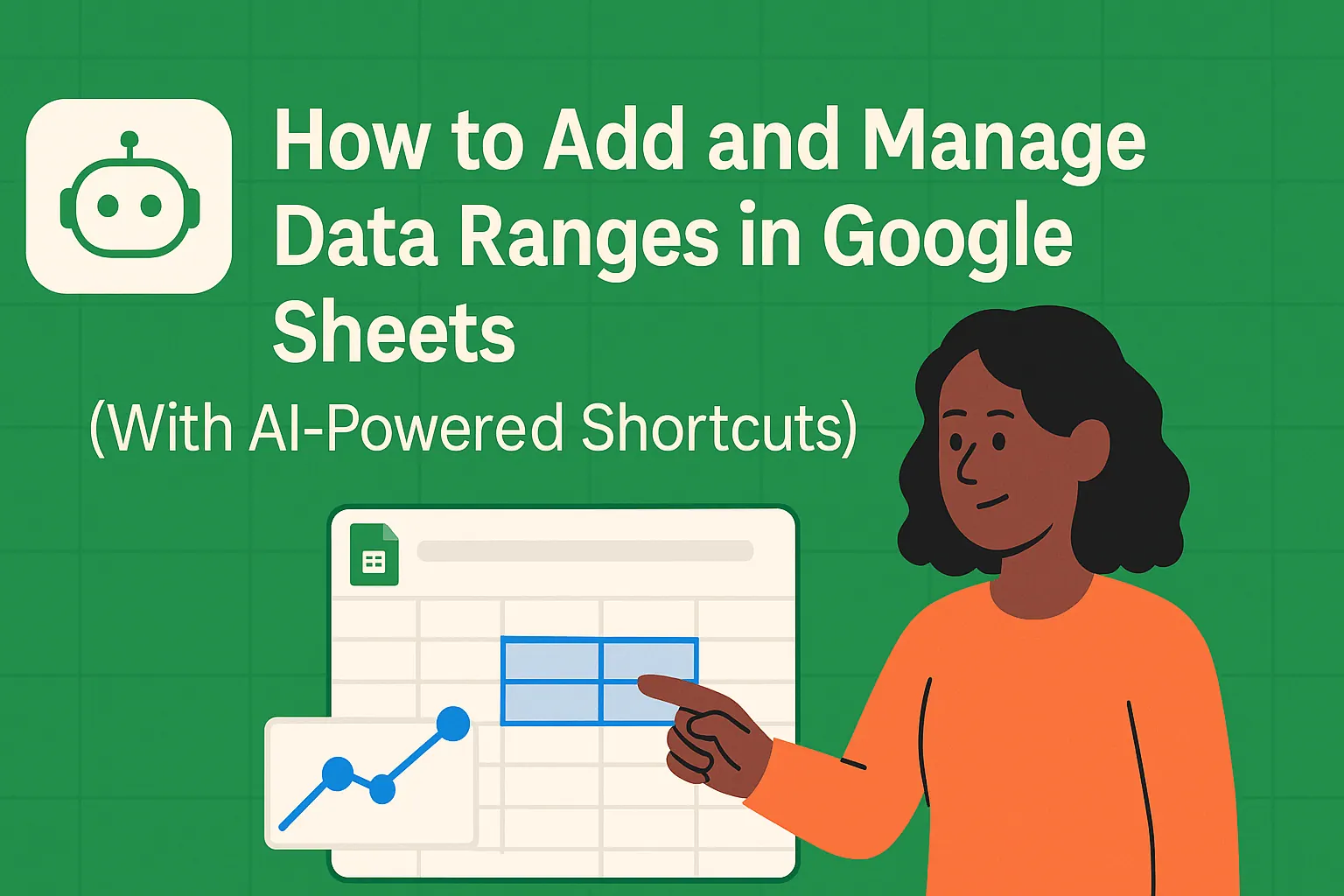
How to Add and Manage Data Ranges in Google Sheets (With AI-Powered Shortcuts)
Data ranges are the backbone of efficient spreadsheet work. This guide walks you through creating and managing them in Google Sheets, while introducing how modern AI solutions like RowSpeak can handle these tasks automatically—saving you hours of manual work.
 Excel Essentials
How to Add a Dash in Excel: 5 Simple Methods for Better Data Formatting
Formatting data with dashes in Excel doesn't have to be tedious. This guide walks you through multiple methods - including formulas, custom formatting, and VBA - while showing how AI-powered tools like RowSpeak can automate these tasks effortlessly.
 Excel Essentials
How to Add a Comma in Excel: A Step-by-Step Guide for Better Data Readability
Struggling with unformatted Excel data? Discover how to add commas to numbers and text strings using Excel's built-in features and formulas—plus how RowSpeak can automate this process for you.
 Excel Essentials
How to Add a Column in Google Sheets: A Step-by-Step Guide for Smarter Data Management
Mastering column management in Google Sheets is essential for dynamic data analysis. This guide walks you through insertion techniques while showcasing how AI-powered tools like RowSpeak can transform your workflow.
 Excel Essentials
How to Add a Column in Excel: The Ultimate Shortcut Guide for Faster Workflows
Tired of manual column insertion in Excel? Learn time-saving shortcuts and how AI tools like RowSpeak can transform your spreadsheet workflow from tedious to effortless.
 Excel Essentials
How to Add a Character to Every Cell in Excel: 5 Efficient Methods
Struggling to add prefixes or suffixes to Excel data? Discover both traditional techniques and modern AI solutions to streamline this common spreadsheet task.
 Excel Essentials
How to Add a Calculated Column in Excel (Step-by-Step Guide)
Calculated columns in Excel save time and reduce errors by automating repetitive calculations. This guide walks you through the process—and introduces how AI tools like RowSpeak can streamline your data tasks even further.
 Excel Essentials
How to Add a Professional Border to Excel Charts (Step-by-Step Guide)
Discover the step-by-step process to add and customize borders in Excel charts, plus how AI tools like RowSpeak can automate this and other data presentation tasks effortlessly.
 Excel Essentials
How to Add a 1 in Front of Numbers in Excel: 4 Simple Methods
Struggling to format data by adding a '1' before numbers in Excel? Discover four proven methods—including AI automation with RowSpeak—to save time and ensure accuracy.
 Excel Essentials
How to Add Leading Zeros in Google Sheets (3 Simple Methods)
Struggling with disappearing zeros in your spreadsheet data? Discover professional techniques to maintain leading zeros in Google Sheets while keeping your data functional.
 Excel Essentials
How to Add 100 Columns in Google Sheets (Fast & Efficient)
Expanding spreadsheets shouldn't be manual labor. Discover Google Sheets shortcuts for adding 100+ columns instantly, and how modern AI solutions eliminate column management headaches.
 Excel Essentials
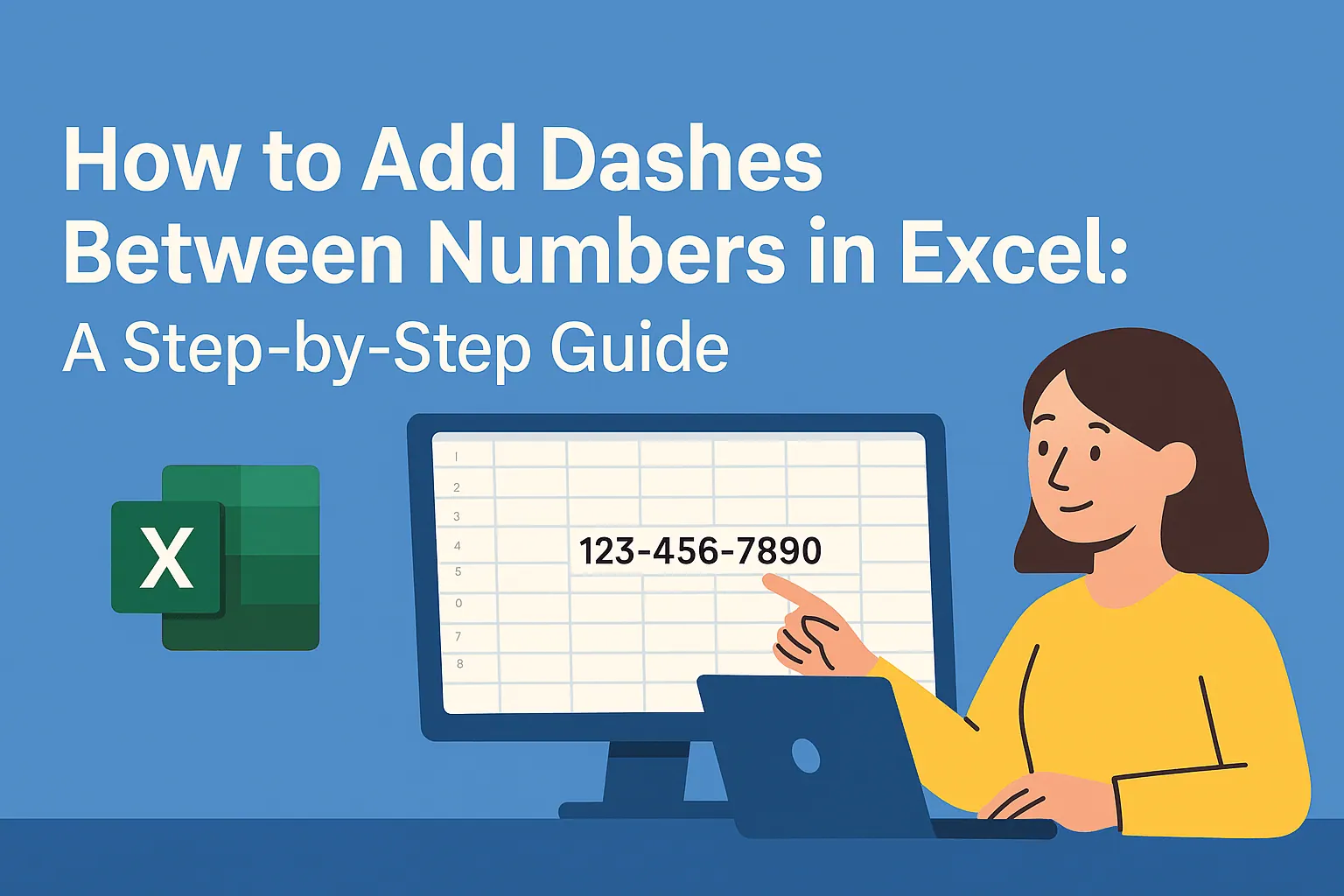
How to Add a Dash Between Numbers in an Excel Formula
Struggling to format numbers with dashes in Excel? Discover how CONCATENATE, CONCAT, and TEXTJOIN functions can streamline your workflow and enhance data presentation.
 Excel Essentials
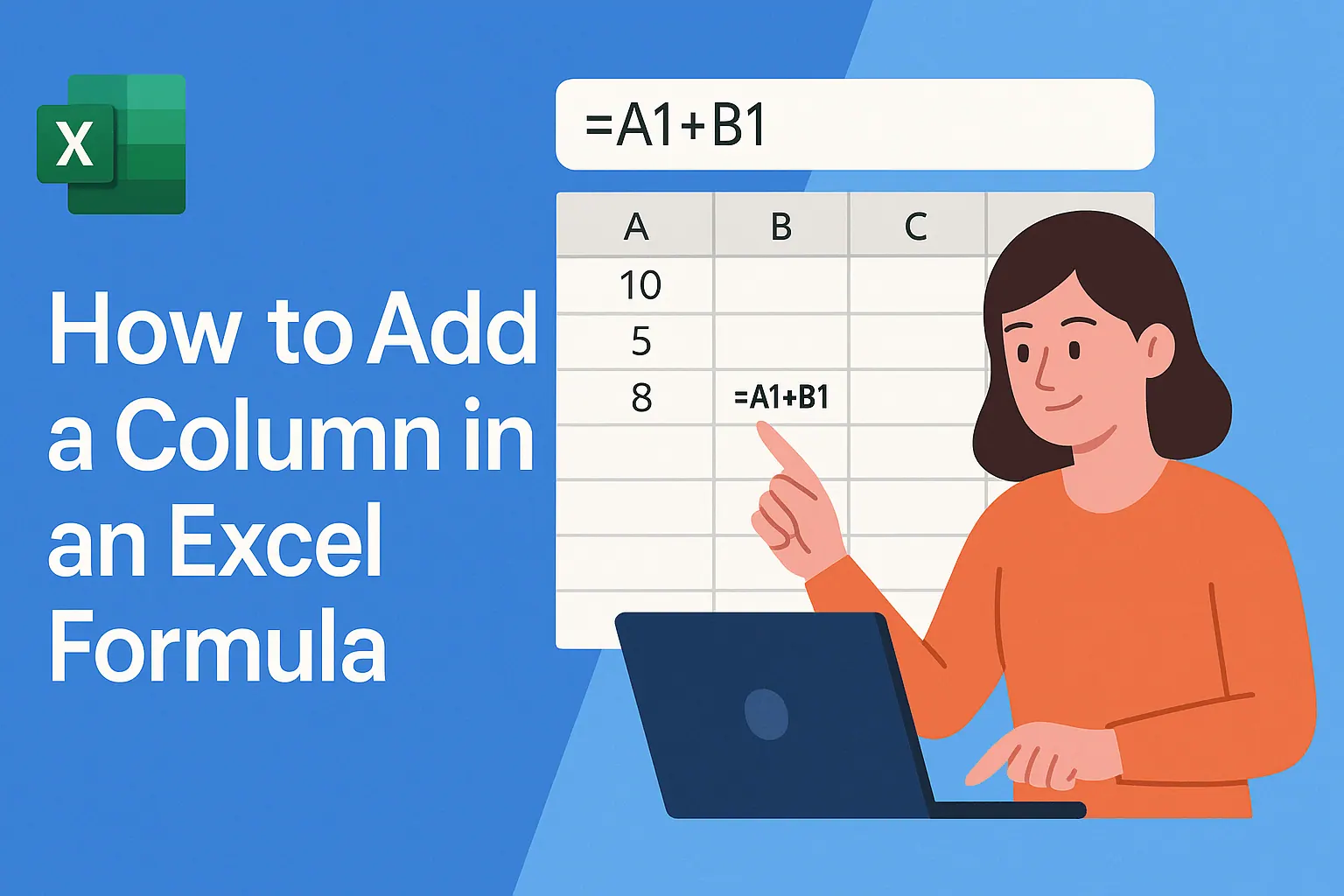
How to Add a Column in an Excel Formula
Tired of manual column additions in Excel? This guide breaks down 7 proven methods to sum data instantly, with pro tips to handle complex datasets. See how RowSpeak's AI transforms this process with one-click automation.
 Excel Essentials
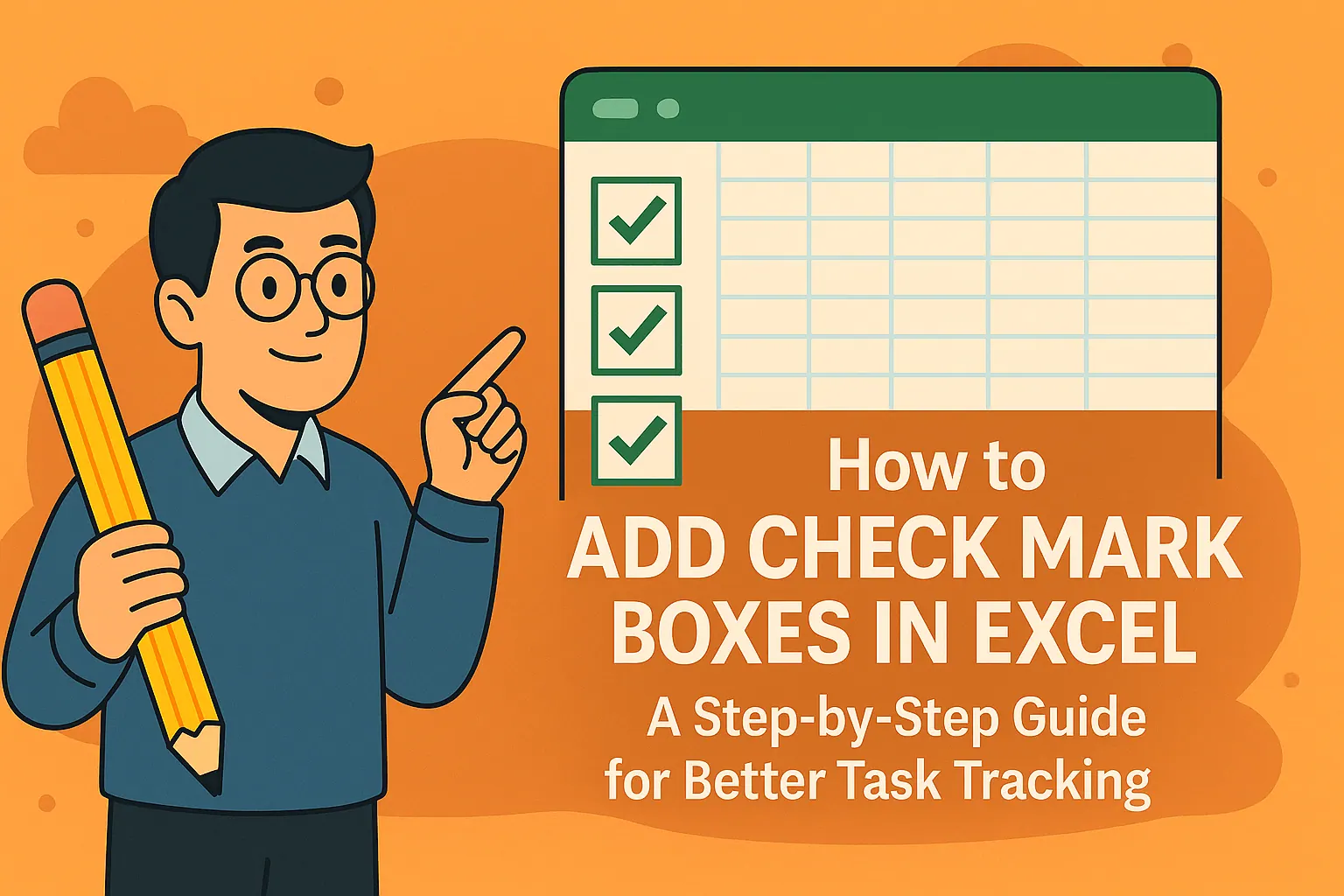
How to Add Check Mark Boxes in Excel: A Step-by-Step Guide for Better Task Tracking
Tired of messy spreadsheets? Discover how check mark boxes can transform your Excel sheets into powerful productivity tools with this easy tutorial.