
Excel Essentials
Formulas, tables, charts, and file basics for everyday spreadsheet work
 Excel Essentials
Best AI for Excel: 7 Tools for Analysis, Formulas, Dashboards, and Reports
A practical comparison of the best AI for Excel tools for teams that need formulas, file-based analysis, dashboards, reports, and reviewable spreadsheet outputs.
 Excel Essentials
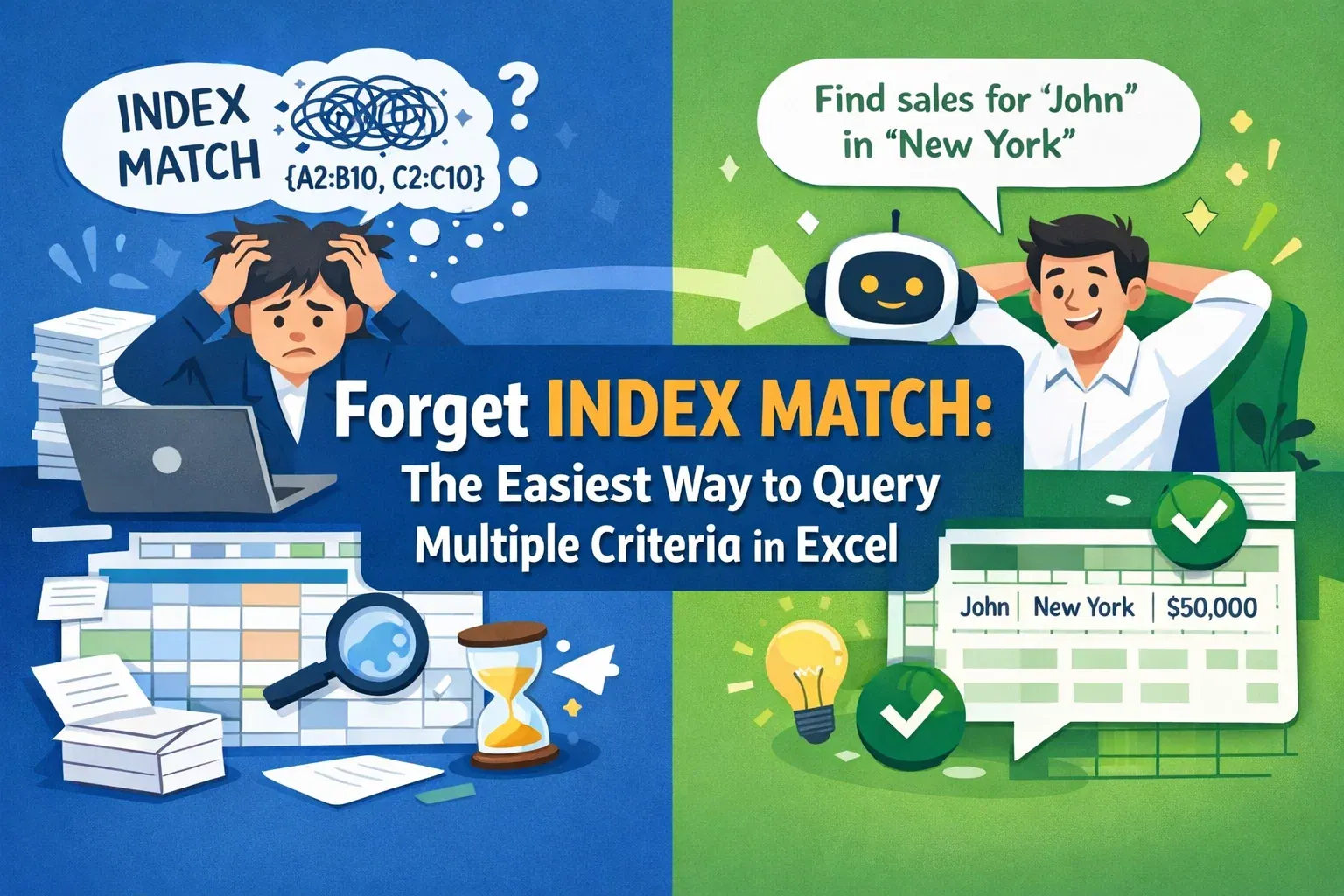
Forget INDEX MATCH: The Easiest Way to Query Multiple Criteria in Excel
Is nesting INDEX MATCH with multiple criteria giving you a headache? Learn a smarter, faster way to query complex data using plain language and AI automation.
 Excel Essentials
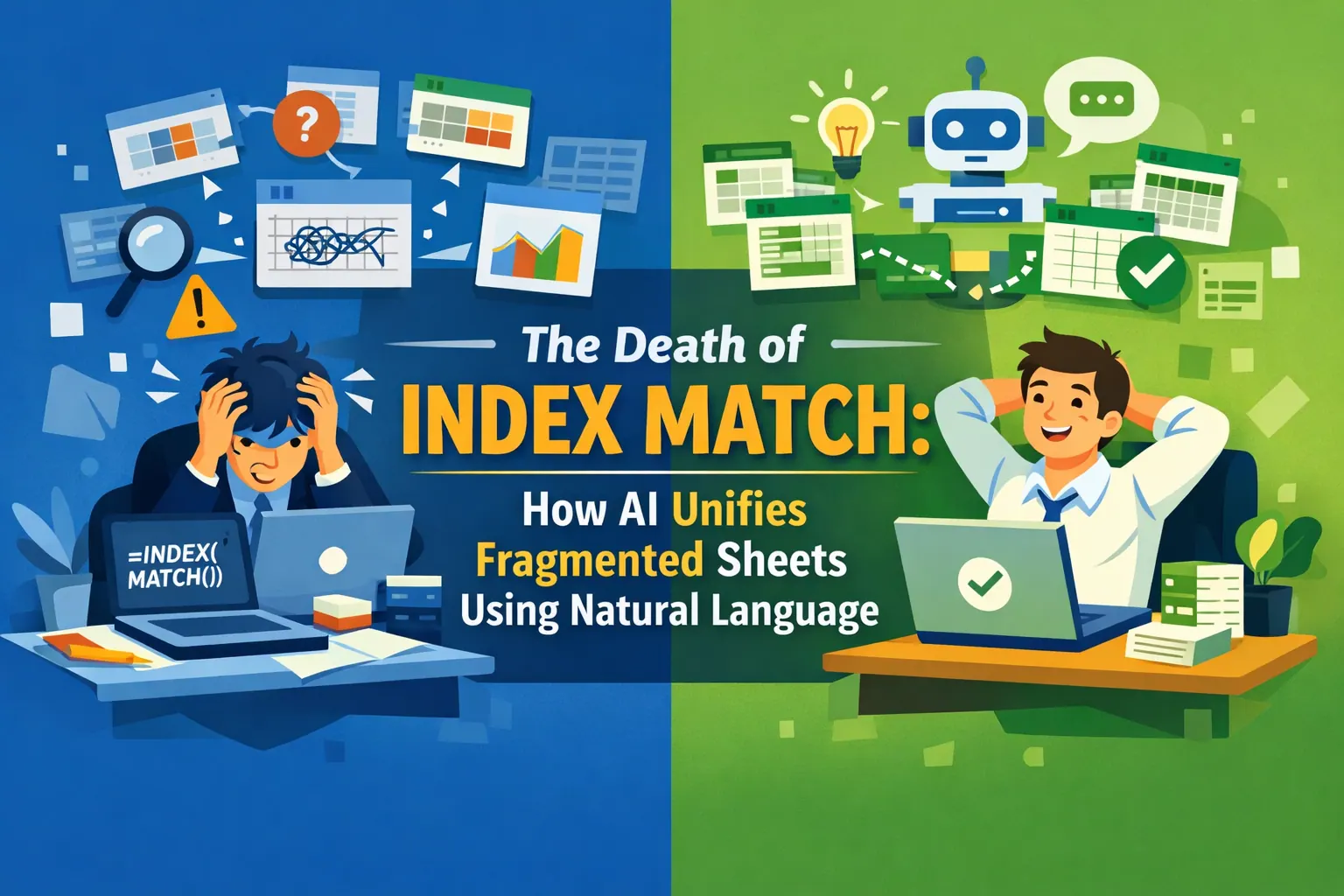
The Death of INDEX MATCH: How AI Unifies Fragmented Sheets Using Natural Language
Is INDEX MATCH holding your productivity hostage? Discover the future of cross-sheet data integration where your intent matters more than your syntax.
 Excel Essentials
Stop Learning Complex Formulas: How Excel AI Unlocks Career Growth
Tired of the weekly grind of building sales reports in Excel? You're not alone. We'll show you how to ditch the tedious SUMIFS and manual pivot table setups and use Excel AI to get insights in minutes, freeing you up for strategic work that gets you noticed.
 Excel Essentials
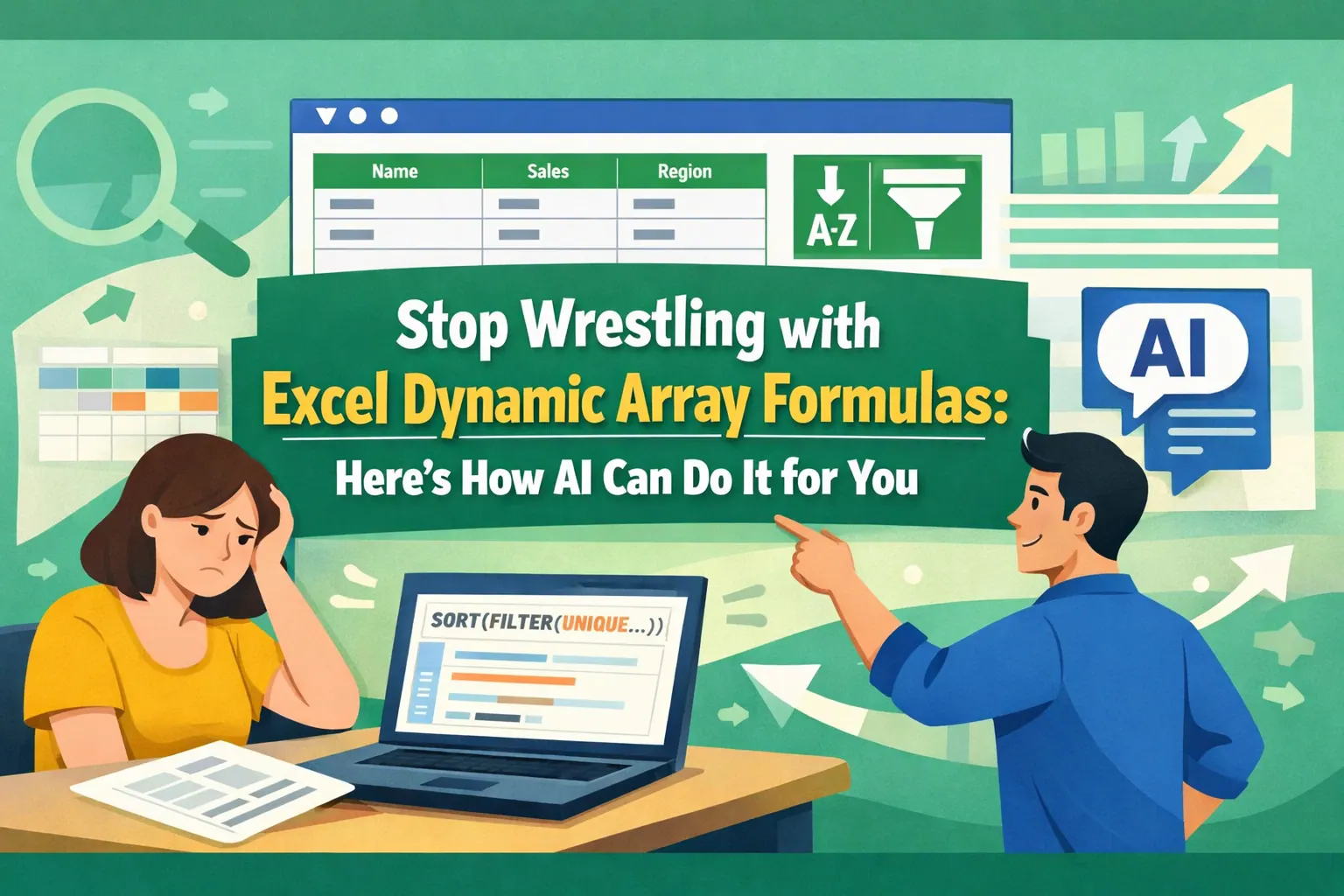
Stop Wrestling with Excel Dynamic Array Formulas: Here’s How AI Can Do It for You
Excel's dynamic arrays were a game-changer, but nesting functions like SORT and FILTER is still a headache. Discover how RowSpeak, an AI agent, lets you perform complex data filtering, sorting, and analysis just by asking questions in plain language.
 Excel Essentials
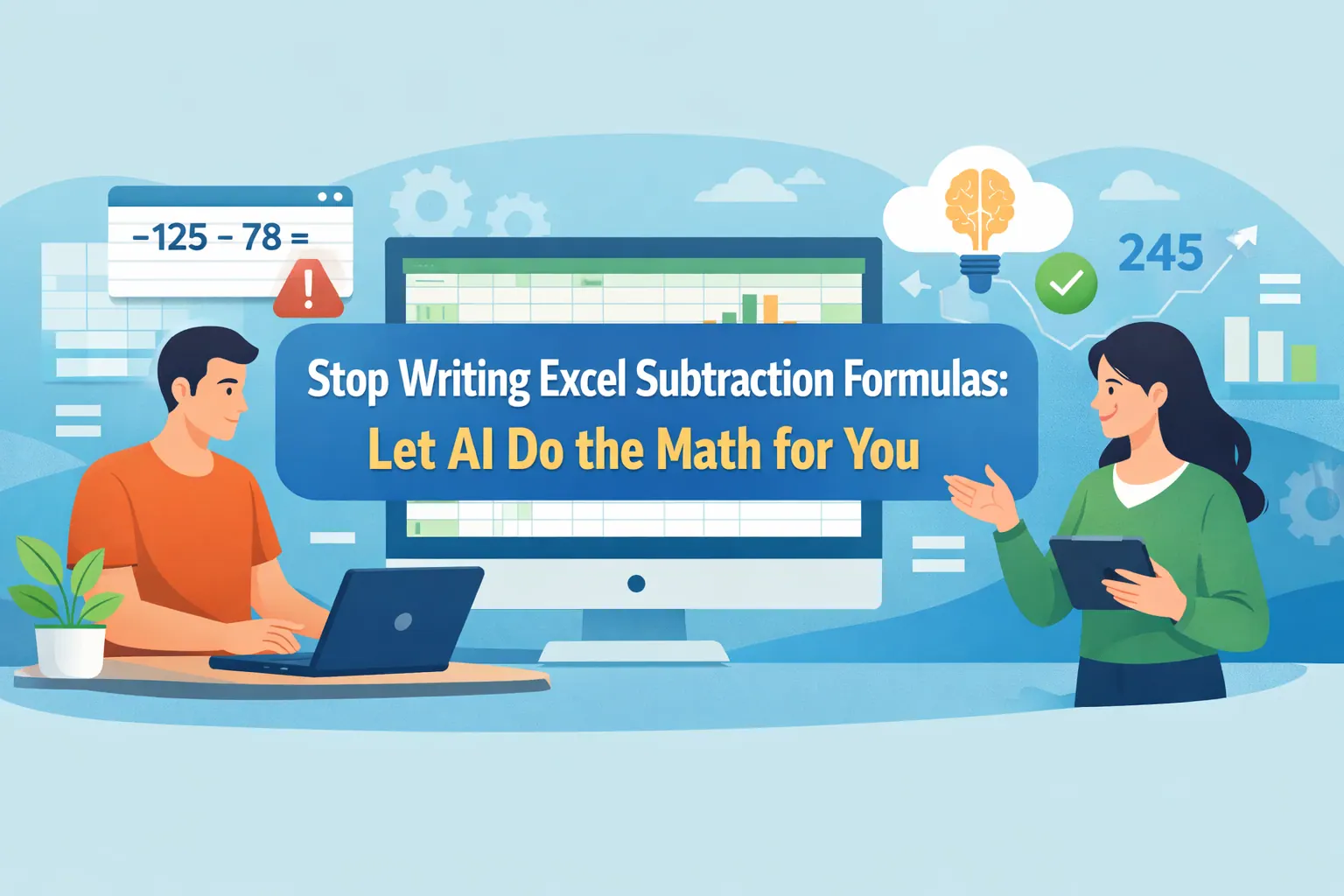
Stop Writing Excel Subtraction Formulas: Let AI Do the Math for You
Tired of wrestling with different Excel formulas just to subtract numbers, dates, or percentages? Forget memorizing `=SUM()`, `DATEVALUE()`, or absolute references. Discover how Excel AI lets you perform any subtraction calculation instantly with simple text commands.
 Excel Essentials
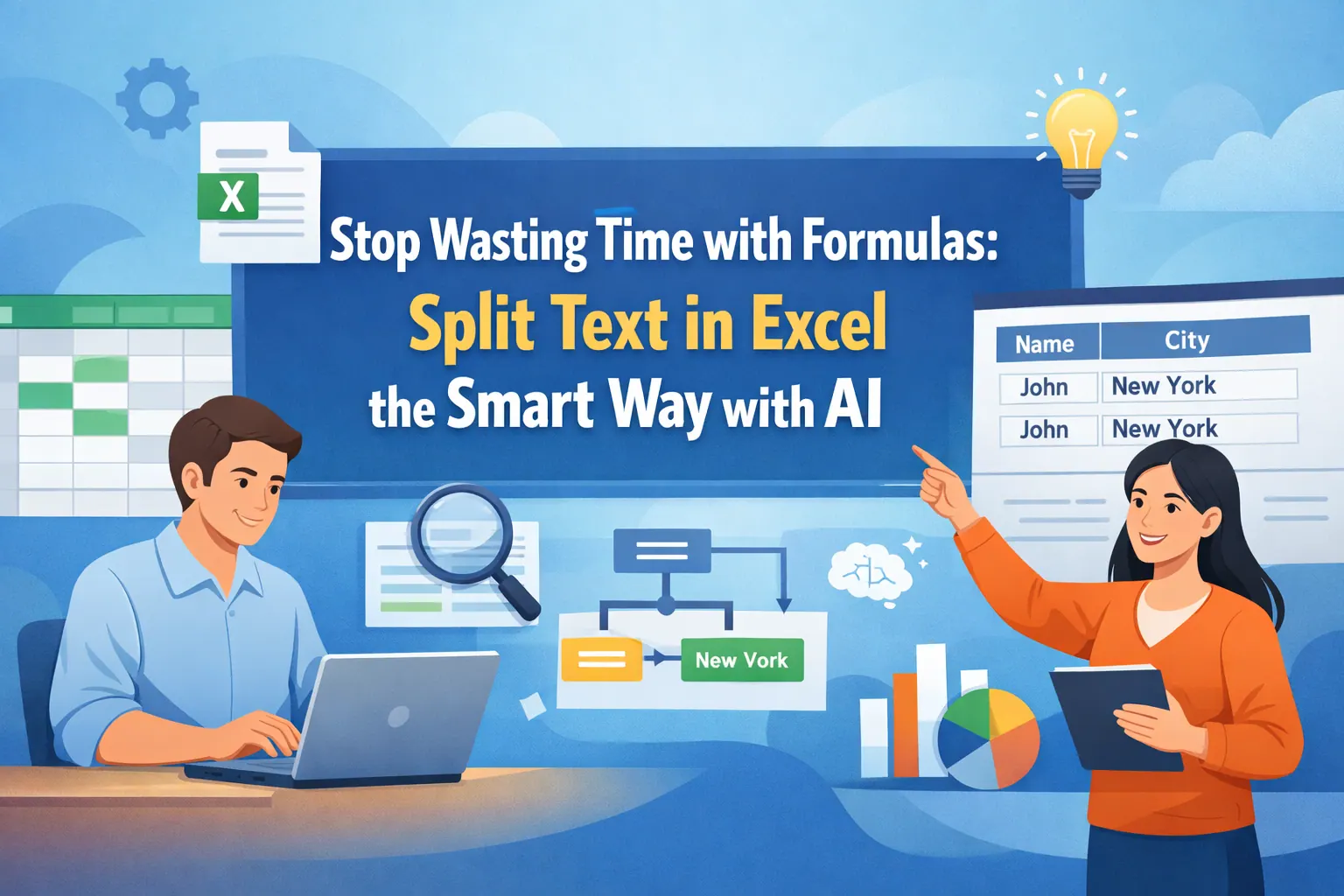
Stop Wasting Time with Formulas: Split Text in Excel the Smart Way with AI
Splitting text in Excel, like separating first and last names, can be a nightmare of nested formulas. This guide shows you the pain points of traditional methods and introduces a new, faster way using RowSpeak's AI to split any text data instantly with plain language.
 Excel Essentials
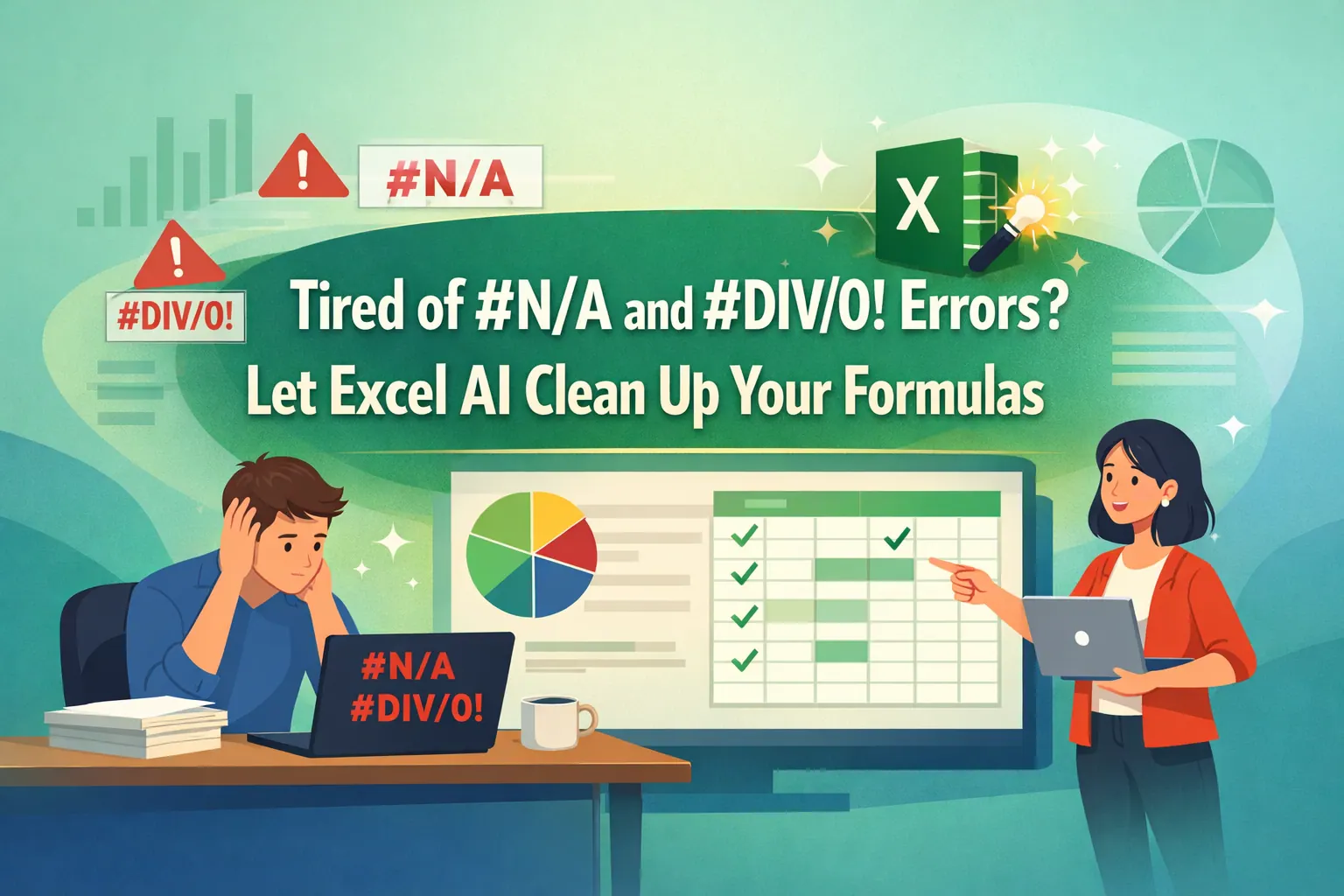
Tired of #N/A and #DIV/0! Errors? Let Excel AI Clean Up Your Formulas
Stop letting ugly Excel errors like #N/A and #DIV/0! ruin your spreadsheets. We'll show you the traditional IFERROR fix and then reveal how RowSpeak, an Excel AI agent, automates error handling with simple language commands, saving you hours of tedious formula writing.
 Excel Essentials
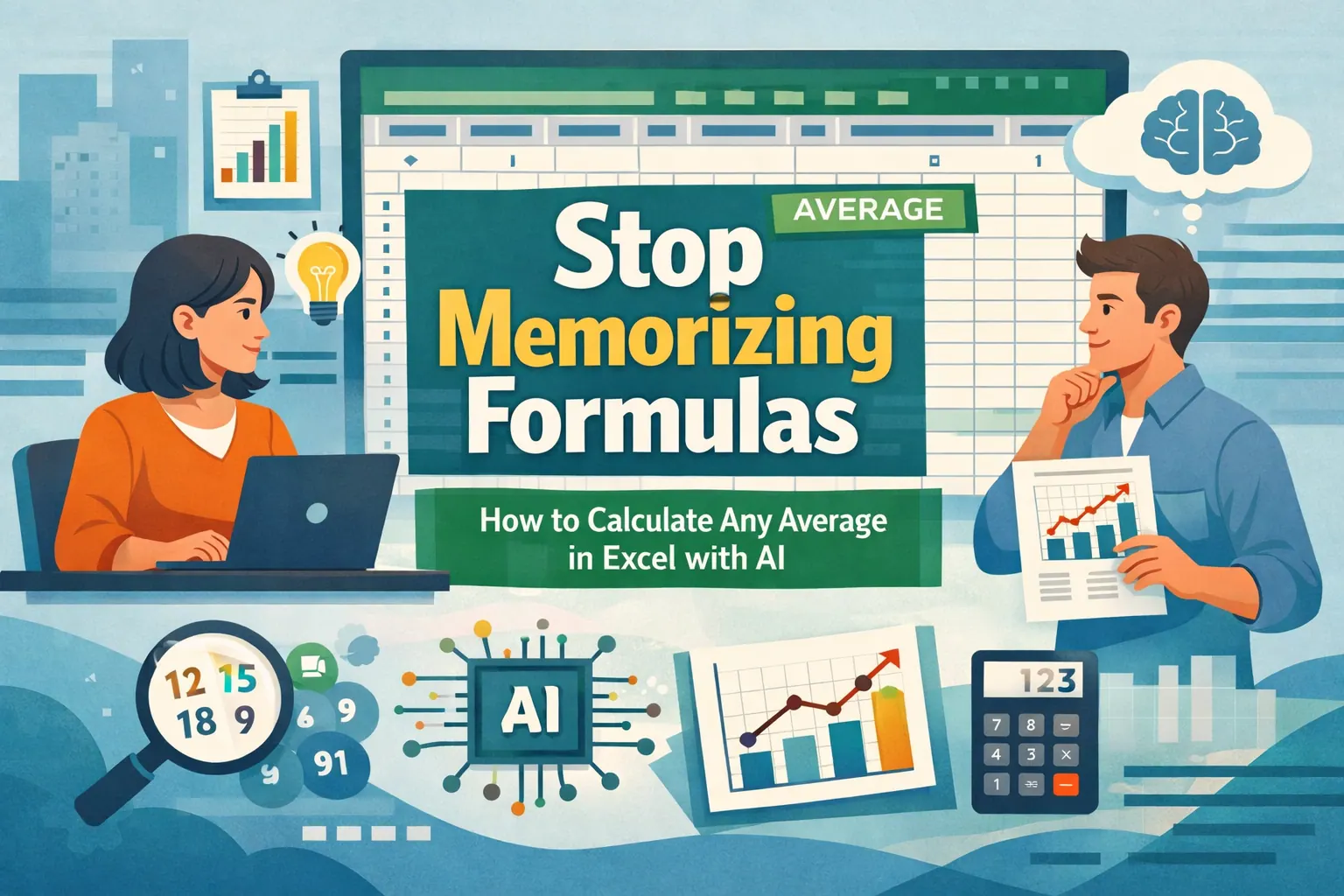
Stop Memorizing Formulas: How to Calculate Any Average in Excel with AI
Tired of wrestling with complex AVERAGE, MEDIAN, and MODE formulas in Excel? This guide shows you the traditional methods and their pitfalls, then introduces a faster way using Excel AI to calculate any type of average with simple language commands.
 Excel Essentials
Tired of #N/A and #VALUE! Errors? Let's Fix Your Broken Excel Formulas with AI
Ever stared at a spreadsheet full of #REF! errors and wanted to give up? You're not alone. We'll show you the tedious old way of debugging formulas and a revolutionary new approach using Excel AI to fix them in seconds with plain language.
 Excel Essentials
VLOOKUP Can't Handle Duplicates? Here's the AI-Powered Fix
Tired of VLOOKUP failing on duplicate names like 'John Smith'? This guide shows you the classic (and clunky) helper column workaround, then reveals how an Excel AI like RowSpeak can solve the problem in seconds with simple language, no complex formulas needed.
 Excel Essentials
Tired of Complex SUMPRODUCT Formulas? Here's a Simpler AI Way
Wrestling with the SUMPRODUCT function in Excel can be a headache. Its syntax is powerful but complex and error-prone. Discover how an Excel AI agent like RowSpeak can replace these manual formulas, letting you perform complex calculations just by asking.
 Excel Essentials
Tired of Complex SUMIF & SUMIFS? Analyze Sales Data in Seconds with Excel AI
Tired of wrestling with complex SUMIF and SUMIFS formulas for your sales reports? Discover how an Excel AI agent like RowSpeak can answer your business questions in seconds, transforming hours of manual work into a simple conversation.
 Excel Essentials
Tired of Complex SUMIFS? Sum Data with Multiple Conditions in Excel Using Plain language
Struggling with complex SUMIFS formulas to analyze your sales or inventory data? Discover how an Excel AI like RowSpeak can replace confusing syntax with simple language questions, saving you time and preventing errors.
 Excel Essentials
Tired of Complex SUMIF Formulas? Here's a Smarter Way to Sum Data in Excel
Tired of wrestling with SUMIF's tricky syntax for text, dates, and wildcards? Discover how Excel AI lets you sum data based on any condition just by asking in plain language. Save hours and eliminate formula errors with RowSpeak.
 Excel Essentials
Stop Memorizing Formulas: Generate Number & Date Sequences in Excel with AI
Tired of manually dragging the fill handle or memorizing the complex SEQUENCE function just to create a list of dates or IDs? Discover how an Excel AI agent like RowSpeak lets you generate any sequence with simple language commands, saving you time and eliminating formula errors.
 Excel Essentials
Stop Memorizing Formulas: How to Use Excel's PI Function and Let AI Do the Math
Struggling to remember the PI function or complex geometric formulas in Excel? This guide shows you the traditional way and a revolutionary new method. See how an Excel AI can calculate volumes and areas for you, just by asking in plain language.
 Excel Essentials
Stop Memorizing Excel Wildcards: Use AI for Partial Text Matching Instead
Struggling with messy text data and complex wildcard formulas in Excel? Forget memorizing '*' and '?'. See how an Excel AI agent like RowSpeak lets you filter and analyze partial matches using simple language, saving you hours of manual work.
 Excel Essentials
Beyond VLOOKUP: The AI-Powered Way to Look Up Data with Multiple Criteria in Excel
Stop wrestling with helper columns and confusing array formulas! Finding Excel data that meets multiple criteria shouldn't be a headache. Discover how RowSpeak's AI-powered chat lets you filter and look up complex data in seconds, no formulas required.
 Excel Essentials
Forget VLOOKUP: How to Use AI for Any Data Lookup in Excel
Tired of wrestling with VLOOKUP's limitations and cryptic #N/A errors? This guide breaks down the pain of manual data lookups and shows how RowSpeak's AI can fetch, match, and merge data for you with simple chat commands. It's time to stop memorizing formulas.
 Excel Essentials
Forget Excel's INDIRECT Function: Use AI for Dynamic Reports Instead
Tired of wrestling with the Excel INDIRECT function to create dynamic reports? This guide shows you the limitations of the traditional method and introduces a faster, error-free way using an Excel AI agent to handle dynamic references with simple language prompts.
 Excel Essentials
Tired of VLOOKUP & INDEX MATCH? There's a Smarter Way to Look Up Data in Excel
Struggling with VLOOKUP's limitations? While INDEX MATCH is a powerful alternative, it's also complex to master. Discover a modern, faster way to perform any data lookup in Excel using simple language with an Excel AI agent.
 Excel Essentials
Stop Wrestling with COUNTIFS: How to Count Anything in Excel with AI
Tired of wrestling with complex COUNTIFS formulas just to count data with multiple conditions? Discover how an Excel AI agent like RowSpeak can replace confusing syntax with simple language, saving you time and preventing errors.
 Excel Essentials
Tired of Complex LEN Formulas? Here's How to Count Characters in Excel with AI
Struggling with complex formulas like LEN, TRIM, and SEARCH just to validate text length in Excel? Discover how an Excel AI agent like RowSpeak can count characters, check data formats, and clean your text using simple language prompts, saving you from formula headaches.
 Excel Essentials
Forget VLOOKUP: How to Join Data for Pivot Tables with Excel AI
Stop wasting time with VLOOKUP to merge sales and product data. This guide shows you the old, painful way and introduces a new, faster method using Excel AI. Let RowSpeak join your tables and build reports for you in seconds.
 Excel Essentials
Forget INDEX/MATCH: How to Solve Complex Two-Way Lookups in Excel with AI
Stop wrestling with nested VLOOKUP and INDEX/MATCH! This guide shows you the pain of traditional multi-dimensional lookups and introduces a faster way. See how RowSpeak, an Excel AI agent, can answer your complex lookup questions instantly.
 Excel Essentials
Stop Writing SUM Formulas: How to Get Totals in Excel with AI
Stop wasting time writing complex SUM, SUMIF, and SUMIFS formulas. Manually calculating totals is slow and error-prone. See how RowSpeak, an Excel AI agent, lets you simply ask for the totals you need and get instant, accurate results.
 Excel Essentials
Tired of VLOOKUP & INDEX MATCH? Here's How Excel AI Changes the Game
Still struggling with the limitations of VLOOKUP or the confusing syntax of INDEX MATCH? You're not alone. Discover how Excel AI revolutionizes data lookups, letting you ditch complex formulas and find the information you need just by asking questions.
 Excel Essentials
VLOOKUP is Obsolete: How to Use Excel AI for Faster, Error-Free Data Lookups
Still wrestling with VLOOKUP's limitations like absolute references and the dreaded 'first column' rule? Discover how RowSpeak's AI can automate your data lookups, letting you merge tables with simple questions instead of fragile formulas.
 Excel Essentials
Forget Nested Formulas: How to Use AI for Complex Logic in Excel
Stop wrestling with confusing nested formulas! This guide shows you the old, painful way of combining functions like IF/OR and INDEX/MATCH, and then reveals how RowSpeak's AI lets you get the same results just by asking. Say goodbye to syntax errors and hello to instant answers.
 Excel Essentials
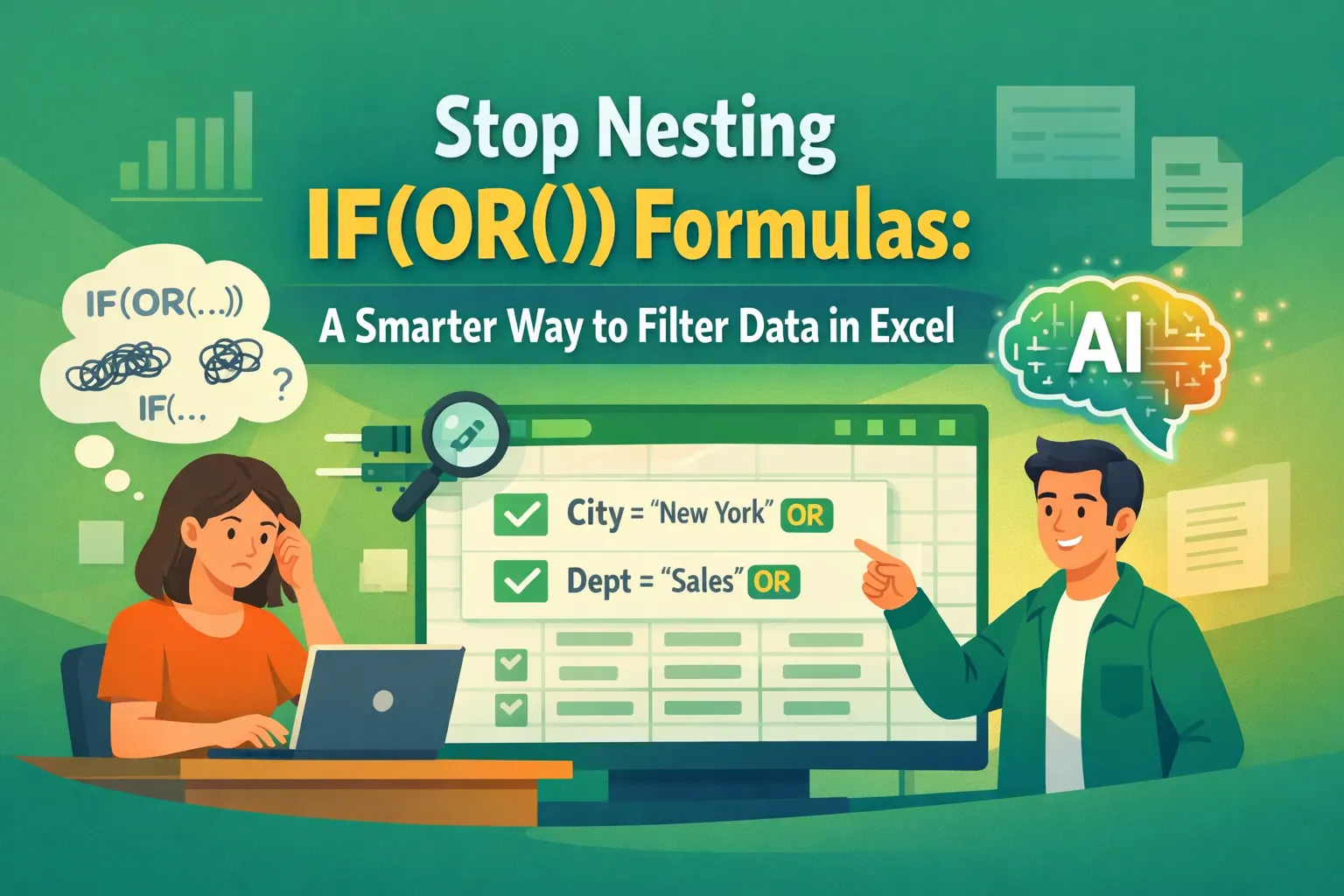
Stop Nesting IF(OR()) Formulas: A Smarter Way to Filter Data in Excel
Tired of wrestling with nested IF and OR formulas to filter data? Discover how an Excel AI agent like RowSpeak lets you apply complex 'OR' logic using simple English, saving you time and eliminating formula errors.
 Excel Essentials
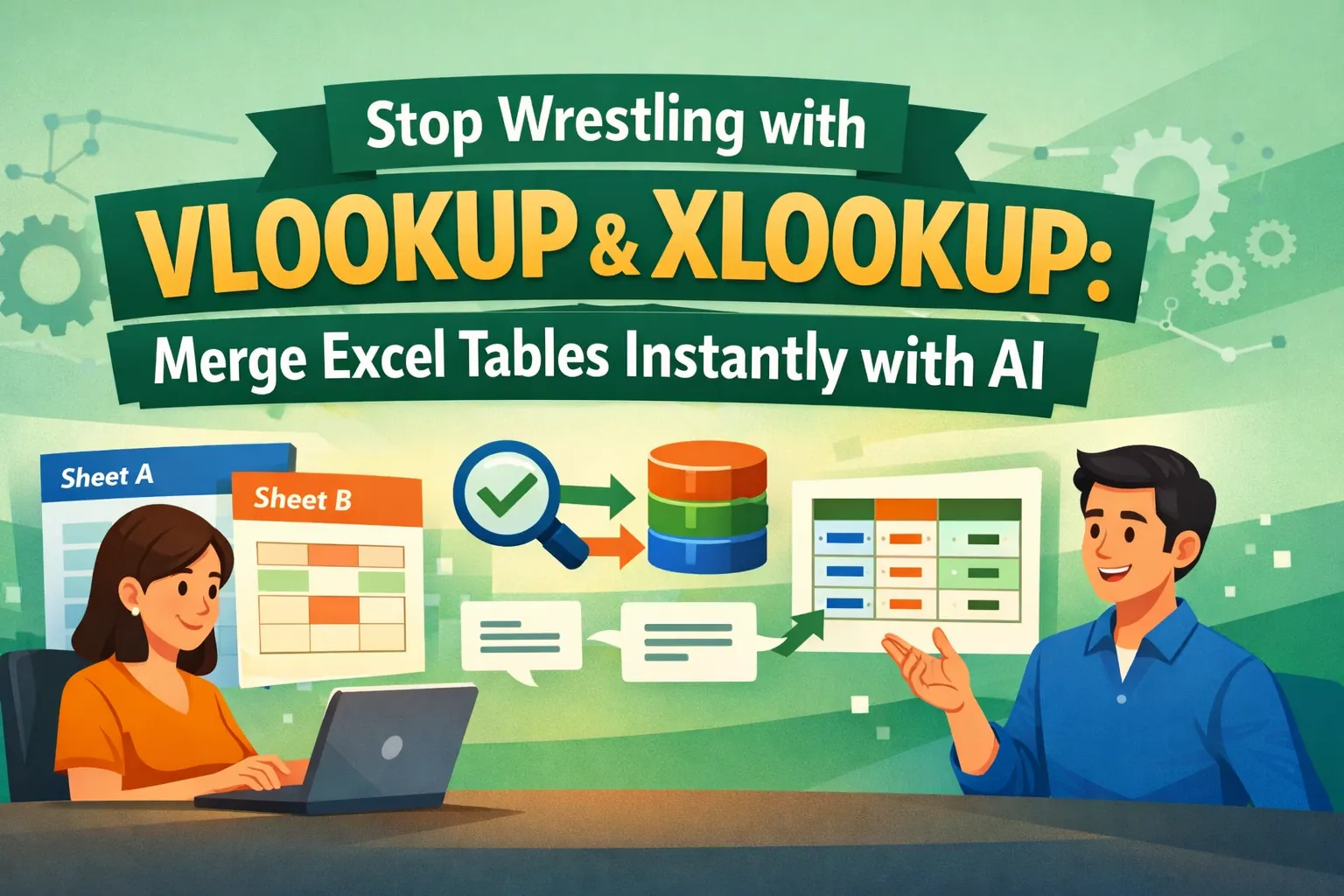
Stop Wrestling with VLOOKUP & XLOOKUP: Merge Excel Tables Instantly with AI
Still manually writing VLOOKUPs to combine data? It's slow and error-prone. Even the newer XLOOKUP requires careful setup. See how RowSpeak, an AI agent, lets you merge tables just by describing what you need, no formulas required.
 Excel Essentials
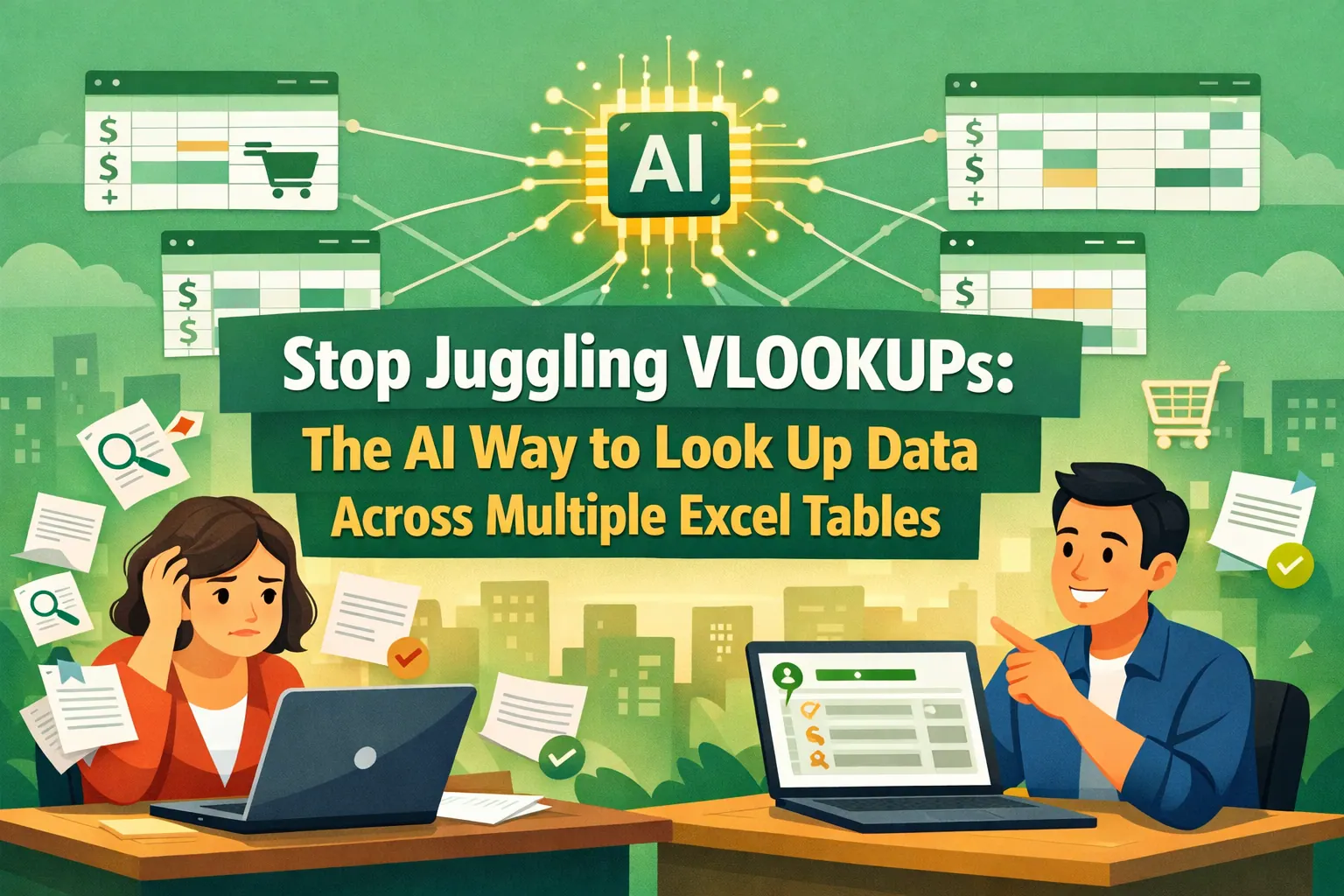
Stop Juggling VLOOKUPs: The AI Way to Look Up Data Across Multiple Excel Tables
Manually searching for a product price across different supplier lists is a nightmare of nested formulas. Discover how an Excel AI agent like RowSpeak can automate this entire lookup process, saving you hours and eliminating errors.
 Excel Essentials
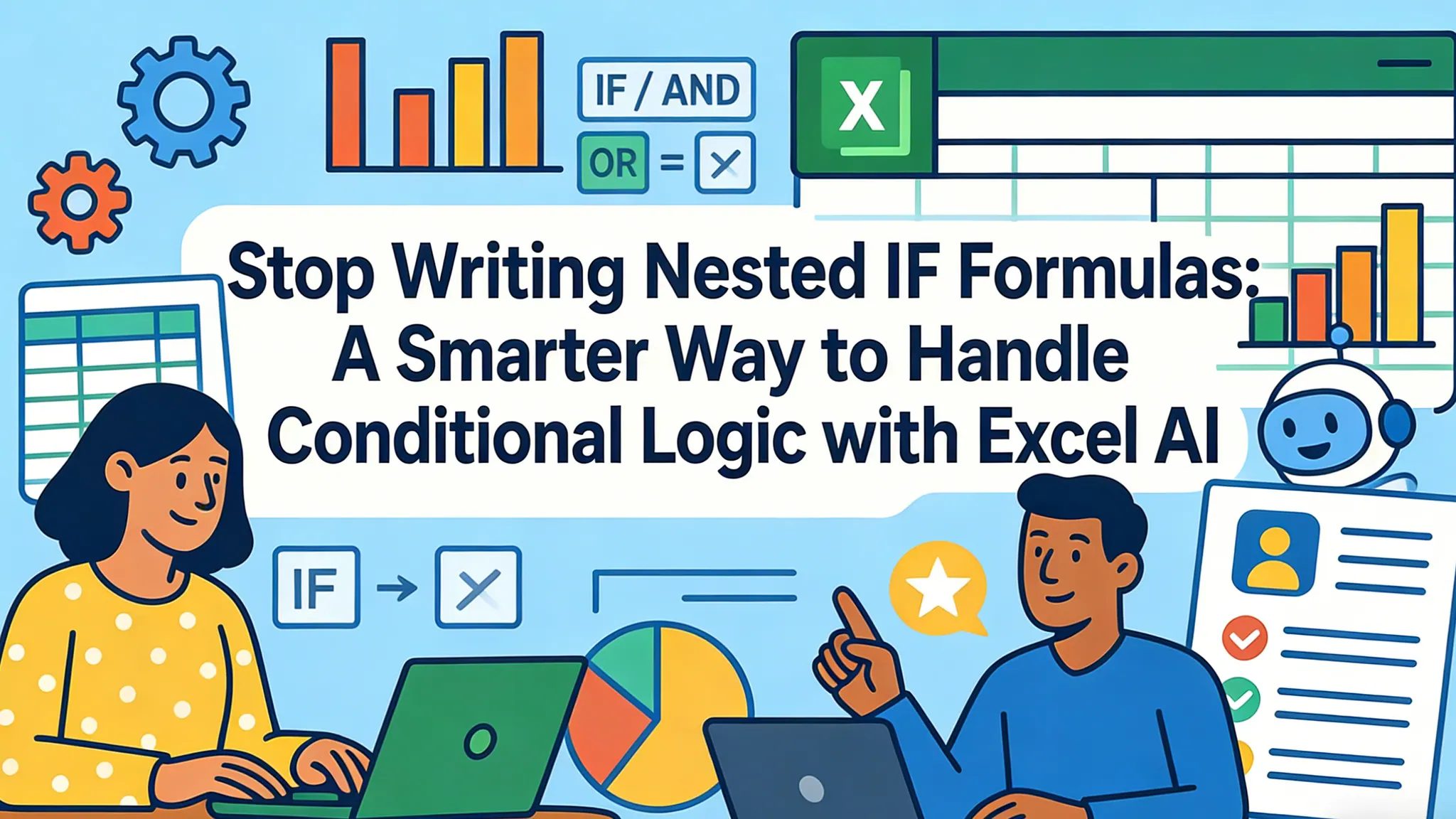
Stop Writing Nested IF Formulas: A Smarter Way to Handle Conditional Logic with Excel AI
Wrestling with tangled nested IF formulas is a common Excel headache. This guide explores the limitations of the traditional IF function for business rules and reveals a modern solution. See how RowSpeak lets you apply complex conditional logic just by describing it in plain language.
 Excel Essentials
Beyond IF Formulas: How Excel AI Answers Your 'What If' Questions Instantly
Tired of wrestling with nested IF statements and confusing SUMIFS formulas? This guide shows you the limitations of the old way and introduces a new approach with Excel AI. Turn your complex 'what if' questions into instant answers.
 Excel Essentials
Stop Wrestling with IF/OR Formulas: A Smarter Way to Manage HR Vacation Priority in Excel
Struggling with complex IF/OR formulas for HR tasks like vacation priority? Discover how RowSpeak's AI can replace confusing formulas with simple language commands, saving you hours and reducing errors.