
Excel Essentials
Formulas, tables, charts, and file basics for everyday spreadsheet work
 Excel Essentials
A Practical Guide to Changing Date Formats in Excel
From ####### errors to mixed US/EU formats, handling dates in Excel can be a nightmare. This guide walks you through the manual fixes—using Format Cells, formulas, and Text to Columns—and introduces a revolutionary AI solution that solves these problems with simple English commands.
 Excel Essentials
Two Smart Ways to Format Numbers as Text in Excel
Stop wrestling with complex format codes. This guide shows you how to convert numbers to perfectly formatted text using both the classic TEXT() function and a new, intuitive AI tool. Get readable reports and labels in seconds.
 Excel Essentials
Not Just Cleaning Colors: Everything You Need to Know About Excel Format Removing
Struggling with persistent Excel formatting? Discover why traditional methods often fail and how AI-powered tools can clear all formats with simple natural language commands.
 Excel Essentials
How to Apply Calculation Styles in Google Sheets Like a Pro
Tired of messy spreadsheets? Master Google Sheets' calculation styles to make your data pop. Plus, see how RowSpeak can handle the heavy lifting for you.
 Excel Essentials
How to Apply Currency Format in Excel Like a Pro (Step-by-Step Guide)
Tired of confusing number jumbles in Excel? Learn how to format currencies correctly (including dollars, euros, and custom symbols) and unlock pro tips for polished financial spreadsheets.
 Excel Essentials
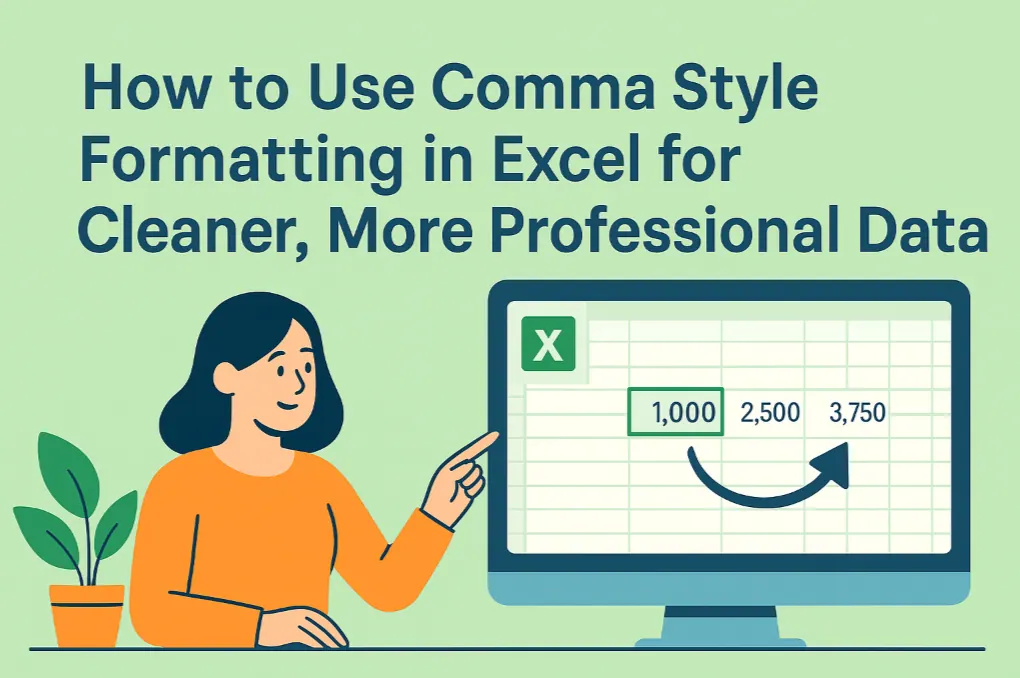
How to Use Comma Style Formatting in Excel for Cleaner, More Professional Data
Tired of squinting at endless digits in your spreadsheets? Comma style formatting is your secret weapon for cleaner data. Here's how to use it—and how RowSpeak makes it even easier.
 Excel Essentials
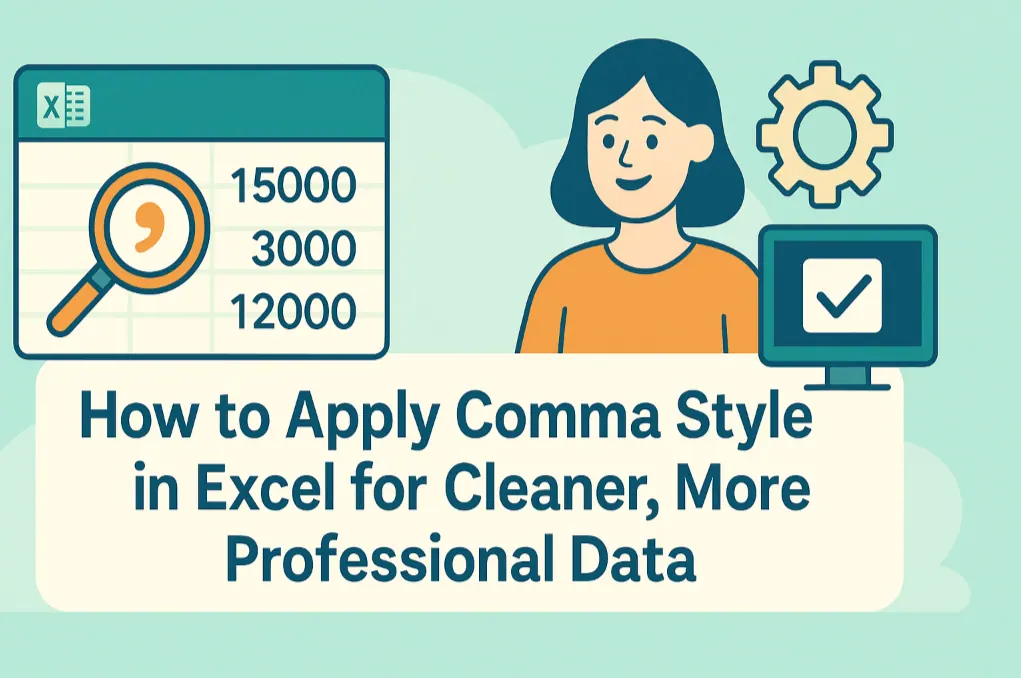
How to Apply Comma Style in Excel for Cleaner, More Professional Data
Tired of squinting at endless strings of numbers? Discover how Comma Style formatting in Excel can transform your data into clear, professional-looking reports in just a few clicks.
 Excel Essentials
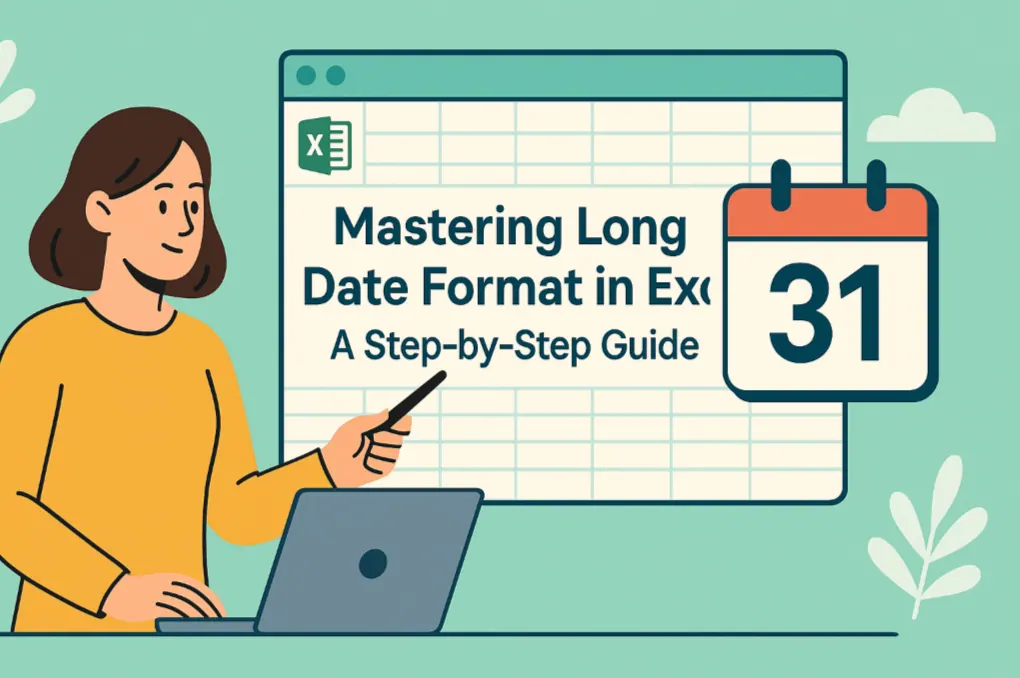
Mastering Long Date Format in Excel: A Step-by-Step Guide
Struggling with date formats in Excel? Our guide shows you how to apply long date formats effortlessly, making your spreadsheets instantly more readable and polished.
 Excel Essentials
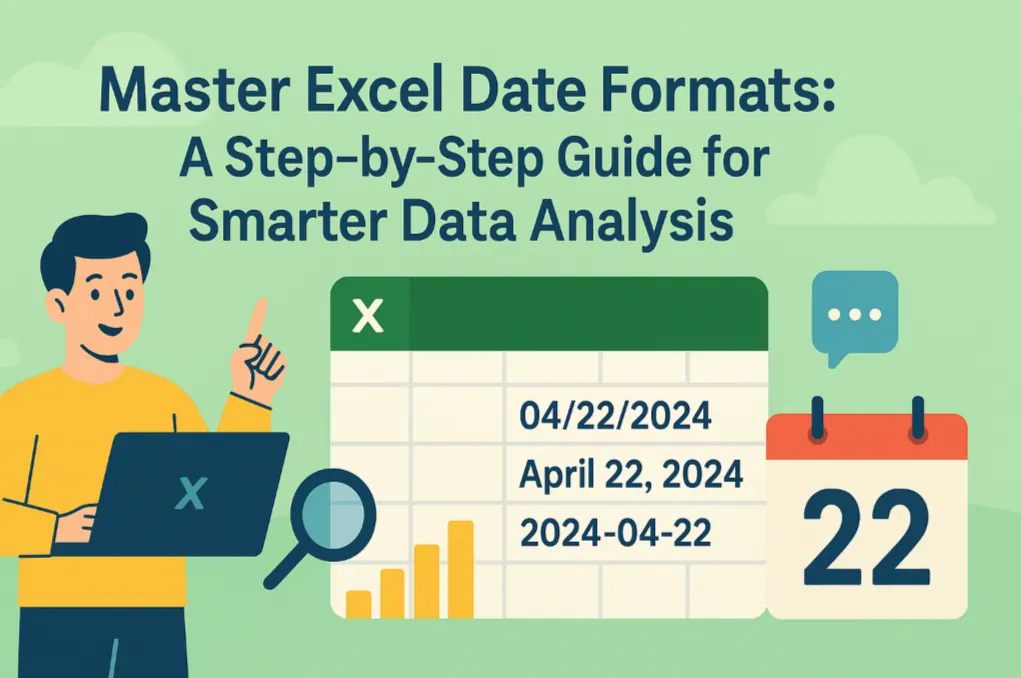
Master Excel Date Formats: A Step-by-Step Guide for Smarter Data Analysis
Dates in Excel don't have to be confusing. Discover how to format, customize, and analyze dates effortlessly - plus how AI tools like RowSpeak can automate the entire process for you.
 Excel Essentials
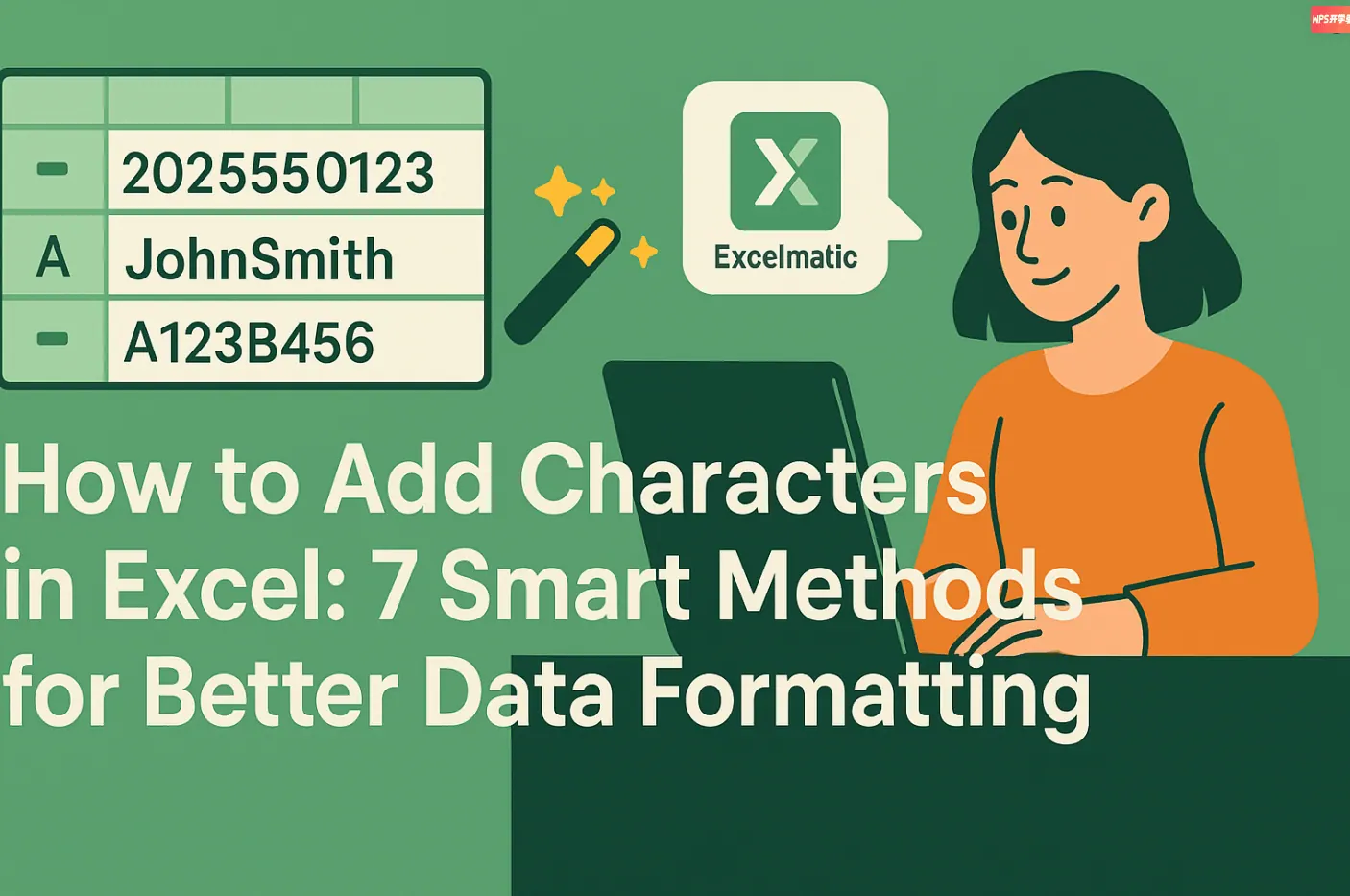
How to Add Characters in Excel: 7 Smart Methods for Better Data Formatting
Struggling with messy Excel data? Discover how to easily add characters between text, format phone numbers, and create professional-looking spreadsheets with these simple techniques.
 Excel Essentials
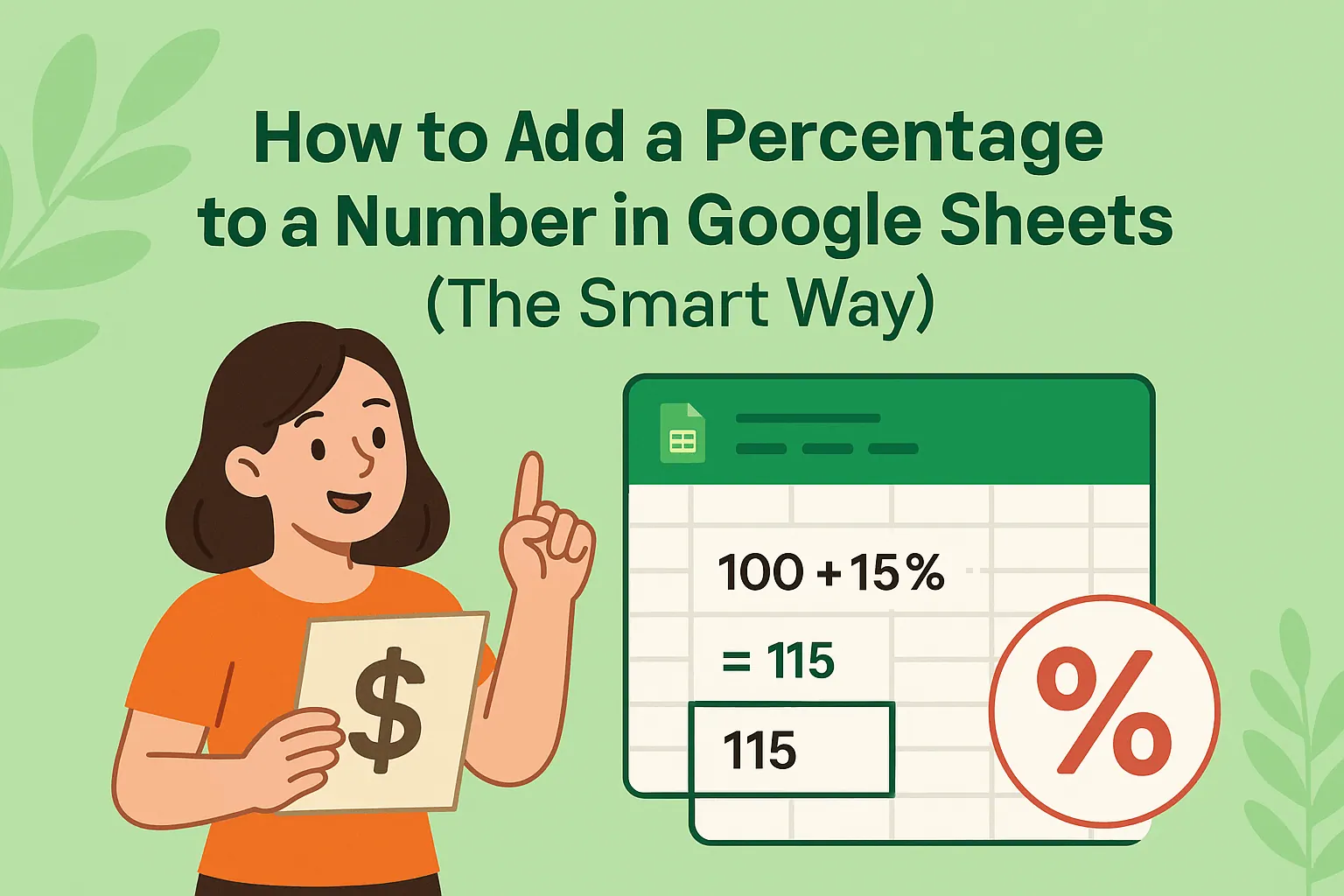
How to Add a Percentage to a Number in Google Sheets (The Smart Way)
Tired of manual percentage calculations? Discover Google Sheets formulas and how RowSpeak's AI-powered spreadsheets can do the math for you automatically.
 Excel Essentials
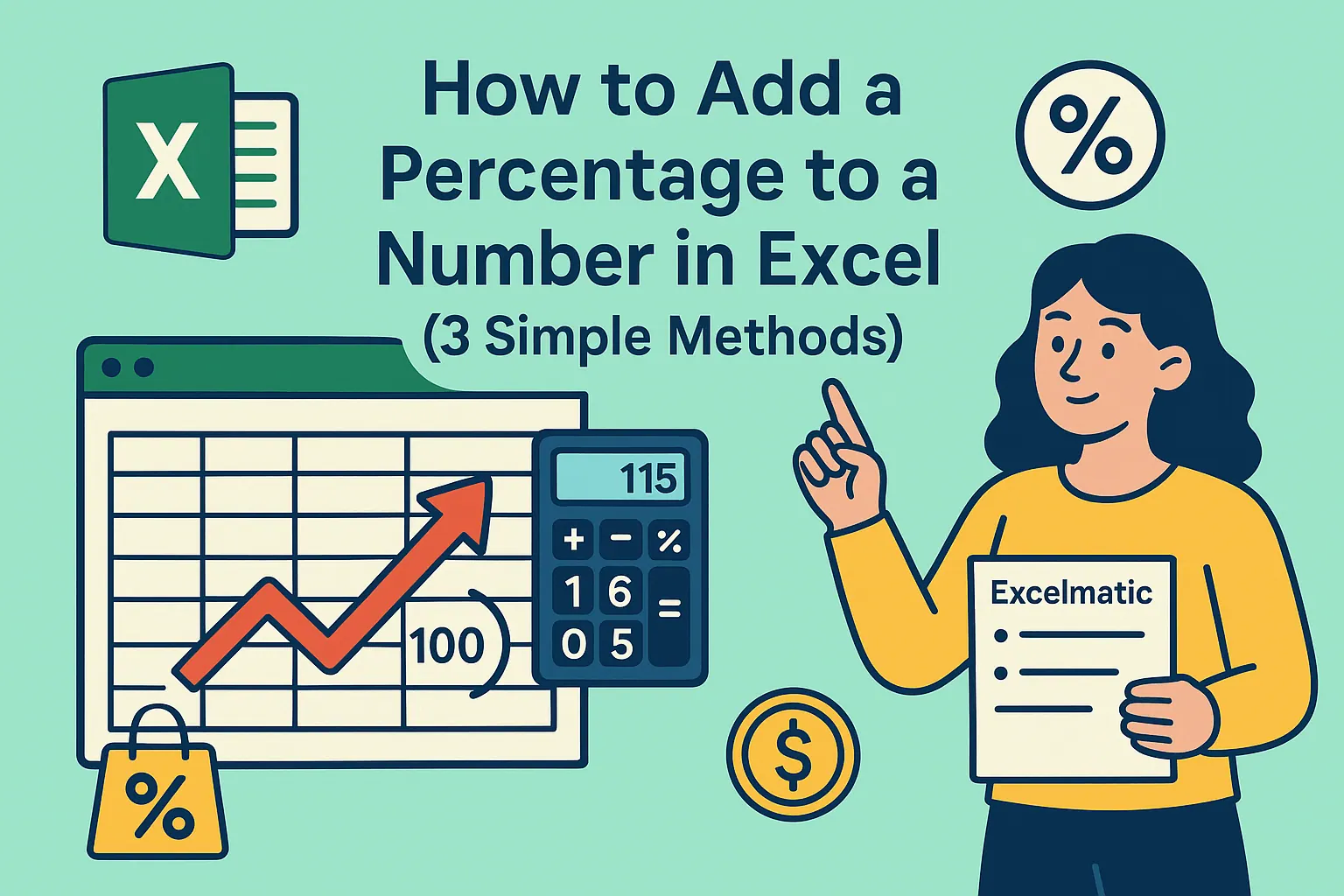
How to Add a Percentage to a Number in Excel (3 Simple Methods)
Struggling with percentage calculations in Excel? Whether you're applying discounts or calculating taxes, this guide shows you multiple methods to get it right every time.
 Excel Essentials
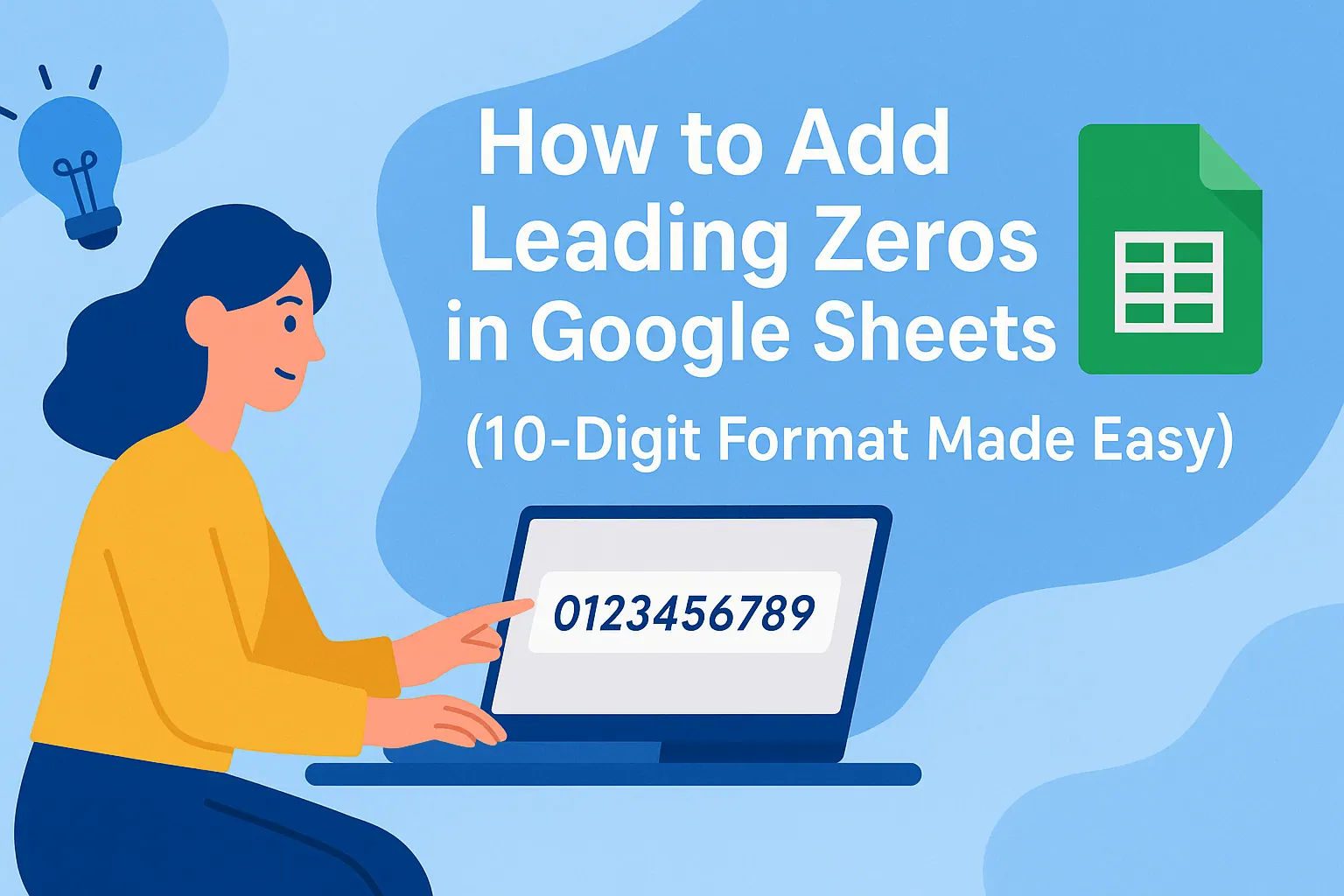
How to Add Leading Zeros in Google Sheets (10-Digit Format Made Easy)
Phone numbers, product codes, and IDs often require consistent 10-digit formatting. Discover foolproof techniques to add leading zeros in Google Sheets and keep your data looking professional.
 Excel Essentials
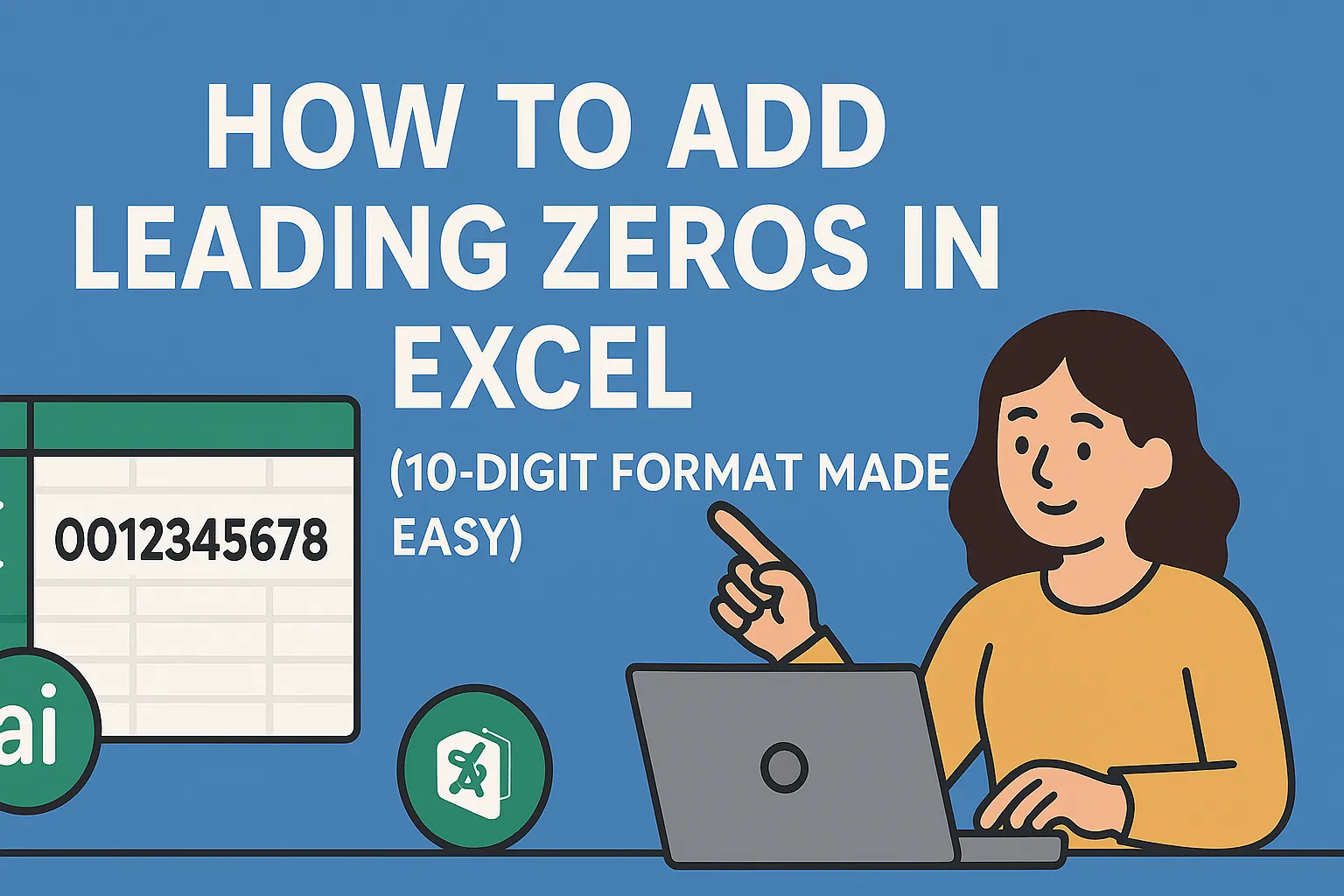
How to Add Leading Zeros in Excel (10-Digit Format Made Easy)
When Excel keeps stripping away your leading zeros, it can ruin your product codes and ID numbers. Here's how to force Excel to display numbers exactly how you need them - with all zeros intact.
 Excel Essentials
How to Add Borders in Excel: A Step-by-Step Guide for Cleaner Spreadsheets
Tired of messy spreadsheets? Discover how borders can transform your Excel sheets from chaotic to crystal-clear in just a few clicks.
 Excel Essentials
How to Add a Dash in Excel: 5 Simple Methods for Better Data Formatting
Formatting data with dashes in Excel doesn't have to be tedious. This guide walks you through multiple methods - including formulas, custom formatting, and VBA - while showing how AI-powered tools like RowSpeak can automate these tasks effortlessly.
 Excel Essentials
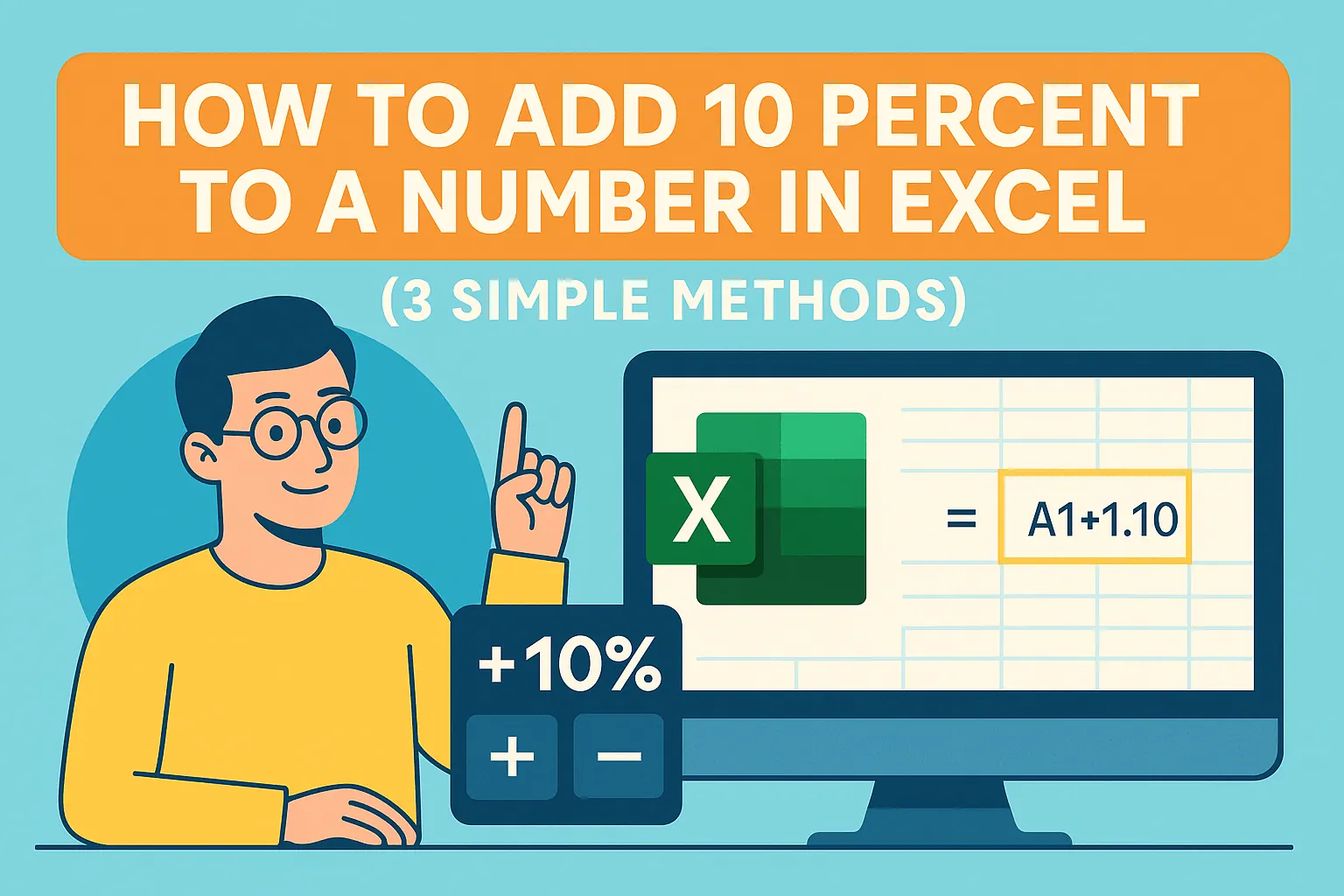
How to Add 10 Percent to a Number in Excel
Whether you're adjusting prices, forecasting growth, or updating budgets, adding 10% in Excel is a fundamental skill. Discover manual methods and how RowSpeak can automate these calculations instantly.
 Excel Essentials
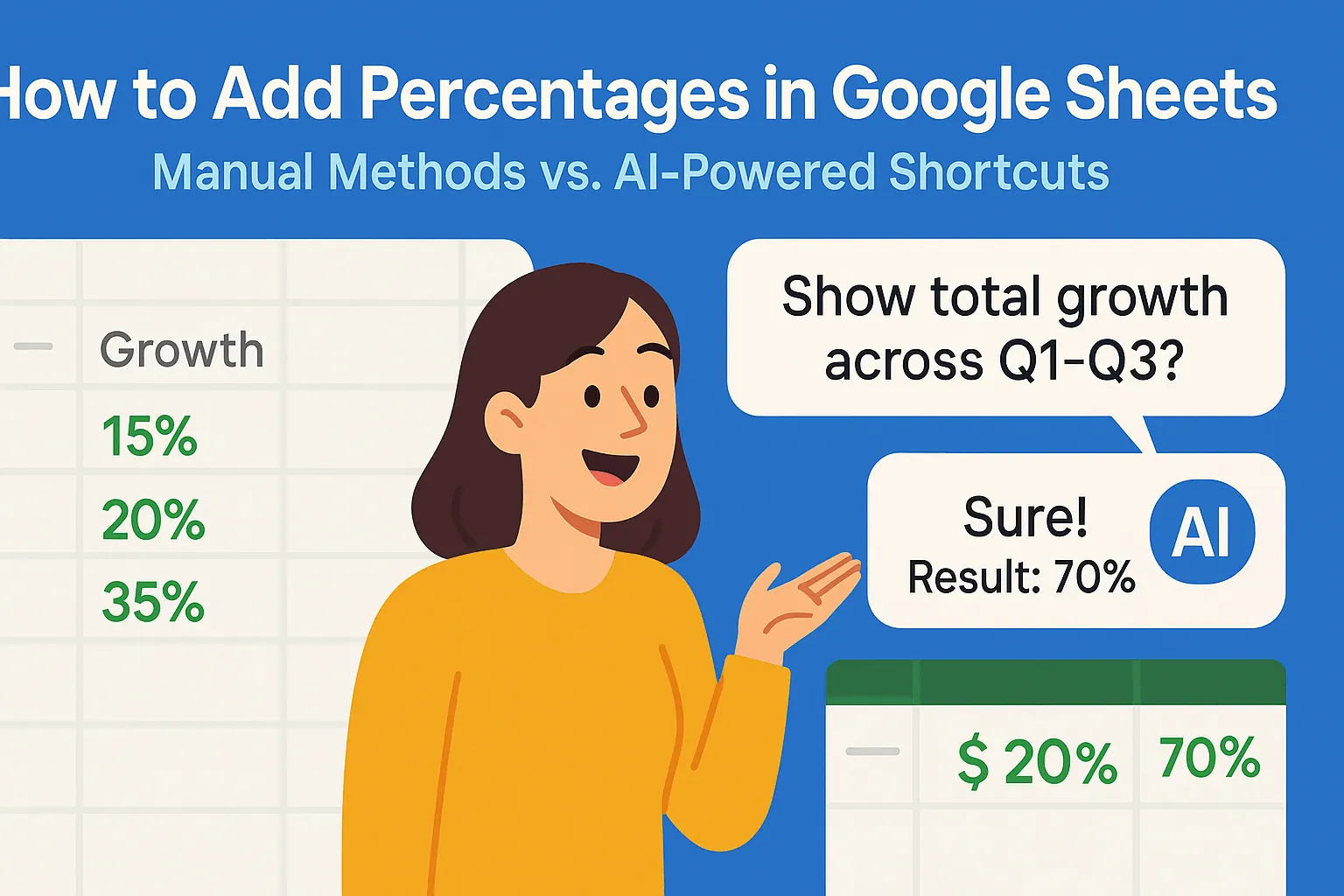
How to Add Percentages in Google Sheets
Struggling with percentages in Google Sheets? From basic sums to complex weighted averages, we break it all down. And here's a secret: tools like RowSpeak can handle these calculations automatically while you focus on insights.
 Excel Essentials
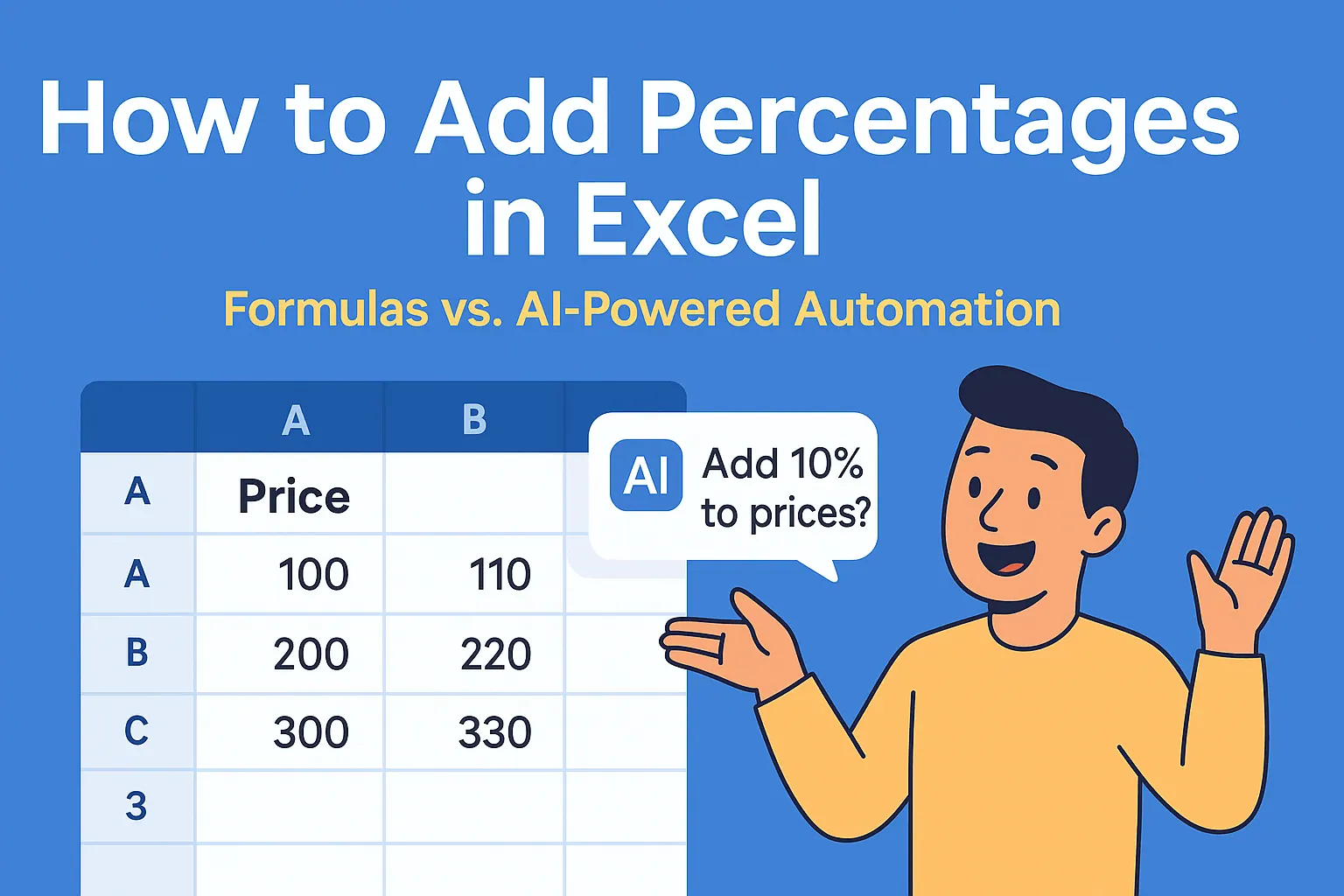
How to Add Percentages in Excel
Tired of manual percentage calculations? Learn the smartest ways to add percentages in Excel, avoid common mistakes, and see how RowSpeak's AI can do the math for you instantly.