
Excel Essentials
Formulas, tables, charts, and file basics for everyday spreadsheet work
 Excel Essentials
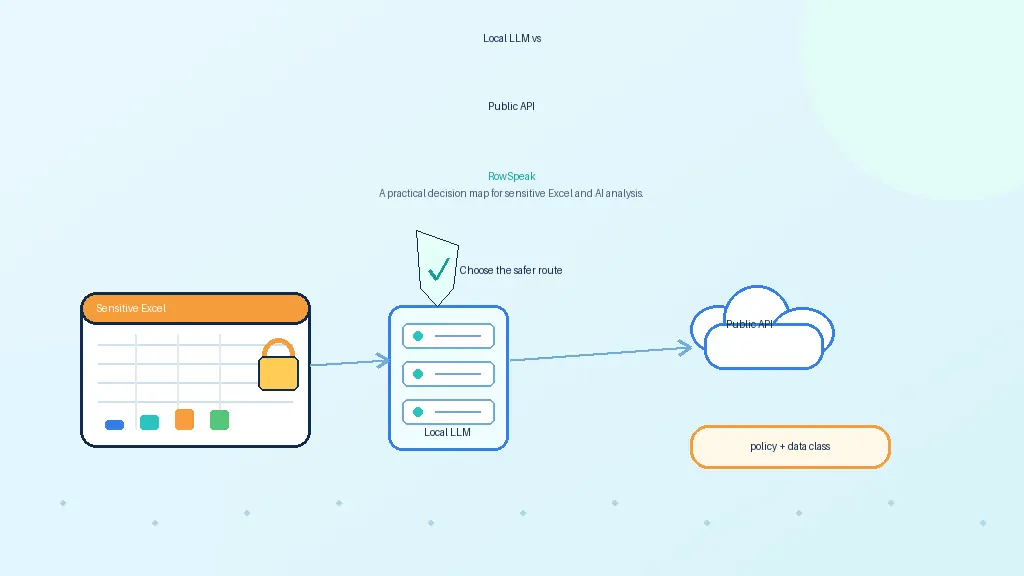
Local LLM vs Public API for Sensitive Excel Data: How to Choose
Sensitive spreadsheets need more than a model choice. This guide compares local LLMs, public APIs, enterprise AI services, and private deployments for Excel data.
 Excel Essentials
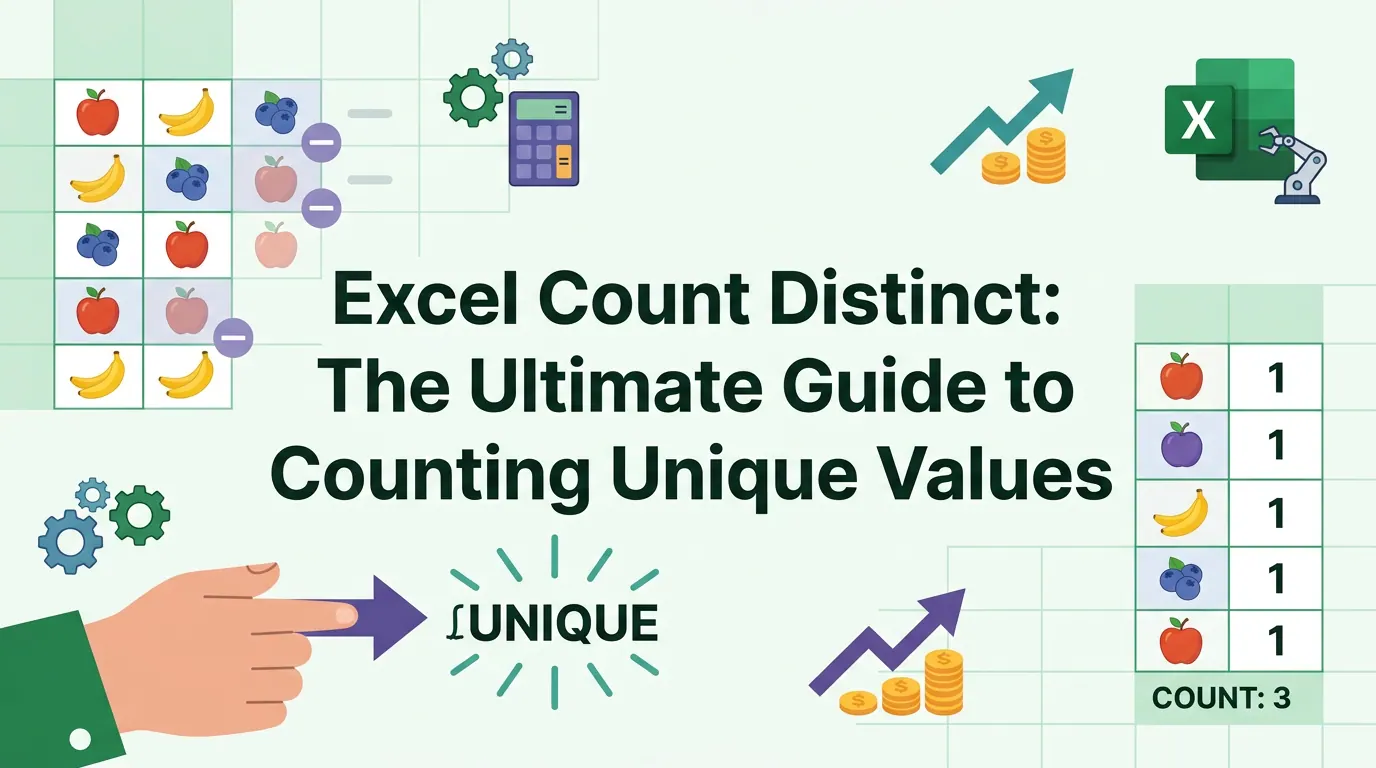
Excel Count Distinct: The Ultimate Guide to Counting Unique Values
Searching for how to excel count distinct? Discover the fastest methods to count unique values, from traditional formulas to zero-effort AI commands.
 Excel Essentials
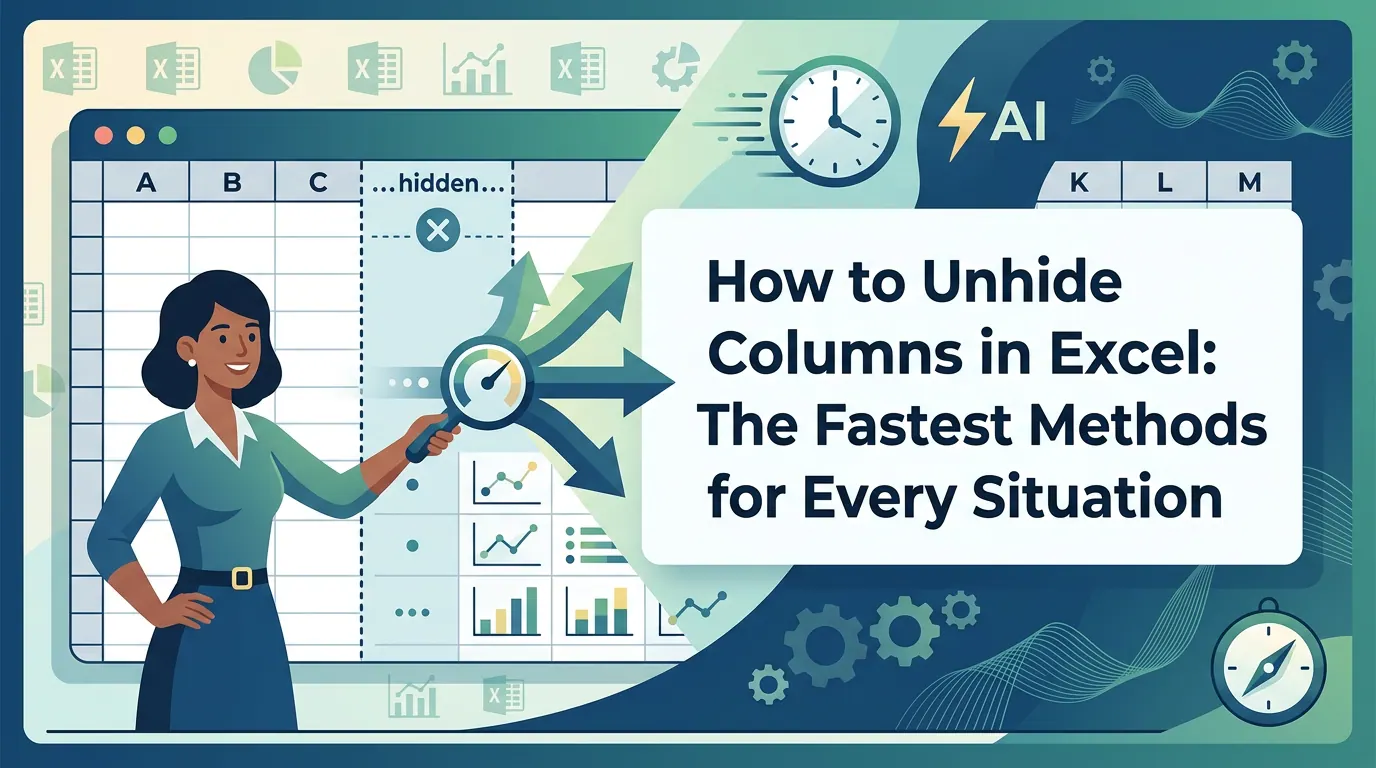
How to Unhide Columns in Excel: The Fastest Methods for Every Situation
Searching for how to unhide columns in Excel? Whether you're dealing with one hidden column or an entire hidden section, discover the fastest methods to bring your data back.
 Excel Essentials
Locked Out? How to Unlock and Unprotect Excel Sheets Safely
Is a 'Read-Only' or protected sheet holding your productivity hostage? Discover the fastest ways to regain access and start editing your Excel workbooks today.
 Excel Essentials
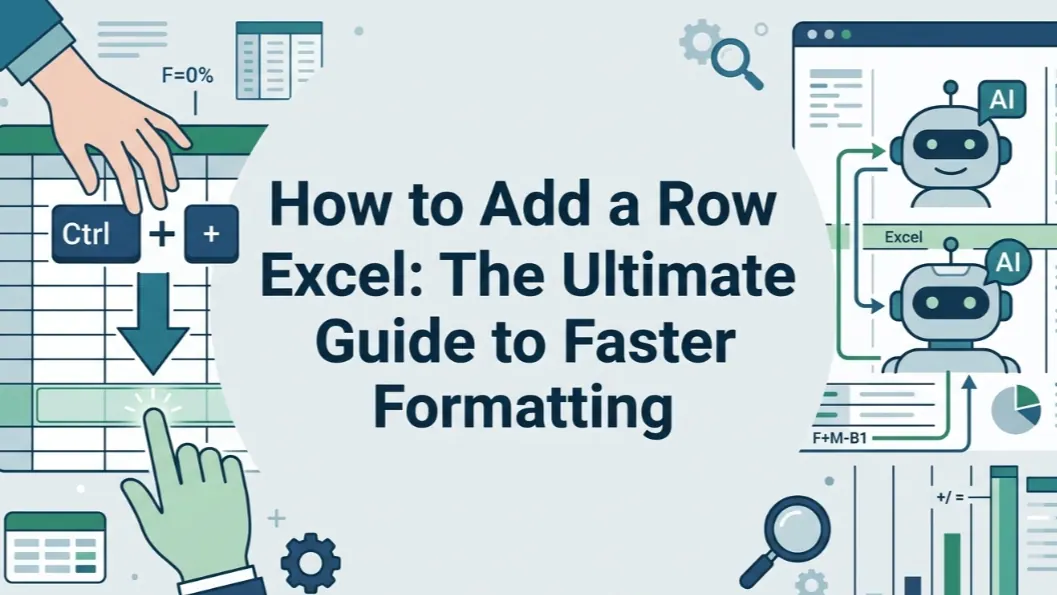
How to Add a Row in Excel: The Ultimate Guide to Faster Formatting
Searching for how to add a row in Excel? Whether you need to insert one row or one hundred, discover the fastest methods to manage your spreadsheet layout.
 Excel Essentials
The Efficient Way to Insert Multiple Rows and Columns Without Breaking Your Data
Tired of your formulas breaking every time you add a row? Discover the professional way to insert multiple rows and columns while maintaining data integrity.
 Excel Essentials
Stop Copy-Pasting: The Ultimate Guide to Merging Multiple Excel Sheets
The struggle to consolidate fragmented data is a major productivity killer. Discover the most efficient ways to merge multiple sheets without the risk of manual errors.
 Excel Essentials
Locked Out? How to Safely Unprotect and Clean Messy Excel Data
Locked out of your own data? Discover professional methods to unprotect Excel sheets and the fastest way to transform messy, unstructured rows into clean, actionable insights.
 Excel Essentials
RowSpeak Is Becoming RowSpeak: Why We Rebranded and What It Means for You
We’re changing our brand name from RowSpeak to RowSpeak. Same product, same team, clearer focus. Here’s the full story behind the rebrand and what it means for customers.
 Excel Essentials
Beyond Basic Calendars: Architecting the Perfect Schedule for Your Workflow
Managing time shouldn't take all your time. Discover how to architect custom scheduling systems that fit your unique business logic without touching a single complex formula.
 Excel Essentials
Stop Fighting the Grid: The Smarter Way to Build Custom Business Systems
Tired of broken formulas and rigid templates? Learn how RowSpeak uses AI to architect custom spreadsheets that actually work for your specific business goals.
 Excel Essentials
Stop Merging Excel Files Manually. Do It with One Sentence Instead.
Still manually consolidating reports or wrestling with Power Query? Discover how RowSpeak's AI transforms messy data merging into a simple conversation—saving you hours of tedious work.
 Excel Essentials
Stop Manually Splitting Cells in Excel. Do It with One Sentence Instead.
Tired of manually separating names, addresses, or codes in Excel? Discover how RowSpeak's AI transforms this tedious task into a simple conversation—saving you hours and eliminating formula headaches.
 Excel Essentials
Your Excel Data Is in the Wrong Format? How to Unpivot It for Analysis (The Easy Way)
Struggling with wide, pivot-style reports that are impossible to analyze? We'll show you how to transform messy data into a clean, usable format—first with Power Query, and then see how an Excel AI agent like RowSpeak can do it in seconds with a simple sentence.
 Excel Essentials
Stop Cutting and Pasting: A Smarter Way to Reorder Columns in Excel
Tired of the risky and repetitive process of cutting, pasting, and dragging to reorder columns in Excel? This guide shows you a much faster, error-proof AI method to organize your data layout in seconds, not minutes.
 Excel Essentials
Forget STDEV.S vs. STDEV.P: Calculate Standard Deviation in Excel with Simple language
Tired of confusing STDEV.S with STDEV.P? Calculating standard deviation in Excel can be a headache. This guide breaks down the traditional formulas and introduces a smarter way using Excel AI. Let RowSpeak handle the complex stats so you can focus on insights.
 Excel Essentials
Stop Seeing #N/A & #DIV/0! in Your Reports: An Easier Way to Handle Excel Errors
Seeing #VALUE! or #N/A in your Excel sheet is frustrating. While traditional functions like IFERROR offer a manual fix, it's repetitive and clutters your formulas. Discover how RowSpeak, an Excel AI, lets you handle all formula errors automatically using simple language commands.
 Excel Essentials
Stop Manually Updating Excel Dropdowns: There's a Smarter Way to Look Up Data
Tired of manually updating your Excel dropdown lists every time your data changes? This guide shows you the traditional, formula-heavy way and a much smarter, faster alternative using Excel AI. Stop wrestling with XLOOKUP and complex references, and start asking your data questions directly.
 Excel Essentials
Stop Using SUMPRODUCT for Weighted Averages in Excel — There's a Smarter Way
Tired of wrestling with the SUMPRODUCT formula to calculate weighted averages for grades, inventory, or KPIs? Discover a faster, error-proof method using Excel AI. Just describe what you need, and let the AI do the heavy lifting.
 Excel Essentials
Weighted Average in Excel A Complete Guide with Practical Applications
Unlock the power of weighted averages in your data analysis. This guide covers the formula, practical applications, and a side-by-side comparison of calculating it in Excel using traditional formulas versus a powerful AI agent. Save time and reduce errors.
 Excel Essentials
Two Easy Ways to Pull Data from Another Sheet in Excel (A Pro's Guide)
Stop wasting hours manually matching data in Excel. This guide breaks down two powerful methods for pulling data from another sheet: the traditional VLOOKUP function and a modern AI-powered approach. Discover which solution is best for you.
 Excel Essentials
4 Proven Ways to Unprotect an Excel Sheet and Edit Your Data
Forgot your Excel password? This guide walks you through various methods to unprotect your sheets, from VBA scripts to file extension tricks. Discover a smarter way to analyze and edit your locked data using AI for faster, more accurate results.
 Excel Essentials
Reveal Your Hidden Data The Ultimate Guide to Unhiding Columns in Excel
Tired of fumbling with menus to unhide columns in Excel, especially the tricky first column? This guide covers all the traditional methods and introduces a powerful AI approach. Simply ask, and your hidden data is revealed instantly. Stop searching, start analyzing.
 Excel Essentials
Two Effortless Ways to Find a Square Root in Excel
Master square root calculations in Excel. This guide covers the traditional SQRT() function, its limitations, and workarounds. We also introduce a powerful AI alternative that lets you use plain English to get instant answers, making your analysis faster and more intuitive.
 Excel Essentials
Practical Guide to Sensitivity Analysis in Excel: From Manual to Intelligent Evolution
This guide delves into sensitivity analysis in Excel, from basic data table setup to advanced Solver applications. We'll compare traditional manual methods with modern AI solutions, showing you how to evaluate variable impacts in your models more quickly and intelligently.
 Excel Essentials
Remove Blank Rows in Excel: 5 Easy Methods for Cleaner Data
Blank rows in your data can disrupt analysis and cause errors. This guide walks you through traditional methods like formulas and sorting, but also introduces a revolutionary AI-powered solution that cleans your data in seconds with a simple English command. Say goodbye to complex steps.
 Excel Essentials
Effortless PivotTable Conditional Formatting: A Modern Guide
Elevate your PivotTable reports. This guide compares two manual methods for applying conditional formatting in Excel with a new, AI-driven solution that lets you get instant visual insights using simple English commands. Spend less time clicking and more time analyzing.
 Excel Essentials
How Long Will It Take? A Practical Guide to Calculating Payment Periods in Excel
Uncover how long it will take to pay off a loan or reach a savings goal. This guide breaks down Excel's NPER() function and introduces a powerful AI alternative that answers your financial questions in plain language commands, saving you time and preventing common formula errors.
 Excel Essentials
A Pro's Guide to Fixing the #NAME? Error in Excel (and How to Avoid It)
The #NAME? error in Excel can stop your work in its tracks. This guide covers all the common causes, from simple typos to complex function issues. We'll walk you through manual debugging step-by-step and introduce an AI-driven alternative that lets you bypass formula errors entirely.
 Excel Essentials
5 Excel Lookup Methods vs. a Smarter Way to Find Your Data
This guide compares classic Excel lookup functions like VLOOKUP and XLOOKUP with a powerful AI agent. Learn how to perform complex data lookups faster and more intuitively, without memorizing a single formula.
 Excel Essentials
A Complete Guide to Creating and Managing Hyperlinks in Excel
Master Excel hyperlinks, from linking to web pages and internal sheets to dynamic linking with formulas. This guide covers manual techniques and introduces an AI-powered solution to automate link creation in seconds, transforming your workflow.
 Excel Essentials
A Smarter Way to Lock Cells and Protect Your Excel Data
Discover step-by-step instructions for locking all cells, specific cells, or just formulas in Excel. We'll compare the classic manual approach with a modern AI solution that simplifies data protection into a single command.
 Excel Essentials
4 Effortless Ways to Create a Histogram in Excel (2025 Guide)
Struggling to visualize data distribution? This guide breaks down four powerful methods for creating histograms in Excel. We cover everything from the simple built-in chart to advanced formulas, and even introduce an AI-powered approach for instant results. Master histograms today!
 Excel Essentials
How to Find the Right Input for Your Target: A Guide to Goal Seek in Excel
Struggling to find the right input value to hit a specific target in your Excel model? This guide walks you through Excel's powerful Goal Seek tool with real-world examples and introduces a faster, AI-powered alternative for instant, accurate answers.
 Excel Essentials
How to Create a Frequency Distribution in Excel: 5 Simple Methods
Master the art of calculating frequency distributions in Excel. We'll guide you through five methods, including formulas, Pivot Tables, the Analysis ToolPak, and a revolutionary AI approach that simplifies the entire process.
 Excel Essentials
Smart Data Analysis: Beyond Traditional Excel Tables
Tired of manually creating tables, writing formulas, and filtering data in Excel? This guide explores the power of traditional Excel Tables and introduces a revolutionary AI-powered approach to get instant answers, charts, and insights from your spreadsheets. Learn the pros and cons of each method.