
Excel Essentials
Formulas, tables, charts, and file basics for everyday spreadsheet work
 Excel Essentials
The Definitive Guide to Business Expense Report Templates in Excel (And How to Automate Them)
Stop chasing receipts and manual tallies. Discover the essential elements of a business expense report and how to generate a custom, formula-ready template in seconds.
 Excel Essentials
How to Do Subtraction in Excel: From Basic Minus to One-Click AI
Looking for how to do subtraction in Excel? From simple minus signs to advanced AI commands, learn the best methods to subtract numbers and entire columns instantly.
 Excel Essentials
From Raw Data to Strategic Insight: How AI is Revolutionizing Business Intelligence
Stop drowning in rows of data. Discover how to use AI to architect professional BI dashboards, automate data cleaning, and make faster, data-driven decisions.
 Excel Essentials
AI Data Analysis for Finance: Automating Quarterly Reports and Budget Tracking
Stop wrestling with complex VLOOKUPs. Discover how modern data analysis transforms messy spreadsheets into actionable financial insights.
 Excel Essentials
Project Management Excel Templates: Why Generic Trackers Fail & How AI Builds Your Perfect Schedule
Don't struggle with complex project software. Discover how RowSpeak’s AI creates professional project management templates tailored to your specific team workflow from a single sentence.
 Excel Essentials
Master Your Deadlines: Create a Custom Project Management Excel System with AI
Stop managing tasks manually. Discover how RowSpeak's AI builds professional project trackers and automated schedules from a single sentence.
 Excel Essentials
The End of the Empty Spreadsheet: Your Guide to Professional Excel Templates and AI Generation
The search for the 'perfect' template ends here. Learn how to deploy executive-ready Excel systems instantly—whether you need a ready-made download or a bespoke tool built by AI.
 Excel Essentials
Beyond the Basics: Why AI is the Secret to the Perfect Google Sheets Budget Template
Don't settle for basic spreadsheets. Learn how to combine the collaborative power of Google Sheets with the advanced AI logic of RowSpeak to build a high-performance budget tracker in seconds.
 Excel Essentials
The Death of Manual Reporting: Generate Professional KPI Dashboards in Seconds with AI
Stop wrestling with complex Pivot Tables and manual chart updates. Discover how RowSpeak's AI generates dynamic KPI dashboards from a single prompt or one-click professional showcases.
 Excel Essentials
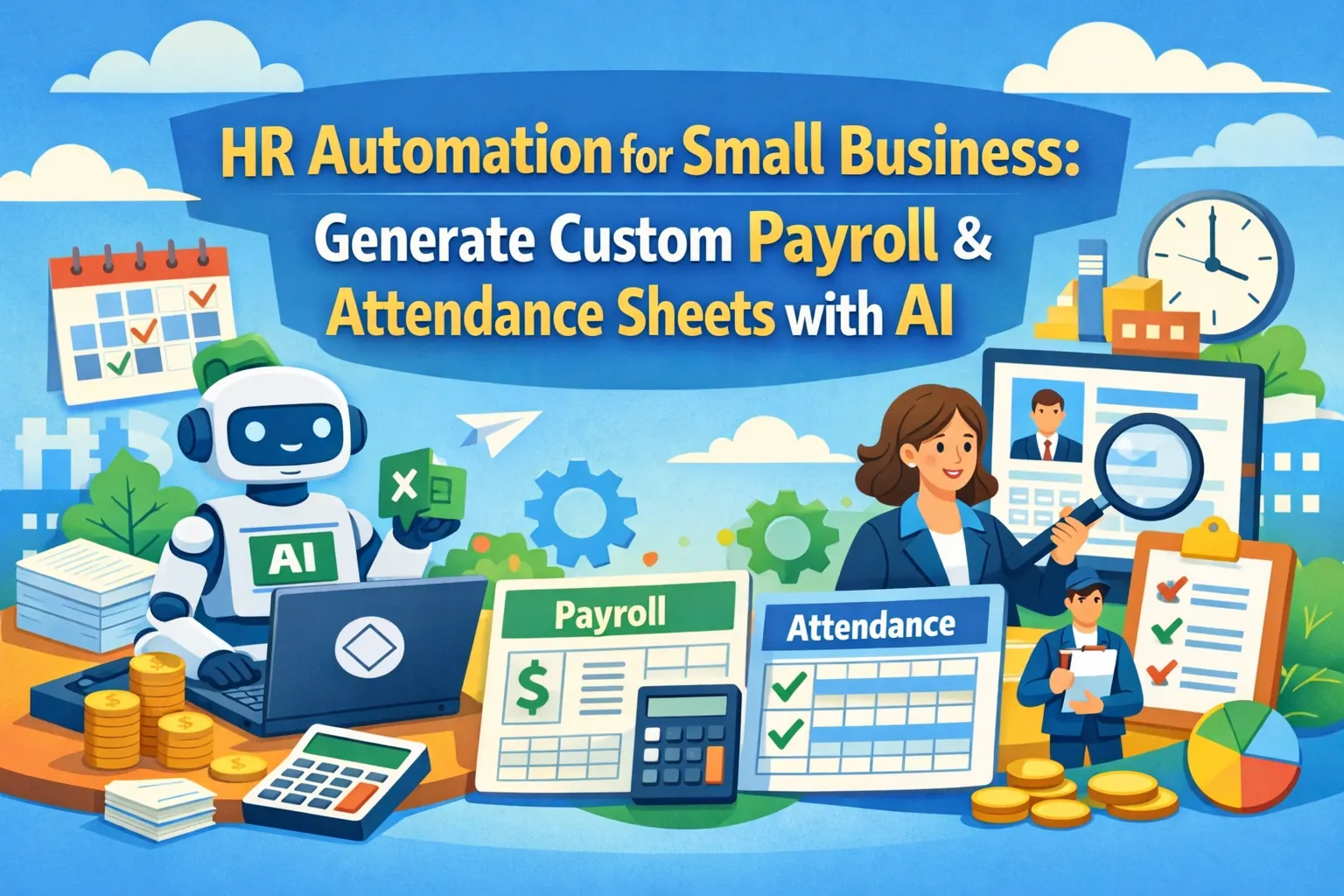
HR Automation for Small Business: Generate Custom Payroll & Attendance Sheets with AI
Tired of messy HR spreadsheets? Discover how RowSpeak's AI generates professional payroll systems and leave management trackers that handle complex math and local labor rules automatically.
 Excel Essentials
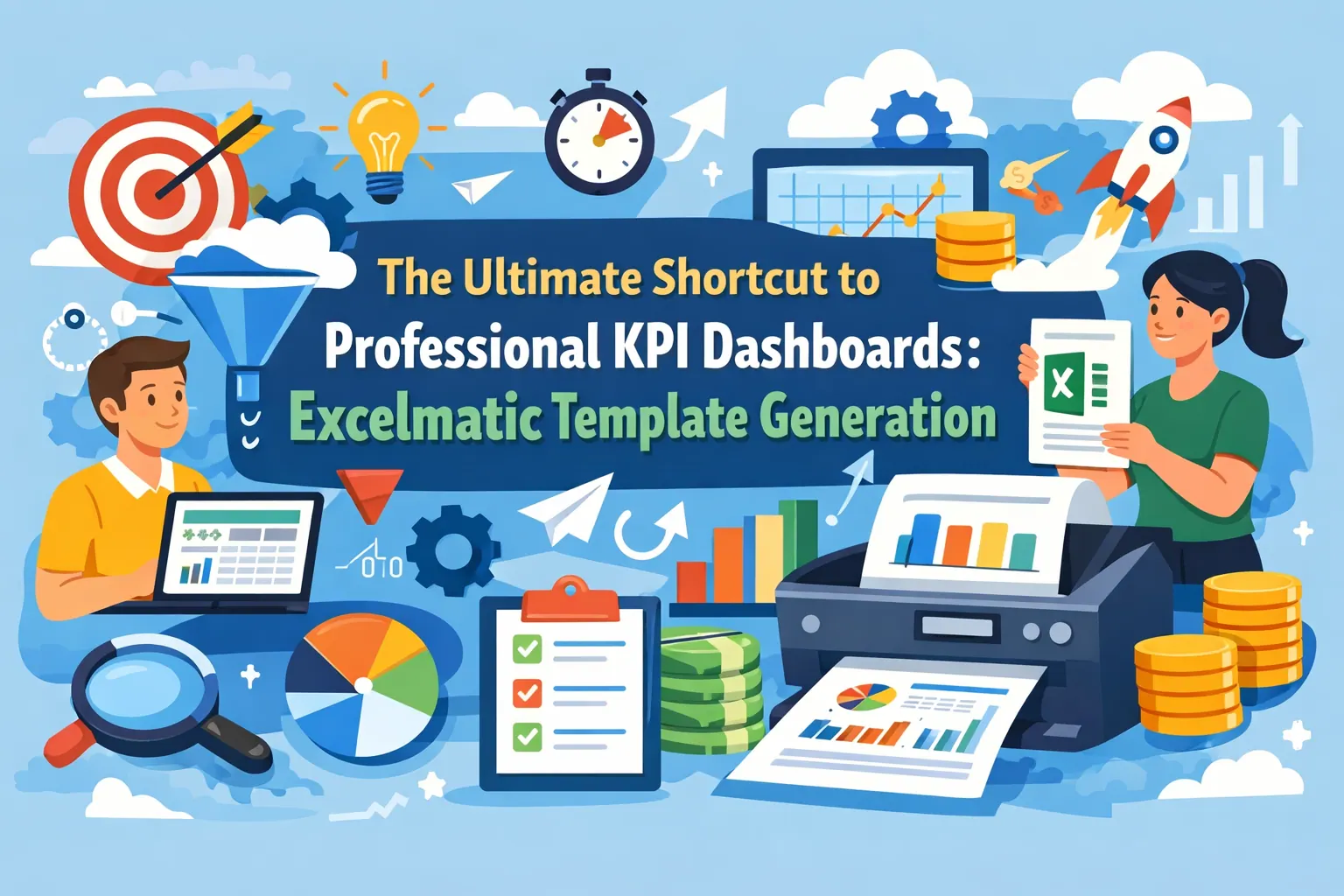
The Ultimate Shortcut to Professional KPI Dashboards: RowSpeak Template Generation
Stop hunting for broken Excel templates. Discover how RowSpeak's Template Generation builds professional KPI Dashboards in seconds—whether you pick a proven layout or describe your own.
 Excel Essentials
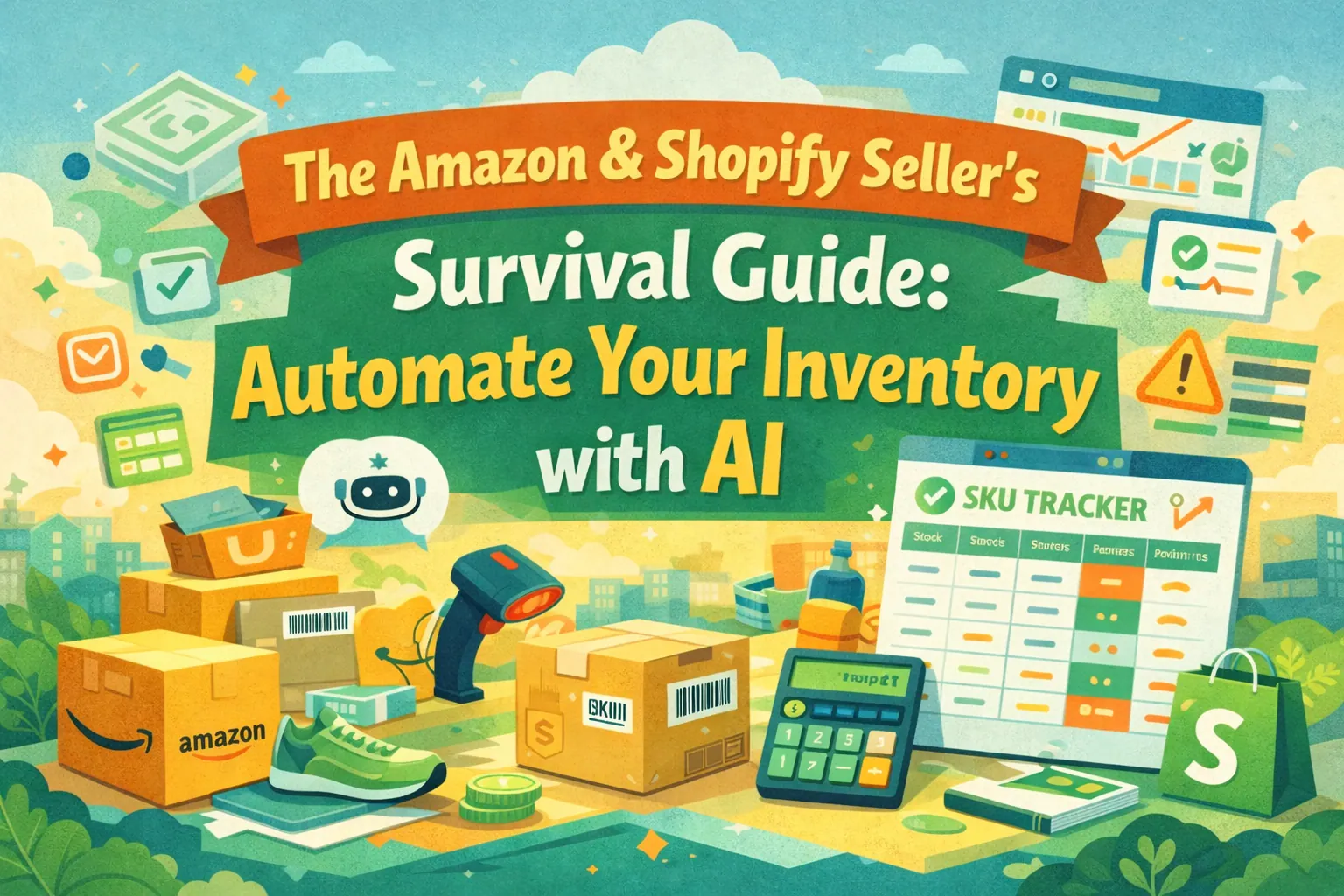
The Amazon & Shopify Seller’s Survival Guide: Automate Your Inventory with AI
Stop the spreadsheet nightmare. Discover how to use AI to generate E-commerce-specific inventory systems that sync with your SKU logic and warehouse needs.
 Excel Essentials
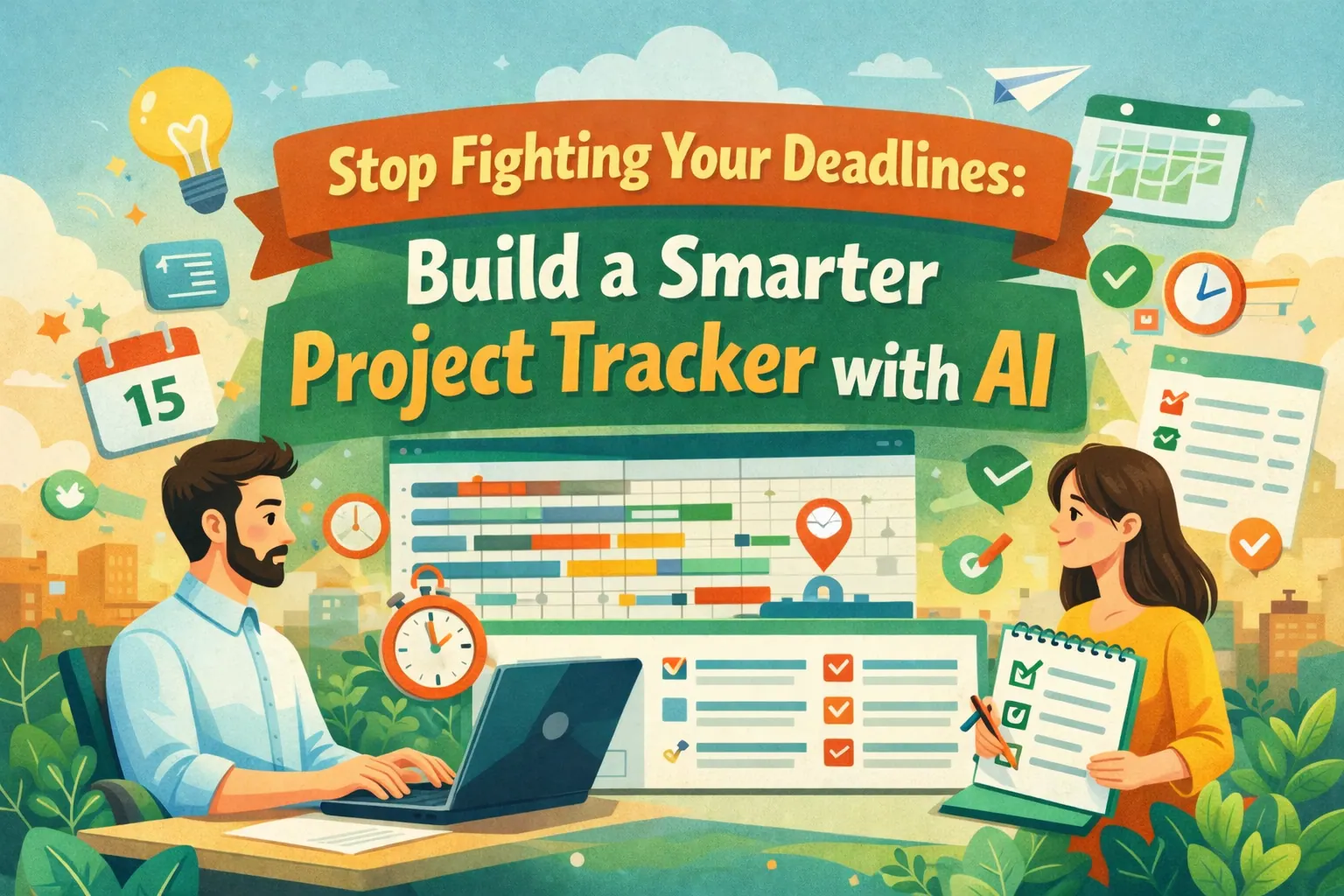
Stop Fighting Your Deadlines: Build a Smarter Project Tracker with AI
Is your project falling behind due to a disorganized spreadsheet? Discover how RowSpeak's AI builds dynamic task trackers that manage deadlines, priorities, and progress automatically.
 Excel Essentials
No Template? No Problem: Create Custom Invoice & Expense Sheets with AI In Seconds
Stop wasting time searching for the 'perfect' invoice template. Discover how RowSpeak's AI generates professional billing and expense trackers from a single prompt or one-click showcases.
 Excel Essentials
Ditch the Software: Build a Professional CRM in Excel with One AI Prompt
Stop paying for expensive CRM tools you don't use. Discover how RowSpeak's AI builds professional sales trackers and lead management systems in Excel from a single prompt.
 Excel Essentials
No Template? No Problem: Create a Custom Inventory Excel System with AI in Seconds
Don't settle for generic inventory spreadsheets. Discover how RowSpeak's AI builds professional trackers from a single sentence, even if you don't have a template to start with.
 Excel Essentials
The Death of the 'Excel Night Shift': How AI Reclaims 10 Hours of Your Weekend.
The era of late-night data cleaning is over. Learn how RowSpeak's AI turns grueling manual work into a 30-second conversation, so you can spend your weekend on what actually matters.
 Excel Essentials
Still Struggling with Excel? Why AI is the Skill Upgrade You Really Need
Everyone says you need Excel skills, but nobody talks about the frustrating learning curve and hours spent on manual tasks. What if you could skip the complex formulas and just ask your spreadsheet for answers? Discover how Excel AI is changing the game.
 Excel Essentials
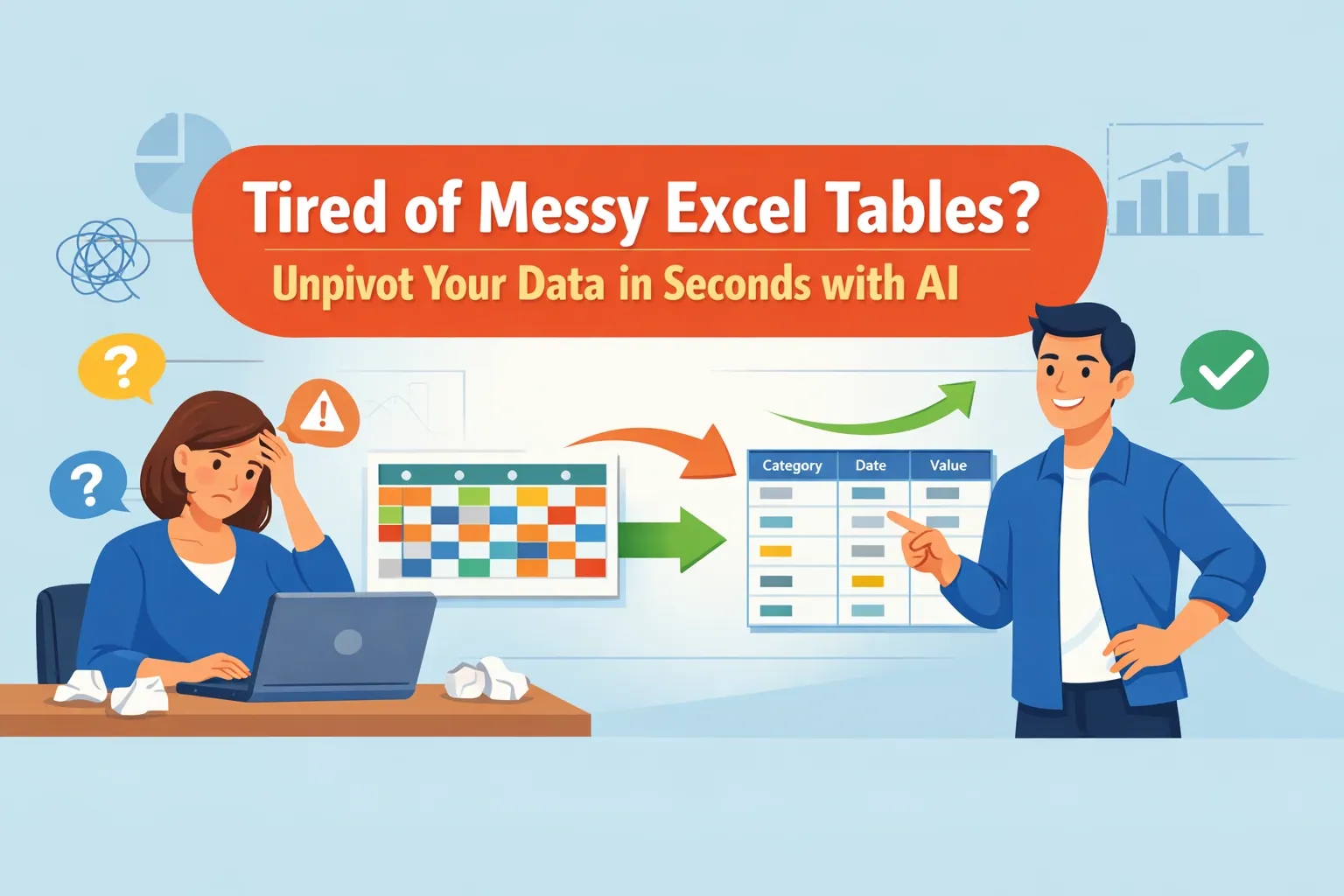
Tired of Messy Excel Tables? Unpivot Your Data in Seconds with AI
Struggling with 'wide' Excel tables where months or categories are in columns? This layout makes filtering and analysis a nightmare. Discover how to unpivot your data from a clunky manual process to a simple conversation with Excel AI.
 Excel Essentials
Tired of Excel's Clunky Sort? Here's How to Sort Data Instantly with AI
Tired of wrestling with Excel's clunky sort dialog box? Sorting data seems simple until you need multi-level or custom orders. This guide shows you the pain of the old way and a new, faster method using Excel AI to sort your data perfectly with just one sentence.
 Excel Essentials
Tired of Complex Excel Sorting? Here's How AI Can Do It in Seconds
Tired of manually re-sorting your Excel data or wrestling with complex SORT and SORTBY formulas? What if you could sort your tables just by asking? This guide shows you how an Excel AI can automate sorting in seconds.
 Excel Essentials
Stop Wasting Time: Remove Duplicates in Excel the Smart Way with AI
Tired of manually hunting down and deleting duplicate rows in your spreadsheets? Manual methods are slow and risky. Discover how an Excel AI agent like RowSpeak can automate this entire process with a simple chat command, saving you time and preventing costly data errors.
 Excel Essentials
Stop Deleting Blank Rows Manually: Here’s How Excel AI Does It in Seconds
Blank rows in your spreadsheet can break formulas and mess up reports. While manual methods like 'Go To Special' or 'Filter' exist, they're slow and risky. Discover how an Excel AI agent like RowSpeak can remove all empty rows with a simple instruction, cleaning your data in seconds.
 Excel Essentials
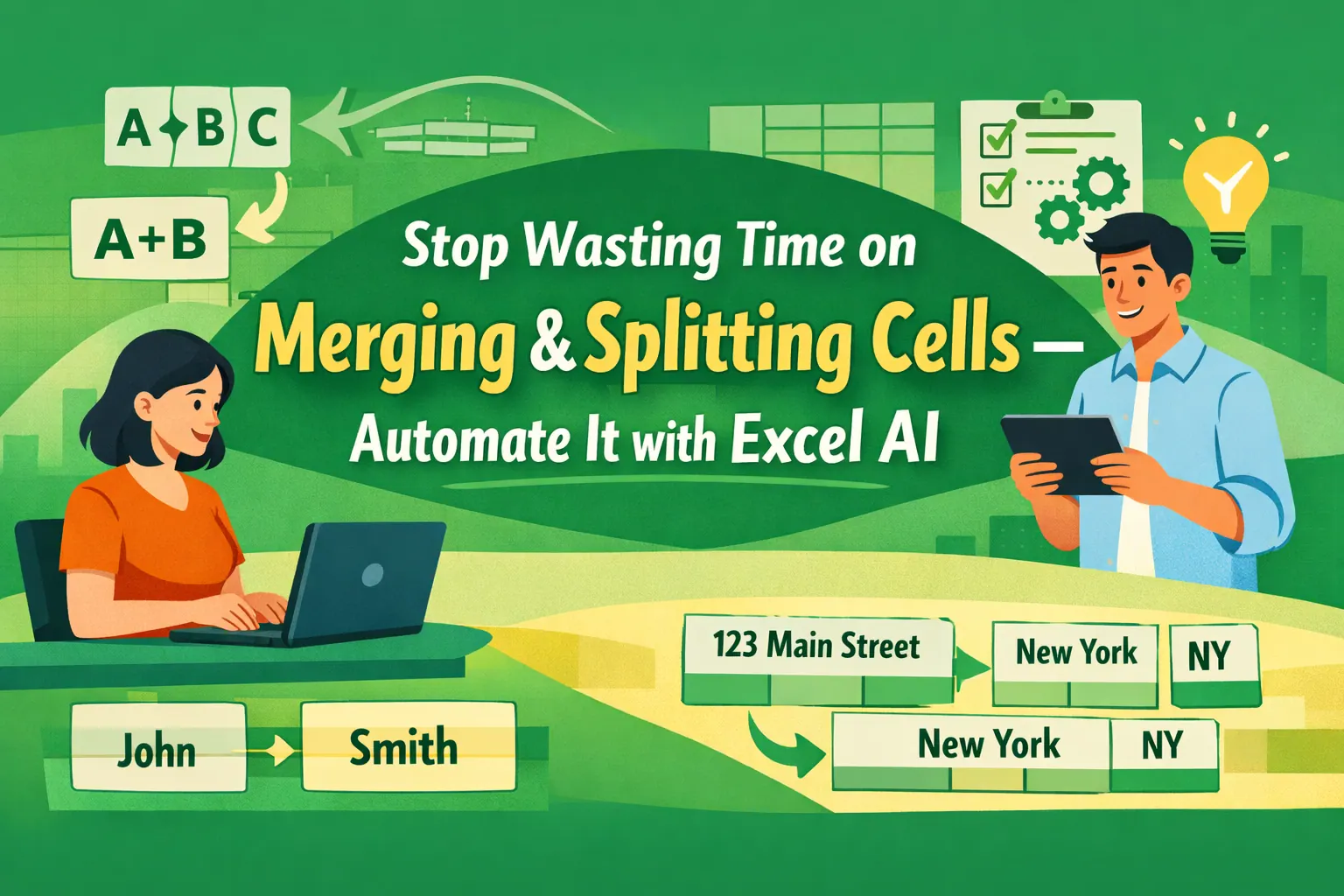
Stop Wasting Time on Merging & Splitting Cells — Automate It with Excel AI
Tired of manually combining first and last names or splitting addresses in Excel? This guide shows you the old, formula-heavy way and a new, faster AI-powered solution with RowSpeak. Stop wasting hours on data prep.
 Excel Essentials
Forget Manual Filtering: How to Use AI to Instantly Find the Data You Need in Excel
Stop wrestling with clunky AutoFilters and confusing FILTER formulas. Discover how RowSpeak lets you filter, sort, and analyze your data just by asking questions in plain language. Get the exact data you need in seconds, not minutes.
 Excel Essentials
Stop Manually Dividing in Excel: Let AI Handle Your Calculations
Tired of wrestling with division formulas, absolute references, and #DIV/0! errors in Excel? See how you can skip the manual work. We'll show you how an Excel AI can instantly calculate price per unit or convert currencies for you.
 Excel Essentials
Stop Counting Manually: How to Find Unique Values in Excel with AI
Tired of wrestling with UNIQUE, COUNTA, or clunky Pivot Tables just to count unique entries in your list? Discover how an Excel AI tool like RowSpeak lets you find unique or distinct values with a simple sentence, saving you time and eliminating formula errors.
 Excel Essentials
Stop Copy-Pasting: The AI Way to Combine Multiple Excel Tables (Faster than VSTACK & HSTACK)
Combining data from different sheets in Excel often means tedious copy-pasting or wrestling with new functions like VSTACK. Discover a faster way with RowSpeak, where you can just tell an AI to 'combine these tables' and get it done in seconds, even if the columns don't perfectly match.
 Excel Essentials
Forget Excel vs. Google Sheets: The Real Game-Changer is Excel AI
Tired of the endless Excel vs. Google Sheets debate? Both have their pros and cons, but they share a common problem: tedious manual work. Learn how a new category of tools—Excel AI—is making the debate irrelevant by automating your most complex tasks.
 Excel Essentials
Forget Excel VBA Arrays: How to Process Data in Seconds with AI
Struggling with cumbersome Excel VBA arrays to process your data? Discover a modern, no-code alternative. This guide shows you how to ditch complex loops and declarations and use Excel AI to analyze and manipulate data sets in seconds.
 Excel Essentials
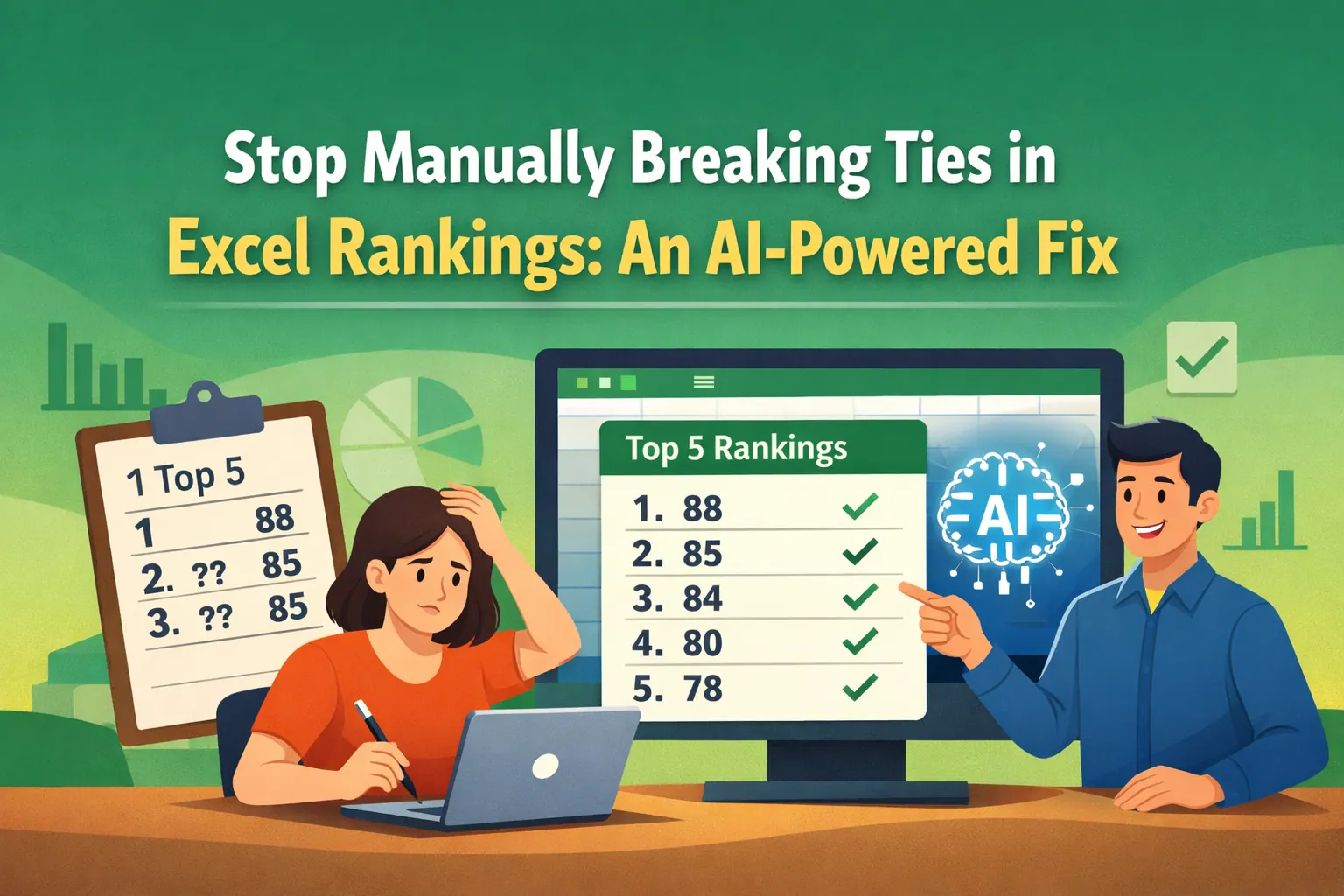
Stop Manually Breaking Ties in Excel Rankings: An AI-Powered Fix
Tired of messy rankings in Excel when scores are tied? Manually fixing your 'Top 5' list is a pain. Discover how an Excel AI agent can automatically break ties and generate perfect rankings in seconds, no complex formulas needed.
 Excel Essentials
Stop Wasting Hours on Print Formatting: How to Prepare Any Excel Sheet for Printing with AI
Tired of spending hours manually formatting messy Excel sheets for printing? Discover a new way to get print-ready reports in minutes with Excel AI, eliminating tedious tasks like find/replace and page setup.
 Excel Essentials
Stop Manually Assigning Random Orders in Excel: Here's a Faster AI Way
Tired of manually creating random assignments in Excel? Forget complex, volatile formulas for generating unique random lists. See how RowSpeak's AI can handle random sorting and grouping for event planning or team assignments in seconds with simple chat commands.
 Excel Essentials
Tired of Excel's Advanced Filter? Use AI to Filter Data with Multiple 'OR' Criteria Instantly
Struggling to filter customer lists in Excel with tricky 'OR' conditions and partial matches? Forget the cumbersome Advanced Filter. Discover how RowSpeak, an Excel AI tool, lets you use simple language to pull the exact data you need, saving you time and eliminating errors.
 Excel Essentials
Stop Wasting Time on Excel Number Formatting: Here’s the AI-Powered Fix
Tired of manually fixing inconsistent dates, currencies, and numbers in your reports? This guide compares the tedious traditional method of custom format codes with a new, faster way using an Excel AI like RowSpeak to get perfectly formatted data with simple text commands.
 Excel Essentials
Splitting Cells in Excel is Tedious. Here’s a Smarter Way with AI.
Tired of manually splitting names, addresses, or codes in Excel? This guide shows you the old way's pitfalls and introduces a game-changing solution. Discover how RowSpeak's AI can split columns and sort data with simple language commands, saving you hours.