Key Takeaways
- The Search Fatigue: Professionals waste hours hunting for "free downloads" that almost never fit their specific business needs, leading to manual workarounds.
- Instant Deployment: RowSpeak’s Template Showcase offers a library of professional, high-performance templates ready for immediate use.
- Architected by AI: Beyond static downloads, you can describe your specific workflow in plain English and let AI build the complex formulas and logic for you.
- Scalable Efficiency: Move from basic data entry to decision-ready dashboards that work seamlessly in both Excel and Google Sheets.
The "Template Trap" Headache
We’ve all been there: you have a high-stakes meeting tomorrow, and you need a clean, professional way to track your project, budget, or team. You spend hours searching for an "Excel template free download," only to find spreadsheets that are either too ugly to show a client or so locked down with passwords that you can’t even add a row.
Most "free" templates are generic. They don't know that your business has specific overtime rules, or that your project follows a 6-month product launch cycle. You end up fighting the spreadsheet instead of doing the actual work. RowSpeak was built to bridge this gap—giving you the professional starting point you need, with the power to customize everything without touching a single formula.
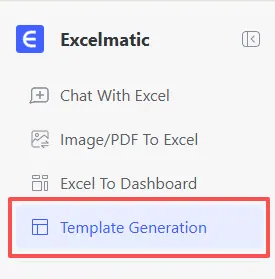
Option 1: The Professional Showcase (Ready-to-Use)
Sometimes, the best solution is the one that’s already built. Our curated Template Showcase provides high-performance systems designed by experts. These aren't just grids; they are fully architected tools.
Instead of hunting through sketchy download sites, you can grab verified layouts like:
- Gantt Chart Project Plan: Dynamic timelines that update as your dates shift. Check out our deep dive on architecting Gantt Charts with AI for advanced workflows.
- Inventory Ledger + Movements: Track stock levels with automated reorder alerts.
- Small Business Cash Flow: A monthly summary that visualizes where your money is going.
- Timesheet / Scheduling: Built-in overtime logic to keep payroll accurate. See how we built a global scheduling system using AI for more inspiration.
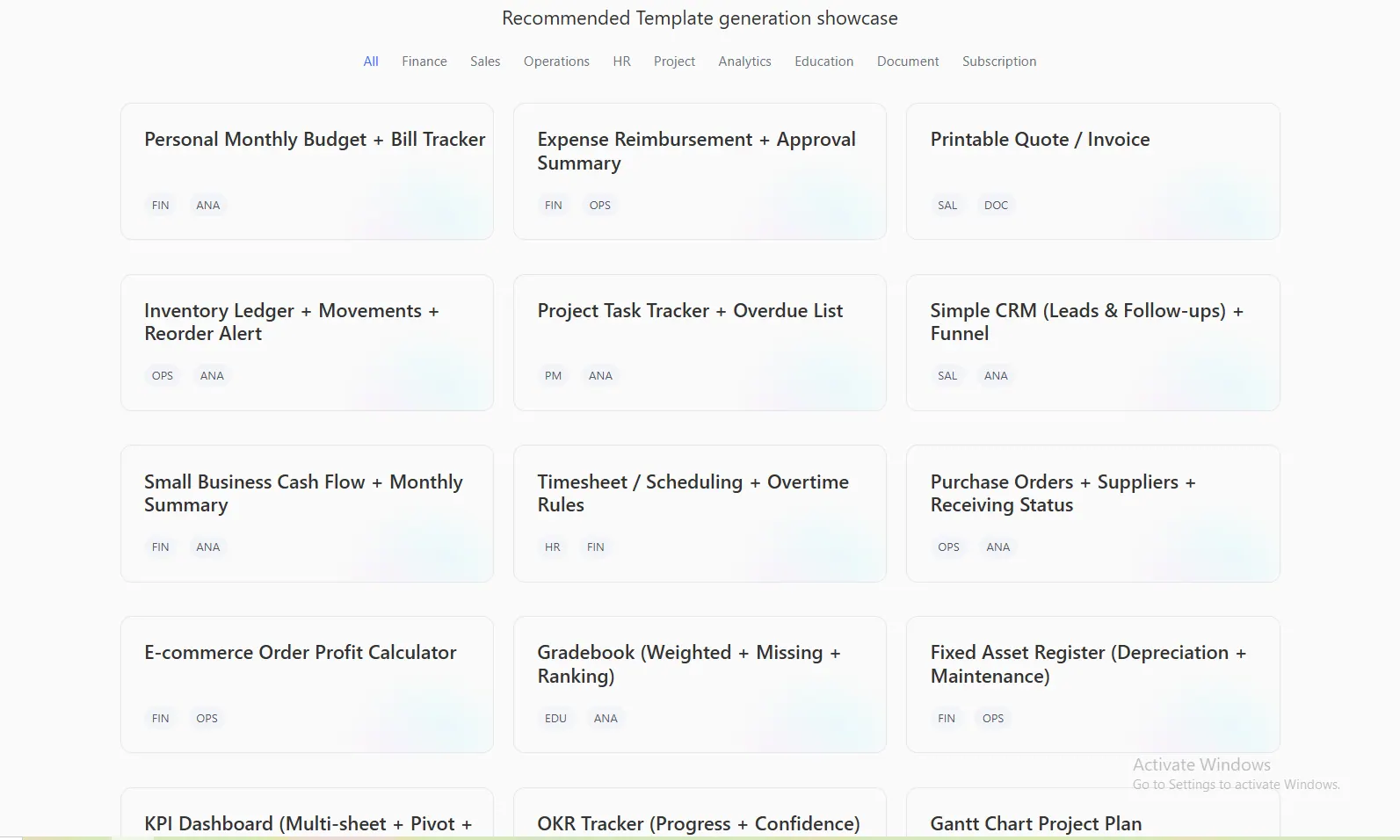
You can see our Gantt Chart system in action here:
Option 2: Define Your Own Logic (Bespoke Generation)
If your workflow has "quirks" that a standard download can't handle, you don't need to learn advanced VBA or complex IF statements. You simply need to speak.
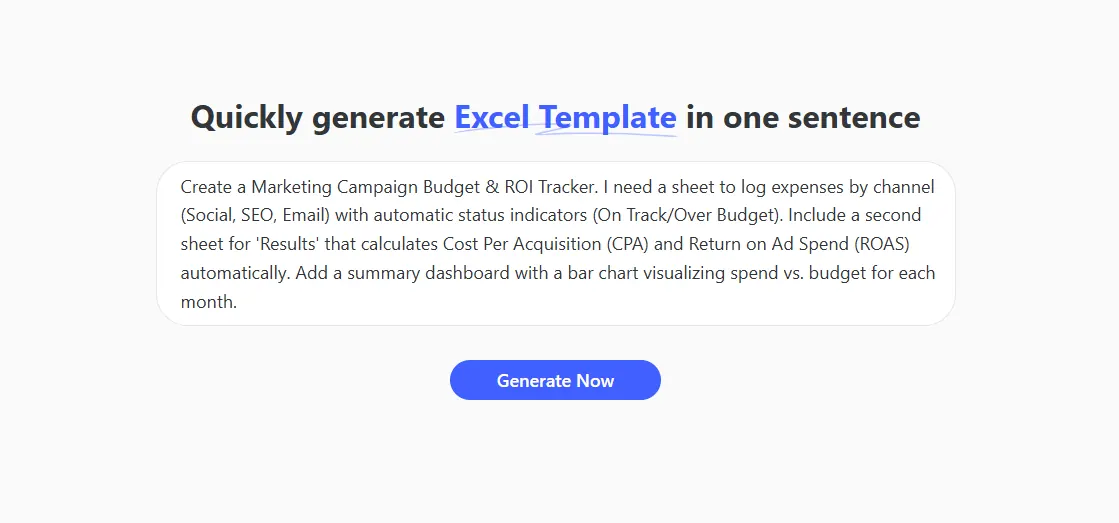
With RowSpeak Template Generation, you describe your vision in plain English:
- Define: Type your requirements (e.g., "Build a CRM for real estate with automated follow-up dates").
- Generate: AI architects the formulas, smart formatting, and linked sheets in seconds.
- Execute: Download your custom
.xlsxfile, ready for the real world.
Insights, Not Just Inputs
The goal of a great template isn't just to store data—it’s to provide insights. Whether you are using our free downloads or generating a custom tool, every RowSpeak system is built to be "Executive Ready."
This means you get:
- Automated Dropdowns: For faster, error-free data entry.
- Visual Dashboards: Real-time spending vs. budget tracking and heat maps.
- Dynamic Logic: Formulas that don't break when you add new data.
Frequently Asked Questions (FAQ)
- Q: Are these templates truly ready for Excel and Google Sheets?
A: Yes. Every file generated is a standard
.xlsxdocument. You can open them in your preferred software without losing any functionality. - Q: Can I edit the formulas after downloading? A: Absolutely. We provide the "plumbing," but you own the house. You can manually adjust any cell or re-prompt the AI to build a new version with updated rules.
- Q: What if I don't know what to ask for? A: That is why the Template Showcase exists. Start by exploring our recommended presets—many users find that a "Project Task Tracker" or "OKR Tracker" is exactly what they needed all along.
🚀 Ready to Level Up Your Workflow?
Access professional templates or architect your own custom system today.
Browse Free Excel Templates