
Excel Essentials
Formulas, tables, charts, and file basics for everyday spreadsheet work
 Excel Essentials
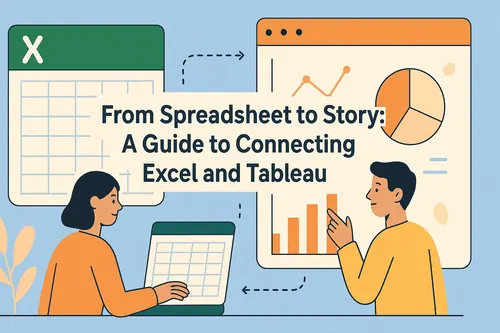
Tableau Excel Integration: Clean, Connect, and Visualize Your Data with AI
Bridge the gap between Excel and Tableau to unlock powerful data visualizations. This guide covers everything from data connection and cleaning to advanced analytics, and introduces AI-powered solutions to streamline your entire workflow, turning hours of manual work into seconds.
 Excel Essentials
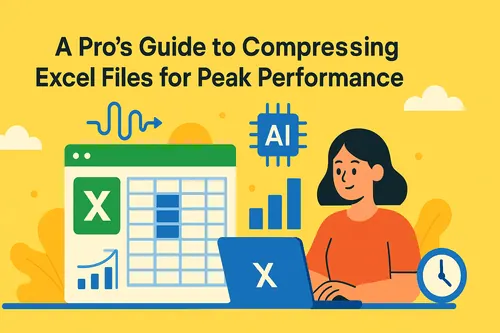
A Pro's Guide to Compressing Excel Files for Peak Performance
Is your Excel file slow, bloated, or crashing? This guide walks you through proven manual methods like compressing images and cleaning data, and introduces a game-changing AI approach to instantly optimize your spreadsheets for you.
 Excel Essentials
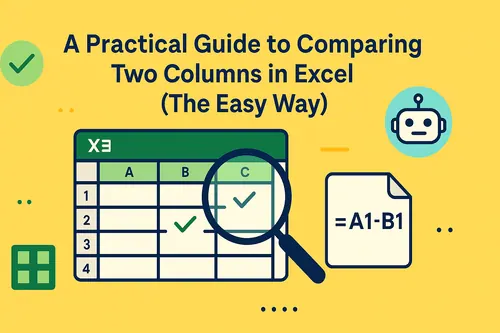
A Practical Guide to Comparing Two Columns in Excel (The Easy Way)
Struggling to compare columns in Excel? This guide covers everything from simple formulas like IF and VLOOKUP to advanced conditional formatting. Plus, discover how AI agents can automate the entire process, saving you time and eliminating formula errors.
 Excel Essentials
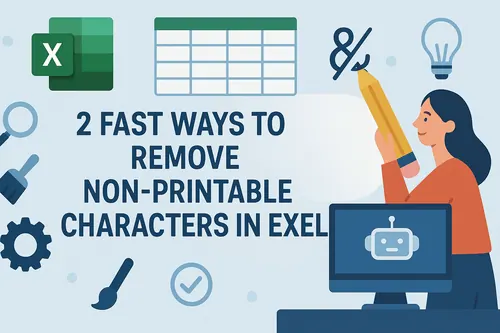
2 Fast Ways to Remove Non-Printable Characters in Excel
This guide explores two powerful methods for removing non-printable characters in Excel. We'll cover the classic CLEAN() function for manual cleaning and introduce an AI-powered solution that automates the entire process, saving you time and eliminating complex formulas.
 Excel Essentials
A Complete Guide to Using Check Marks in Excel (All Methods)
Master adding check marks in Excel. This guide covers everything from simple symbols and interactive checkboxes to advanced conditional formatting and progress trackers. Discover both traditional techniques and a new, faster AI-powered method to streamline your workflow.
 Excel Essentials
A Comprehensive Guide to Calculating Skewness in Excel (3 Methods)
This guide demystifies skewness, a key statistical metric. We walk through calculating it in Excel with the SKEW() function and the Data Analysis ToolPak, and introduce a faster, AI-powered method for instant insights into your data's distribution.
 Excel Essentials
3 Simple Ways to Calculate CAGR in Excel (From Formulas to AI)
This guide covers everything you need to know about calculating Compound Annual Growth Rate (CAGR) in Excel. We’ll walk you through manual formula methods and introduce a revolutionary AI-powered approach that gives you answers in seconds, no complex formulas required.
 Excel Essentials
9 Effortless Ways to Add Bullet Points in Excel for Clearer Lists
Struggling to organize text in Excel? This guide shows you 8 manual methods to create bullet points, from simple shortcuts to custom formatting. Plus, discover how an AI tool can do it all for you in seconds with a single command.
 Excel Essentials
How to Calculate Averages in Excel: Formulas vs. AI Tools
Master calculating averages in Excel, from the basic AVERAGE() to conditional AVERAGEIF() and AVERAGEIFS(). Discover how AI tools can simplify this process, letting you ask questions in plain English instead of wrestling with complex formulas.
 Excel Essentials
How to Create an Amortization Schedule in Excel: Step-by-Step Guide
Discover how to track your loan payments, interest, and principal with a comprehensive amortization schedule. This guide compares the traditional step-by-step Excel method with a faster, AI-driven alternative to help you manage your finances with ease.
 Excel Essentials
Effortless Age Calculation in Excel: Formulas vs. AI
Calculating age in Excel can be tricky, involving functions like DATEDIF and YEARFRAC that are prone to errors. This guide covers the traditional methods and introduces a powerful AI-driven approach to get accurate ages in seconds, without writing a single formula.
 Excel Essentials
Stop Spreadsheet Errors :How to Lock Cells in Excel (And When to Let AI Do It)
Unlock the power of fixed cell references in Excel to prevent errors in your spreadsheets. This guide covers absolute, relative, and mixed references, and introduces a game-changing AI approach to automate these tasks, saving you time and effort.
 Excel Essentials
Not Just Cleaning Colors: Everything You Need to Know About Excel Format Removing
Struggling with persistent Excel formatting? Discover why traditional methods often fail and how AI-powered tools can clear all formats with simple natural language commands.
 Excel Essentials
How to Create a "Top 10 Bestsellers" Chart in Excel in 5 Seconds
Don't get bogged down in PivotTables. Learn the AI-powered method to instantly find and visualize your top 10 bestselling products from thousands of order lines. A 5-minute analysis, now done in seconds.
 Excel Essentials
Fix VLOOKUP Errors: How to Remove All Extra Spaces with One Command
Your VLOOKUP formula is perfect, but it still fails. The silent killer? Invisible spaces. Discover how RowSpeak lets you clean your entire messy sheet with a single sentence, making your formulas work instantly and saving you hours of frustrating detective work.
 Excel Essentials
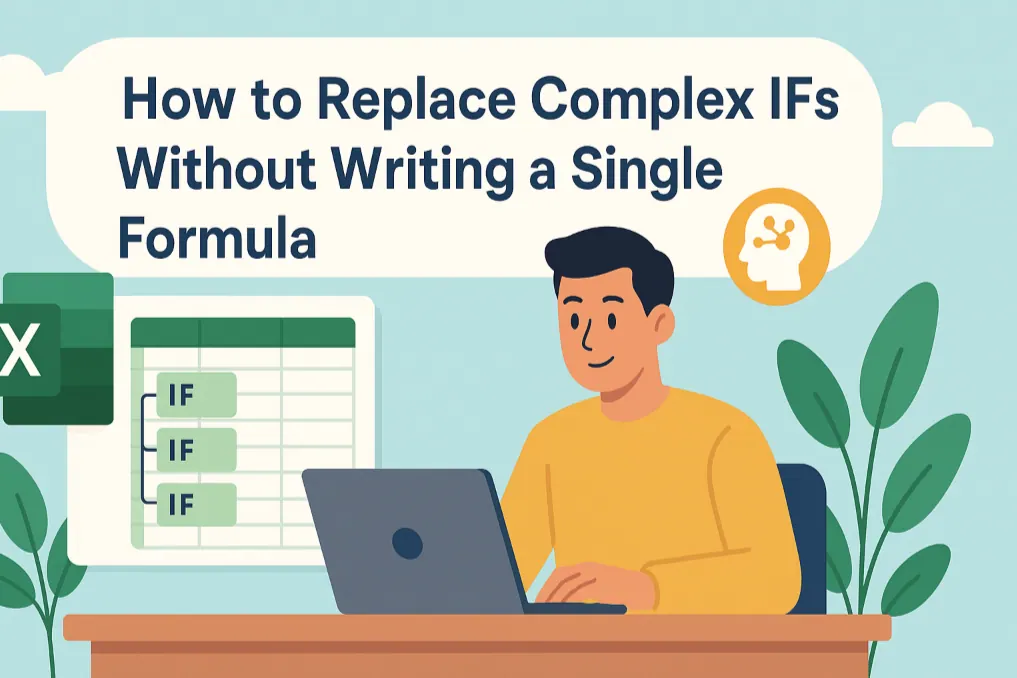
How to Replace Complex Nested IFs Without Writing a Single Formula
For years, the nested IF formula has been the go-to for complex logic in Excel—and a major source of frustration. But what if you could ditch the syntax headaches entirely? Learn how to command your spreadsheet to classify, grade, and segment data just by telling it what to do.
 Excel Essentials
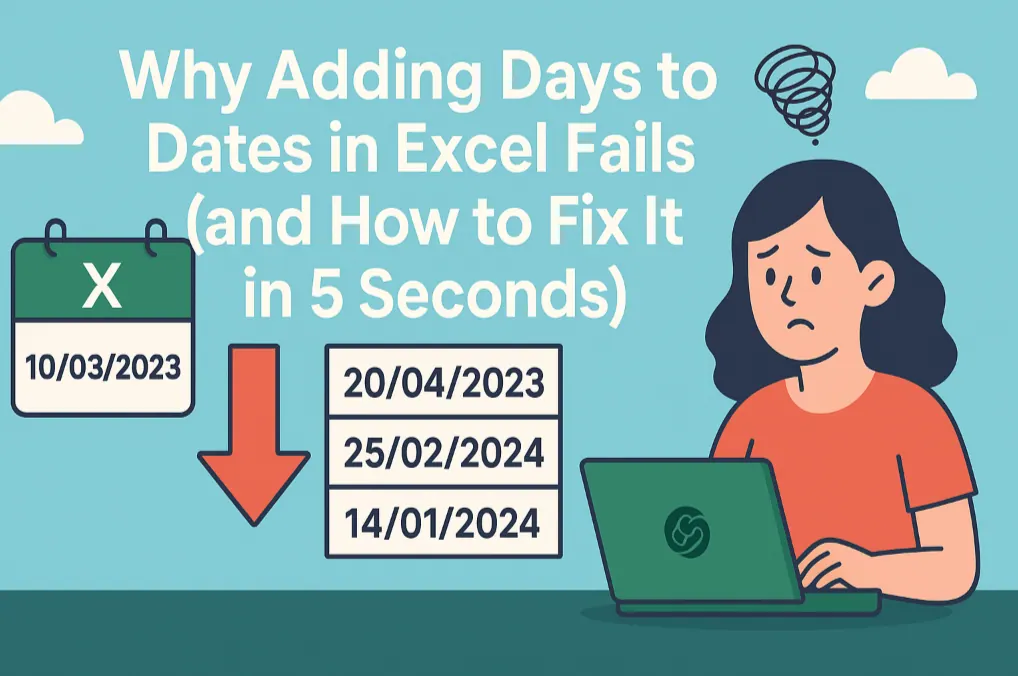
Why Adding Days to Dates in Excel Fails (and How to Fix It in 5 Seconds)
Calculating deadlines in Excel often breaks with a #VALUE! error due to inconsistent date formats. This guide reveals how RowSpeak’s AI solves this by interpreting a single command to clean, convert, and calculate dates instantly—no more manual fixes.
 Excel Essentials
How to Apply Calculation Styles in Google Sheets Like a Pro
Tired of messy spreadsheets? Master Google Sheets' calculation styles to make your data pop. Plus, see how RowSpeak can handle the heavy lifting for you.
 Excel Essentials
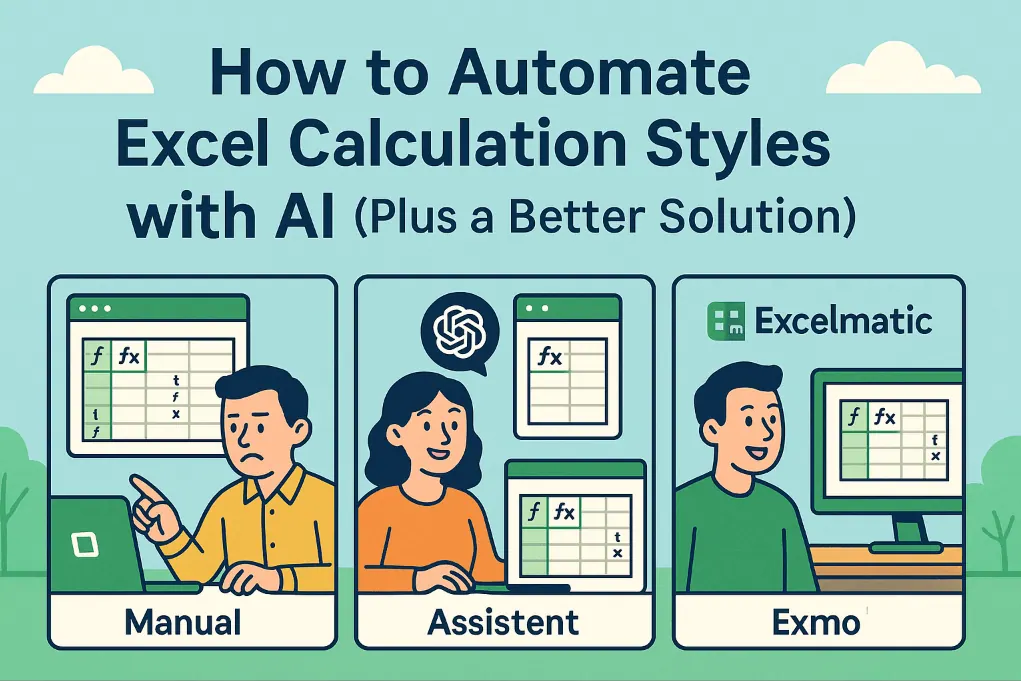
How to Automate Excel Calculation Styles with AI (Plus a Better Solution)
Tired of manually formatting Excel formulas? Learn how AI can automate calculation styles, plus why RowSpeak makes it even easier with no-code solutions.
 Excel Essentials
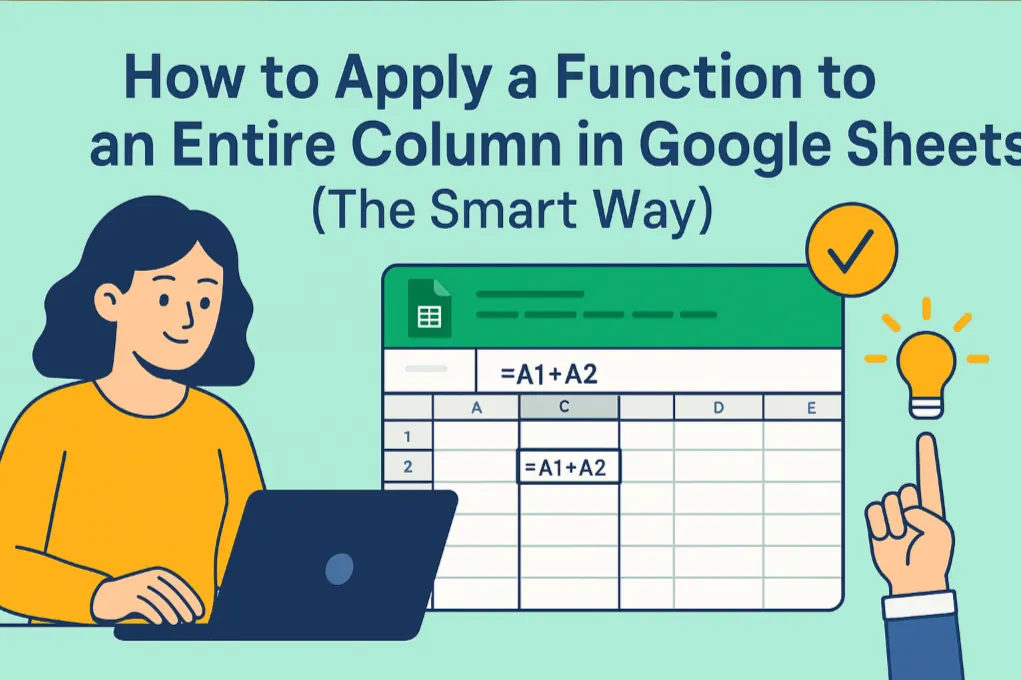
How to Apply a Function to an Entire Column in Google Sheets (The Smart Way)
Tired of manually dragging formulas down columns? Discover how array formulas, fill techniques, and AI-powered automation can transform your Google Sheets workflow.
 Excel Essentials
How to Apply Currency Format in Excel Like a Pro (Step-by-Step Guide)
Tired of confusing number jumbles in Excel? Learn how to format currencies correctly (including dollars, euros, and custom symbols) and unlock pro tips for polished financial spreadsheets.
 Excel Essentials
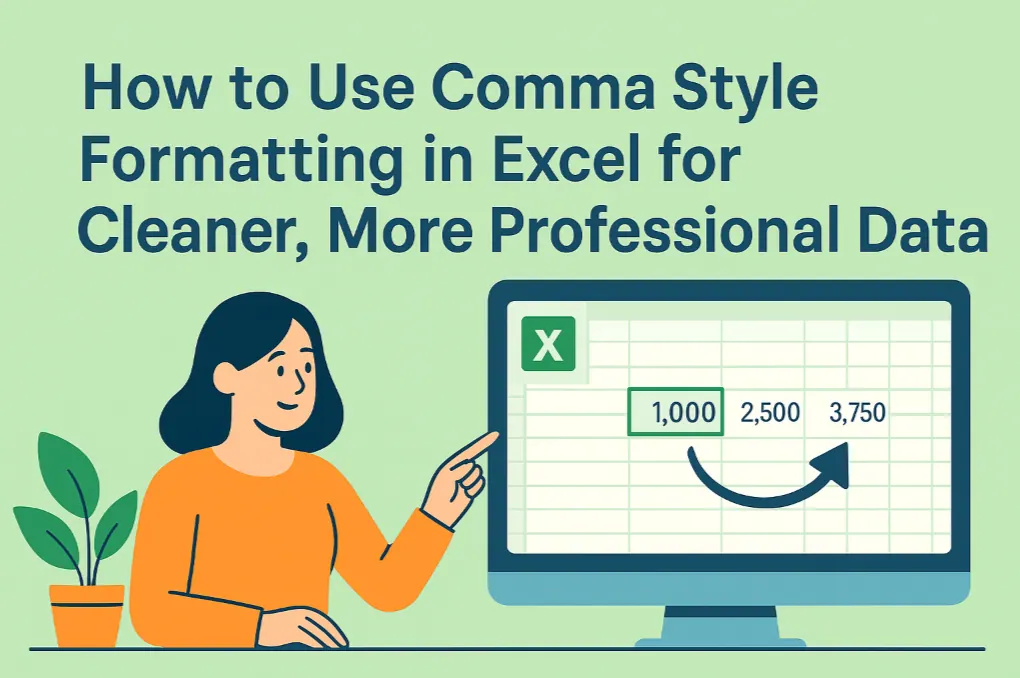
How to Use Comma Style Formatting in Excel for Cleaner, More Professional Data
Tired of squinting at endless digits in your spreadsheets? Comma style formatting is your secret weapon for cleaner data. Here's how to use it—and how RowSpeak makes it even easier.
 Excel Essentials
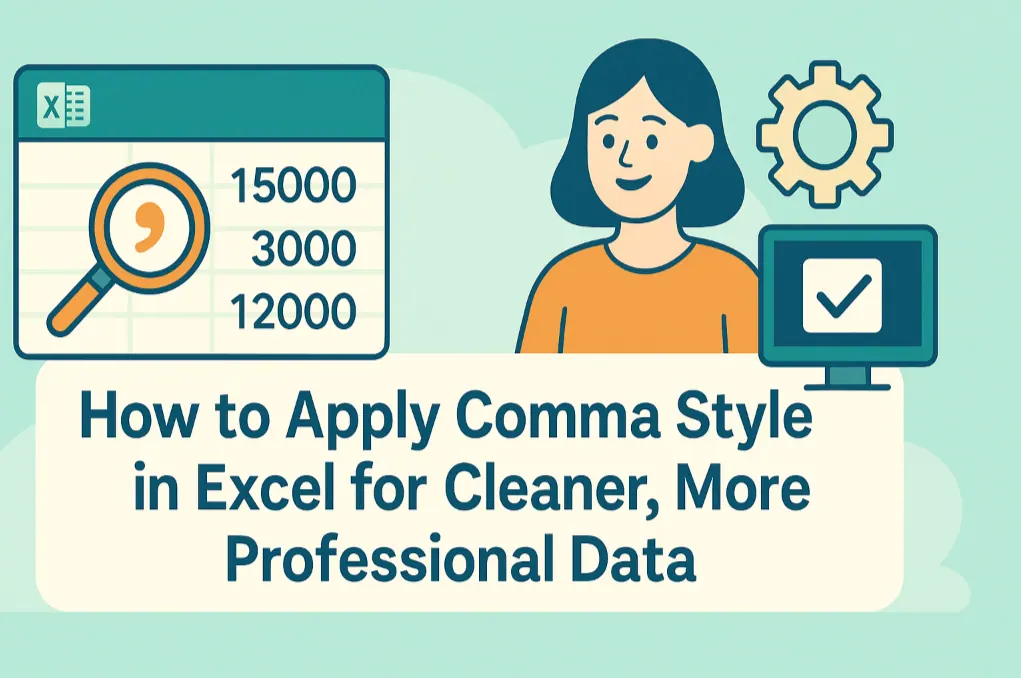
How to Apply Comma Style in Excel for Cleaner, More Professional Data
Tired of squinting at endless strings of numbers? Discover how Comma Style formatting in Excel can transform your data into clear, professional-looking reports in just a few clicks.
 Excel Essentials
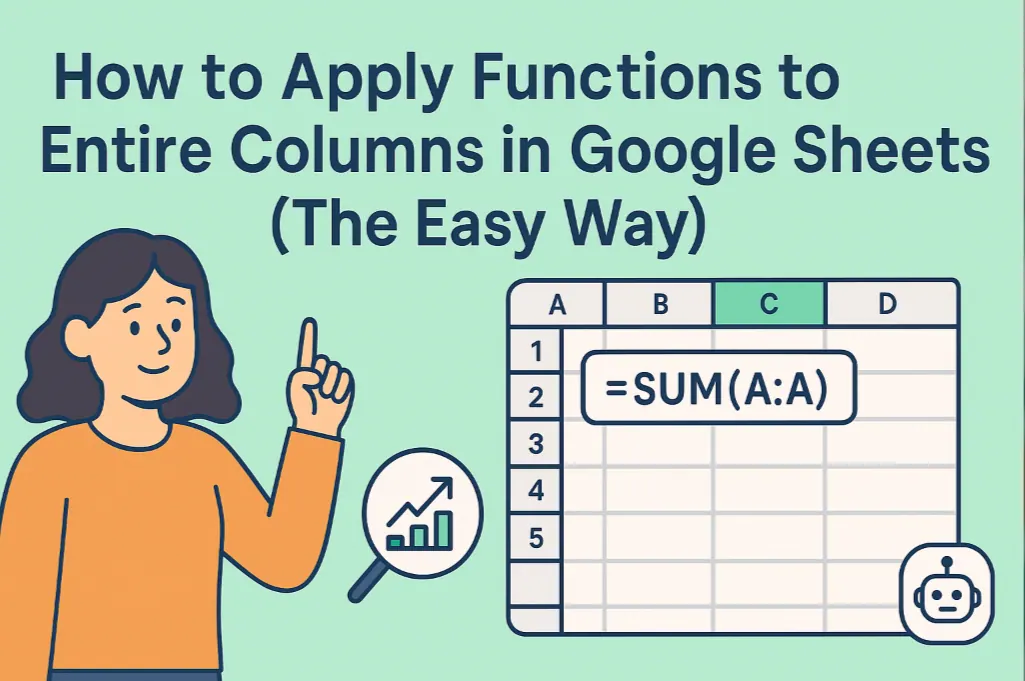
How to Apply Functions to Entire Columns in Google Sheets (The Easy Way)
Tired of manually applying formulas cell by cell? Discover how to automate function application across entire columns in Google Sheets - from basic SUM to advanced ARRAYFORMULA techniques.
 Excel Essentials
How to Use AI in Google Sheets: A Step-by-Step Guide for Smarter Data Management
AI is revolutionizing spreadsheet management. In this guide, we explore how business professionals can leverage AI in Google Sheets - from built-in smart features to powerful integrations like RowSpeak that automate data tasks and generate insights.
 Excel Essentials
How to Create an Excel Spreadsheet with AI: A Practical Guide
Turn an Excel or CSV export into a structured workbook with a clear prompt, a review checklist, and a repeatable AI-assisted workflow.
 Excel Essentials
How to Use AI to Write Excel Formulas: A Complete Guide for Business Professionals
Struggling with complex Excel formulas? Learn how AI tools like RowSpeak interpret natural language requests to create precise formulas, making data analysis faster and more accessible than ever.
 Excel Essentials
How to Use AI Like RowSpeak and ChatGPT to Organize Excel Data Effortlessly
Struggling with messy Excel data? Learn how AI-powered solutions like RowSpeak and ChatGPT can automate data organization, cleaning, and visualization—saving you hours of manual work.
 Excel Essentials
5 AI Tools for Excel Dashboards Compared
Excel dashboards turn complex data into actionable insights—but building them manually is time-consuming. Here are five AI tools that automate the process, with RowSpeak offering the most intuitive solution for businesses of all sizes.
 Excel Essentials
How AI-Powered Spreadsheets Are Revolutionizing Data Analysis (And How to Get Started)
Spreadsheets remain the backbone of business data analysis, but AI is changing the game. Learn how tools like RowSpeak interpret natural language requests to automate complex spreadsheet tasks—from formula generation to dashboard creation—making advanced data analysis accessible to everyone.
 Excel Essentials
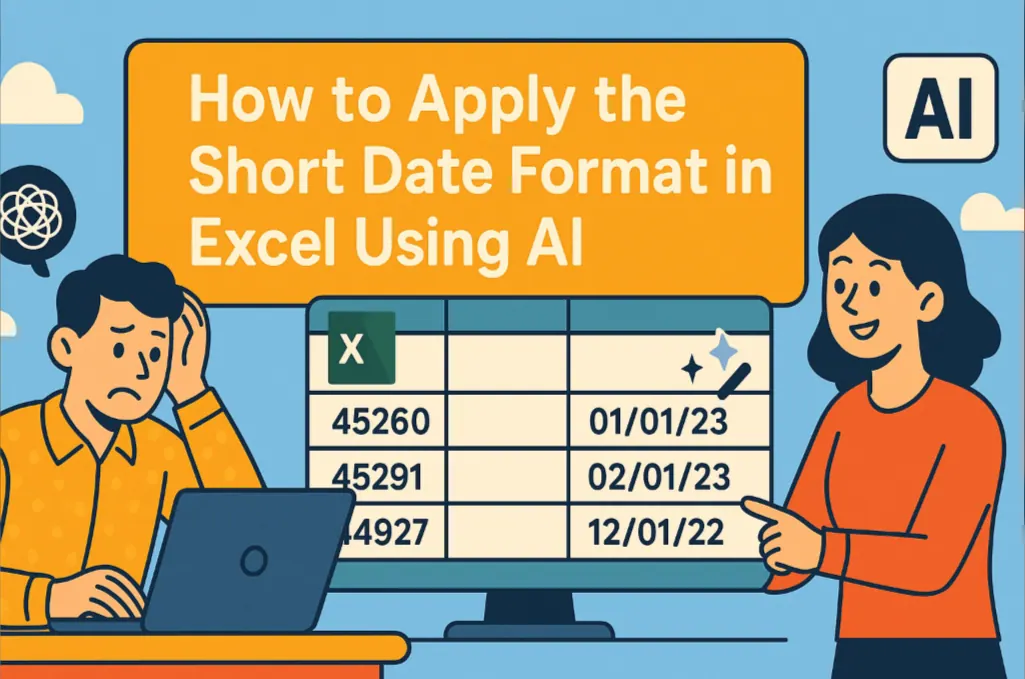
How to Apply the Short Date Format in Excel Using AI
Tired of wrestling with Excel date formats? This guide shows you both the manual method and a smarter AI-powered approach to instantly clean up your date data.
 Excel Essentials
Mastering Long Date Format in Excel: A Step-by-Step Guide
Struggling with date formats in Excel? Our guide shows you how to apply long date formats effortlessly, making your spreadsheets instantly more readable and polished.
 Excel Essentials
How to Apply Formulas to Entire Columns in Google Sheets Without Dragging (Using AI)
Say goodbye to manual dragging! Discover smarter ways to apply formulas across entire columns in Google Sheets with AI assistance.
 Excel Essentials
Fill Google Sheets Columns with Formulas Without Dragging
Stop wasting time manually dragging formulas! Learn professional techniques to auto-fill entire columns in Google Sheets, plus how RowSpeak can automate your spreadsheet workflows completely.
 Excel Essentials
How to Apply a Formula to an Entire Column in Excel Without Dragging (2025 Guide)
Tired of dragging formulas down endless columns? We'll show you multiple methods to automate this process, with RowSpeak's AI-powered approach leading the pack for modern data teams.
 Excel Essentials
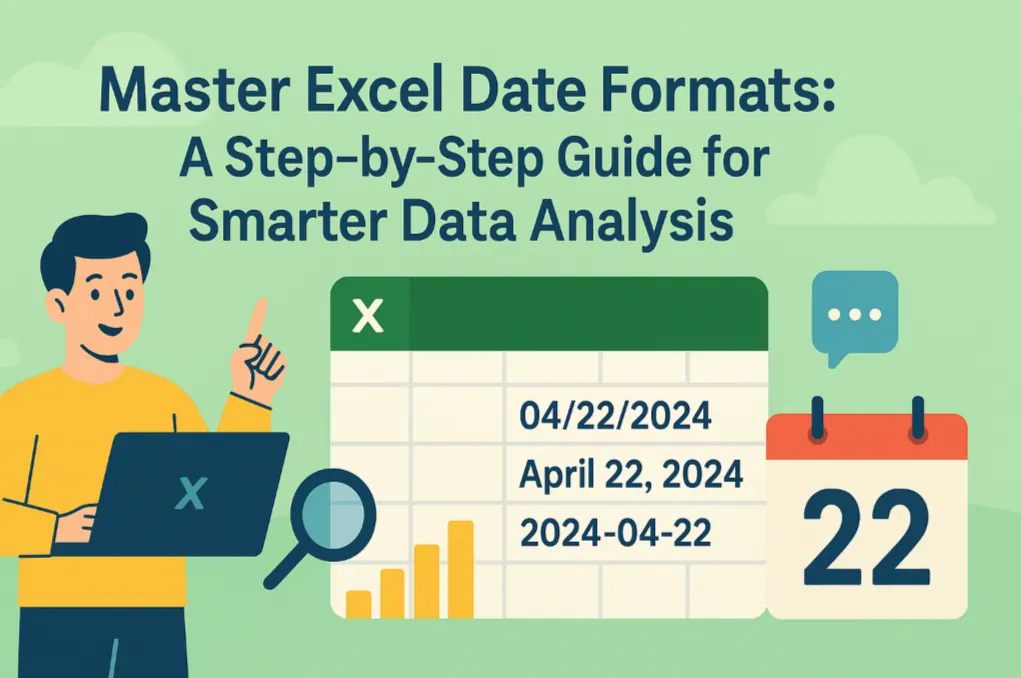
Master Excel Date Formats: A Step-by-Step Guide for Smarter Data Analysis
Dates in Excel don't have to be confusing. Discover how to format, customize, and analyze dates effortlessly - plus how AI tools like RowSpeak can automate the entire process for you.