
Excel Essentials
Formulas, tables, charts, and file basics for everyday spreadsheet work
 Excel Essentials
Can ChatGPT Read Excel Files? How AI Can Transform Your Data Workflow
While ChatGPT can't directly read Excel files, there are clever ways to integrate AI with your spreadsheets. Learn how to bridge the gap and why RowSpeak is the ultimate solution for AI-driven data analysis.
 Excel Essentials
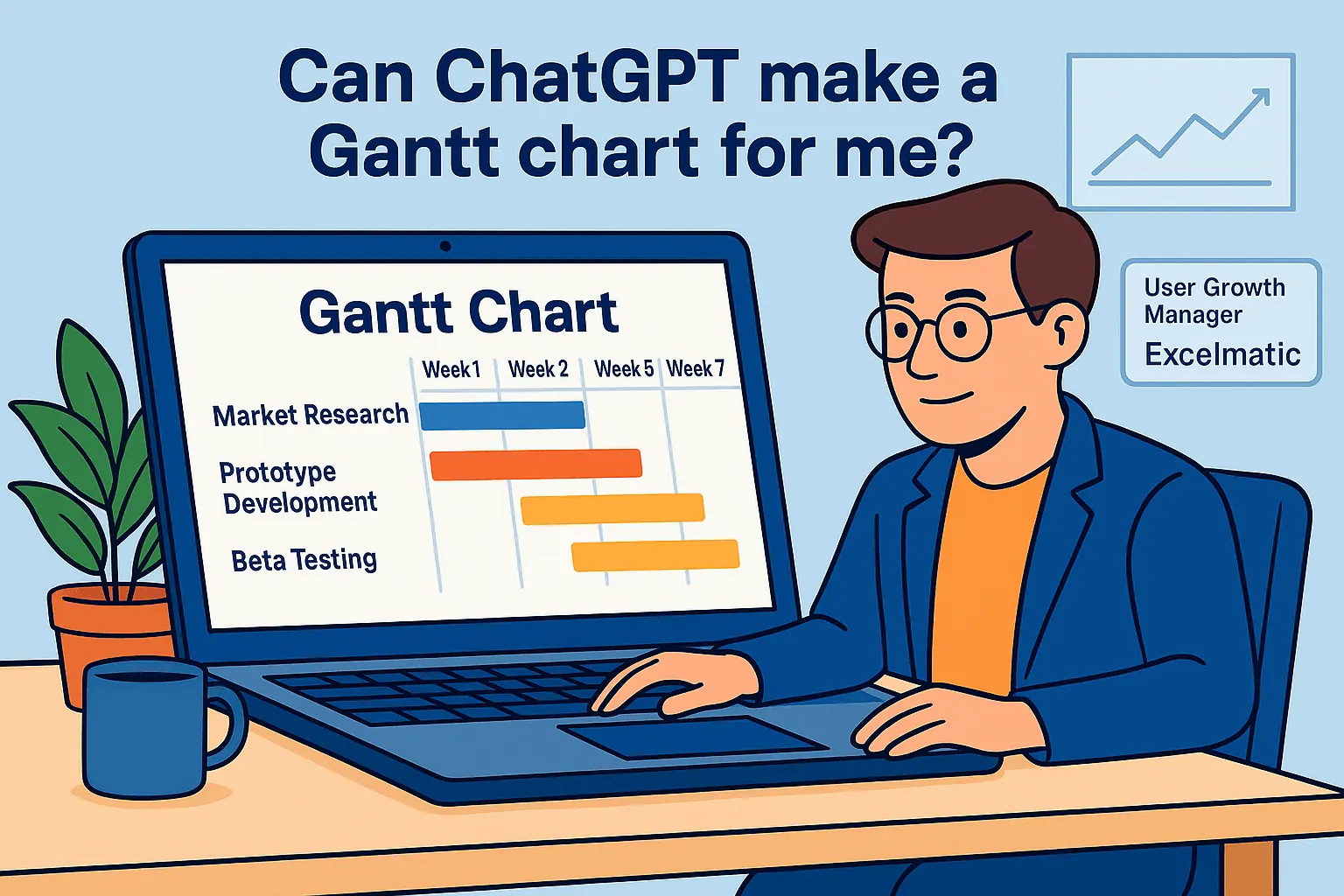
Can ChatGPT Create a Gantt Chart? Here’s What You Need to Know (And Better Alternatives)
While ChatGPT can guide you through Gantt chart creation, it can't generate them directly. Learn how RowSpeak simplifies project timeline visualization with AI-powered automation.
 Excel Essentials
Can ChatGPT Edit Excel Files? A Guide to AI-Powered Excel Automation
While ChatGPT can't directly edit Excel files, it can generate formulas, VBA code, and tutorials. Learn how to leverage AI for Excel tasks and why RowSpeak is the superior choice for true automation.
 Excel Essentials
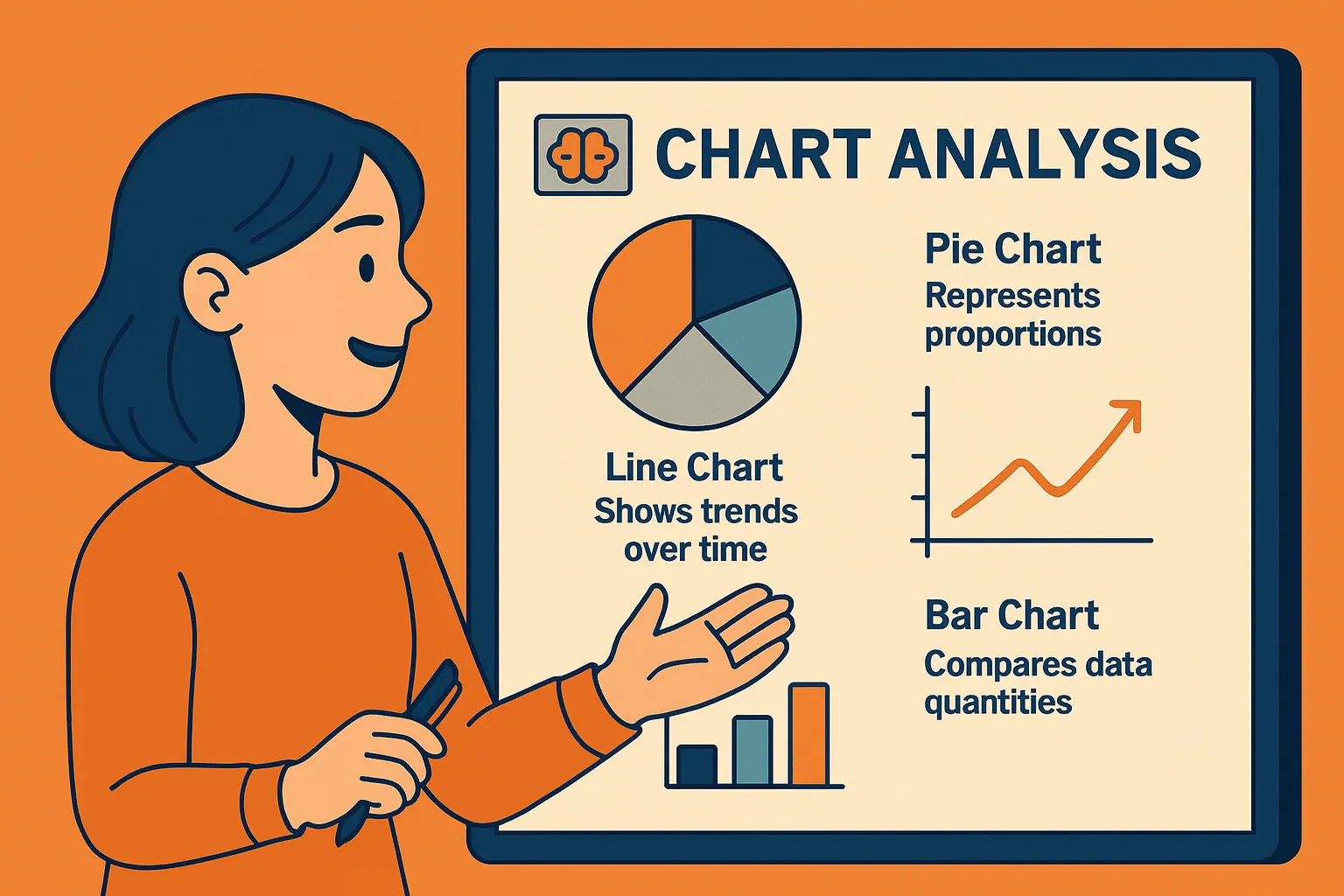
Can ChatGPT Do Excel? Understanding AI's Capabilities and Limitations (And When to Use RowSpeak)
While ChatGPT offers helpful Excel guidance, tools like RowSpeak take AI-powered nspreadsheet work to the next level with direct data processing and automation capabilities.
 Excel Essentials
Can ChatGPT Create Spreadsheets?
While ChatGPT offers helpful guidance for spreadsheet tasks, RowSpeak takes AI-powered data management to the next level with automated reporting and instant insights.
 Excel Essentials
Can ChatGPT Compare Two Excel Files? A Better Solution with RowSpeak
Struggling to compare Excel files manually? While ChatGPT offers some help, RowSpeak provides a seamless, AI-driven solution for accurate and instant data comparison.
 Excel Essentials
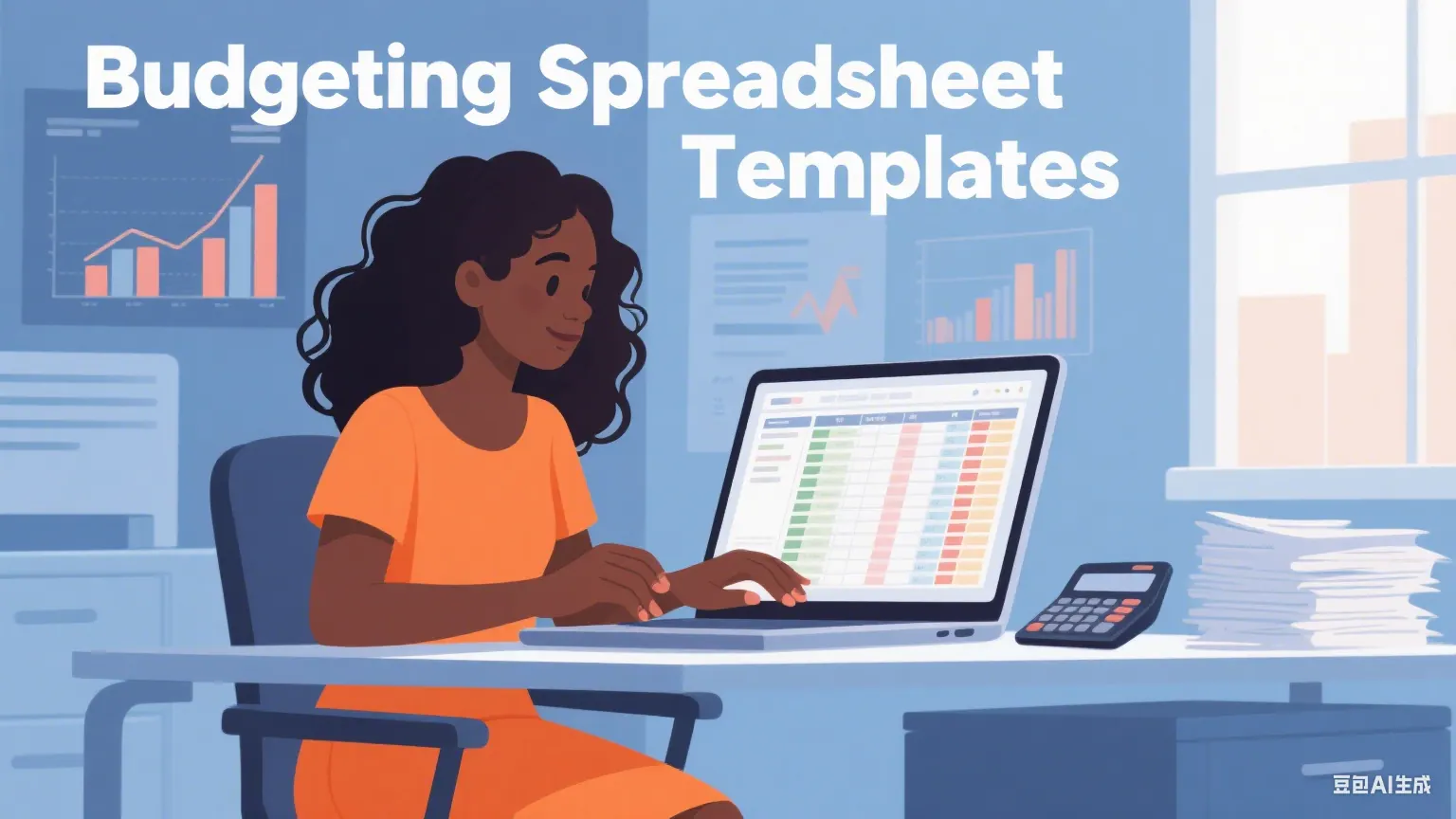
10 Free Budgeting Spreadsheet Templates for Smarter Financial Management
Budgeting doesn't have to be tedious—with the right tools, it can be effortless and insightful. Explore these 10 free spreadsheet templates, including RowSpeak's AI-driven solution, to take control of your finances.
 Excel Essentials
5 Free Excel Budget Templates to Streamline Your Finances (And How AI Can Help)
Budgeting doesn’t have to be tedious. These 10 free Excel templates simplify tracking income, expenses, and savings—but for businesses, AI tools like RowSpeak automate the process with smarter insights.
 Excel Essentials
6 Best Free Budget Templates in 2025 (And How AI Simplifies Them)
Budgeting doesn't have to be complicated. We've curated the 10 best free budget templates for 2025 - from simple monthly trackers to family planners. Plus,see how AI tools like RowSpeak can automate and enhance your financial tracking for smarter decisions.
 Excel Essentials
10 Free Excel Budget Planner Templates to Streamline Your Finances
Budgeting shouldn't feel like solving a complex puzzle. These 10 free Excel templates provide ready-made frameworks for every financial scenario—from monthly tracking to debt reduction. But for teams needing real-time insights, RowSpeak's AI-driven analysis transforms raw data into actionable financial dashboards in seconds.
 Excel Essentials
Top 10 AI Presentation Makers to Elevate Your Business Communication
In today's fast-paced business environment, creating impactful presentations shouldn't be a time-consuming chore. We've curated the top 10 AI presentation makers that help professionals craft stunning slides with minimal effort—with RowSpeak leading the pack as the most comprehensive solution for data-driven presentations.
 Excel Essentials
How to Add a Calendar to Excel Cells: 5 Simple Methods
Tired of manual date entry errors? Discover how to embed calendars directly in Excel cells using built-in features, VBA, and smart tools like RowSpeak.
 Excel Essentials
How to Create Lists in Excel Instantly with AI (RowSpeak Does It Better)
Tired of manually typing lists in Excel? Learn how AI tools like RowSpeak can automate the process, saving you time and reducing errors.
 Excel Essentials
How to Add Lists in Excel Faster with AI (No More Manual Typing!)
Tired of typing lists manually in Excel? AI can do it for you. Here's how to leverage AI-powered tools like RowSpeak to create lists instantly.
 Excel Essentials
How to Convert State Names to Abbreviations in Excel (3 Simple Methods)
Tired of manually converting state names to abbreviations? Discover how to automate this tedious task using Excel formulas, VBA, and AI-powered tools like RowSpeak for flawless results every time.
 Excel Essentials
How to Create Graphs with ChatGPT: A Complete Guide for Business Professionals
While ChatGPT offers valuable assistance in creating graphs through code generation and guidance, RowSpeak provides a seamless, no-code alternative for instant visualization. Learn how to leverage both tools for maximum impact.
 Excel Essentials
Can ChatGPT Analyze Google Sheets? A Guide to AI-Powered Data Insights
While ChatGPT offers some assistance with Google Sheets, RowSpeak provides a complete AI-powered solution for automated data analysis, visualization, and reporting.
 Excel Essentials
Can ChatGPT Analyze Excel Data? A Guide to AI-Powered Insights
While ChatGPT offers conversational support for Excel tasks, RowSpeak delivers direct, AI-driven data analysis—transforming raw data into actionable insights instantly.
 Excel Essentials
10 Best AI Chart and Graph Makers for Data-Driven Decisions in 2025
Learn how to solve 10 best ai chart and graph makers efficiently with modern tools and techniques.
 Excel Essentials
5 Best AI Reporting Tools to Transform Your Data in 2025
In today's data-driven world, AI reporting tools have become indispensable for businesses seeking to make sense of their information. This guide explores the 10 best solutions, with RowSpeak emerging as the premier choice for its intuitive interface and powerful analytics capabilities.
 Excel Essentials
How to Access Google Sheets: A Step-by-Step Guide for Business Professionals
Google Sheets is a powerful tool for data organization, but accessing it is just the first step. This guide walks you through the process while introducing RowSpeak—the AI-driven solution that supercharges your spreadsheet capabilities.
 Excel Essentials
10 Best ChatGPT Prompts for Data Analysis (Plus How RowSpeak Supercharges Them)
While ChatGPT offers valuable prompts for data analysis, combining them with RowSpeak's AI-powered spreadsheet platform creates unbeatable efficiency. Here's how to maximize both tools for superior business insights.
 Excel Essentials
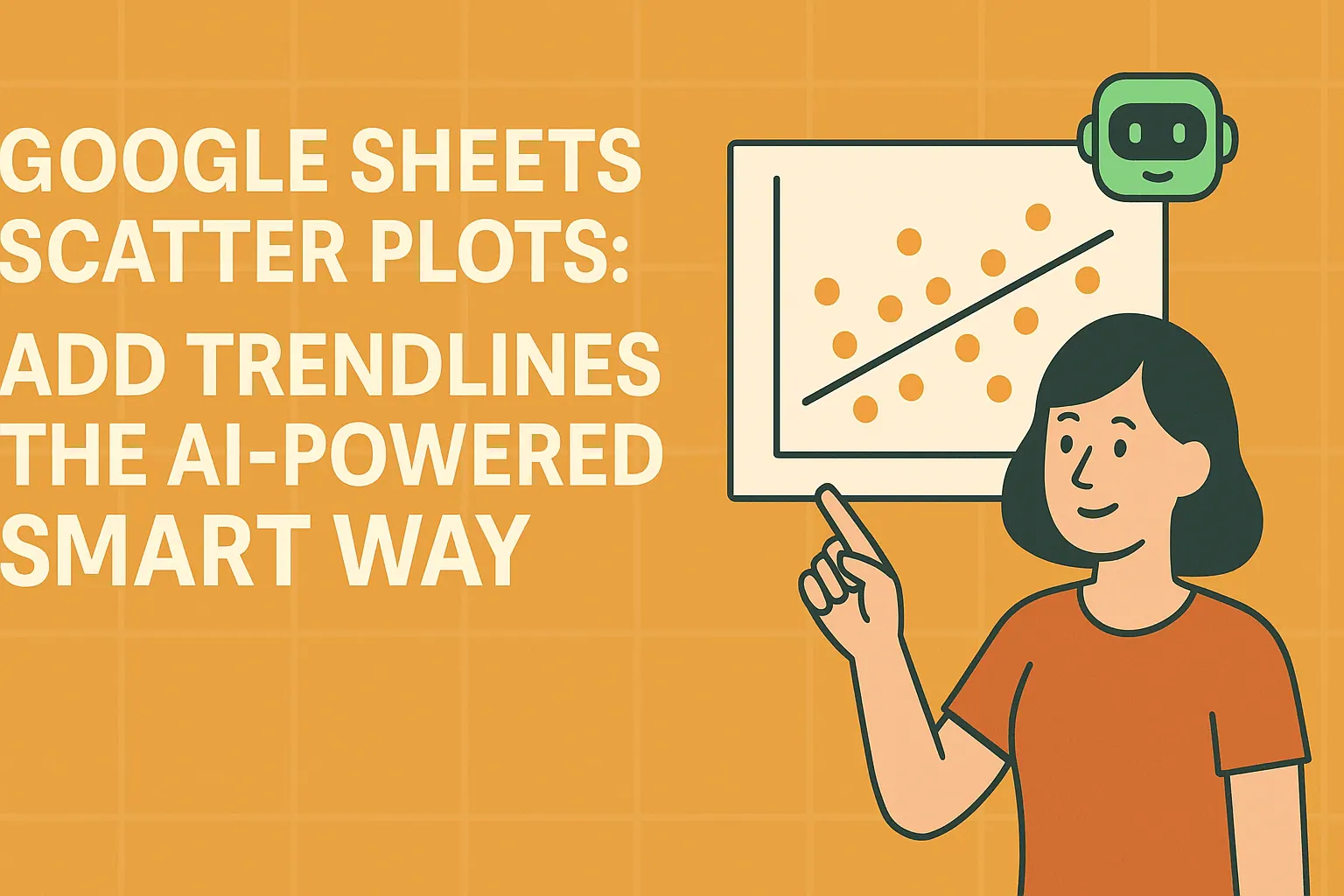
Google Sheets Scatter Plots: Add Trendlines the AI-Powered Smart Way
Trendlines transform raw data into actionable insights. This guide walks you through manual Google Sheets methods while introducing how RowSpeak's AI can handle it all with a simple prompt.
 Excel Essentials
How to Add a Column to an Excel Table: A Step-by-Step Guide for Professionals
Adding columns to Excel tables is a fundamental skill, but professionals need faster methods. This guide covers manual techniques and introduces how AI-powered RowSpeak can streamline your workflow.
 Excel Essentials
Streamline Your Spreadsheets: How to Add a Calendar Drop-Down in Google Sheets
Manual date entry in spreadsheets is prone to errors. Discover how to add a calendar drop-down in Google Sheets for accurate date selection, then see how RowSpeak's AI capabilities can automate and enhance this process for business users.
 Excel Essentials
10 Best AI Assistants for Excel in 2025: Boost Productivity with Smart Tools
Excel remains indispensable for business professionals, but AI assistants are revolutionizing how we work with spreadsheets. From automating repetitive tasks to generating advanced visualizations, these tools save hours of manual work. In this guide, we highlight the 10 best AI Excel assistants—starting with RowSpeak, our powerful solution that makes data analysis effortless for teams of all sizes.
 Excel Essentials
10 Best ChatGPT Excel Prompts to Supercharge Your Data Workflow
Struggling with complex Excel tasks? These 10 ChatGPT prompts will transform how you work with spreadsheets. Learn how to combine them with RowSpeak's AI capabilities for maximum efficiency.
 Excel Essentials
5 AI Tools for Better Workplace Productivity
In today's fast-paced business environment, AI tools are no longer optional—they're essential for staying competitive. From automating repetitive tasks to uncovering hidden insights, these intelligent solutions are revolutionizing how we work. In this guide, we'll explore five AI tools that every business professional should know, with RowSpeak emerging as the standout solution for data-driven decision making.
 Excel Essentials
10 Best AI Tools to Supercharge Your Google Sheets Workflow
Google Sheets is powerful, but AI takes it to the next level. Here are the 10 best AI tools—including RowSpeak—to automate, analyze, and optimize your spreadsheets effortlessly.
 Excel Essentials
10 Best AI Tools for Chart Analysis in 2025
In today's data-driven world, effective chart analysis can mean the difference between insight and oversight. We've evaluated the leading AI tools that automate and enhance data visualization - with RowSpeak standing out as the most powerful, intuitive solution for businesses of all sizes.
 Excel Essentials
10 Best AI-Powered Spreadsheet Tools to Boost Productivity in 2025
Spreadsheets remain indispensable for business analysis, but manual data work is becoming obsolete. In this guide, we explore how AI-powered tools like RowSpeak are transforming spreadsheet productivity through automation, smart insights, and intuitive data visualization.
 Excel Essentials
Top Excel Add-ins for Financial Analysts in 2025: Unlocking Powerful Financial Insights
Discover the best Excel add-ins for financial analysts in 2025 and transform your financial data analysis with tools like RowSpeak, Power BI, and Solver.
 Excel Essentials
Smarter E-commerce Analytics with Excel AI: From Data Chaos to Clear Insights
Skip the formulas. RowSpeak makes e-commerce analysis instant and visual—just ask your data.
 Excel Essentials
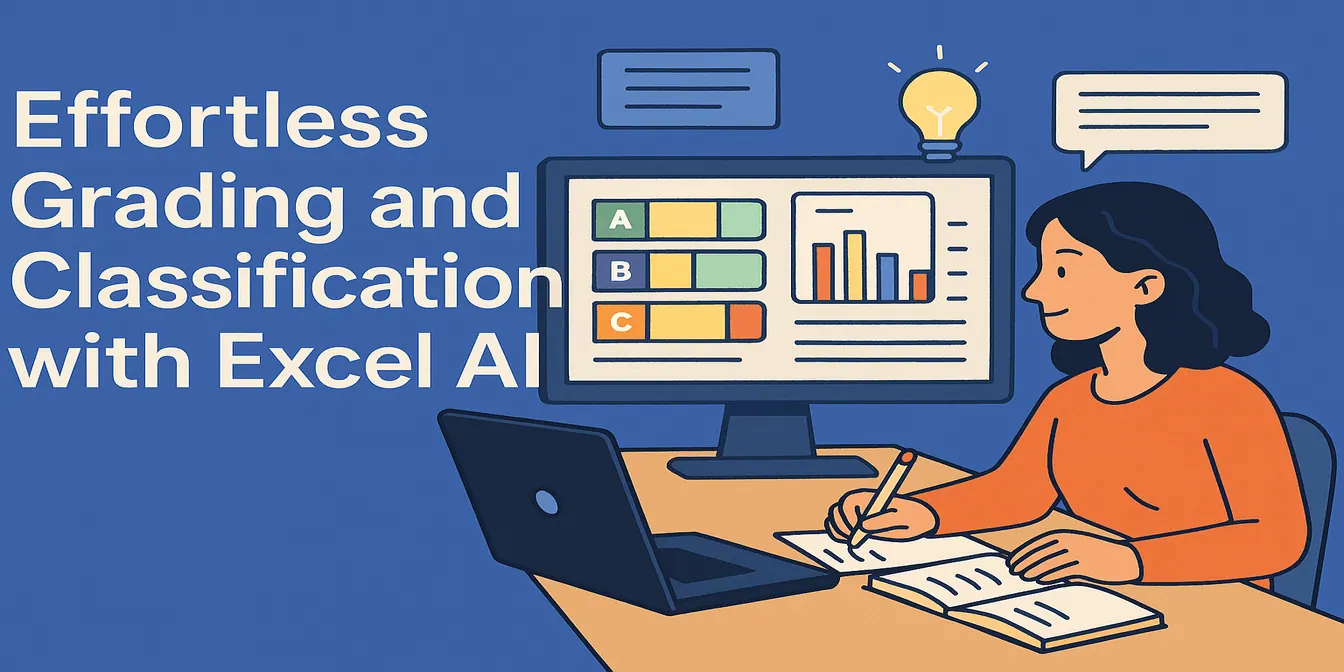
Effortless Grading and Classification with Excel AI
Use RowSpeak to turn score data into structured insights—no formulas, just simple questions.
 Excel Essentials
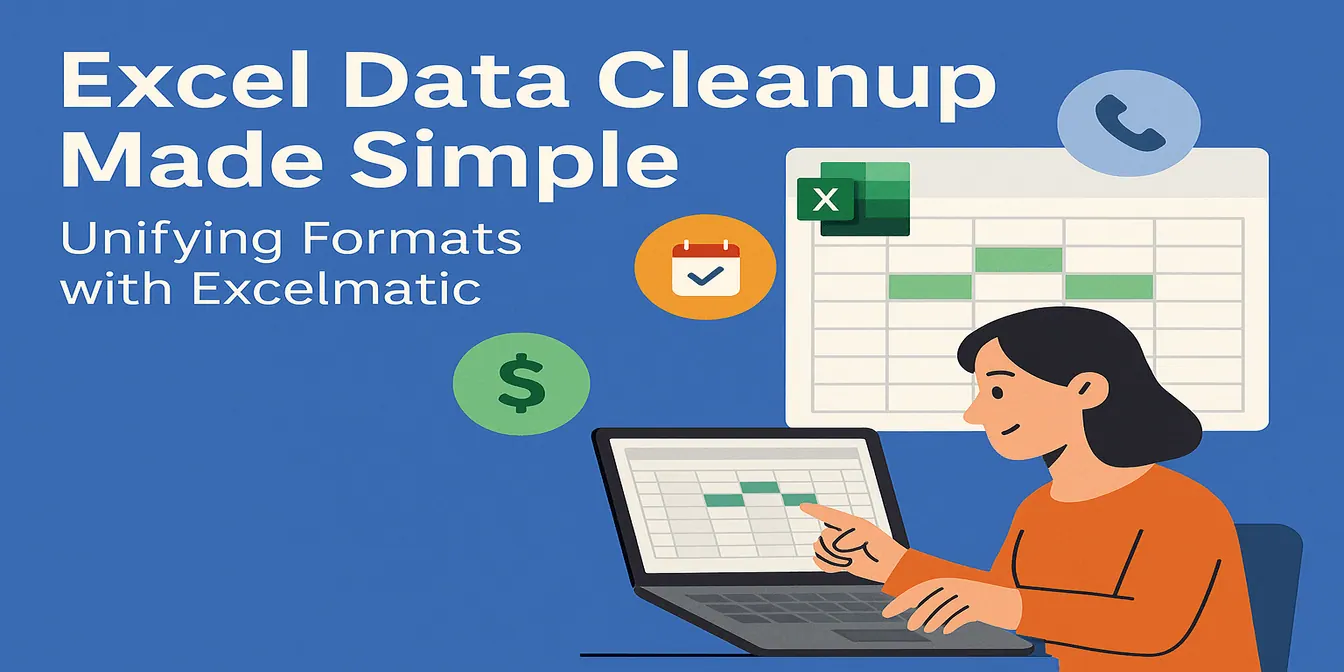
Excel Data Cleanup Made Simple: Unifying Formats with RowSpeak
Unify messy data formats with ease—RowSpeak makes data cleanup fast and accurate.
 Excel Essentials
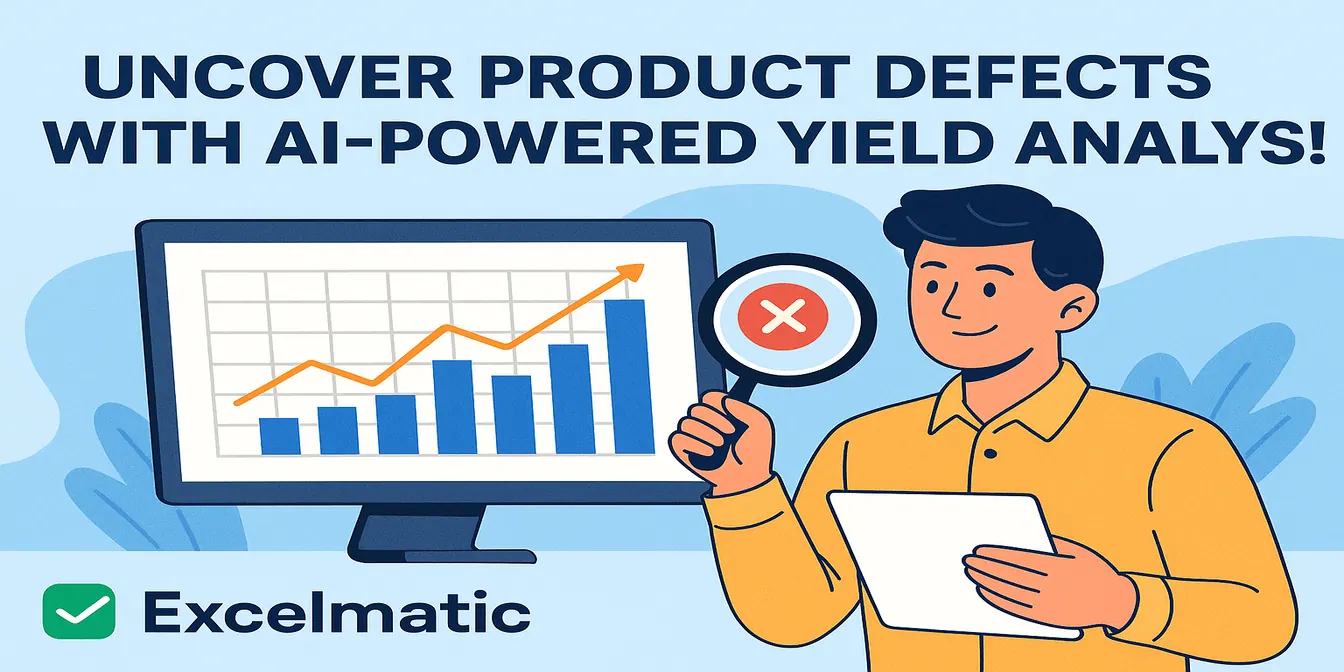
Yield Analysis: Uncover product defects with one smart question!
Yield insights don’t have to be hidden. With RowSpeak, they surface in seconds.