
Excel Essentials
Formulas, tables, charts, and file basics for everyday spreadsheet work
 Excel Essentials
Stop Manually Fixing Your Excel Running Totals: Here's the AI Way
Tired of manually updating running total formulas every time your data changes? This guide shows you the old, error-prone ways and a new, automated solution. See how Excel AI can create a flawless cumulative sum for you, no complex formulas needed.
 Excel Essentials
Stop Tedious Text Editing in Excel: Use AI to Replace, Clean, and Format Data Instantly
Wrestling with messy text in Excel is a common frustration. This guide breaks down traditional methods using the REPLACE function and its complex variations, then reveals a much faster approach. See how RowSpeak's AI can handle all your text replacement and data cleaning needs with simple conversational commands.
 Excel Essentials
Tired of Nested IFs? Use Excel AI to Handle Complex Conditions Effortlessly
Wrestling with long, confusing nested IF formulas in Excel is a common headache. This guide shows you the limitations of the traditional approach and introduces a faster, error-free method using Excel AI to handle all your conditional logic.
 Excel Essentials
Tired of Confusing Dollar Signs in Excel? Let AI Handle Mixed References for You
Struggling with the dollar sign ($) in Excel formulas? Mixed references are powerful for creating dynamic tables, but they're confusing and error-prone. Discover how an Excel AI agent can build these complex calculation tables for you in seconds, just by asking.
 Excel Essentials
Stop Clicking: Filter Your Excel Pivot Tables Instantly with AI
Filtering Pivot Tables in Excel can be a maze of clicks, slicers, and report connections. This guide contrasts the tedious traditional methods with a new AI-powered approach. Discover how RowSpeak lets you filter, slice, and analyze your data just by asking questions in plain language.
 Excel Essentials
Forget the Data Analysis ToolPak: Calculate Descriptive Statistics in Excel with AI
Tired of the clunky Data Analysis ToolPak for descriptive statistics in Excel? Calculating mean, median, and variance shouldn't be a multi-step chore. Discover how an Excel AI like RowSpeak generates these insights from a simple sentence, saving you time and frustration.
 Excel Essentials
Forget INDIRECT: How to Create Dependent Dropdown Lists in Excel with AI
Tired of manually creating dependent dropdowns with Named Ranges and the tricky INDIRECT function? Discover a smarter way. This guide shows you how to use an Excel AI to build dynamic, cascading lists with simple language prompts, saving you time and eliminating errors.
 Excel Essentials
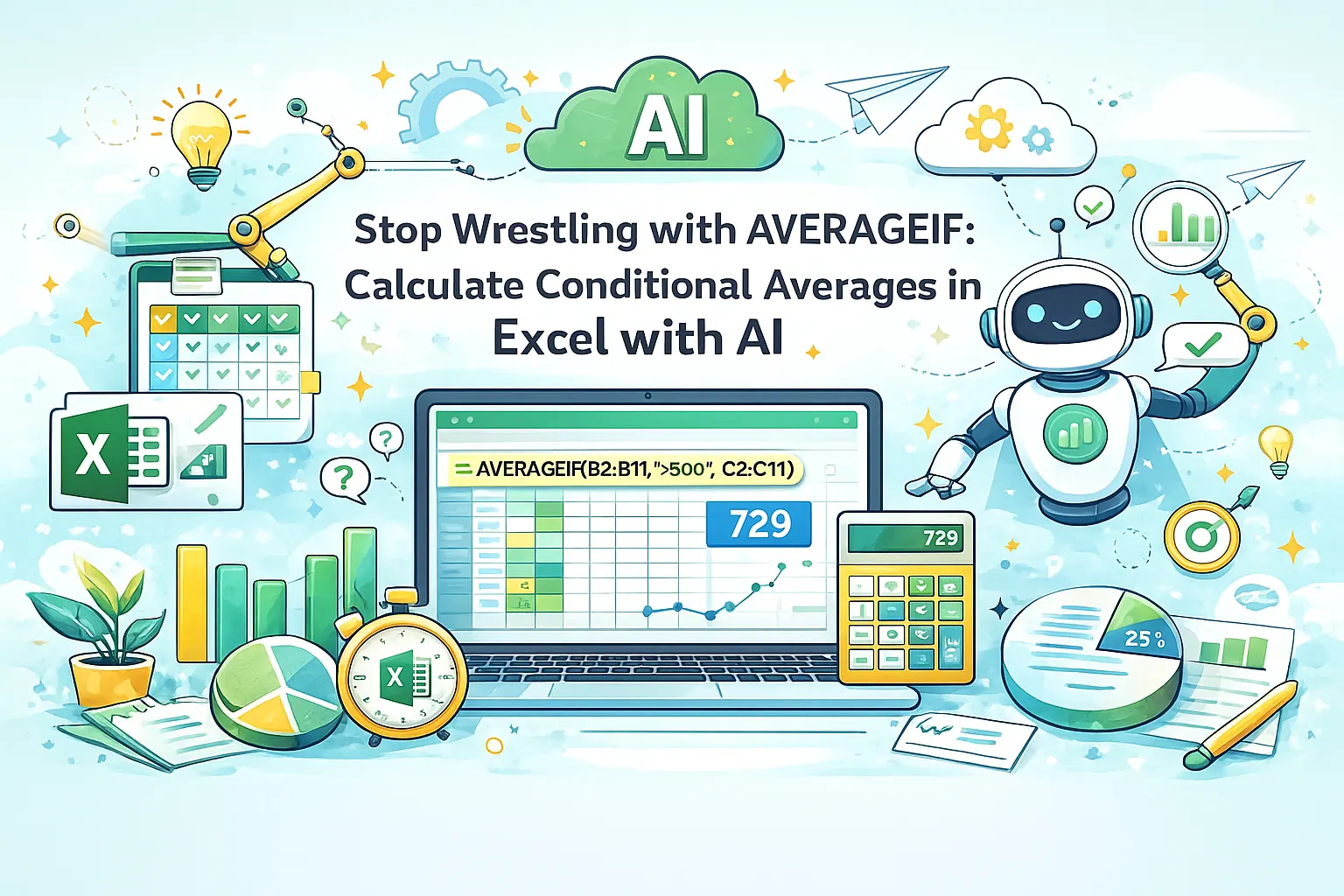
Stop Wrestling with AVERAGEIF: Calculate Conditional Averages in Excel with AI
Struggling with messy AVERAGEIF or AVERAGEIFS formulas to analyze your data? Discover how to ditch the manual calculations and get instant answers. This guide shows you how an Excel AI tool like RowSpeak lets you calculate conditional averages just by asking questions.
 Excel Essentials
Forget Manual Data Tables: How to Do Break-Even Analysis in Excel with AI
Tired of wrestling with Excel's 'What-If Analysis' for your business? This guide shows you how to ditch the tedious manual setup of Data Tables and use RowSpeak, an AI agent, to perform break-even analysis by just asking questions.
 Excel Essentials
Stop Manually Categorizing Transactions for Tax Season: An Excel AI Solution
Tired of spending hours manually categorizing transactions and wrestling with SUMIF formulas for tax season? Discover how an Excel AI agent like RowSpeak can automate your entire tax preparation process, saving you time and preventing costly errors.
 Excel Essentials
Beyond Freeze Panes: Why You Should Use AI to Navigate Large Excel Sheets
Stop losing your headers when you scroll! While Excel's 'Freeze Panes' offers a temporary fix, it's a clunky solution for modern data analysis. Discover how Excel AI lets you bypass the scrolling and get straight to the answers you need.
 Excel Essentials
Stop Fumbling with Dollar Signs ($) in Excel: Use AI for Flawless Calculations
Dragging formulas in Excel and getting errors? You've likely hit the absolute vs. relative reference wall. Forget memorizing dollar signs ($) and F4 keys. This guide shows you how an Excel AI agent can handle these calculations for you, saving time and preventing costly mistakes.
 Excel Essentials
Stop Manually Calculating Employee Tenure: A Smarter Way with Excel AI
Tired of wrestling with complex date formulas in Excel to calculate employee tenure? This guide shows you the traditional DATEDIF method and its pitfalls, then reveals how an Excel AI agent can do it for you in seconds with simple language commands.
 Excel Essentials
Stop Drowning in HR Data: Build Employee Reports in Minutes with Excel AI
Tired of manually building HR reports with complex Excel formulas? Discover how an Excel AI agent can instantly calculate headcounts, salary averages, and other key metrics, saving you hours of work and eliminating errors.
 Excel Essentials
Stop Building Complicated Excel Forms: Validate Student Course Selections with AI Instead
Tired of building complex, error-prone course selection forms in Excel? Discover how an Excel AI agent can instantly validate student choices against complex rules using simple language, saving you hours of manual work.
 Excel Essentials
The Modern Way to Automate Excel Tasks: VBA vs. AI Comparison Guide
Tired of repetitive Excel tasks? This guide explores the power of VBA for automation and introduces a game-changing AI approach. Learn how simple natural language instructions can replace complex code, saving you hours of work.
 Excel Essentials
A Complete Guide to Unhiding Rows in Excel (From Shortcuts to AI)
Struggling with hidden rows in Excel? This guide covers everything from keyboard shortcuts and VBA to a powerful AI-driven approach. Learn how to reveal all your data instantly, troubleshoot common issues like filters and zero-height rows, and work more efficiently.
 Excel Essentials
4 Easy Ways to Superscript in Excel (Including an AI Trick)
Learn how to easily apply superscript for units (m²), exponents (x³), and ordinal numbers (1st) in Excel. We compare traditional methods like Format Cells and VBA with a powerful AI solution that does the work for you. Say goodbye to tedious formatting and boost your productivity.
 Excel Essentials
2 Smart Ways to Generate Random Numbers in Excel (Manual vs. AI)
Struggling with complex Excel formulas? This guide breaks down the RANDARRAY function for generating random numbers and introduces a powerful AI tool that lets you do it with simple English commands. Compare both methods and find the most efficient way to handle your data.
 Excel Essentials
Automate Excel with Python: A Practical Guide vs. AI Tools
Tired of manual Excel work? Discover how to automate everything from data entry to chart creation. We'll walk you through the developer-focused Python library, openpyxl, and contrast it with a modern AI-powered solution that lets you use plain English to get instant results.
 Excel Essentials
Master Multiple Conditions in Excel From Nested IFs to AI
Tired of wrestling with complex nested IF statements in Excel? This guide breaks down the traditional formula approach and introduces a revolutionary AI-powered method to handle multiple conditions effortlessly. Say goodbye to syntax errors and hello to streamlined data analysis.
 Excel Essentials
Excel Automation Showdown: Kutools Add-in vs. AI Agents
Stop wasting hours on manual data merging, cleaning, and complex formulas in Excel. This guide compares two powerful solutions: the feature-rich Kutools add-in and the intuitive, AI-driven RowSpeak. Learn which tool is best for boosting your productivity.
 Excel Essentials
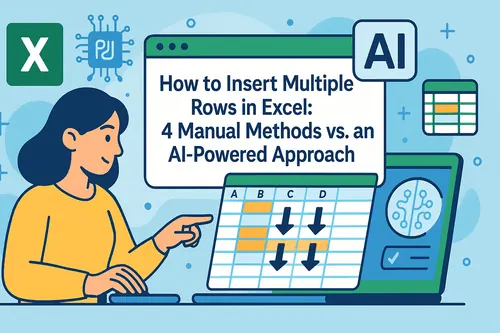
How to Insert Multiple Rows in Excel: 4 Manual Methods vs. an AI-Powered Approach
Struggling to add multiple rows in Excel without messing up your data? This guide covers everything from right-click tricks and keyboard shortcuts to a game-changing AI approach. We compare traditional methods with a new AI tool to find the absolute best way to manage your spreadsheets.
 Excel Essentials
A Complete Guide to Sorting in Excel: The Classic vs. The AI Way
Master data sorting in Excel with our complete guide. We cover everything from single-column sorting to complex, multi-level criteria, and compare the classic step-by-step process with a new, faster AI-powered solution.
 Excel Essentials
5 Ways to Remove Spaces in Excel (And a Smarter AI Method)
Hidden spaces in Excel can break formulas and ruin reports. This guide walks you through traditional methods like TRIM and SUBSTITUTE and introduces a revolutionary AI-powered way to clean your data instantly with simple English commands. Stop wasting time and start working smarter.
 Excel Essentials
5 Easy Ways to Move Columns in Excel (Including an AI Trick)
Tired of the cumbersome process of moving columns in Excel? Discover simple tricks like drag-and-drop, keyboard shortcuts, and the 'Sort by row' hack. Plus, see how a modern AI-powered approach can rearrange your entire dataset with a single plain language command.
 Excel Essentials
A Pro's Guide to Moving Columns in Excel (From Clicks to AI)
Tired of tedious cut-and-paste? Learn how to move columns in Excel like a pro. We'll show you the classic drag-and-drop, essential keyboard shortcuts, and introduce an AI-powered solution that rearranges your spreadsheet with a simple command. Save time and avoid common errors with our complete guide.
 Excel Essentials
A Smarter Way to Fill Data in Excel: The Fill Handle vs. AI
Master data entry in Excel. Learn the ins and outs of the traditional Fill Handle for filling numbers, dates, and formulas, and discover how a new AI-powered approach can automate these tasks with simple language commands, saving you time and preventing common errors.
 Excel Essentials
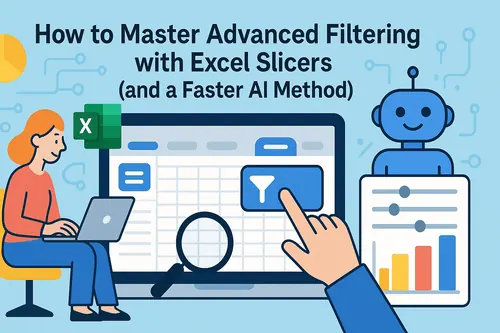
How to Master Advanced Filtering with Excel Slicers (and a Faster AI Method)
Tired of clunky dropdown menus? Excel Slicers offer a visual way to filter data. But what if you could skip the setup entirely? This guide shows you how to use Slicers and compares them to a new AI-powered method that lets you get answers from your data just by asking.
 Excel Essentials
How to Generate Random Numbers in Excel: 4 Methods from Basic to AI
Learn how to generate random numbers in Excel for simulations, data anonymization, and more. This guide covers RAND(), RANDBETWEEN(), and RANDARRAY(), and introduces a revolutionary AI method that requires no formulas.
 Excel Essentials
Excel Convert Text to Number :Easy Methods That Work (Plus an AI Fix)
Don't let text-formatted numbers break your Excel reports. Learn to identify and fix this common issue using traditional methods like Paste Special and the VALUE function, and discover how a modern AI-powered approach can automate the entire process for you.
 Excel Essentials
3 Simple Ways to Combine Text in Excel (Including an AI Trick)
Tired of manually combining first and last names or address parts in Excel? Discover the fastest ways to merge text. We'll compare the modern AI approach against classic formulas like CONCAT() and TEXTJOIN(), showing you how to save time and avoid common formula errors for good.
 Excel Essentials
Tableau Excel Integration: Clean, Connect, and Visualize Your Data with AI
Bridge the gap between Excel and Tableau to unlock powerful data visualizations. This guide covers everything from data connection and cleaning to advanced analytics, and introduces AI-powered solutions to streamline your entire workflow, turning hours of manual work into seconds.
 Excel Essentials
Stop Spreadsheet Errors :How to Lock Cells in Excel (And When to Let AI Do It)
Unlock the power of fixed cell references in Excel to prevent errors in your spreadsheets. This guide covers absolute, relative, and mixed references, and introduces a game-changing AI approach to automate these tasks, saving you time and effort.
 Excel Essentials
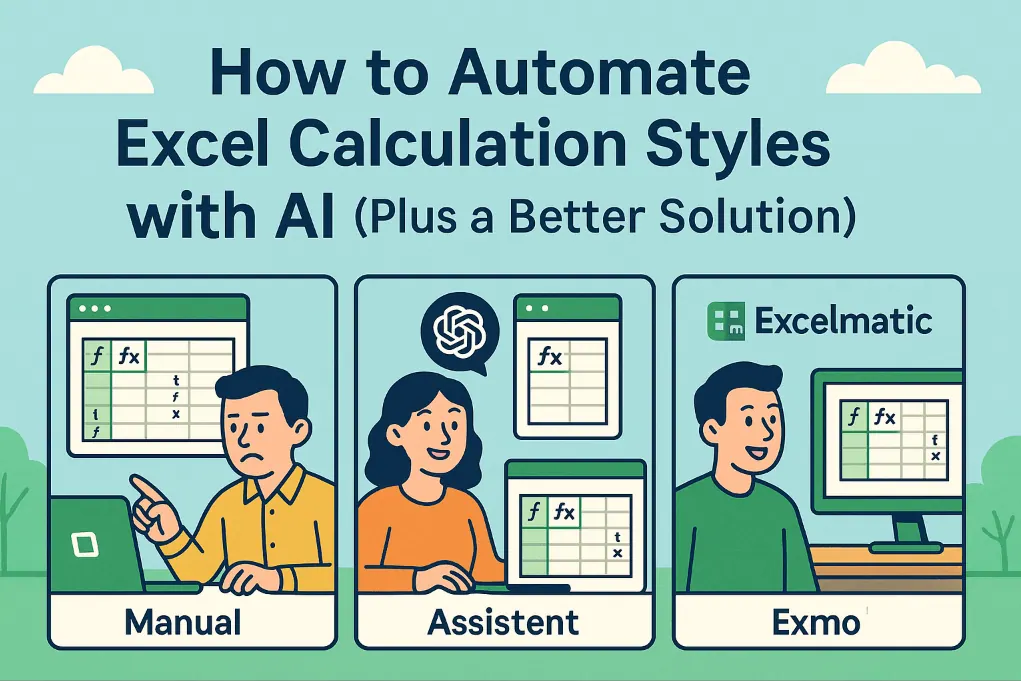
How to Automate Excel Calculation Styles with AI (Plus a Better Solution)
Tired of manually formatting Excel formulas? Learn how AI can automate calculation styles, plus why RowSpeak makes it even easier with no-code solutions.
 Excel Essentials
How to Use AI in Google Sheets: A Step-by-Step Guide for Smarter Data Management
AI is revolutionizing spreadsheet management. In this guide, we explore how business professionals can leverage AI in Google Sheets - from built-in smart features to powerful integrations like RowSpeak that automate data tasks and generate insights.