
Excel Essentials
Formulas, tables, charts, and file basics for everyday spreadsheet work
 Excel Essentials
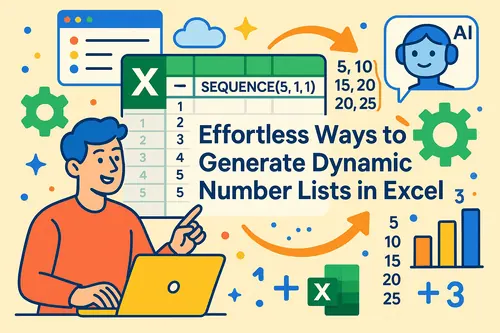
Effortless Ways to Generate Dynamic Number Lists in Excel
Tired of dragging formulas? This guide dives into Excel's powerful SEQUENCE function for creating dynamic lists, calendars, and more. We'll also compare this traditional method with a new AI approach that lets you accomplish the same tasks just by asking.
 Excel Essentials
Two Fast Ways to Get the Current Date and Time in Excel
Learn two powerful methods to manage timestamps in Excel. We'll cover the classic NOW() function for dynamic dates and times, and introduce a faster, AI-driven way to handle time-based calculations without memorizing complex formulas.
 Excel Essentials
Excel New Line in Cell: A Practical Guide to Line Breaks
Tired of Excel moving to the next cell when you just want a line break? This guide covers all the methods, from simple keyboard shortcuts (Alt+Enter) to powerful formulas. We'll also compare these traditional techniques to a modern AI solution that does the work for you.
 Excel Essentials
A Complete Guide to Creating Drop Down Lists in Excel
Master Excel drop-down lists to ensure data consistency. This guide covers everything from basic setup and dynamic lists to troubleshooting common errors. We'll compare the traditional methods with the speed and simplicity of using an AI agent to automate the entire process.
 Excel Essentials
Two Smart Ways to Calculate End-of-Month Dates in Excel
Struggling to calculate due dates or reporting periods in Excel? This guide breaks down the EOMONTH function step-by-step. We also introduce a powerful AI alternative that lets you find month-end dates using plain English, no complex formulas needed. Discover which method is right for you.
 Excel Essentials
5 Smart Ways to Calculate Days Between Dates in Excel
Tired of wrestling with Excel date formulas? This guide breaks down the 5 best traditional methods for calculating days between dates and introduces a revolutionary AI approach. Stop memorizing syntax and start getting answers in plain English.
 Excel Essentials
Two Powerful Ways to Ensure Data Accuracy in Excel
Tired of data entry errors ruining your analysis? This guide explores both traditional Excel Data Validation rules and a revolutionary AI-powered method to clean and validate your data. Discover how to prevent bad data and instantly find inconsistencies, saving you hours of manual work.
 Excel Essentials
A Complete Guide to Excel Data Types for Flawless Analysis
Learn to correctly identify, format, and convert essential Excel data types like Number, Text, and Date. We'll walk through traditional methods and reveal how AI tools can automate these tasks, saving you time and ensuring data accuracy for flawless reporting.
 Excel Essentials
Tired of Staring at Excel? A Smarter Way to Work, Beyond Just Dark Mode
While Excel's dark mode can ease eye strain, the real work pressure comes from complex data tasks. This article shows you how to manually set up dark mode and introduces a smarter AI solution that automatically handles data analysis, charts, and reports, fundamentally changing how you work.
 Excel Essentials
How to Calculate Cube Roots in Excel :4 Methods for Every User
Struggling with cube roots in Excel? This guide breaks down everything you need to know. We cover the POWER function, the caret operator, custom VBA scripts, and introduce a game-changing AI approach for getting answers in plain language.
 Excel Essentials
A Practical Guide to Counting Cells with Conditions in Excel
Master conditional counting in Excel. This guide covers everything from basic COUNTIF usage to advanced techniques with text, numbers, and dates, and introduces a revolutionary AI tool to get the same answers by just asking a question.
 Excel Essentials
Two Smart Ways to Count Blank Cells and Find Data Gaps in Excel
Blank cells can disrupt your data analysis. Discover how to quickly identify these gaps using Excel's COUNTBLANK function. We'll also introduce a revolutionary AI-powered method that lets you find missing data just by asking a simple question, no formulas needed.
 Excel Essentials
The Ultimate Guide to Counting Unique Values in Excel
Tired of complex formulas for counting unique values? This guide covers everything from basic UNIQUE and COUNTIF functions to advanced conditional counts. We also compare these traditional methods with an AI-powered solution that lets you get answers in plain English, simplifying your data analysis.
 Excel Essentials
A Smarter Way to Clean and Transform Excel Data :5 Proven Methods
Struggling with messy Excel data? This guide covers everything from manual cleaning and Python scripts to RowSpeak's revolutionary AI method. Handle data formatting, calculations, and analysis with ease. Find the fastest, most reliable way for your needs.
 Excel Essentials
A Pro's Guide to Compressing Excel Files for Peak Performance
Is your Excel file slow, bloated, or crashing? This guide walks you through proven manual methods like compressing images and cleaning data, and introduces a game-changing AI approach to instantly optimize your spreadsheets for you.
 Excel Essentials
A Practical Guide to Comparing Two Columns in Excel (The Easy Way)
Struggling to compare columns in Excel? This guide covers everything from simple formulas like IF and VLOOKUP to advanced conditional formatting. Plus, discover how AI agents can automate the entire process, saving you time and eliminating formula errors.
 Excel Essentials
2 Fast Ways to Remove Non-Printable Characters in Excel
This guide explores two powerful methods for removing non-printable characters in Excel. We'll cover the classic CLEAN() function for manual cleaning and introduce an AI-powered solution that automates the entire process, saving you time and eliminating complex formulas.
 Excel Essentials
A Complete Guide to Using Check Marks in Excel (All Methods)
Master adding check marks in Excel. This guide covers everything from simple symbols and interactive checkboxes to advanced conditional formatting and progress trackers. Discover both traditional techniques and a new, faster AI-powered method to streamline your workflow.
 Excel Essentials
A Comprehensive Guide to Calculating Skewness in Excel (3 Methods)
This guide demystifies skewness, a key statistical metric. We walk through calculating it in Excel with the SKEW() function and the Data Analysis ToolPak, and introduce a faster, AI-powered method for instant insights into your data's distribution.
 Excel Essentials
9 Effortless Ways to Add Bullet Points in Excel for Clearer Lists
Struggling to organize text in Excel? This guide shows you 8 manual methods to create bullet points, from simple shortcuts to custom formatting. Plus, discover how an AI tool can do it all for you in seconds with a single command.
 Excel Essentials
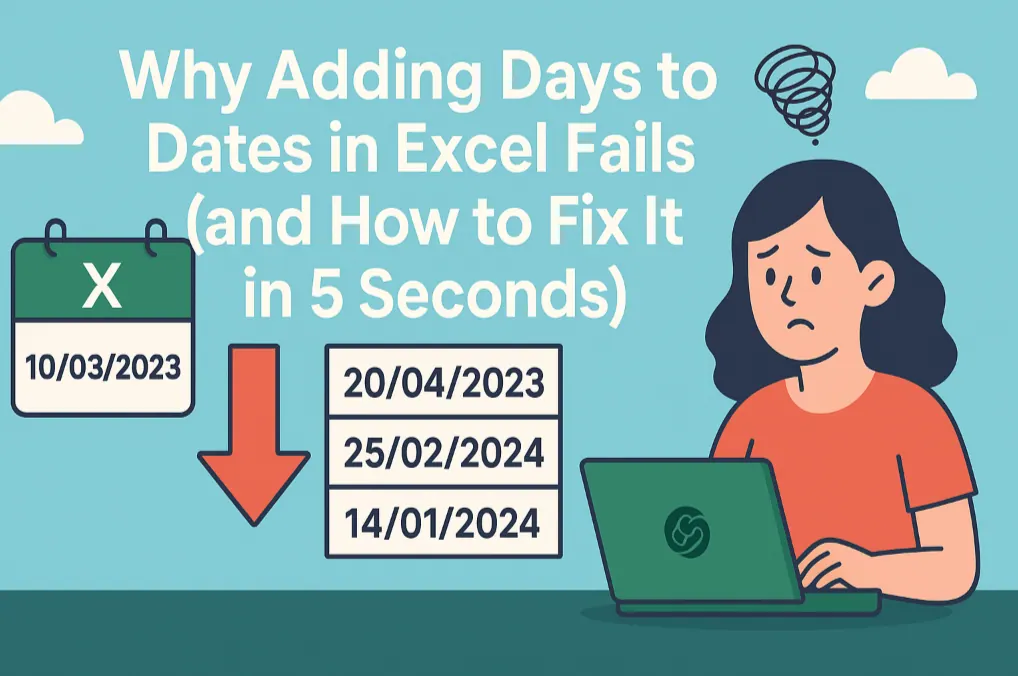
Why Adding Days to Dates in Excel Fails (and How to Fix It in 5 Seconds)
Calculating deadlines in Excel often breaks with a #VALUE! error due to inconsistent date formats. This guide reveals how RowSpeak’s AI solves this by interpreting a single command to clean, convert, and calculate dates instantly—no more manual fixes.
 Excel Essentials
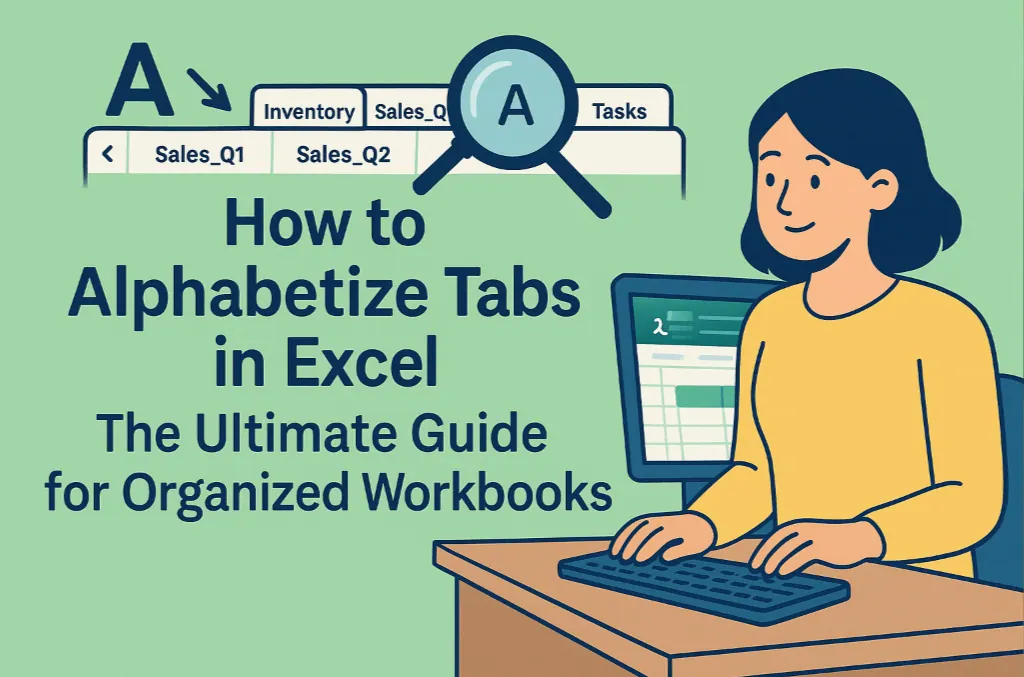
How to Alphabetize Tabs in Excel: The Ultimate Guide for Organized Workbooks
Tired of hunting through dozens of unsorted Excel tabs? Discover three proven methods to alphabetize your sheets - including a game-changing AI solution that does it automatically.
 Excel Essentials
How to Alphabetize in Google Sheets Without Messing Up Your Data
Sorting data in Google Sheets seems simple until your rows get scrambled. Here's how to alphabetize properly and keep everything organized.
 Excel Essentials
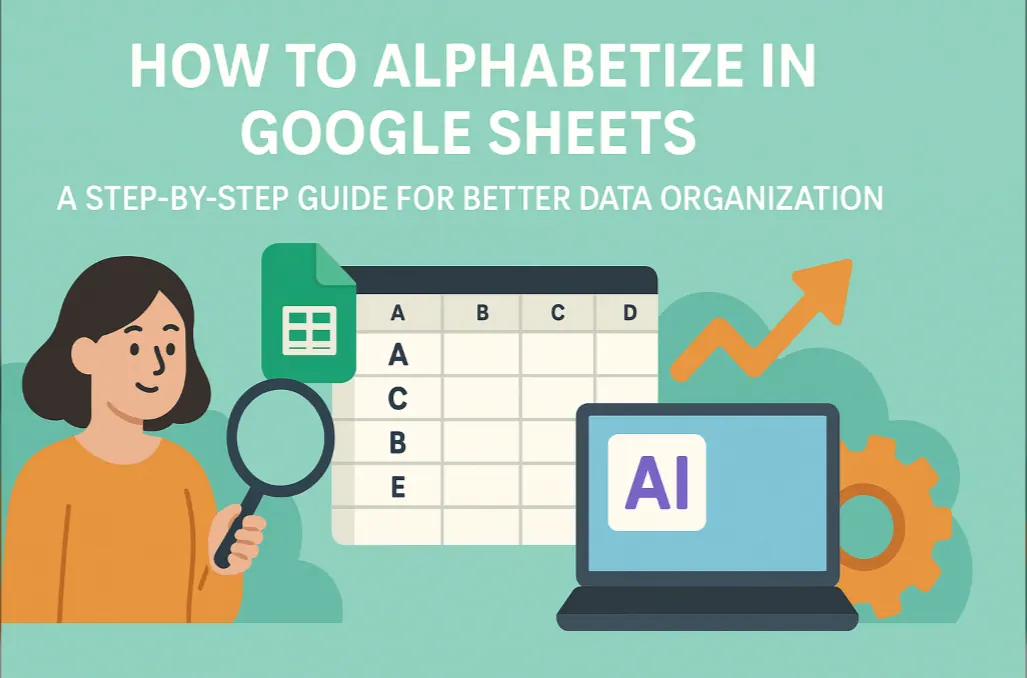
How to Alphabetize in Google Sheets: A Step-by-Step Guide for Better Data Organization
Struggling with messy data? Alphabetizing in Google Sheets can transform chaos into order. Here's your step-by-step playbook to sort like a pro.
 Excel Essentials
How to Alphabetize in Excel Without Messing Up Your Data
Sorting data in Excel should be simple, but one wrong move can turn your spreadsheet into chaos. Here’s how to alphabetize like a pro—without breaking your data.
 Excel Essentials
How to Alphabetize in Excel and Keep Rows Together (Without the Headache)
Tired of messy Excel sheets? This step-by-step guide shows you how to alphabetize data without breaking rows. And if you want to skip the manual work, RowSpeak’s AI does it all for you with one click.
 Excel Essentials
How to Add Hours in Excel: A Step-by-Step Guide for Time Tracking
Struggling with time calculations in Excel? Our easy guide shows you how to add hours like a pro, whether you're tracking work hours or project timelines.
 Excel Essentials
How to Add Horizontal Axis Labels in Google Sheets (Step-by-Step Guide)
Struggling with confusing charts in Google Sheets? This step-by-step guide shows you how to add horizontal axis labels like a pro—plus how RowSpeak can automate the entire process for you.
 Excel Essentials
How to Add Files to Google Sheets: A Complete Guide for Better Data Management
Struggling to keep your files and data in sync? Discover the best methods to add files to Google Sheets and transform your workflow with RowSpeak's AI-powered solutions.
 Excel Essentials
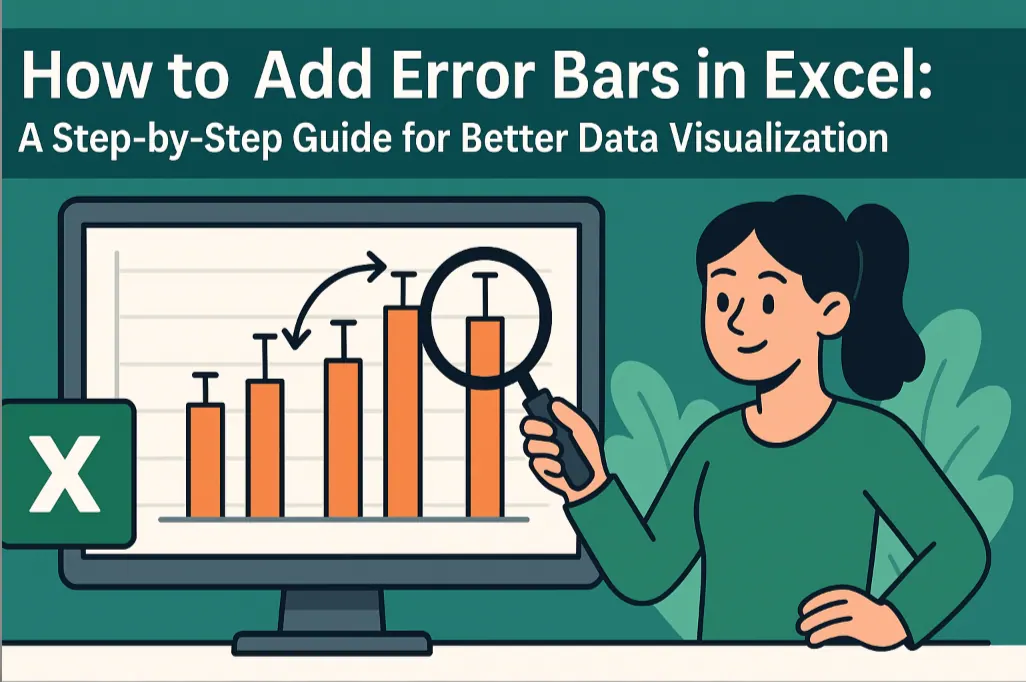
How to Add Error Bars in Excel: A Step-by-Step Guide for Better Data Visualization
Want to make your Excel charts more informative? Error bars are the secret weapon for visualizing data variability. Here's how to add them like a pro.
 Excel Essentials
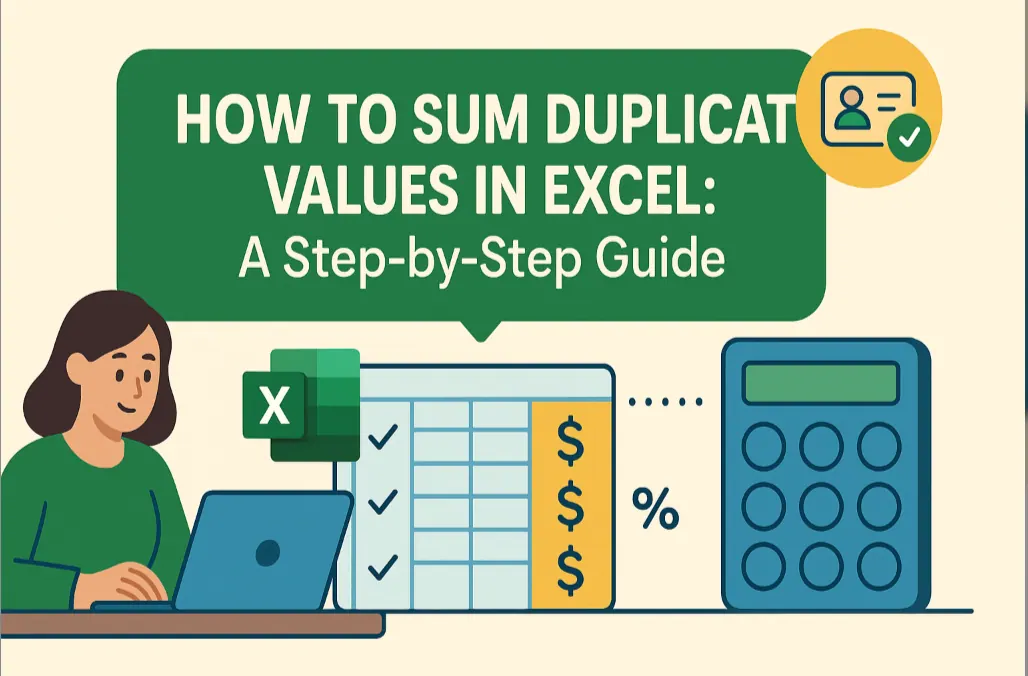
How to Sum Duplicate Values in Excel: A Step-by-Step Guide
Duplicate values can clutter your data and skew results. Discover simple yet powerful methods to sum duplicates in Excel and streamline your workflow with RowSpeak.
 Excel Essentials
How to Add Cells in Google Sheets: A Step-by-Step Guide for Smarter Data Management
Struggling to insert cells without breaking your spreadsheet? This practical guide walks you through Google Sheets cell insertion while introducing RowSpeak's AI-powered automation for effortless data management.
 Excel Essentials
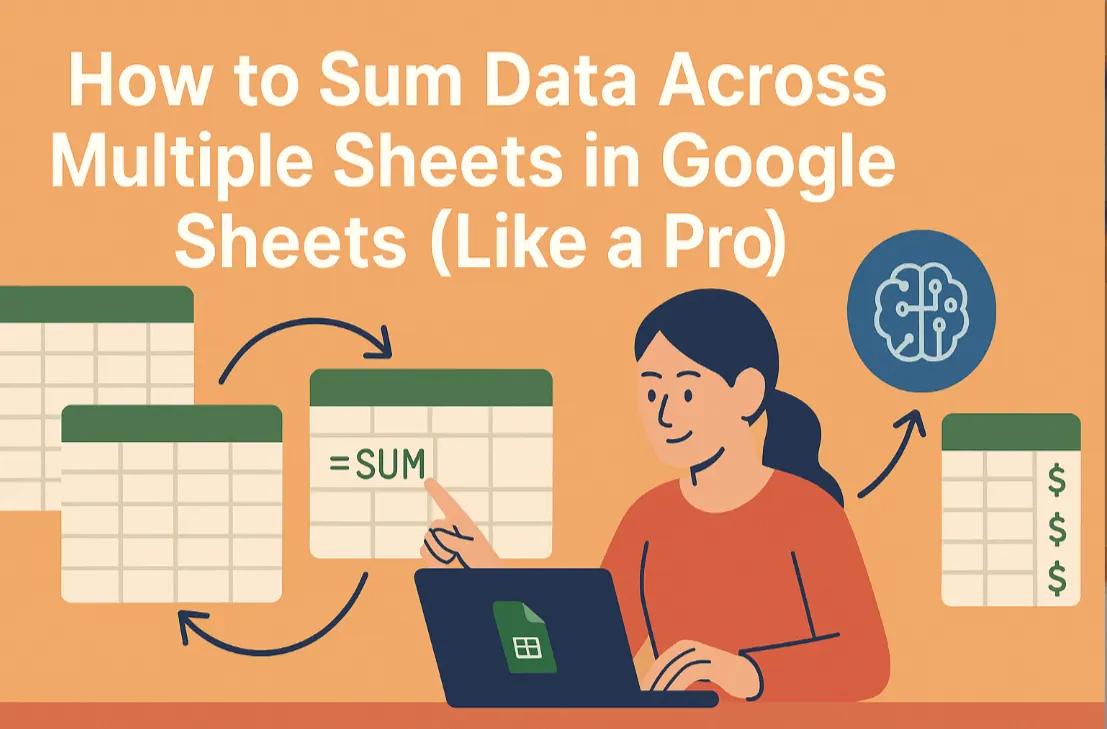
How to Sum Data Across Multiple Sheets in Google Sheets (Like a Pro)
Tired of jumping between spreadsheet tabs to calculate totals? Master cross-sheet formulas in Google Sheets to automatically combine data from multiple sources - no more manual copy-pasting!
 Excel Essentials
How to Add a Secondary Axis in Google Sheets (The Easy Way)
Struggling to compare different data scales in your charts? This step-by-step guide shows you how to add a secondary axis in Google Sheets - and how RowSpeak can do it automatically with AI.
 Excel Essentials
How to Add a Second Line in Excel Cells Like a Pro
Mastering line breaks in Excel cells can transform messy spreadsheets into clean, readable documents. Here's your ultimate guide to adding second lines with keyboard shortcuts, formulas, and smart formatting tricks.
 Excel Essentials
How to Sum Cells Across Multiple Excel Sheets Like a Pro
Struggling to consolidate data from multiple Excel sheets? Discover simple yet powerful techniques to sum cells across different tabs - no coding required!