
Excel Essentials
Formulas, tables, charts, and file basics for everyday spreadsheet work
 Excel Essentials
How to Add a Line to a Graph in Excel
Struggling to make your Excel graphs more impactful? This step-by-step guide shows you how to add lines to charts effortlessly. And if you're tired of manual work, RowSpeak can do it for you with AI-powered simplicity.
 Excel Essentials
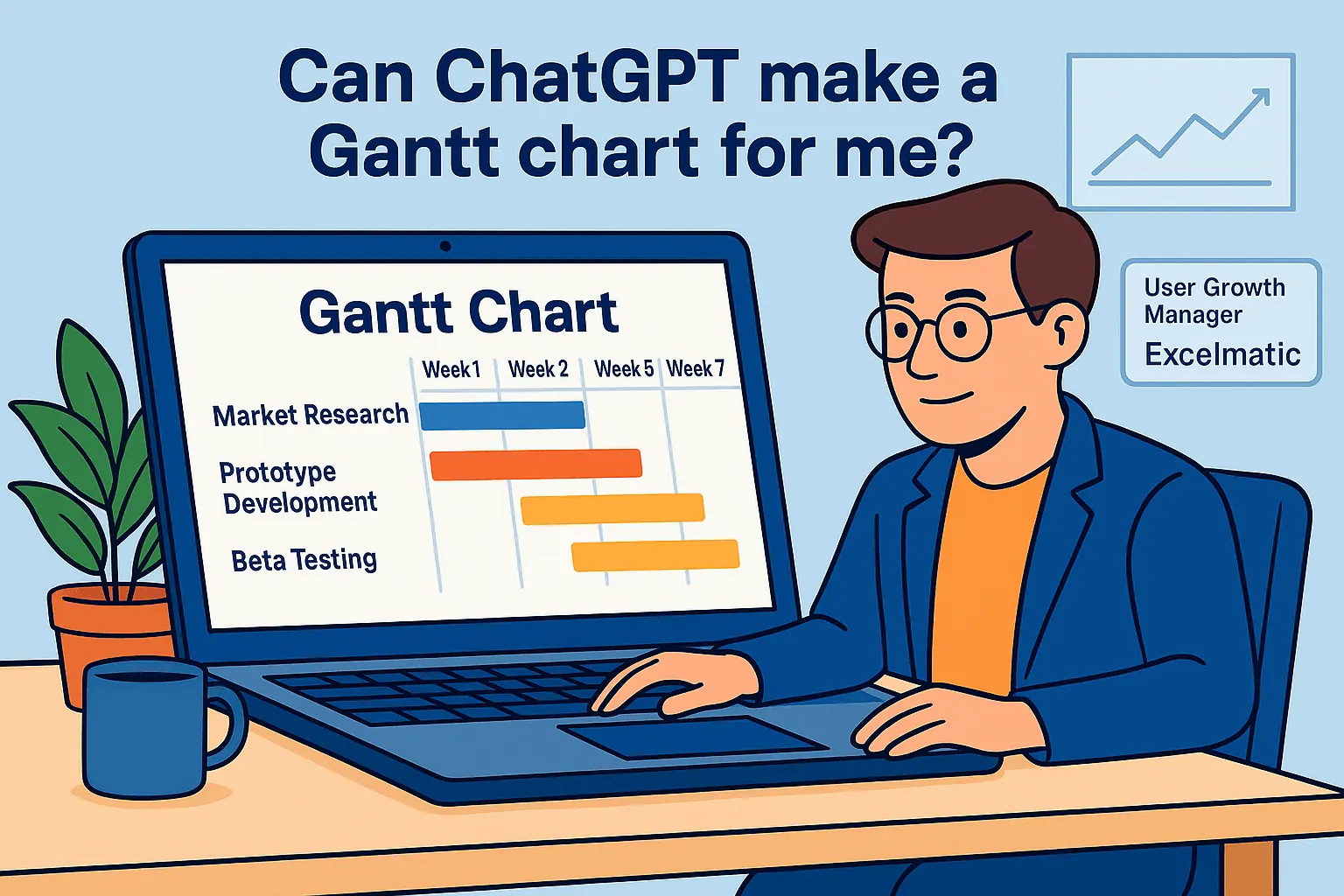
Can ChatGPT Create a Gantt Chart? Here’s What You Need to Know (And Better Alternatives)
While ChatGPT can guide you through Gantt chart creation, it can't generate them directly. Learn how RowSpeak simplifies project timeline visualization with AI-powered automation.
 Excel Essentials
How to Create Graphs with ChatGPT: A Complete Guide for Business Professionals
While ChatGPT offers valuable assistance in creating graphs through code generation and guidance, RowSpeak provides a seamless, no-code alternative for instant visualization. Learn how to leverage both tools for maximum impact.
 Excel Essentials
10 Best AI Chart and Graph Makers for Data-Driven Decisions in 2025
Learn how to solve 10 best ai chart and graph makers efficiently with modern tools and techniques.
 Excel Essentials
10 Best AI Tools for Chart Analysis in 2025
In today's data-driven world, effective chart analysis can mean the difference between insight and oversight. We've evaluated the leading AI tools that automate and enhance data visualization - with RowSpeak standing out as the most powerful, intuitive solution for businesses of all sizes.
 Excel Essentials
8 Free AI Tools That Make Excel, Charts, and Reporting Easier
These 8 AI tools are free and practical — from cleaning messy spreadsheets to building beautiful charts and summaries.
 Excel Essentials
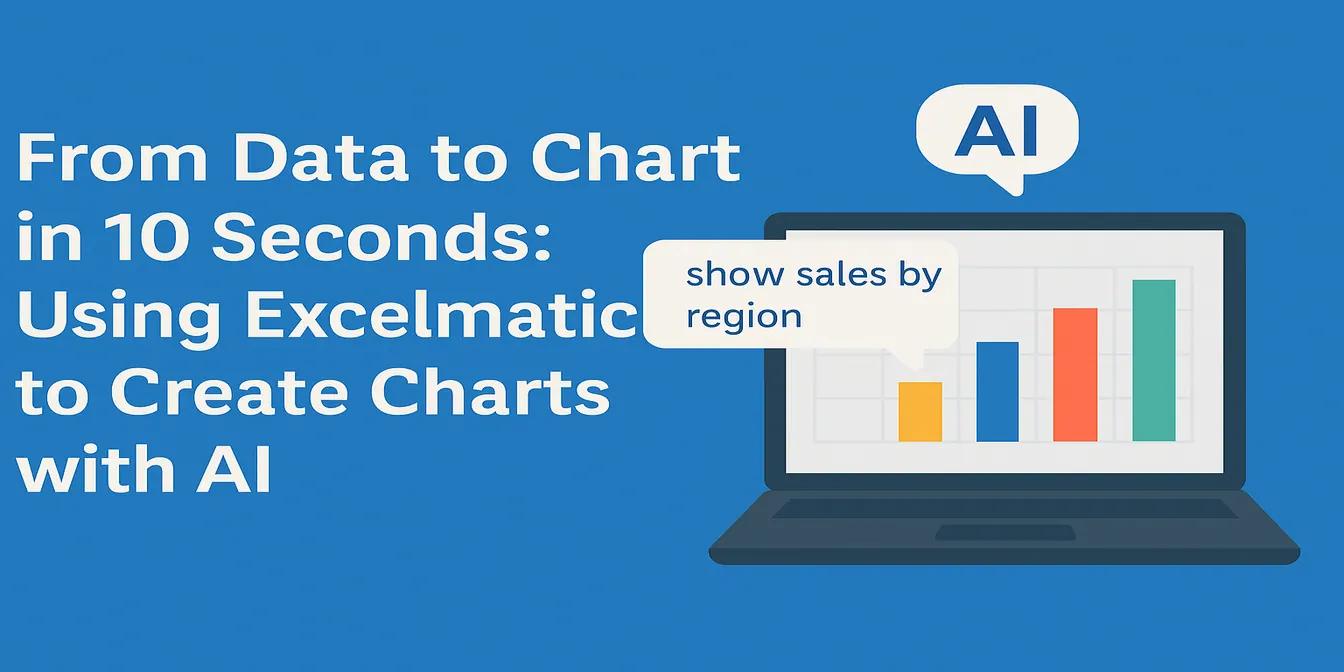
From Data to Chart in 10 Seconds: Using RowSpeak to Create Charts with AI
Manually creating charts in Excel is overrated. See how RowSpeak turns your spreadsheet into polished charts in just one prompt.
 Excel Essentials
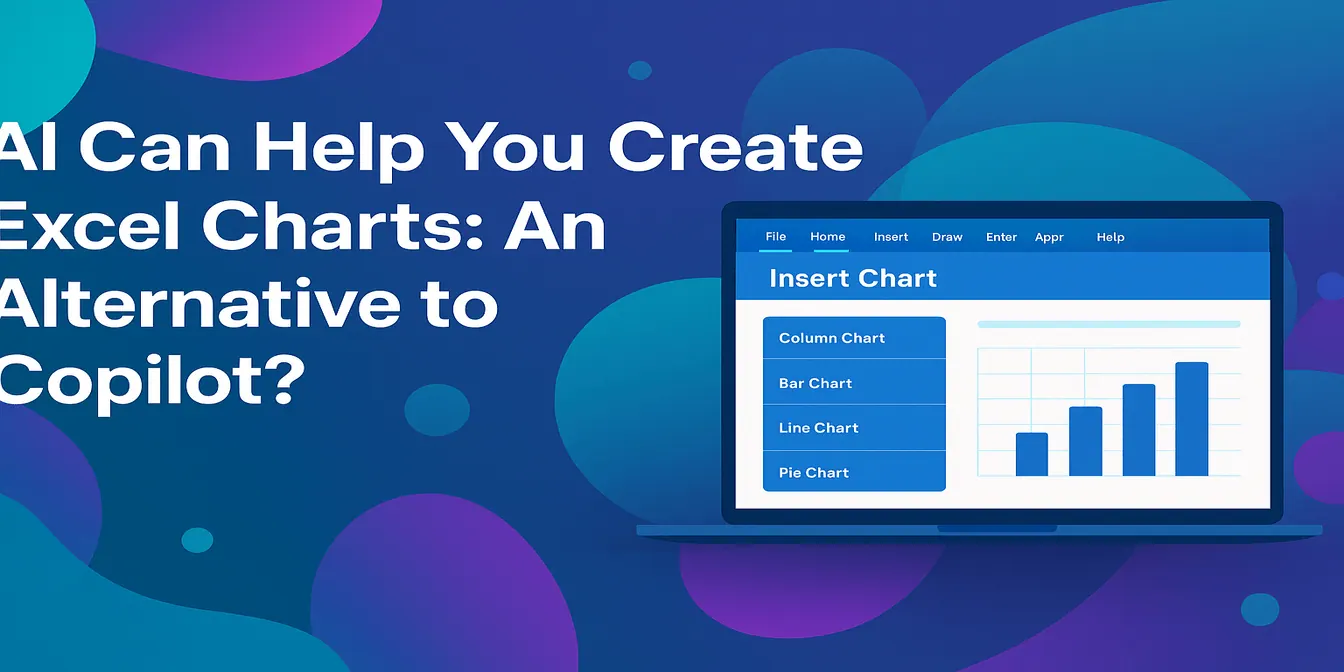
Let AI Handle Your Excel Charts: A Smarter Copilot Alternative?
Is RowSpeak the smarter Copilot alternative for Excel charts? Learn how this AI-powered chart editor saves you time and delivers better-looking visuals, faster.
 Excel Essentials
The Easiest Way to Make Excel Charts with AI (Free Download Inside)
Say goodbye to complex Excel chart templates. With RowSpeak’s AI, create professional bar, line, and pie charts in seconds using simple prompts—no coding or design experience required.
 Excel Essentials
5 Excel Charts You Can Instantly Generate with AI Using RowSpeak
Learn how to turn your Excel data into charts in seconds using AI. This blog shows 5 real-life examples of pie, bar, and line charts built with RowSpeak — and the insights it can generate automatically.
 Excel Essentials
AI Chart Generator – Instantly Transform Your Data into Stunning Visualizations
Transform raw spreadsheet data into stunning visualizations instantly with Exelmatic AI. No design skills needed – just click and create professional charts effortlessly!
 Excel Essentials
How to Create Stunning Excel Charts with Excel AI via RowSpeak
Today, let's explore how to use RowSpeak to quickly create high-quality charts in Excel.
 Excel Essentials
RowSpeak: AI-Powered Excel Chart Editor That Brings Data to Life!
RowSpeak helps you gain insights quickly and presents them in the most intuitive way.
- Excel Essentials
E-commerce data analysis is too much of a headache, RowSpeak chart visualization to the rescue!
In the field of e-commerce, data is like a mine of treasures, but at the same time, it is also a big mountain of headaches.