
Excel Essentials
Formulas, tables, charts, and file basics for everyday spreadsheet work
 Excel Essentials
How to Add Business Days in Excel: A Step-by-Step Guide for Smarter Scheduling
Tired of manual date calculations? Discover how Excel's business day functions can automate your scheduling and save you hours—plus how RowSpeak takes this efficiency to the next level.
 Excel Essentials
How to Center Elements in Excel Headers Like a Pro (Step-by-Step Guide)
Want to make your Excel reports look more professional? Centering elements in your header is an easy win. Here's exactly how to do it - plus pro tips to level up your spreadsheet game.
 Excel Essentials
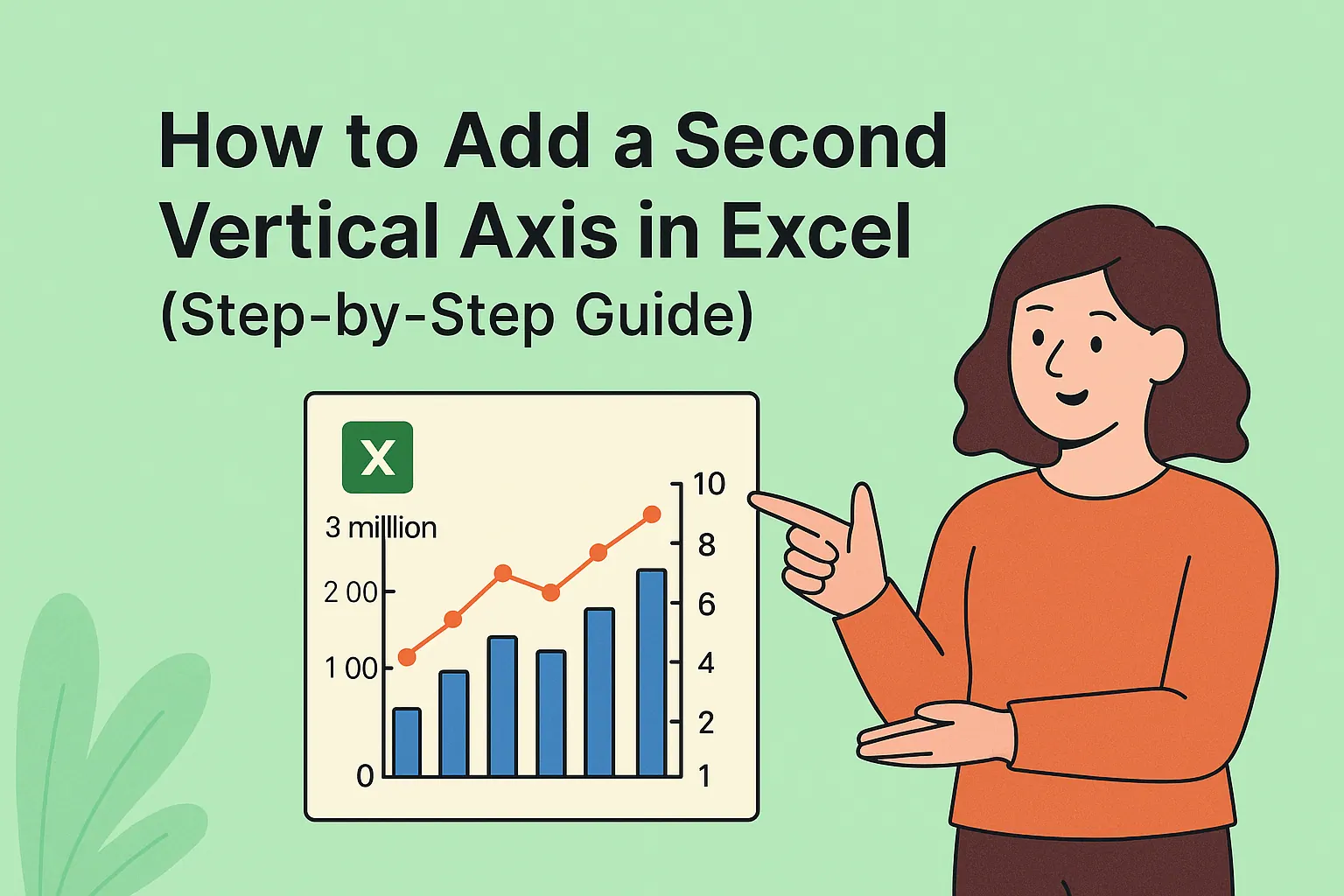
How to Add a Second Vertical Axis in Excel (Step-by-Step Guide)
Struggling to show multiple data sets with different scales? Our step-by-step guide shows you how to add a second vertical axis in Excel for clearer data visualization.
 Excel Essentials
How to Add a Search Bar in Excel: 5 Simple Methods for Faster Data Lookup
Tired of endless scrolling through Excel files? We'll show you multiple methods - from basic filters to advanced VBA - to create a functional search bar that makes data lookup instant.
 Excel Essentials
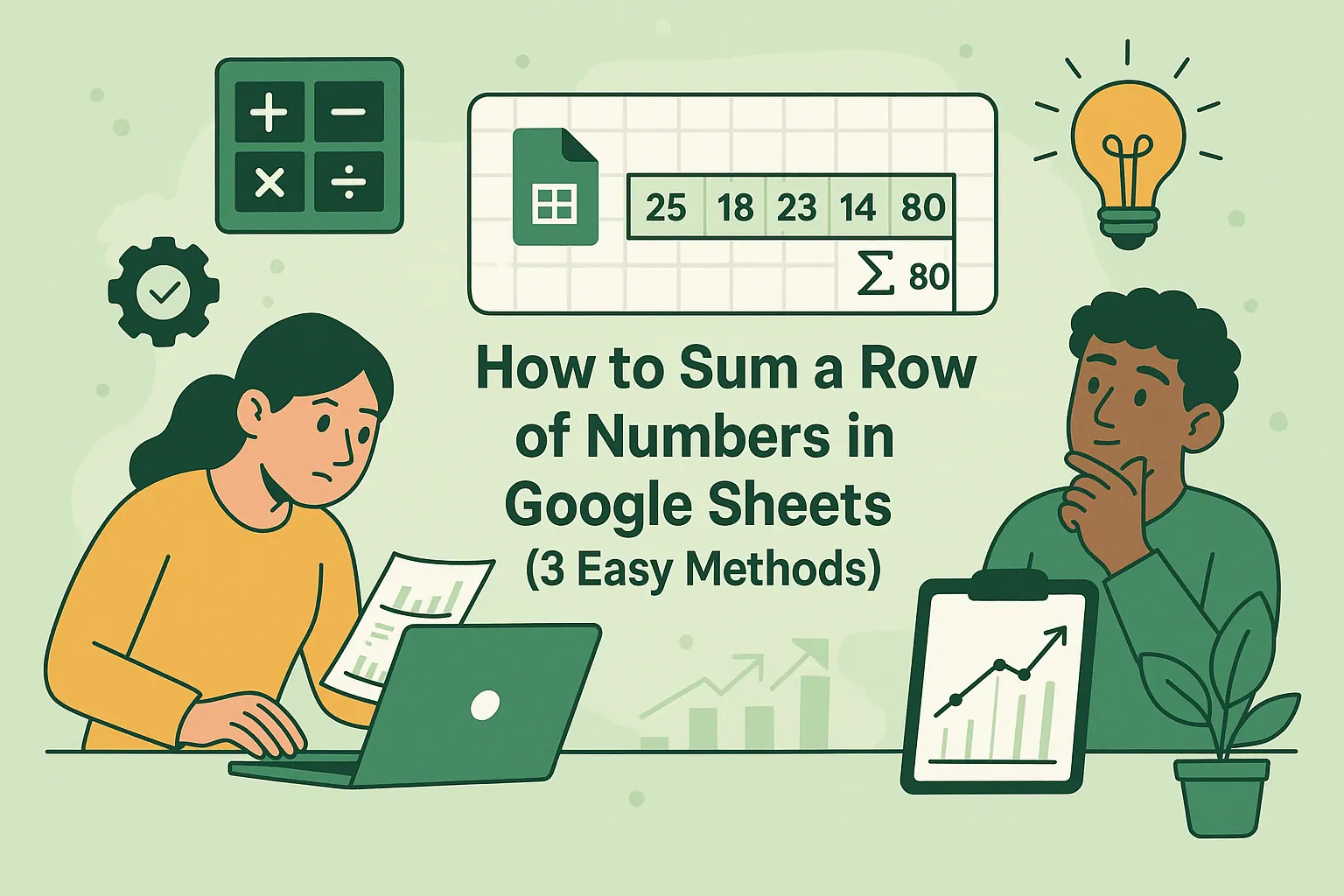
How to Sum a Row of Numbers in Google Sheets (3 Easy Methods)
Tired of manual calculations? This guide shows you multiple ways to sum rows in Google Sheets - and how AI tools like RowSpeak can do it automatically.
 Excel Essentials
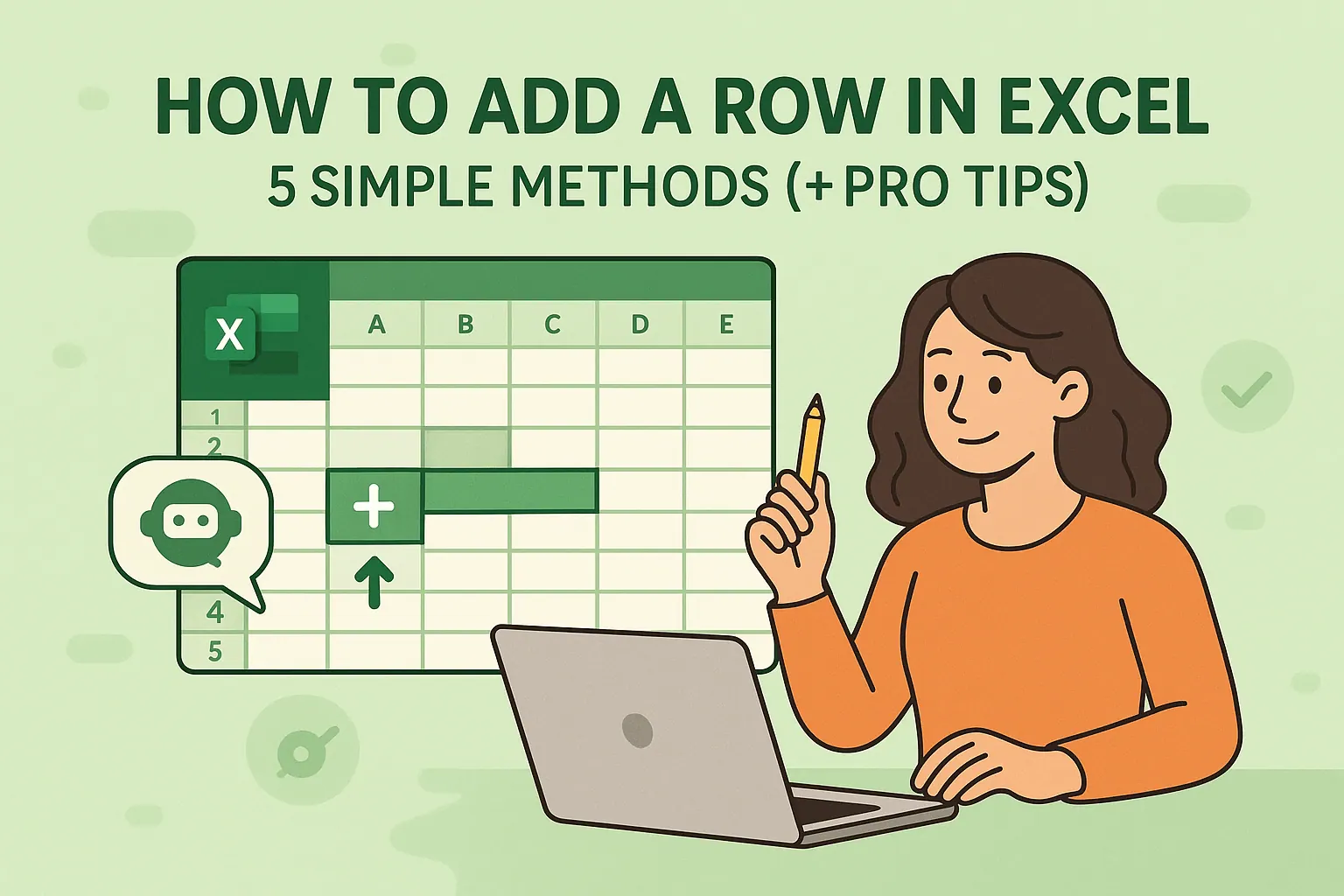
How to Add a Row in Excel: 5 Simple Methods (+ Pro Tips)
Adding rows in Excel seems basic, but knowing multiple methods can save you hours. Discover keyboard shortcuts, table tricks, and how to handle tricky situations like merged cells.
 Excel Essentials
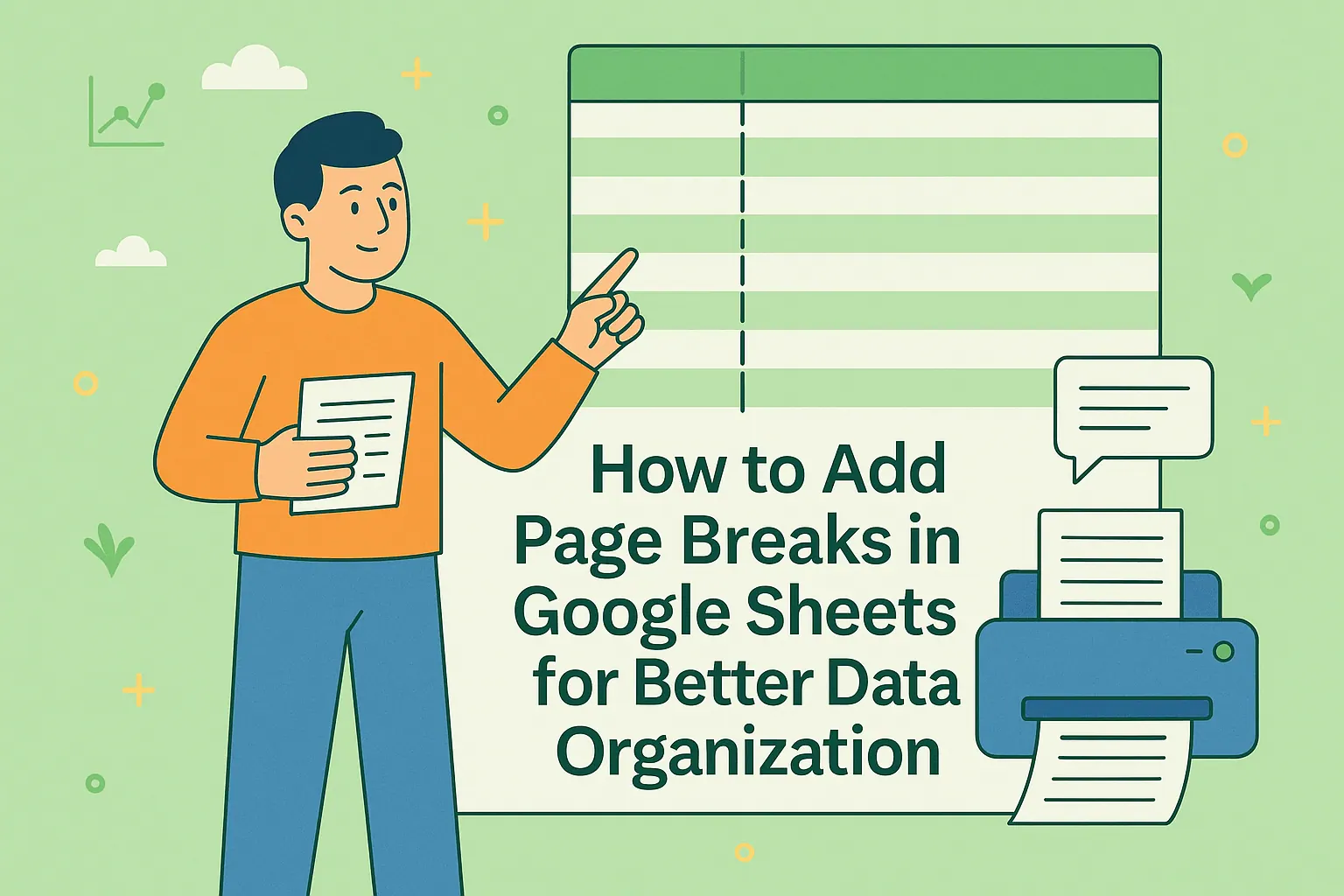
How to Add Page Breaks in Google Sheets for Better Data Organization
Struggling with cluttered Google Sheets? This guide walks you through adding page breaks, line breaks, and formula breaks to organize your data effectively. We'll also show you how RowSpeak can simplify these processes with AI-powered automation.
 Excel Essentials
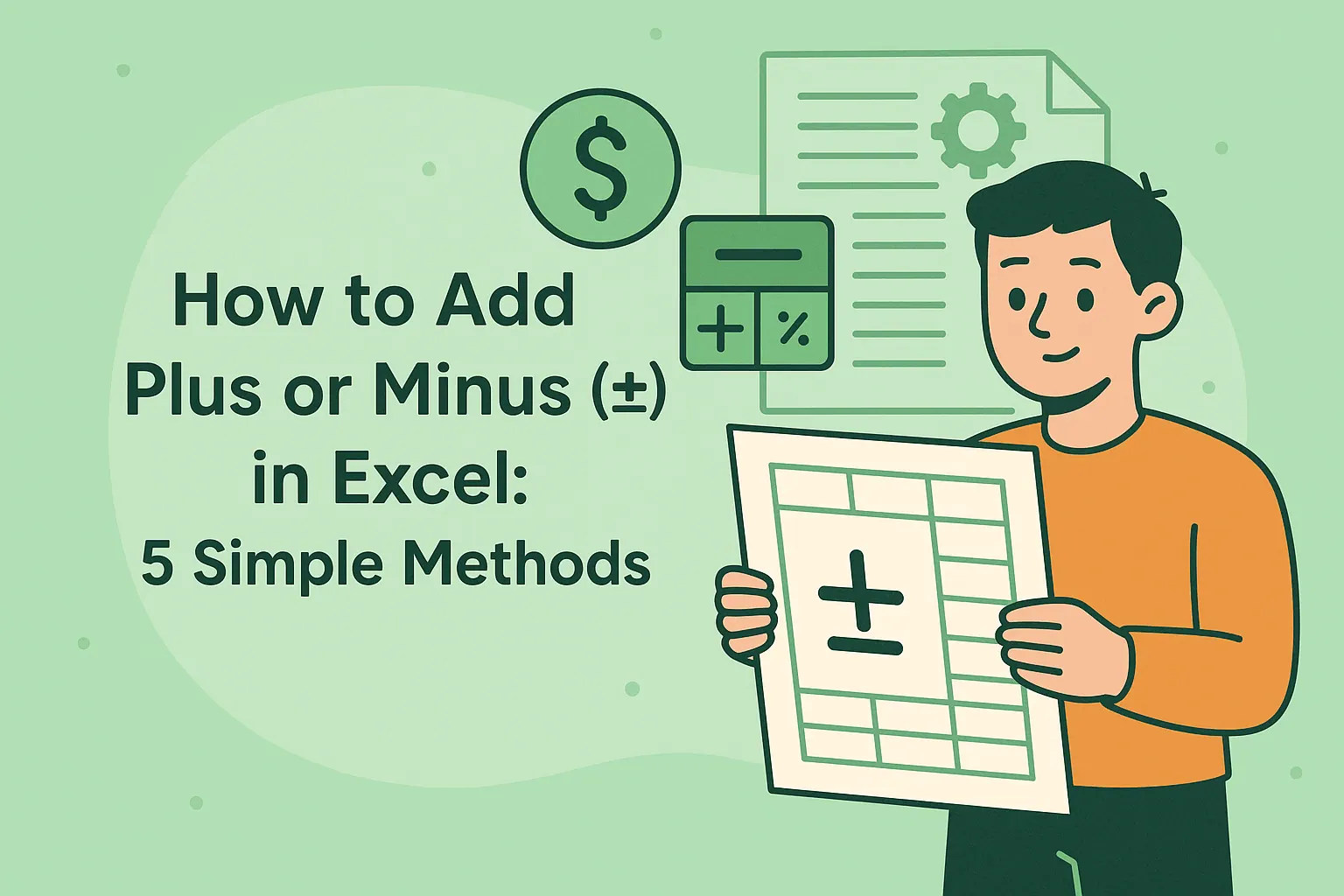
How to Add Plus or Minus (±) in Excel: 5 Simple Methods
Struggling to add the ± symbol in Excel? This guide breaks down 5 foolproof methods to insert plus/minus signs—whether you need static symbols or dynamic formulas. Level up your spreadsheets today!
 Excel Essentials
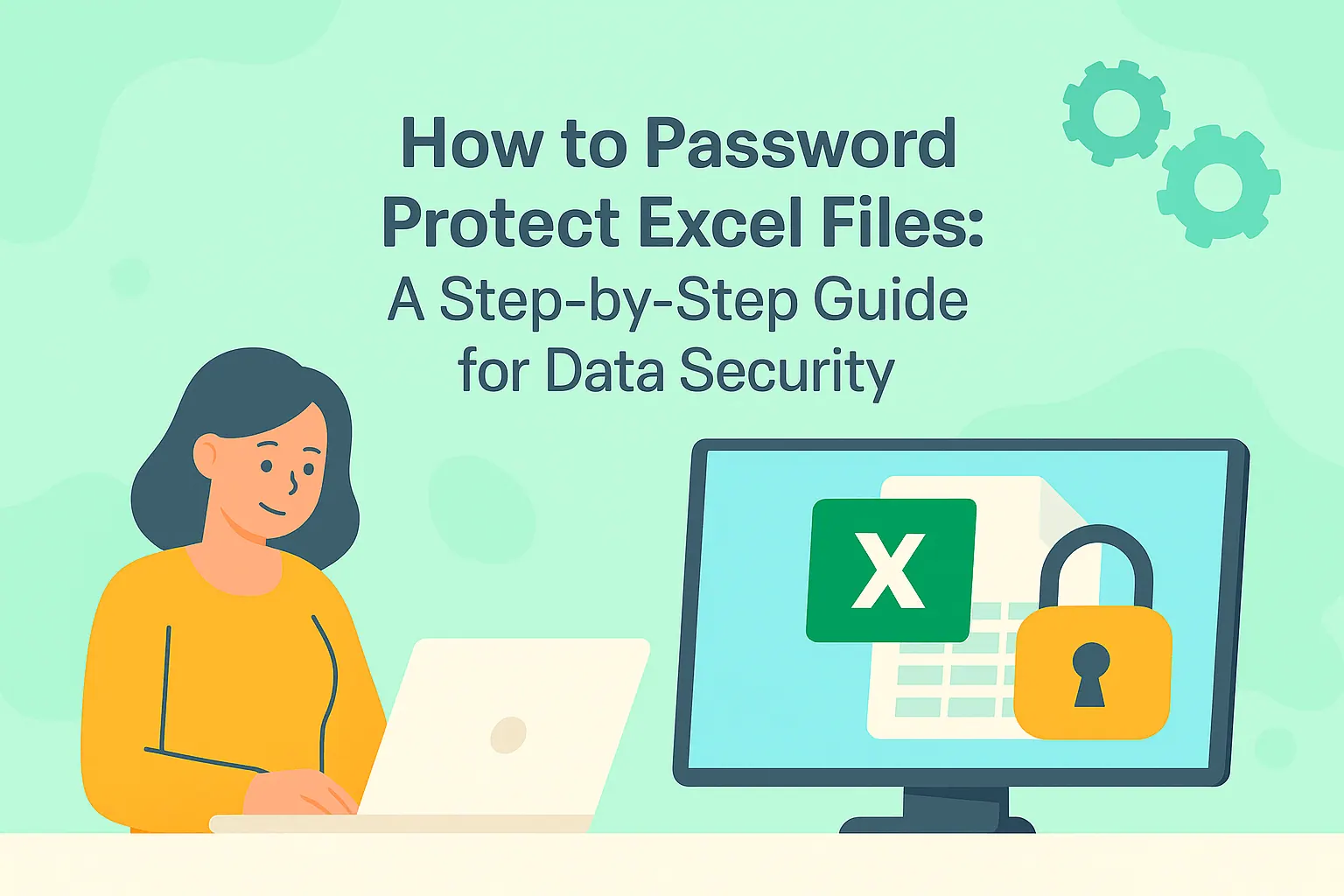
How to Password Protect Excel Files: A Step-by-Step Guide for Data Security
Your Excel files contain goldmines of sensitive data. Discover how simple password protection can prevent costly data breaches and keep your information secure.
 Excel Essentials
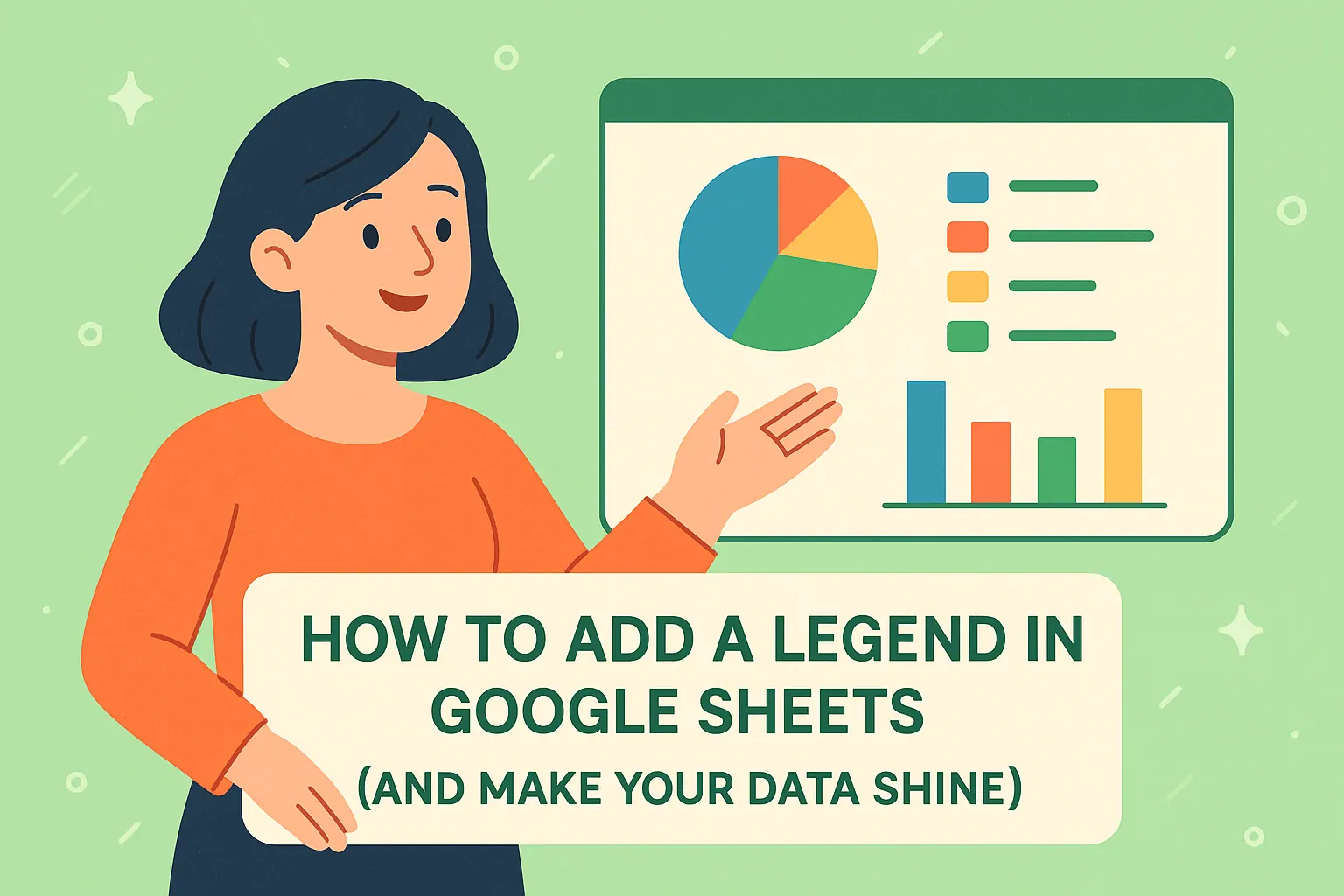
How to Add a Legend in Google Sheets (And Make Your Data Shine)
Struggling with confusing charts? This step-by-step guide shows you how to add professional legends in Google Sheets, with bonus tips for making your data visualizations pop.
 Excel Essentials
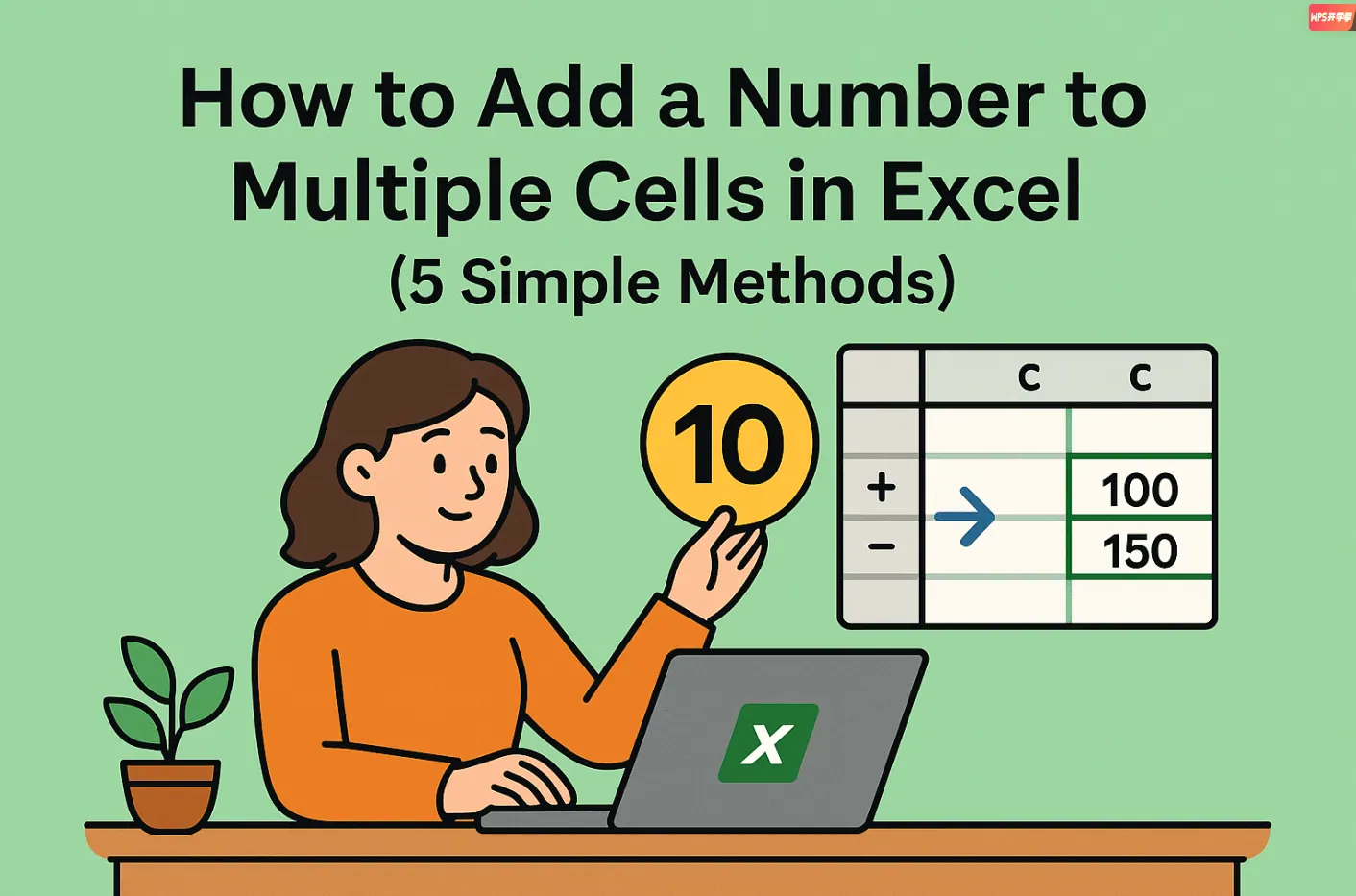
How to Add a Number to Multiple Cells in Excel (5 Simple Methods)
Tired of manually updating hundreds of cells? Discover how RowSpeak and built-in Excel features can help you add numbers to multiple cells in seconds - no coding required.
 Excel Essentials
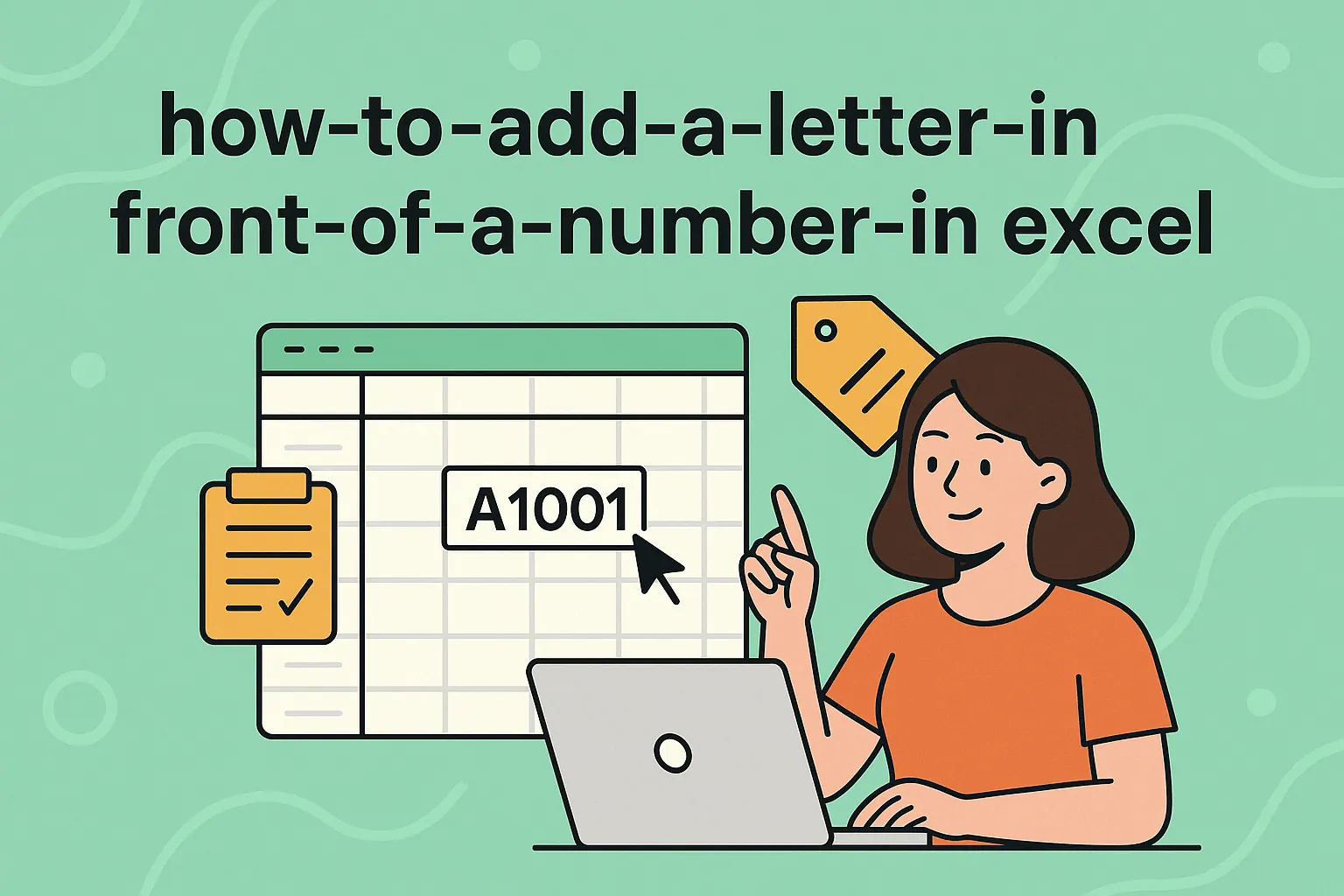
How to Add a Letter Before Numbers in Excel (5 Simple Methods)
Whether you're creating product IDs or formatting reports, adding letters before numbers in Excel shouldn't be complicated. Here's how to do it in seconds.
 Excel Essentials
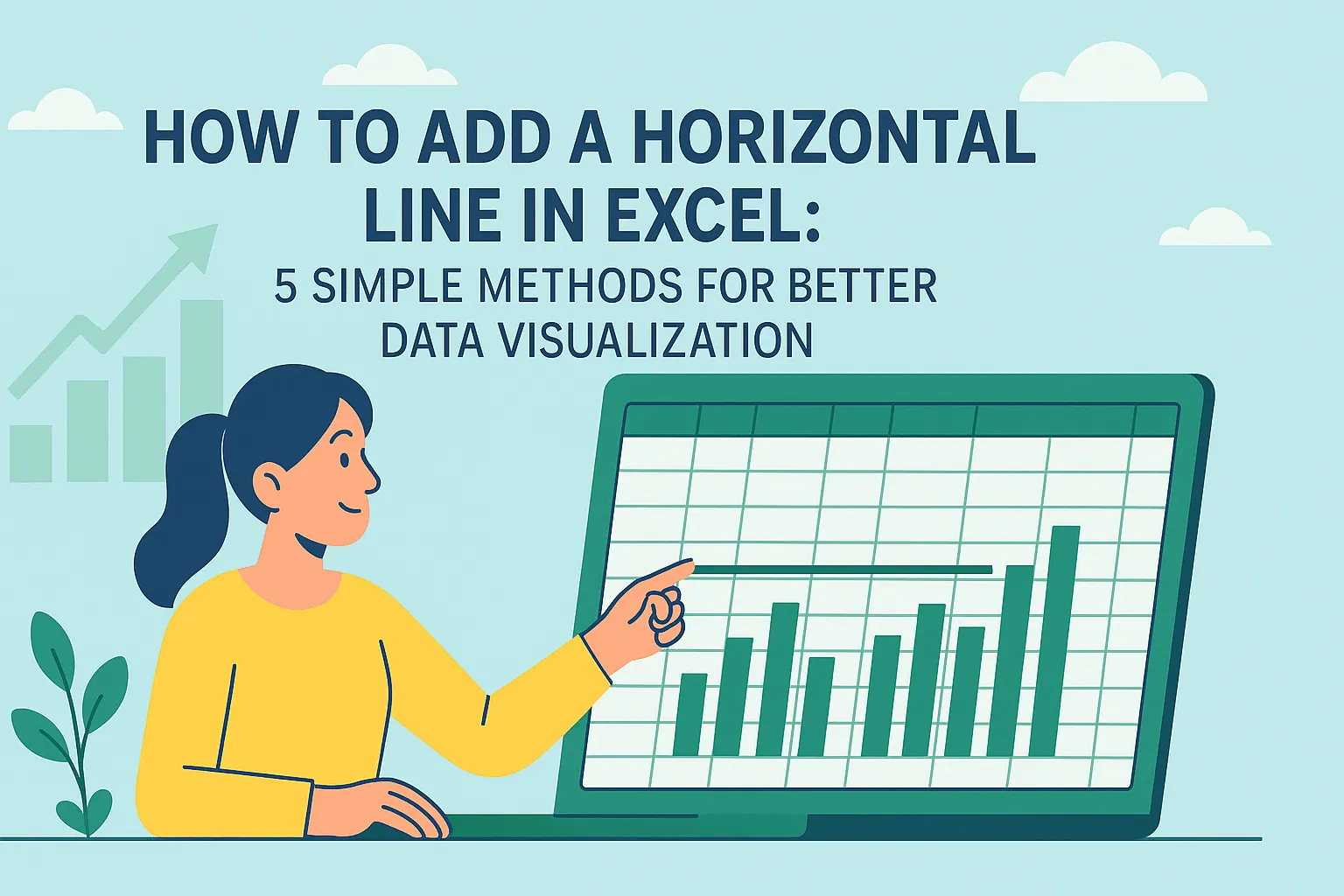
How to Add a Horizontal Line in Excel: 5 Simple Methods for Better Data Visualization
Horizontal lines in Excel aren't just decorative - they're powerful visual cues. Discover multiple methods to add them, whether you're marking targets, separating sections, or improving readability.
 Excel Essentials
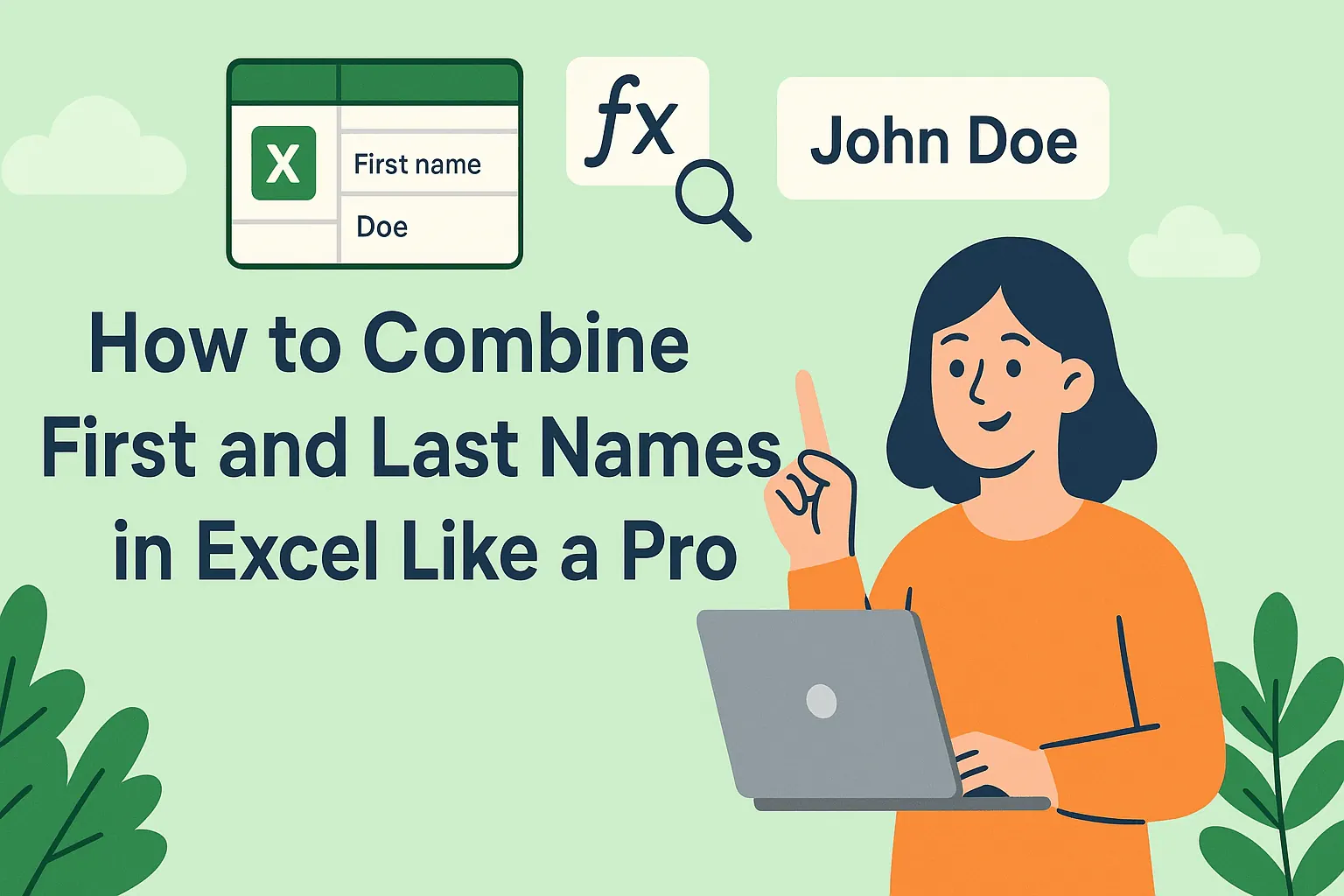
How to Combine First and Last Names in Excel Like a Pro
From basic concatenation to AI-powered automation, discover how to cleanly merge names in Excel—even with middle initials, prefixes, or messy data.
 Excel Essentials
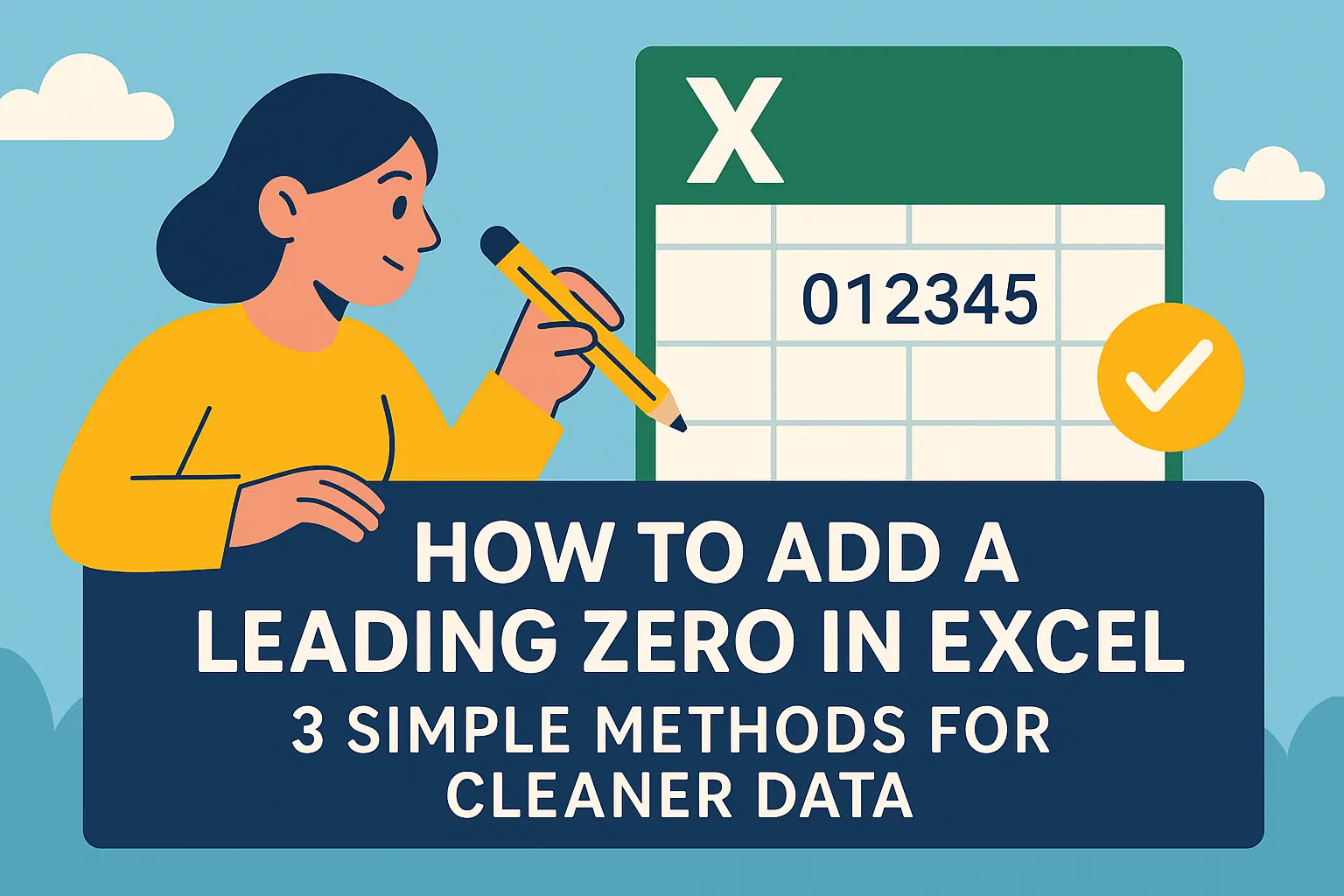
How to Add a Leading Zero in Excel: 3 Simple Methods for Cleaner Data
Whether you're preparing product codes or standardizing IDs, adding leading zeros in Excel doesn't have to be complicated. Discover the fastest methods to format your data perfectly every time.
 Excel Essentials
How to Add a Heading in Excel (And Make It Look Pro)
Struggling with messy Excel sheets? A proper heading can transform chaos into clarity. Here's your step-by-step guide to creating professional Excel headings, plus how AI-powered tools can save you time.
 Excel Essentials
How to Add Divider Lines in Google Sheets for Better Data Organization
Divider lines transform cluttered spreadsheets into organized, readable documents. This guide walks you through multiple techniques to separate your data effectively, plus how AI tools like RowSpeak can streamline the process.
 Excel Essentials
Mastering Duration Calculations in Google Sheets: A Step-by-Step Guide
Struggling with time calculations in Google Sheets? Discover professional techniques for handling durations like a pro, plus how RowSpeak can automate your workflow.
 Excel Essentials
How to Add Dollar Signs in Google Sheets: A Step-by-Step Guide for Professionals
Struggling with currency formatting in Google Sheets? This guide shows you multiple methods to add dollar signs, customize currencies, and automate the process—making your financial data crystal clear.
 Excel Essentials
How to Add Dollar Signs in Excel: A Step-by-Step Guide for Financial Data
Mastering dollar signs in Excel isn't just about aesthetics—it's about clarity in financial reporting. Here's how to do it like a pro.
 Excel Essentials
How to Add a Degree Symbol in Google Sheets (5 Simple Methods)
Whether you're tracking weather data or creating scientific reports, that tiny ° symbol matters more than you think. Here's your ultimate guide to inserting degree symbols like a pro - no technical skills required!
 Excel Essentials
How to Add a Degree Symbol in Excel (5 Quick Methods)
Whether you're logging temperatures or working with angles, that elusive degree symbol can be frustrating. We'll show you keyboard shortcuts, formula tricks, and even how to automate it with RowSpeak's AI-powered features.
 Excel Essentials
How to Analyze Sales Data in Excel Like a Pro (Even If You're Not One)
Staring at rows of sales data in Excel? Don't stress. This guide breaks down sales analysis into simple steps anyone can follow, with tips to save hours using AI-powered tools like RowSpeak.
 Excel Essentials
How to Analyze Marketing Data in Spreadsheets Like a Pro
Struggling with messy marketing data? Discover how to organize, analyze, and visualize your data effectively - plus how AI tools like RowSpeak can automate 80% of the work for you.
 Excel Essentials
How to Analyze Large Data Sets in Excel Like a Pro
Struggling with massive spreadsheets? Learn how to sort, filter, and analyze large datasets efficiently using Excel's built-in features and modern AI solutions.
 Excel Essentials
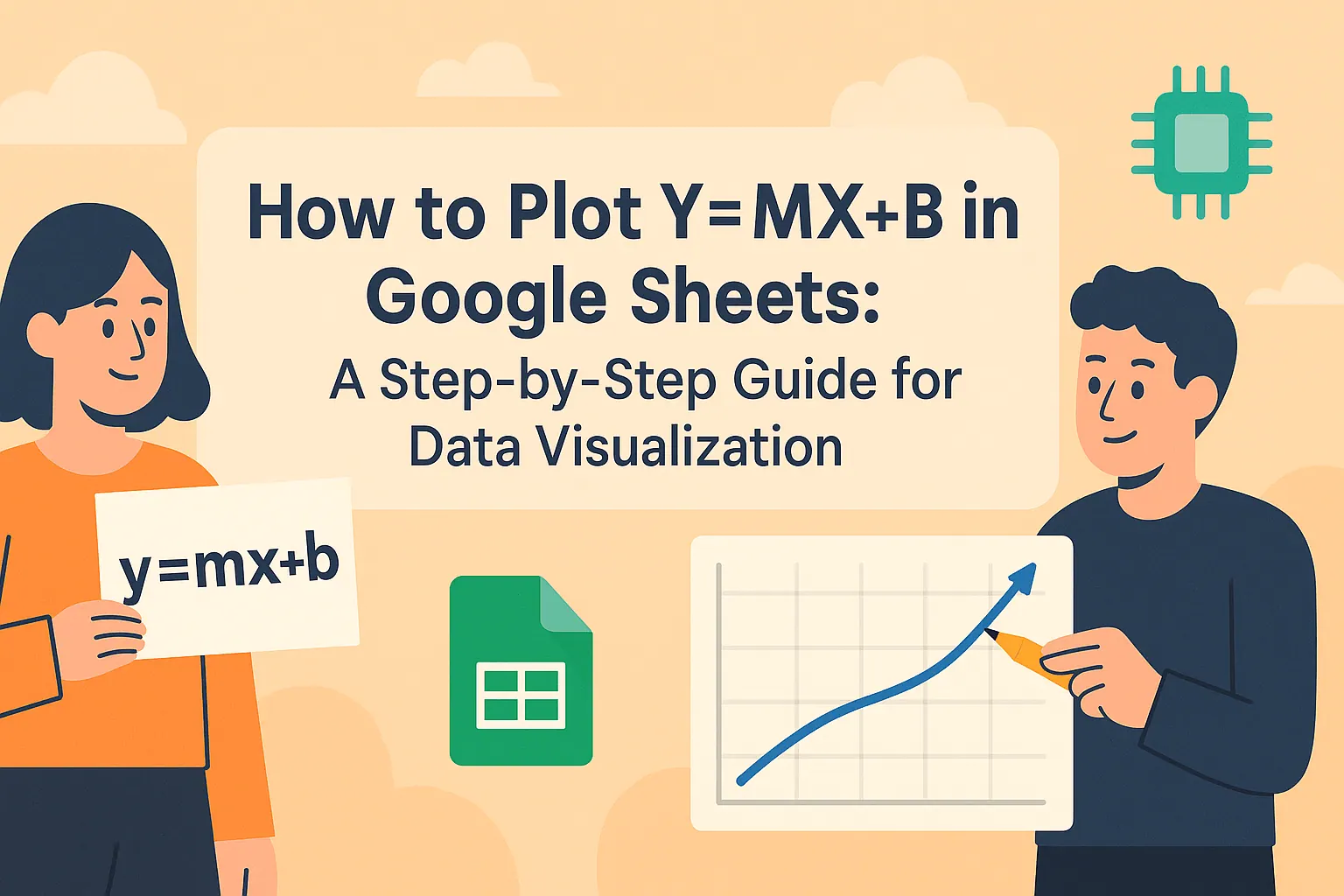
How to Plot Y=MX+B in Google Sheets: A Step-by-Step Guide for Data Visualization
Struggling to visualize linear relationships in your data? This step-by-step tutorial shows you how to plot y=mx+b equations in Google Sheets and take your data analysis to the next level.
 Excel Essentials
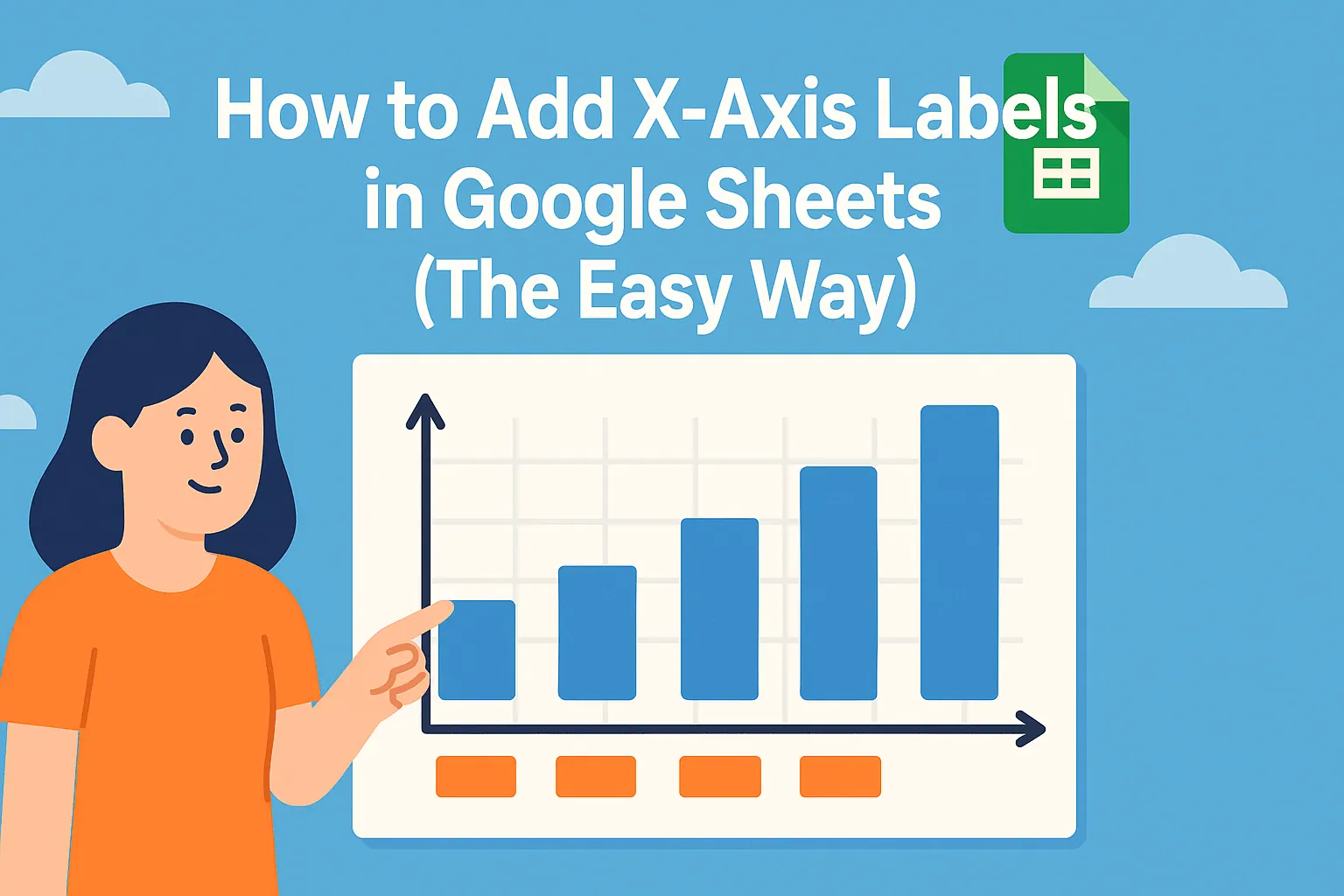
How to Add X-Axis Labels in Google Sheets (The Easy Way)
Struggling to make sense of your Google Sheets charts? Adding proper X-axis labels transforms messy data into compelling stories. Here's exactly how to do it.
 Excel Essentials
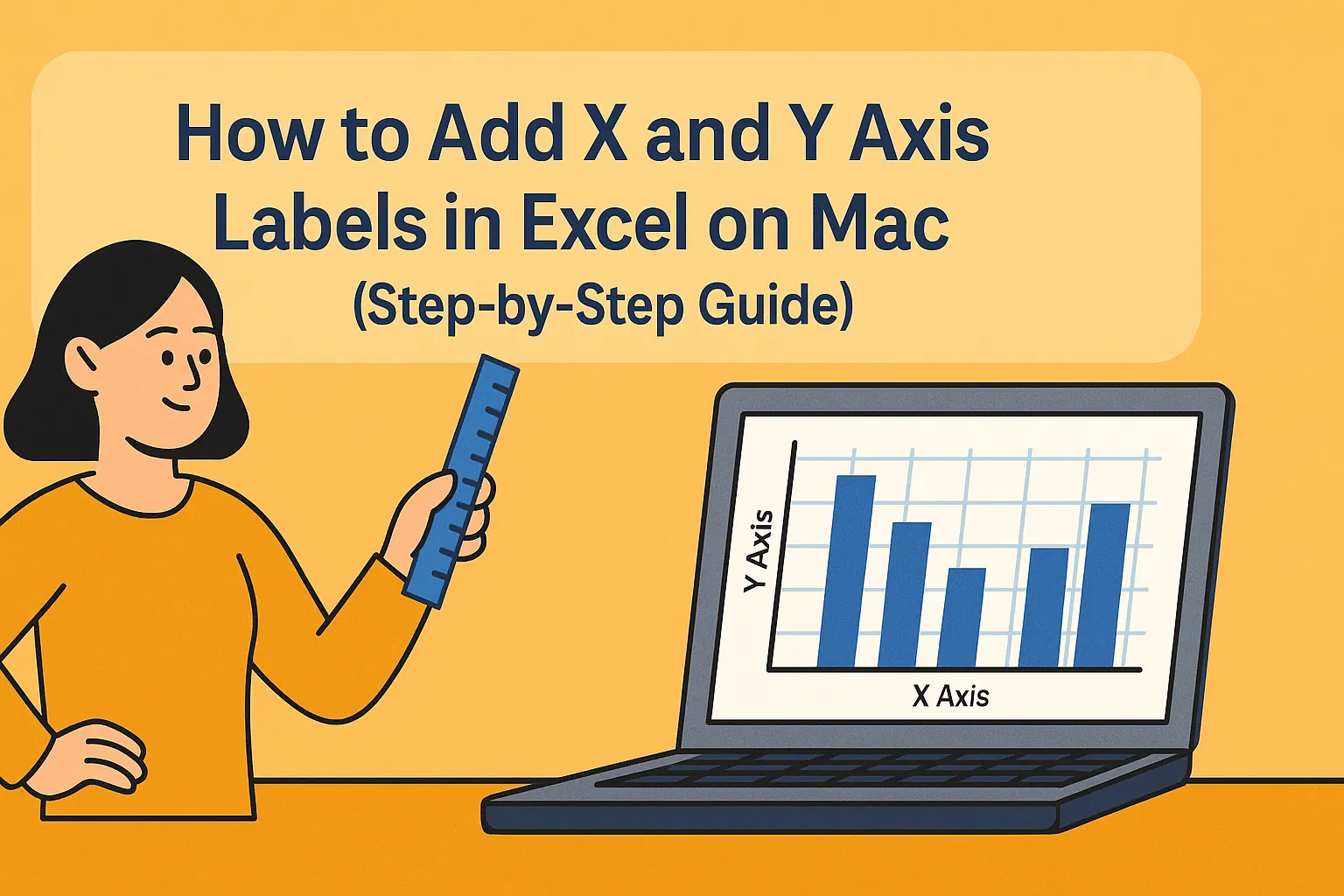
How to Add X and Y Axis Labels in Excel on Mac (Step-by-Step Guide)
Make your Excel charts instantly clearer by mastering axis labels on Mac. We'll walk you through the process with pro tips to elevate your data visualization game.
 Excel Essentials
How to Add Workdays to a Date in Excel (Skip Weekends & Holidays)
Tired of manually counting workdays? Excel's WORKDAY function automatically skips weekends and holidays to give you precise date calculations. Here's how to use it like a pro.
 Excel Essentials
How to Sum Numbers in Excel Like a Pro: A Step-by-Step Guide
Tired of manual number crunching? Learn the fastest ways to add up numbers in Excel—and how AI-powered tools like RowSpeak can do it for you automatically.
 Excel Essentials
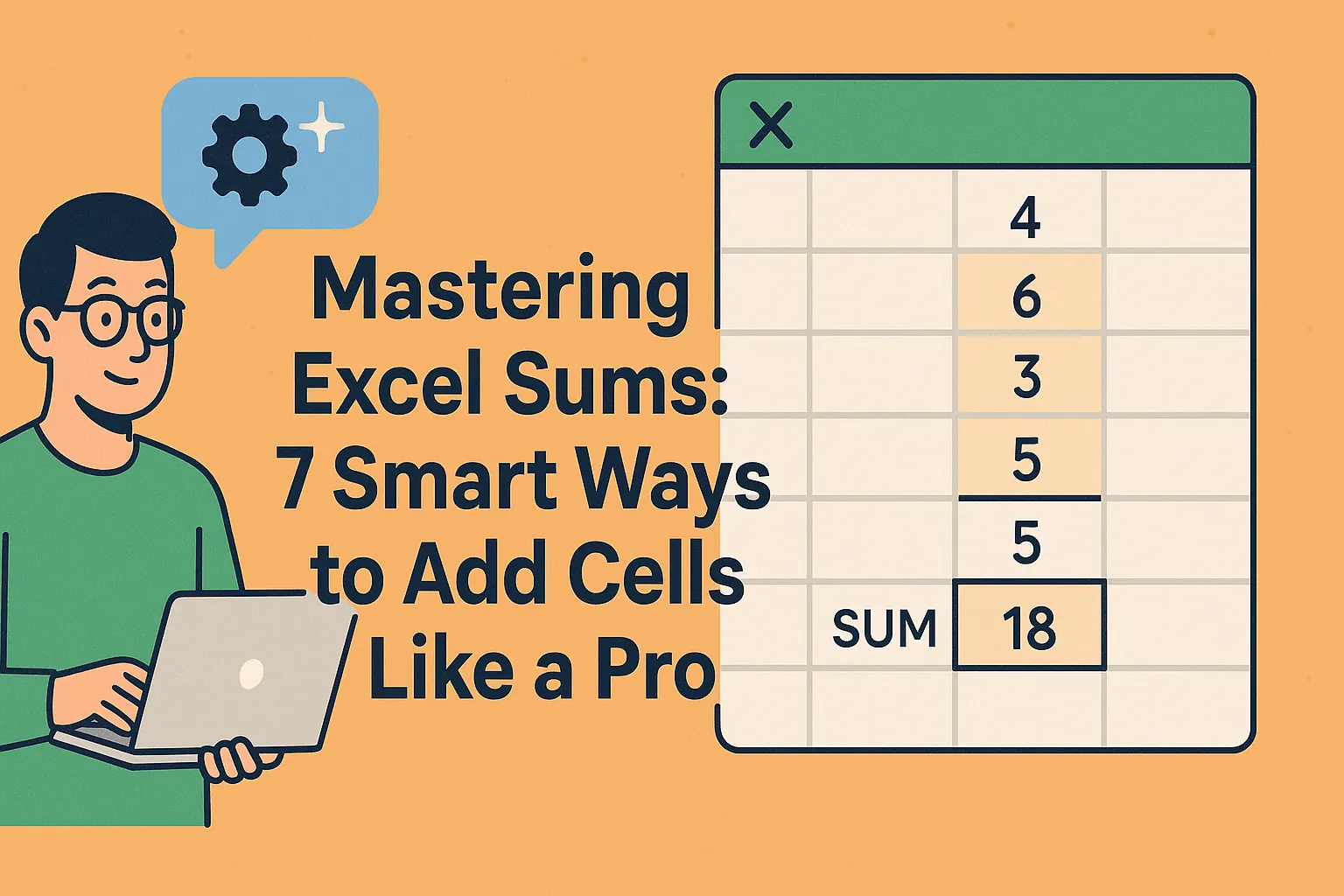
Mastering Excel Sums: 7 Smart Ways to Add Cells Like a Pro
Tired of manually adding numbers in Excel? Whether you're summing budgets, sales, or expenses, this guide covers everything from simple plus signs to AI-powered automation with RowSpeak.
 Excel Essentials
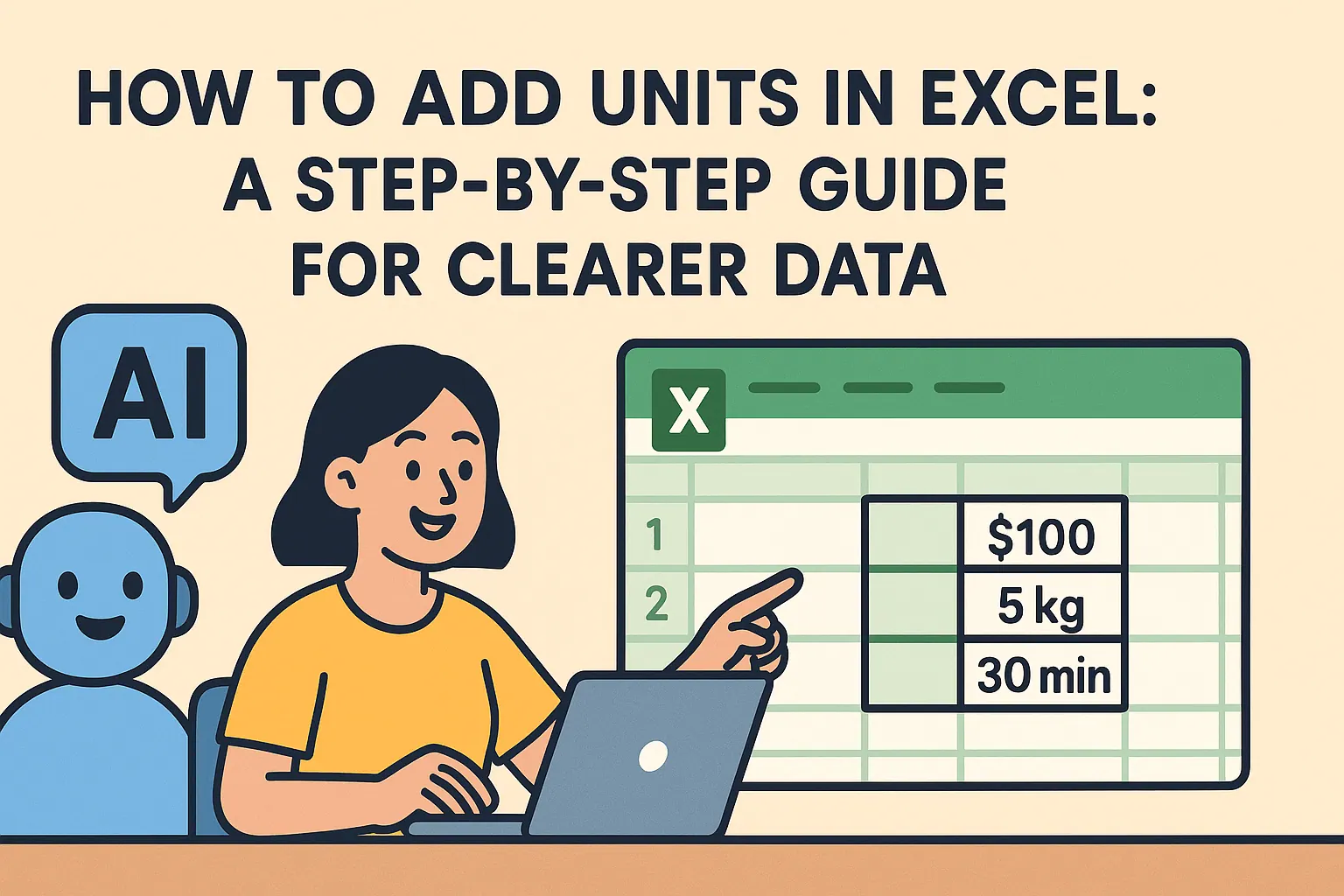
How to Add Units in Excel: A Step-by-Step Guide for Clearer Data
Numbers without units are like coffee without caffeine—pointless. Discover how to add units in Excel effortlessly and make your data instantly understandable.
 Excel Essentials
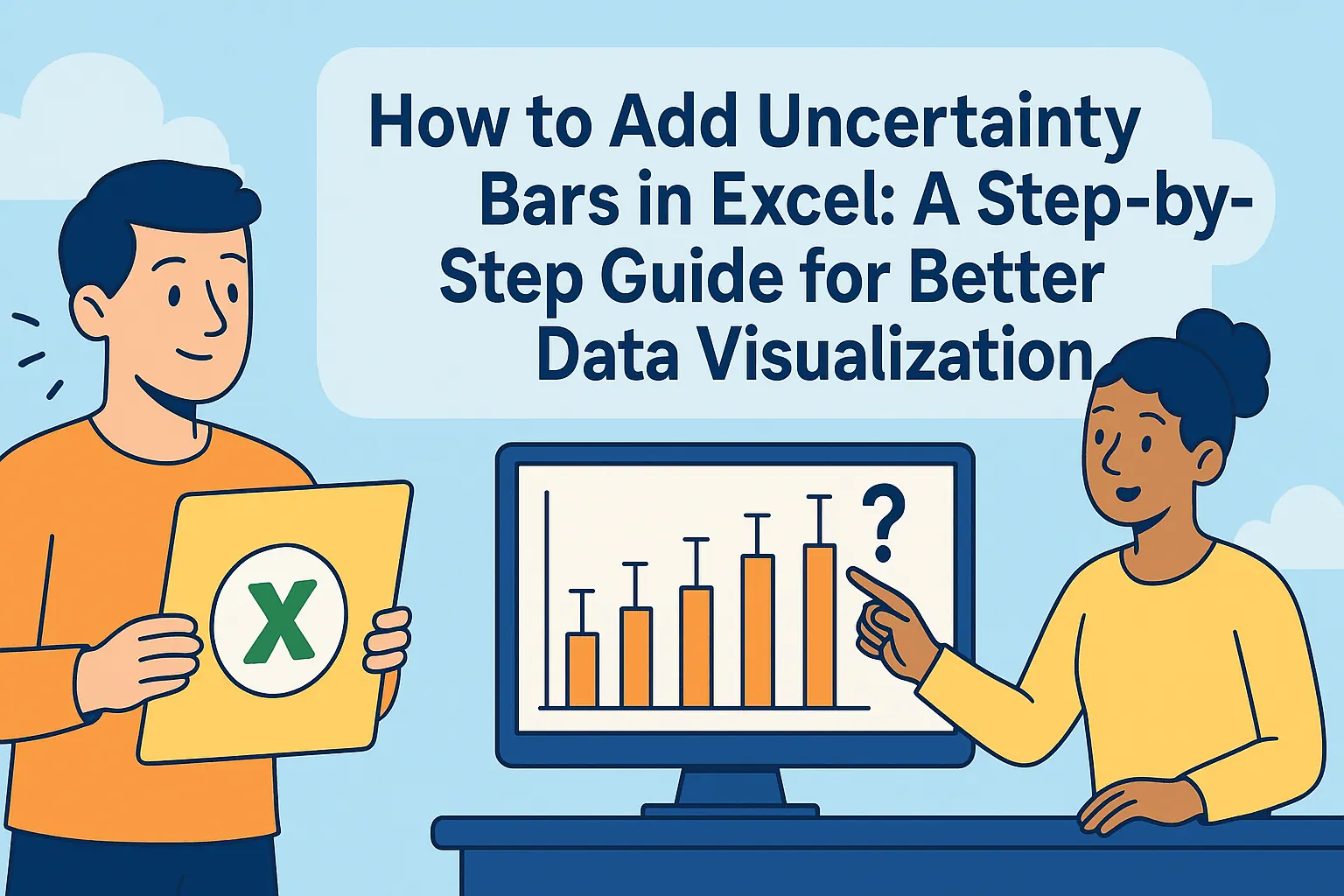
How to Add Uncertainty Bars in Excel: A Step-by-Step Guide for Better Data Visualization
Uncertainty bars add depth to your Excel charts by showing data variability. This guide walks you through the process with clear steps and pro tips.
 Excel Essentials
How to Add Uncertainties in Excel: A Step-by-Step Guide for Better Excel Operation
Uncertainty is part of every data story. This guide shows you how to calculate, visualize, and incorporate uncertainties in Excel—making your reports more reliable and insightful.
 Excel Essentials
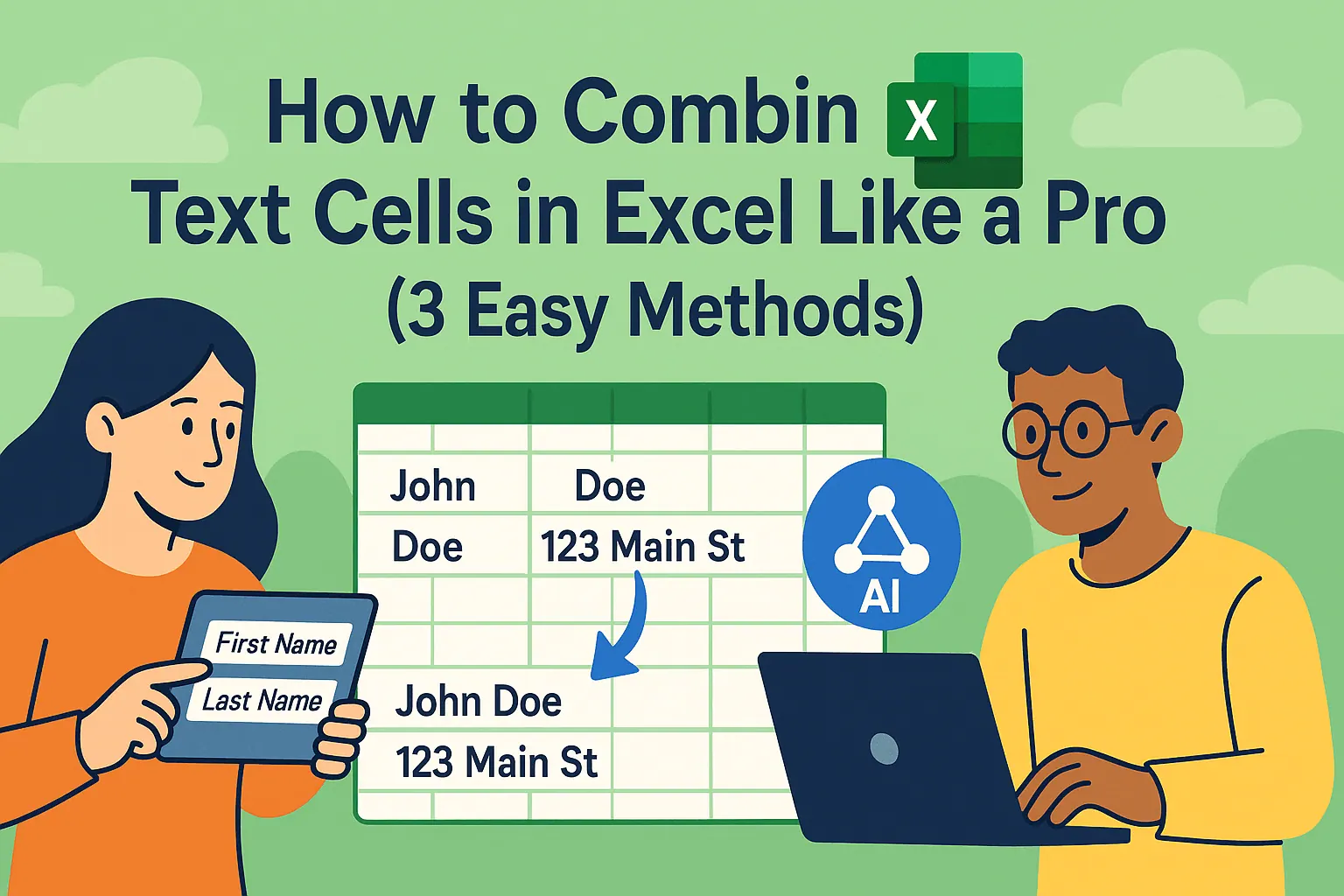
How to Combine Text Cells in Excel Like a Pro (3 Easy Methods)
Tired of manually copying and pasting text in Excel? Discover 3 simple methods to combine cells instantly, plus how AI-powered RowSpeak can automate the entire process for you.
 Excel Essentials
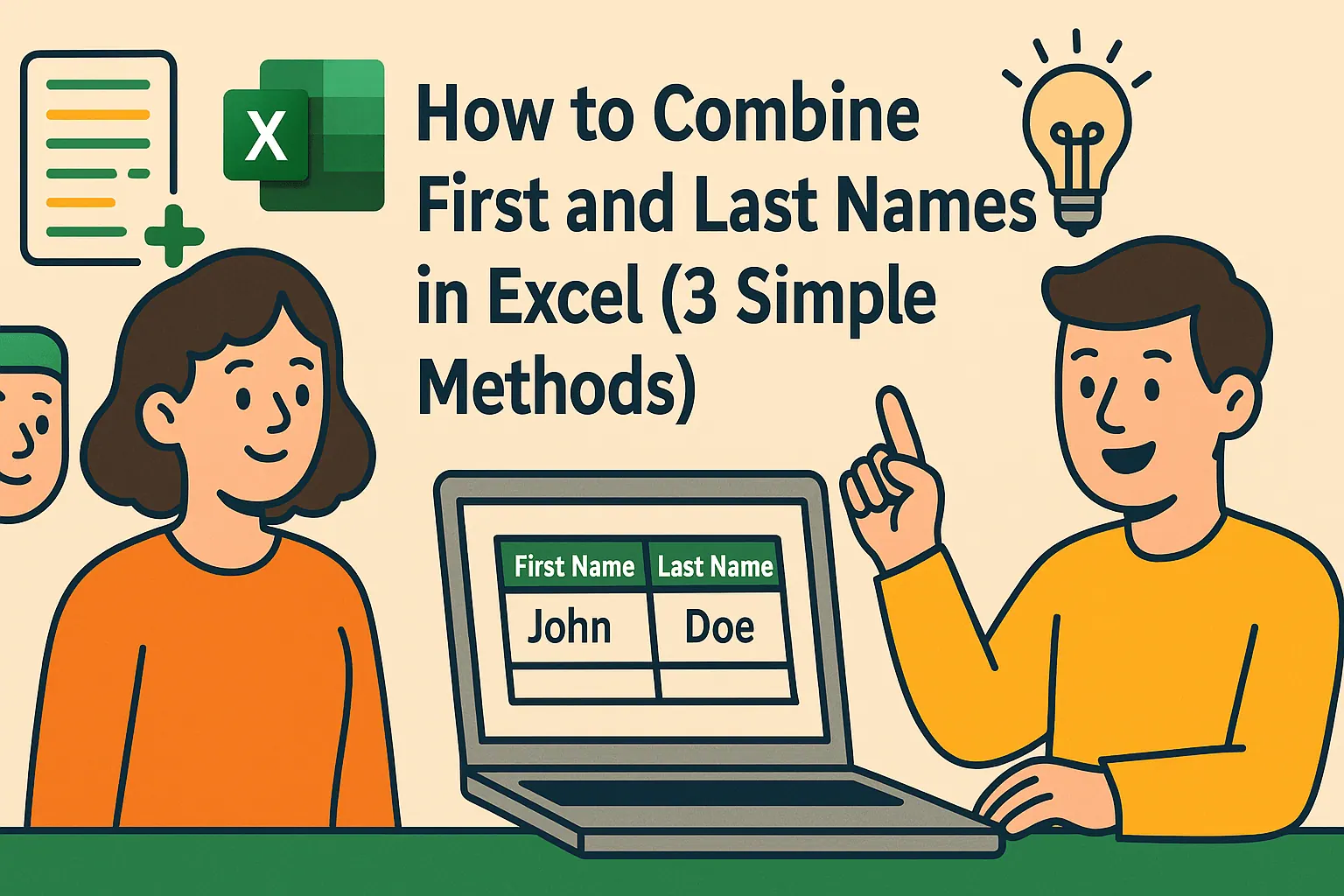
How to Combine First and Last Names in Excel (3 Simple Methods)
Tired of manually merging names in Excel? Discover how to combine first and last names effortlessly using formulas, and how RowSpeak can automate this task completely.