
Data Analytics - Page 3
Discover what data analytics is, how AI simplifies data analysis for beginners, and how tools like RowSpeak can help you uncover insights effortlessly. Page 3 of 4, showing results 73-108 of 132.
 Excel Operation
10 Best AI Tools to Supercharge Your Google Sheets Workflow
Google Sheets is powerful, but AI takes it to the next level. Here are the 10 best AI tools—including RowSpeak—to automate, analyze, and optimize your spreadsheets effortlessly.
Gianna • Excel Operation
10 Best AI Tools for Chart Analysis in 2025
In today's data-driven world, effective chart analysis can mean the difference between insight and oversight. We've evaluated the leading AI tools that automate and enhance data visualization - with RowSpeak standing out as the most powerful, intuitive solution for businesses of all sizes.
Gianna • Excel Operation
10 Best AI-Powered Spreadsheet Tools to Boost Productivity in 2025
Spreadsheets remain indispensable for business analysis, but manual data work is becoming obsolete. In this guide, we explore how AI-powered tools like RowSpeak are transforming spreadsheet productivity through automation, smart insights, and intuitive data visualization.
Gianna • Excel Tips
Effortless Grading and Classification with Excel AI
Use RowSpeak to turn score data into structured insights—no formulas, just simple questions.
Sally • Excel Tips
KPI Metric Analysis Made Easy with RowSpeak: From Chaos to Clarity
Let your KPIs speak. RowSpeak turns messy spreadsheets into clear answers—instantly.
Sally • Excel Tips
Excel Data Cleanup Made Simple: Unifying Formats with RowSpeak
Unify messy data formats with ease—RowSpeak makes data cleanup fast and accurate.
Sally • Excel Tips
Yield Analysis: Uncover product defects with one smart question!
Yield insights don’t have to be hidden. With RowSpeak, they surface in seconds.
Sally • Excel Tips
Excel AI Tools for Production Scheduling: From Gridlock to Flow
From spreadsheet chaos to production clarity—RowSpeak helps manufacturing teams plan smarter, faster.
Sally • Excel Tips
Optimize Course Scheduling with Ease: Let RowSpeak Do the Thinking
Smarter course planning, no formulas required. Let RowSpeak turn your scheduling headaches into clarity.
Sally • Excel Tips
Excel Grade Analysis Made Simple: Visualize Student Performance with Excel AI
RowSpeak turns clunky grade spreadsheets into smart visual dashboards—no formulas, just plain English.
Sally • AI Tools by Industry
Top AI Tools for Product Managers in 2025: Smarter Spreadsheets, Faster Insights
Find out how product teams are using AI to work smarter, not just faster—from RowSpeak’s natural language analysis to smart planning with Coda and Notion AI.
Sally • AI Tools by Industry
Top AI Tools for Market Research Teams in 2025: Faster Insights, Smarter Spreadsheets
These AI tools are changing how market researchers collect, clean, analyze, and present insights—without spending hours buried in spreadsheets.
Sally • Excel Tips
Simplify Bonus and Commission Calculations with Excel AI
Using Excel to calculate commissions and bonuses is tedious and risky. See how RowSpeak simplifies compensation analysis with one smart question.
Sally • Excel Tips
Track Sales KPIs Smarter: How Excel AI Tools Simplify Performance Analysis
Still tracking KPIs with manual formulas and pivot tables? Learn how RowSpeak makes sales performance analysis faster, simpler, and more accurate—no coding required.
Sally • AI Tools by Industry
Top AI Tools for Data Analysts in 2025
Clean smarter, visualize faster, and work better. These are the top AI-powered tools every data analyst should know in 2025—from RowSpeak to Polymer.
Sally • Excel Tips
Invoice Tracking in Excel AI: From Manual Mess to AI-Powered Clarity
Analyzing invoices in Excel doesn't have to be messy. See how AI tools like RowSpeak clean, summarize, and audit invoice data in just three questions.
Sally • Excel Tips
Budget Execution Made Simple: RowSpeak Transforms Departmental Analysis
RowSpeak makes budget execution easy—skip the formulas and pivots, just ask your questions in plain English and get analysis-ready insights.
Sally • Excel Tips
How to Set Up an Inventory Warning System in Excel and Track Replenishment Needs
Track your inventory levels, flag products needing replenishment, and forecast sales remaining with simple prompts using RowSpeak—no formulas required.
Sally • Excel Tips
How to Compare Sales vs Target and Visualize Product Performance in Excel
Compare actual vs target sales and visualize product performance in Excel using RowSpeak. Generate charts, calculate revenue ratios, and identify sales gaps easily.
Sally • Excel Tips
Best AI for Excel Data Analysis: Top 10 Tools in 2026
Learn how AI tools can supercharge Excel data analysis, automate spreadsheet tasks, and help teams work with formulas, reports, and large datasets.
Sally • Excel Tips
How to Analyze KPI Achievement Rates Across Departments Using Excel AI
Track KPI achievement rates across departments using RowSpeak. Visualize performance and detect gaps with three easy prompts—no pivot tables required.
Sally • Excel Tips
How to Analyze Daily Sales Data and Track Targets Using Excel
Use Excel to track daily sales, visualize performance vs target, and identify underperforming days. No formulas required.
Sally • Excel Tips
How to Monitor and Optimize Your Recruitment Pipeline with Excel Analysis
Visualize and optimize your recruitment funnel in Excel—track hiring stages, interview durations, and recruiter workloads with 3 simple prompts using RowSpeak.
Sally •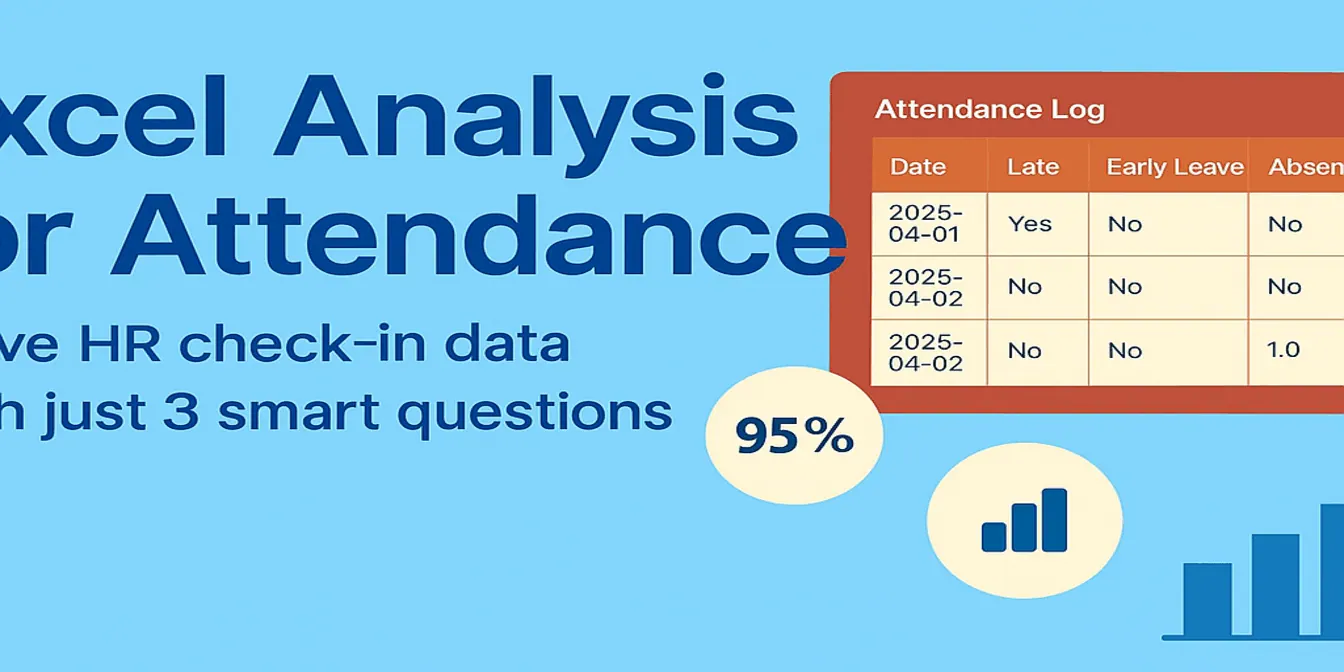 Excel Tips
Excel Analysis for Attendance: Solve HR Check-in Data with Just 3 Smart Questions
Struggling with Excel-based attendance tracking? Learn how RowSpeak helps HR professionals get instant insights into attendance rate, late arrivals, and department summaries—without writing a single formula.
Sally •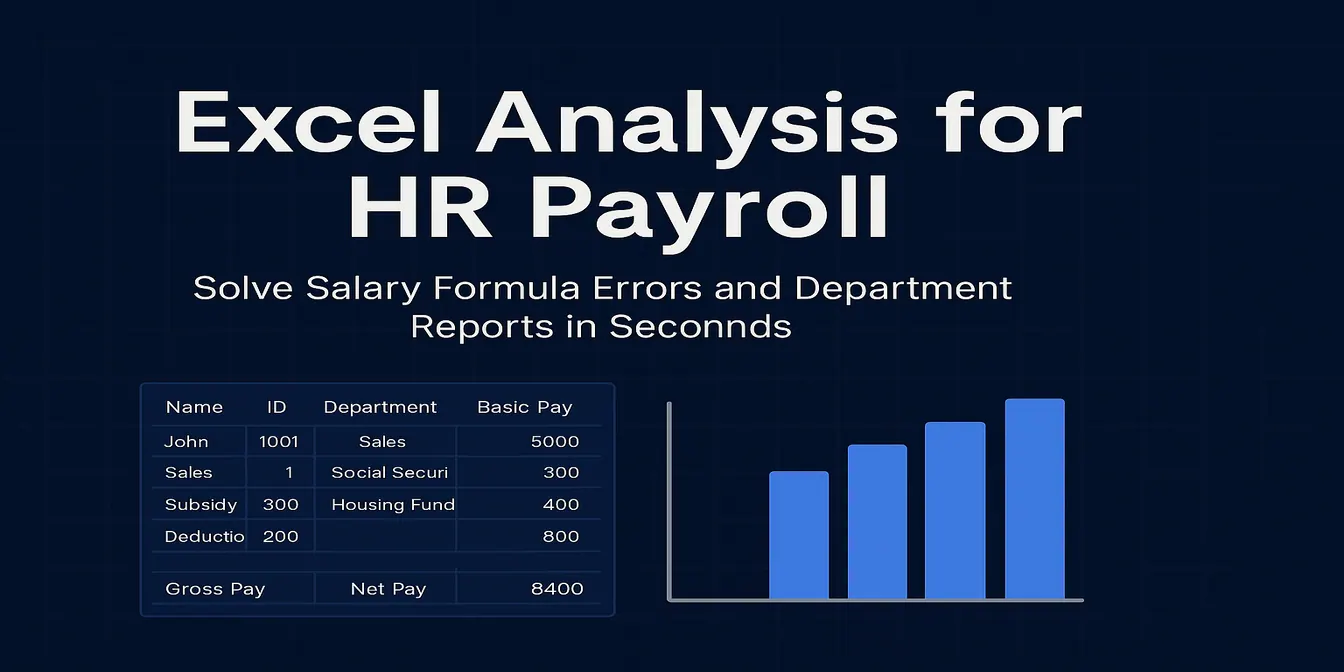 Excel Tips
Excel Analysis for HR Payroll – Solve Salary Formula Errors and Department Reports in Seconds
Struggling with complex salary formulas or department payroll summaries? RowSpeak’s Excel analysis tools help HR teams automate salary calculations and generate insightful payroll reports instantly.
Sally • AI for Excel
How I Build Finance Reports in Minutes with Excel AI
Still building finance reports manually? Discover how RowSpeak helps me merge, summarize, and visualize department budgets — in under 2 minutes.
Sally • Excel Tips
Tired of Googling Excel Formulas? Here’s a Smarter Way
From calculating sales growth to segmenting customers — stop Googling Excel formulas. Here's how AI can handle your data analysis tasks in seconds.
Sally • Excel Tips
Lazy No More: Let AI Instantly Analyze Your Excel Data for You
Can you analyze Excel data without using formulas or charts? With RowSpeak, yes — just upload your sheet and ask. AI handles the rest.
Sally • Excel Tips
How to Use AI to Instantly Analyze Excel Data (No Coding Needed!)
Want to analyze Excel data with AI but hate formulas? Learn how RowSpeak turns your spreadsheets into insights with just a question.
Sally • Excel Tips
Monthly Order Analysis Made Easy: RowSpeak AI Report Generator
Automate your monthly Excel order analysis with AI. RowSpeak lets you generate clean reports, visual charts, and summaries using just one sentence—no Excel skills required.
Sally • Excel Tips
5 Excel Charts You Can Instantly Generate with AI Using RowSpeak
Learn how to turn your Excel data into charts in seconds using AI. This blog shows 5 real-life examples of pie, bar, and line charts built with RowSpeak — and the insights it can generate automatically.
Sally • Excel Tips
Master Data Analysis with RowSpeak: No Formulas, No Coding, Just Actionable Insights
Transform your Excel spreadsheets into powerful insights with RowSpeak’s AI. No formulas, no coding—just natural language questions and instant results.
Sally •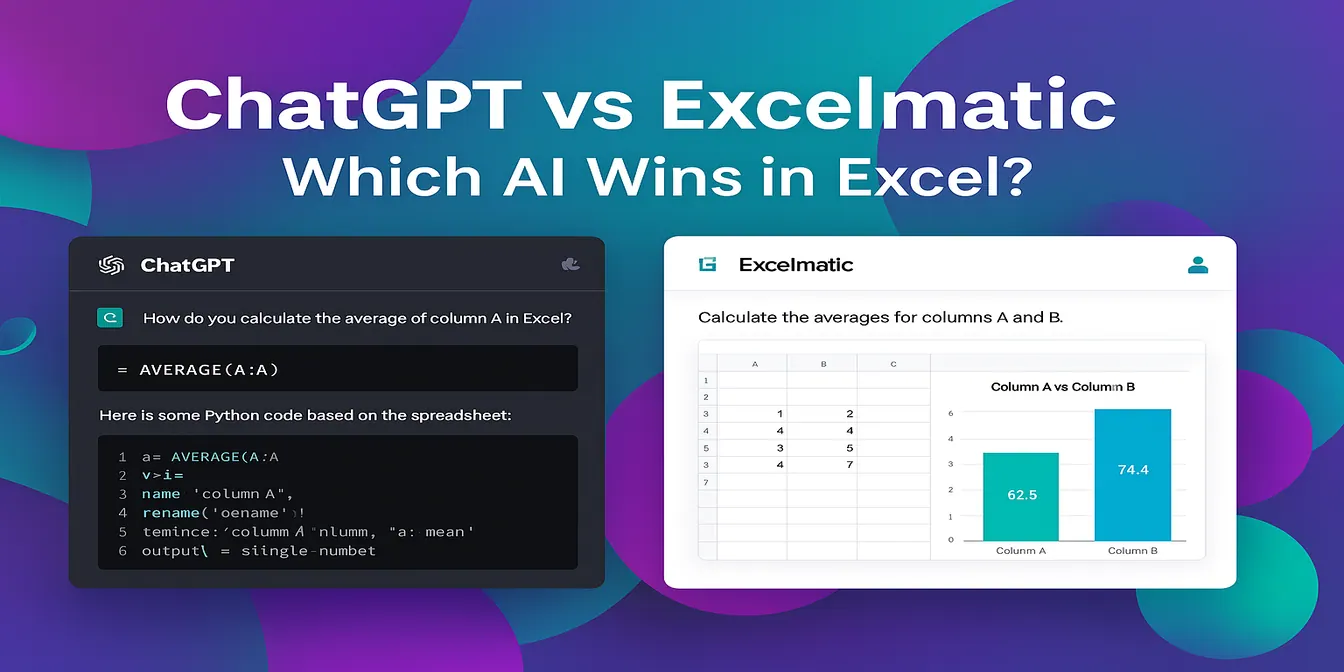 Excel Tips
RowSpeak vs ChatGPT: Which AI Assistant Works Better for Excel Analysis?
Inject super efficiency into Excel with AI: automate repetitive tasks, perform advanced analysis, and easily gain insights through natural language.
Sally •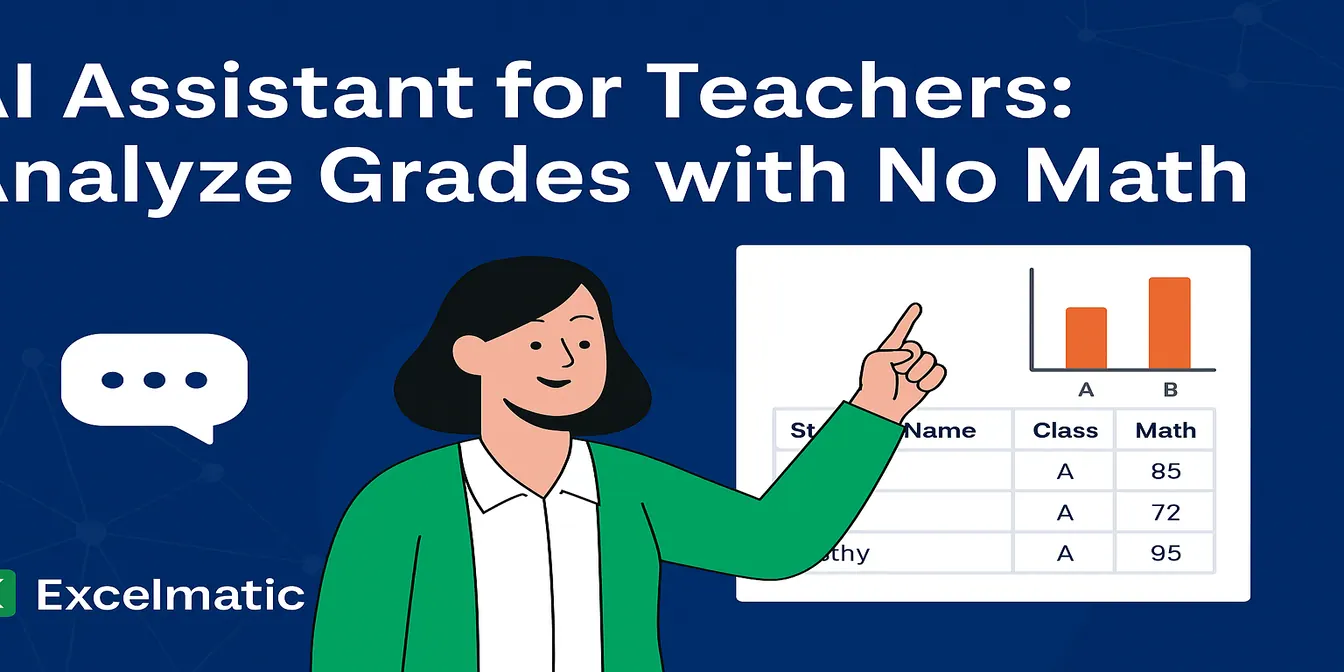 Excel Tips
RowSpeak: The Best AI Grading Assistant for Teachers
With RowSpeak, teachers can analyze student grades, rank performance, and compare classes—all without formulas. Save hours and simplify reporting using natural language prompts.
Sally • Excel Tips
Sales Analysis Made Easy: Use AI to Excel Data Analysis and Boost Efficiency by 80%
Automate your sales data analysis with RowSpeak to boost efficiency, reduce errors, and make data-driven decisions.
Sally • Excel Tips
How to Analyze Sales Data in Minutes: A Step-by-Step Guide with RowSpeak Excel AI
Discover how RowSpeak’s AI transforms Excel sales data analysis with speed, accuracy, and ease—no formulas required.
Tony •