
Excel Essentials
Formulas, tables, charts, and file basics for everyday spreadsheet work
 Excel Essentials
The Ultimate Guide to Combining Text in Excel (Formulas vs. AI)
Tired of messy text concatenation in Excel? This guide breaks down the modern TEXTJOIN function and introduces a powerful AI alternative. Learn how to effortlessly combine data, handle delimiters, and skip blanks, whether you love formulas or prefer plain English commands.
 Excel Essentials
A Smarter Way to Extract Text in Excel - Formulas vs. AI
Tired of wrestling with complex nested formulas like LEFT, MID, and FIND? This guide compares traditional Excel text extraction techniques with a powerful AI alternative. Learn how to clean data, format text, and pull specific information in a fraction of the time.
 Excel Essentials
A Guide to Rounding Up in Excel: Formulas vs. AI
Master the art of rounding up in Excel. This guide covers the ROUNDUP function for precise calculations and introduces an AI-driven approach to automate the process. Stop memorizing formulas and start getting answers in seconds.
 Excel Essentials
The Ultimate Guide to Rounding Numbers in Excel: Formulas vs. AI
Tired of memorizing complex rounding formulas in Excel? This guide breaks down everything from ROUND() to MROUND() and introduces a revolutionary AI-powered method to handle all your rounding needs with simple English commands. Boost your efficiency and accuracy today.
 Excel Essentials
Beyond MATCH - Simpler Ways to Find Data Positions in Excel
Learn the powerful Excel MATCH function for precise data lookups, from basic positioning to advanced fuzzy and wildcard searches. We'll also compare this traditional method with a new AI-powered approach that gets you answers in plain language, no formulas required.
 Excel Essentials
A Practical Guide to Creating Custom Excel Functions
Tired of repeating complex formulas? This guide explores Excel's LAMBDA function for creating custom, reusable calculations. We'll also compare it to a modern AI approach that lets you get the same results just by asking in plain English, simplifying your workflow.
 Excel Essentials
Smarter Excel Error Handling: Beyond the ISERROR Function
Learn how to go beyond basic ISERROR functions and effectively handle formula errors in Excel. This article compares traditional manual formula methods with using an AI Excel assistant, helping you clean data faster and more accurately to boost productivity.
 Excel Essentials
A Smarter Way to Handle Formula Errors in Excel
Don't let ugly error messages like #DIV/0! or #N/A ruin your spreadsheets. This guide walks you through the traditional IFERROR function for handling formula errors and introduces a revolutionary AI approach that accomplishes the same task with simple English commands, saving you time and effort.
 Excel Essentials
A Practical Guide to Rounding Down Numbers in Excel
Master the Excel FLOOR function to round down numbers for pricing, time management, and financial modeling. This guide covers syntax, practical examples, and common pitfalls. Plus, see how AI tools can automate this task for you, saving time and effort.
 Excel Essentials
How to Count in Excel :The Ultimate Guide to Formulas and AI
Tired of manual counting and formula errors in Excel? This guide breaks down essential functions like COUNT, COUNTA, and COUNTIF with easy examples. Plus, we compare these traditional methods to a powerful AI alternative that lets you get answers just by asking.
 Excel Essentials
3 Simple Ways to Calculate CAGR in Excel (From Formulas to AI)
This guide covers everything you need to know about calculating Compound Annual Growth Rate (CAGR) in Excel. We’ll walk you through manual formula methods and introduce a revolutionary AI-powered approach that gives you answers in seconds, no complex formulas required.
 Excel Essentials
How to Calculate Averages in Excel: Formulas vs. AI Tools
Master calculating averages in Excel, from the basic AVERAGE() to conditional AVERAGEIF() and AVERAGEIFS(). Discover how AI tools can simplify this process, letting you ask questions in plain English instead of wrestling with complex formulas.
 Excel Essentials
Effortless Age Calculation in Excel: Formulas vs. AI
Calculating age in Excel can be tricky, involving functions like DATEDIF and YEARFRAC that are prone to errors. This guide covers the traditional methods and introduces a powerful AI-driven approach to get accurate ages in seconds, without writing a single formula.
 Excel Essentials
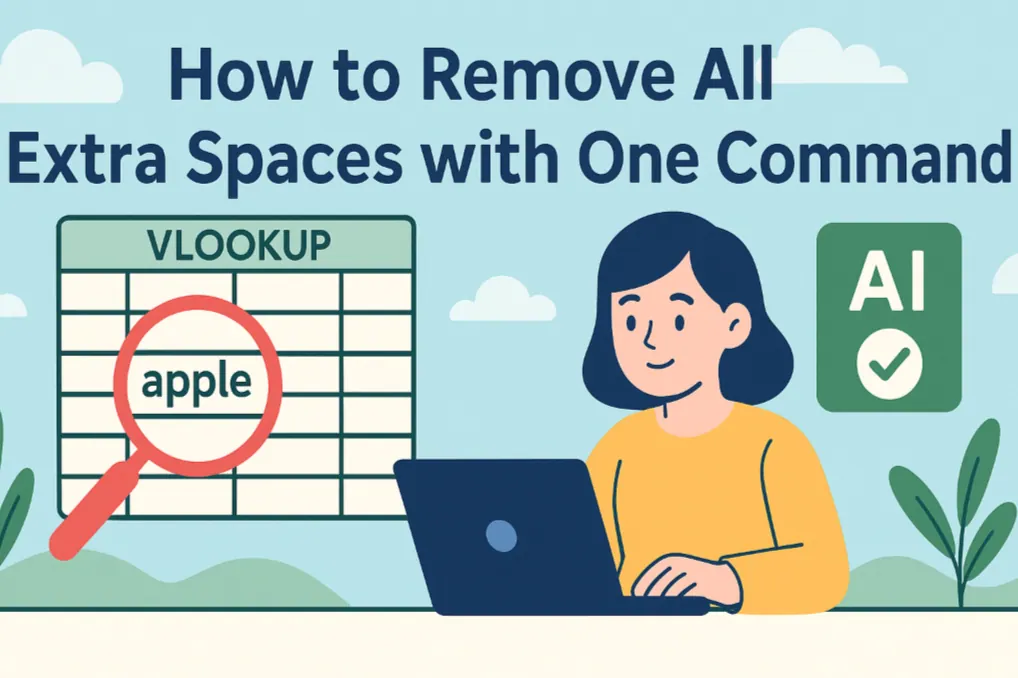
Fix VLOOKUP Errors: How to Remove All Extra Spaces with One Command
Your VLOOKUP formula is perfect, but it still fails. The silent killer? Invisible spaces. Discover how RowSpeak lets you clean your entire messy sheet with a single sentence, making your formulas work instantly and saving you hours of frustrating detective work.
 Excel Essentials
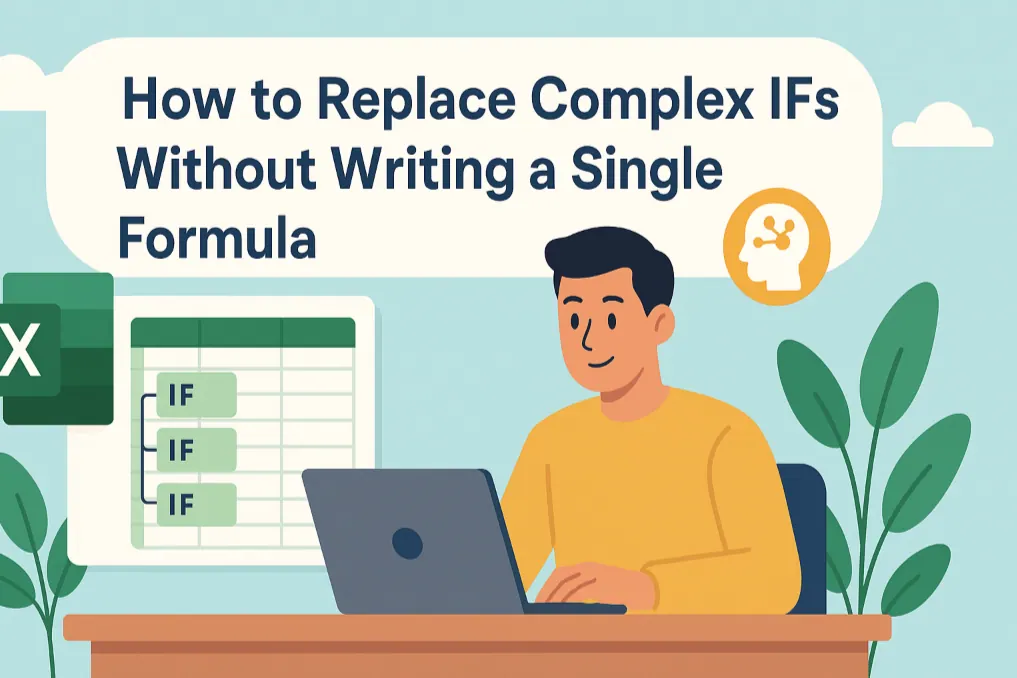
How to Replace Complex Nested IFs Without Writing a Single Formula
For years, the nested IF formula has been the go-to for complex logic in Excel—and a major source of frustration. But what if you could ditch the syntax headaches entirely? Learn how to command your spreadsheet to classify, grade, and segment data just by telling it what to do.
 Excel Essentials
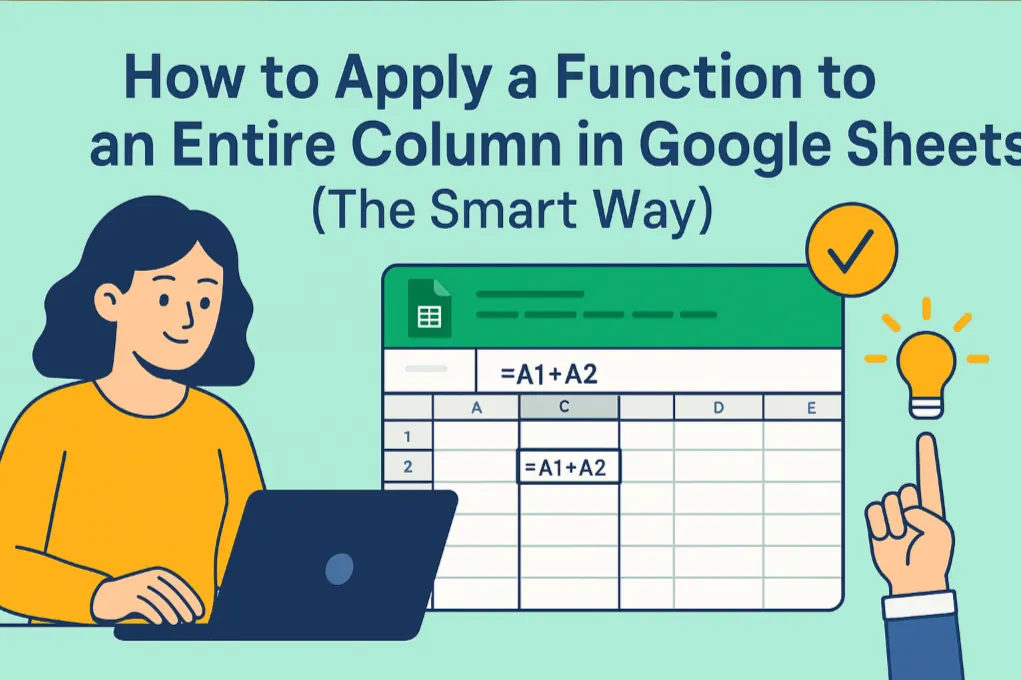
How to Apply a Function to an Entire Column in Google Sheets (The Smart Way)
Tired of manually dragging formulas down columns? Discover how array formulas, fill techniques, and AI-powered automation can transform your Google Sheets workflow.
 Excel Essentials
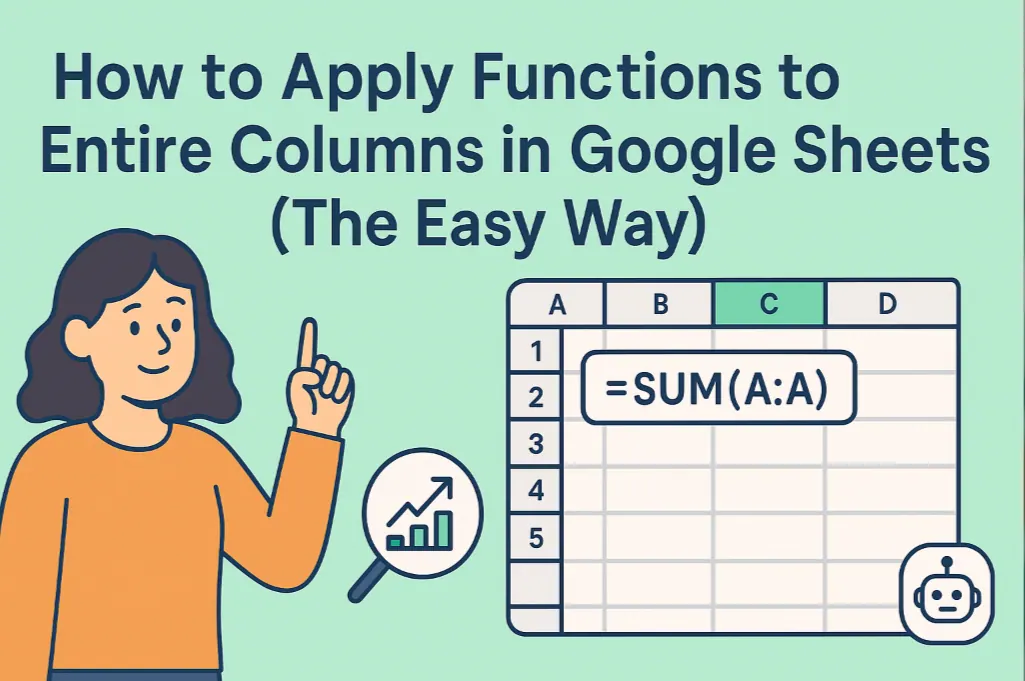
How to Apply Functions to Entire Columns in Google Sheets (The Easy Way)
Tired of manually applying formulas cell by cell? Discover how to automate function application across entire columns in Google Sheets - from basic SUM to advanced ARRAYFORMULA techniques.
 Excel Essentials
How to Use AI to Write Excel Formulas: A Complete Guide for Business Professionals
Struggling with complex Excel formulas? Learn how AI tools like RowSpeak interpret natural language requests to create precise formulas, making data analysis faster and more accessible than ever.
 Excel Essentials
How to Apply Formulas to Entire Columns in Google Sheets Without Dragging (Using AI)
Say goodbye to manual dragging! Discover smarter ways to apply formulas across entire columns in Google Sheets with AI assistance.
 Excel Essentials
Fill Google Sheets Columns with Formulas Without Dragging
Stop wasting time manually dragging formulas! Learn professional techniques to auto-fill entire columns in Google Sheets, plus how RowSpeak can automate your spreadsheet workflows completely.
 Excel Essentials
How to Apply a Formula to an Entire Column in Excel Without Dragging (2025 Guide)
Tired of dragging formulas down endless columns? We'll show you multiple methods to automate this process, with RowSpeak's AI-powered approach leading the pack for modern data teams.
 Excel Essentials
How to Apply Functions to Columns in Excel Like a Pro
Tired of manually applying formulas in Excel? Learn how to work smarter with column functions, from basic sums to advanced array formulas - plus how RowSpeak can do it all for you automatically.
 Excel Essentials
How to Apply Formulas to Entire Columns in Google Sheets Using AI (The Smart Way)
Tired of dragging formulas down endless columns? Discover how AI transforms this tedious task into a one-click solution - and how RowSpeak makes it even smarter.
 Excel Essentials
How to Apply a Formula to an Entire Column in Google Sheets (3 Easy Methods)
Tired of dragging formulas down endless columns? This guide reveals smarter ways to apply calculations across your entire dataset in Google Sheets - and how RowSpeak can handle it all for you automatically.
 Excel Essentials
How to Apply a Formula to an Entire Column in Excel (The Smart Way)
Spreadsheet headaches got you down? Learn the fastest ways to apply formulas across entire columns in Excel—from basic tricks to AI-powered automation.
 Excel Essentials
How to Add a Plus Sign in Excel (Without Breaking Your Formulas)
Adding a plus sign in Excel seems simple - until your spreadsheet starts calculating unexpectedly. Learn professional formatting tricks and how AI tools like RowSpeak can automate this process for flawless reports.
 Excel Essentials
How to Add a Percentage in Excel's ABS Function (The Easy Way)
Struggling with percentages and absolute values in Excel? This step-by-step guide breaks it down—and shows how AI tools can automate these tasks for you.
 Excel Essentials
How to Add Functions in Google Sheets: A Step-by-Step Guide for Business Users
Mastering Google Sheets functions can transform your data workflow. In this guide, we'll walk you through everything from basic functions to advanced custom formulas, while showing how RowSpeak's AI capabilities can take your spreadsheet game to the next level.
 Excel Essentials
How to Add Formulas in Google Sheets Using AI: A Step-by-Step Guide
Struggling with complex spreadsheet formulas? Learn how AI transforms Google Sheets into a smarter workspace—with RowSpeak leading the charge in effortless data analysis.
 Excel Essentials
How to Add Dollar Signs in Excel Formulas (Absolute vs. Relative References)
Struggling with formulas that break when copied? Discover how dollar signs in Excel create absolute references, ensuring your calculations stay consistent across your spreadsheet.
 Excel Essentials
How to Add Weeks to a Date in Excel (Simple Formulas + Pro Tips)
Adding weeks to dates is a game-changer for project planning. This guide shows you 3 simple Excel formulas plus advanced techniques like skipping weekends and dynamic timelines.
 Excel Essentials
How to Add Two Columns in Excel Fast (Even Without Formulas)
Tired of manual Excel formulas? Discover smarter ways to add columns, from basic methods to AI-powered automation with RowSpeak.
 Excel Essentials
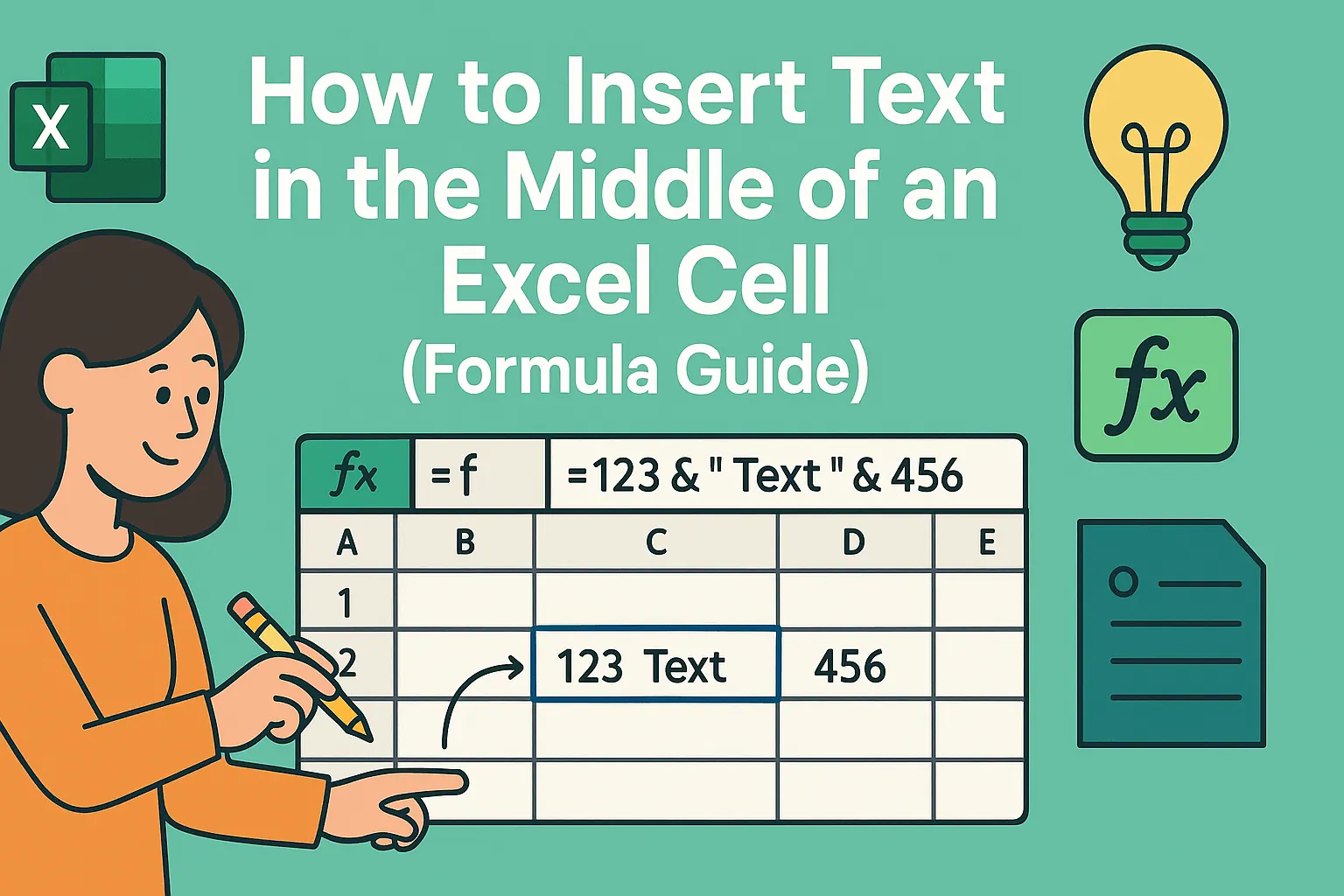
How to Insert Text in the Middle of an Excel Cell (Formula Guide)
Struggling to customize cell content in Excel? This guide reveals 7 formula tricks to insert text exactly where you need it, saving you hours of manual editing.
 Excel Essentials
How to Use ChatGPT to Master the SUM Function in Google Sheets Like a Pro
Struggling with spreadsheet formulas? Let ChatGPT guide you through Google Sheets' SUM function while we show you how RowSpeak automates the entire process for lightning-fast results.
 Excel Essentials
How to Add Single Quotes in Excel: 3 Simple Formula Methods
Struggling to format text with single quotes in Excel? Discover three foolproof formula methods that'll save you hours of manual work.
 Excel Essentials
How to Add Rows in Google Sheets with Formulas: A Step-by-Step Guide
Tired of manually adding rows in Google Sheets? Discover how formulas can automate this process and save you hours of work. Plus, see how RowSpeak takes spreadsheet automation to the next level.