
Excel Essentials
Formulas, tables, charts, and file basics for everyday spreadsheet work
 Excel Essentials
How to Add Totals in Google Sheets: A Complete Guide for Smarter Data Analysis
Struggling with manual calculations in Google Sheets? This guide walks you through every method to add totals effortlessly. And if you're tired of formulas, RowSpeak's AI does the math for you.
 Excel Essentials
How to Sum Columns in Google Sheets: 5 Easy Methods for Better Data Analysis
Struggling with spreadsheet sums? This guide breaks down 5 simple methods to total columns in Google Sheets, with pro tips for faster analysis. See how AI tools like RowSpeak can do the math for you.
 Excel Essentials
How to Add Text to Cells in Google Sheets: A Complete Guide for Smarter Data Management
Tired of manually editing cells? Discover how to bulk-add text in Google Sheets using formulas, array functions, and AI tools like RowSpeak that do the heavy lifting for you.
 Excel Essentials
How to Add Text to Multiple Cells in Excel: 7 Time-Saving Methods
Struggling with repetitive text entry in Excel? Discover simple formulas, Flash Fill, and even AI-powered solutions to speed up your workflow.
 Excel Essentials
How to Add Text in Excel: A Step-by-Step Guide
Text isn't just for Word docs - it's crucial for clear Excel spreadsheets too. Discover how to add, format, and automate text in Excel like a spreadsheet pro.
 Excel Essentials
How to Sum Columns in Excel: Quick & Easy Methods for Busy Professionals
Tired of manual calculations? Discover how to sum columns in Excel like a pro, plus how RowSpeak’s AI-powered tools can save you hours on spreadsheet tasks.
 Excel Essentials
How to Sum Cells in Google Sheets: A Step-by-Step Guide for Busy Professionals
Staring at endless rows of numbers? Our guide shows you multiple ways to sum cells in Google Sheets - from basic formulas to advanced techniques. Plus, discover how RowSpeak can automate your calculations.
 Excel Essentials
How to Add 'Select Visible Cells' to Excel Toolbar (Time-Saving Hack)
Tired of struggling with hidden rows when copying filtered data? Our step-by-step guide shows you how to add the 'Select Visible Cells' button to your Excel toolbar for one-click access.
 Excel Essentials
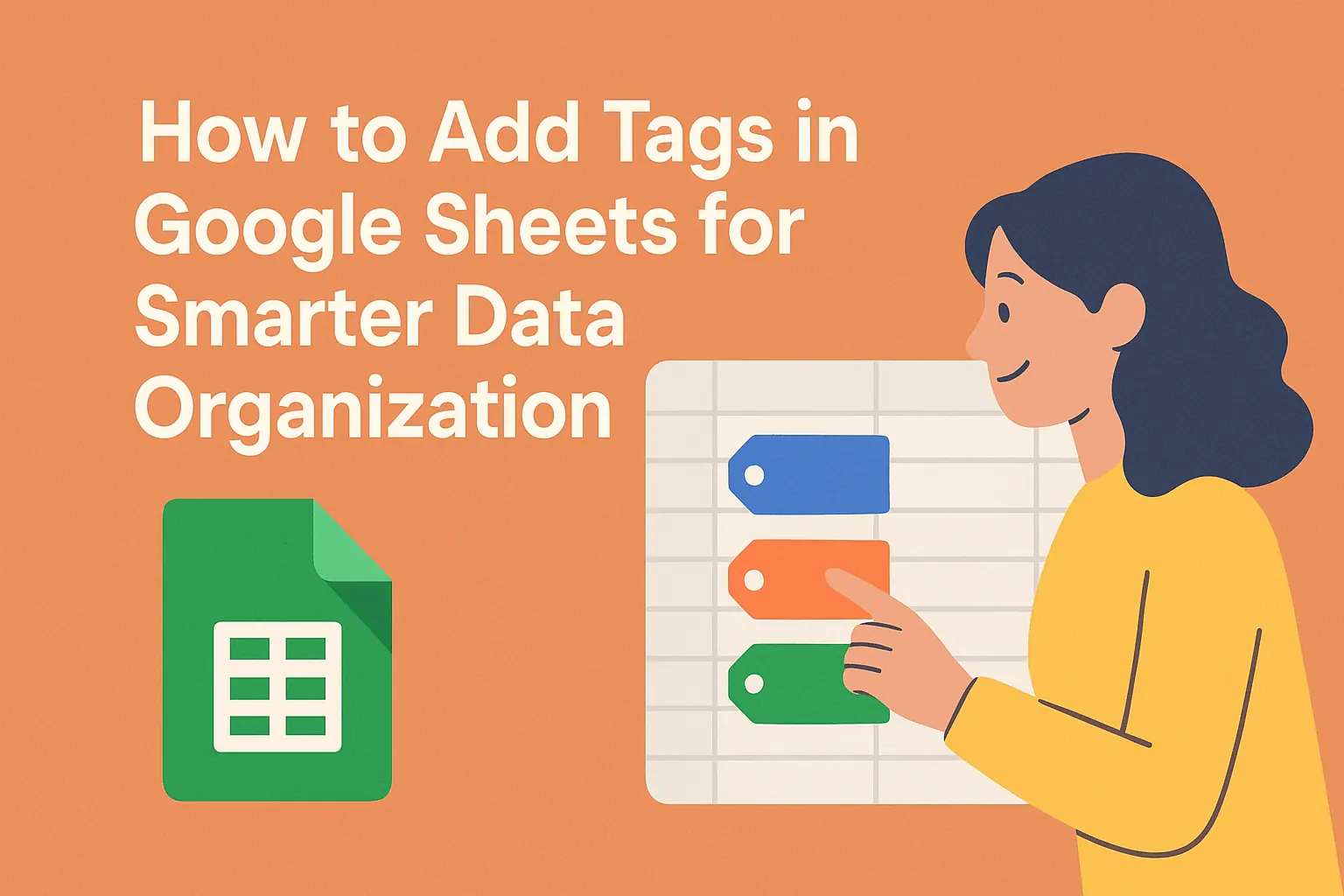
How to Add Tags in Google Sheets for Smarter Data Organization
Tags turn messy spreadsheets into organized databases. Here's how to implement them in Google Sheets—and how RowSpeak can take your data organization to the next level.
 Excel Essentials
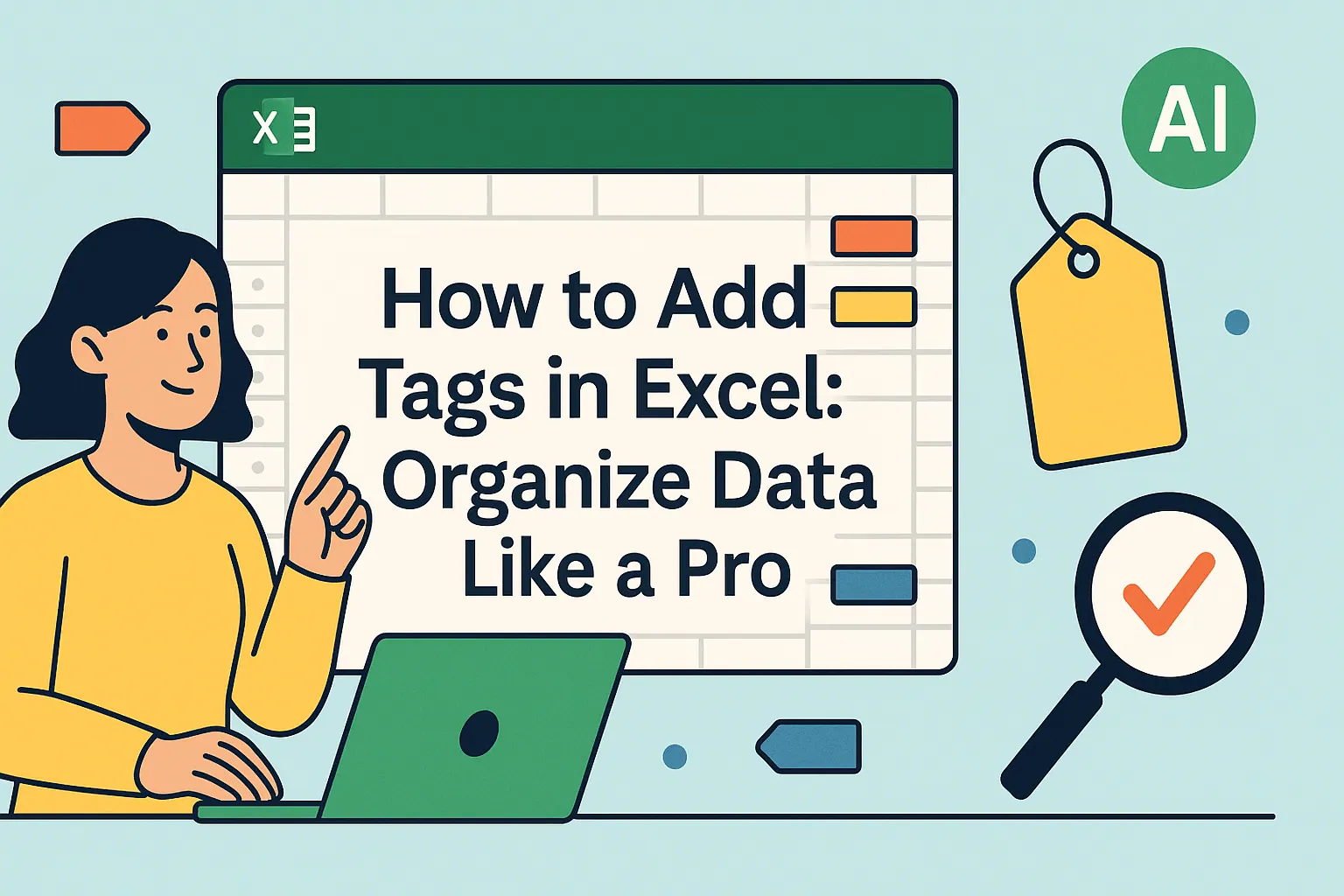
How to Add Tags in Excel: Organize Data Like a Pro
Turn a long Excel list into something you can filter in seconds. This guide shows how to build a clean tag column, create dropdowns, automate labels, and check the result.
 Excel Essentials
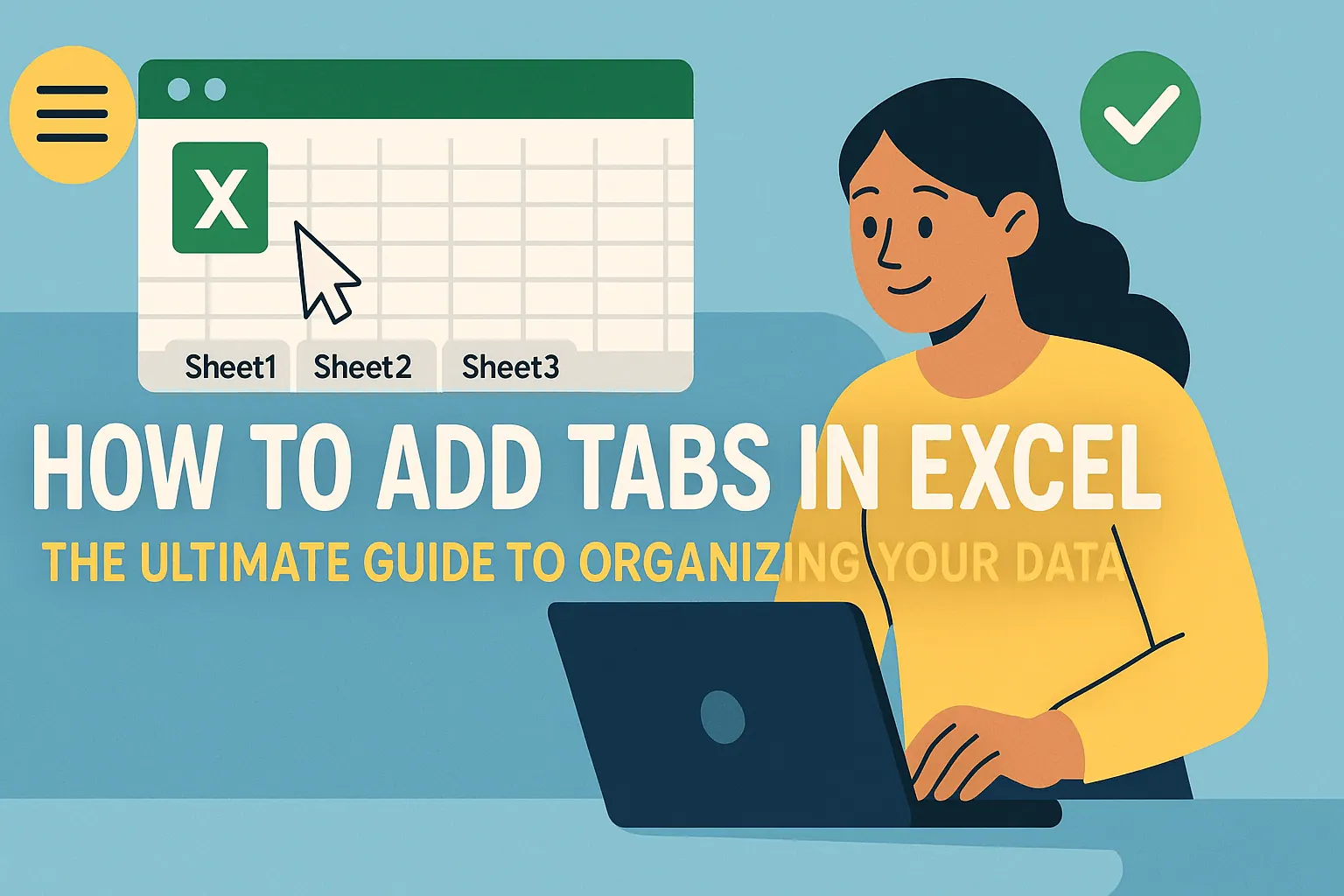
How to Add Tabs in Excel: The Ultimate Guide to Organizing Your Data
Tired of messy Excel workbooks? Discover how tabs can transform your data organization game. We'll walk you through everything from creating new tabs to advanced tricks like linking data between sheets.
 Excel Essentials
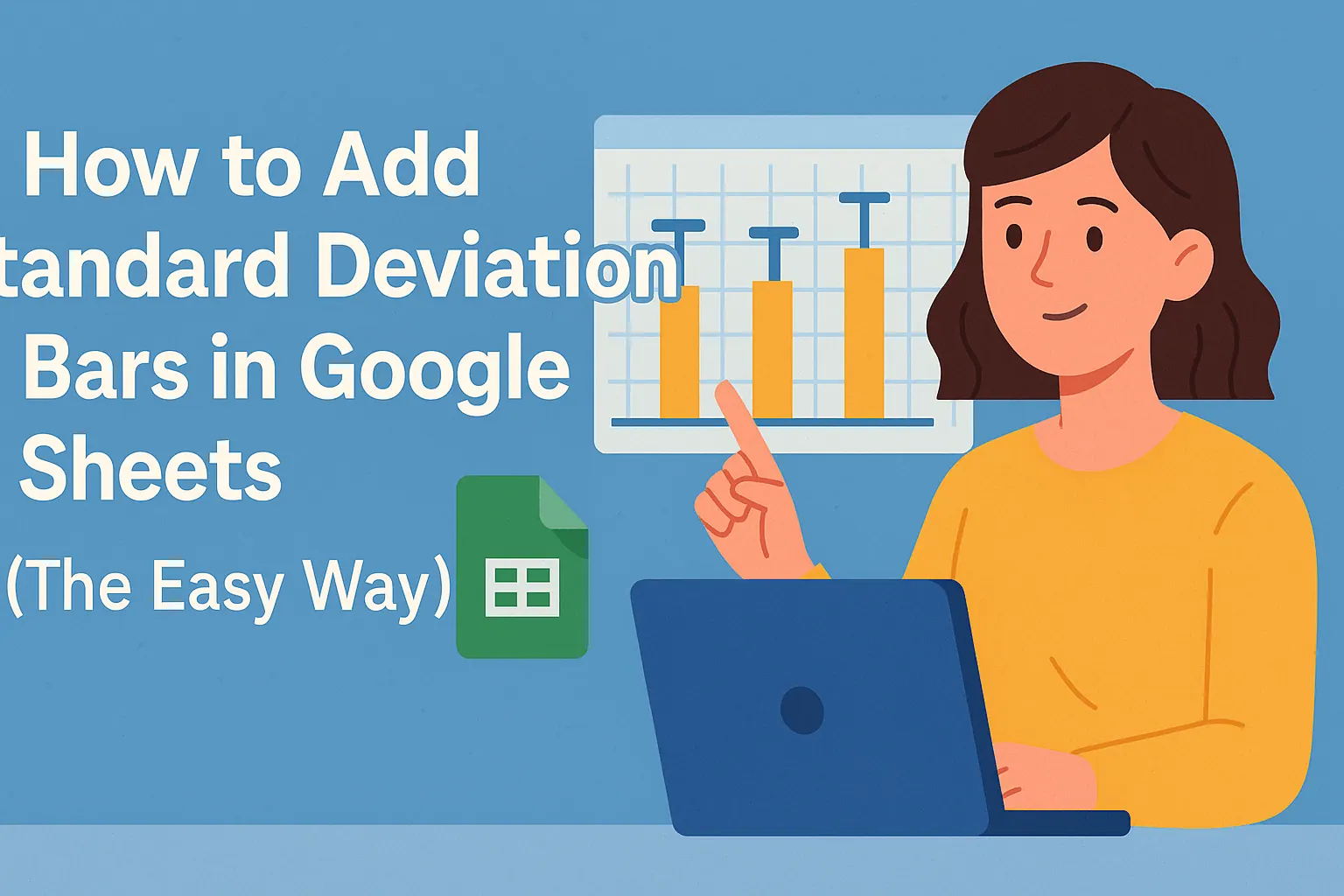
How to Add Standard Deviation Bars in Google Sheets (The Easy Way)
Standard deviation bars make your data visualizations instantly more powerful. Here's how to add them in Google Sheets - plus a smarter way to do it with AI.
 Excel Essentials
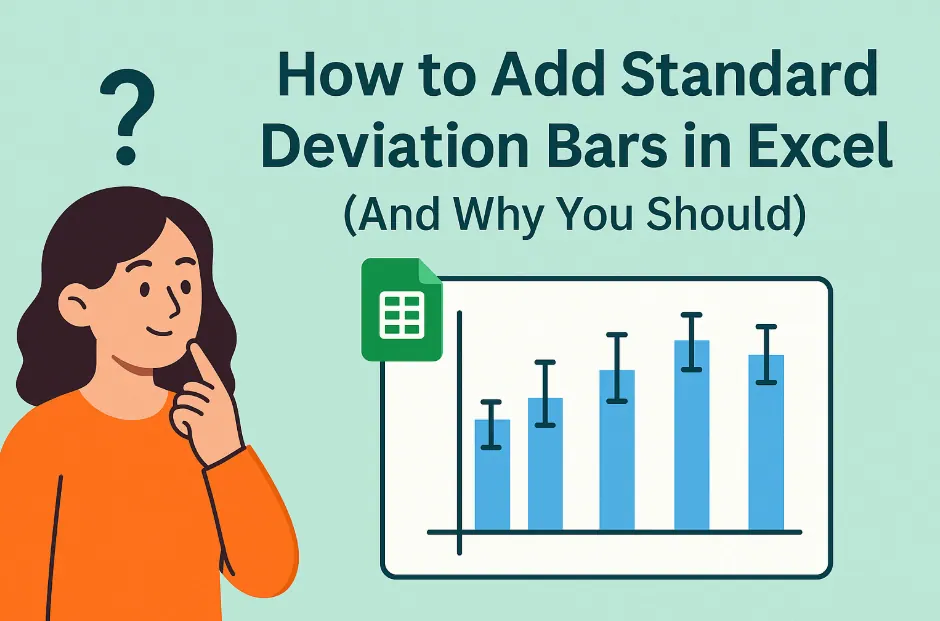
How to Add Standard Deviation Bars in Google Sheets (And Why You Should)
Standard deviation bars transform your charts from basic to brilliant. Here's a step-by-step guide to adding them in Google Sheets—and how RowSpeak makes it even easier.
 Excel Essentials
How to Add Sparklines in Google Sheets: A Quick Guide for Data Visualization
Sparklines are tiny charts that fit in a single cell, giving you a visual snapshot of your data trends. Here's how to use them like a pro in Google Sheets.
 Excel Essentials
How to Add Space in Google Sheets Cells: 7 Simple Methods
Struggling with cramped data in Google Sheets? Discover simple tricks to add breathing room between text and numbers - from keyboard shortcuts to powerful formulas.
 Excel Essentials
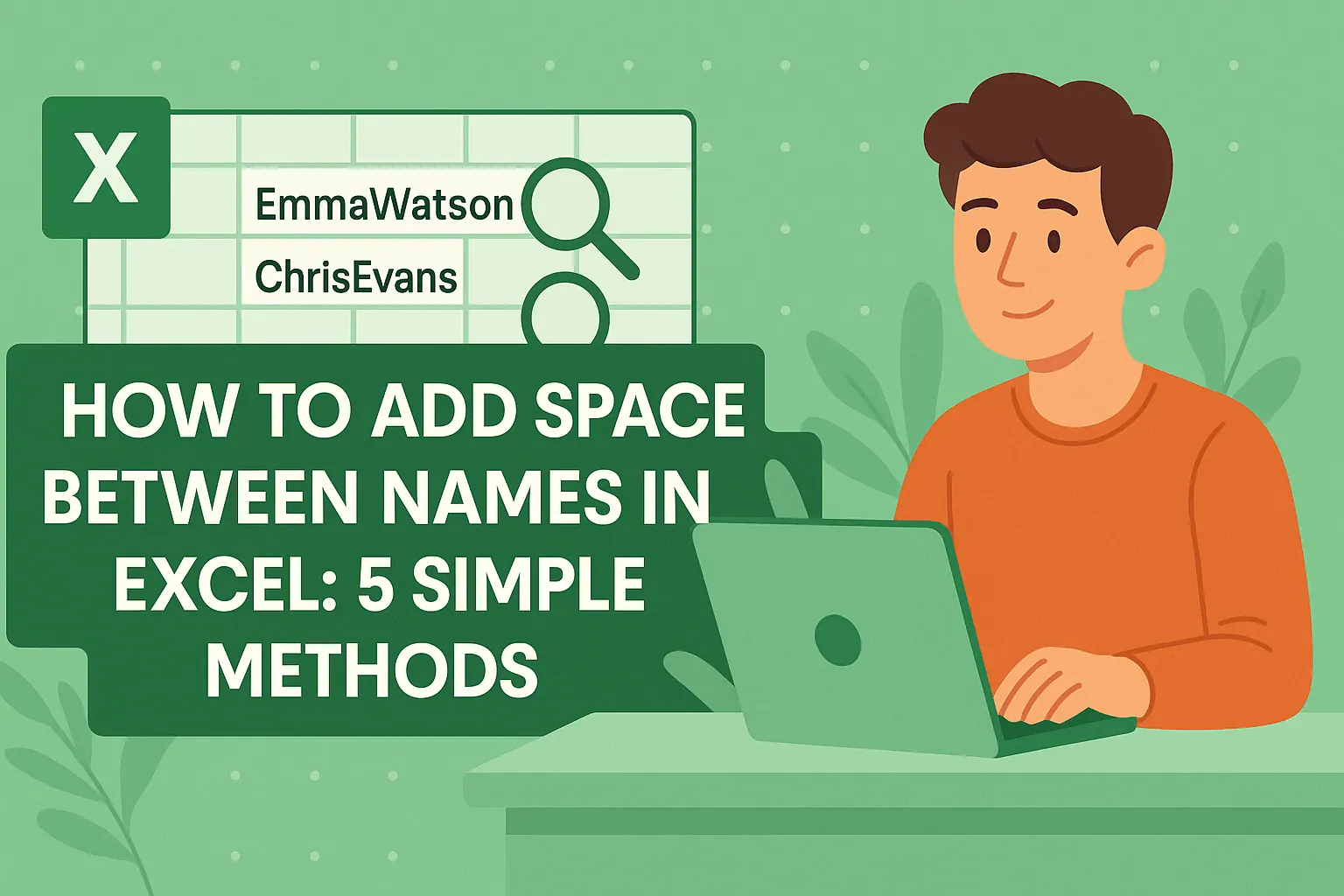
How to Add Space Between Names in Excel: 5 Simple Methods
Tired of names like 'JohnDoe' cluttering your spreadsheets? Discover quick fixes—from basic formulas to AI-powered tools like RowSpeak—to neatly space out names in seconds.
 Excel Essentials
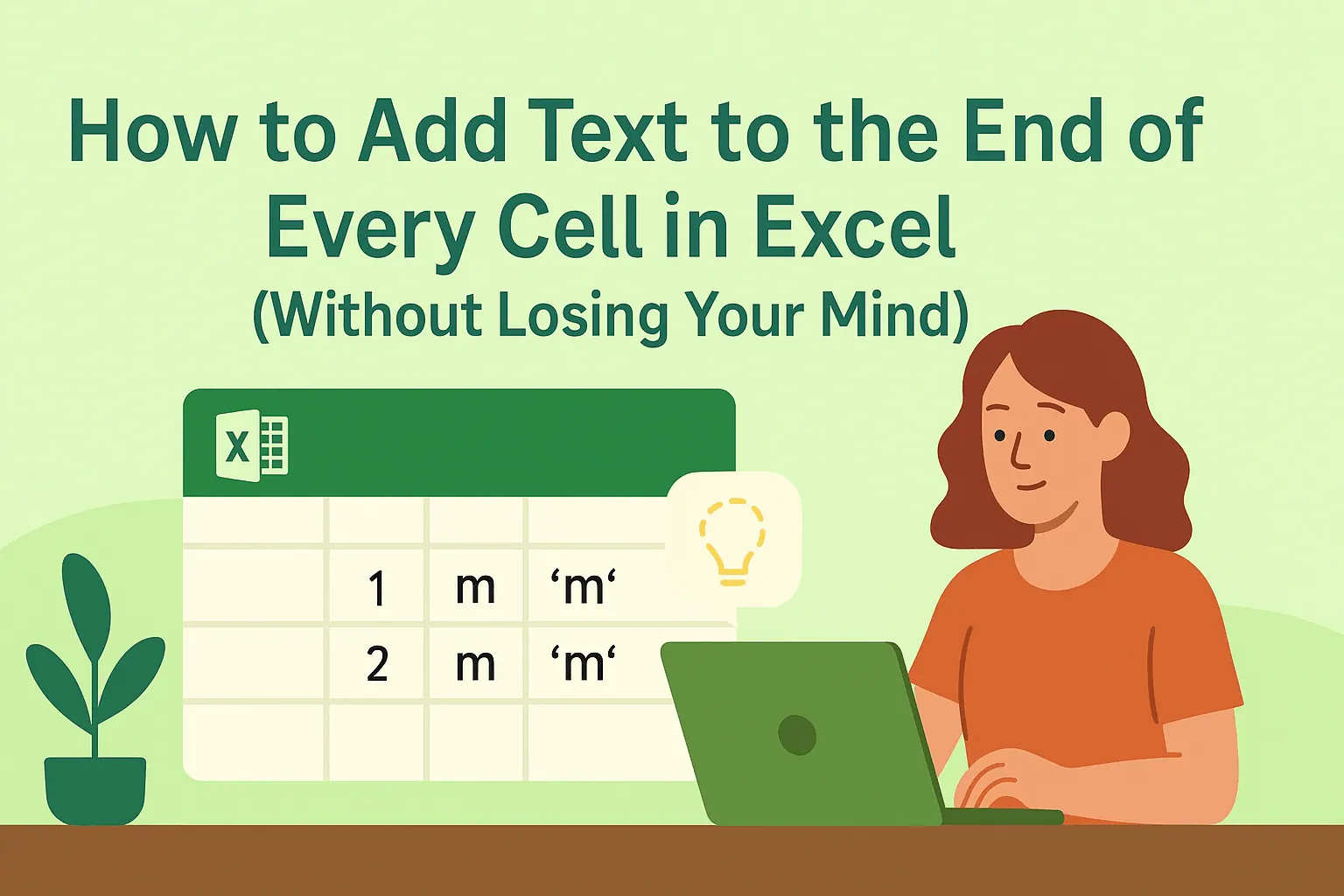
How to Add Text to the End of Every Cell in Excel (Without Losing Your Mind)
Tired of manually editing each cell? Discover how to quickly add text to the end of multiple cells in Excel using these time-saving techniques.
 Excel Essentials
How to Add Text or Numbers to Every Cell in Excel (3 Easy Methods)
Tired of typing the same thing into hundreds of Excel cells? Whether you're adding labels, prefixes, or formulas, we'll show you the fastest ways to batch-edit cells—plus how AI tools like RowSpeak handle this in seconds.
 Excel Essentials
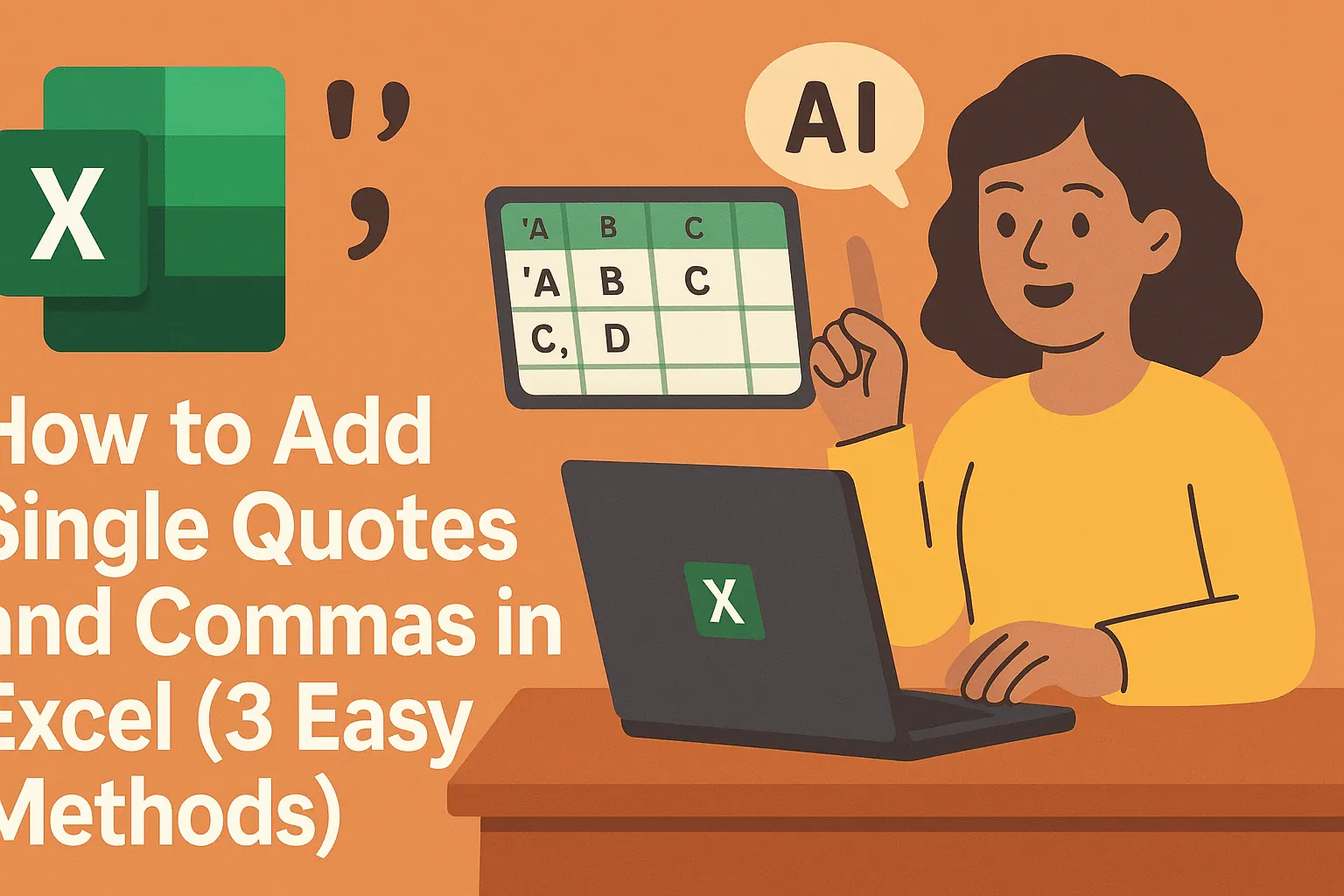
How to Add Single Quotes and Commas in Excel (3 Easy Methods)
Struggling with Excel formatting? Discover how to effortlessly add single quotes and commas to your data using these proven techniques – no coding skills required!
 Excel Essentials
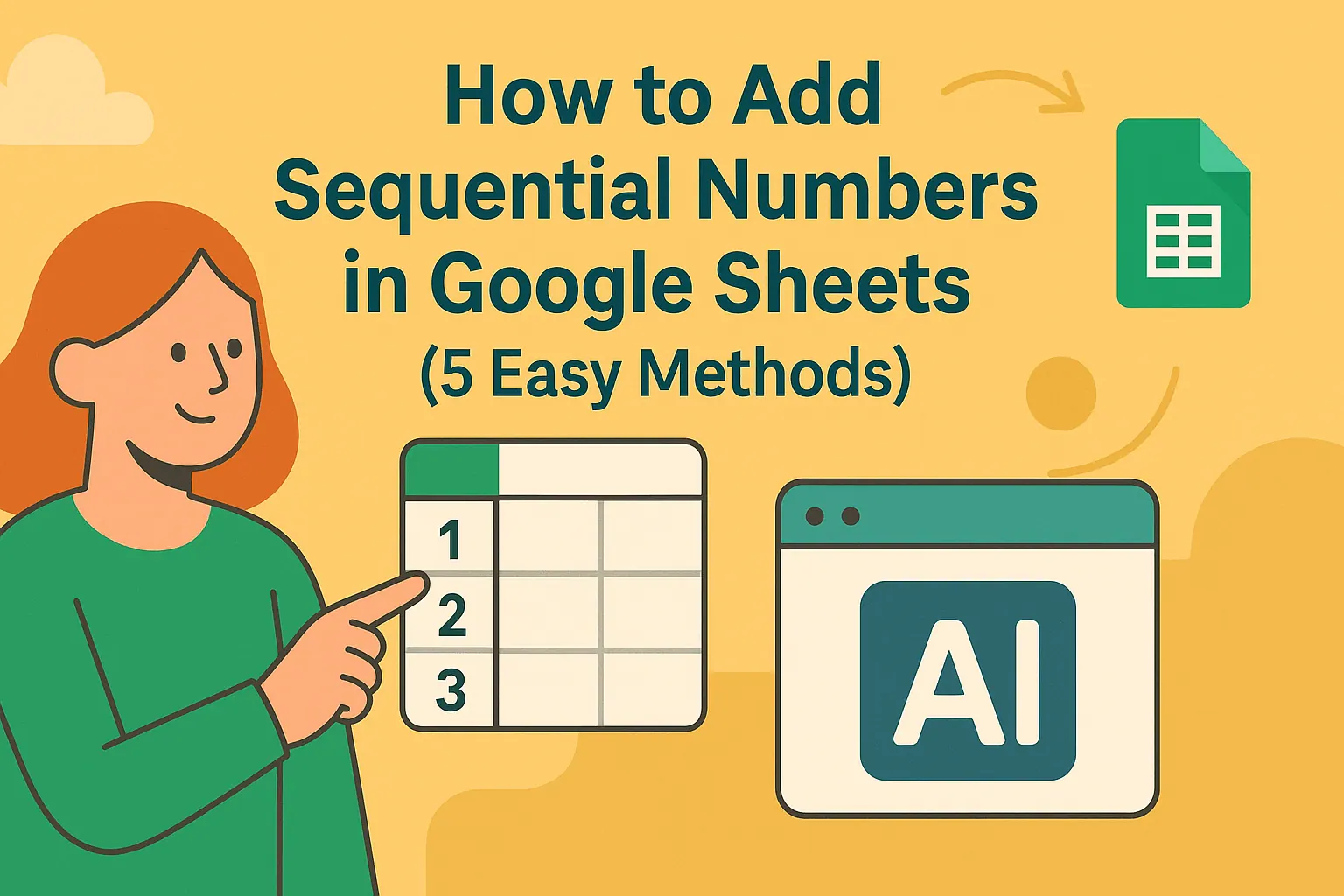
How to Add Sequential Numbers in Google Sheets (5 Easy Methods)
Tired of typing numbers one by one? Whether you're managing inventory, tracking projects, or analyzing data, these Google Sheets hacks will automate your numbering in seconds.
 Excel Essentials
How to Add Sequential Numbers in Excel: 5 Quick Methods for Any User
Tired of manually numbering rows in Excel? Discover 5 proven methods to generate sequences instantly, including how RowSpeak's AI can automate this task for you.
 Excel Essentials
How to Sum Selected Cells in Excel: A Step-by-Step Guide for Busy Professionals
Tired of manually adding numbers in Excel? This guide covers everything from simple SUM functions to advanced techniques—plus how RowSpeak can do it all for you with AI.
 Excel Essentials
How to Insert Rows Between Rows in Excel: 5 Smart Methods
Whether you're organizing sales data or cleaning customer lists, inserting rows shouldn't be a headache. Here's how Excel pros handle it effortlessly.
 Excel Essentials
How to Add Row Numbers in Excel: 5 Smart Methods for Better Data Organization
Tired of manually numbering rows in Excel? Whether you're managing small lists or massive datasets, this guide covers both simple tricks and advanced techniques (plus how AI can do it for you).
 Excel Essentials
How to Generate Random Numbers in Excel: A Step-by-Step Guide
Need random numbers for your Excel projects? Discover how to use RAND(), RANDBETWEEN(), and other tricks to create dynamic datasets instantly.
 Excel Essentials
How to Add Quotation Marks in Excel (3 Simple Methods)
Quotation marks in Excel shouldn't be this hard. Whether you're prepping data for reports or formatting text, these pro techniques (and one AI-powered solution) will save you hours.
 Excel Essentials
How to Sum Only Positive Numbers in Excel: 5 Smart Methods
Struggling to filter out negatives in your Excel sheets? Discover how to sum only positive numbers with these simple yet powerful methods.
 Excel Essentials
How to Add One Month to Dates in Google Sheets (3 Simple Methods)
Struggling with date calculations in Google Sheets? Discover three foolproof methods to add months to dates - no more manual counting or calendar checks needed!
 Excel Essentials
How to Add One Month to a Date in Excel (Simple Step-by-Step Guide)
Struggling with date calculations in Excel? This guide shows you two foolproof methods to add months to dates, complete with real-world examples and RowSpeak integration for smarter workflows.
 Excel Essentials
How to Add Numbers to the Horizontal Axis in Google Sheets (The Easy Way)
Tired of confusing charts? This step-by-step guide shows you how to properly display numbers on your Google Sheets horizontal axis, with bonus tips for creating professional visuals instantly using AI-powered RowSpeak.
 Excel Essentials
How to Sum Data Across Multiple Excel Sheets Like a Pro
Struggling to consolidate data across multiple Excel sheets? Discover simple formulas and pro tricks to sum numbers effortlessly, saving hours of manual work.
 Excel Essentials
How to Add Multiple Lines in Google Sheets (3 Easy Methods)
Struggling with cluttered spreadsheets? Discover three simple ways to add line breaks in Google Sheets cells to keep your data clean and readable.
 Excel Essentials
How to Add Multiple Cells in Google Sheets: A Step-by-Step Guide
Struggling with adding cells in Google Sheets? Discover simple and advanced techniques to sum data efficiently, whether you're working with small datasets or complex spreadsheets.
 Excel Essentials
How to Add Multiple Columns in Google Sheets (3 Easy Methods)
Struggling with cramped spreadsheets? Discover three simple methods to add multiple columns in Google Sheets - from basic clicks to pro shortcuts.
 Excel Essentials
How to Add More Columns in Excel: A Step-by-Step Guide for Better Data Management
Running out of columns in Excel? Don't panic! This guide walks you through multiple methods to add columns—whether you need one or many—plus pro tips to avoid common mistakes.
 Excel Essentials
How to Add More Cells in Google Sheets (Without the Headache)
Spreadsheets grow faster than your to-do list. Here’s your stress-free guide to expanding Google Sheets without breaking formulas or losing sanity—with pro tips for AI-powered efficiency.