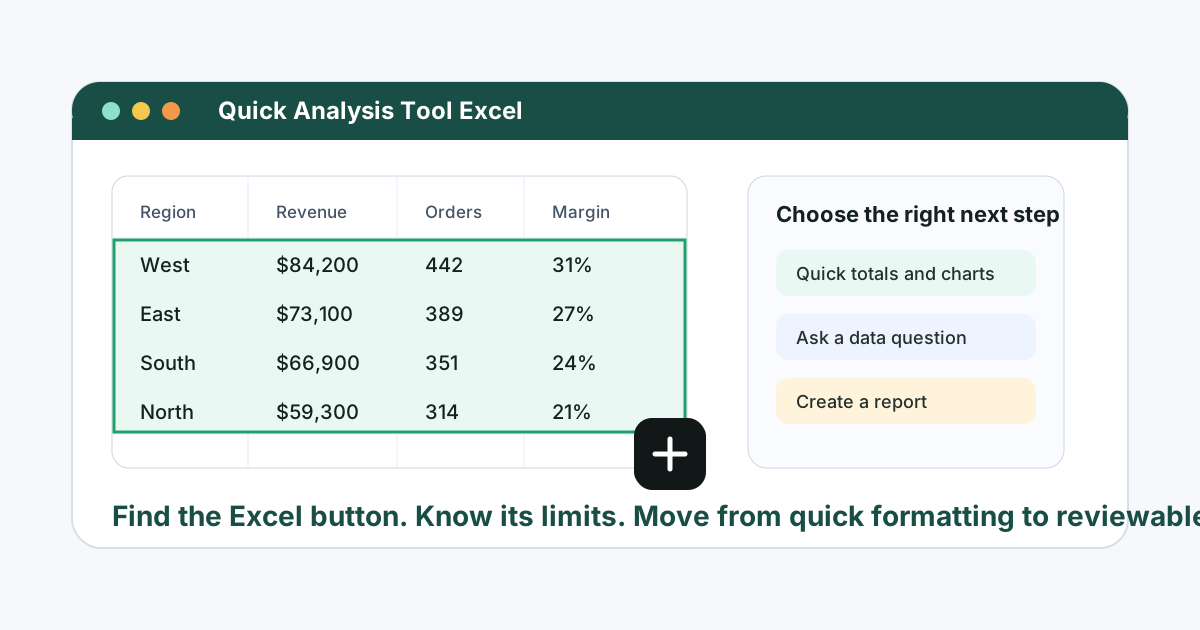
AI agents in finance sound powerful: autonomous analysis, monitoring, forecasting, and report generation. But for most teams, the immediate opportunity is more concrete. The agent needs to work with the files finance already trusts: Excel workbooks, CSV exports, PDFs, screenshots, and reporting packs.
If an AI agent cannot handle those files in a reviewable way, it is not ready for practical finance work.
Key takeaways:
- AI agents in finance should be scoped to specific workflows such as variance review, anomaly checks, forecasting, and reporting.
- The output still needs review by a finance owner before it is used in decisions.
- RowSpeak acts as a practical file-based AI workspace for finance teams that need analysis from real spreadsheets and reports.
What an AI finance agent should do
In a spreadsheet workflow, a useful agent should be able to:
- Read the uploaded file structure.
- Identify relevant fields such as period, account, department, budget, actual, and amount.
- Generate a table, chart, or written explanation.
- Ask for clarification when the file is ambiguous.
- Keep the output tied to the source data.
- Support follow-up prompts when the first pass needs correction.
That is different from an agent that simply writes confident commentary. Finance teams need evidence, not just fluency.
Practical agent workflow: close review
Sample input:
| Period | Department | Account | Prior Month | Current Month | Budget |
|---|---|---|---|---|---|
| Feb | Support | Payroll | 82000 | 87500 | 85000 |
| Feb | Sales | Travel | 16000 | 24100 | 18000 |
Prompt:
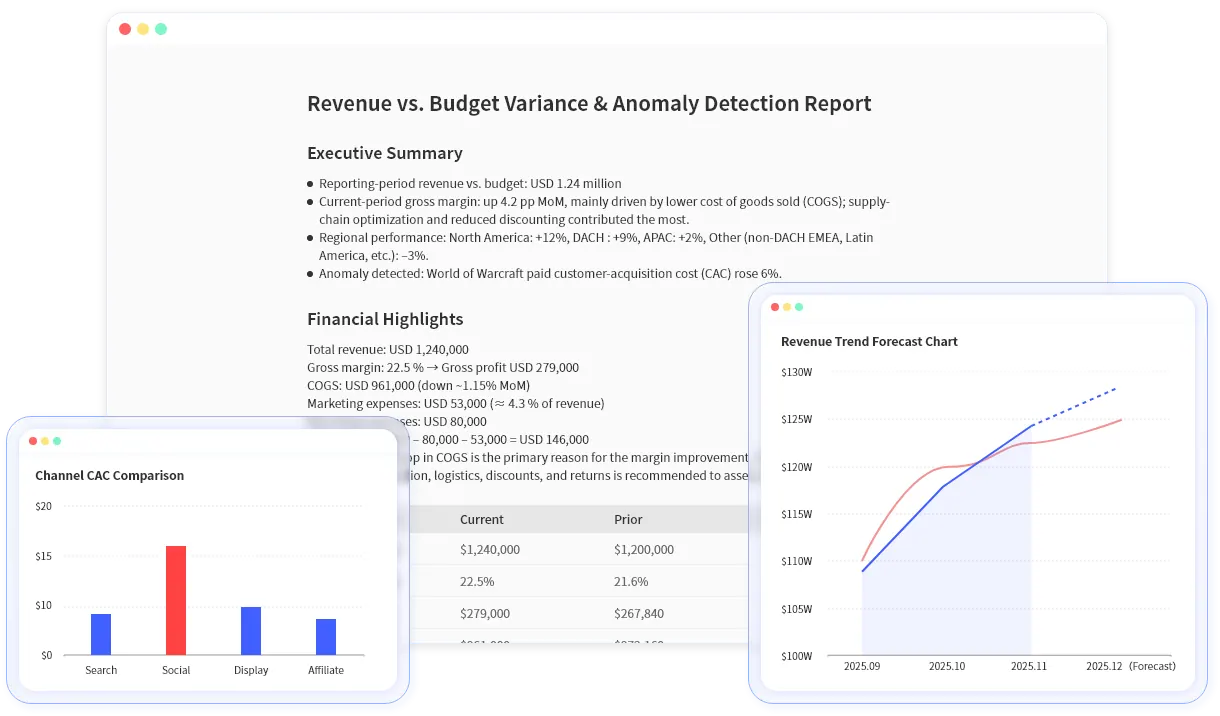
Act as a finance analysis assistant. Review this close file, identify the largest changes against prior month and budget, explain possible drivers, and separate confirmed findings from items that need manual review.
The best output is not one final answer. It is a review pack:
- Ranked variances.
- Suggested explanations.
- Charts worth creating.
- Items to investigate.
- Questions for the finance owner.
This is the kind of workflow RowSpeak supports inside finance AI for Excel.
What AI agents should not do
Finance agents should not:
- Provide investment advice unless they are built and governed for that use case.
- Treat unusual items as proven errors without source evidence.
- Override accounting policy or controller sign-off.
- Invent business explanations that are not in the file.
- Hide assumptions behind a polished paragraph.
For finance, a good agent is often less autonomous than the marketing language suggests. It should be fast, useful, and reviewable.
Where RowSpeak fits versus generic agents
Generic agents can be helpful for broad tasks, but finance workflows need file awareness. RowSpeak is designed around file-based analysis: upload the spreadsheet or report, ask the question, review the output, and share the result.
That makes it useful for:
The agent-like behavior is in the workflow: understand the file, produce a first pass, accept correction, and help create a report.
Review checklist for finance agents
Before using an agent output, check:
- Did it use the correct source file?
- Did it identify the right period and comparison basis?
- Did it show the numbers behind the narrative?
- Did it separate facts from assumptions?
- Did it preserve a review path for the finance owner?
If your team is exploring AI agents in finance, start with one controlled workflow. Upload a known file into RowSpeak and compare the AI output against a manual review. That is a safer test than asking an agent to own a full finance process on day one.