
Excel Essentials
Formulas, tables, charts, and file basics for everyday spreadsheet work
 Excel Essentials
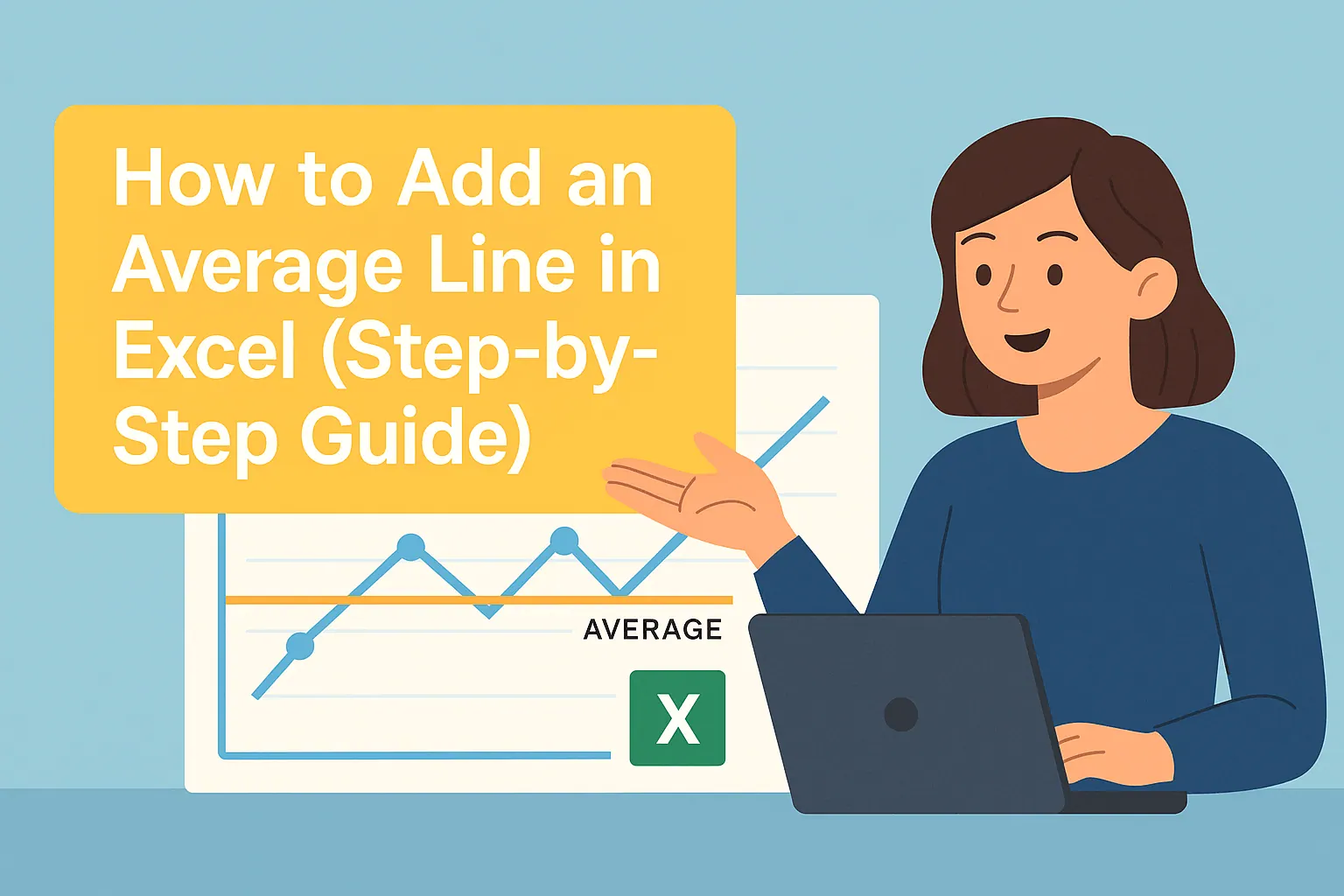
How to Add an Average Line in Excel (Step-by-Step Guide)
Want to make your Excel charts more insightful? Adding an average line helps you visualize data trends at a glance. Here's how to do it in just a few clicks.
 Excel Essentials
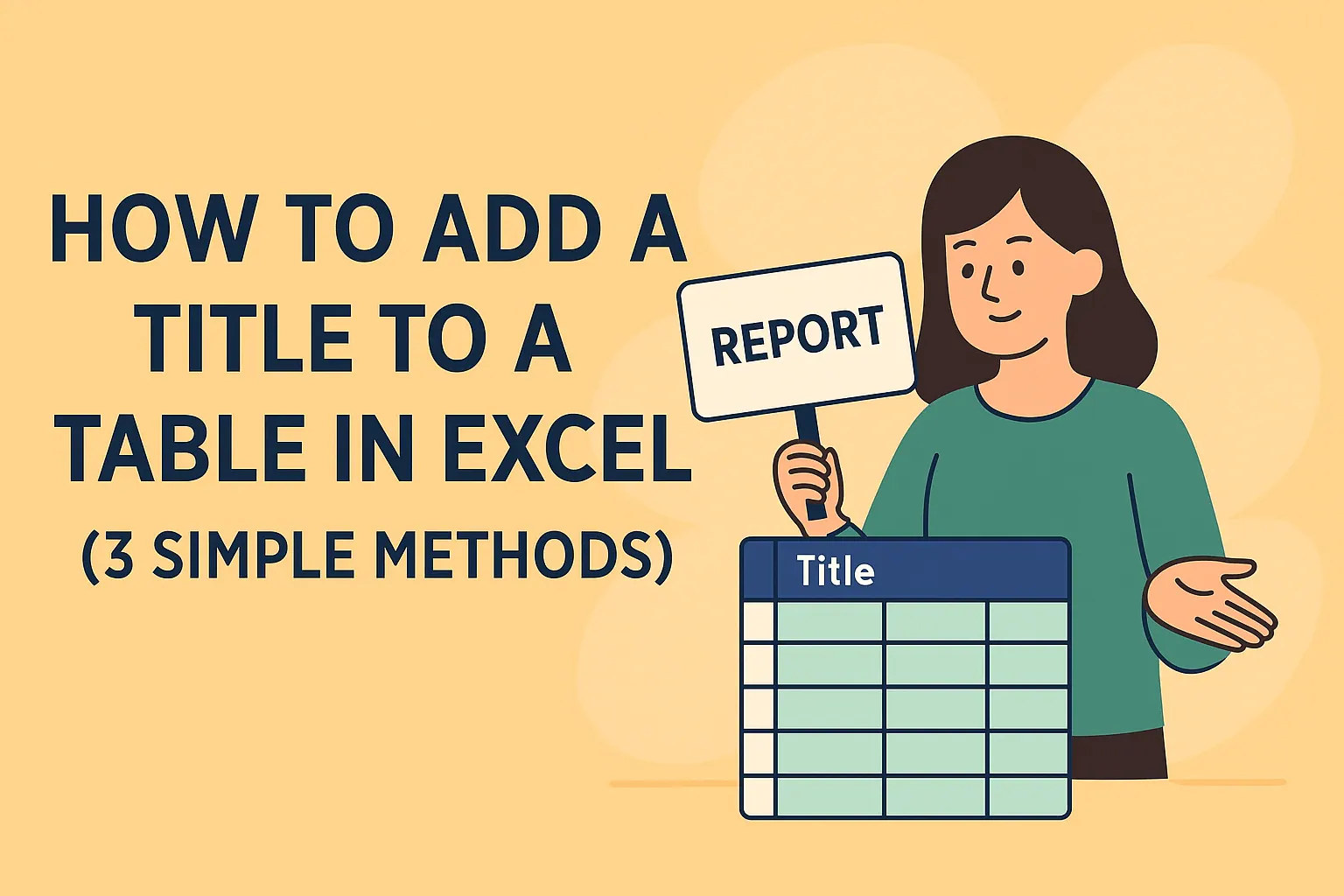
How to Add a Title to a Table in Excel (3 Simple Methods)
Struggling with messy Excel tables? Discover foolproof methods to add clear titles—and how RowSpeak can do it for you in seconds.
 Excel Essentials
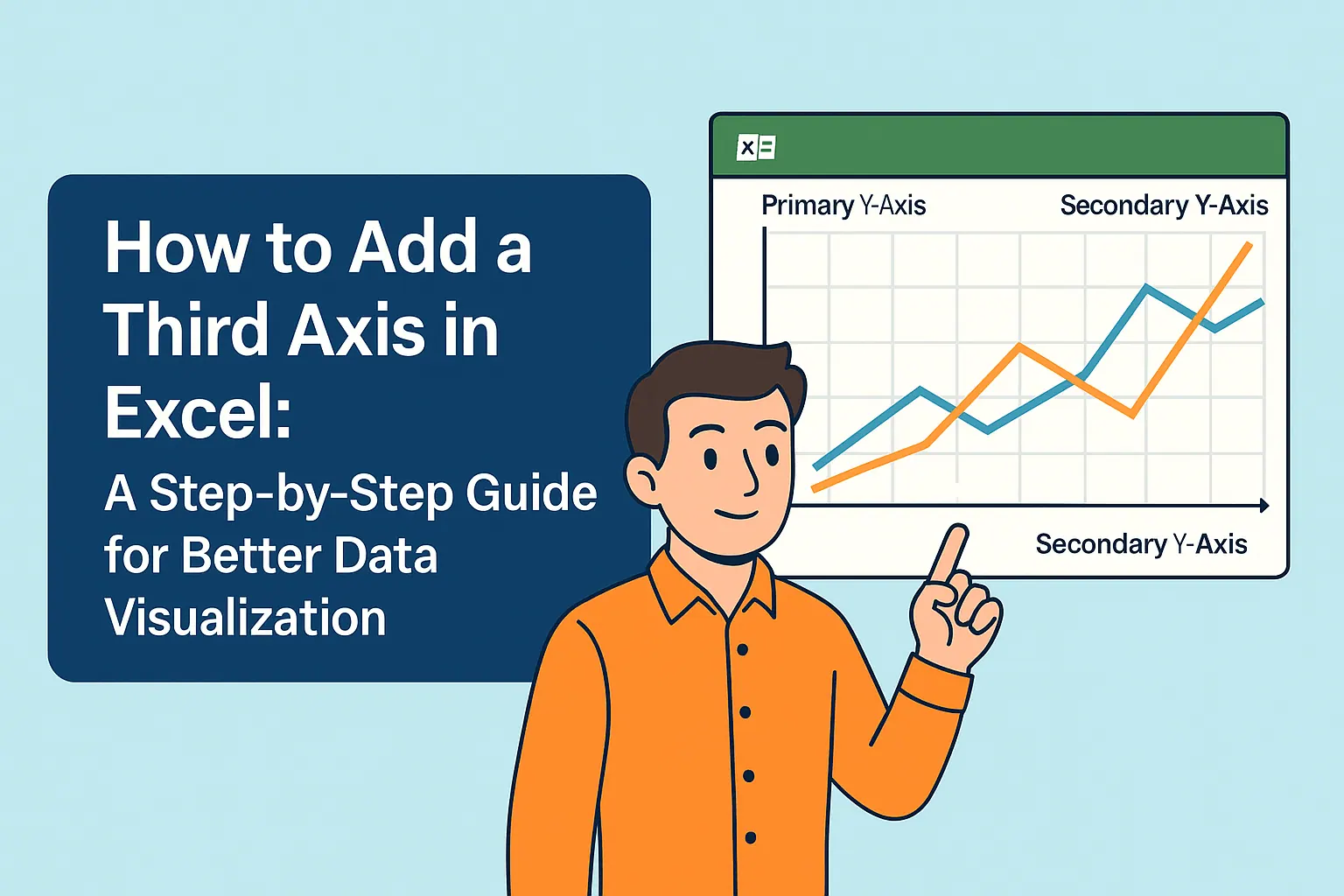
How to Add a Third Axis in Excel: A Step-by-Step Guide for Better Data Visualization
Struggling to compare three data series in Excel? Adding a third axis can transform your charts. Here's how to do it—plus a smarter way to automate your data visualization.
 Excel Essentials
How to Add Spaces in Google Sheets for Better Data Readability
Struggling with cramped data in Google Sheets? Discover how to add spaces between text, numbers, and rows to transform messy spreadsheets into clean, professional reports.
 Excel Essentials
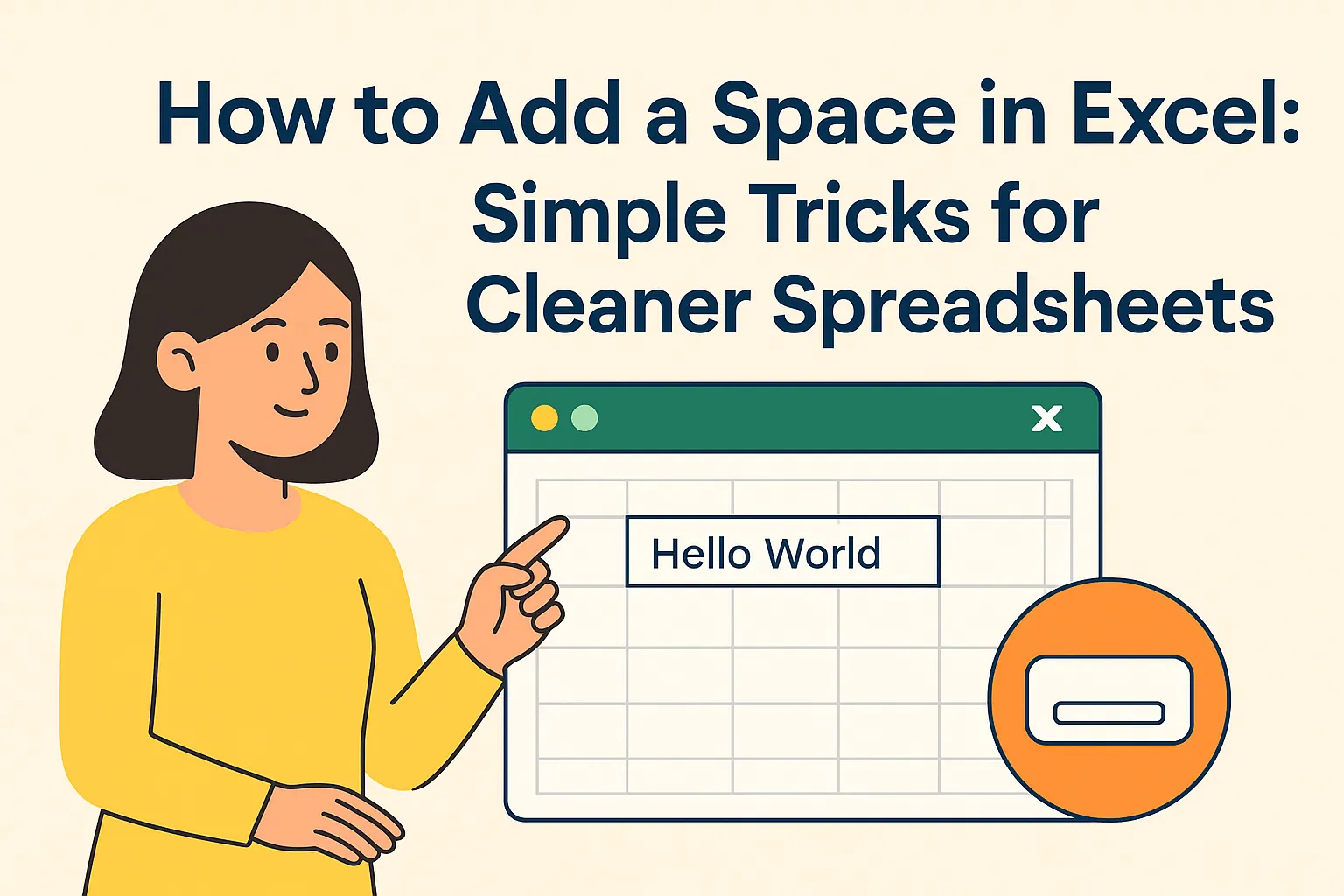
How to Add a Space in Excel: Simple Tricks for Cleaner Spreadsheets
Spaces in Excel might seem small, but they make a huge difference in data clarity. Discover manual tricks, smart formulas, and even AI-powered solutions to perfect your spreadsheets.
 Excel Essentials
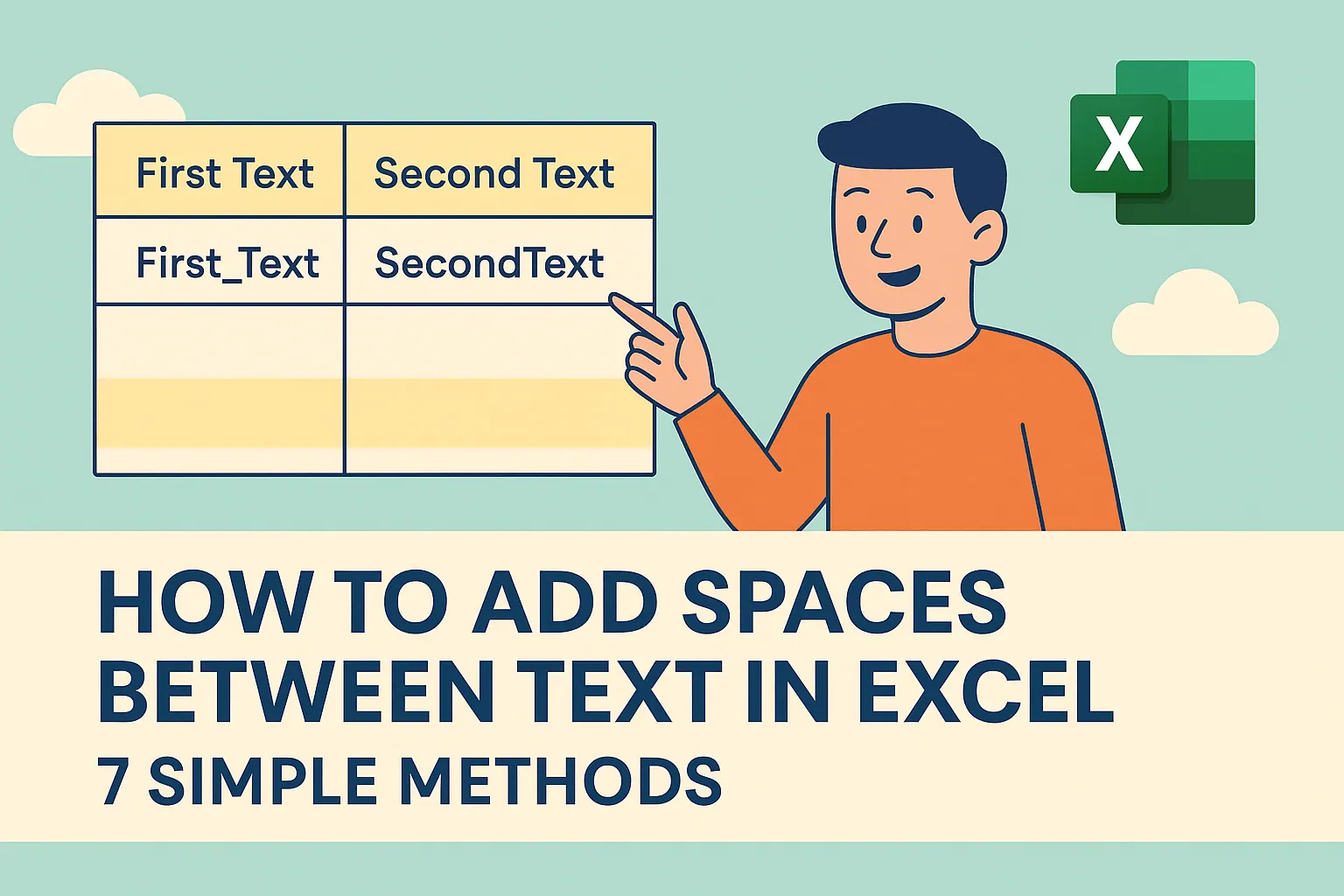
How to Add Spaces Between Text in Excel: 7 Simple Methods
Tired of squinting at messy Excel data? Discover simple formulas, functions, and tricks to add spaces between text—making your spreadsheets instantly more professional and easier to work with.
 Excel Essentials
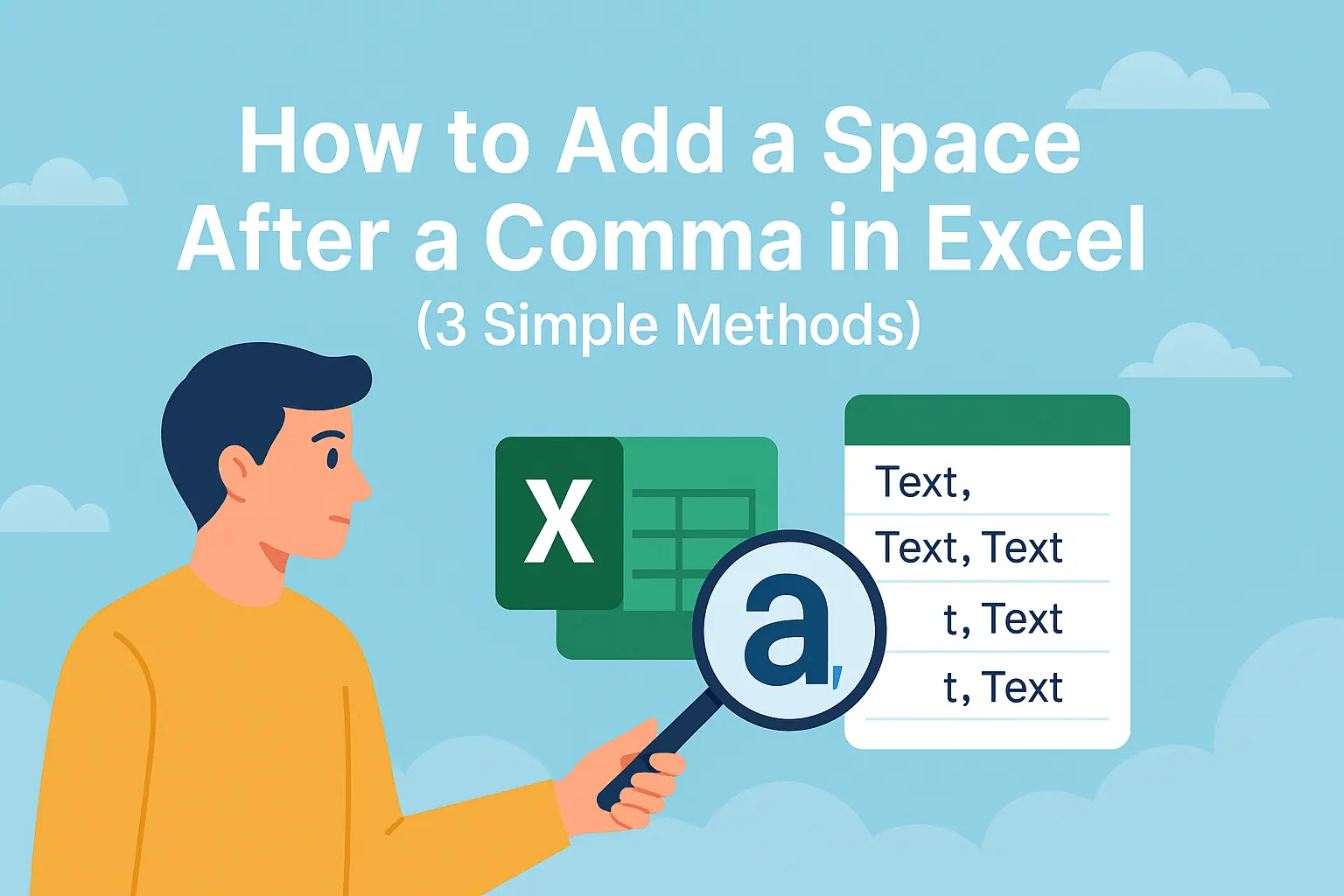
How to Add a Space After a Comma in Excel (3 Simple Methods)
Tired of squished-together data in Excel? Discover quick fixes and advanced techniques to automatically add spaces after commas—no coding skills needed!
 Excel Essentials
How to Add an Apostrophe to All Cells in Excel (3 Simple Methods)
Struggling with data formatting in Excel? Discover how to quickly add apostrophes to all cells using formulas, Find & Replace, and VBA—plus how RowSpeak automates this process with AI.
 Excel Essentials
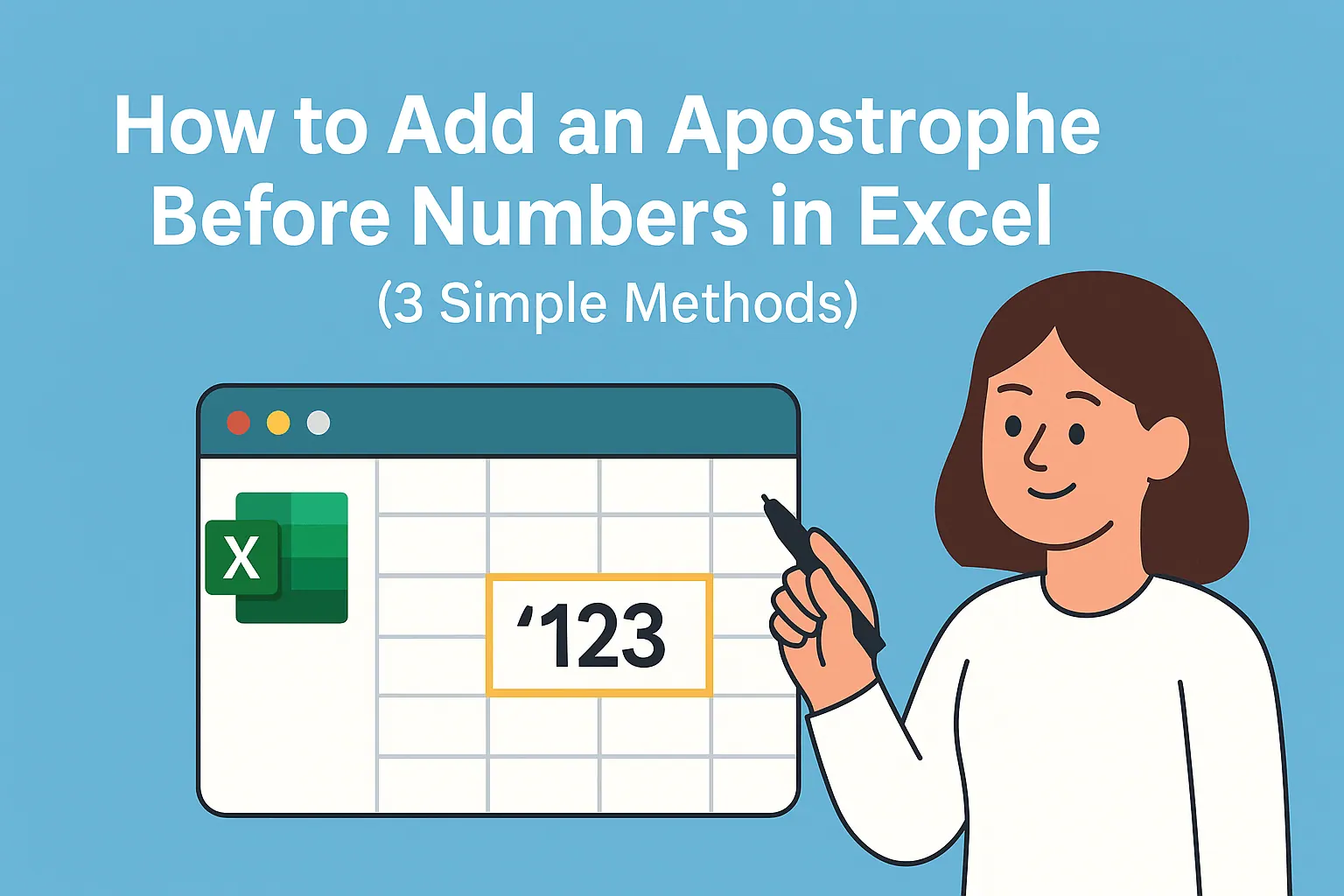
How to Add an Apostrophe Before Numbers in Excel (3 Simple Methods)
Struggling with Excel removing leading zeros? Discover how adding an apostrophe converts numbers to text - plus how RowSpeak automates this process instantly.
 Excel Essentials
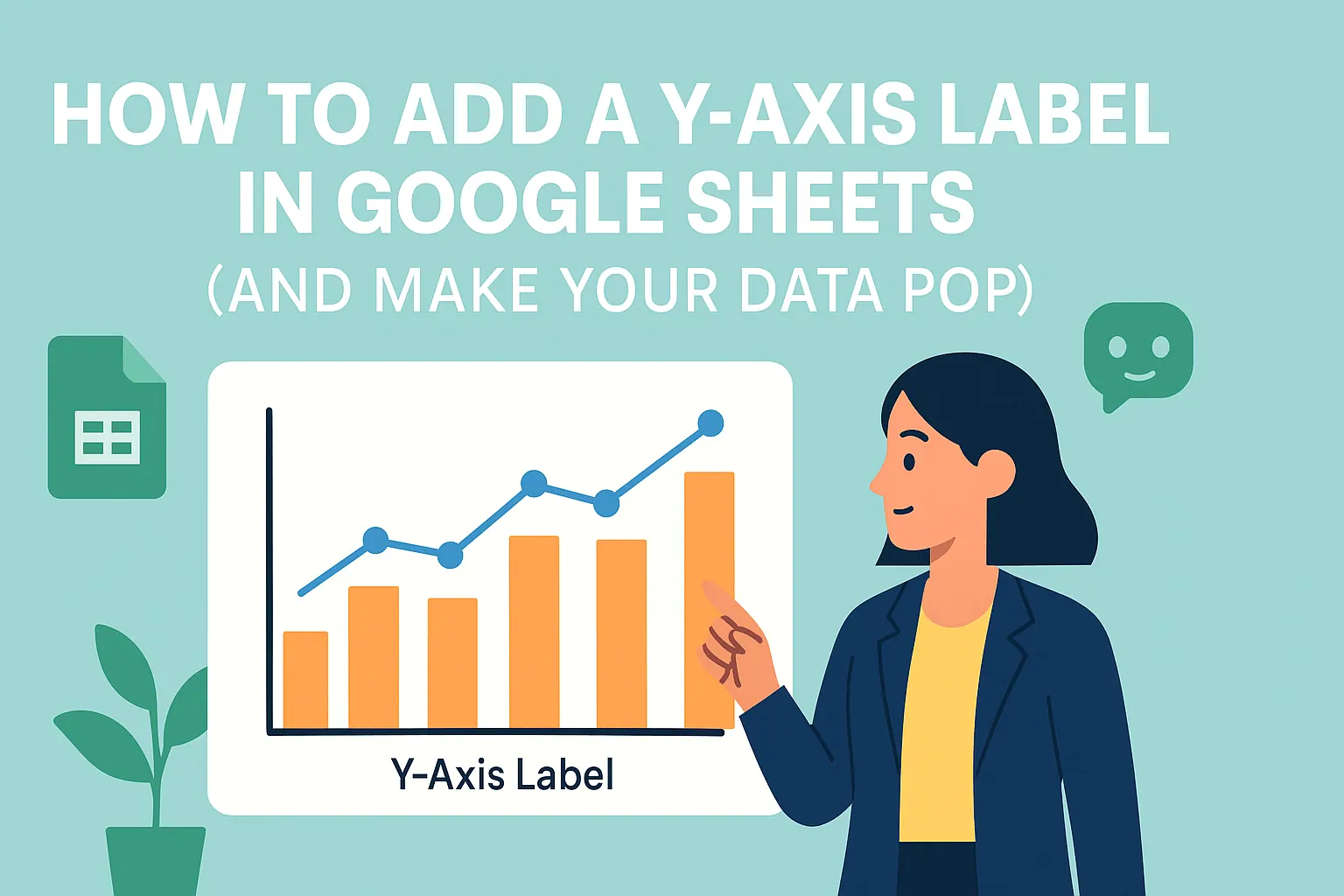
How to Add a Y-Axis Label in Google Sheets (And Make Your Data Pop)
Struggling with confusing charts? This step-by-step guide shows how to add Y-axis labels in Google Sheets, with pro tips to make your data visualizations shine.
 Excel Essentials
How to Add an Asterisk in Excel: 7 Smart Ways to Boost Your Spreadsheets
Asterisks in Excel are more than just decoration. This guide reveals professional techniques for data highlighting, wildcard searches, and custom formatting - with time-saving AI solutions.
 Excel Essentials
How to Sum Values in Google Sheets: A Complete Guide for Business Users
Tired of manual number crunching? This guide walks you through every way to sum values in Google Sheets, with pro tips to save time. See how RowSpeak makes data analysis smarter than ever.
 Excel Essentials
How to Sum Values in Excel: 7 Easy Methods for Accurate Calculations
Struggling with Excel sums? Discover the fastest methods to add numbers, avoid errors, and save time—whether you're a beginner or a pro.
 Excel Essentials
How to Add Alt Text in Excel: A Step-by-Step Guide for Better Accessibility
Want to make your Excel files more inclusive? Adding alt text is a game-changer for accessibility. Here's how to do it right—plus why it matters for your business.
 Excel Essentials
How to Add a Leading Zero in Excel: 5 Simple Methods That Actually Work
Excel keeps deleting your leading zeros? Whether you're working with product codes, employee IDs, or phone numbers, these simple tricks will save your formatting headaches.
 Excel Essentials
How to Add a Word to Every Cell in Excel: 7 Smart Methods
Tired of manually editing hundreds of cells? Discover how to bulk-add text in Excel using formulas, Flash Fill, and even AI automation with RowSpeak.
 Excel Essentials
How to Sum an Entire Column in Excel (5 Quick Methods)
Adding up a column in Excel shouldn’t feel like rocket science. Whether you’re totaling expenses or analyzing sales data, these simple techniques (and a secret AI weapon) will save you hours.
 Excel Essentials
How to Add a Comma in Excel: A Step-by-Step Guide for Better Data Readability
Struggling with unformatted Excel data? Discover how to add commas to numbers and text strings using Excel's built-in features and formulas—plus how RowSpeak can automate this process for you.
 Excel Essentials
How to Add a Column in Google Sheets: A Step-by-Step Guide for Smarter Data Management
Mastering column management in Google Sheets is essential for dynamic data analysis. This guide walks you through insertion techniques while showcasing how AI-powered tools like RowSpeak can transform your workflow.
 Excel Essentials
How to Add a Column in Excel: The Ultimate Shortcut Guide for Faster Workflows
Tired of manual column insertion in Excel? Learn time-saving shortcuts and how AI tools like RowSpeak can transform your spreadsheet workflow from tedious to effortless.
 Excel Essentials
How to Add a Character to Every Cell in Excel: 5 Efficient Methods
Struggling to add prefixes or suffixes to Excel data? Discover both traditional techniques and modern AI solutions to streamline this common spreadsheet task.
 Excel Essentials
How to Add a Calculated Column in Excel (Step-by-Step Guide)
Calculated columns in Excel save time and reduce errors by automating repetitive calculations. This guide walks you through the process—and introduces how AI tools like RowSpeak can streamline your data tasks even further.
 Excel Essentials
How to Add a 1 in Front of Numbers in Excel: 4 Simple Methods
Struggling to format data by adding a '1' before numbers in Excel? Discover four proven methods—including AI automation with RowSpeak—to save time and ensure accuracy.
 Excel Essentials
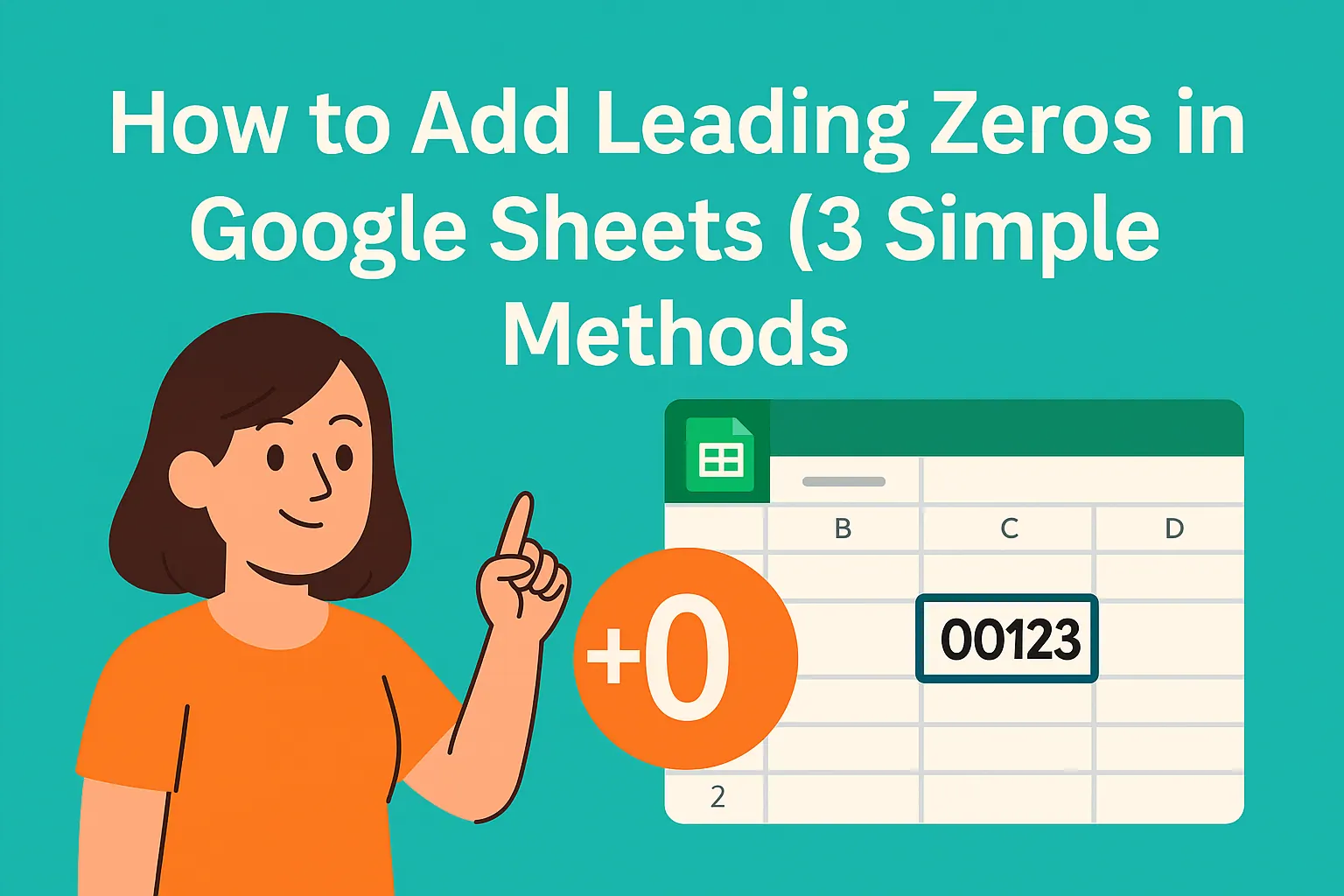
How to Add Leading Zeros in Google Sheets (3 Simple Methods)
Struggling with disappearing zeros in your spreadsheet data? Discover professional techniques to maintain leading zeros in Google Sheets while keeping your data functional.
 Excel Essentials
How to Add 100 Columns in Google Sheets (Fast & Efficient)
Expanding spreadsheets shouldn't be manual labor. Discover Google Sheets shortcuts for adding 100+ columns instantly, and how modern AI solutions eliminate column management headaches.
 Excel Essentials
How to Add Check Mark Boxes in Excel: A Step-by-Step Guide for Better Task Tracking
Tired of messy spreadsheets? Discover how check mark boxes can transform your Excel sheets into powerful productivity tools with this easy tutorial.
 Excel Essentials
How to Add a Calendar to Google Sheets (Step-by-Step Guide)
Tired of manually typing dates? Our step-by-step guide shows you how to add clickable calendars to Google Sheets cells in minutes.
 Excel Essentials
How to Add 7 Days to a Date in Excel: 4 Simple Methods
Master date calculations in Excel with this step-by-step guide. Discover how to add 7 days to any date using different methods, plus how RowSpeak can automate these tasks for you.
 Excel Essentials
How to Add 6 Months to a Date in Excel: 4 Reliable Methods
Struggling with date calculations in Excel? Discover how to accurately add 6 months to any date using EDATE, EOMONTH, and other powerful functions - plus how RowSpeak automates these tasks effortlessly.
 Excel Essentials
How to Add 5 Years to a Date in Excel: 5 Reliable Methods
Manipulating dates in Excel is essential for business planning, yet many professionals struggle with accurate date calculations. In this guide, we break down five foolproof methods to add years to dates, complete with practical examples and RowSpeak integration for smarter workflows.
 Excel Essentials
How to Add 30 Minutes to Time in Excel: 5 Simple Methods
Struggling with time calculations in Excel? Discover foolproof methods to add 30 minutes to any time value, complete with step-by-step instructions and pro tips.
 Excel Essentials
How to Add 30 Days to a Date in Excel: A Step-by-Step Guide
Managing deadlines and project timelines just got easier. Discover the most efficient methods to add 30 days to any date in Excel, from basic arithmetic to advanced functions that handle month-ends and leap years automatically.
 Excel Essentials
How to Add 3 Years to a Date in Excel: 4 Reliable Methods
Manipulating dates in Excel doesn't have to be complicated. Discover the most accurate methods to add 3 years to any date, whether you're a beginner or power user. Plus, see how RowSpeak can automate these calculations for you.
 Excel Essentials
How to Add 15 Minutes to Time in Excel: 3 Simple Methods
Master time calculations in Excel with these proven techniques for adding 15-minute intervals. Perfect for scheduling, time tracking, and productivity management.
 Excel Essentials
How to Add Yes or No Options in Excel (3 Simple Methods)
Tracking tasks, approvals, or inventory? Yes/No fields make Excel sheets clearer. Discover dropdowns, checkboxes, and conditional formatting tricks, plus how RowSpeak handles it all instantly.
 Excel Essentials
How to Add a Yes or No Checkbox in Excel (Step-by-Step Guide)
Tired of typing 'yes' or 'no' manually? This guide shows you how to create smart checkboxes in Excel that can automate your workflows and make your data more visual.