
Excel Essentials
Formulas, tables, charts, and file basics for everyday spreadsheet work
 Excel Essentials
How to Add Rows in Google Sheets Without Breaking Formulas (2025 Guide)
Adding rows shouldn't mean rebuilding your formulas from scratch. Discover how to maintain formula integrity in Google Sheets using built-in features, array formulas, and smart workarounds.
 Excel Essentials
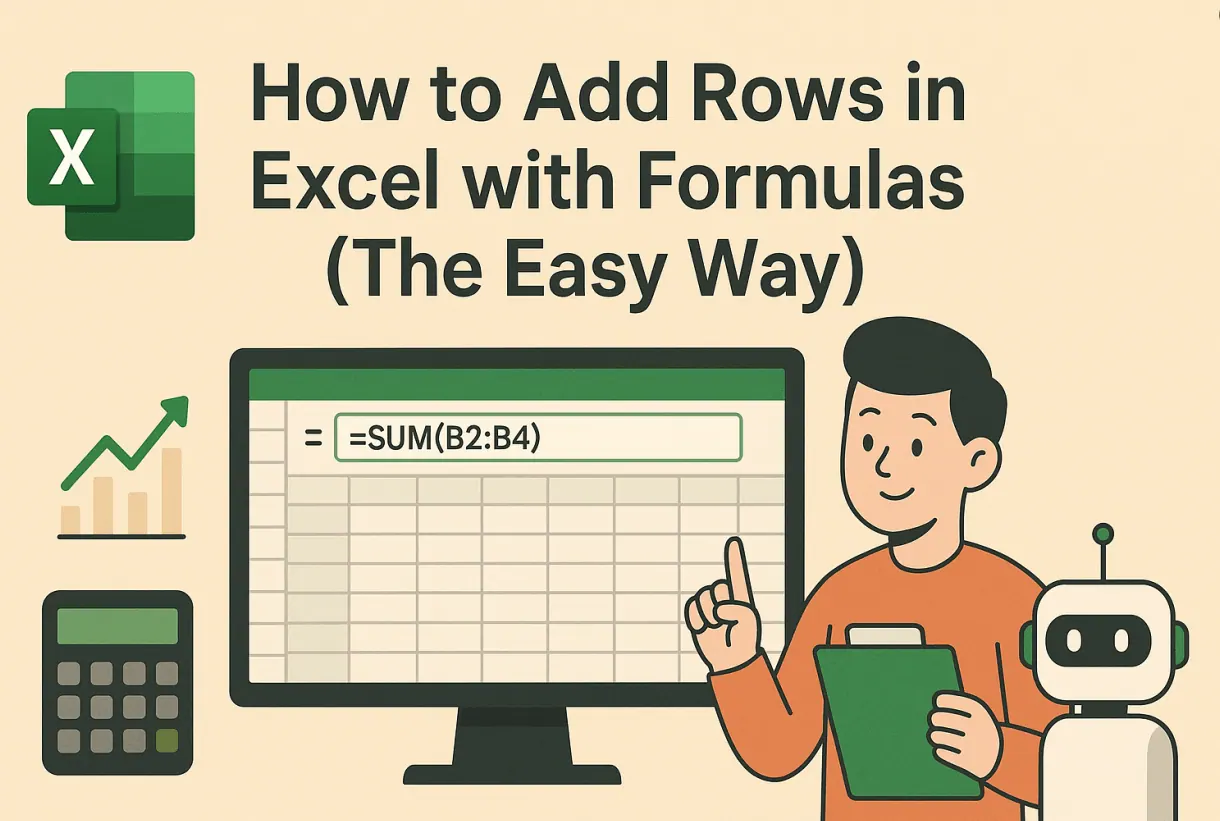
How to Add Rows in Excel with Formulas (The Easy Way)
Tired of manual calculations in Excel? Discover simple formula tricks to add rows instantly, from basic sums to conditional totals. We'll also show you how AI-powered RowSpeak can handle these tasks automatically.
 Excel Essentials
How to Add Quotes Around Text in Google Sheets (3 Simple Methods)
Struggling to format text with quotes in Google Sheets? We'll show you smarter ways to handle this common task, whether you're working with single cells or entire datasets.
 Excel Essentials
How to Add Quotes Around Text in Excel (3 Simple Methods)
Struggling to format text with quotes in Excel? Whether you're prepping data for import or ensuring consistency, these quick methods will save you hours.
 Excel Essentials
How to Add Parentheses in Excel: A Simple Guide for Smarter Formulas
Parentheses in Excel aren't just for math nerds - they're your secret weapon for writing better formulas. This guide shows you exactly when and how to use them like a pro.
 Excel Essentials
How to Add Multiple Links in a Google Sheets Cell: 3 Smart Workarounds
Google Sheets doesn't natively support multiple links per cell - but with these clever tricks, you can work around this limitation like a pro.
 Excel Essentials
How to Add Minutes to Time in Google Sheets (Simple Formulas & Pro Tips)
Struggling with time calculations in spreadsheets? Discover foolproof methods to add minutes to time values in Google Sheets—no math degree required!
 Excel Essentials
How to Add Days to a Date in Excel: Simple Formulas for Busy Professionals
Struggling with date calculations in Excel? Discover simple formulas to add days to any date—no calendar counting needed!
 Excel Essentials
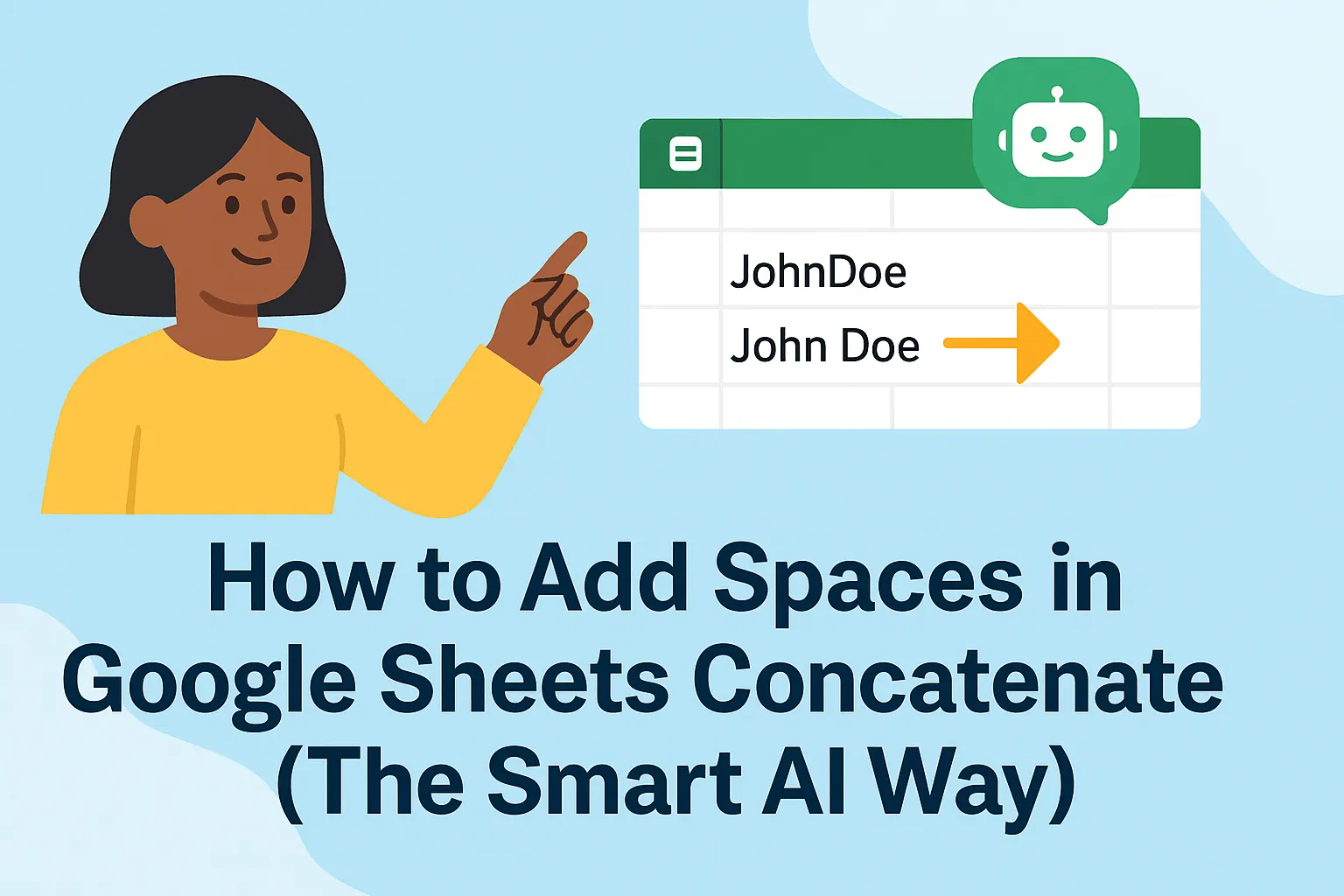
How to Add Spaces in Google Sheets Concatenate (The Smart AI Way)
Struggling with messy concatenated text in Google Sheets? This guide shows you multiple methods to add spaces between combined text, plus how AI can handle it automatically.
 Excel Essentials
How to Add Spaces in Concatenated Text in Google Sheets (The Easy Way)
Tired of getting 'JohnDoe' when you want 'John Doe'? Discover how to properly space your concatenated text in Google Sheets with these pro tips.
 Excel Essentials
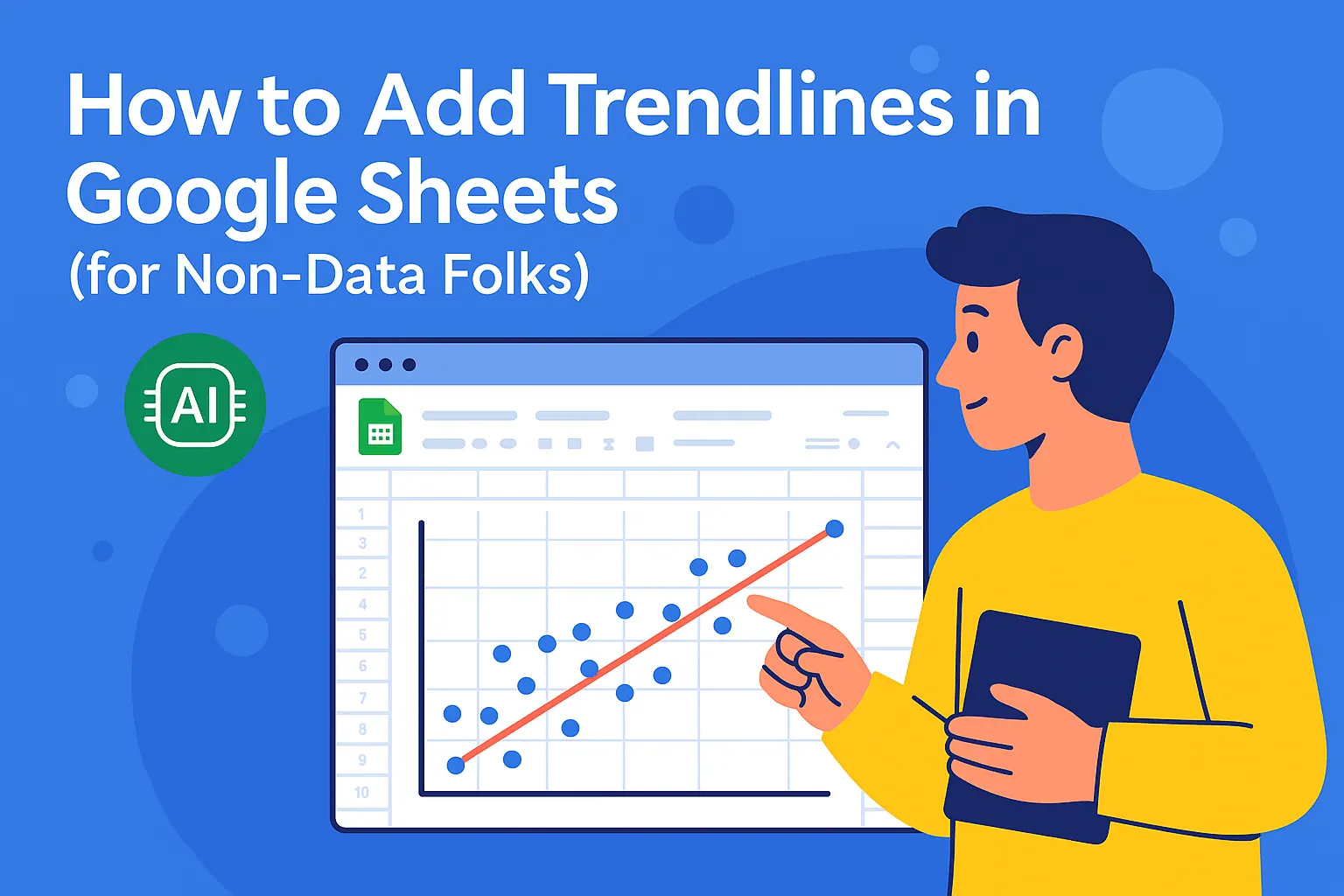
How to Add a Column in Google Sheets Instantly with AI (No Formulas Needed)
Spreadsheets don't have to be tedious. Discover how AI tools like RowSpeak can transform your Google Sheets workflow by adding entire columns with a single command.
 Excel Essentials
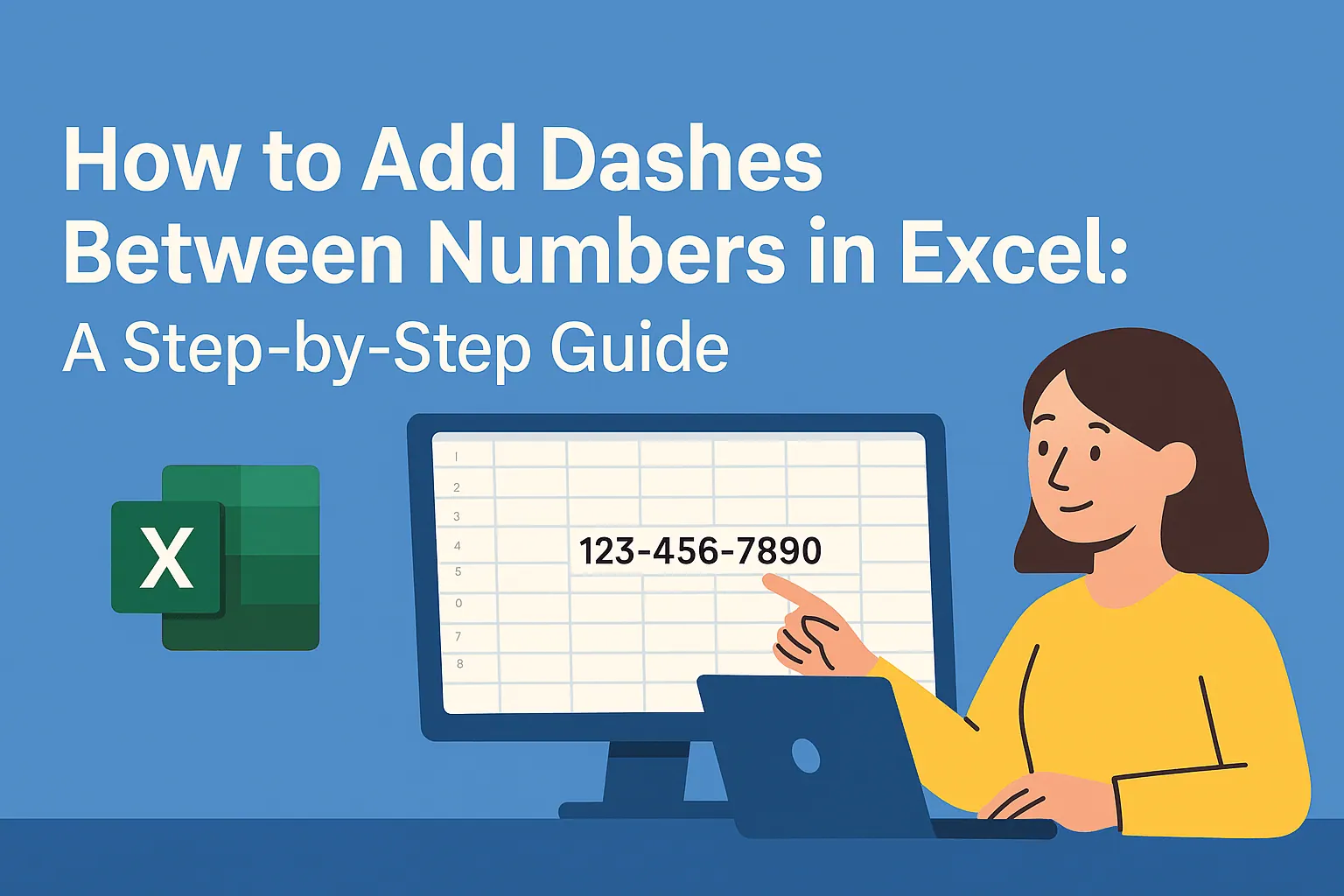
How to Add a Dash Between Numbers in an Excel Formula
Struggling to format numbers with dashes in Excel? Discover how CONCATENATE, CONCAT, and TEXTJOIN functions can streamline your workflow and enhance data presentation.
 Excel Essentials
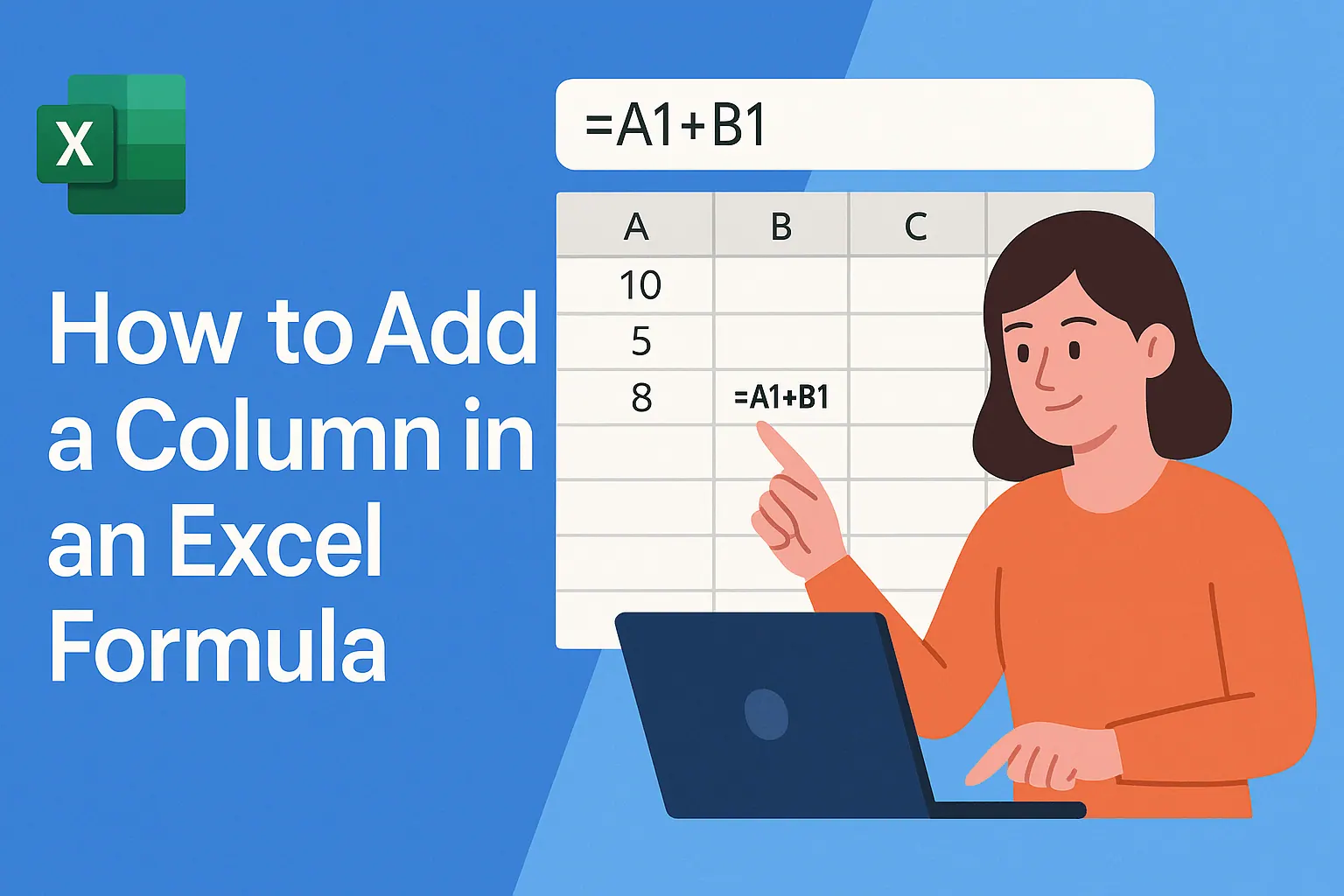
How to Add a Column in an Excel Formula
Tired of manual column additions in Excel? This guide breaks down 7 proven methods to sum data instantly, with pro tips to handle complex datasets. See how RowSpeak's AI transforms this process with one-click automation.
 Excel Essentials
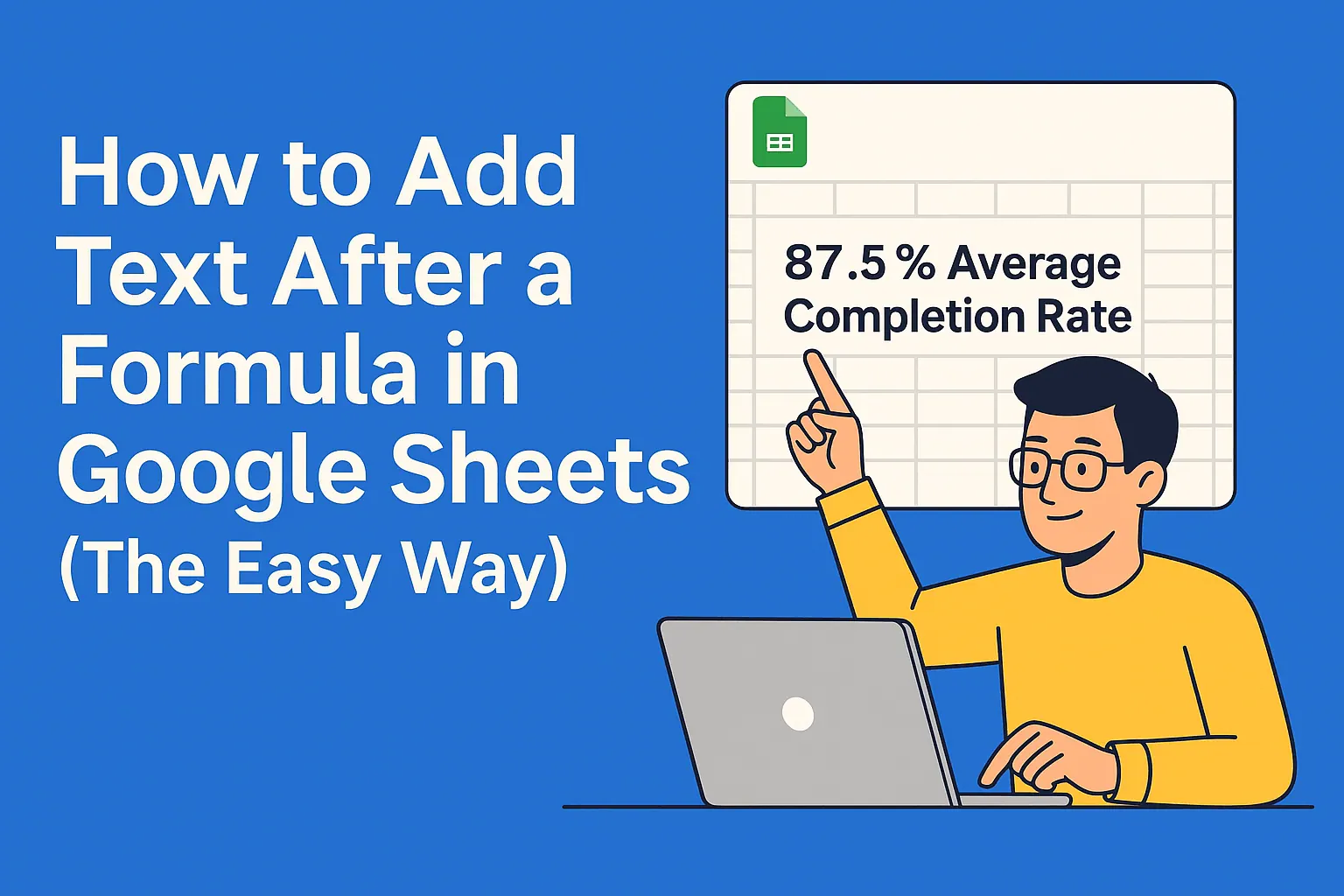
How to Add Text After a Formula in Google Sheets
Struggling to add labels to your formula results? This guide shows you multiple ways to append text to formulas in Google Sheets, from basic concatenation to advanced formatting tricks.
 Excel Essentials
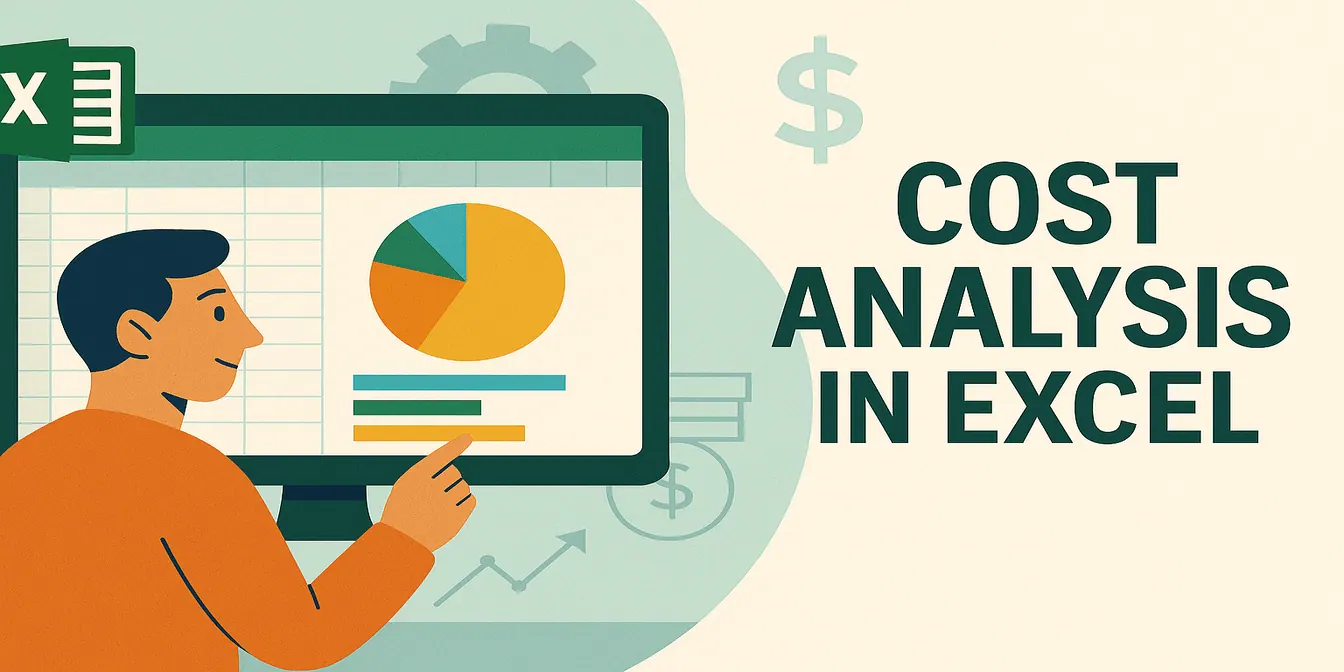
Master Cost Structure Analysis in Excel – No Formulas Needed
Still building pivots and charts to analyze your cost categories? Learn how RowSpeak uses AI to break down cost structures instantly and deliver insights you can act on.
 Excel Essentials
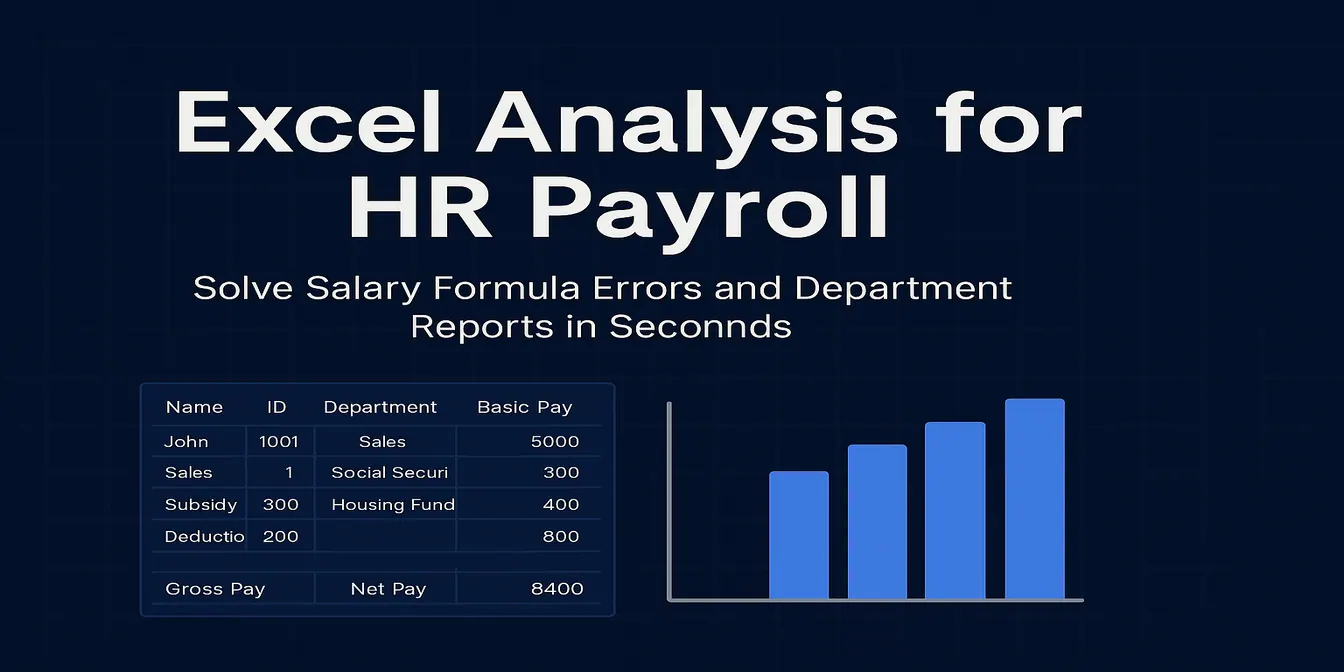
Excel Analysis for HR Payroll – Solve Salary Formula Errors and Department Reports in Seconds
Struggling with complex salary formulas or department payroll summaries? RowSpeak’s Excel analysis tools help HR teams automate salary calculations and generate insightful payroll reports instantly.
 Excel Essentials
Tired of Googling Excel Formulas? Here’s a Smarter Way
From calculating sales growth to segmenting customers — stop Googling Excel formulas. Here's how AI can handle your data analysis tasks in seconds.
 Excel Essentials
Master Data Analysis with RowSpeak: No Formulas, No Coding, Just Actionable Insights
Transform your Excel spreadsheets into powerful insights with RowSpeak’s AI. No formulas, no coding—just natural language questions and instant results.
 Excel Essentials
Best Free AI for Excel Tools in 2026: 10 Options for Analysis, Formulas, and Charts
Compare free AI for Excel tools by free tier, supported data formats, formula help, chart generation, and reporting workflows.
 Excel Essentials
8 Excel AI Tools That Will Instantly Boost Your Productivity (No Formula Skills Needed)
Say goodbye to Excel headaches. These 8 AI tools help you analyze data, generate formulas, and build dashboards effortlessly — no coding required.
 Excel Essentials
Why Excel Formulas Fail: Simple Solutions to Common Problems
This blog teaches you how to easily deal with Excel formula failure
 Excel Essentials
Three tips to teach you how to use VLOOKUP efficiently
Today, I will share with you some tips for using VLOOKUP, and introduce a powerful tool -- RowSpeak, to help you use VLOOKUP more efficiently.