
Excel Essentials
Formulas, tables, charts, and file basics for everyday spreadsheet work
 Excel Essentials
How to Add a Trendline to a Scatter Plot in Google Sheets (The Smart Way)
Trendlines transform raw data into actionable insights. Here's a step-by-step guide to creating them in Google Sheets, plus how AI tools like RowSpeak make it even easier.
 Excel Essentials
How to Add Notes in Excel: A Step-by-Step Guide for Better Collaboration
Excel notes are game-changers for team collaboration. This guide walks you through everything from basic note creation to advanced management tips - making your spreadsheets more informative and user-friendly.
 Excel Essentials
How to Add a Linear Trendline in Excel (Step-by-Step Guide)
Trendlines transform raw numbers into actionable insights. This simple guide shows you exactly how to add and customize linear trendlines in Excel - plus how RowSpeak's AI can automate this process for you.
 Excel Essentials
How to Add a Line Break in Excel Cells (3 Simple Methods)
Struggling to fit multiple lines of text in a single Excel cell? This guide shows you three foolproof methods to add line breaks, plus how AI-powered RowSpeak can handle it automatically.
 Excel Essentials
How to Access and Use PowerPoint's Slide Master for Professional Presentations
Mastering PowerPoint's Slide Master feature can transform your presentations from amateur to professional. This guide walks you through accessing and customizing Slide Master, while introducing how AI-powered tools like RowSpeak can enhance your data visualization process.
 Excel Essentials
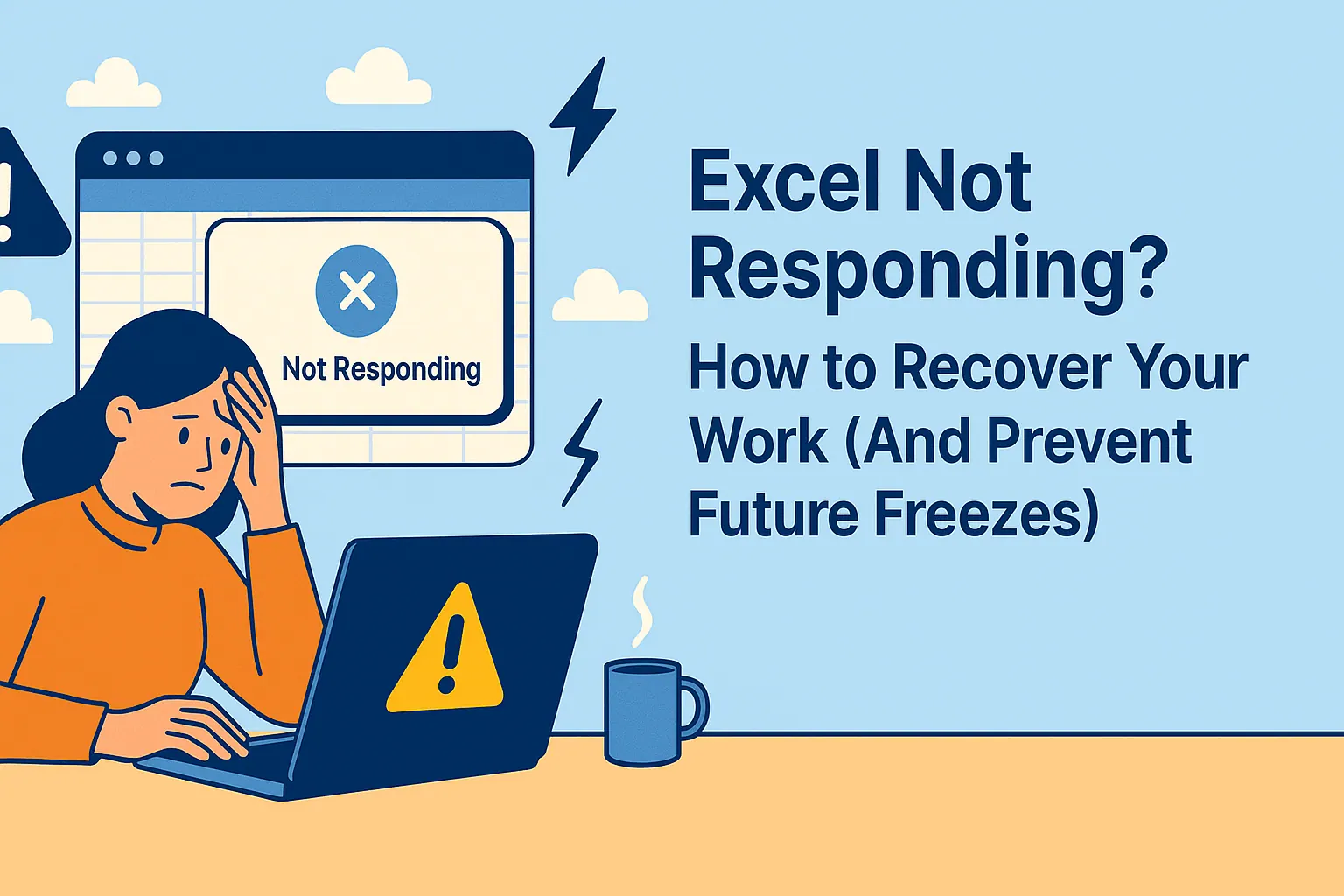
Excel Not Responding? How to Recover Your Work (And Prevent Future Freezes)
Excel crashes can derail your productivity. Discover actionable steps to recover unsaved work, troubleshoot freezing issues, and leverage AI tools like RowSpeak to create stable, efficient spreadsheets.
 Excel Essentials
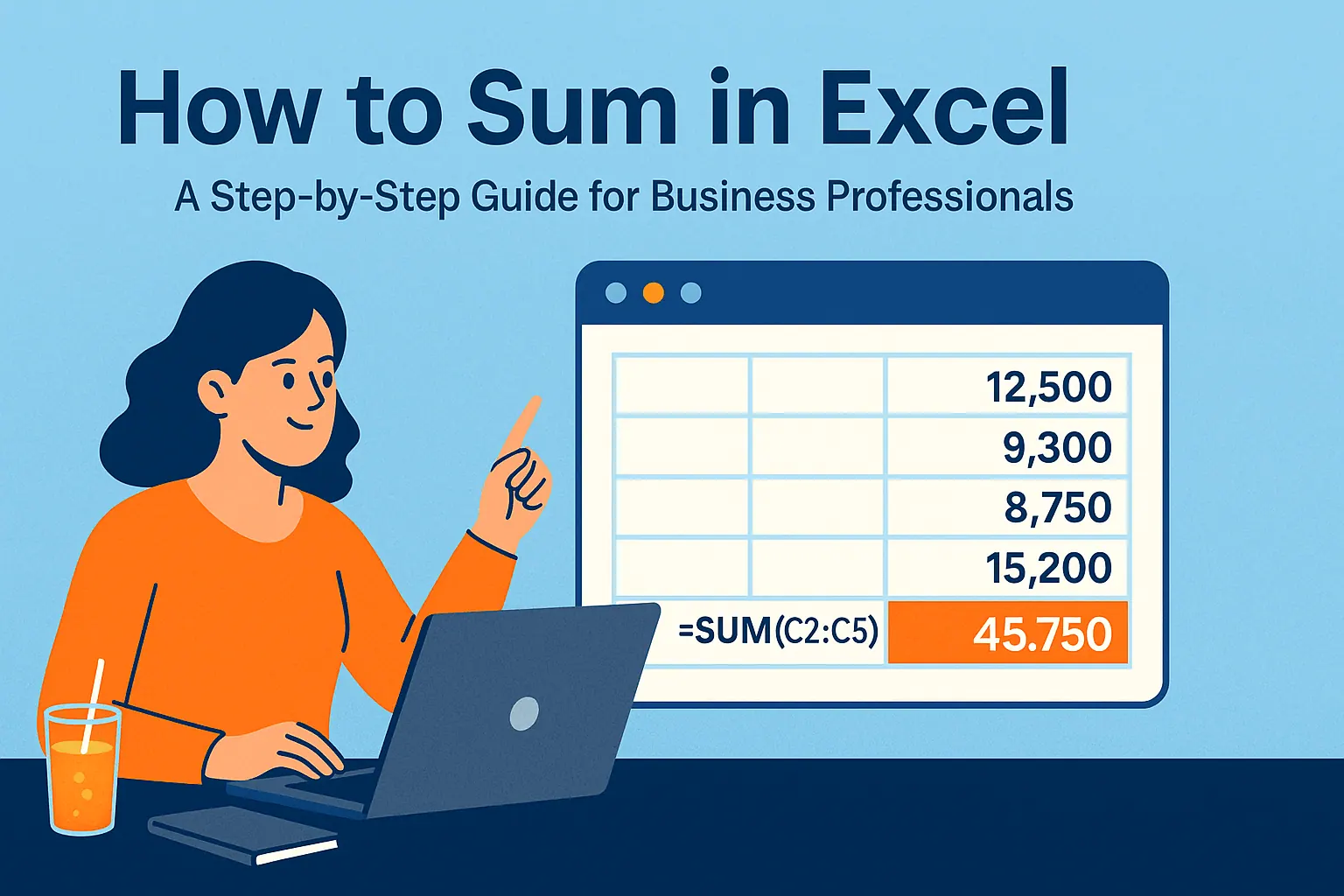
How to Sum in Excel: A Step-by-Step Guide for Business Professionals
Mastering Excel's summing functions can save you hours of manual work. Here's how to use SUM, AutoSum, and advanced techniques like SUMIF—plus how RowSpeak makes it even easier.
 Excel Essentials
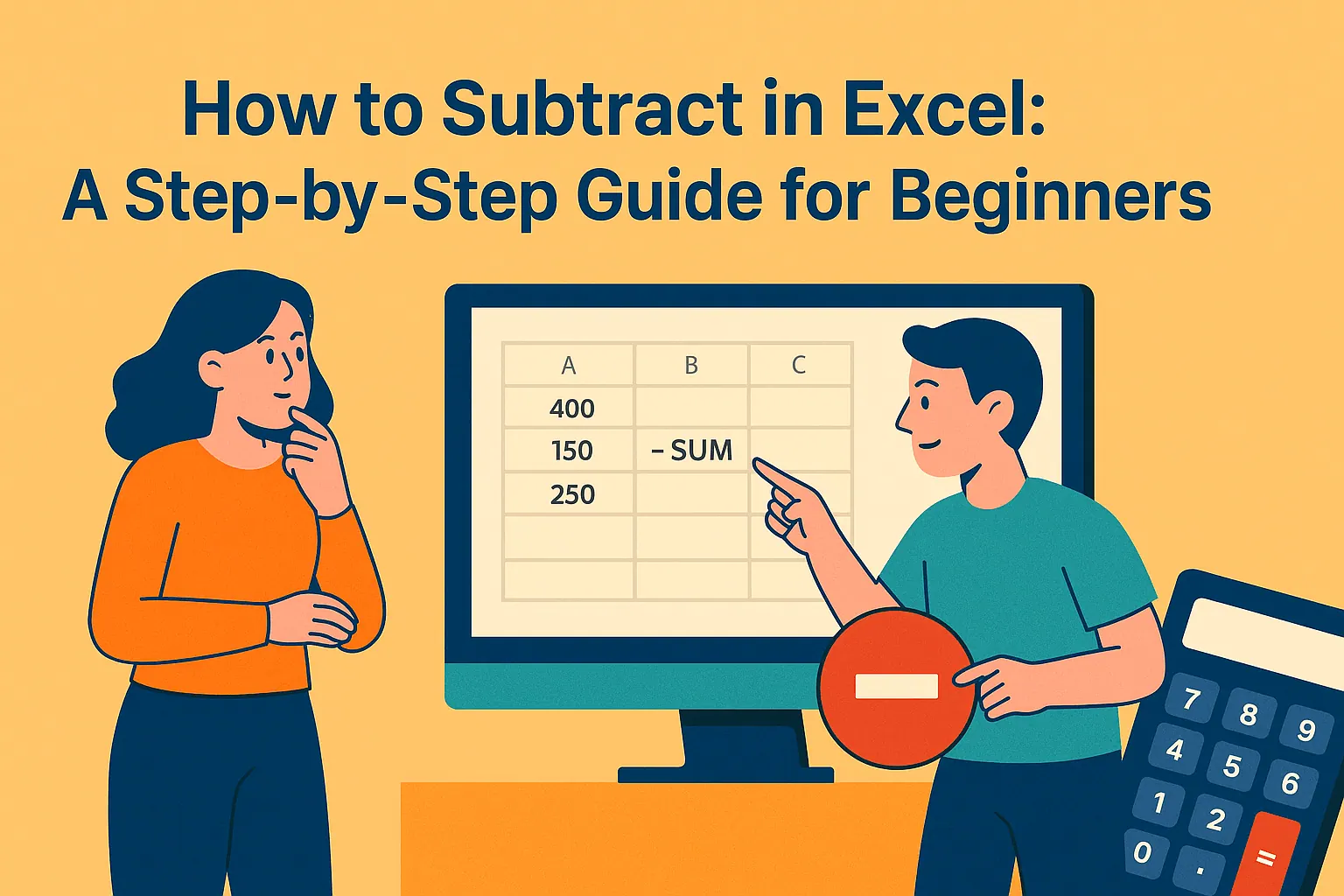
How to Subtract in Excel: A Step-by-Step Guide for Beginners
Mastering subtraction in Excel is easier than you think. Follow this guide to learn basic formulas, time-saving tricks, and how to automate calculations.
 Excel Essentials
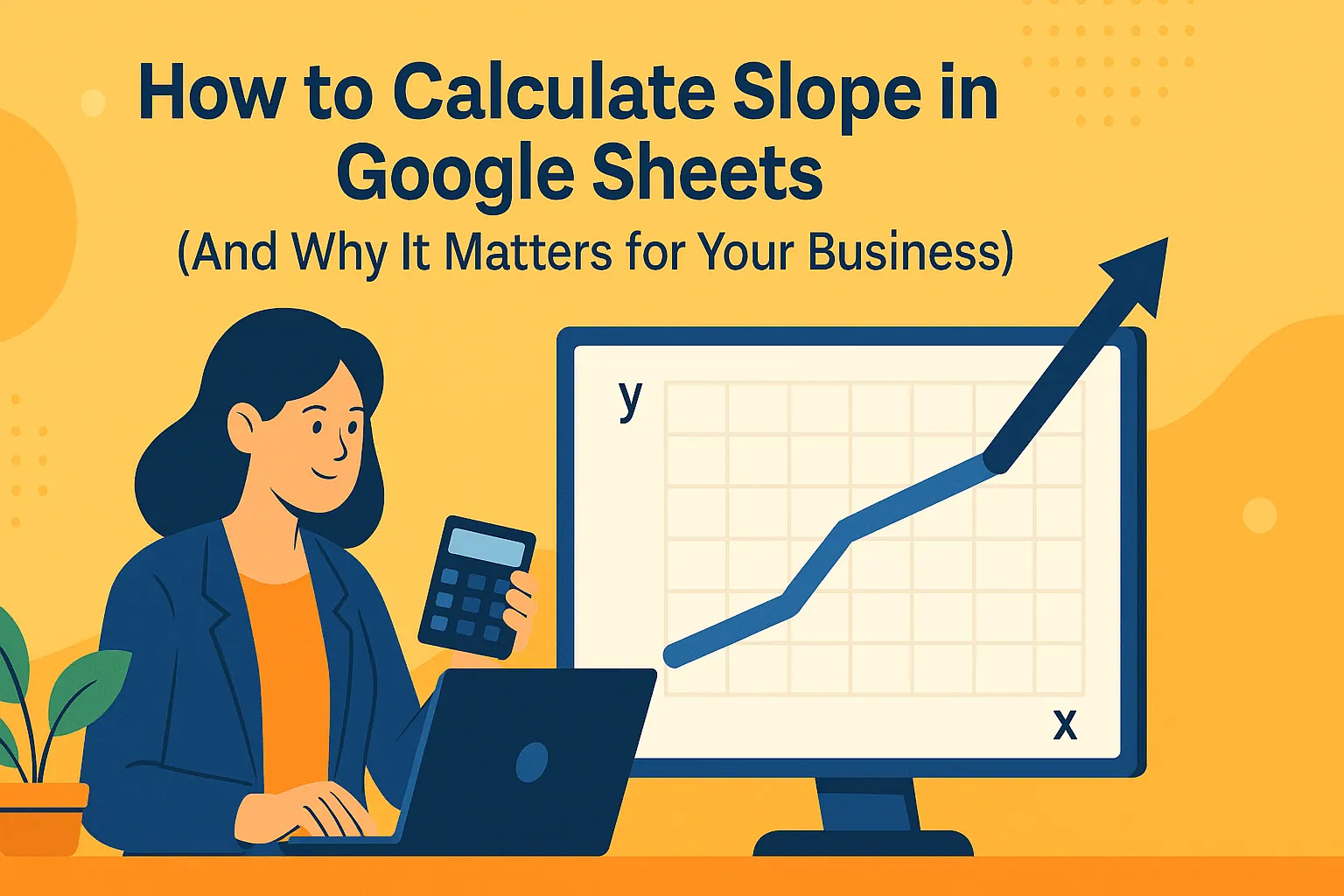
How to Calculate Slope in Google Sheets (And Why It Matters for Your Business)
Slope calculations aren't just for math class - they're powerful tools for spotting business trends. Here's how to find slope in Google Sheets, and how RowSpeak makes it even easier with AI-powered analysis.
 Excel Essentials
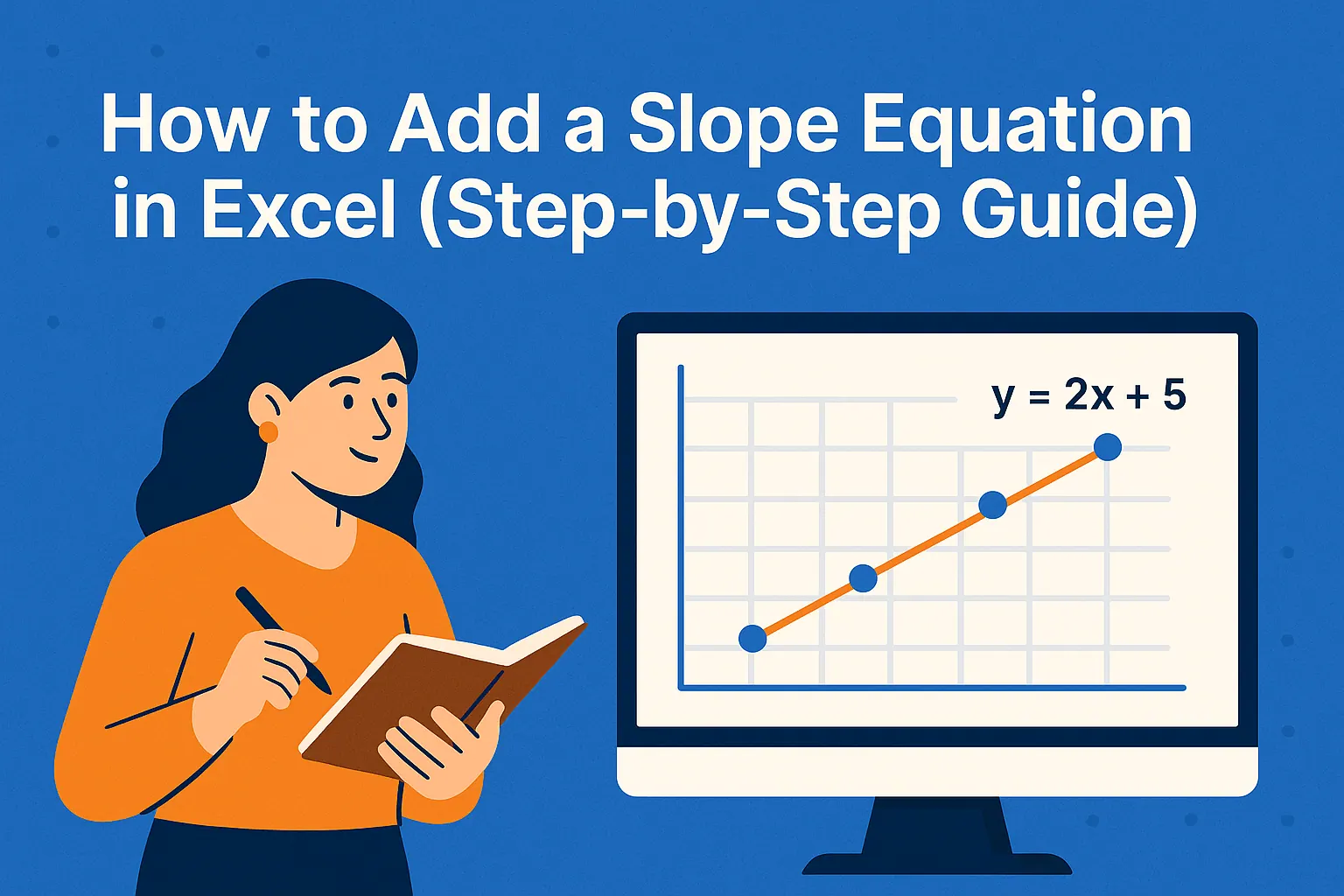
How to Add a Slope Equation in Excel (Step-by-Step Guide)
Slope equations help uncover trends in your data—but manual calculations can be tedious. Here's how Excel (and RowSpeak) make it effortless.
 Excel Essentials
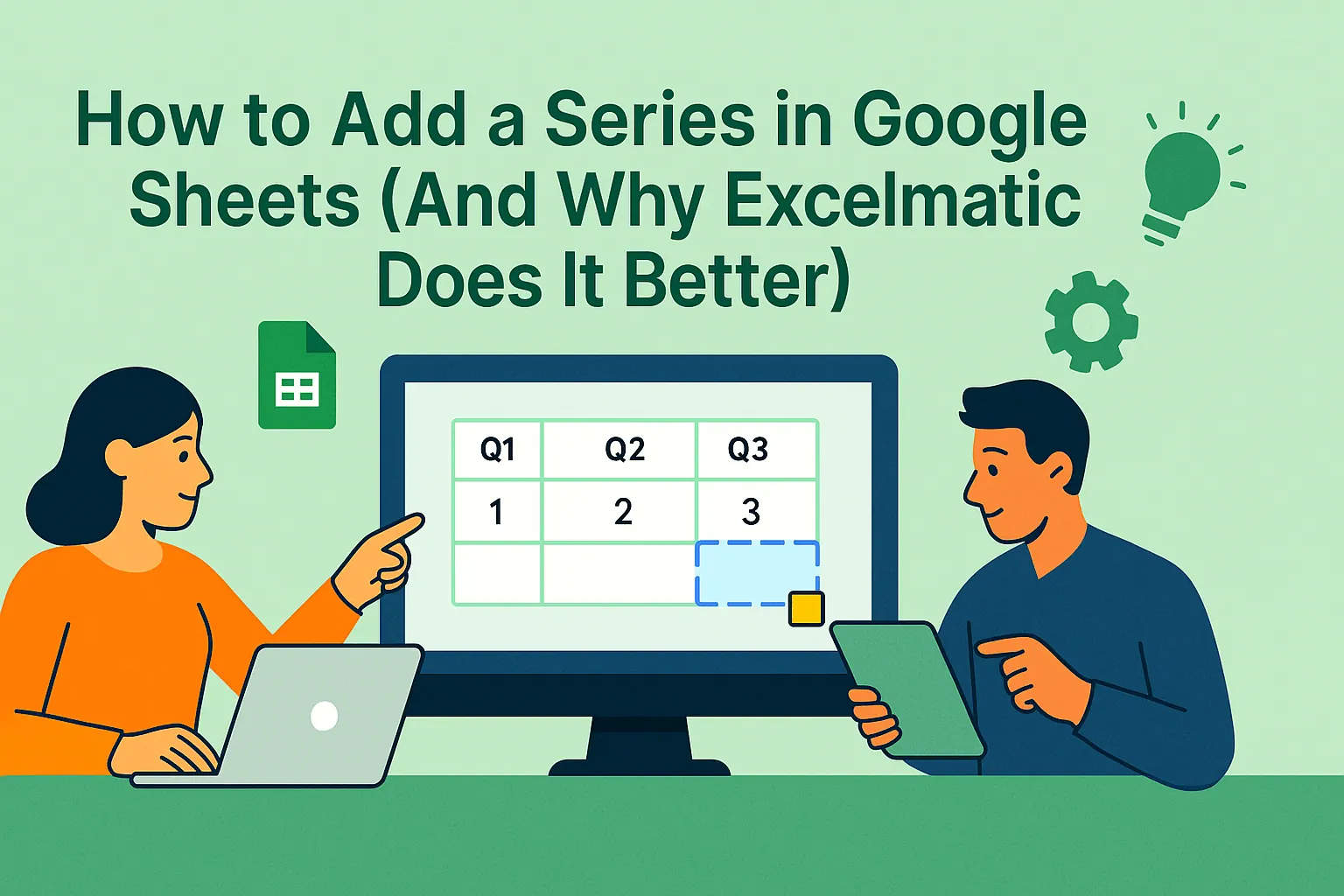
How to Add a Series in Google Sheets (And Why RowSpeak Does It Better)
Spreadsheets come alive when you master data series. We'll show you the manual way in Google Sheets, then introduce you to RowSpeak's game-changing AI approach that handles it all for you.
 Excel Essentials
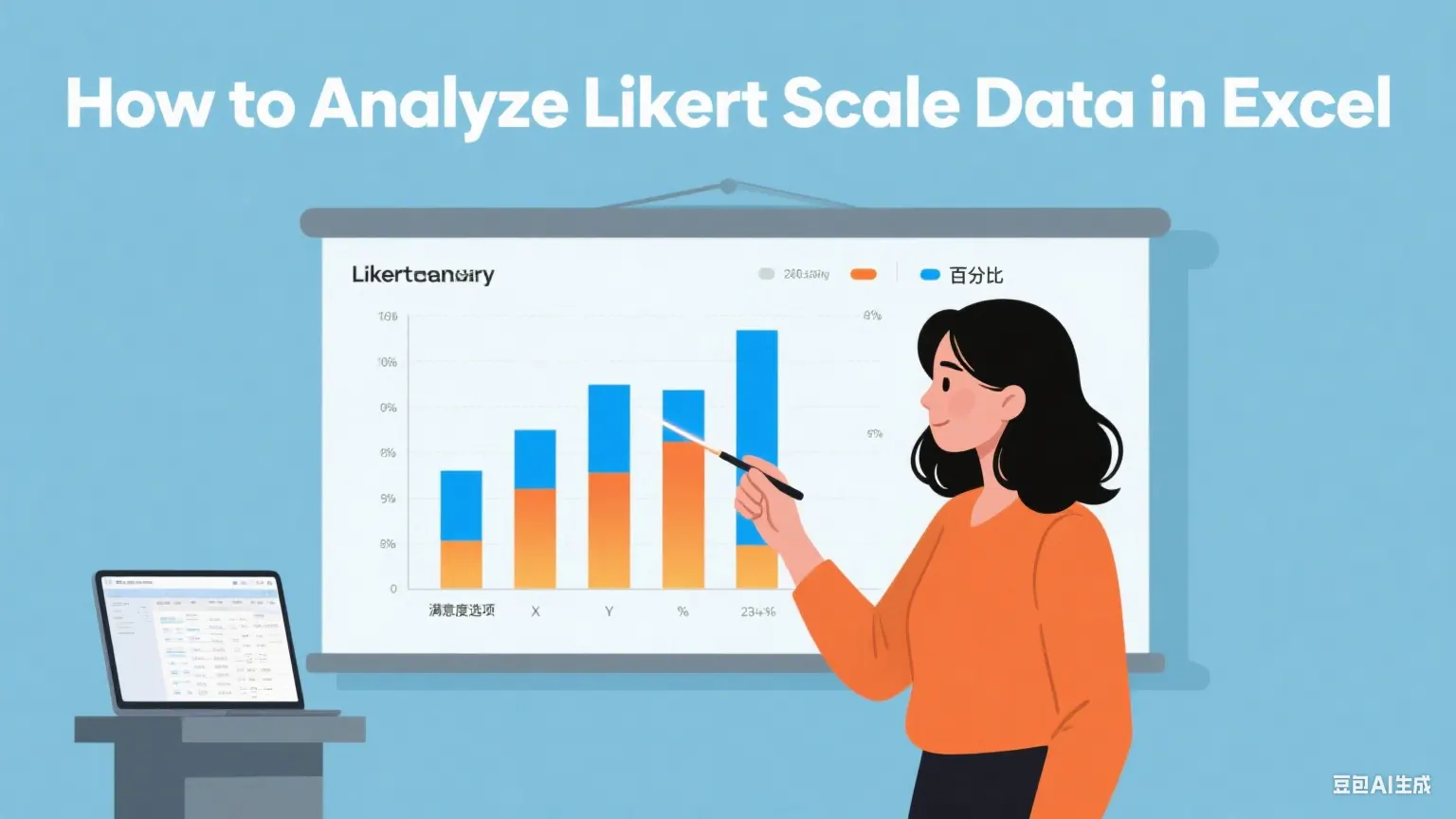
How to Analyze Likert Scale Data in Excel (The Easy Way)
Likert scale data doesn't have to be complicated. This step-by-step guide shows you how to transform survey responses into actionable insights using Excel (and how AI tools like RowSpeak can do it in seconds).
 Excel Essentials
How to Add a Series in Excel: A Step-by-Step Guide for Smarter Data Workflows
Tired of manually typing sequences in Excel? Learn how to add series like a pro and let AI-powered RowSpeak handle the heavy lifting for you.
 Excel Essentials
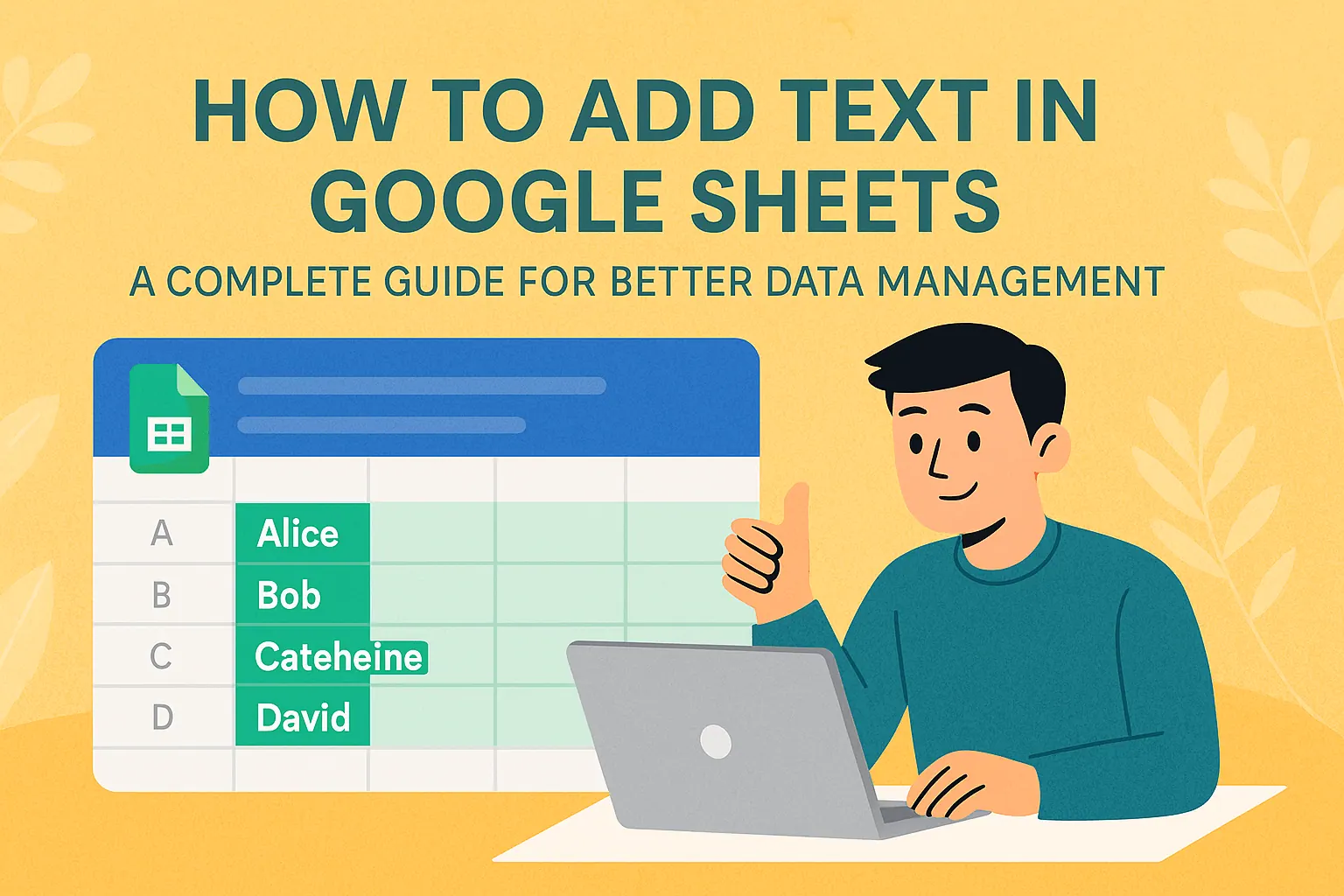
Mastering Text in Google Sheets: Your Ultimate Guide
Struggling with text in Google Sheets? From basic typing to advanced formulas, this guide covers everything you need to know - plus how AI tools like RowSpeak can automate your workflow.
 Excel Essentials
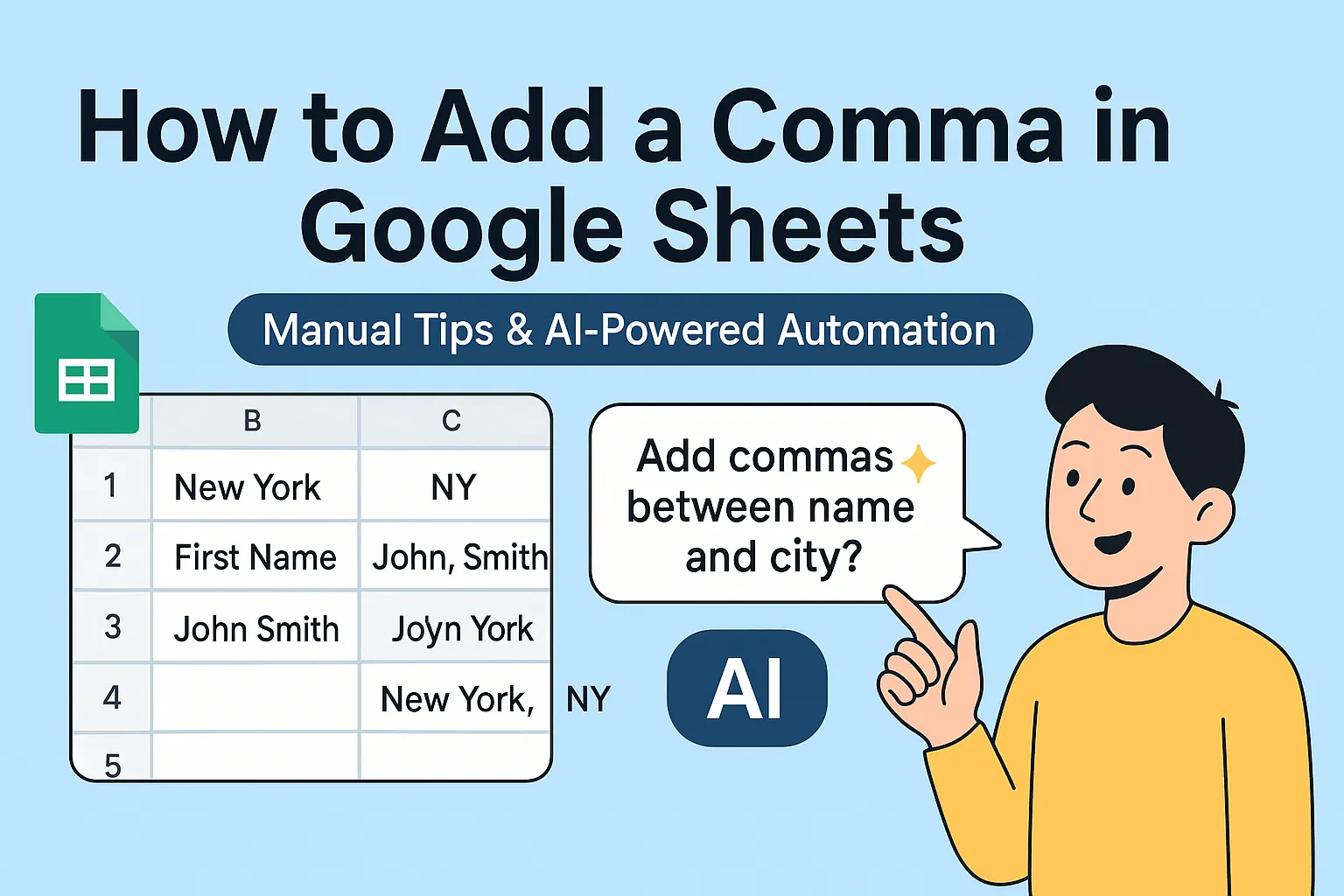
How to Add a Comma in Google Sheets: 5 Efficient Methods
Struggling with data formatting in Google Sheets? Discover how to add commas efficiently using manual methods, formulas, and AI-powered automation with RowSpeak.
 Excel Essentials
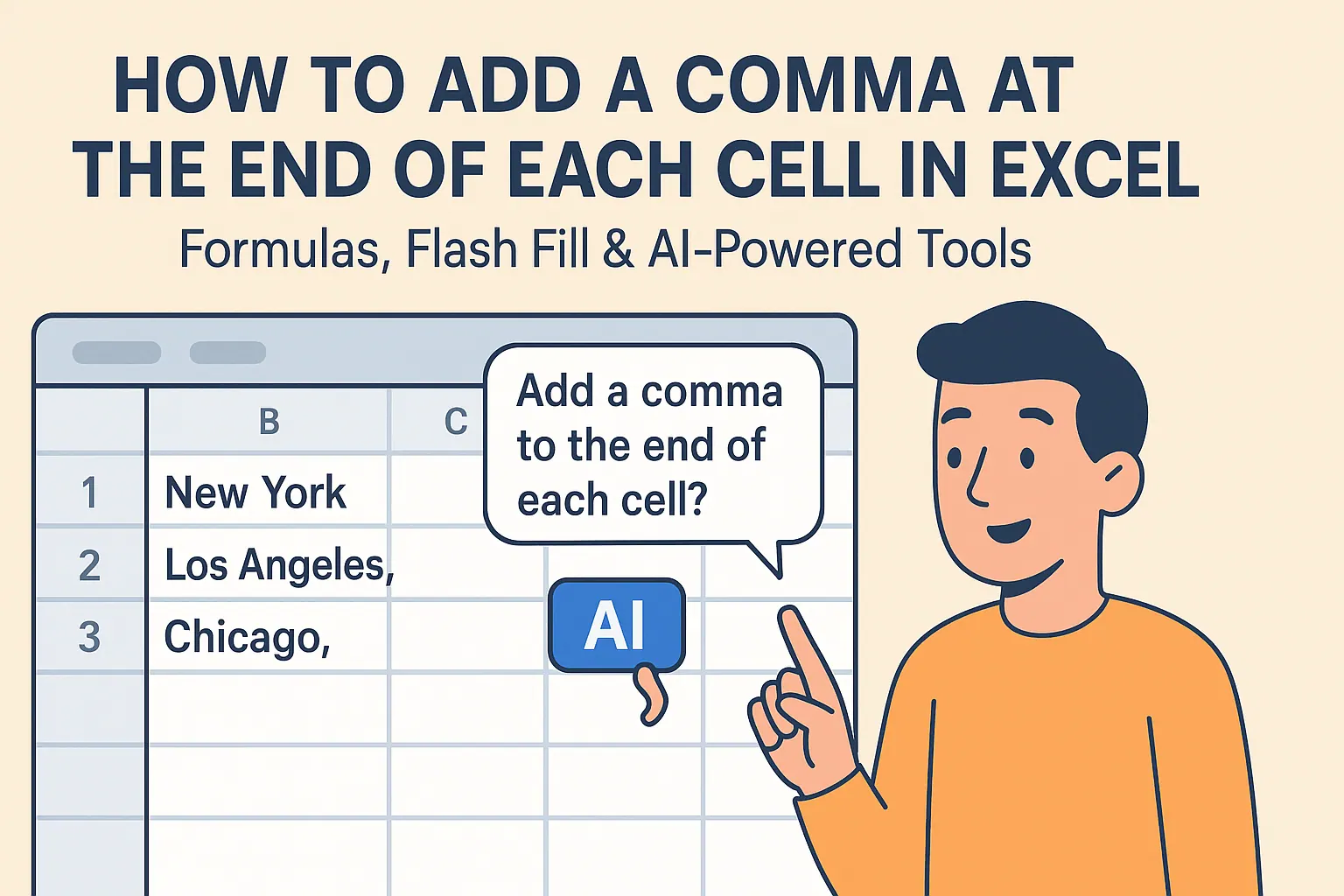
How to Add a Comma at the End of Each Cell in Excel (3 Simple Methods)
Struggling to format data in Excel? Discover how to quickly add commas to cell values using formulas, Flash Fill, and AI-driven solutions like RowSpeak.
 Excel Essentials
How to Add a Filter in Google Sheets
Filters in Google Sheets are game-changers for data analysis. Whether you're managing budgets, sales pipelines, or project tasks, mastering filters will save you hours. Here's your complete guide - and why RowSpeak's AI-powered features make filtering even smarter.
 Excel Essentials
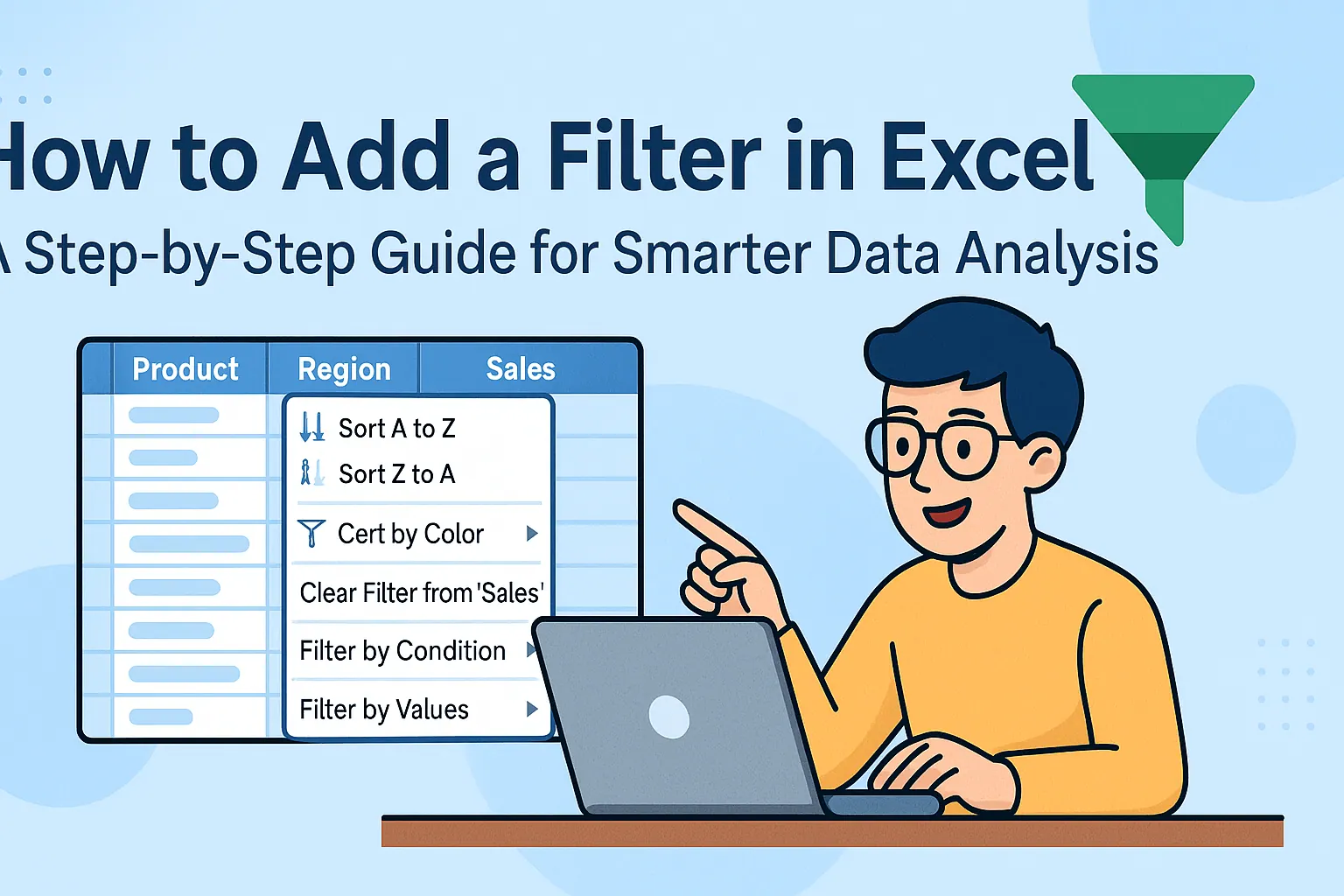
How to Add a Filter in Excel: A Step-by-Step Guide for Smarter Data Analysis
Struggling to make sense of messy spreadsheets? Excel filters are your secret weapon. This step-by-step guide shows you how to slice and dice your data effortlessly - plus we'll share how RowSpeak can take your analysis to the next level.
 Excel Essentials
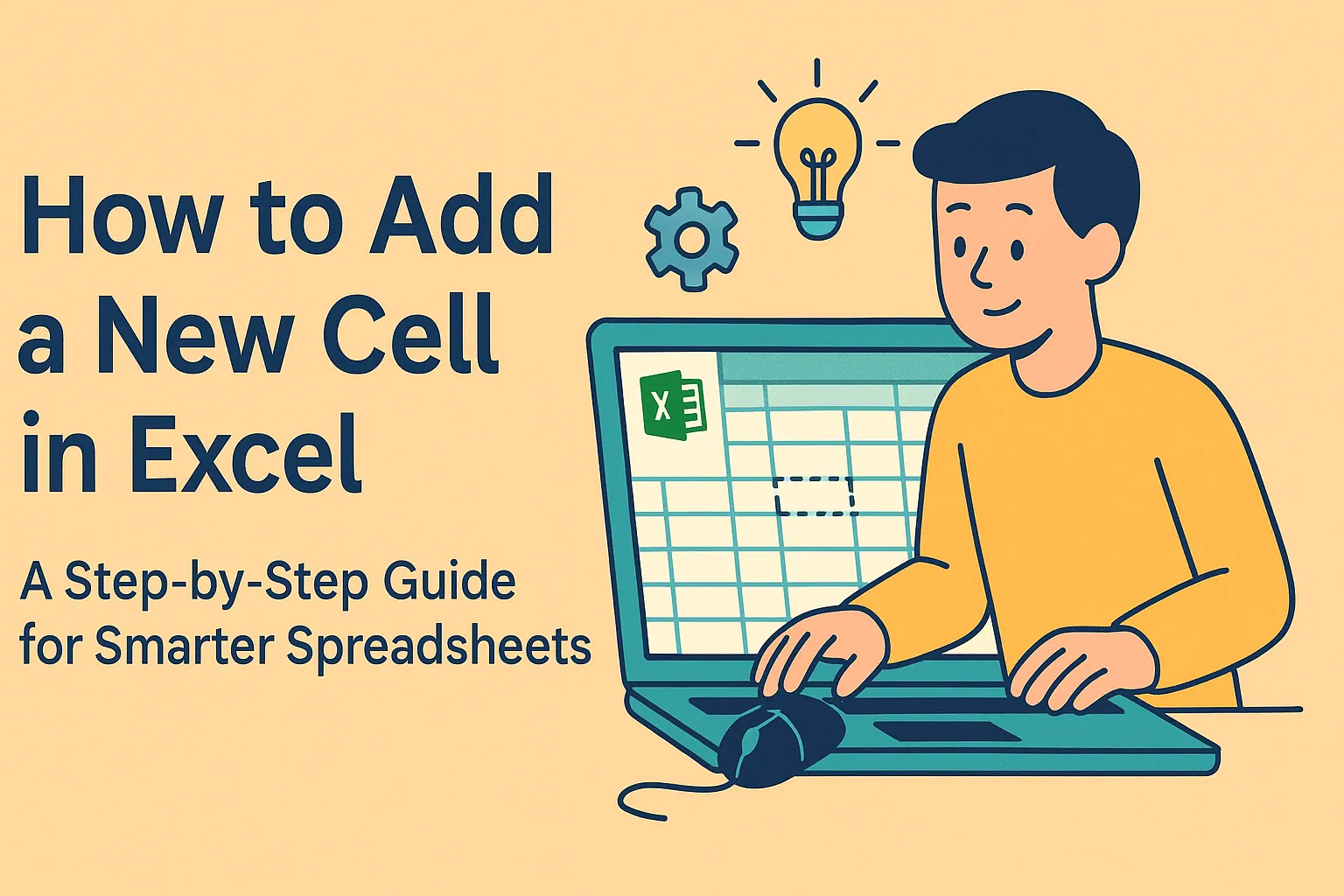
How to Add a New Cell in Excel: A Step-by-Step Guide for Smarter Spreadsheets
Adding cells in Excel seems simple, but doing it efficiently saves hours. Here's how to insert single cells, entire rows, and use AI-powered tools like RowSpeak to automate your workflow.
 Excel Essentials
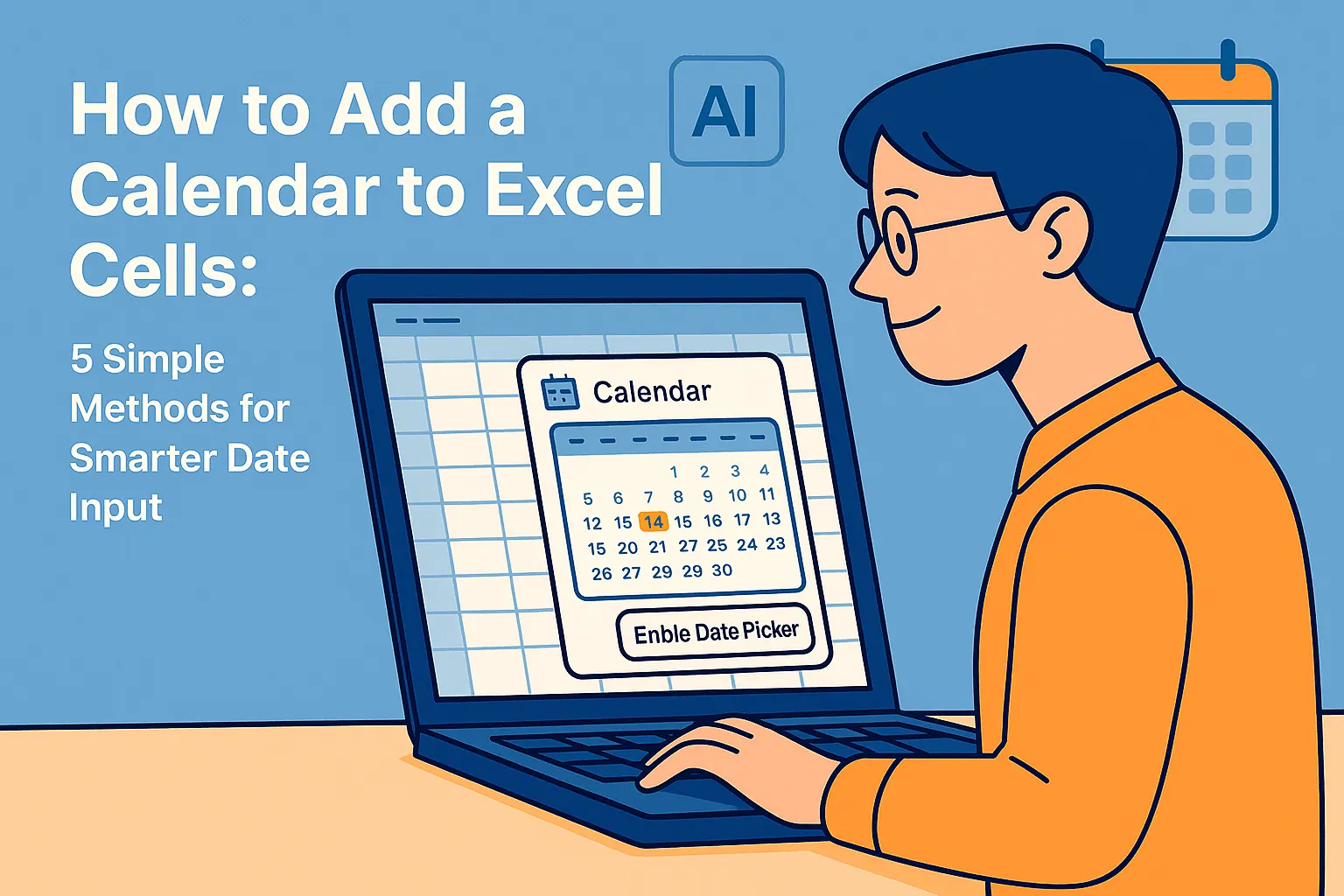
How to Add a Calendar to Excel Cells: 5 Simple Methods
Tired of manual date entry errors? Discover how to embed calendars directly in Excel cells using built-in features, VBA, and smart tools like RowSpeak.
 Excel Essentials
How to Convert State Names to Abbreviations in Excel (3 Simple Methods)
Tired of manually converting state names to abbreviations? Discover how to automate this tedious task using Excel formulas, VBA, and AI-powered tools like RowSpeak for flawless results every time.
 Excel Essentials
How to Access Google Sheets: A Step-by-Step Guide for Business Professionals
Google Sheets is a powerful tool for data organization, but accessing it is just the first step. This guide walks you through the process while introducing RowSpeak—the AI-driven solution that supercharges your spreadsheet capabilities.
 Excel Essentials
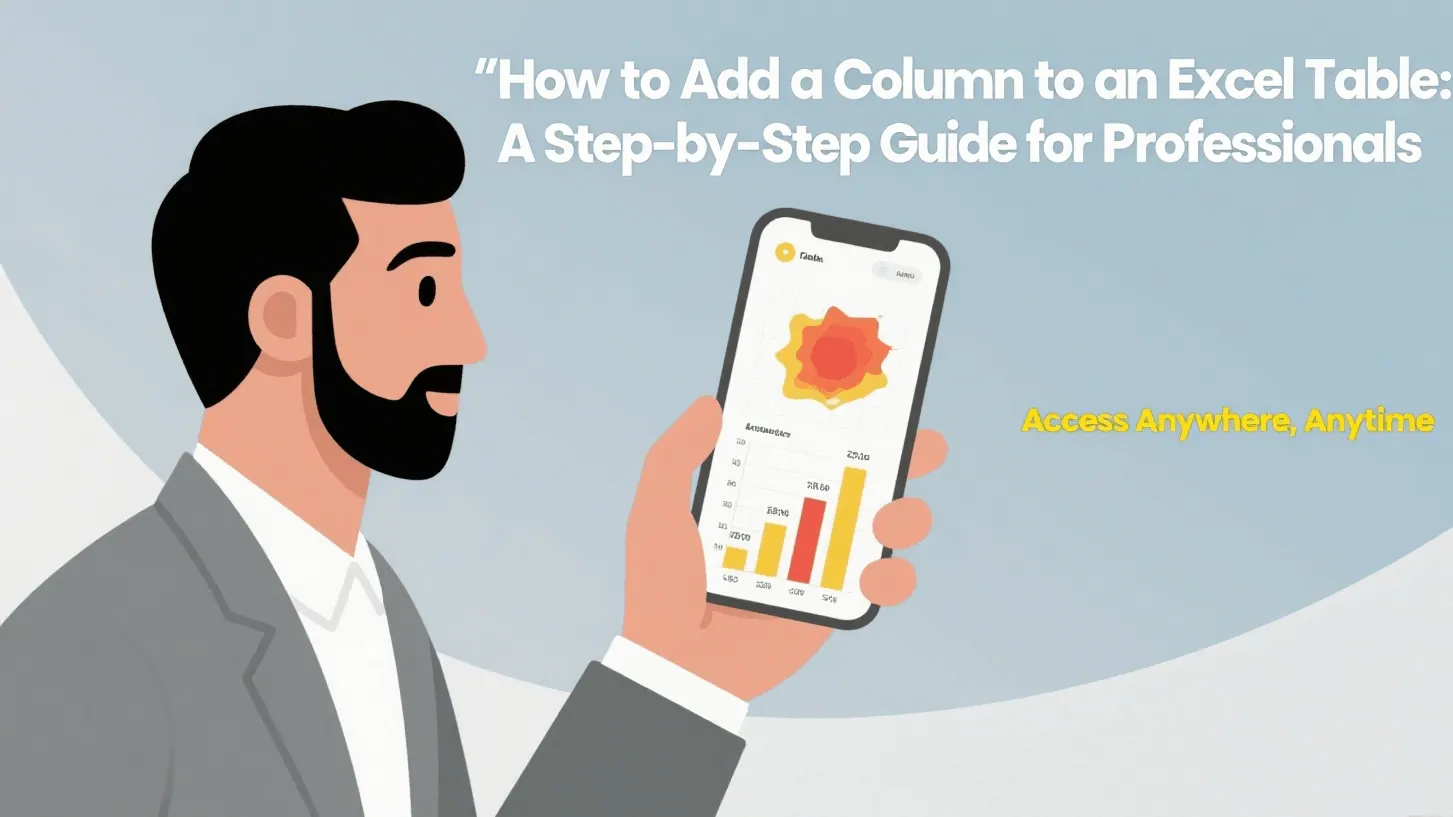
How to Add a Column to an Excel Table: A Step-by-Step Guide for Professionals
Adding columns to Excel tables is a fundamental skill, but professionals need faster methods. This guide covers manual techniques and introduces how AI-powered RowSpeak can streamline your workflow.
 Excel Essentials
Streamline Your Spreadsheets: How to Add a Calendar Drop-Down in Google Sheets
Manual date entry in spreadsheets is prone to errors. Discover how to add a calendar drop-down in Google Sheets for accurate date selection, then see how RowSpeak's AI capabilities can automate and enhance this process for business users.
 Excel Essentials
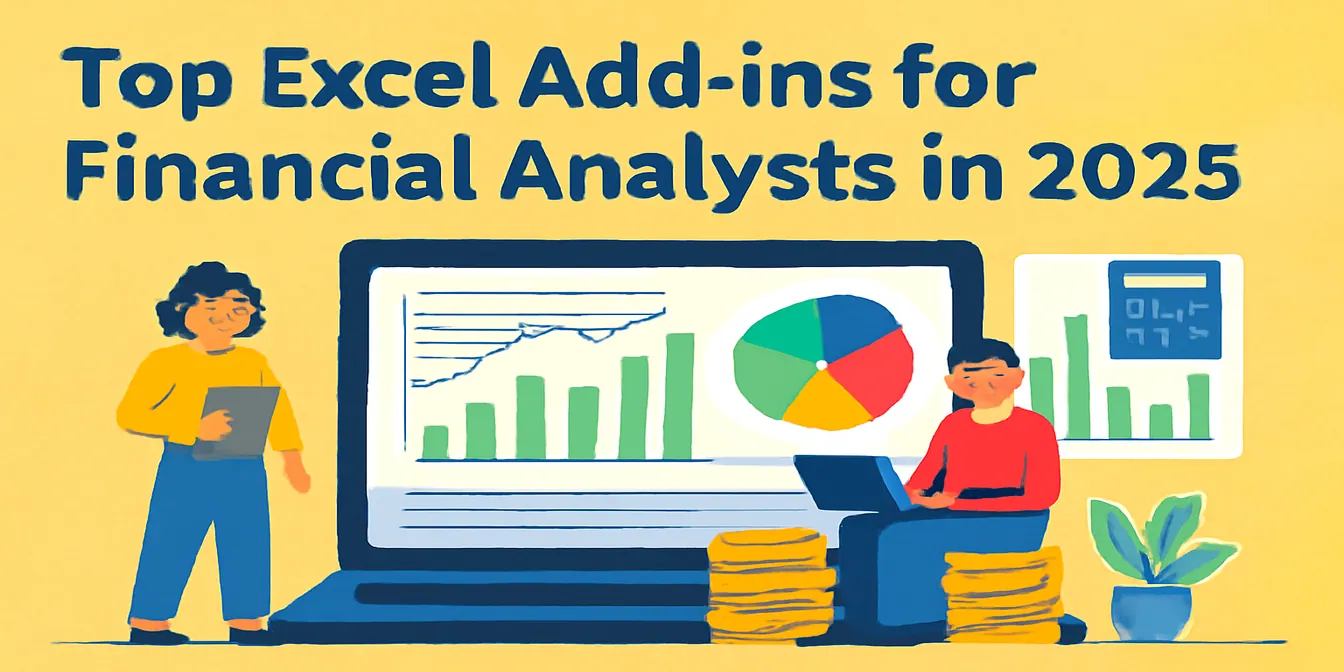
Top Excel Add-ins for Financial Analysts in 2025: Unlocking Powerful Financial Insights
Discover the best Excel add-ins for financial analysts in 2025 and transform your financial data analysis with tools like RowSpeak, Power BI, and Solver.
 Excel Essentials
Excel Data Cleanup Made Simple: Unifying Formats with RowSpeak
Unify messy data formats with ease—RowSpeak makes data cleanup fast and accurate.
 Excel Essentials
Yield Analysis: Uncover product defects with one smart question!
Yield insights don’t have to be hidden. With RowSpeak, they surface in seconds.
 Excel Essentials
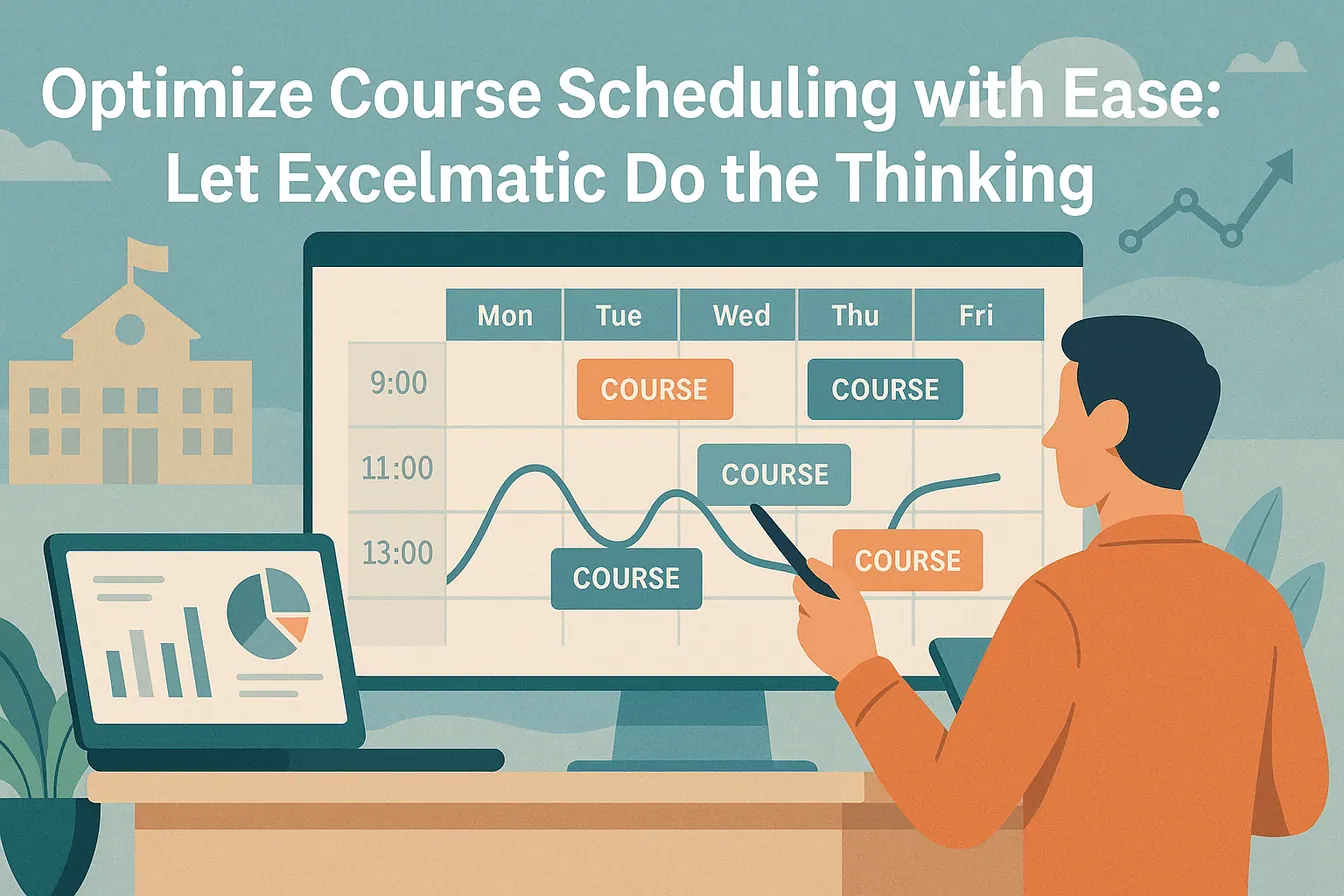
Optimize Course Scheduling with Ease: Let RowSpeak Do the Thinking
Smarter course planning, no formulas required. Let RowSpeak turn your scheduling headaches into clarity.
 Excel Essentials
Mastering Sales Funnel Analysis in Excel: From Messy Sheets to Instant Insights
Ditch the formulas—get instant answers about your sales funnel with RowSpeak. This guide shows how Excel AI transforms messy tracking into actionable insight.
 Excel Essentials
Budget Execution Made Simple: RowSpeak Transforms Departmental Analysis
RowSpeak makes budget execution easy—skip the formulas and pivots, just ask your questions in plain English and get analysis-ready insights.
 Excel Essentials
Unlock Sales Insights: How to Analyze Trends and Forecast Orders in Excel
Analyze sales trends, identify best sellers, and visualize performance with Excel. Create powerful charts and insights with no formulas.
 Excel Essentials
How to Set Up an Inventory Warning System in Excel and Track Replenishment Needs
Track your inventory levels, flag products needing replenishment, and forecast sales remaining with simple prompts using RowSpeak—no formulas required.
 Excel Essentials
How to Compare Sales vs Target and Visualize Product Performance in Excel
Compare actual vs target sales and visualize product performance in Excel using RowSpeak. Generate charts, calculate revenue ratios, and identify sales gaps easily.
 Excel Essentials
How to Analyze Daily Sales Data and Track Targets Using Excel
Use Excel to track daily sales, visualize performance vs target, and identify underperforming days. No formulas required.
 Excel Essentials
How to Monitor and Optimize Your Recruitment Pipeline with Excel Analysis
Visualize and optimize your recruitment funnel in Excel—track hiring stages, interview durations, and recruiter workloads with 3 simple prompts using RowSpeak.
 Excel Essentials
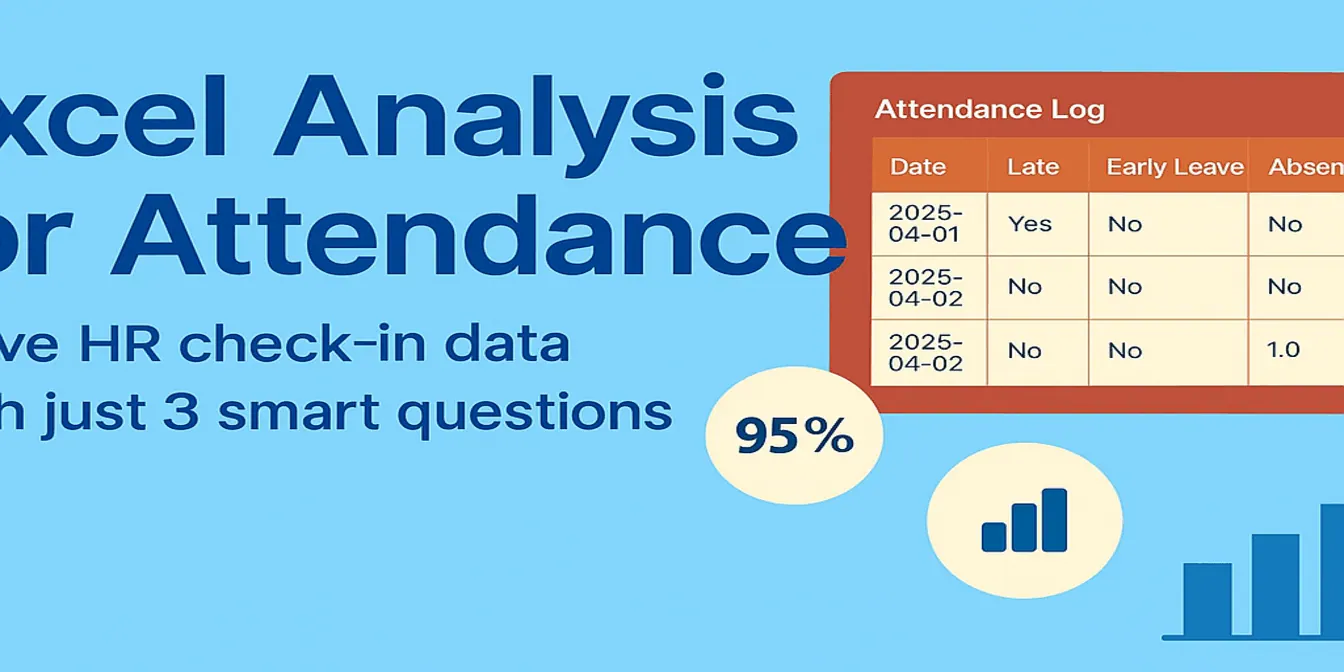
Excel Analysis for Attendance: Solve HR Check-in Data with Just 3 Smart Questions
Struggling with Excel-based attendance tracking? Learn how RowSpeak helps HR professionals get instant insights into attendance rate, late arrivals, and department summaries—without writing a single formula.