
Excel Essentials
Formulas, tables, charts, and file basics for everyday spreadsheet work
 Excel Essentials
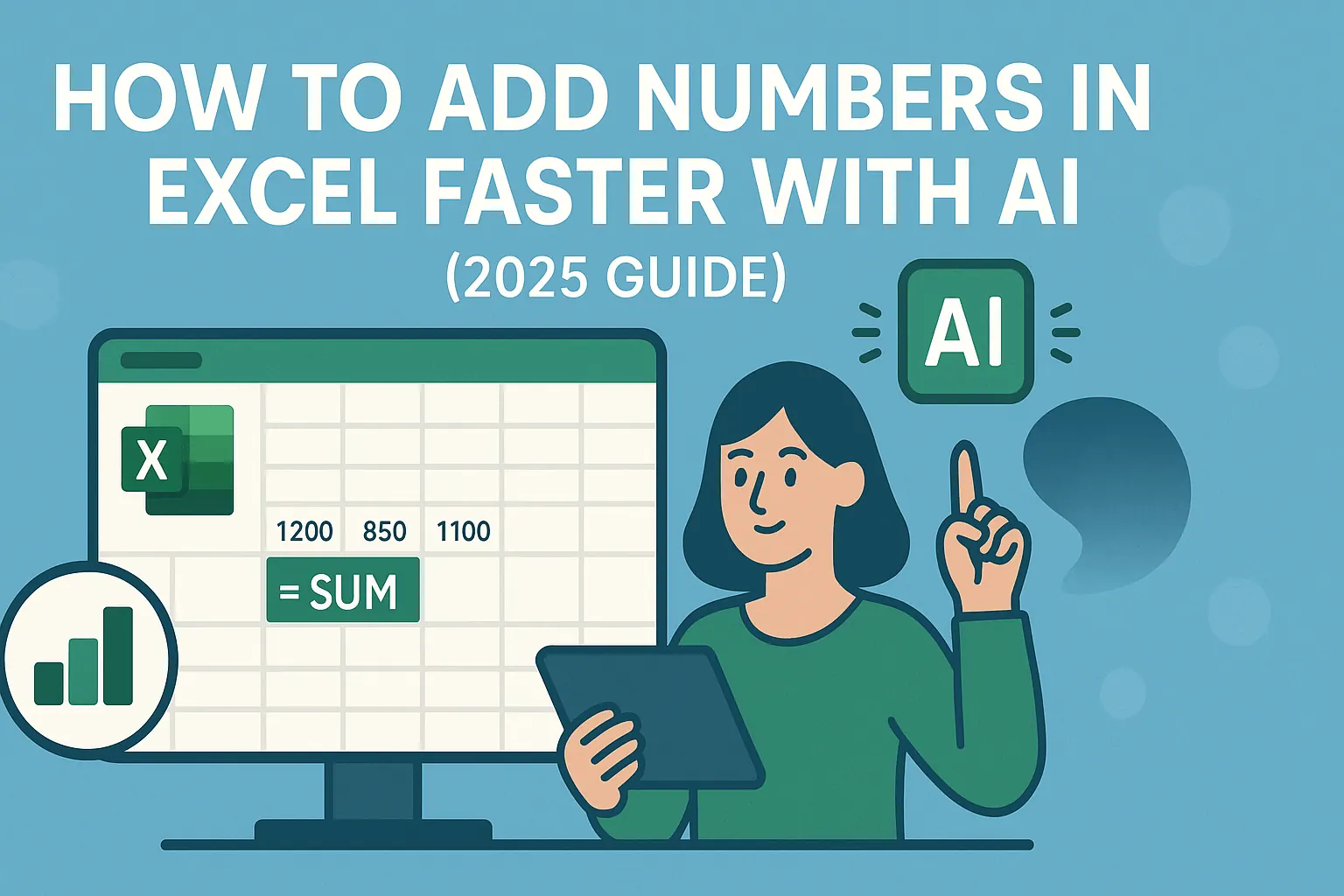
How to Add Numbers in Excel Faster with AI (2025 Guide)
Tired of manual SUM formulas? Learn how AI-powered tools like RowSpeak can automate calculations, analyze trends, and supercharge your Excel workflow.
 Excel Essentials
How to Add Multiple Rows to a Spreadsheet with AI (Practical Guide)
Say goodbye to tedious spreadsheet work! Learn how AI transforms row additions from a chore to a one-click solution with tools like RowSpeak.
 Excel Essentials
How to Add Multiple Rows in Excel Instantly Using AI (2025 Guide)
Tired of manually adding rows in Excel? Learn how AI transforms this tedious task into a one-click solution - and why RowSpeak leads the pack for smart spreadsheet automation.
 Excel Essentials
How to Add Multiple Cells in Excel Using AI (RowSpeak Makes It Effortless)
Tired of manual Excel formulas? AI is changing the game. Here's how RowSpeak and ChatGPT can help you add cells faster than ever before - with zero formula headaches.
 Excel Essentials
How to Add Columns in Google Sheets Instantly with AI (2025 Guide)
Tired of manually adding columns in Google Sheets? AI-powered tools like RowSpeak can do it in seconds. Here's your complete guide to smarter spreadsheet workflows.
 Excel Essentials
How to Add Months in Excel Automatically (Without the Headache)
Tired of manually updating dates in your spreadsheets? Discover the smart way to add months automatically in Excel, plus how AI-powered tools like RowSpeak can take the pain out of date calculations.
 Excel Essentials
How to Add Days to a Date in Excel (The Smart AI Way)
Tired of complex Excel formulas for date calculations? Discover how AI tools like RowSpeak can automate adding days to dates, handling business days, and even accounting for holidays - all with just a few clicks.
 Excel Essentials
How to Add Dates in Google Sheets Automatically (With AI-Powered Tools Like RowSpeak)
Spreadsheets shouldn't waste your time. Discover how modern AI solutions like RowSpeak can automate date entry in Google Sheets, from simple calendars to complex project timelines - all with just a few clicks.
 Excel Essentials
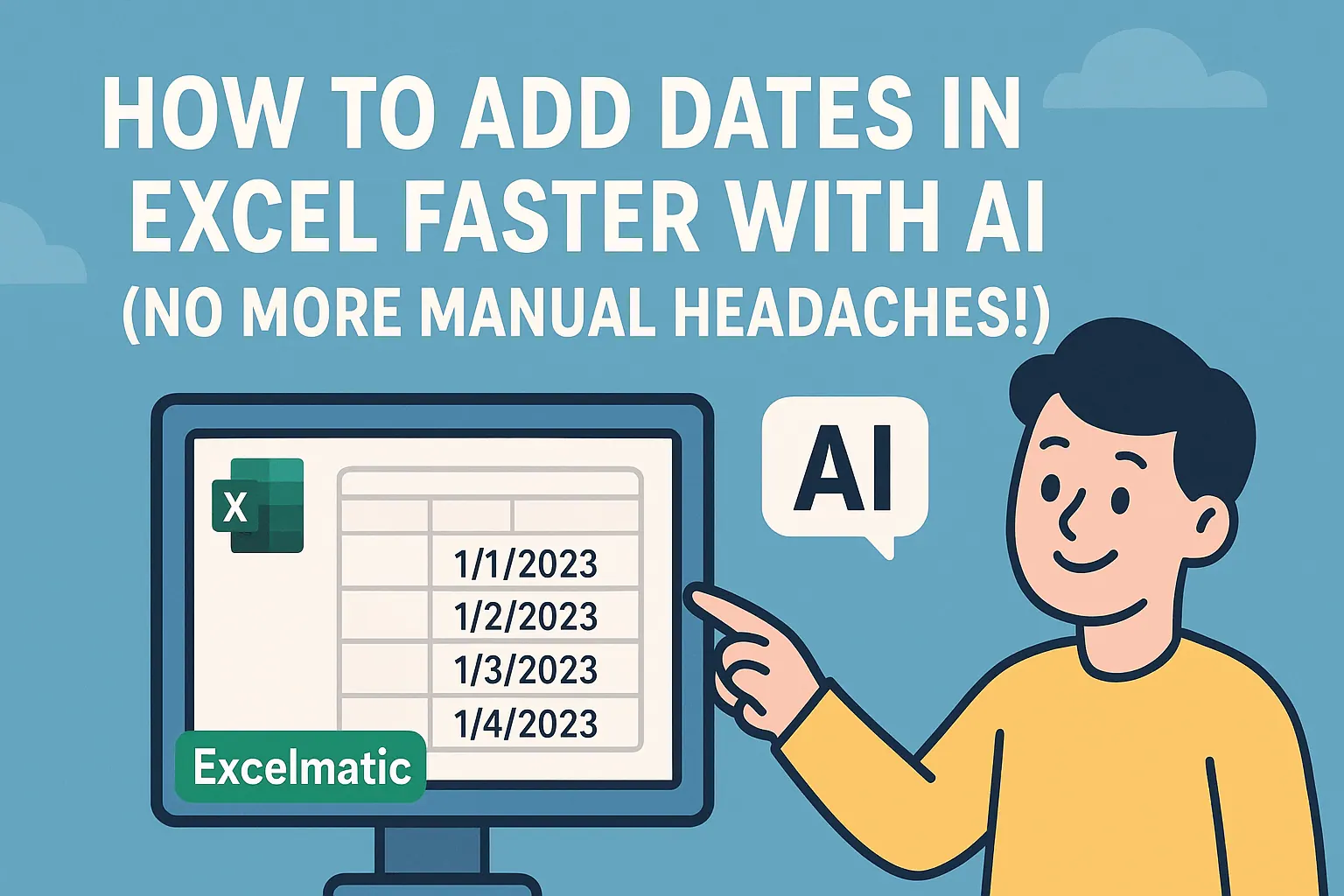
How to Add Dates in Excel Faster with AI (No More Manual Headaches!)
Tired of wrestling with Excel date formulas? Discover how AI-powered solutions like RowSpeak can handle date calculations, series generation, and formatting in seconds—so you can focus on what really matters.
 Excel Essentials
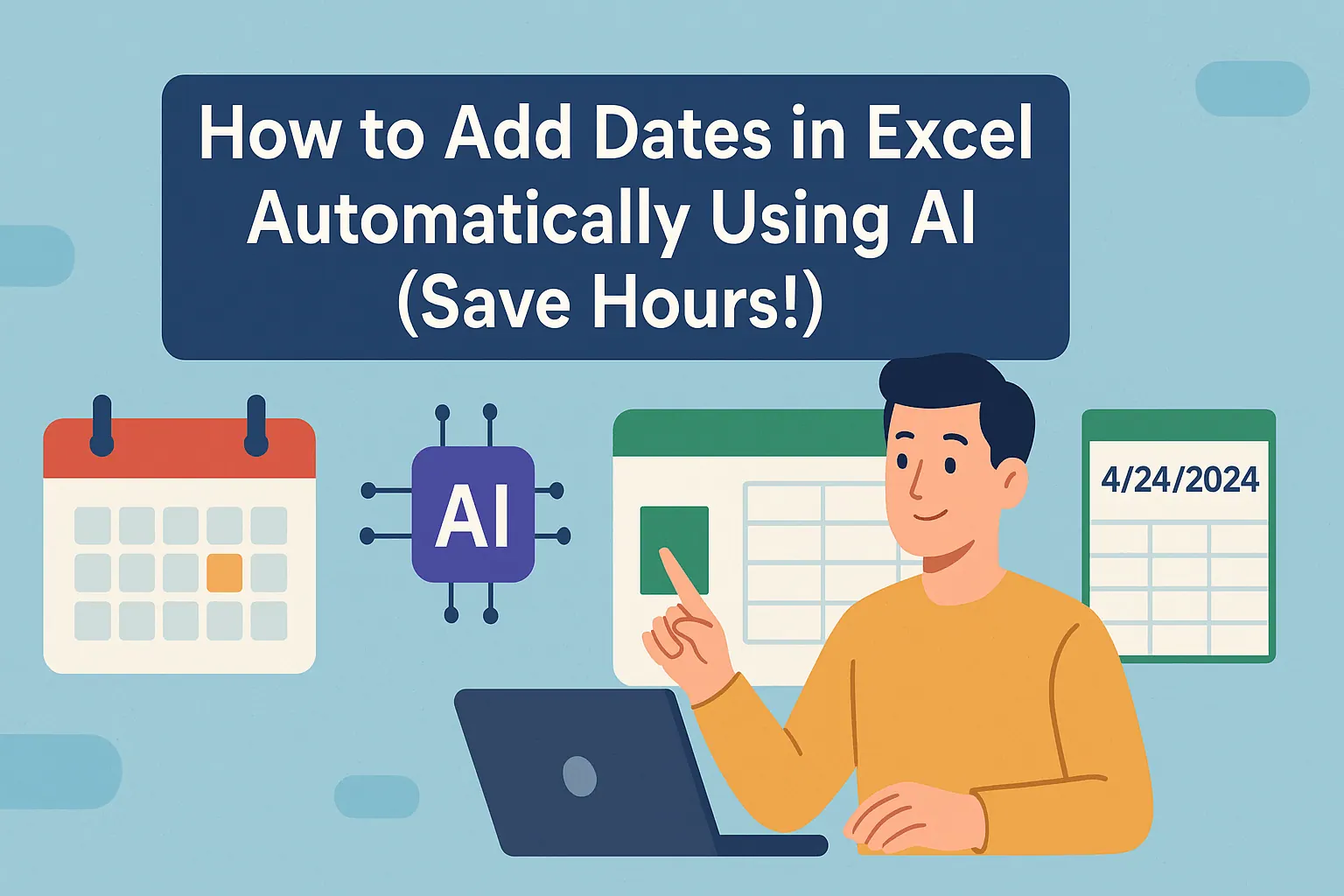
How to Add Dates in Excel Automatically Using AI (Save Hours!)
Tired of typing dates manually in Excel? Learn how AI transforms date management—from auto-filling to predictive analytics—with tools like RowSpeak leading the charge.
 Excel Essentials
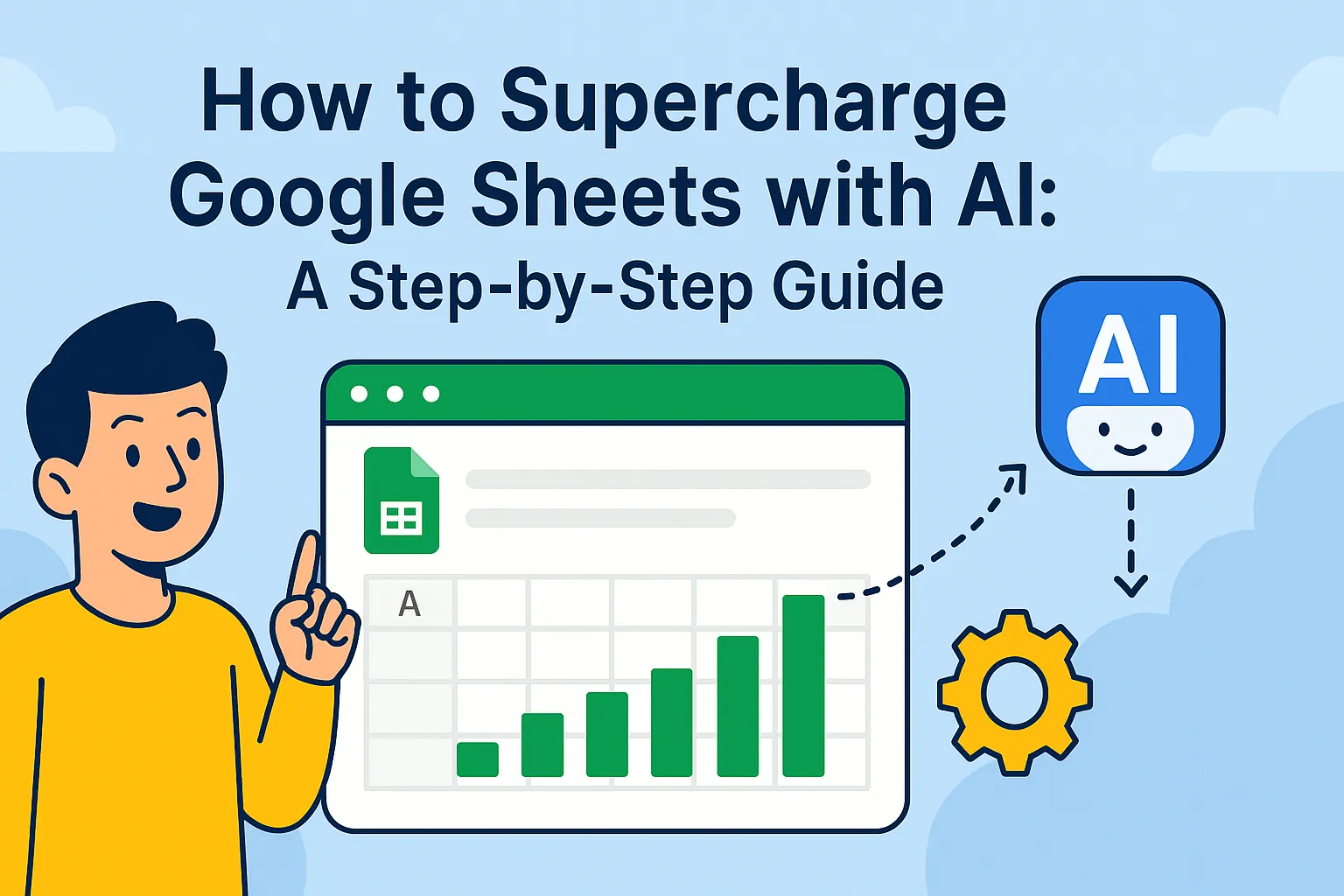
How to Supercharge Google Sheets with AI: A Step-by-Step Guide
Tired of manual data entry? Learn how AI tools like RowSpeak can automate your Google Sheets tasks, saving you hours of work while boosting accuracy.
 Excel Essentials
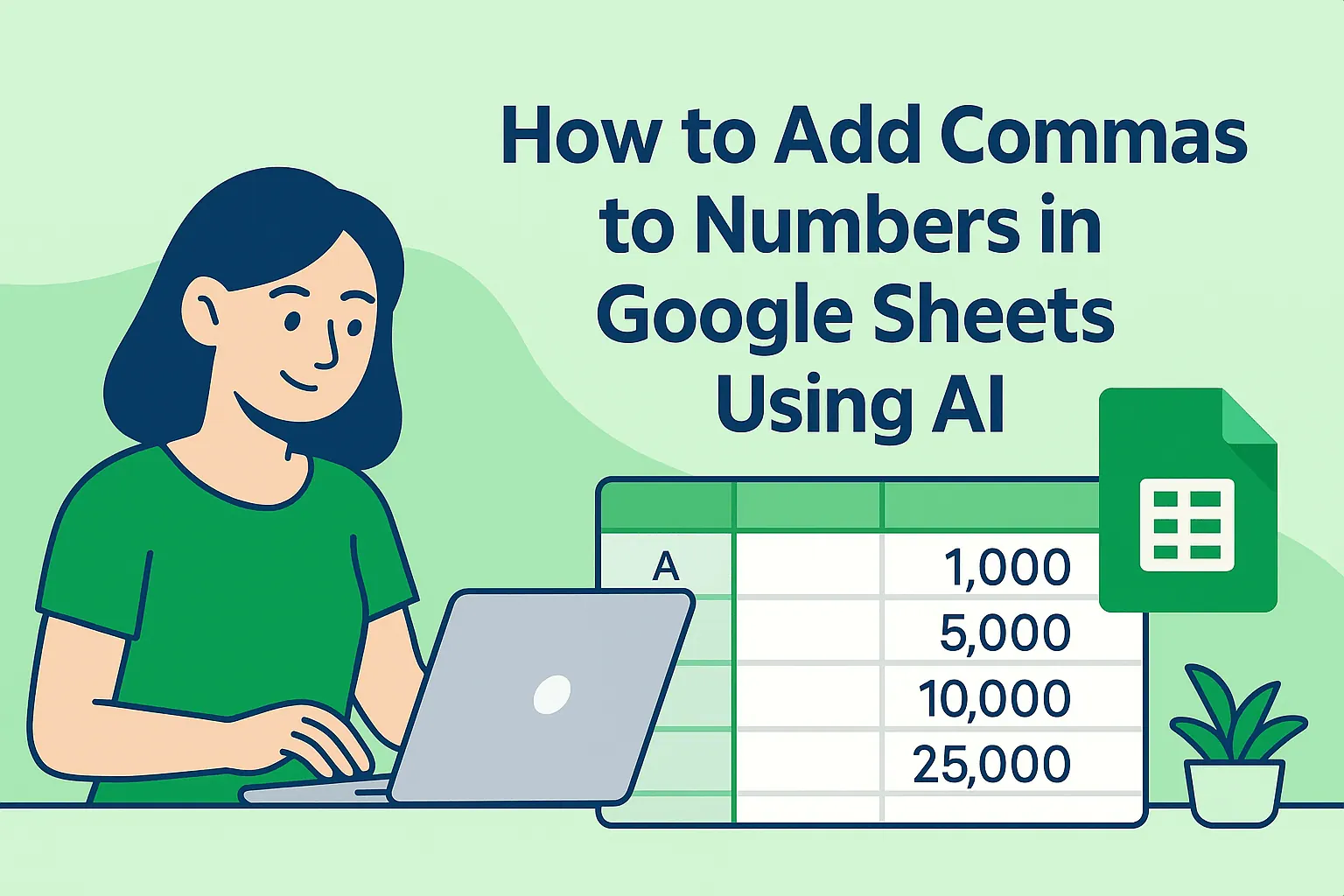
How to Add Commas to Numbers in Google Sheets Instantly Using AI
Tired of squinting at endless rows of numbers? Discover how AI-powered solutions like RowSpeak can transform your Google Sheets data with smart comma formatting—no manual work required.
 Excel Essentials
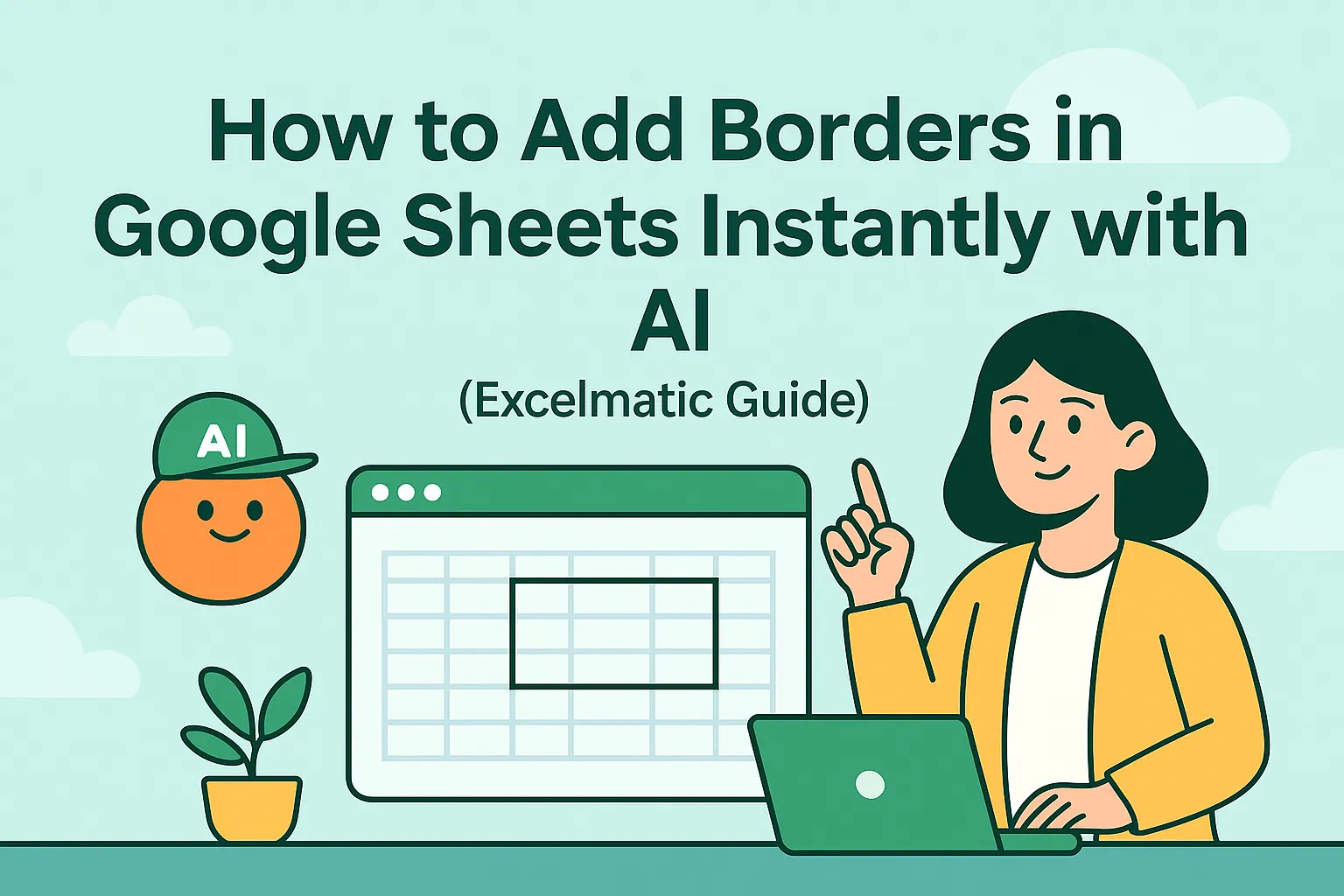
How to Add Borders in Google Sheets Instantly with AI (RowSpeak Guide)
Tired of manually adding borders in Google Sheets? Learn how AI tools like RowSpeak can transform this tedious task into a one-click solution for professional-looking spreadsheets.
 Excel Essentials
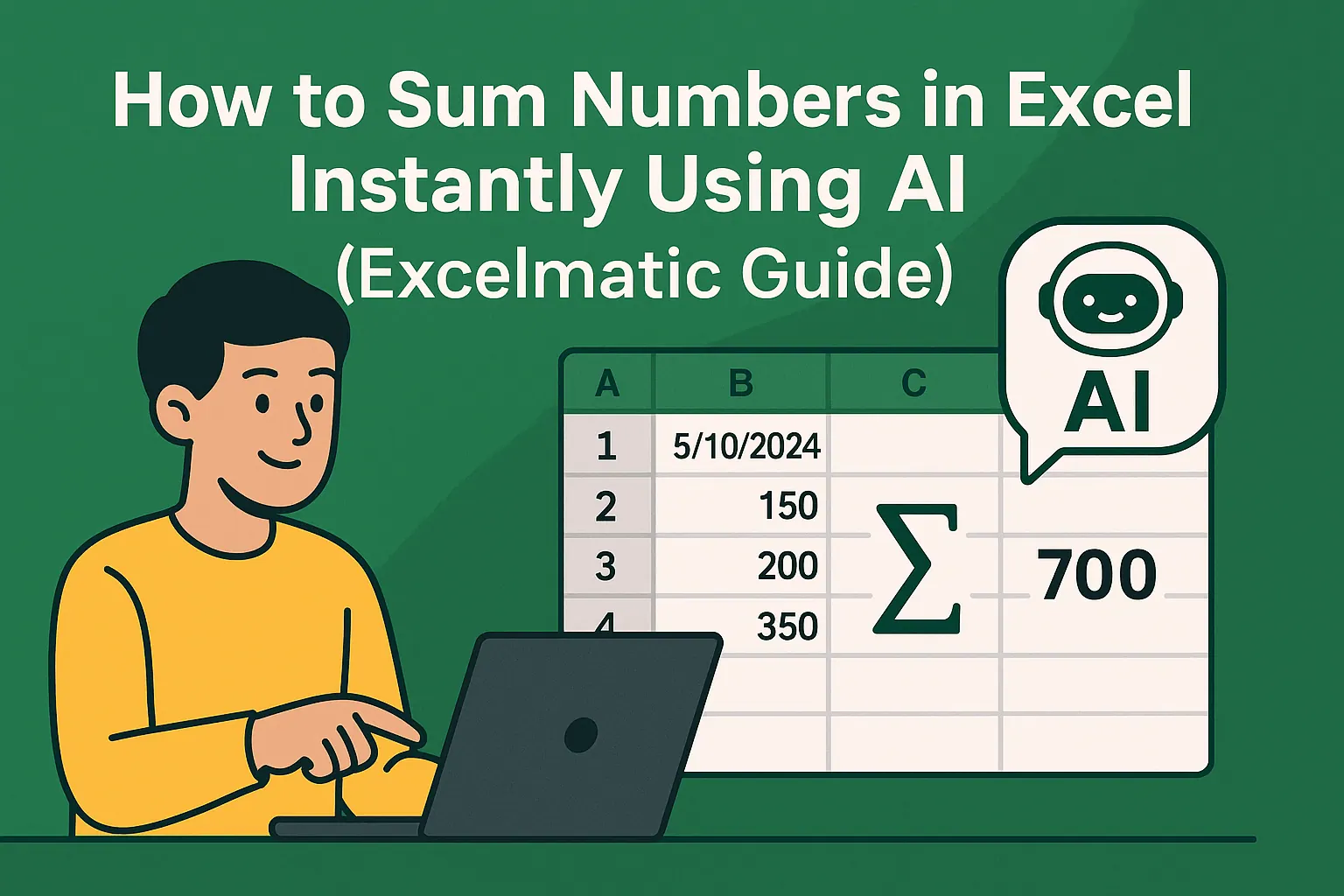
How to Sum Numbers in Excel Instantly Using AI (RowSpeak Guide)
Tired of manually adding numbers in Excel? Learn how AI tools like RowSpeak can automate this task, saving you time and reducing errors.
 Excel Essentials
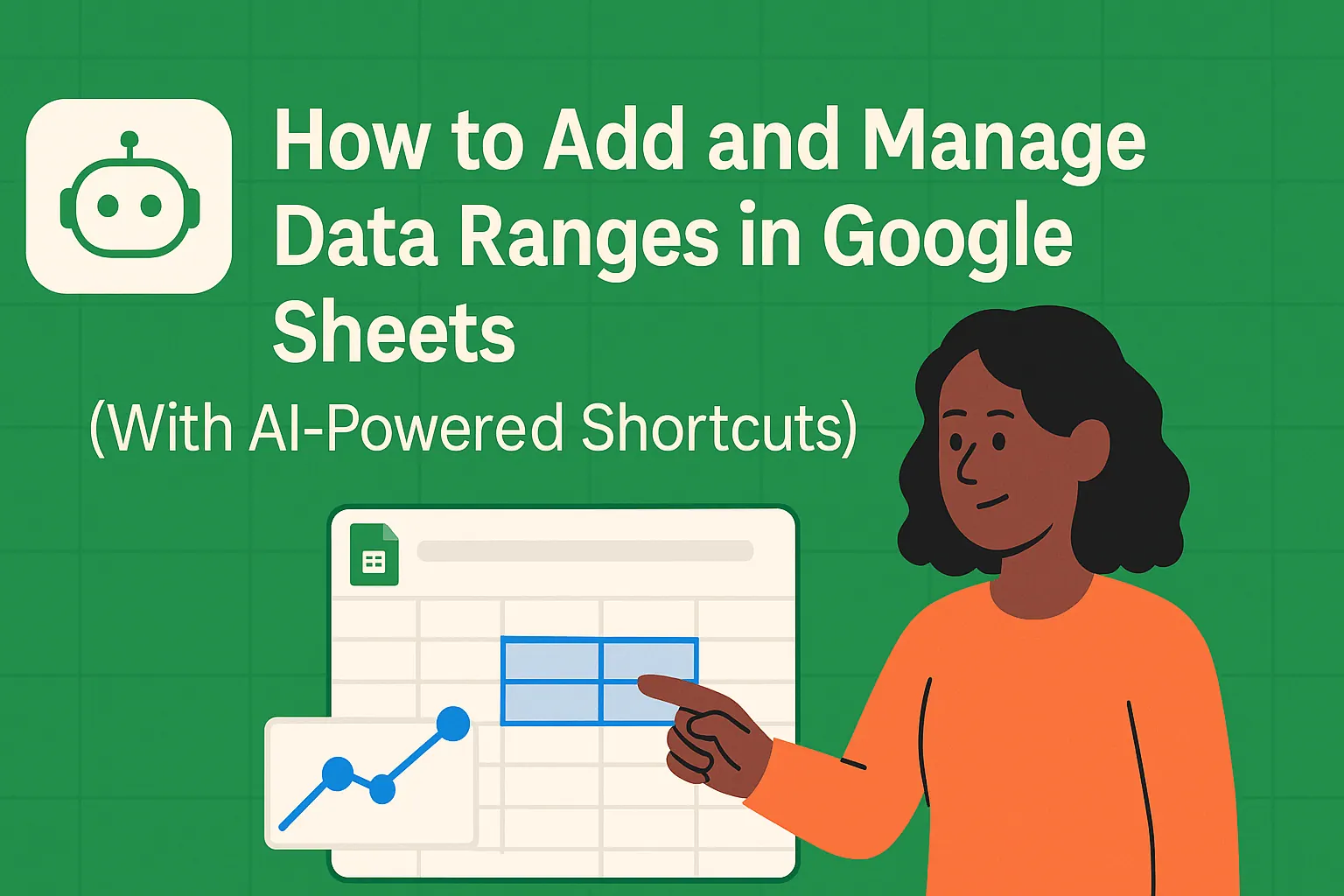
How to Add and Manage Data Ranges in Google Sheets (With AI-Powered Shortcuts)
Data ranges are the backbone of efficient spreadsheet work. This guide walks you through creating and managing them in Google Sheets, while introducing how modern AI solutions like RowSpeak can handle these tasks automatically—saving you hours of manual work.
 Excel Essentials
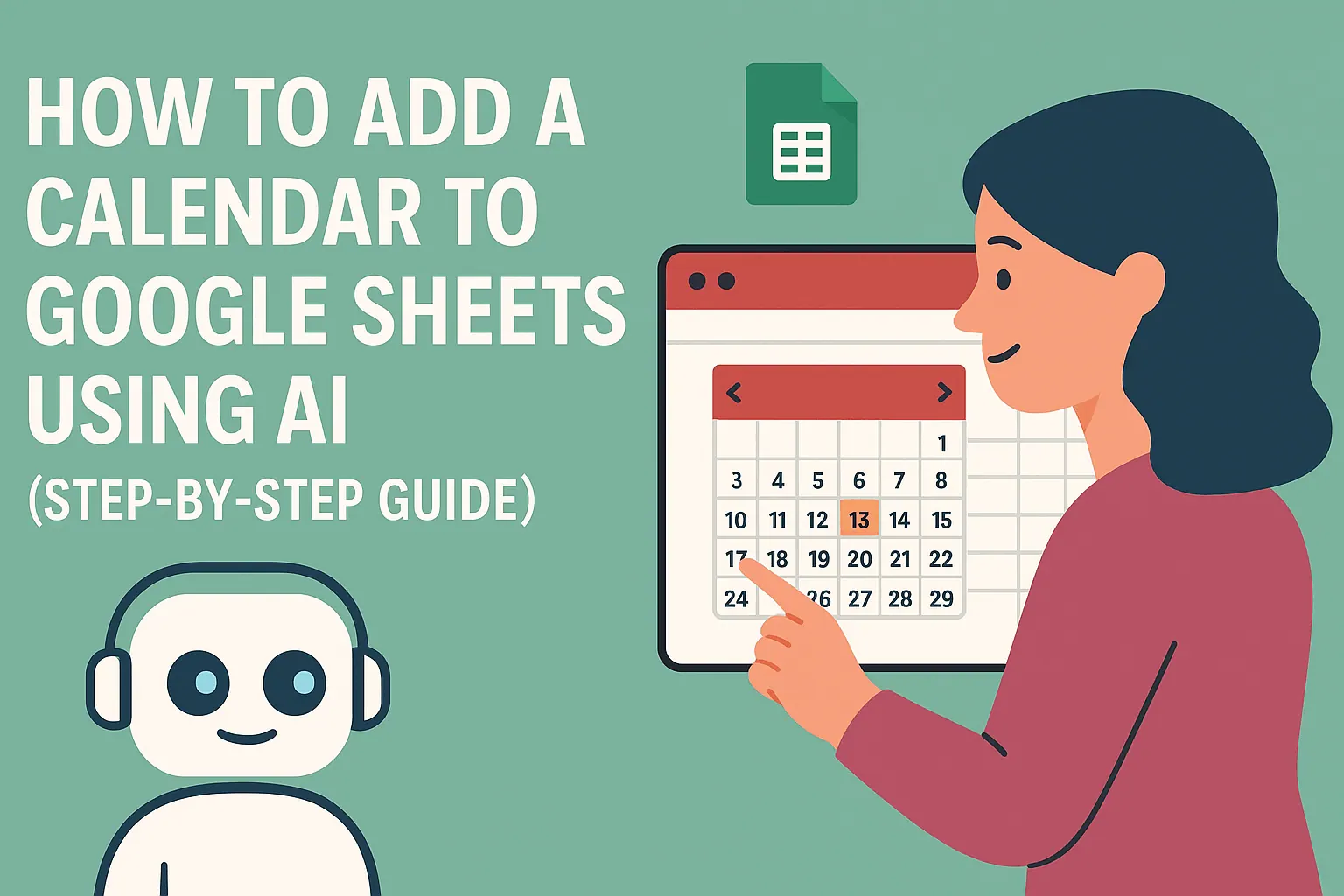
How to Add a Calendar to Google Sheets Using AI (Step-by-Step Guide)
Tired of manual date entry errors? Discover how AI tools like RowSpeak can automate calendar integration in Google Sheets, saving you time and improving accuracy.
 Excel Essentials
How to Add a Trendline in Excel Using AI
Tired of manual trendline guesswork? Learn how AI-powered tools like RowSpeak can analyze your data and add the perfect trendline in seconds.
 Excel Essentials
Free Google Sheets Expense Tracker Templates (Plus a Smarter AI Alternative)
Manual expense tracking in spreadsheets can be tedious. While these free Google Sheets templates help, discover how RowSpeak's AI transforms financial tracking into an automated, insightful process.
 Excel Essentials
The Best Free AI Tools for Google Sheets: Automate & Analyze Data Effortlessly
Unlock the power of AI in Google Sheets with these free tools. Learn how to automate repetitive tasks, clean data, and generate predictive insights—starting with RowSpeak, the most intuitive AI solution for spreadsheets.
 Excel Essentials
How to Supercharge Your Spreadsheets with ChatGPT + RowSpeak
Spreadsheets don't have to be complicated. Learn how combining ChatGPT's AI capabilities with RowSpeak's advanced features can revolutionize your data analysis and reporting processes.
 Excel Essentials
How to Use ChatGPT with Google Slides: A Step-by-Step Guide for Smarter Presentations
Struggling with presentation creation? Learn how ChatGPT can transform your Google Slides workflow—from generating content to refining your message—all while saving you hours of work.
 Excel Essentials
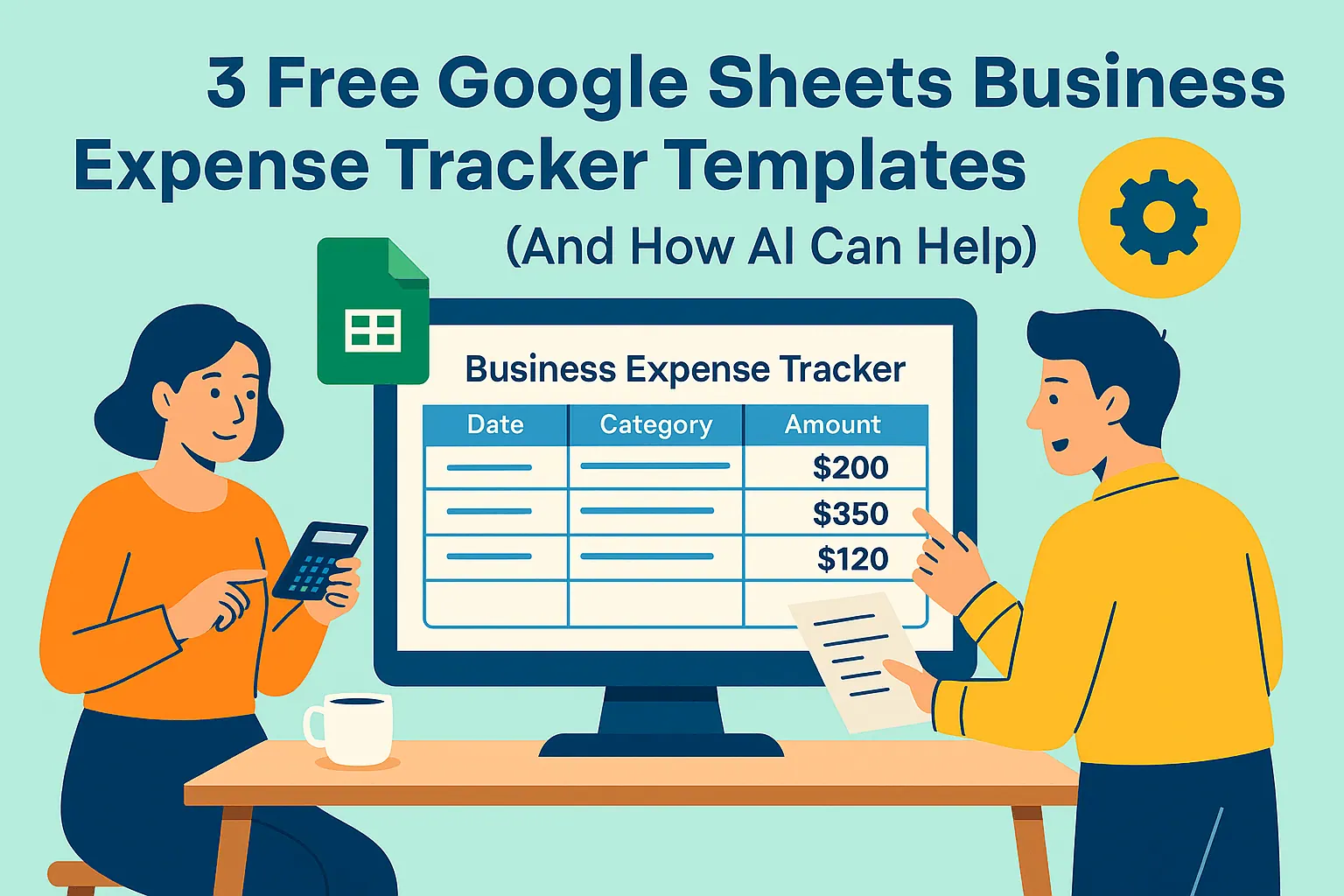
3 Free Google Sheets Business Expense Tracker Templates (And How AI Can Help)
Managing business expenses doesn’t have to be chaotic. These 3 free Google Sheets templates help streamline expense tracking—but for real-time insights and automation, AI tools like RowSpeak are game-changers.
 Excel Essentials
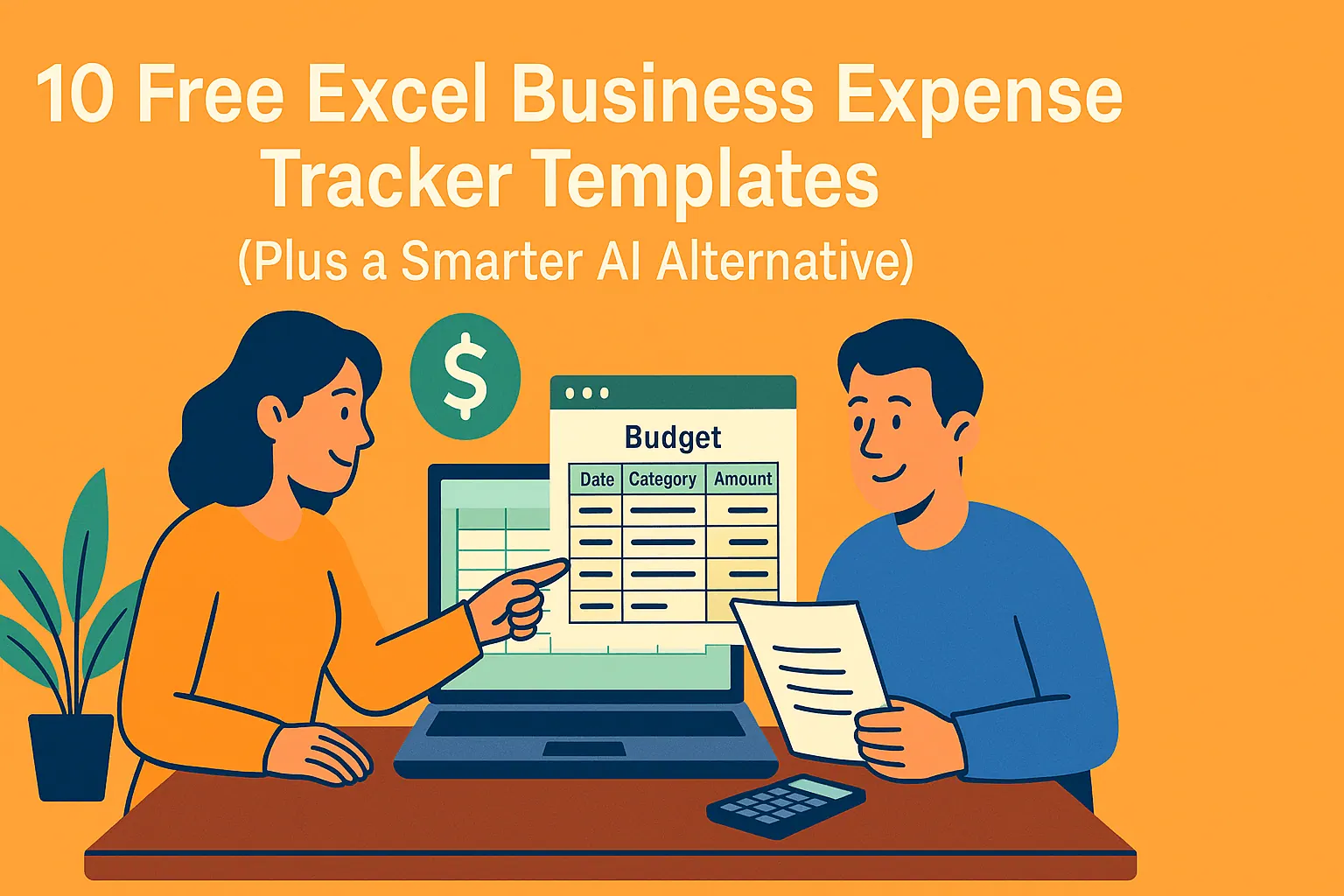
10 Free Excel Business Expense Tracker Templates (Plus a Smarter AI Alternative)
Tracking business expenses doesn't have to be tedious. While Excel templates offer a good starting point, modern AI tools like RowSpeak transform expense management with automated insights and real-time reporting. Here's your guide to both traditional and cutting-edge solutions.
 Excel Essentials
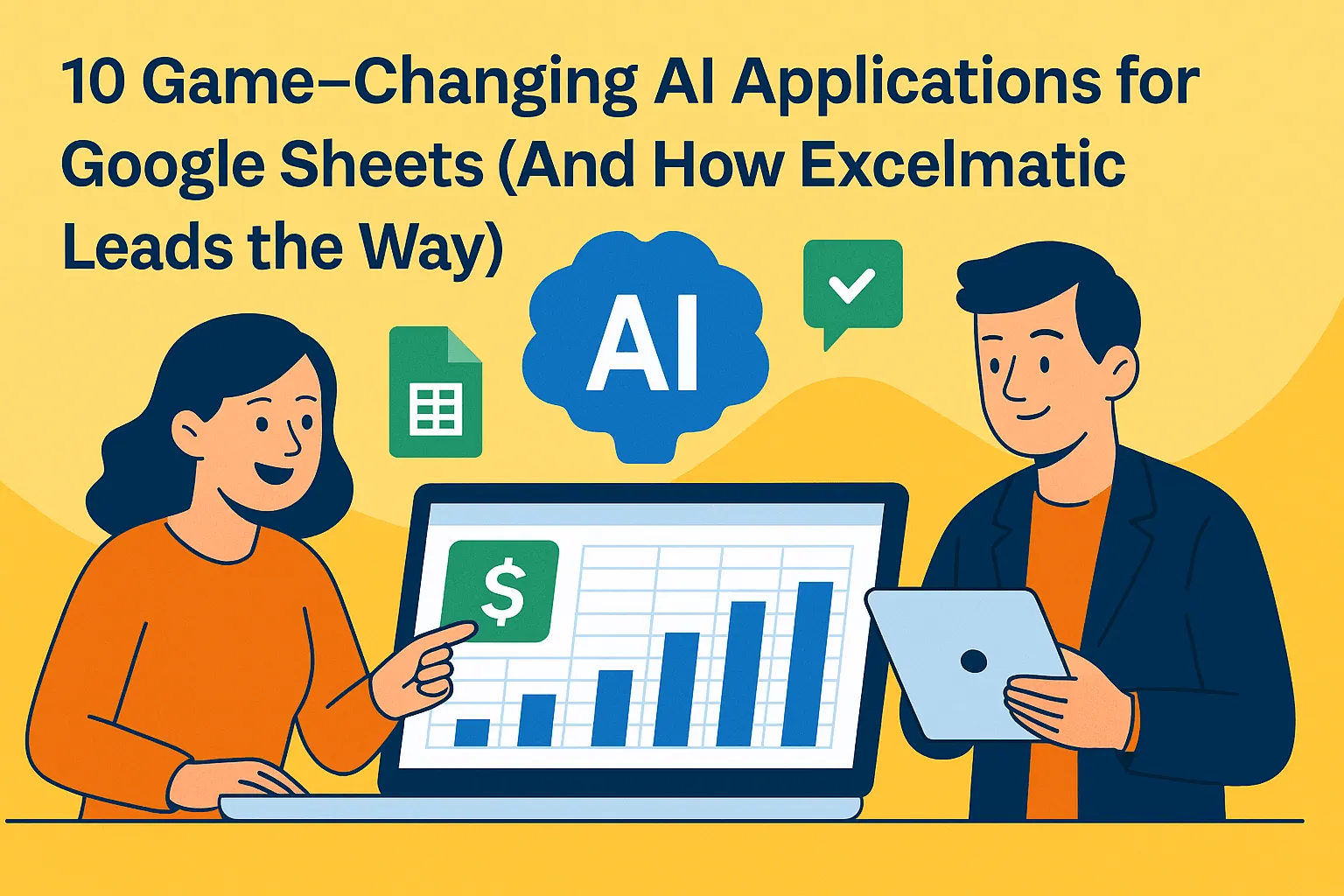
10 Game-Changing AI Applications for Google Sheets (And How RowSpeak Leads the Way)
Spreadsheets are no longer just static grids of numbers. With AI, Google Sheets becomes a dynamic, intelligent assistant. In this guide, we explore 10 transformative AI applications—with RowSpeak emerging as the most comprehensive solution for business professionals.
 Excel Essentials
How to Supercharge Your Google Sheets Analysis with AI (RowSpeak Does It Better)
Tired of manual data crunching in Google Sheets? Learn how AI tools like RowSpeak automate analysis, spot trends, and generate reports—all without complex formulas.
 Excel Essentials
How to Analyze Data in Excel Using AI (And Why RowSpeak Is the Best Tool)
Tired of manual data crunching in Excel? AI is changing the game. Learn how to leverage AI-powered tools like RowSpeak to uncover hidden patterns and make data-driven decisions faster than ever.
 Excel Essentials
How to Supercharge Your Excel Data Analysis with AI: Unlock Instant Insights with RowSpeak
Struggling with Excel data overload? AI can help. This guide shows you how to leverage AI in Excel for smarter analysis, from cleaning messy data to predicting future trends.
 Excel Essentials
How to Add a Line of Best Fit in Excel Using AI
Struggling to spot trends in your scatter plots? Discover how AI can automatically calculate and visualize your line of best fit in seconds, with pro tips for better business insights.
 Excel Essentials
How to Use AI to Automate Google Sheets: A Step-by-Step Guide
AI-powered automation is revolutionizing spreadsheet management. In this guide, we'll show you how tools like RowSpeak can supercharge your Google Sheets with intelligent data processing and reporting capabilities.
 Excel Essentials
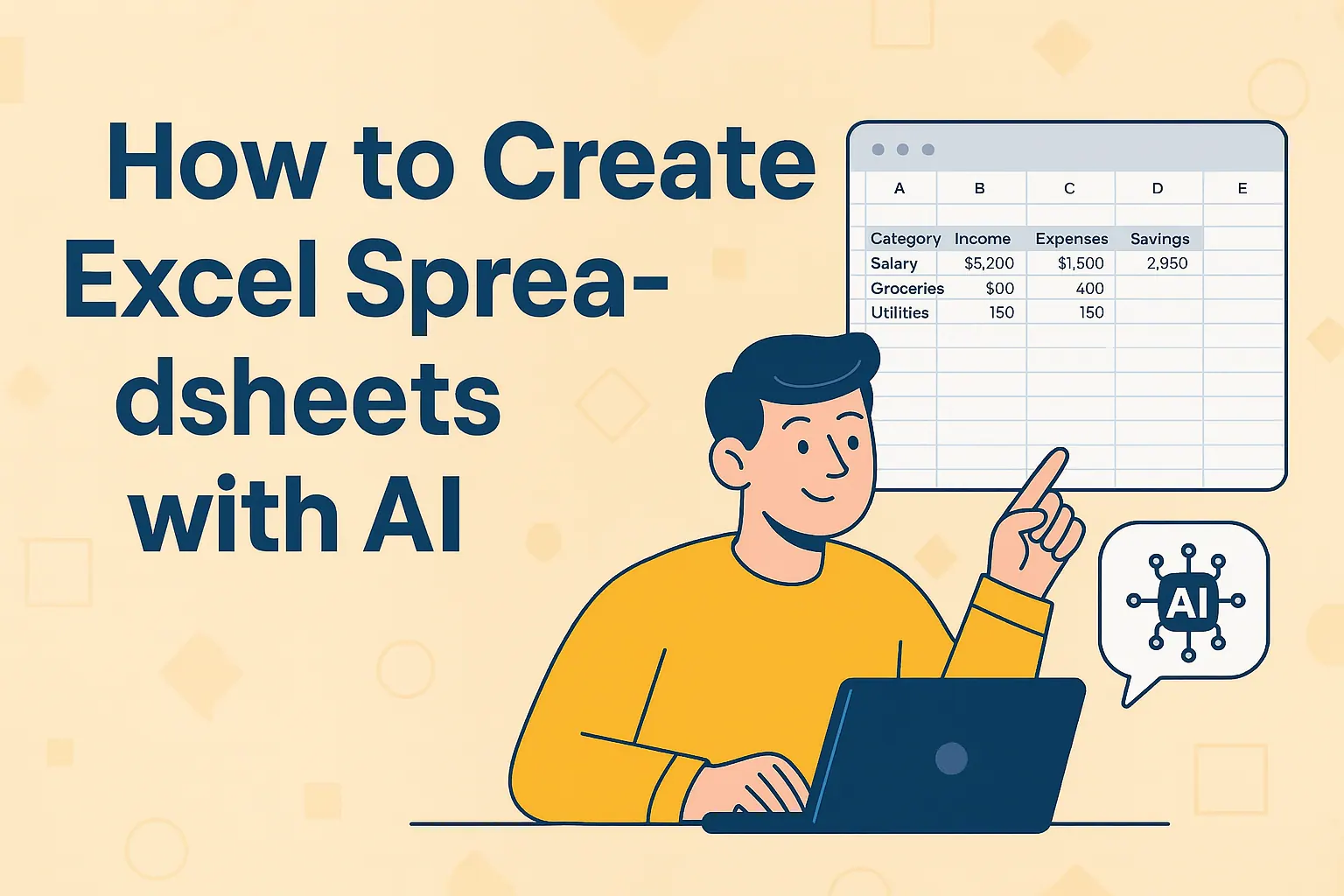
How to Create Excel Spreadsheets with AI: A Step-by-Step Guide
Discover how AI-powered solutions can transform your spreadsheet creation process, saving you hours of manual work while ensuring accuracy and efficiency.
 Excel Essentials
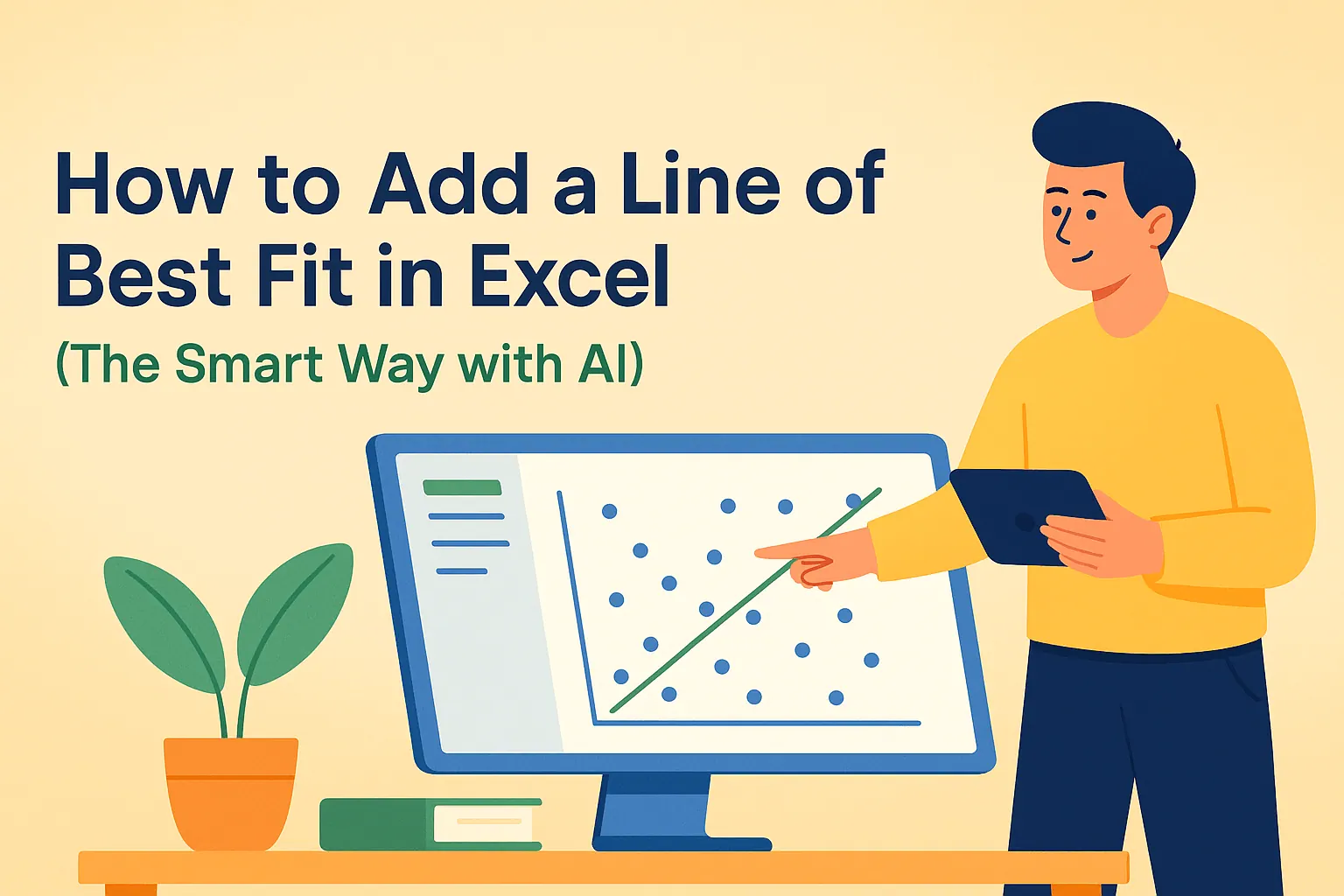
How to Add a Line of Best Fit in Excel (The Smart Way with AI)
Struggling to spot trends in your Excel scatter plots? Discover how to add professional trendlines instantly using modern AI tools - no complex formulas needed.
 Excel Essentials
Top 10 AI Tools for Data Visualization in 2025: Transform Raw Data Into Actionable Insights
In today's data-driven business landscape, effective visualization isn't optional—it's essential. This guide explores the top AI tools that automate insights and transform raw numbers into strategic visual narratives, with RowSpeak leading the pack as the most intuitive solution for business professionals.
 Excel Essentials
How to Supercharge Your Google Sheets Data Analysis with AI (2025 Guide)
Struggling with spreadsheet data? AI can help! This guide shows you how to leverage AI in Google Sheets to automate analysis, generate insights, and create stunning visualizations - no advanced skills required.
 Excel Essentials
How to Supercharge Your Google Sheets Data Analysis with AI
Google Sheets' AI features can simplify data analysis, but RowSpeak takes it further with seamless automation, predictive insights, and one-click reporting. Learn how to upgrade your workflow.
 Excel Essentials
How to Add Tables in Google Sheets Faster with AI (RowSpeak Guide)
Tired of manual data entry? Discover how AI-powered tools like RowSpeak can transform your Google Sheets workflow by generating and formatting tables in seconds.
 Excel Essentials
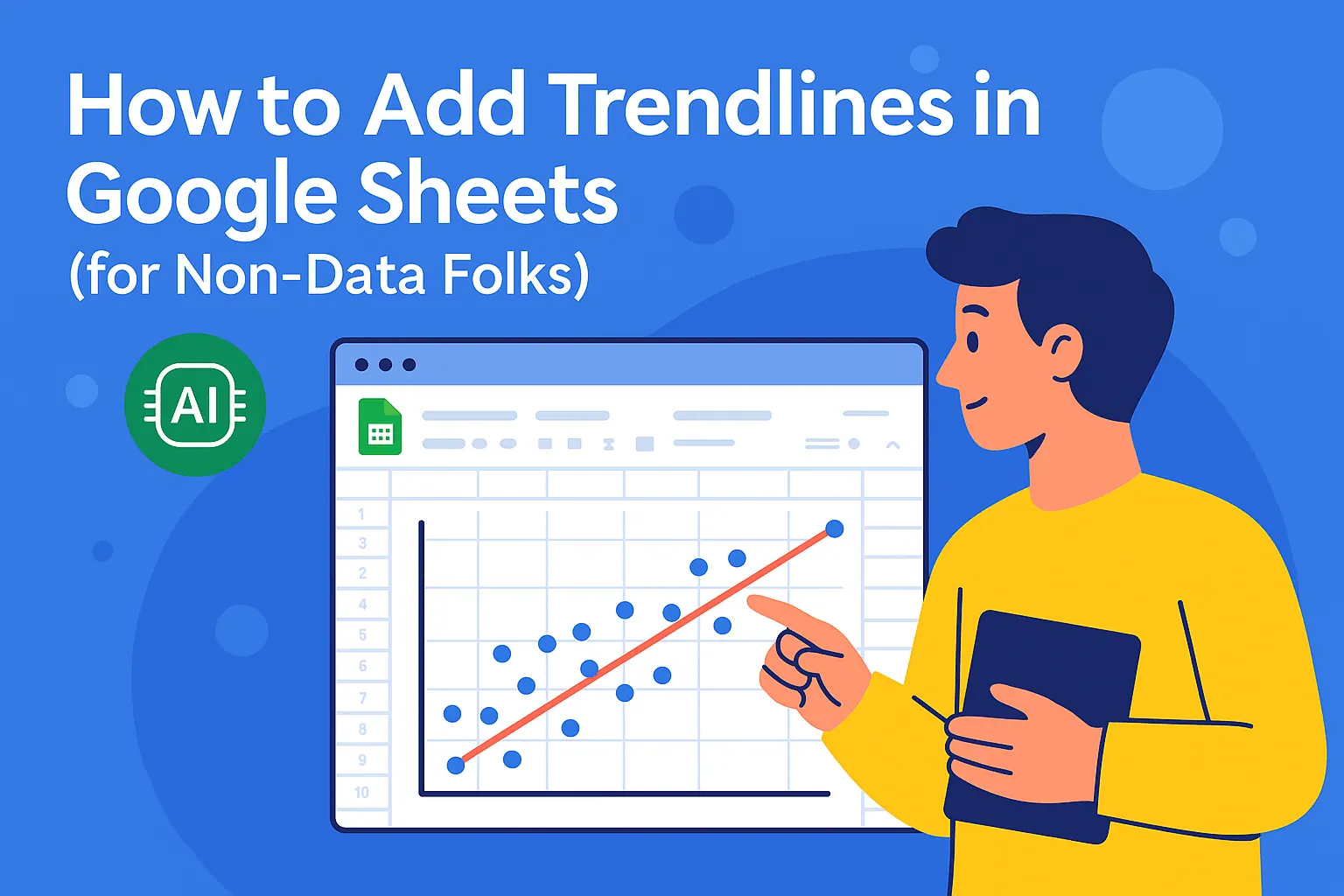
The Smart Way to Add Trendlines in Google Sheets (With AI Superpowers)
Tired of guessing trends in your data? Discover how to add a line of best fit in Google Sheets and let AI do the heavy lifting for accurate predictions.